Learn what to do if your iCloud contacts are missing in the Contacts app on your Mac, or if new ones are not syncing properly with it.
Fix iCloud contacts missing or not syncing to Mac
Learn what to do if your iCloud contacts are missing in the Contacts app on your Mac, or if new ones are not syncing properly with it.
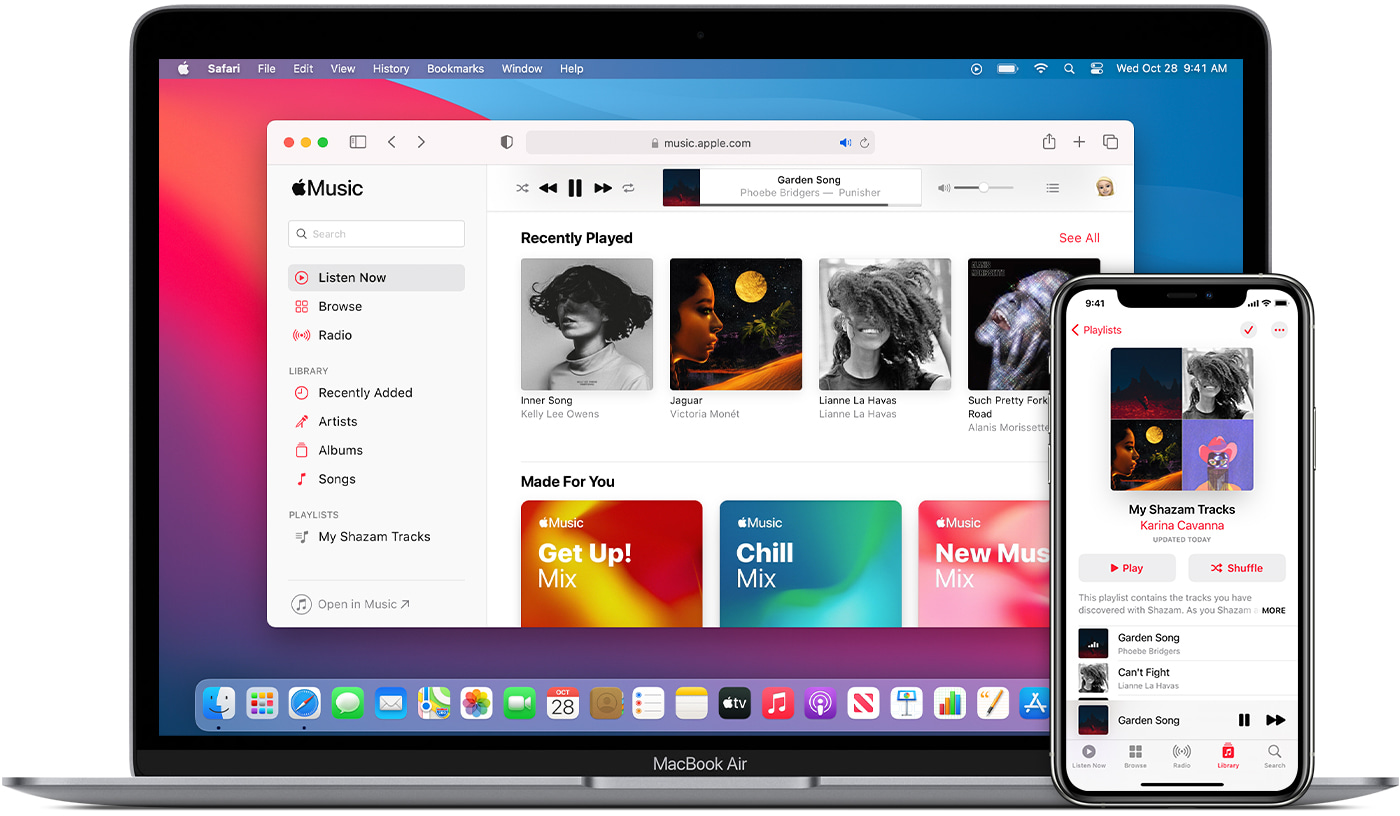
Check out these three easy ways to sync or transfer music, playlists, and videos from your Mac to iPhone or iPad.
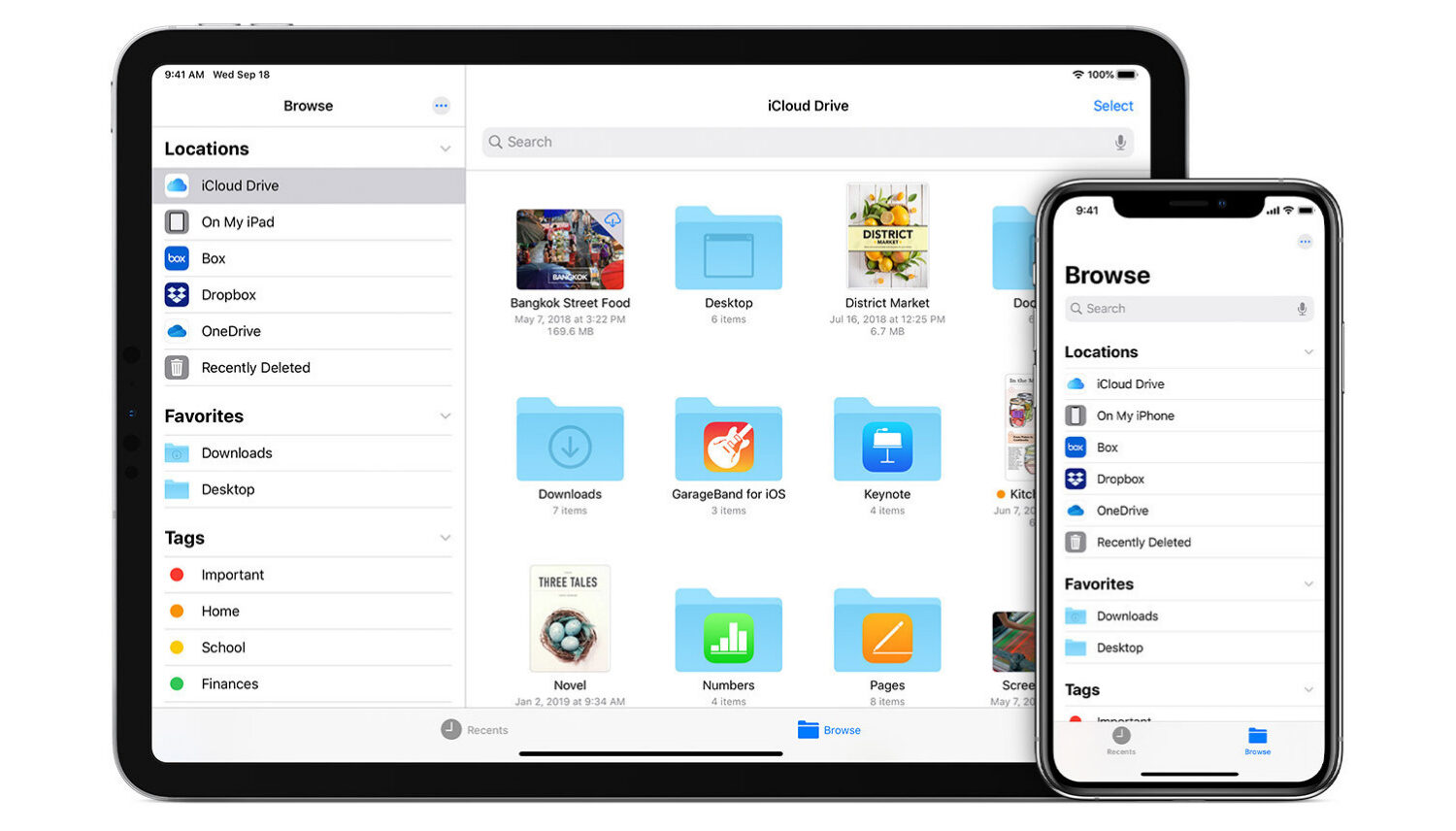
Learn how to sync contacts, reminders, photos, videos, books, apps, files, and documents from one iPhone to another iPhone or iPad.
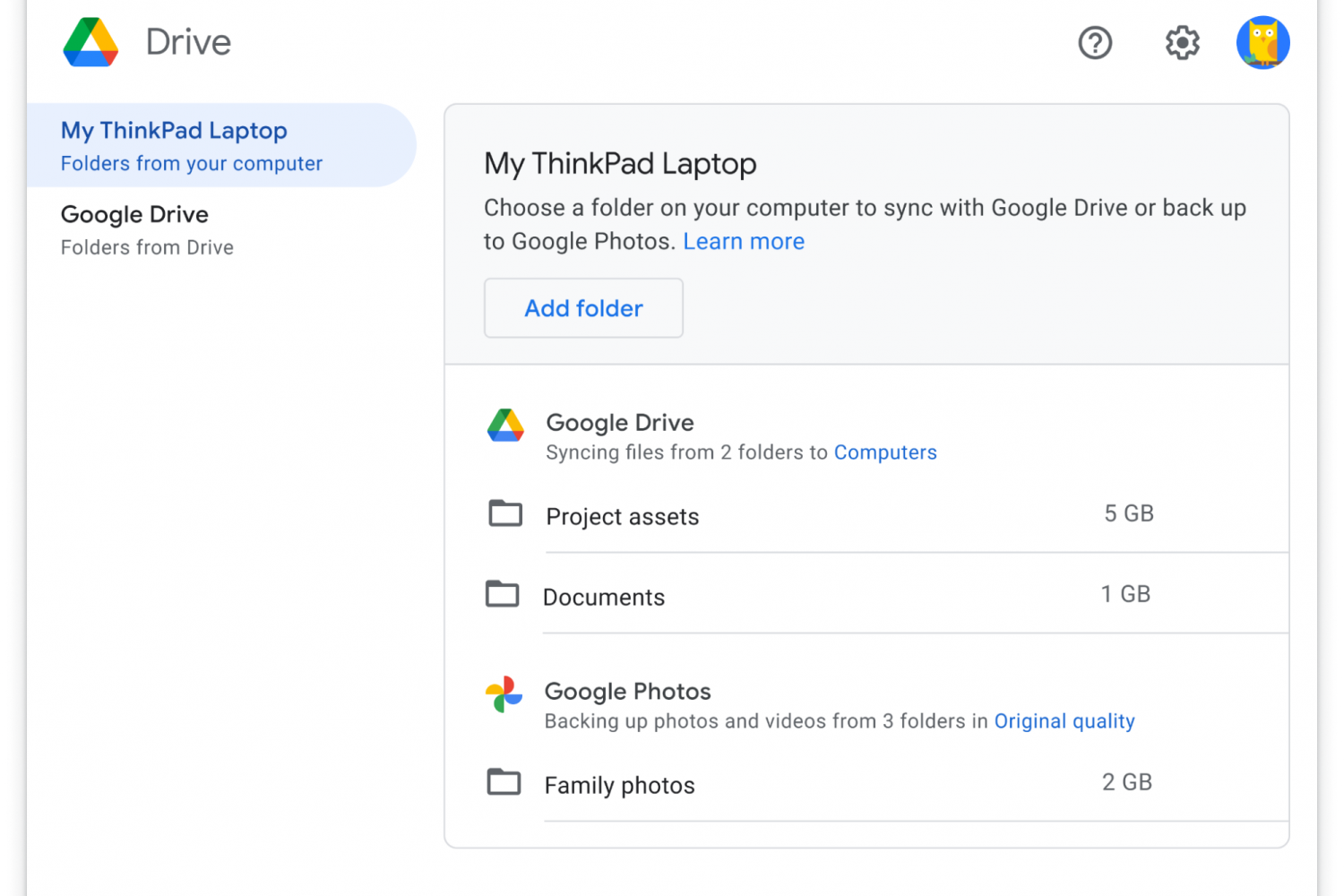
The new Google Drive desktop client for Mac and Windows is now available to download, with more features from the Backup and Sync client and the Drive File Stream apps coming soon.
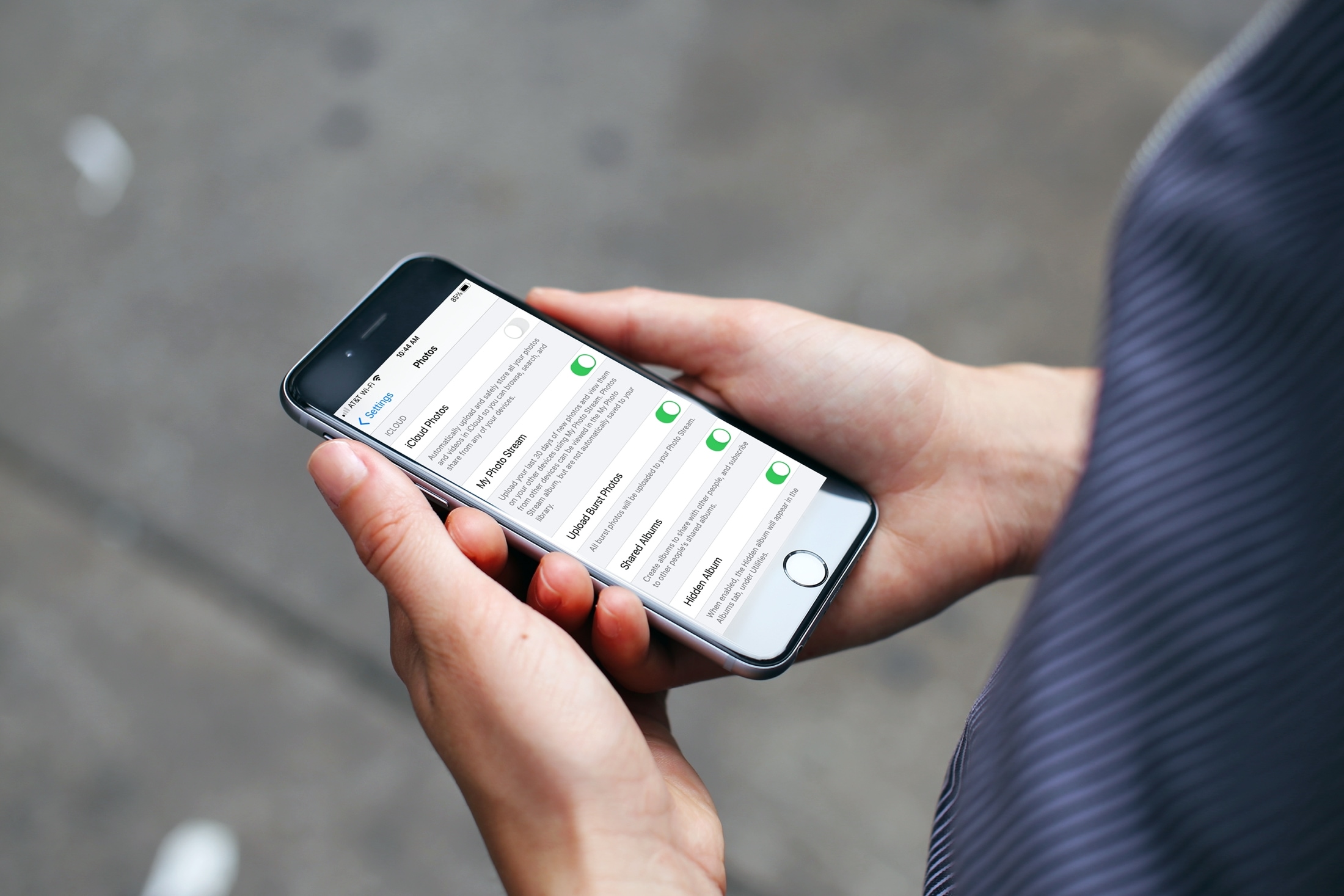
If you’re one who uses the My Photo Stream feature in Photos rather than iCloud, there’s a small setting you might not know about. The setting is to automatically upload burst photos to My Photo Stream and can be quite handy.
Burst photos are terrific for making sure you capture the perfect shot. So instead of just one photo, you can take several with a tap. You then review and keep those you want from the burst. And since you can see and save the images on any device with My Photo Stream, you may want the photos from the bursts there by default.
Here we’ll show you how to automatically upload burst photos to My Photo Stream so you can work with them on iPhone, iPad, or Mac.
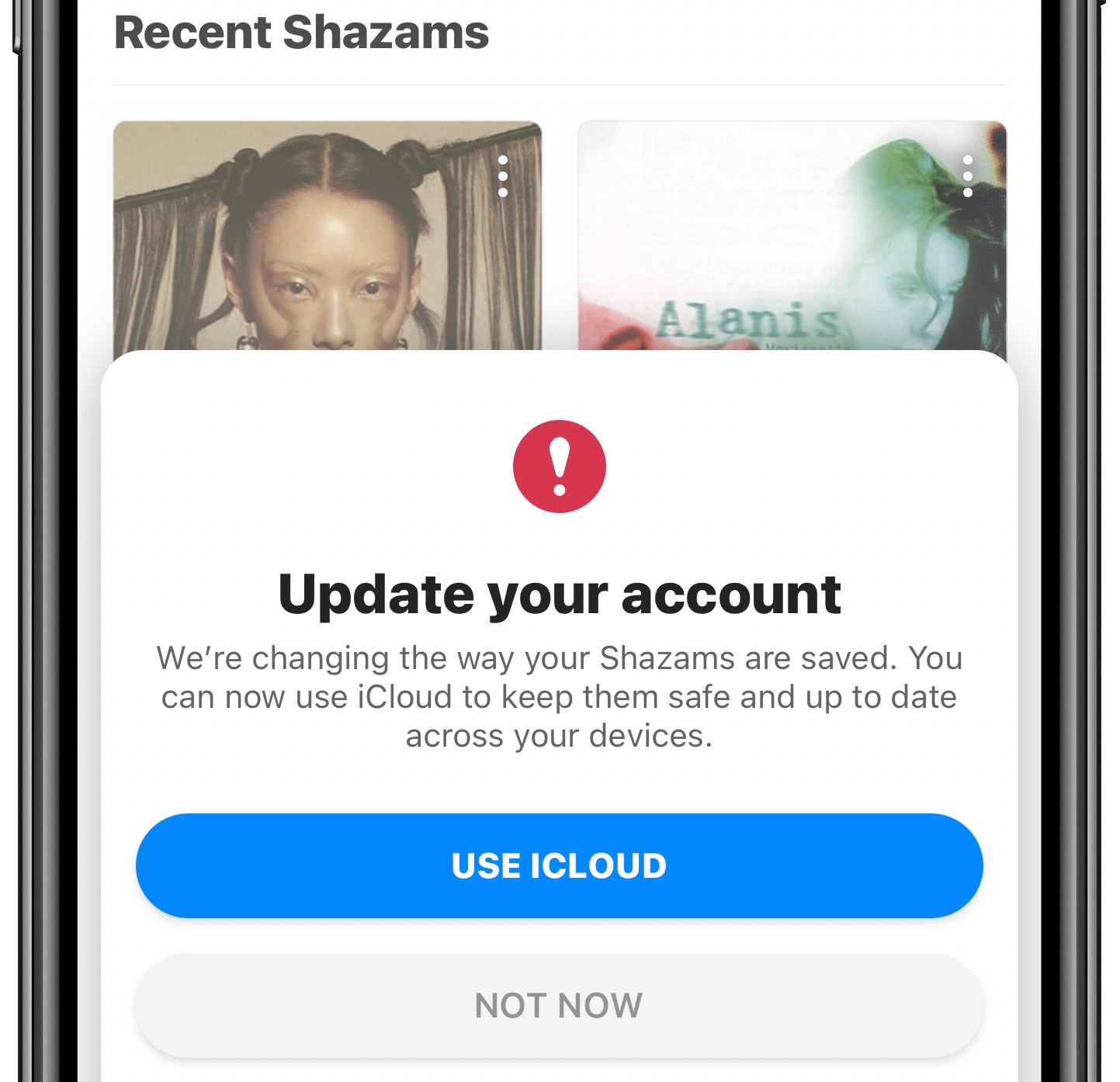
The Apple-owned Shazam music identification app has been refreshed on the App Store with a new iCloud sync feature. Instead of the user name and password, you can now simply enable the option to have your identified songs synchronized via iCloud across your other Apple devices using the same Apple ID.
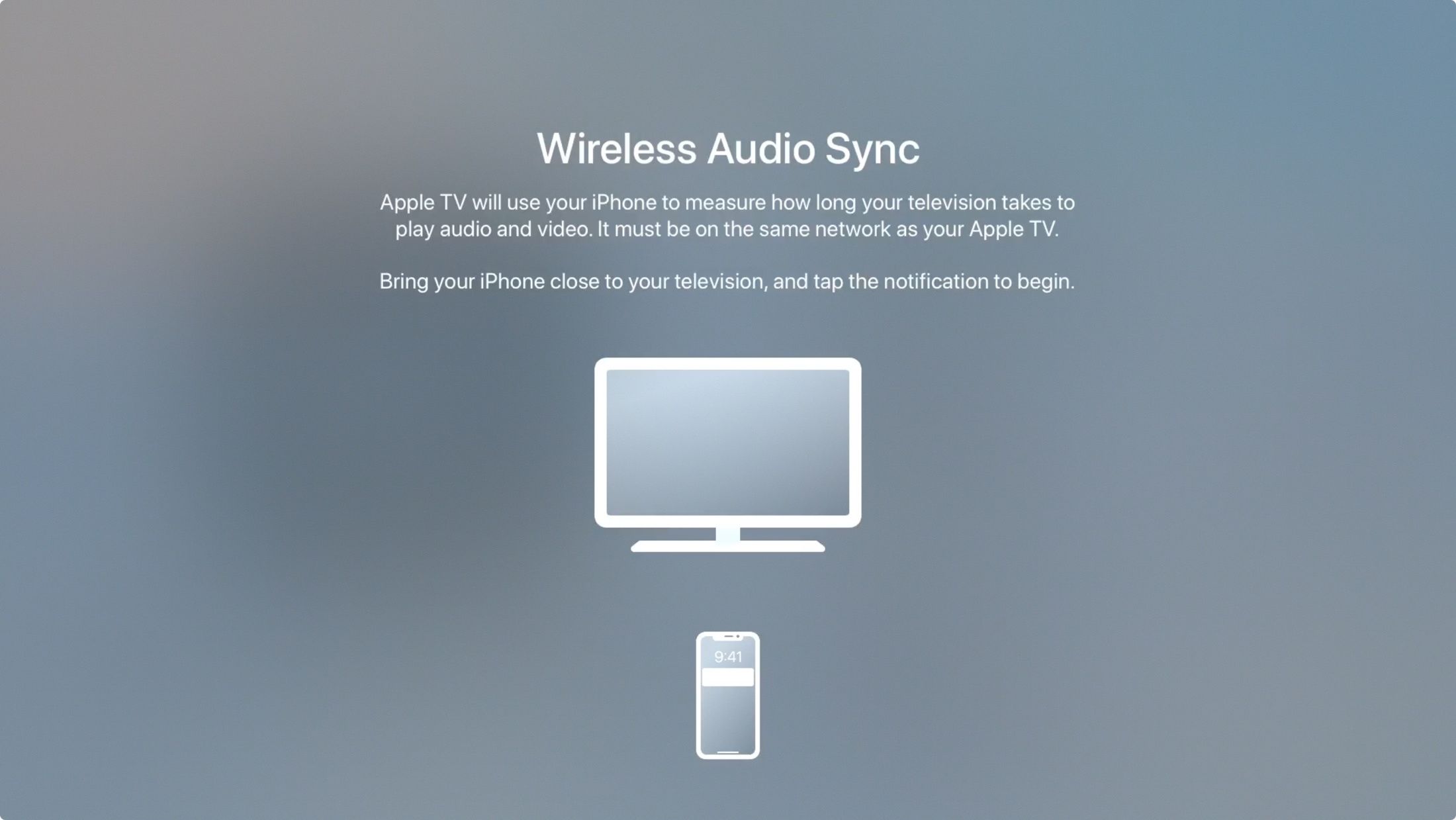
Is the sound coming from speakers connected to your Apple TV out of sync? Learn how to use the built-in Wireless Audio Sync feature to fix this issue.
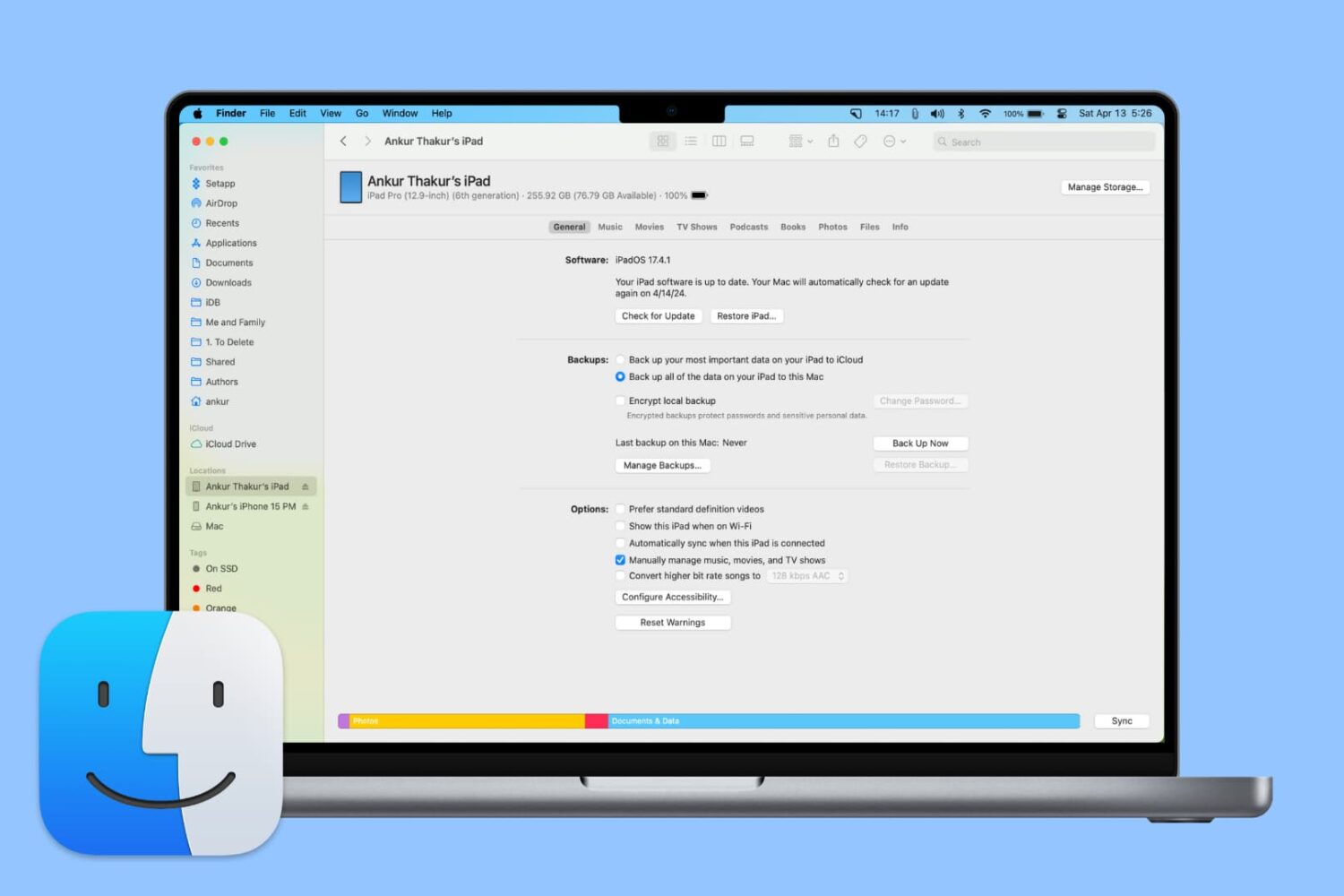
From adding music to updating or restoring devices, learn all the important things you can do on your iPhone or iPad using Finder on Mac.
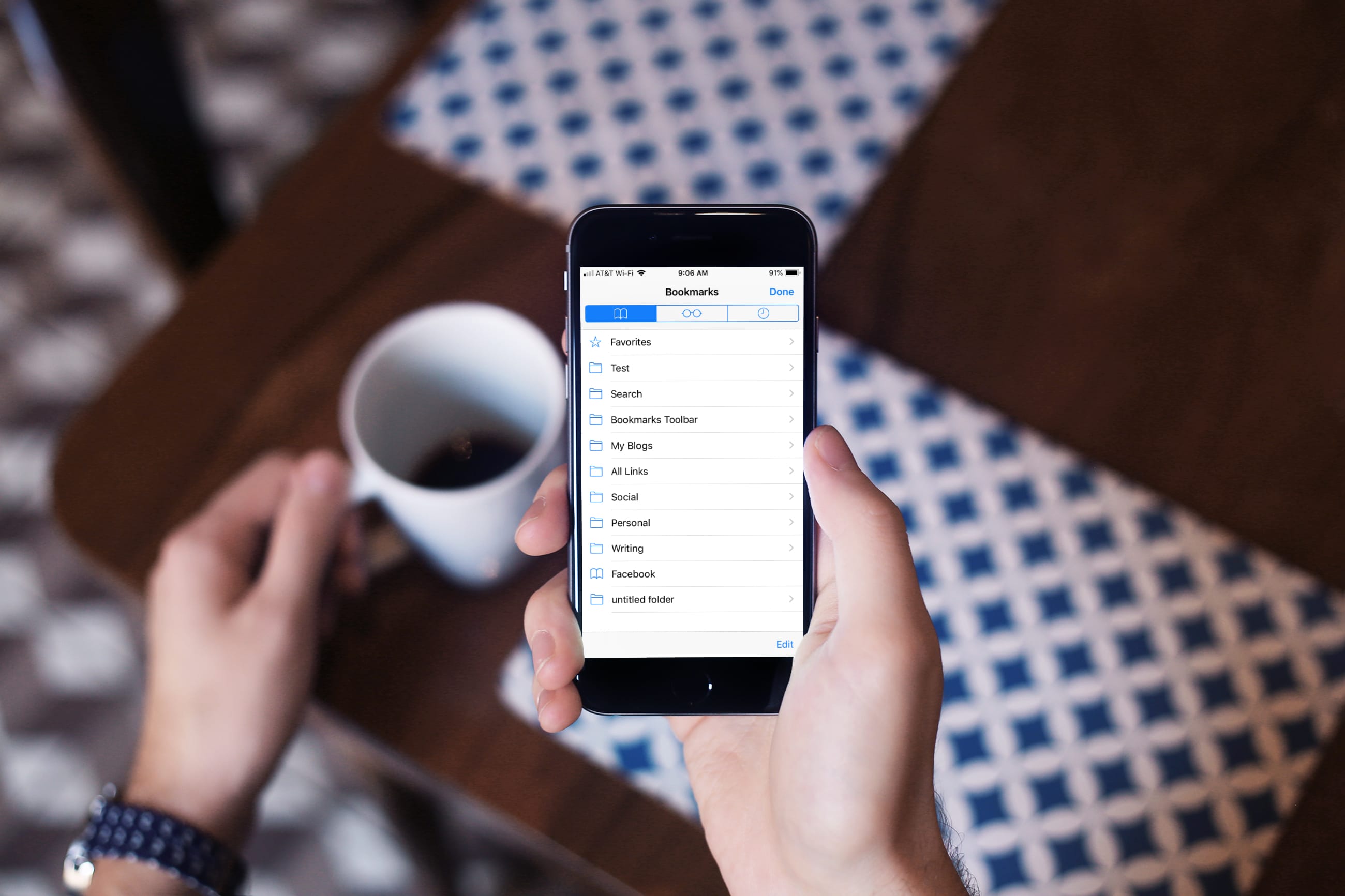
Learn how to turn off bookmark sync in Safari, Google Chrome, and Firefox on your iPhone and iPad if you’d like a different set of bookmarks on each device.
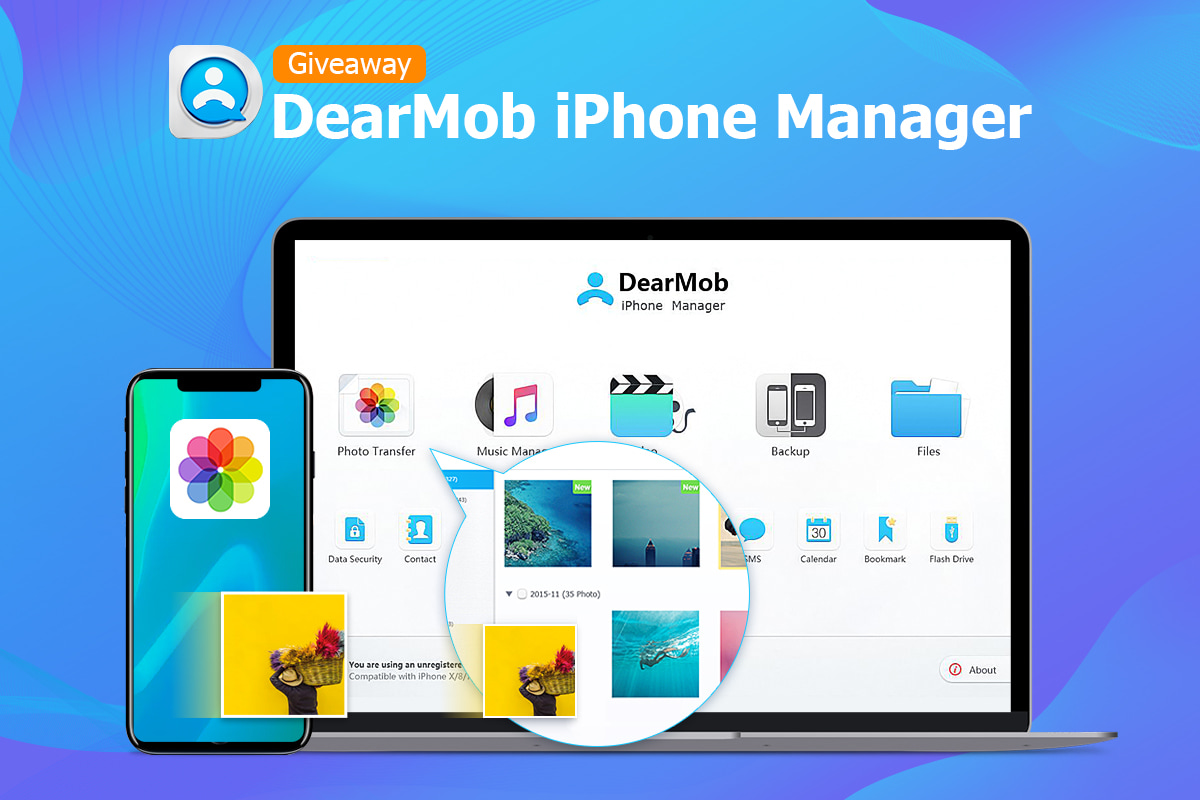
Transferring photos between an iPhone and your computer is a process you have little control over beyond choosing a group of photos to move. Any higher level of iOS media file management requires a specialized app like DearMob's iPhone Manager which offers a bunch of advanced photo-syncing features and advantages over Apple's default method.

Try this quick solution to instantly fix your old Outlook or Hotmail emails missing from the Apple Mail app on your iPhone or iPad.
Did you just get your brand spanking new iPhone XS? Are you wondering how to transfer your media, like photos, videos, music, books and more, from your old to your new phone? Perhaps you're contemplating upgrading to iOS 12 and setting up your device as new in order to get rid of all the cruft that has accumulated over the years? What you need is a capable iTunes alternative that gives you full control over your iOS data.