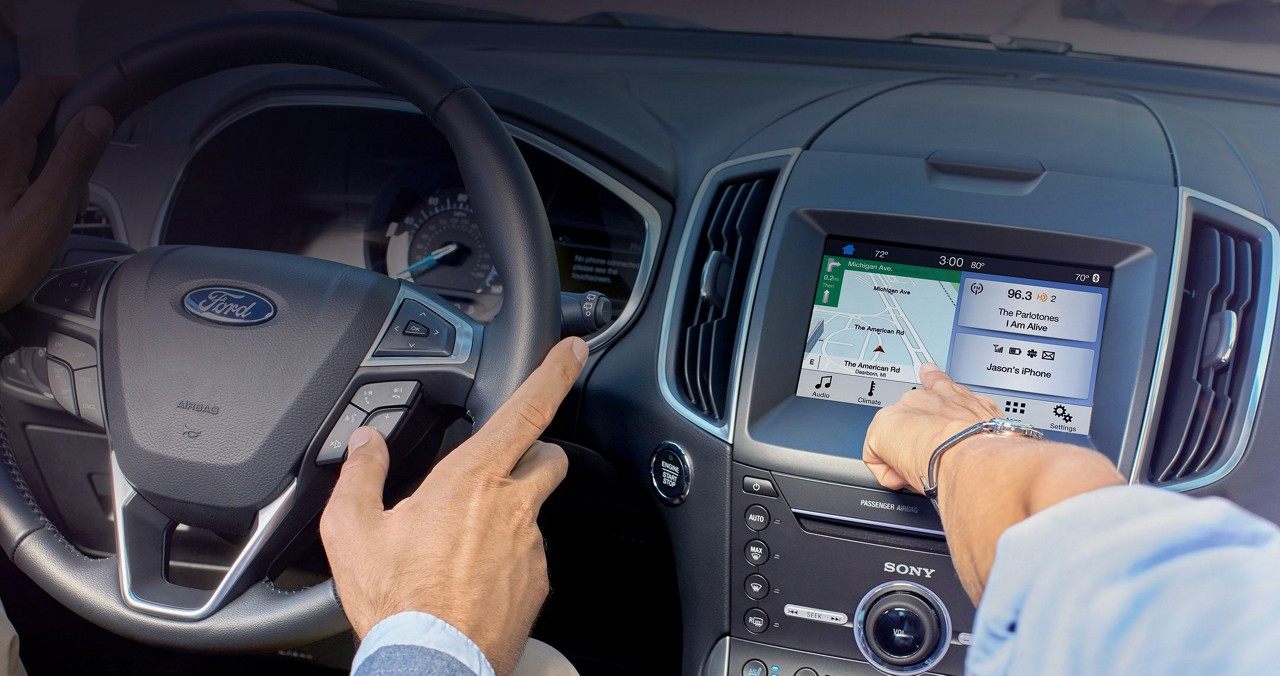
As promised, Google-owned Waze has been updated with support for Ford's SYNC 3 protocol.
You can now connect Waze for iPhone with any Ford vehicle running SYNC 3
As promised, Google-owned Waze has been updated with support for Ford's SYNC 3 protocol.
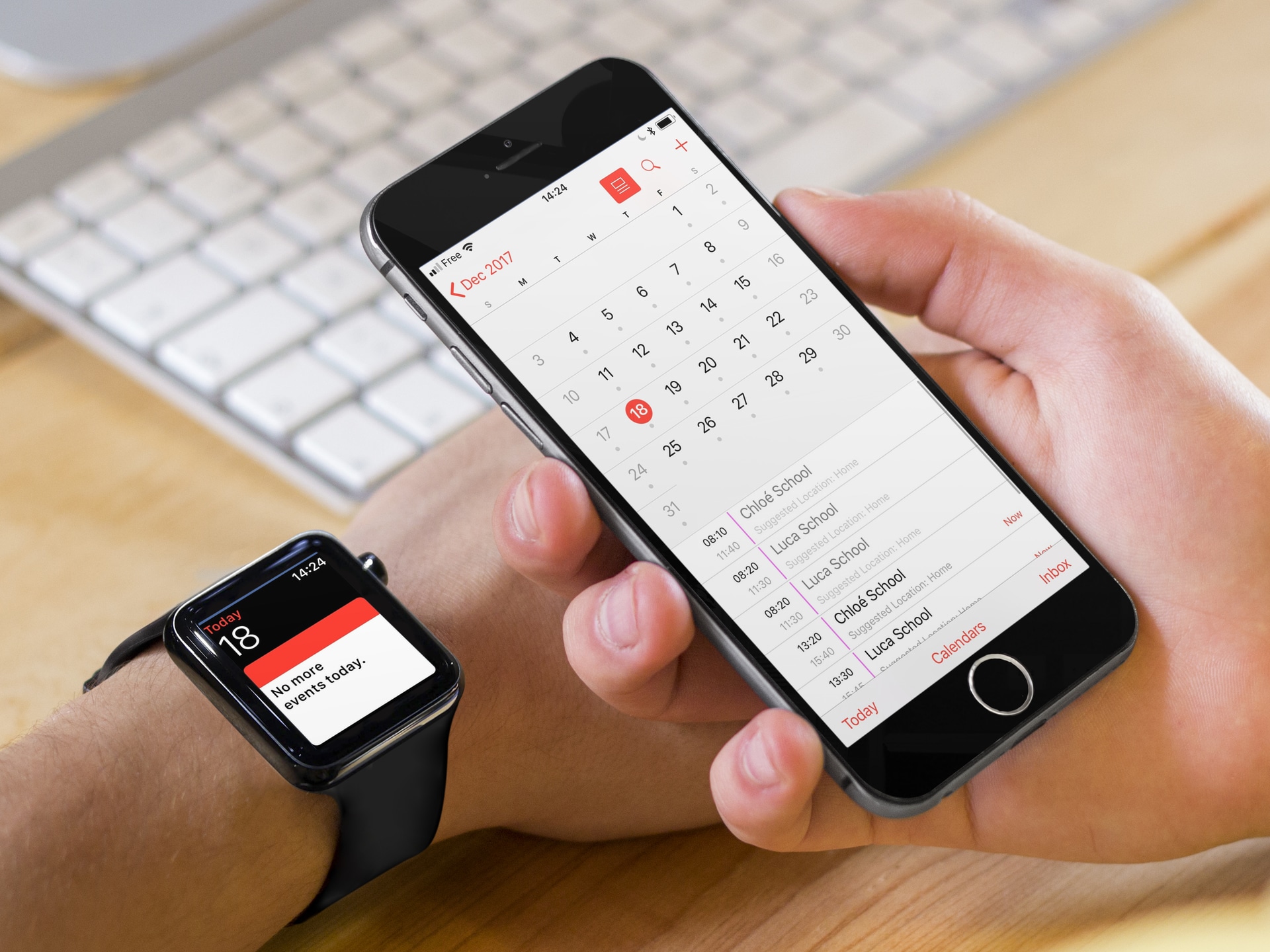
This troubleshooting guide goes over all the effective solutions to fix the problem of your iPhone contacts and calendar events not syncing to their respective apps on your Apple Watch.
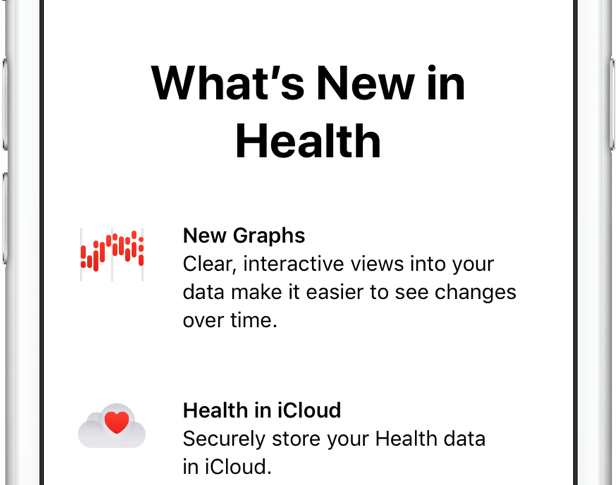
Carrying over the complete Health database from your old to a new iPhone used to require restoring the new phone from an iCloud backup or an encrypted backup created in iTunes.
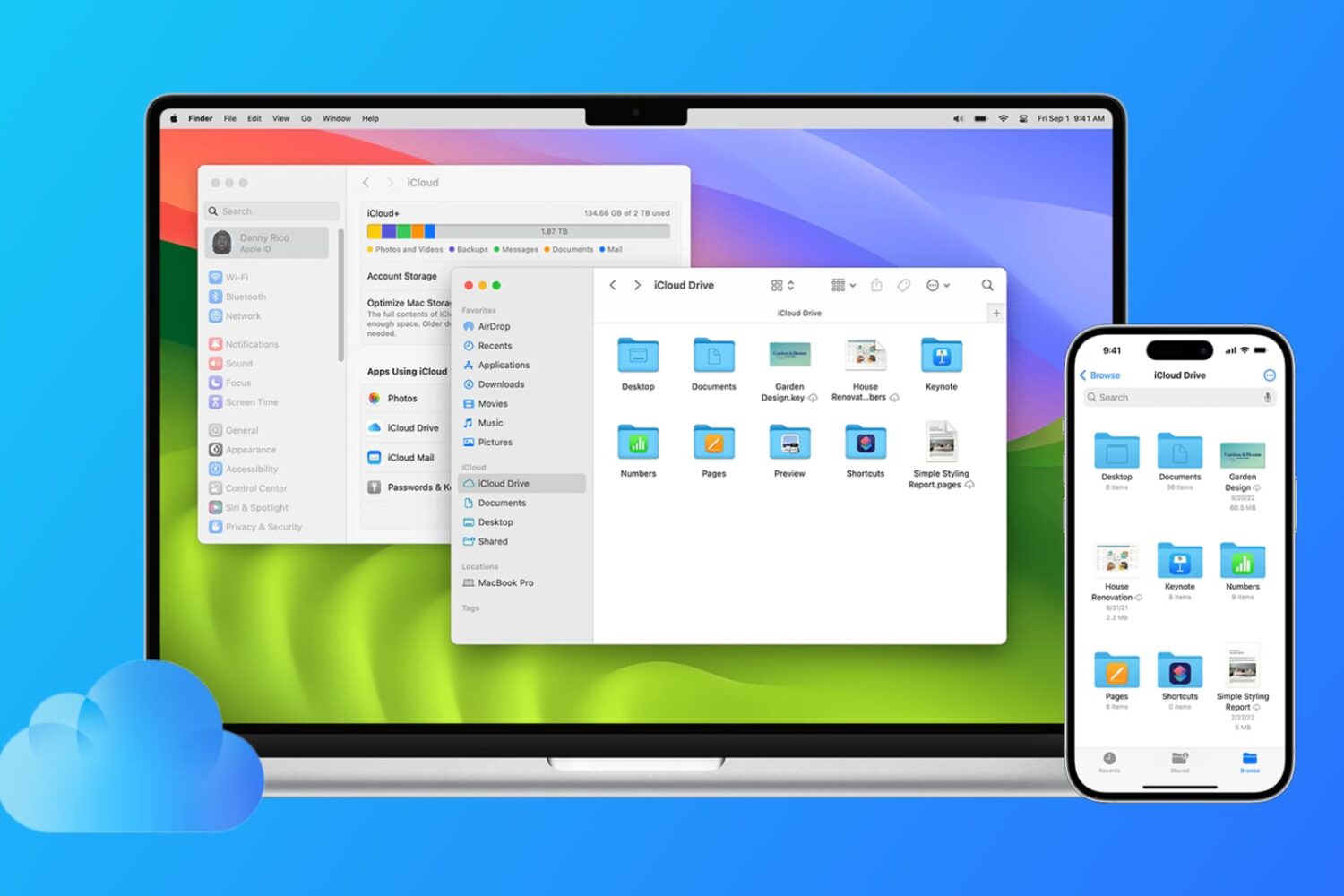
Find out how to sync files from the Desktop and Documents folders of your Mac to all your other devices, including other Mac, iPhone, iPad, iCloud Web, and even Windows PC.
After seeding fourth betas of iOS 10, macOS Sierra, tvOS 10, watchOS 3 and Xcode 8 earlier this morning, Apple has managed to push a minor iTunes update to users. iTunes 12.4.3, which fixes an issue with playlist syncing, is now available through the Mac App Store's Updates tab. In addition to iTunes 12.4.3 and new OS beta releases, a revamped Remote app for the Apple TV with support for Siri voice input, Game Mode and other perks has released on the App Store for everyone to use.
Learn how to stop your iPhone, iPad, or iPod touch from automatically backing up to your computer when you connect it using a USB cable.
Learn how to stop the Apple Calendar app from deleting old events and restore past appointments if they’re missing from the app.
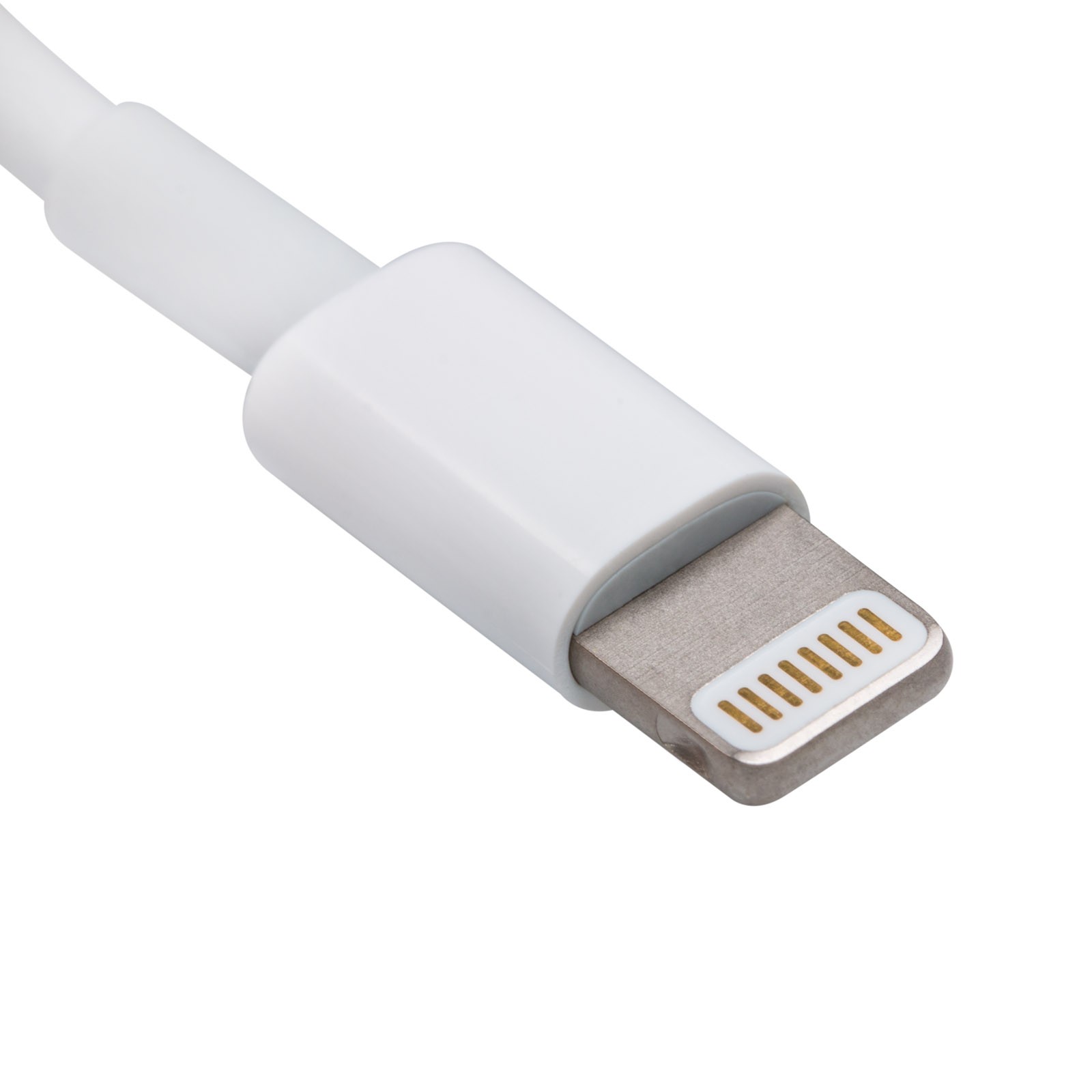
Whenever you buy a new iPhone, iPod touch, or iPad, it'll come with a Lightning to USB cable that you will use to charge and sync your device. On the other hand, you have to be careful when you buy these cables separately, especially online, because you could end up with a counterfeit cable.
A counterfeit is a cable that tries to look just like Apple's OEM Lightning to USB cable, even though it isn't. Using these cables could have an adverse effect on your device, so we'll show you how to spot the differences between a counterfeit and genuine Lightning to USB cable in this piece.
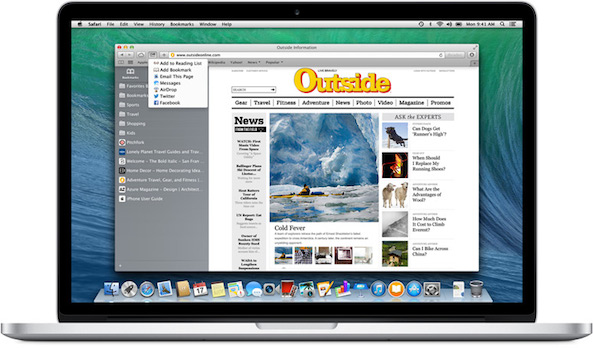
Learn how to sync Safari bookmarks between your iPhone, iPad and Mac for seamless access to your favorite websites wherever you browse.
Apple does not allow an iPhone to be synced with multiple iTunes libraries, presumably because users would simply share songs with each other and lower already declining music sales on the iTunes Store. When you sync an iPhone with another Mac or PC, a warning pops up on iTunes that an iPhone can only be synced with one library at a time.
If you proceed to sync your iPhone with the secondary computer, the contents of that iTunes library will automatically replace whatever media you had on your device in the first place. On a side note, that doesn't include things like contacts, calendars or settings. Those are safe, but any songs or videos are not. Fortunately, there is a solution for how to use an iPhone with more than one iTunes library. The method is explained in detail ahead…Â