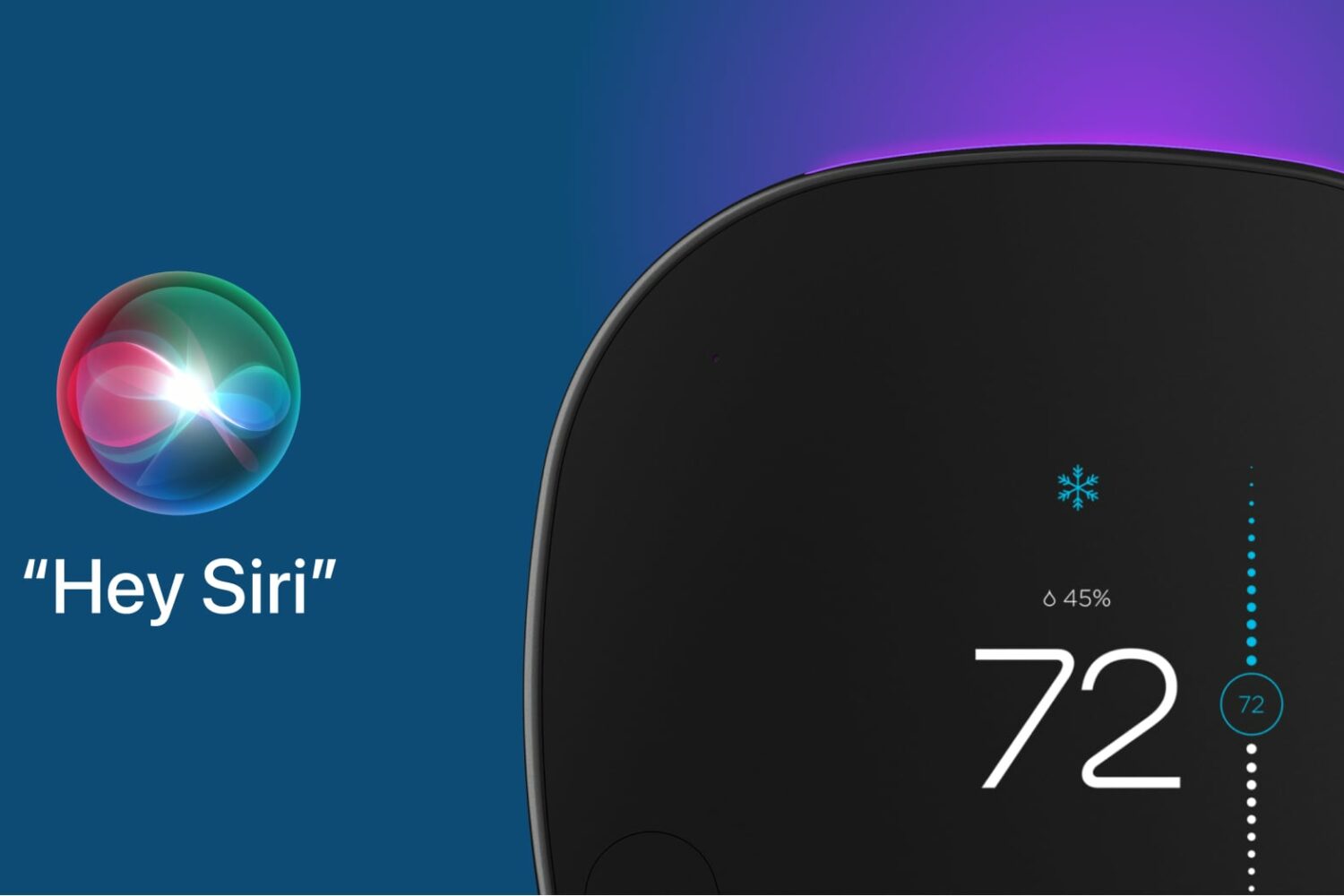
Apple now allows Siri voice commands on third-party devices, with Ecobee's SmartThermostat becoming the first smart home appliance that comes with Siri on board.
Ecobee’s smart thermostat becomes the first non-Apple device with Siri voice control
Apple now allows Siri voice commands on third-party devices, with Ecobee's SmartThermostat becoming the first smart home appliance that comes with Siri on board.
Some Siri voice commands have stopped working. Apple's digital assistant is no longer able to assist you with sending an email message, checking your call history or recent calls, and more.
With iOS 15, HomePod gets several new features like creating a stereo pair from two HomePod minis, controlling media playback on your Apple TV with Siri on your HomePod and much more. Here's everything new, enhanced and improved in HomePod Software version 15.
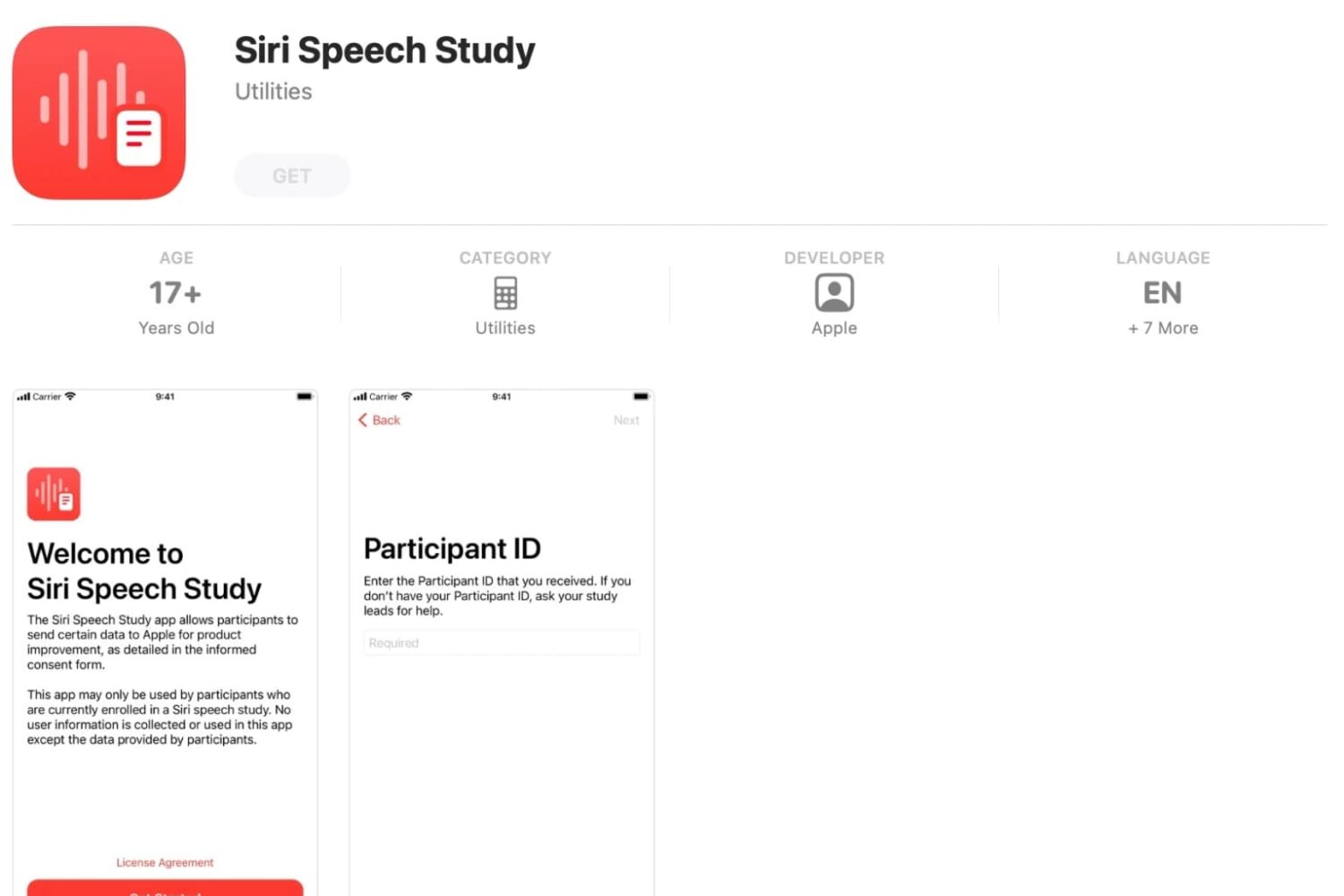
While Siri still has some room to grow, especially in relation to its primary competitors, it's still one of the most-used services under the Apple umbrella. But the company needs to constantly be pushing the needle forward. And, to help with that, it has launched a new app.
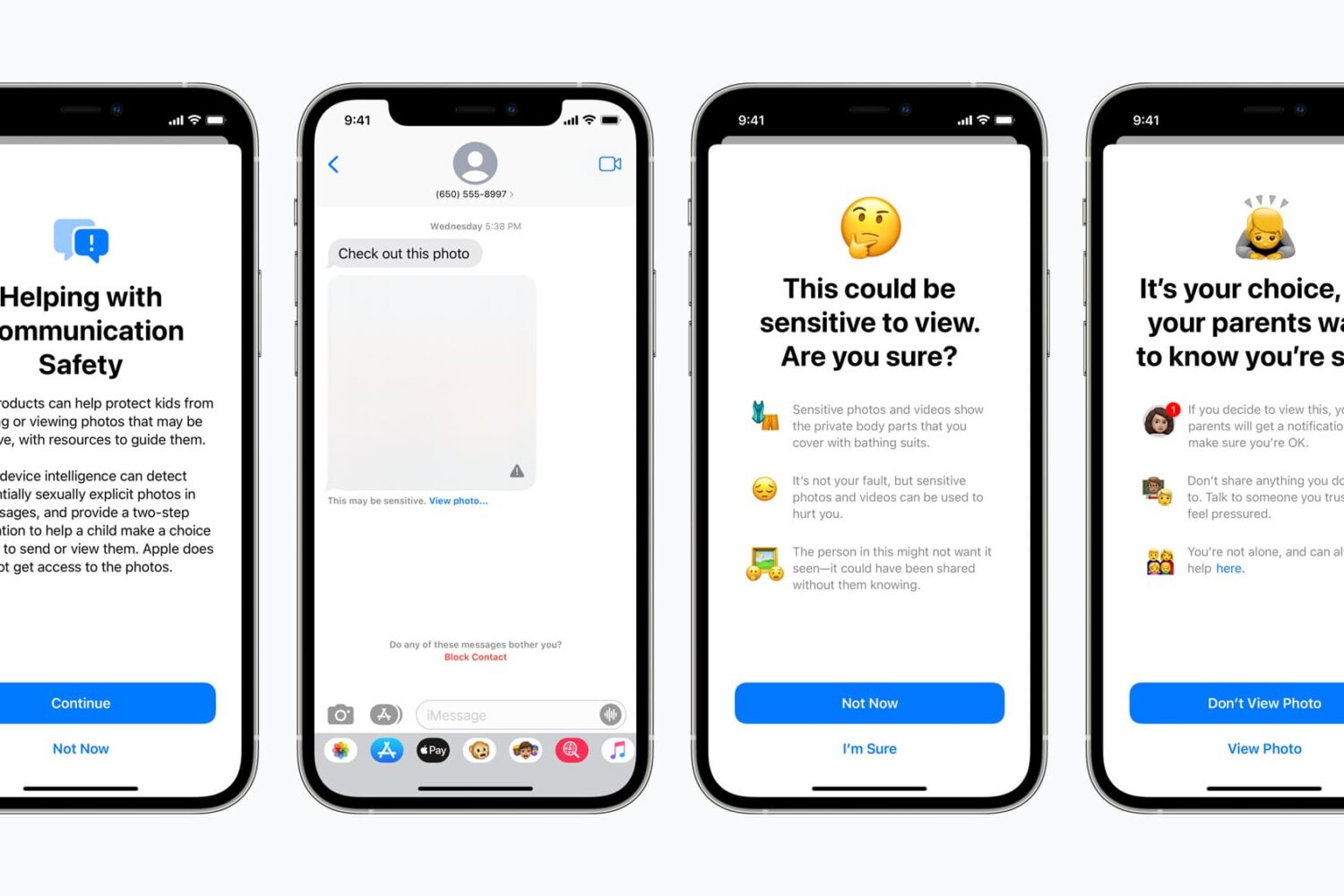
User privacy and security is a major focal point for Apple. Safety, too. Making sure that a user is able to keep their data safe, for instance, is one of the selling points of iOS in general. So it makes sense that Apple would want to broaden that scope, especially as it relates to protecting children.
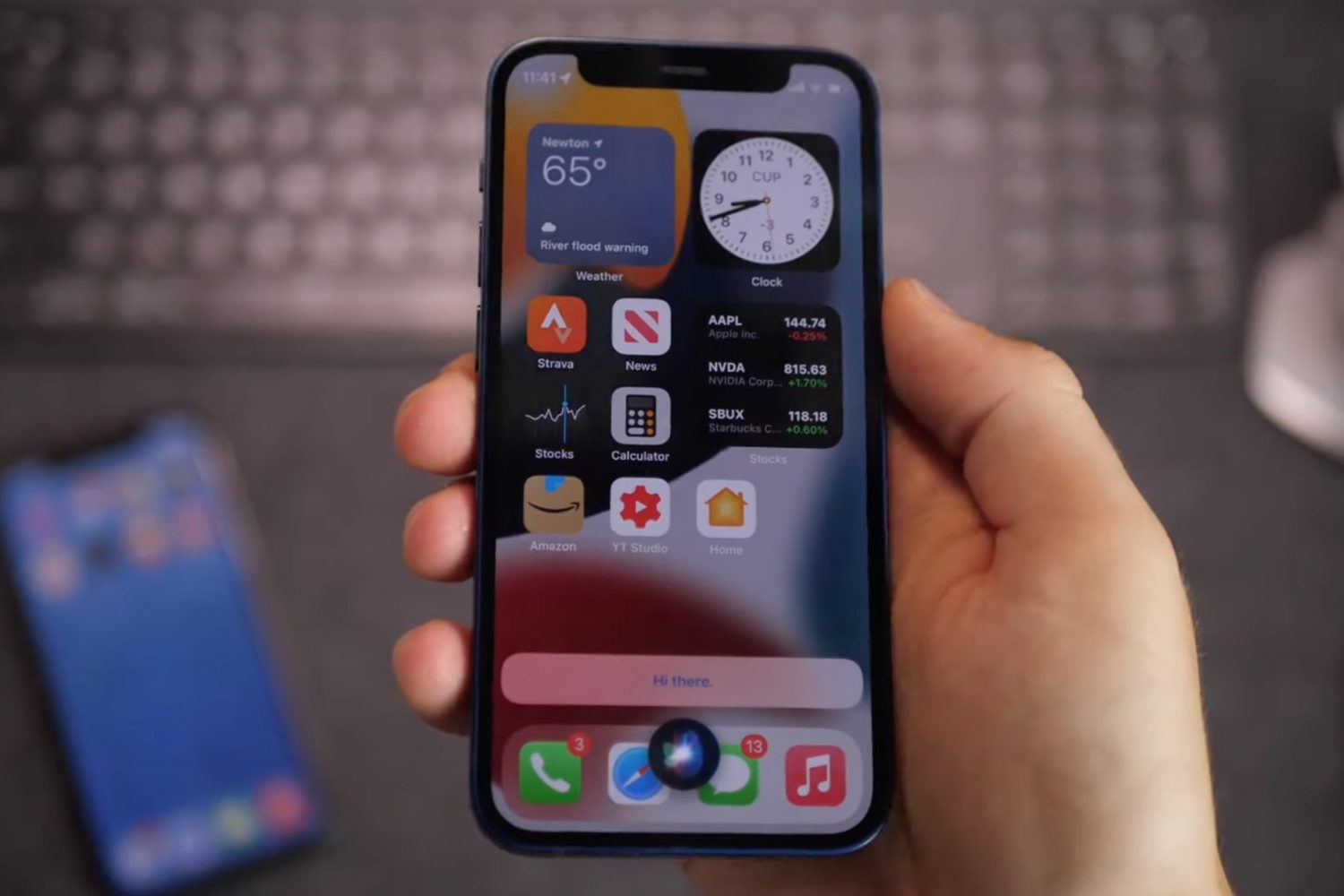
iOS 15 brings offline Siri, which leverages on-device processing to handle specific types of requests even without an internet connection, and we have a video to show it to you.
Check out this list of useful offline Siri commands on your iPhone and iPad that work without an internet connection, including messaging, networking, setting timers and much, much more.
Learn how to remotely trigger the iPhone’s camera shutter and take perfect selfies and group shots, or record video hands-free without physically touching the device.
Learn how to make Siri remember your preferred music streaming service. When you give a voice command to play a song or artist, Siri will play it directly on that service without you needing to specify the app name.
With iOS 15, you can approve personal Siri requests on your iPhone, such as accessing your contacts, by wearing your Apple Watch without having to use Face/Touch ID or your passcode.
With iOS 15, Apple is advancing Siri with on-device processing which makes the digital assistant faster and more powerful than before—even without an internet connection.