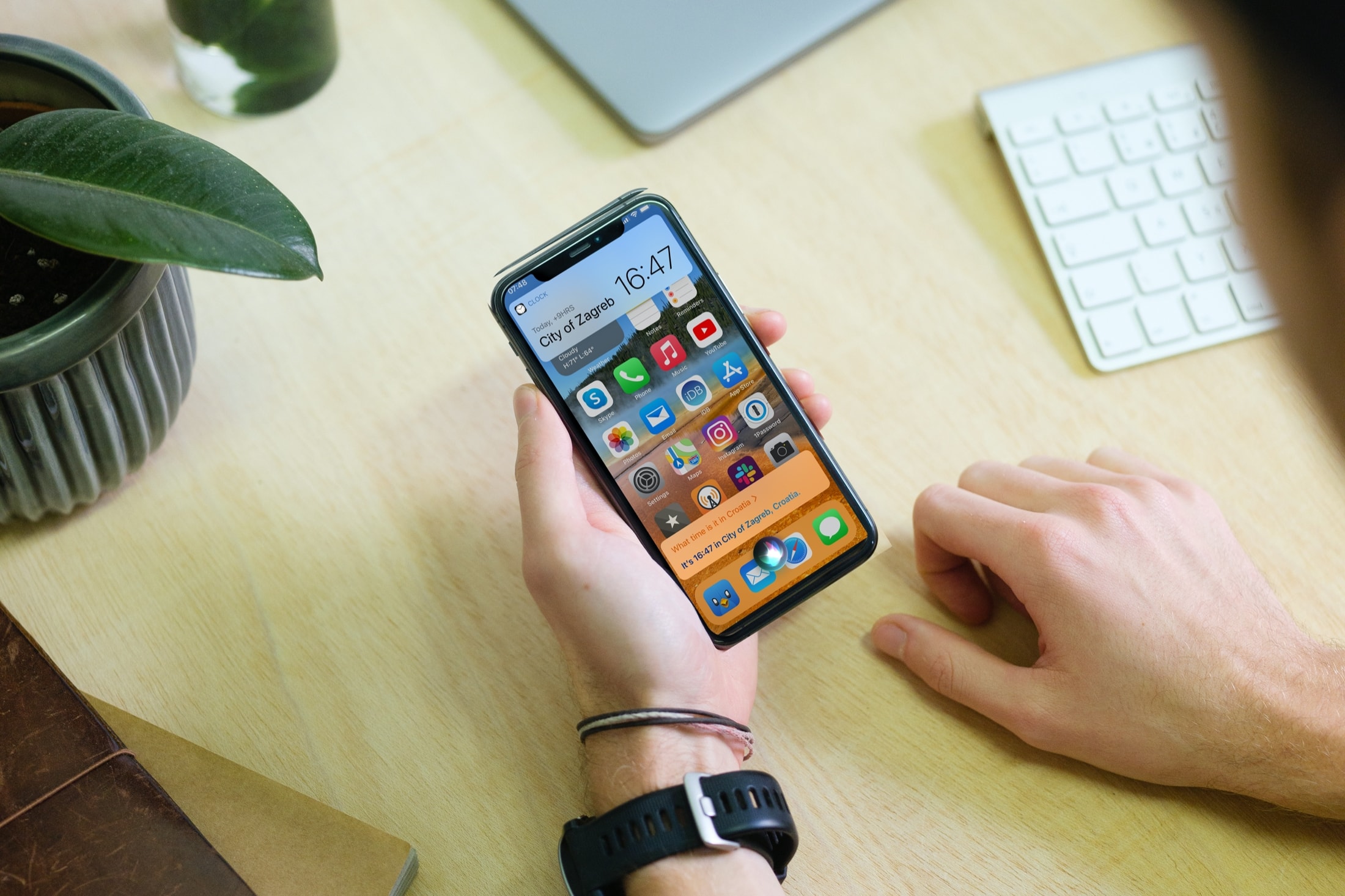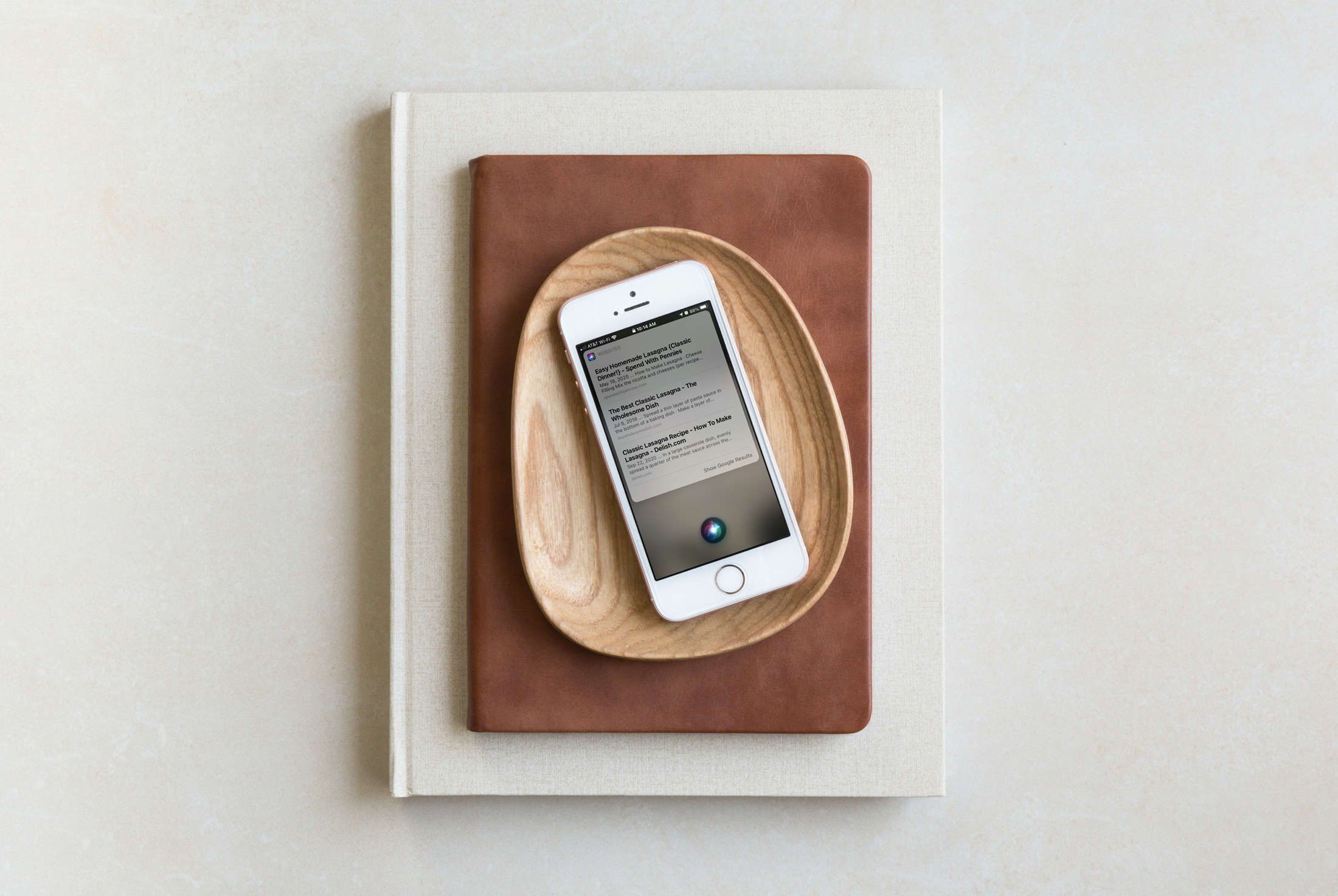
Earlier this year, during its virtual Worldwide Developers Conference, Apple showcased all the changes it made to iOS 14. Now, months later, the software is ready for the public as Apple today began rolling out the update to all users.
Siri
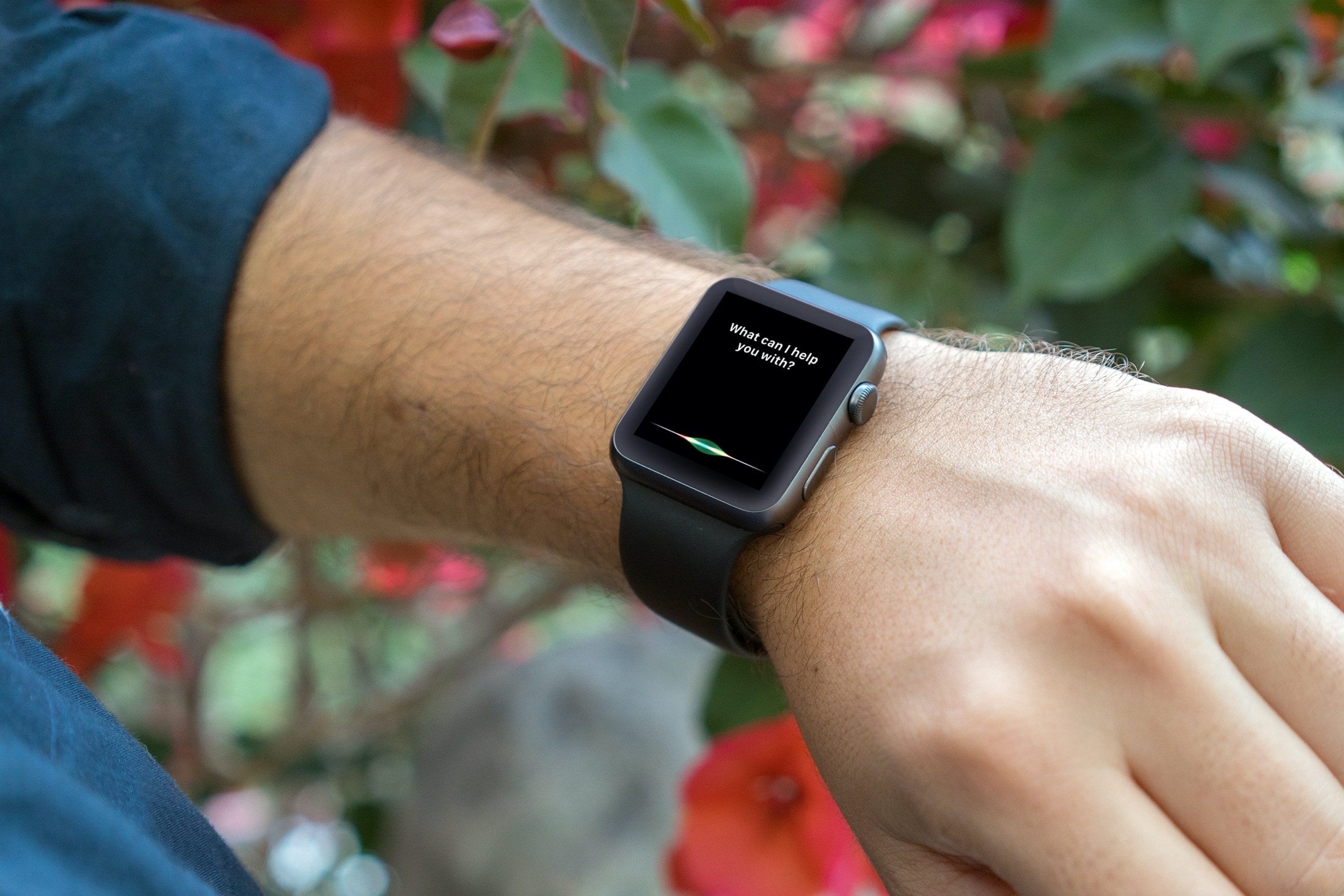
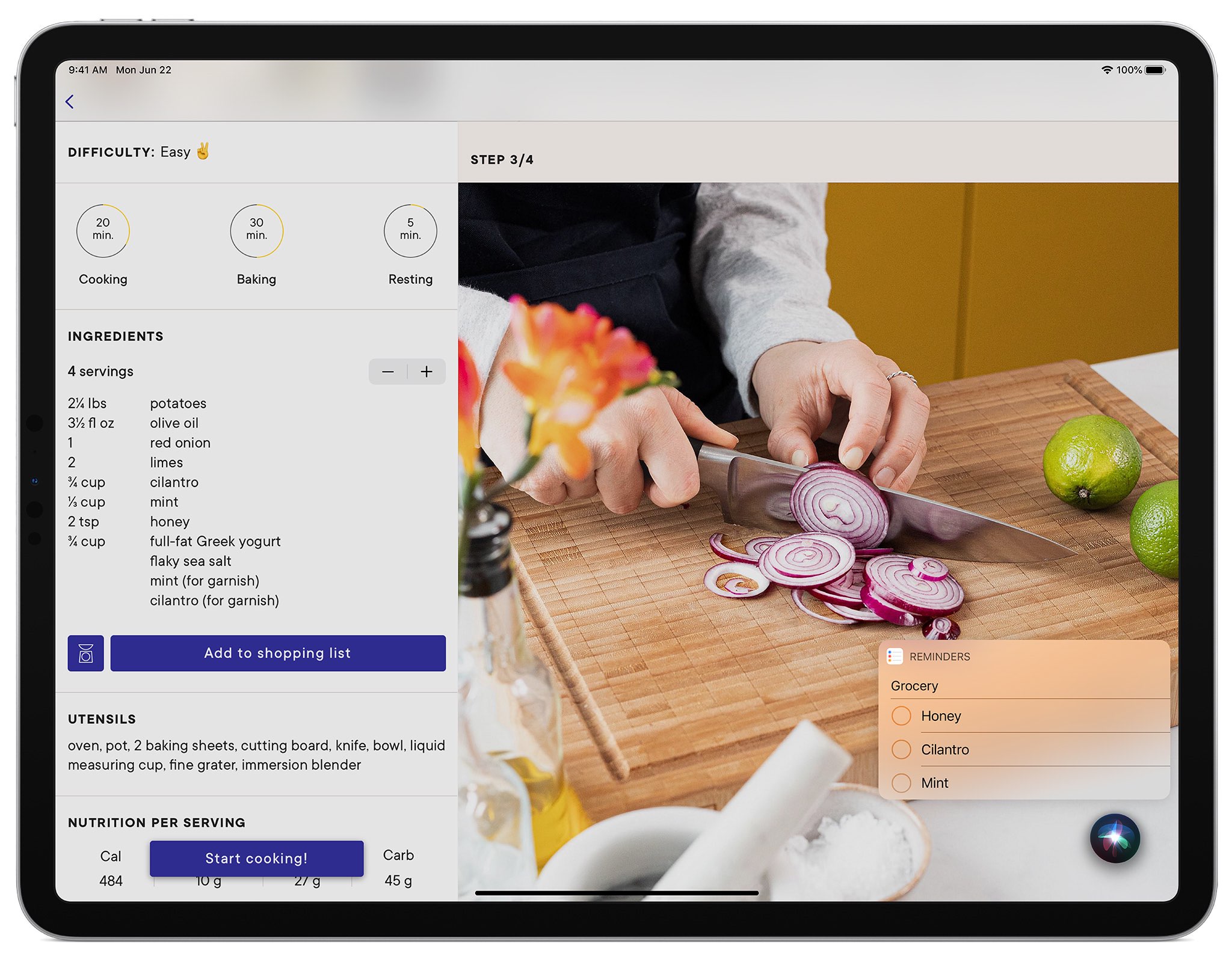
How to use Siri on your Apple Watch like a pro
From looking for apps on the App Store to creating reminders and identifying unknown songs, this tutorial shares expert tips for using Siri on your Apple Watch to the fullest.
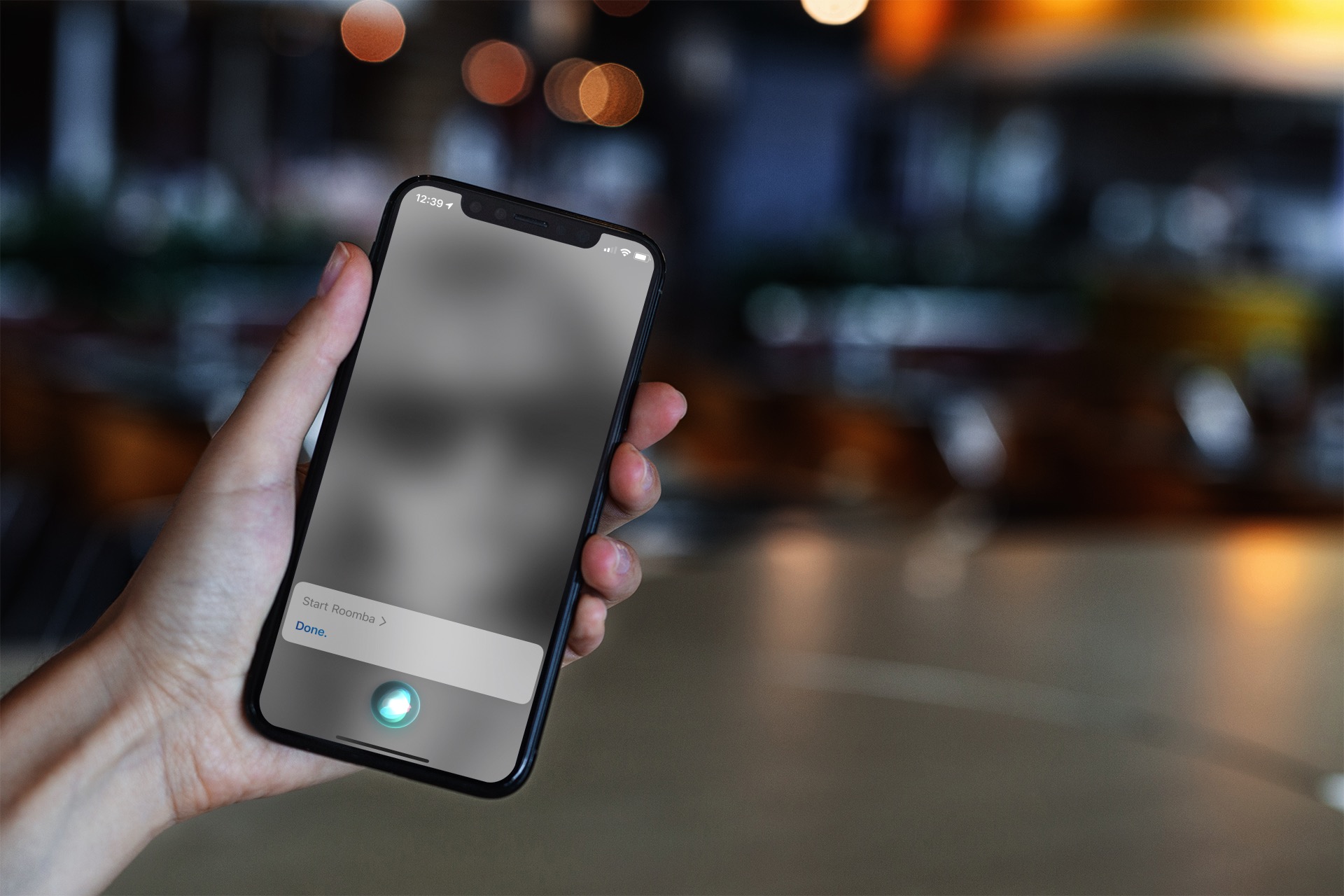
How to control your Roomba with Siri
Learn how to control your iRobot Roomba with Siri and command your smart vacuum from anywhere using your iPhone, iPad, or HomePod.
iPadOS 14 lets you interact with apps in the background while using compact Siri on iPad
The sixth beta of iPadOS 14 has addressed complaints from beta testers about not being able to multitask on your iPad while the compact Siri interface is up.
5 tips to search for images and videos in Mac’s Photos app
Finding photos of people, places, or things can become increasingly difficult as you snap more pictures. And if you don’t take the time to add keywords or descriptions, it can be even harder. In this tutorial, we’ll share some tips to help you find what you need inside the macOS Photos app.
How to increase or decrease the Siri volume on any device
Adjust the sound level of Siri responses on your iPhone, iPad, Mac, Apple Watch, HomePod, and CarPlay, so it’s easy to hear Siri’s answer, or tone it down when you’re in a quiet place.
Control the result of every Siri coin toss with SiriCoinControl
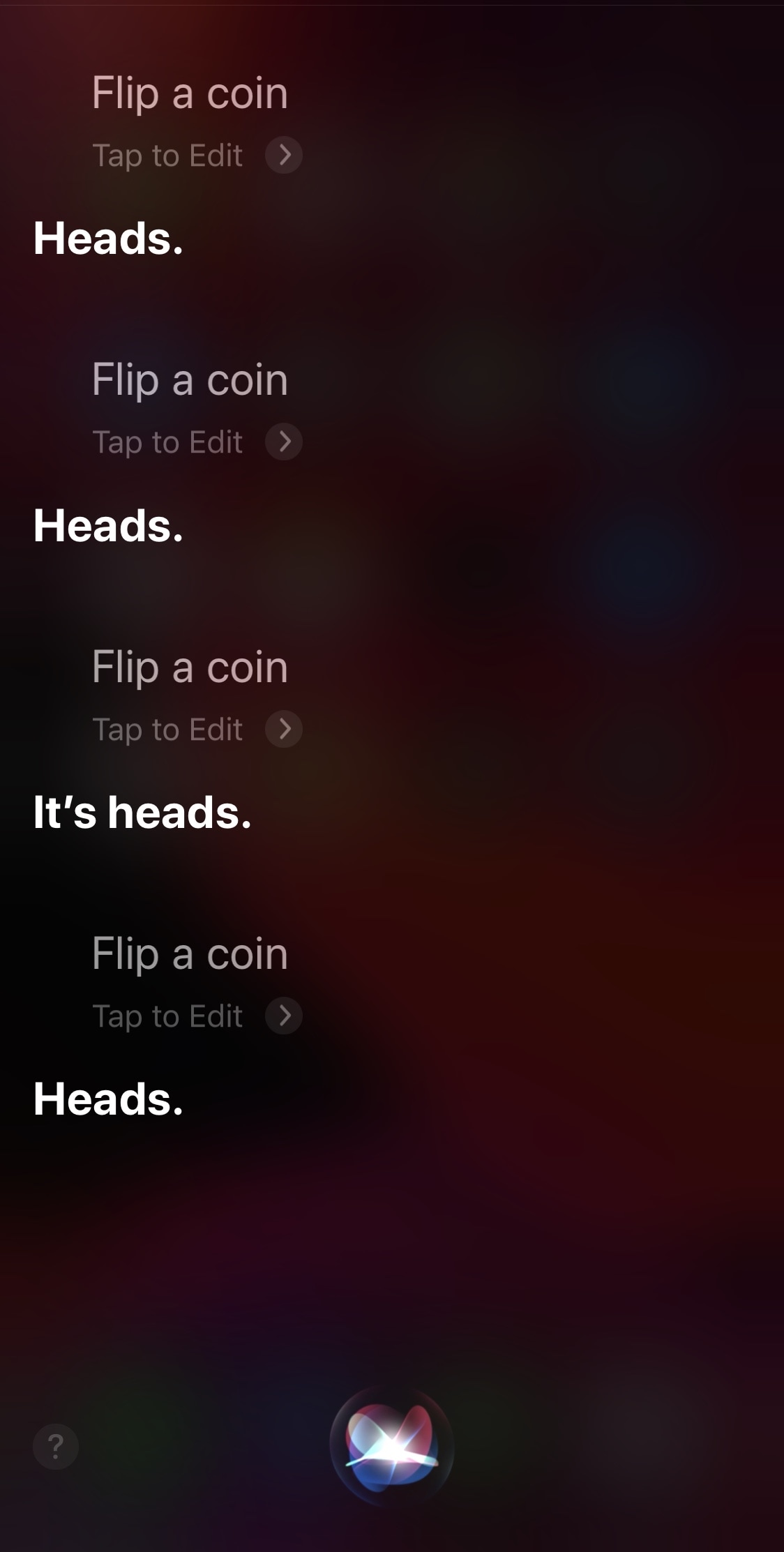
Not that we condone cheating in any way shape or form, especially when it would involve a reward, but it can sometimes be exciting to prank your friends with rigged coin flips and the likes. With that in mind, we think some pranksters might have a lot of fun with a newly released and free jailbreak tweak called SiriCoinControl by iOS developer Wes.
Just as the name implies, SiriCoinControl lets users control the outcome of coin flips performed by the Siri voice assistant on pwned iPhones and iPads. If you don’t have any two-headed coins laying around, then this tweak lets you backpedal on your virtual assistant while still being able to force a heads or tails outcome on demand.
How to use full screen and smaller compact Siri on iPhone and iPad
By default, Siri appears in a compact view on your iPhone and iPad. In this tutorial, we'll show you how to use that compact view or go the old way and have Siri take the entire screen.
How to use the Siri Suggestions widget to change Home Screen apps on iPhone
Learn how to have Siri intelligence dynamically curate your apps and show suggested actions right on your iPhone Home Screen in the Siri Suggestions widget.
How to display whatever Siri says as text on the screen of your iPhone, iPad, Apple Watch, or Mac
In this tutorial, we'll show you how to display anything Siri says to you on the screen of your iPhone, iPad, Apple Watch, and Mac.
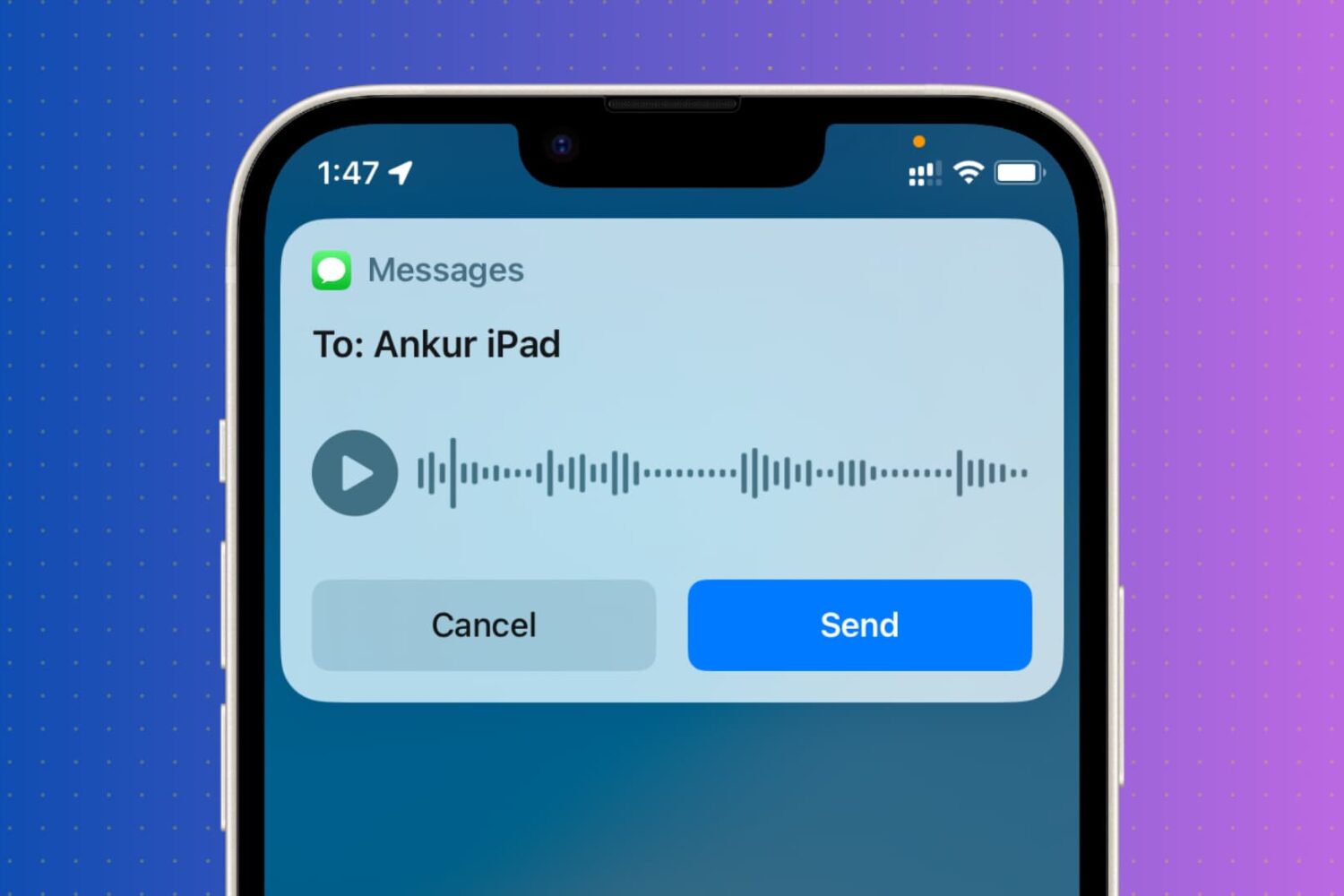
How to see transcriptions of your Siri voice requests
Learn how to view a transcription of the voice commands you give Siri on your iPhone, iPad, Mac, Apple Watch, and Vision Pro so you can verify that the device is interpreting spoken commands accurately.