Review

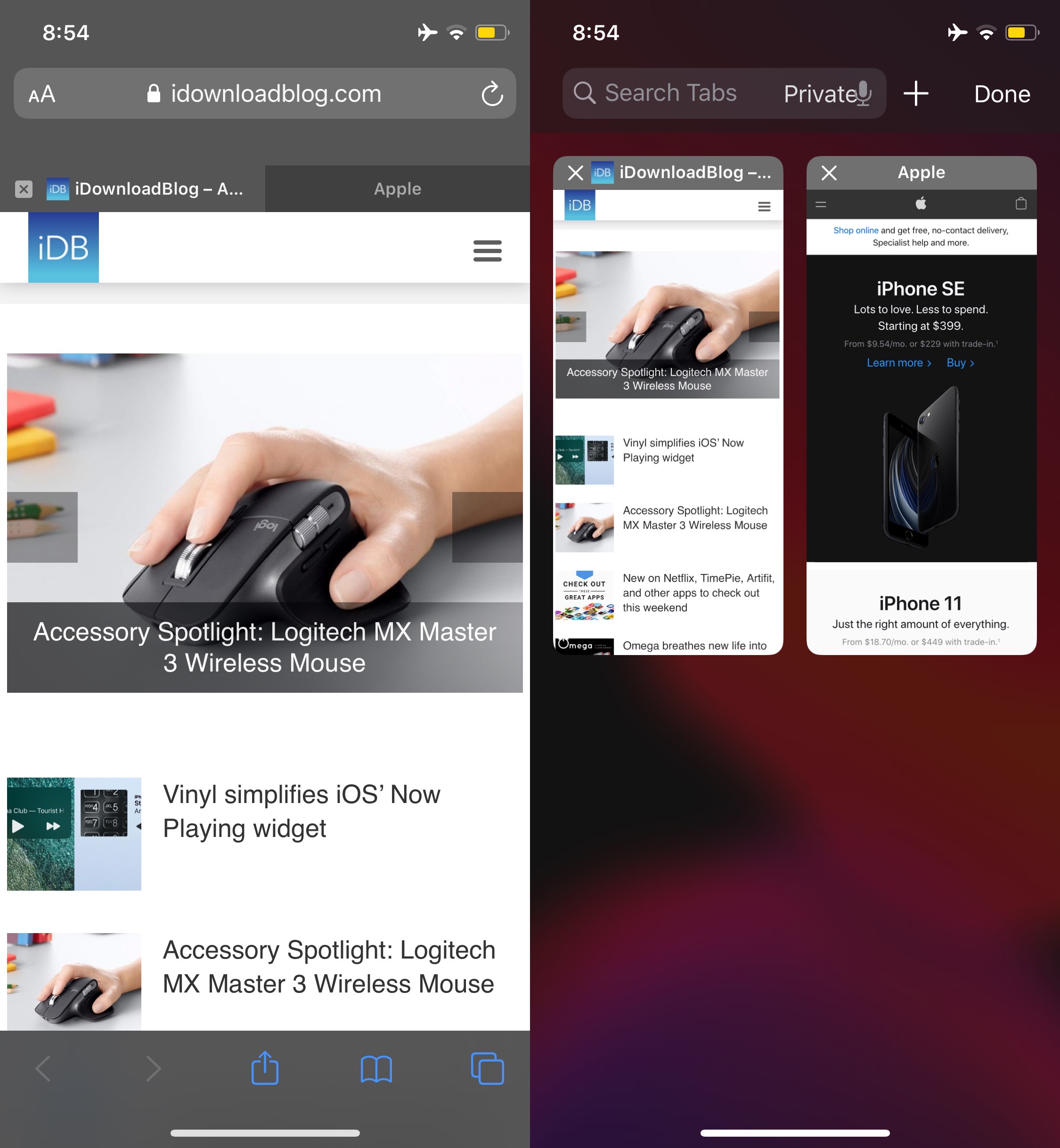
Safari Electro 2 brings improved web browsing and Safari theming to iOS

Apple’s Safari web browser is perhaps one of the best ways to explore the internet on your iPhone or iPad, but that doesn’t mean it’s perfect. In fact, we can think of a number of ways that it could be improved, such as importing many of the iPad’s web browsing features to the smaller iPhone.

But whether you’re looking for functionality upgrades or the ability to theme your Safari web browser from top to bottom, we’ve got a gut feeling that a newly released jailbreak tweak called Safari Electro 2 by iOS developer Minazuki could be right up your alley.
Omega breathes new life into iOS’ power down menu

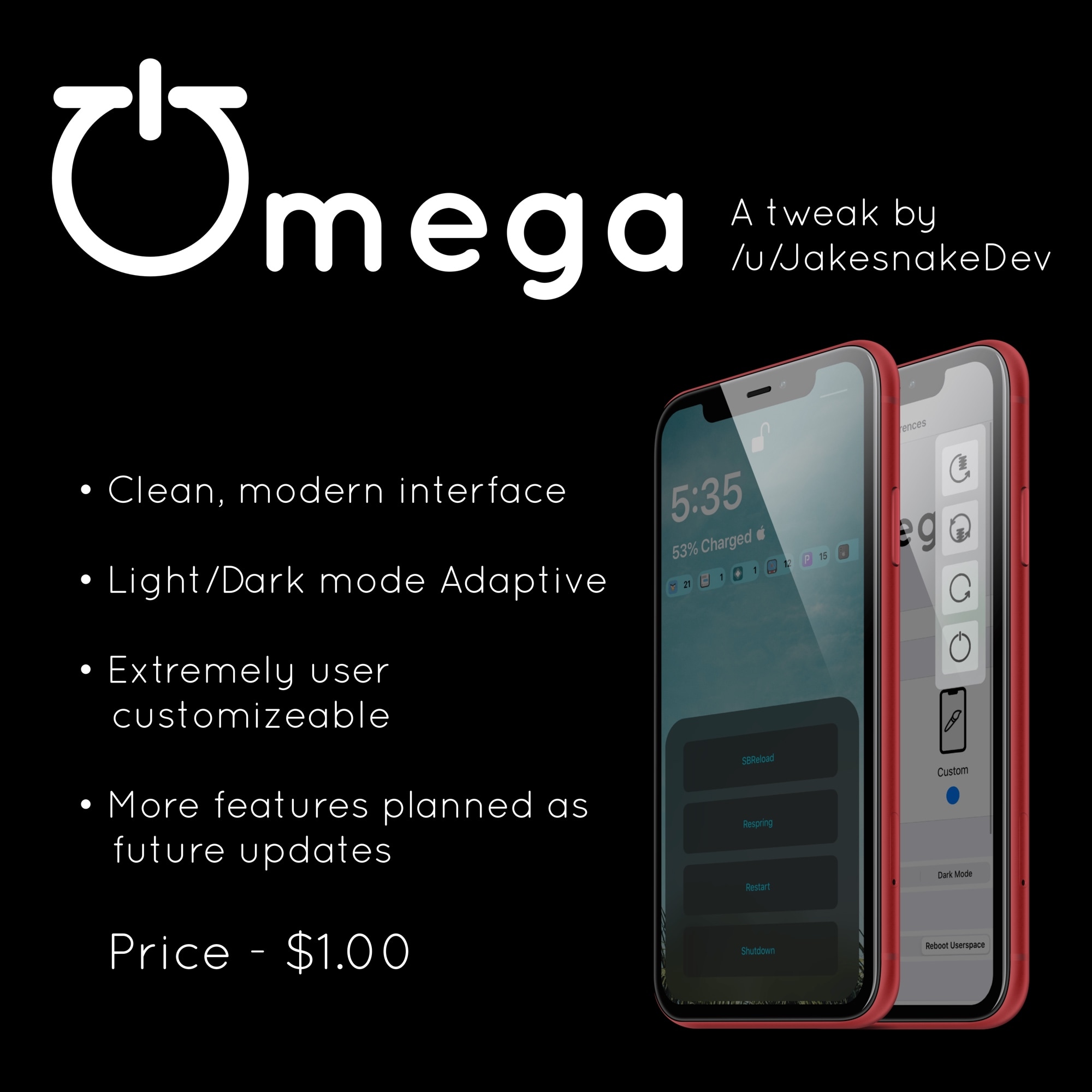
There’ve been literally so many different jailbreak tweaks made available for customizing the iOS power down menu that we can hardly even keep count of them all anymore. That aside, we still like to showcase those that we think look promising, and a new release called Omega by iOS developer JakeSnake certainly appears to fit the bill.

In the screenshot examples above, you’ll notice that Omega provides users with several different power down interfaces to choose from. Furthermore, if the basic iOS power down menu just doesn’t cut it for you, especially since jailbreakers hardly ever turn their device(s) off, then perhaps you’ll enjoy the tweak’s suite of alternative booting controls instead.

Circuliser is a fun and quirky new audio visualizer for iOS

The majority of people seem to respond positively to audio visualizers, and while it’s a shame that Apple doesn’t provide one for iOS out of the box, jailbreak tweaks like Mitsuha Infinity (or the newer Mitsuha Forever) can bring this feature to pwned handsets that are no longer under the tech giant’s sole control.

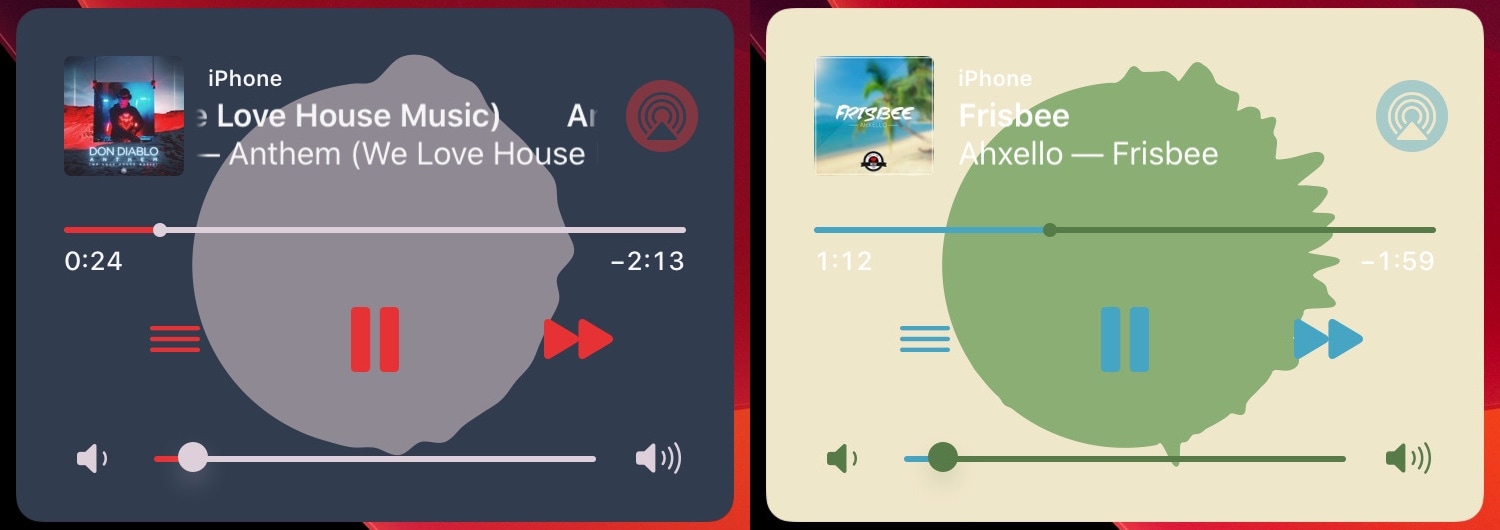
But say you don’t like Mitsuha’s Siri-like waveform visualizer; what other options do you have? We’re glad you asked, because a newly released jailbreak tweak dubbed Circuliser by iOS developer squ1dd13 offers a circular audio visualizer alternative that some users may find a bit more aesthetically pleasing.

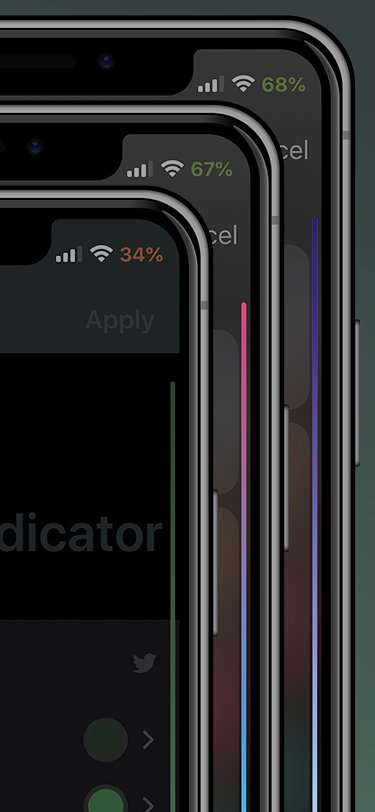
ColoredScrollIndicator brings colored gradients to iOS’ scrollbars

Just a couple of days ago, we showed you a snazzy new jailbreak tweak called Color My Scrolls that could be used to colorize your iOS device’s scrollbars. We liked the concept because it was a simple way to add personality to your device, but at the same time, it came with a price tag and was somewhat limited in terms of features.

Given the aforementioned circumstances, we’re excited to showcase a newly released and free jailbreak tweak called ColoredScrollIndicator by iOS developer LacertosusDeus. In case the context clues haven’t given it away already, this tweak is effectively a free alternative to Color My Scrolls that offers a lot more by way of customization. For that reason alone, we think it might be worth checking out.

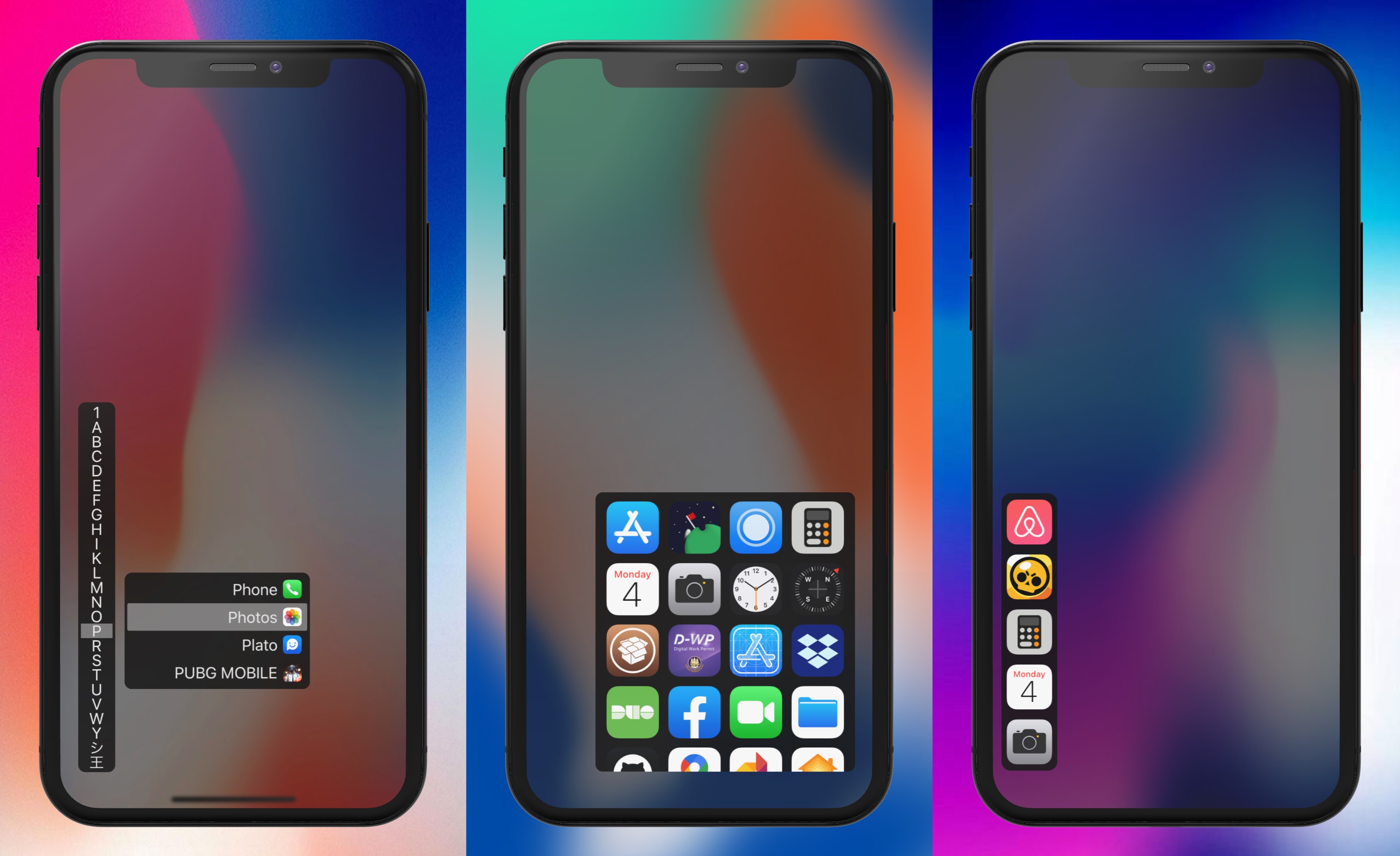
InstaLauncher 2 makes it easy to access any app from anywhere

The iPhone’s Home screen is simple and effortless to navigate by nature, but if you have a lot of apps installed, then it can quickly start to seem like you’re playing a game of ‘I Spy’ every time you attempt to locate certain apps. That’s one reason why we’re fans of the plethora of third-party application launchers that the jailbreak community has brought to the table over the years.

One of the more popular options that comes to mind was InstaLauncher by iOS developer Jonathan Winger Lang, and as of this week, InstaLauncher 2 is now available with full support for iOS 10 and later (including iOS 13).

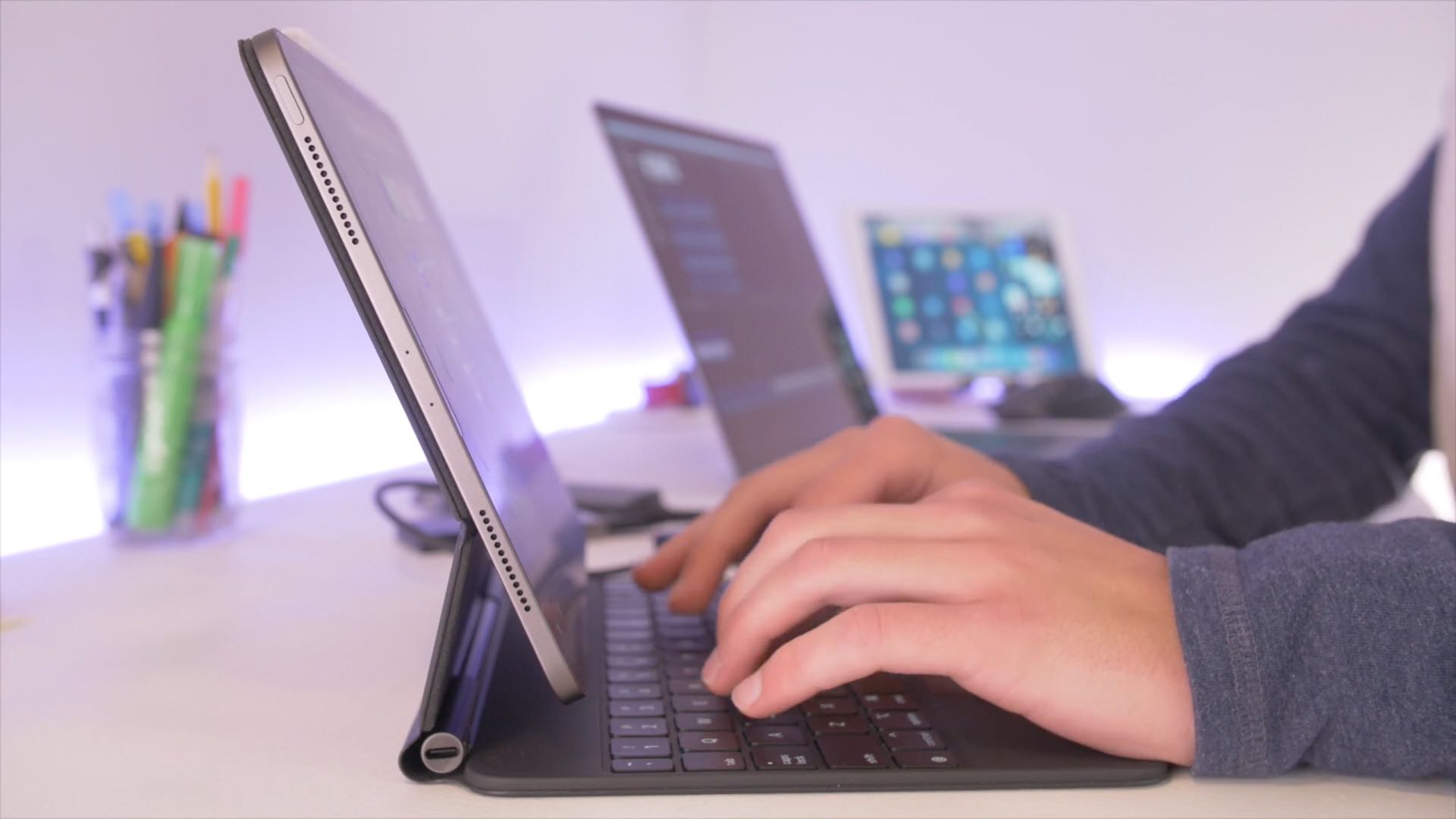
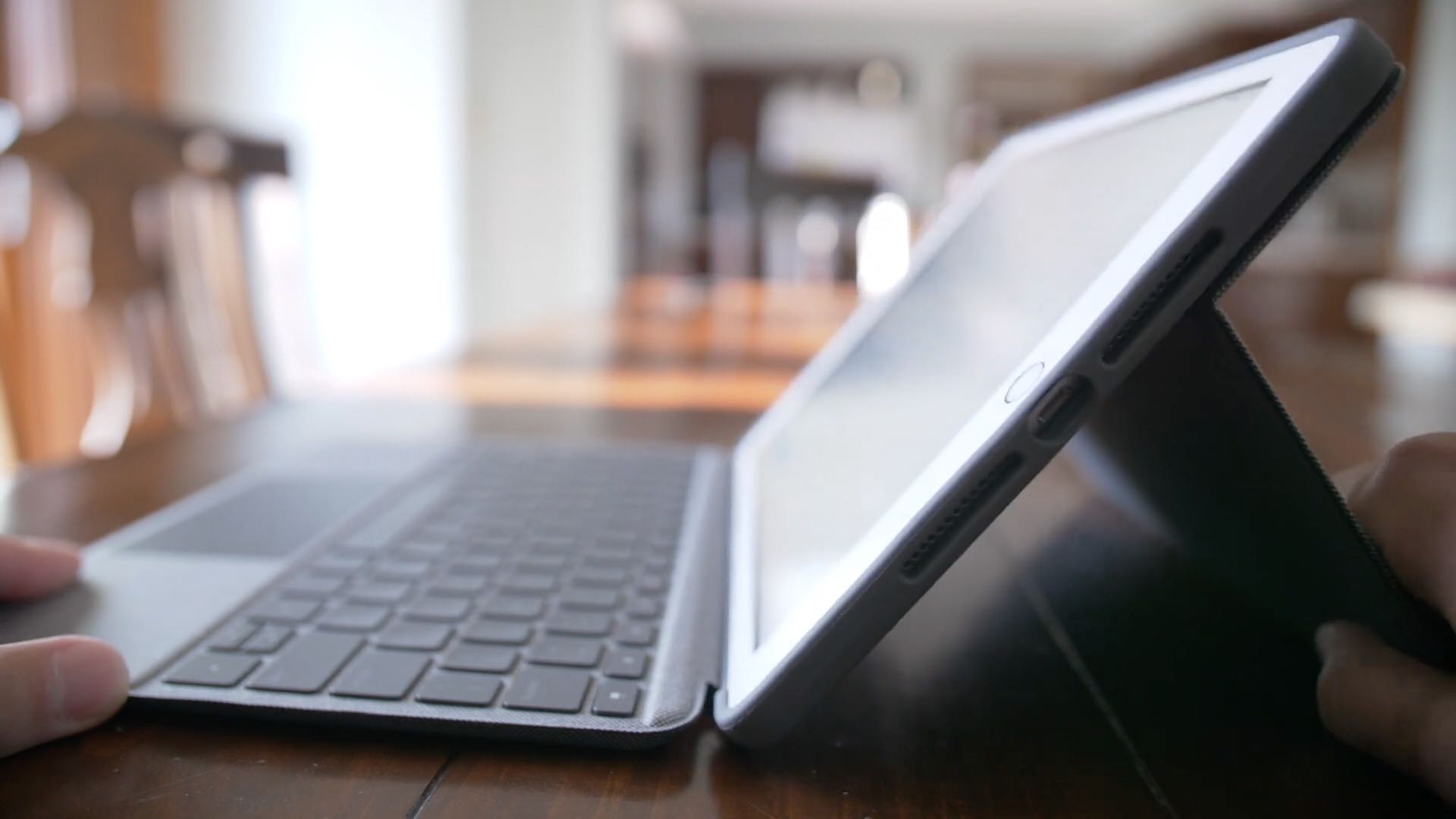
7 reasons why Magic Keyboard turns your iPad Pro into a completely different machine

Announced in mid-March, the new trackpad-enabled Magic Keyboard for iPad Pro went on sale earlier this month. Though a bit on the pricey side, we think this accessory is worth every cent due to its smart design and rich pointer support in iPadOS working together to transform and elevate your tablet computing to the next level. In trying to help our readers make informed purchasing decisions, your favorite blog asked our young videographer Harris Craycraft to put together a quick video outlining the key reasons why Magic Keyboard changes everything.

Jailbreakers can hide their iPhone’s notch with eggNotch

Love it or hate it, the iconic notch has become a common addition to the majority of Apple’s present-day smartphones starting with the iPhone X in 2017. Unfortunately, it’s part of the handset’s hardware, which means all you can do is attempt to hide the notch with a wallpaper that incorporates a black background where the notch would ordinarily appear.

But even the aforementioned wallpaper ‘hack’ only works to your benefit in certain interfaces, like the Home screen and Lock screen. It falls short in application interfaces where the wallpaper isn’t visible, and that’s a shortcoming that a newly released and free jailbreak tweak dubbed eggNotch by iOS developer Egg aka CRKatri doesn’t have.

Jailbreak tweaks of the week: DockX, Groups, Quart, Scorpion, and more…

Got a jailbroken iPhone or iPad, but aren’t entirely sure how to get the most out of it? If this sounds anything like you, then you’ve come to the right place.

In this roundup, we’ll showcase all the latest jailbreak tweaks released from Monday, April 27th to Sunday, May 3rd. As usual, we’ll kick things off by discussing our favorite releases first and then wrap things up with an outline of the rest afterward.

Quart is a new notification interface that will make non-jailbreakers jealous

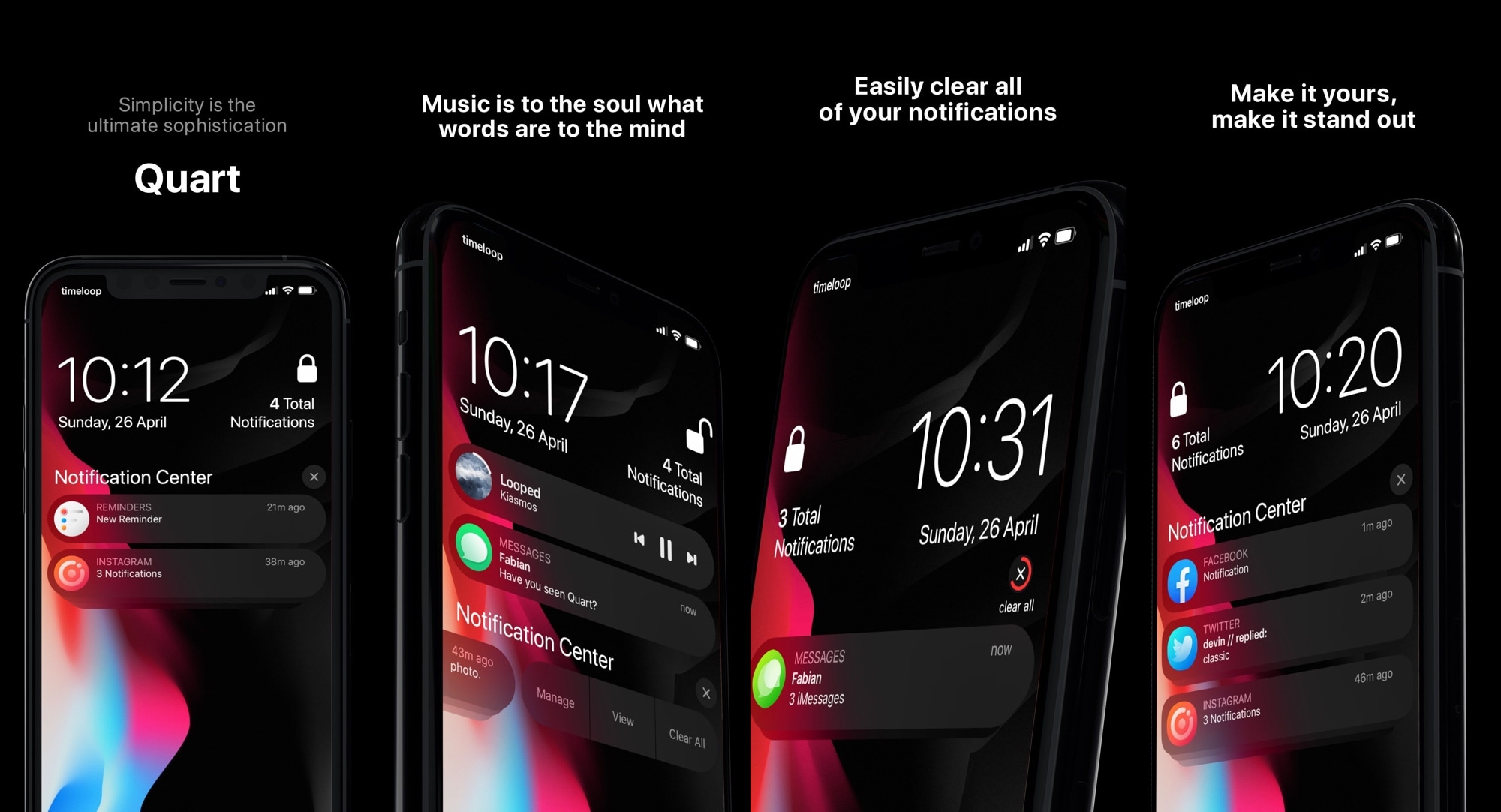
When compared with other smartphone operating systems, there’s no question that iOS leaves a lot to be desired in the notification department. Fortunately, those with jailbroken handsets no longer have to settle with what Apple provides out of the box.

Quart is a newly released jailbreak tweak by iOS developer LaughingQuoll and designer timeloop that replaces the lackluster native notification system on your pwned iPhone with one that will get you riled up every time you receive a text message or any other sort of notification.

Dusky enables use of iOS’ Reduce Transparency mode on a per-interface basis

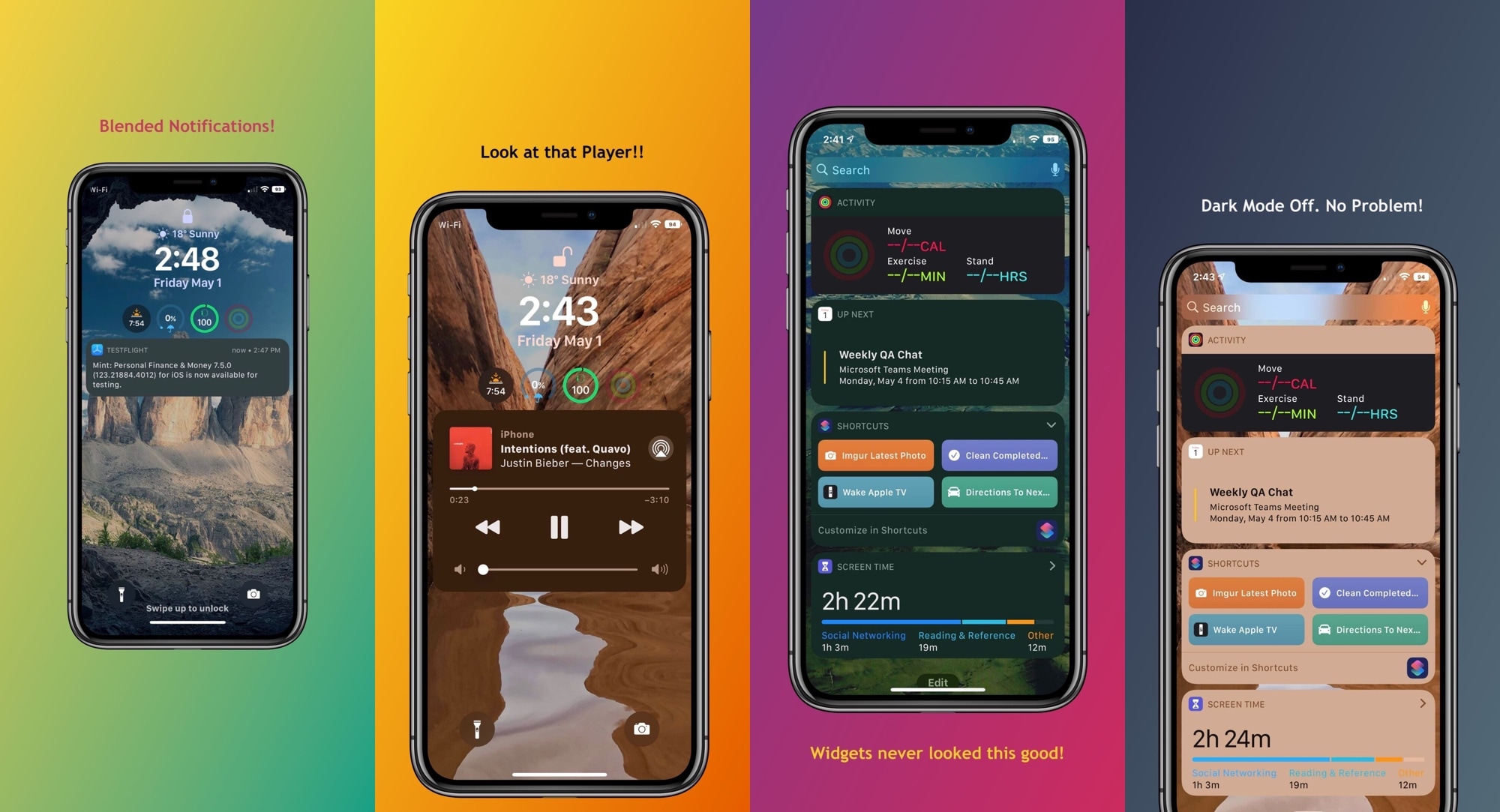
Any stock installation of iOS or iPadOS includes a native Accessibility option called Reduce Transparency that, as the name suggests, reduces transparency in several interfaces found throughout the platform. Some of these interfaces include Today widgets, notification banners, and the Now Playing media player, to name a few.

Some people like using the Reduce Transparency option for the aesthetics alone; unfortunately, toggling this option applies to every aspect of iOS, which may not be preferred in all instances. Those looking for more fine-grained control over this feature may want to turn their attention to a newly released and free jailbreak tweak called Dusky by iOS developer P2KDev.

Twelve South Fermata headphone and charging stand declutters your desk for a premium price

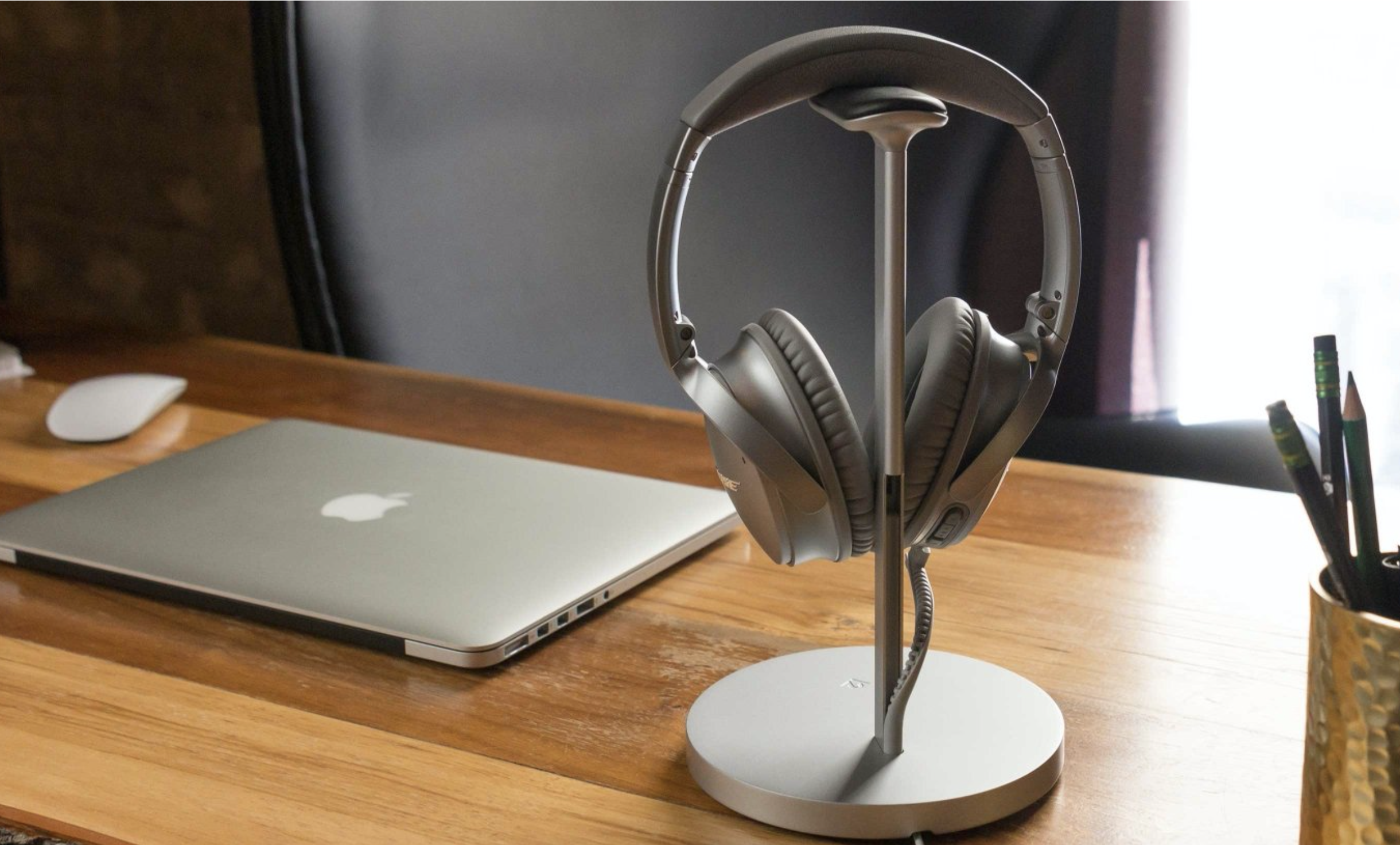
As part of a Work From Home (WFH) mini series, I am taking a look at some gadgets that are helping me stay organized and focused during shelter-in-place. Decluttering my home workspace has been a key to some focused success.

The Twelve South Fermata has helped in this endeavor by giving my headphones a dedicated place to sit and charge! With an aluminum design and genuine leather accents, its a great addition to my WFH spot.