Learn how to set a default alert time for all-day Reminders on iPhone, iPad, and Mac, so you still receive notifications even if you forget to set a time.
How to set a default time for all-day reminders on iPhone and Mac

Learn how to set a default alert time for all-day Reminders on iPhone, iPad, and Mac, so you still receive notifications even if you forget to set a time.

In this tutorial, we will show you how to manage app windows with VoiceOver on Mac. You can use these tips to enter full screen, switch between apps and windows, and resize or move a window.
There’s no easier way to capture a note from Safari than with the Notes app. Whether you’re doing research for school or work, planning a trip or event, or just want to make a note of an article, Apple’s integration makes it simple to save Safari webpages or text to the Apple Notes app on your Mac, iPhone, and iPad for quick reference and organization.
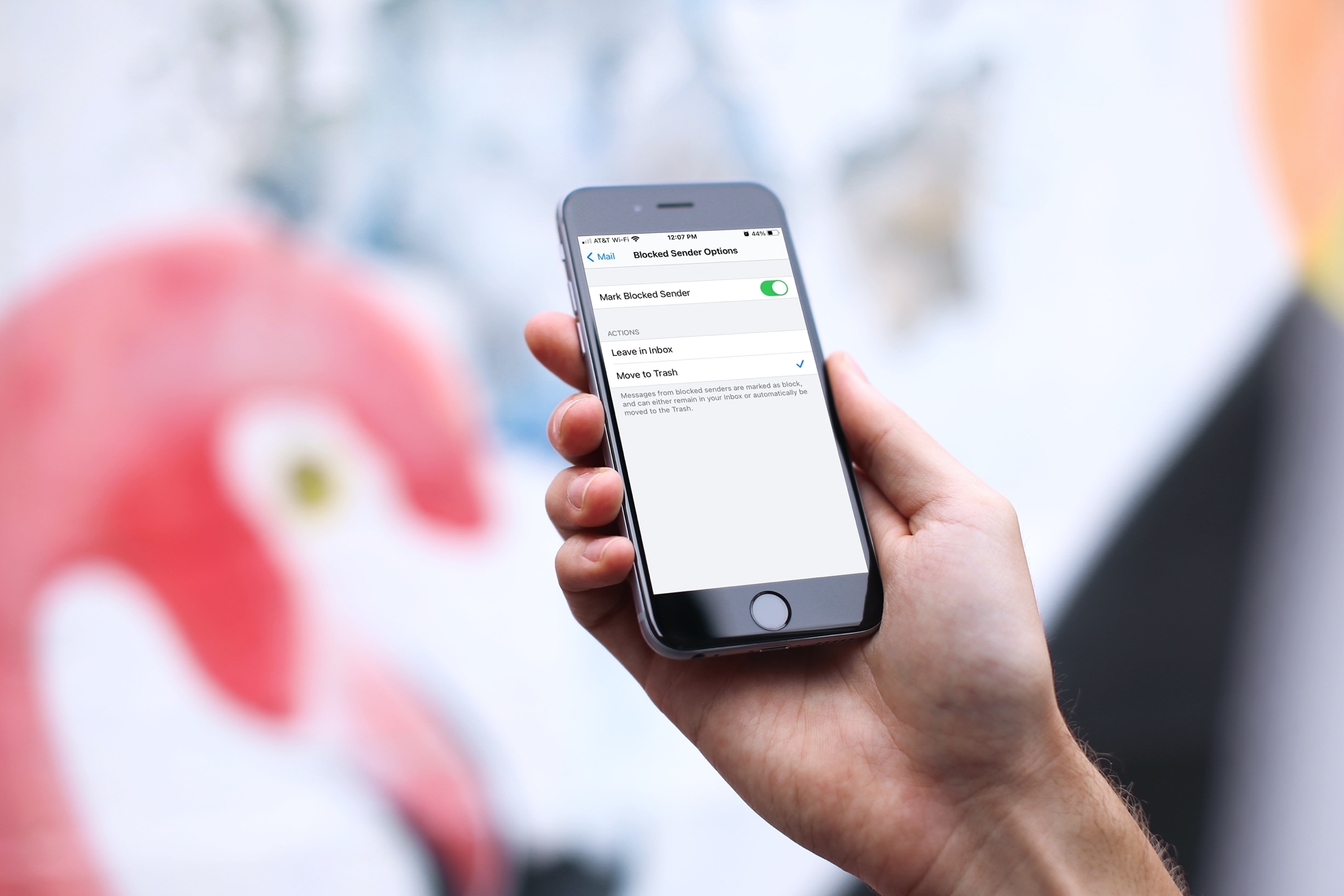
Learn how to move blocked sender emails to the trash in Apple Mail on iPhone, iPad, and Mac to keep your inbox clean of unwanted emails.

Learn how to always add yourself as BCC (blind carbon copy) in the emails you send from your iPhone, iPad, or Mac so that you get a copy of the message in your inbox just as your recipient does.
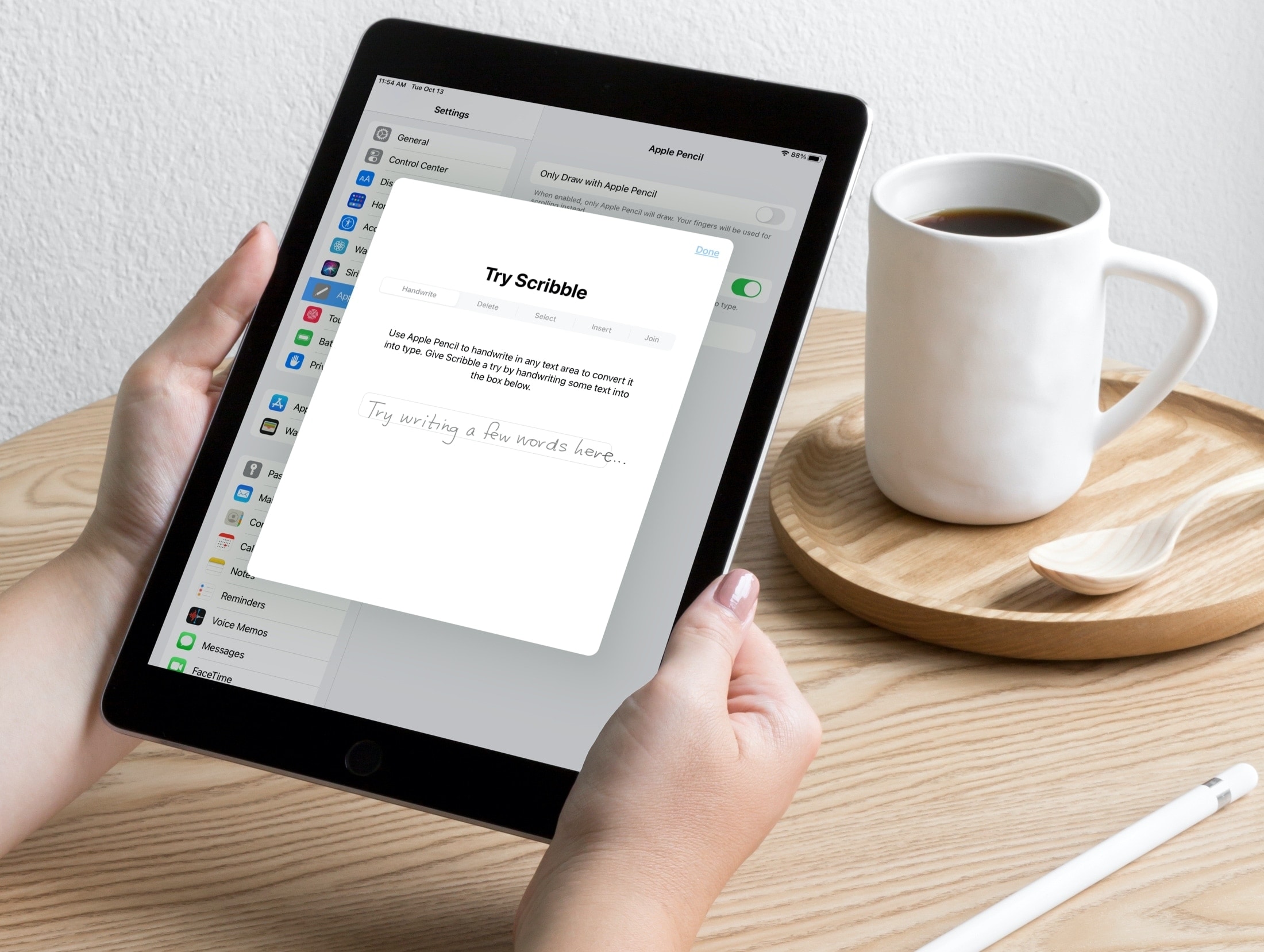
Scribble is a terrific tool for jotting down notes on your iPad with an Apple Pencil. With iPadOS 14, you can do things like turn handwriting into typed text and use handwriting in text boxes like search fields.
So when it comes to being productive with Pages, Numbers, and Keynote on iPad, you can use Scribble to get things done quickly. Here are some tips for using Scribble in those apps with your Apple Pencil so you can make the most of the feature.
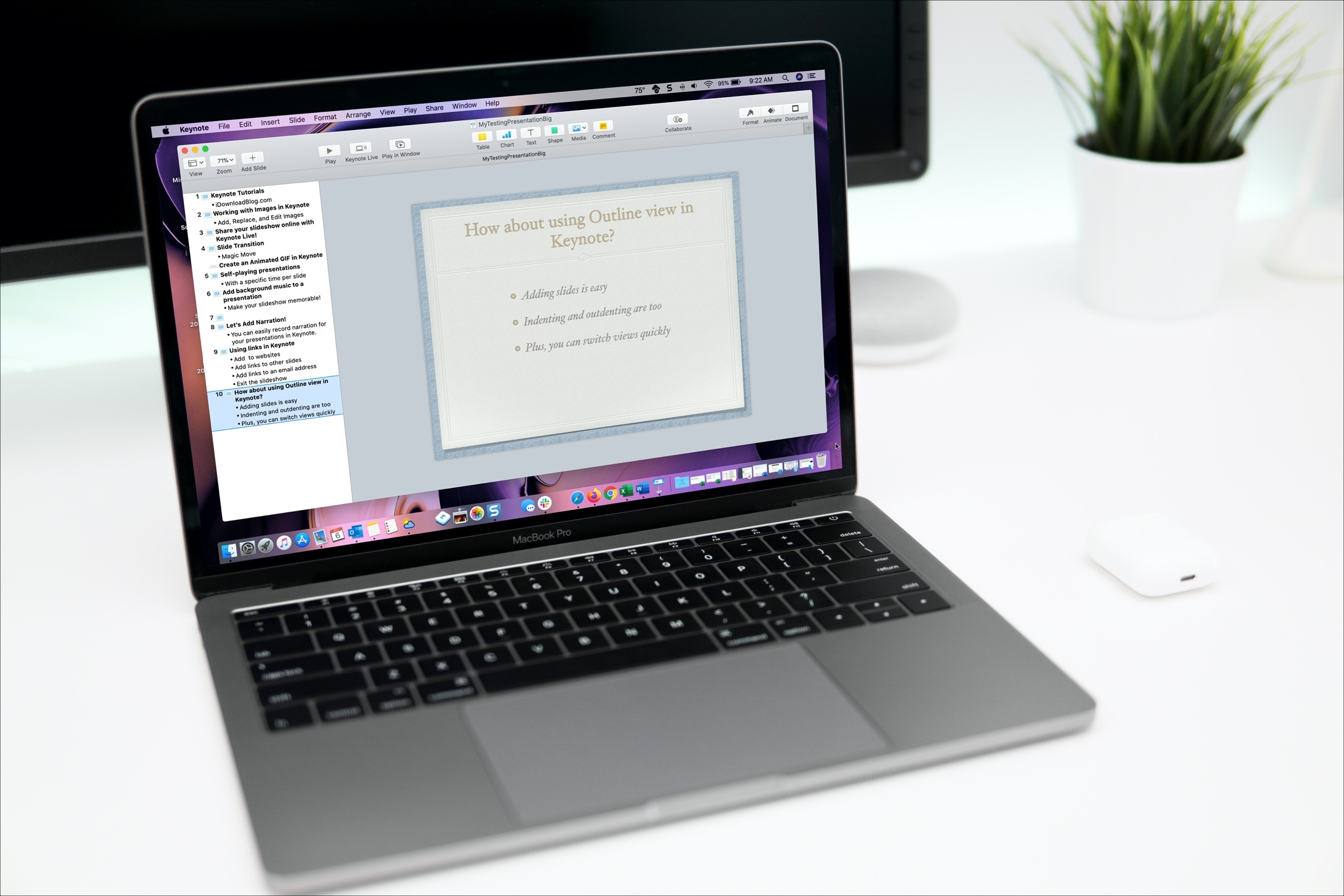
Open and use Outline view in Keynote on your iPhone, iPad, and Mac to start building your presentation in a more organized way.

This tutorial shows you how to create and use forms in the Numbers app on iPhone and iPad to quickly and easily enter data in your spreadsheets.
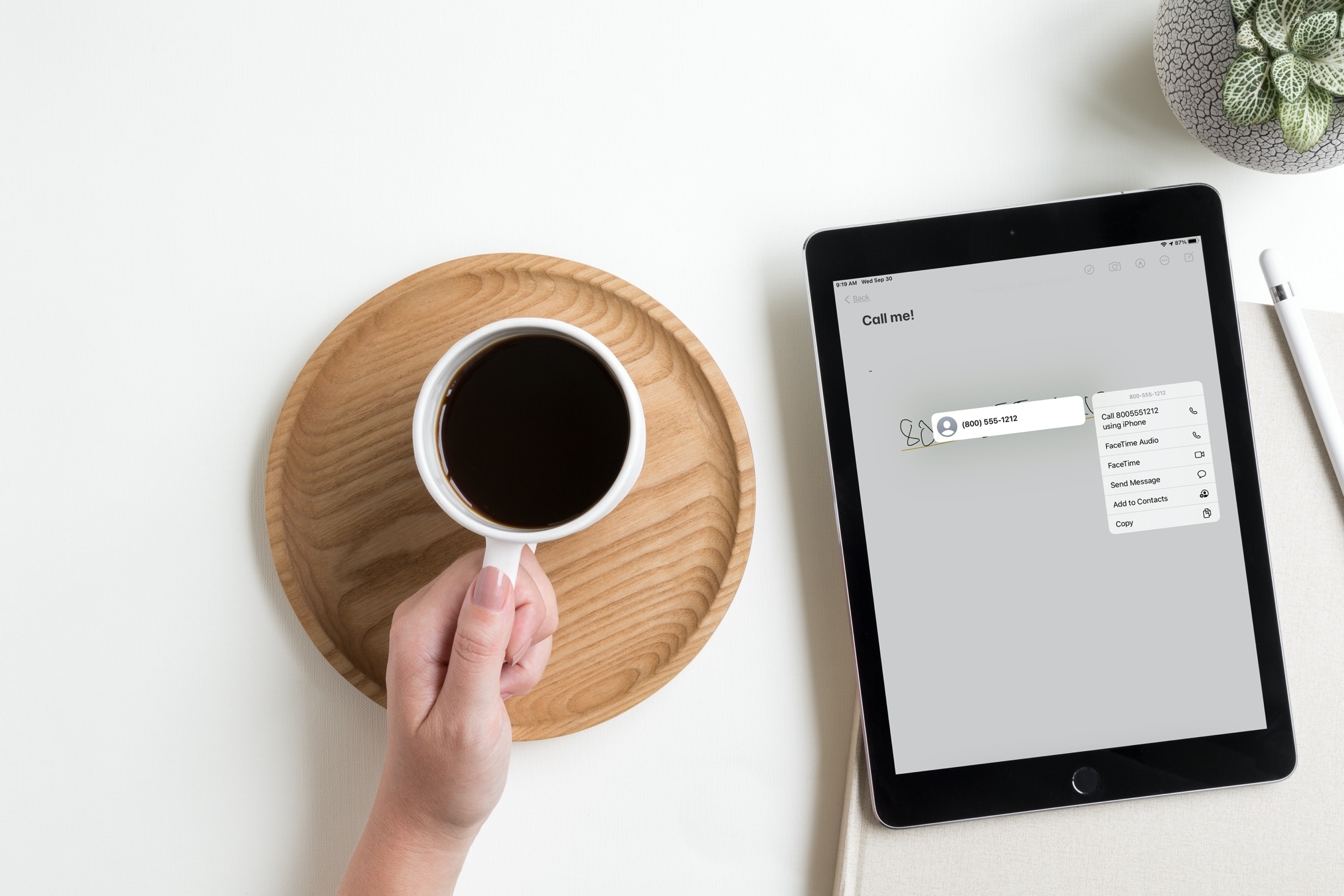
Learn how to take action on email addresses, phone numbers, addresses, or dates, and create perfect shapes within your handwritten notes on your iPad.
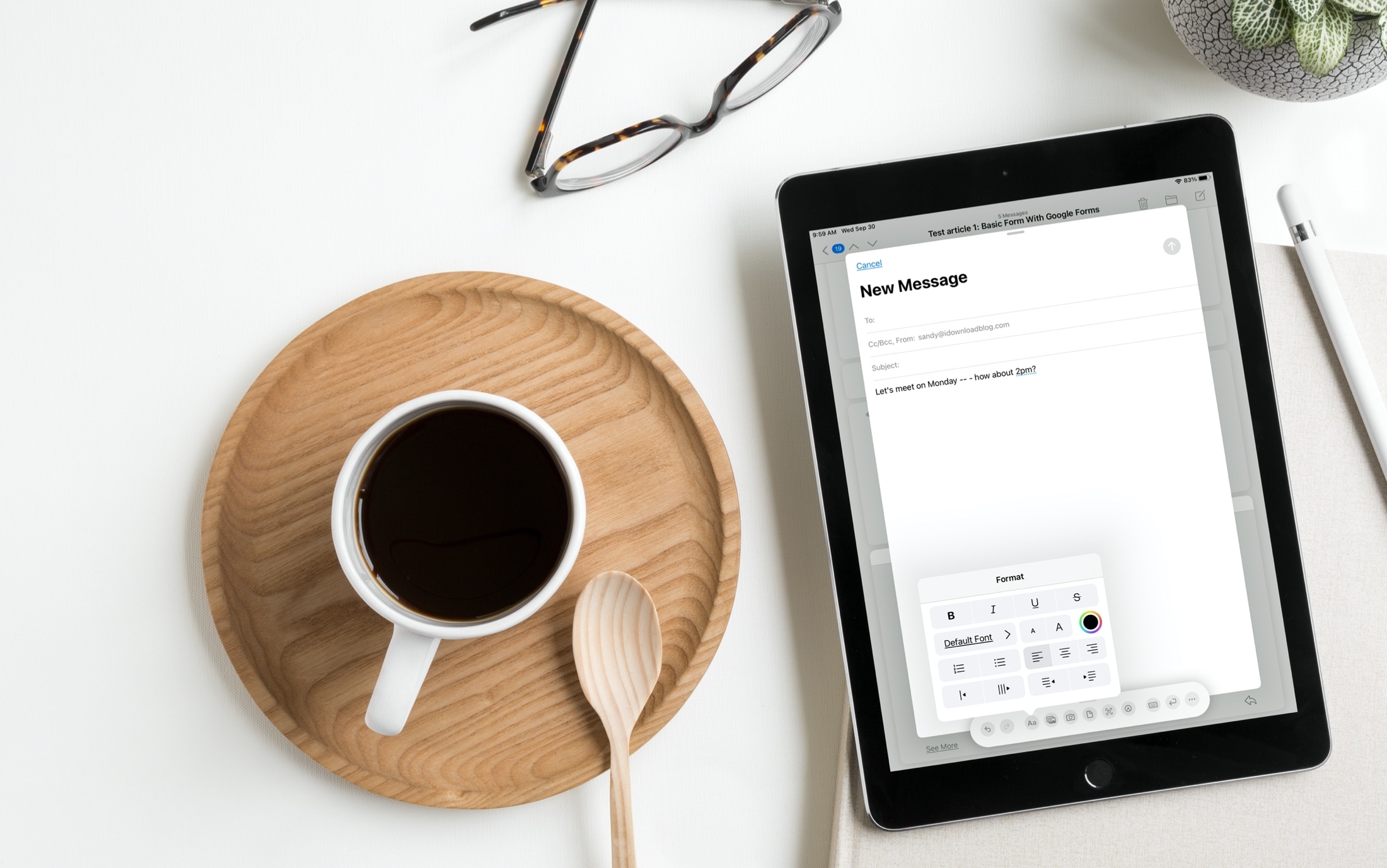
We’ve been telling you about some great new features that came with iPadOS 14 and Scribble that you can use with or without an Apple Pencil. You can copy and paste handwritten notes as typed text and use handwriting in text boxes like search fields. But there’s more!
The Scribble feature comes with a Shortcut Palette that you can use to perform actions faster and without opening your keyboard. You can do things like add a date to a to-do in Reminders or change the font in an email in Mail. Here’s how to use this cool tool, the Scribble Shortcut Palette, on your iPad.
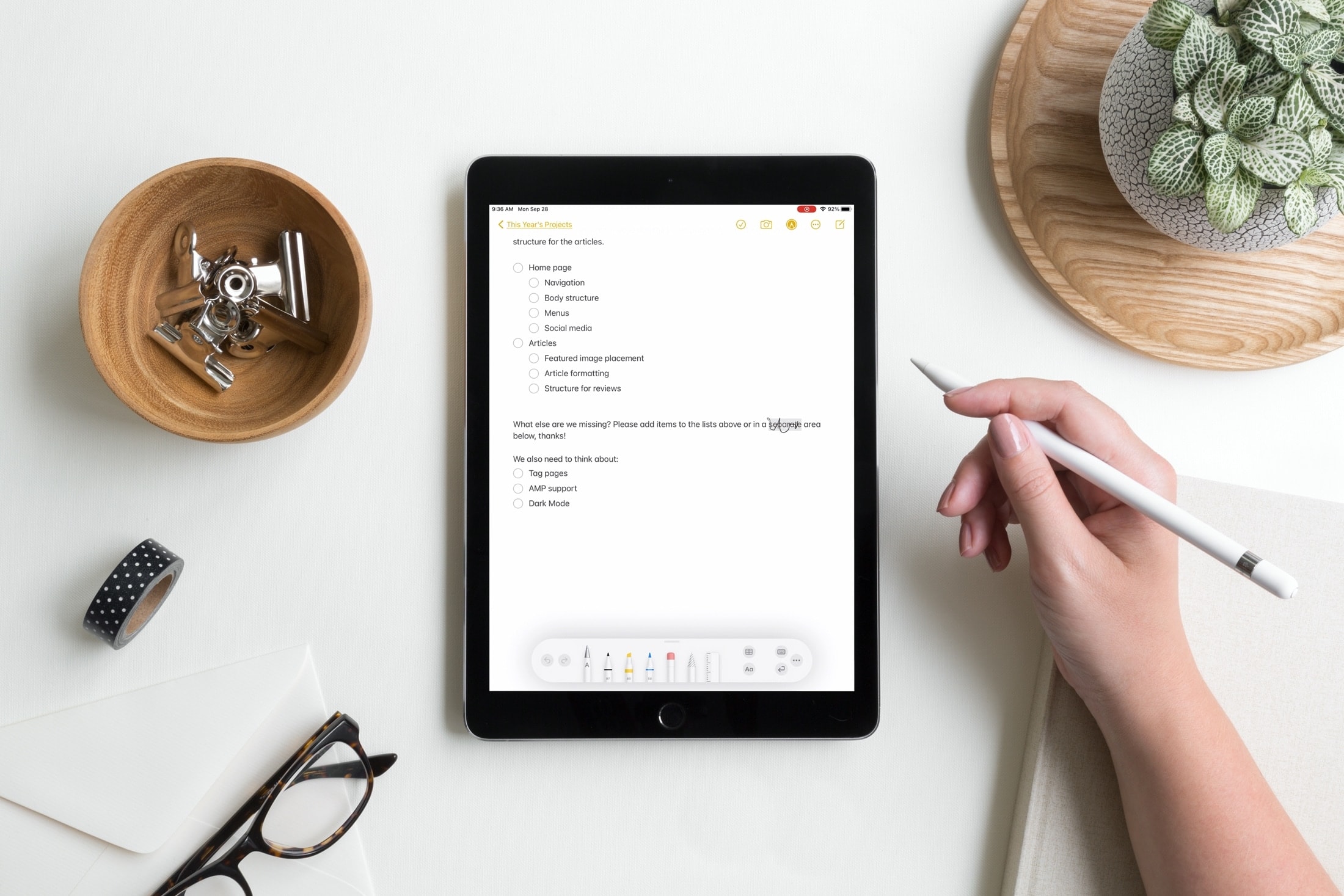
In this tutorial, we’ll show you how to select, delete, add space, join, and insert text using Apple Pencil on your iPad.
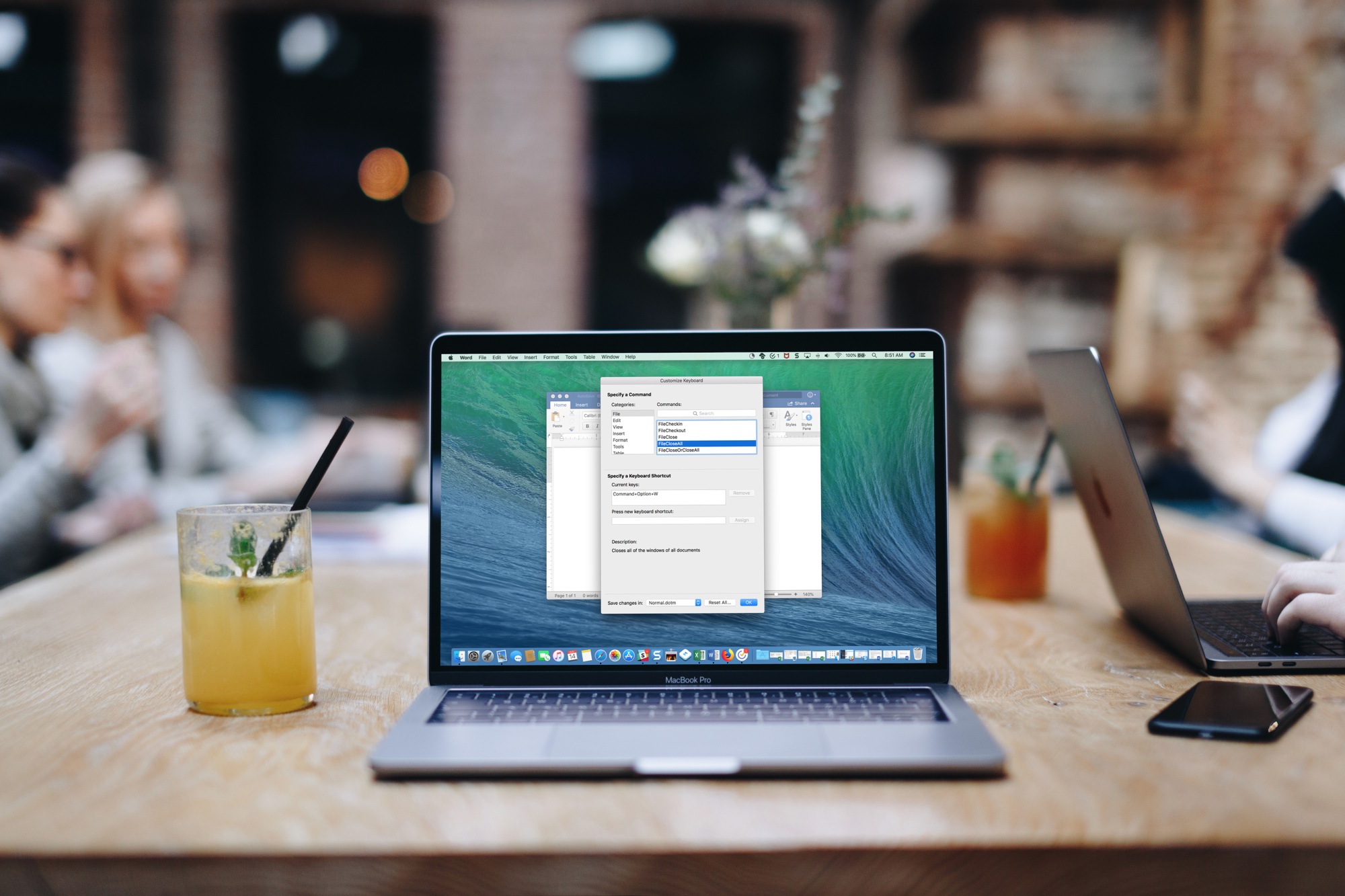
If you need Microsoft Office, you must currently subscribe to it - not everyone's cup of tea. That could change as soon as next year, however, as the Windows maker has now confirmed that it will offer a new perpetual release of Microsoft Office for Mac and Windows that doesn't require a subscription to use beginning in 2021.