Hot on the heels of launching iPadOS into the wild, Apple has also announced that its newest iPad starts shipping this week.
Apple’s new 7th-generation iPad starts shipping September 25
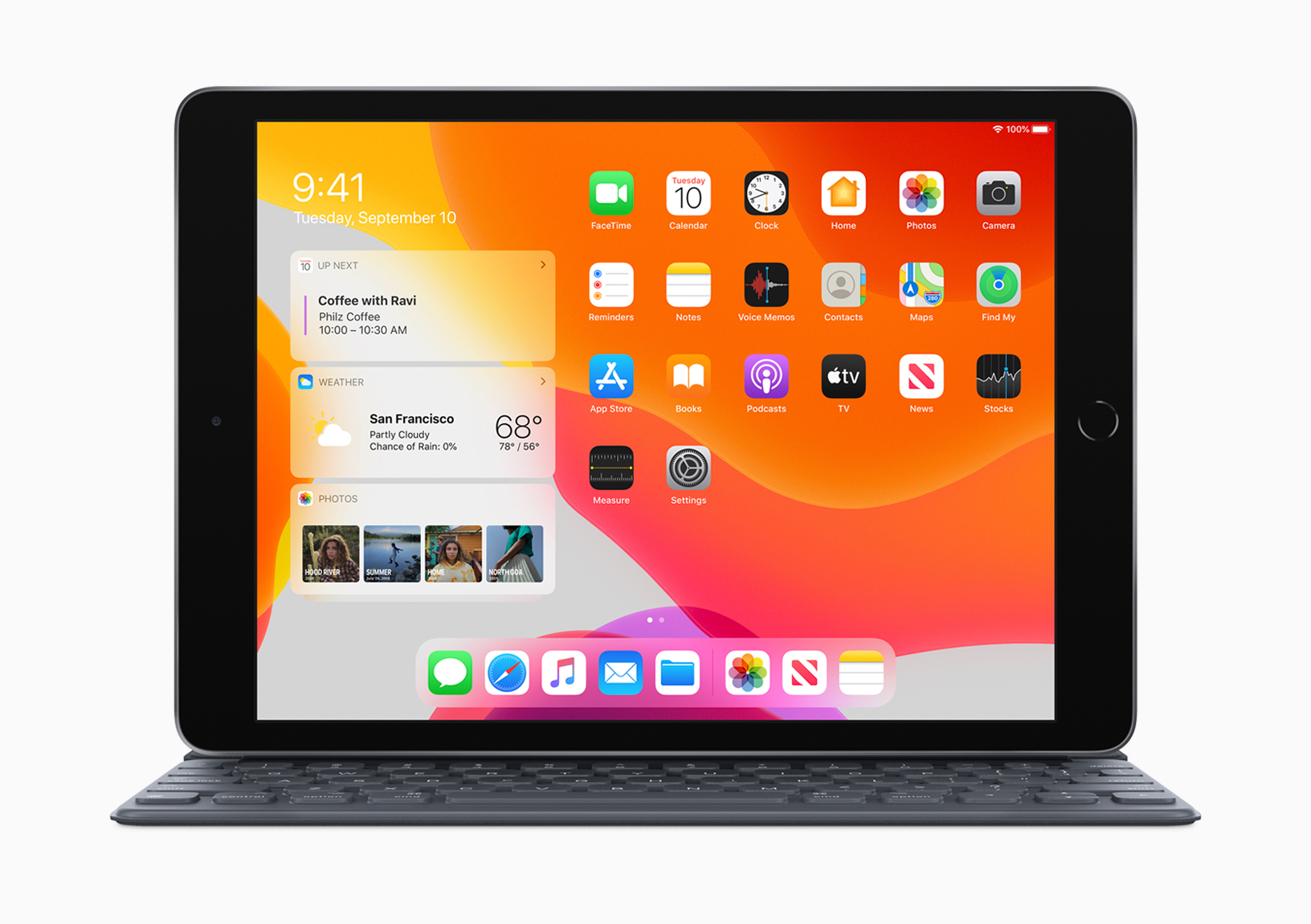
Hot on the heels of launching iPadOS into the wild, Apple has also announced that its newest iPad starts shipping this week.
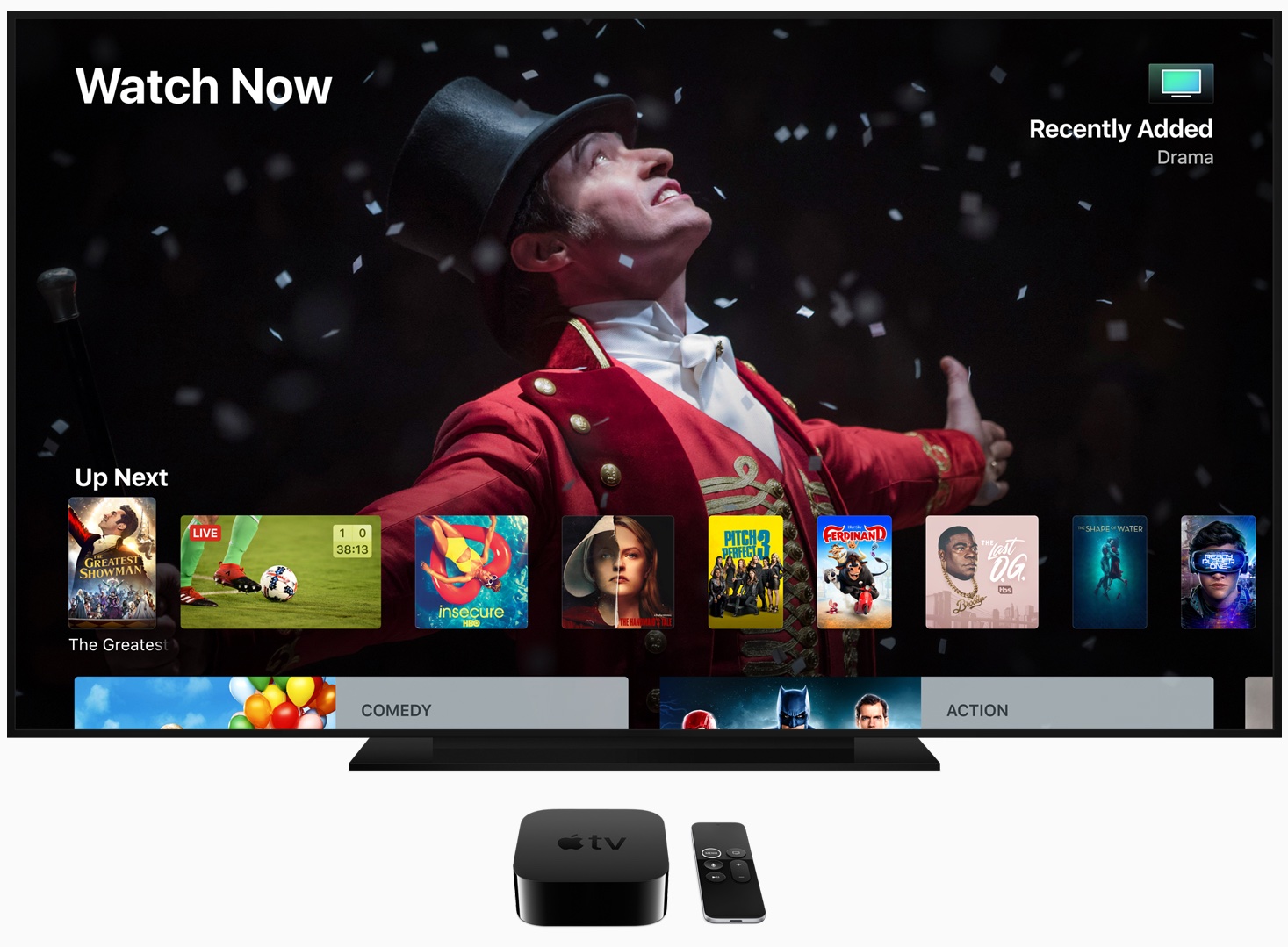
Apple has been working up towards the latest major update to the Apple TV, and now tvOS 13 is finally here.
Along with the launch of iOS 13.1, Apple is also welcoming iPadOS to give a shot of adrenaline to its iPad lineup.
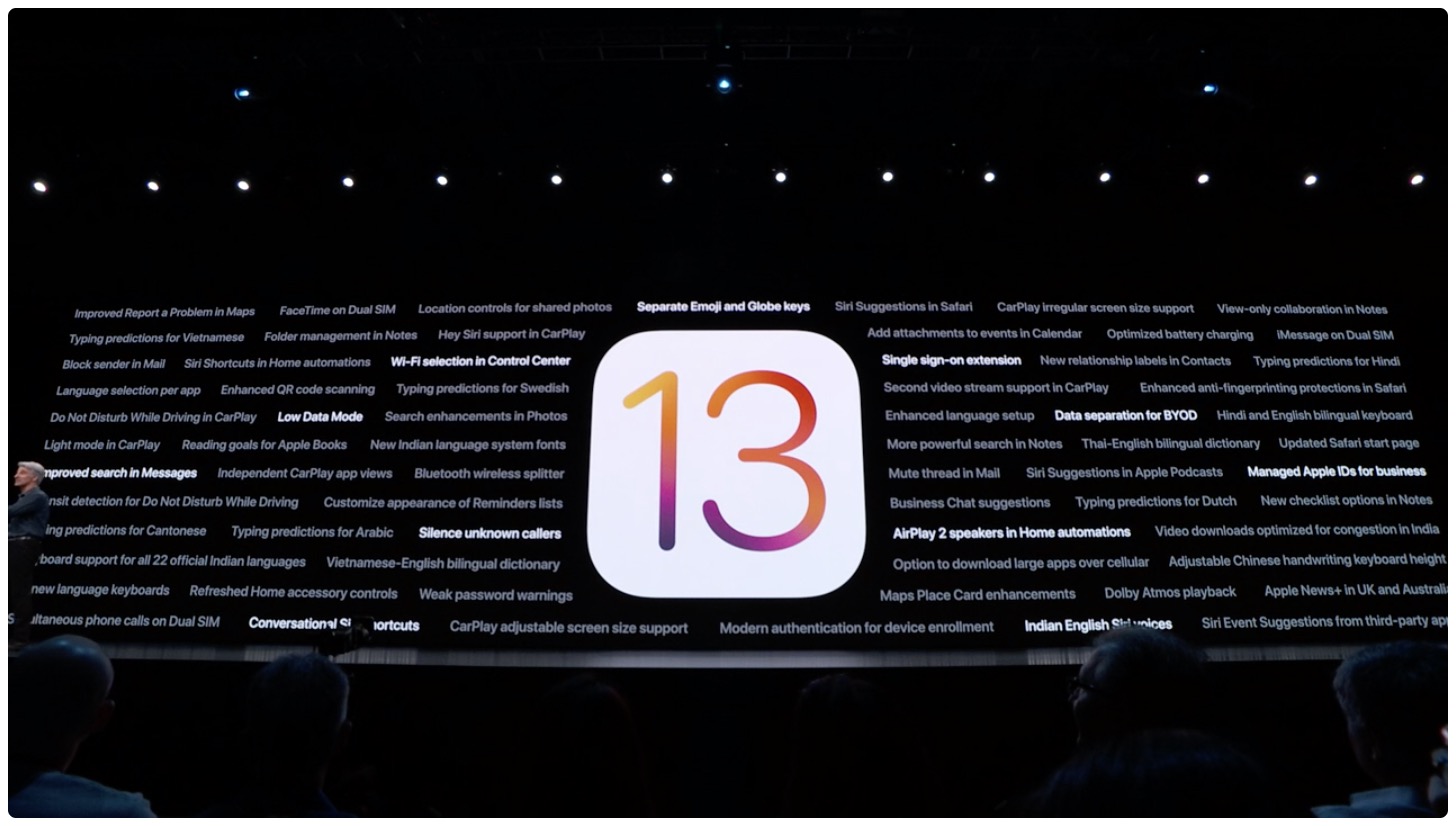
Late last week, Apple released iOS 13 to the public. However, that software version number was short lived, because now iOS 13.1 is ready for the spotlight.
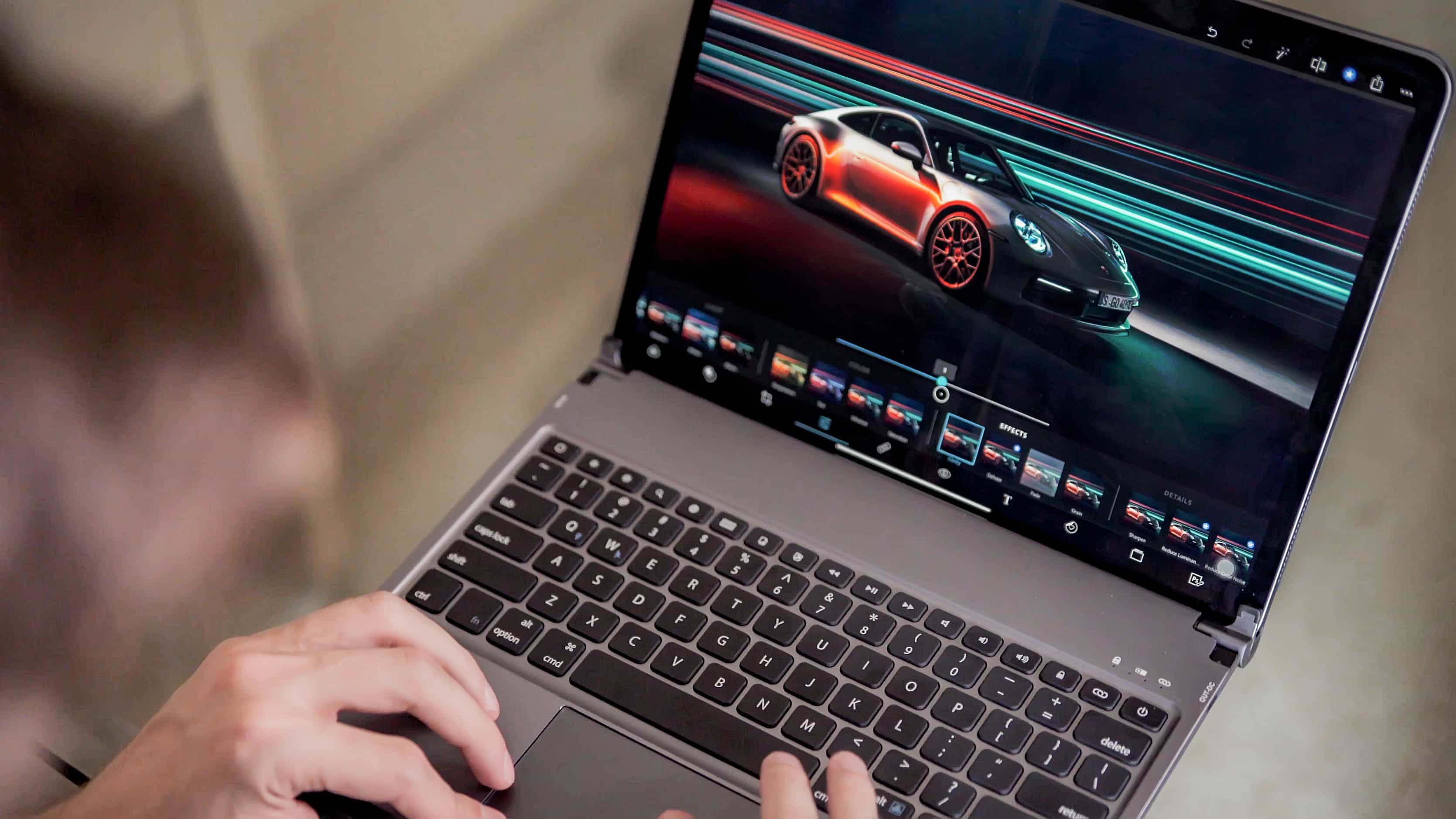
The iPad Pro is a powerful tablet in its own right, and can get even more productive when it's paired with a keyboard. Which is where the Libra keyboard can be of some help.

Apple Pay has been available in Sweden since 2017. But one of the biggest banks in the region has been missing out on support.

The $300 million Clean Energy Fund in China, which Apple announced back in 2018, is seeing some progress, and a major investment.
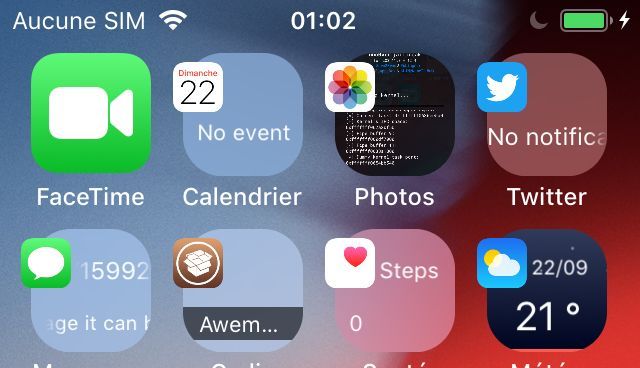
Your Home screen is literally teeming with tiny images designed to depict the applications they represent, but wouldn’t it be nice if these icons were more than just still images?
With the help of a newly released jailbreak tweak called Mowgli by iOS developer maximehip, you can command a whole lot more out of your iOS device’s Home screen experience.
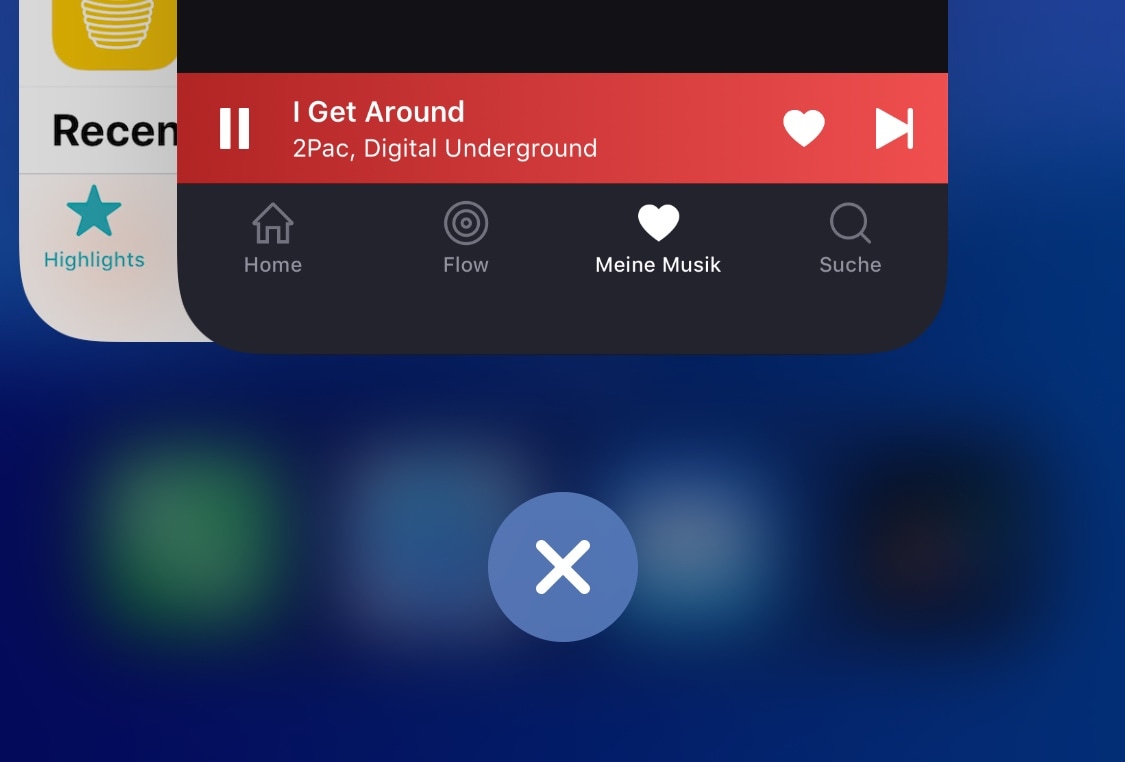
If you’re the type of person that likes to kill all the apps in your App Switcher when you’re finishing using your iPhone, then chances are you’ll come to appreciate a newly released jailbreak tweak dubbed KillX Pro by iOS developer cemck.
Like the name implies, KillX Pro lets users kill every app from their App Switcher in one fell swoop without having to swipe on each app preview card individually to accomplish the same effect. Instead, as shown in the screenshot examples above, KillX Pro adds a single button to the bottom of your App Switcher to do this with just a tap.
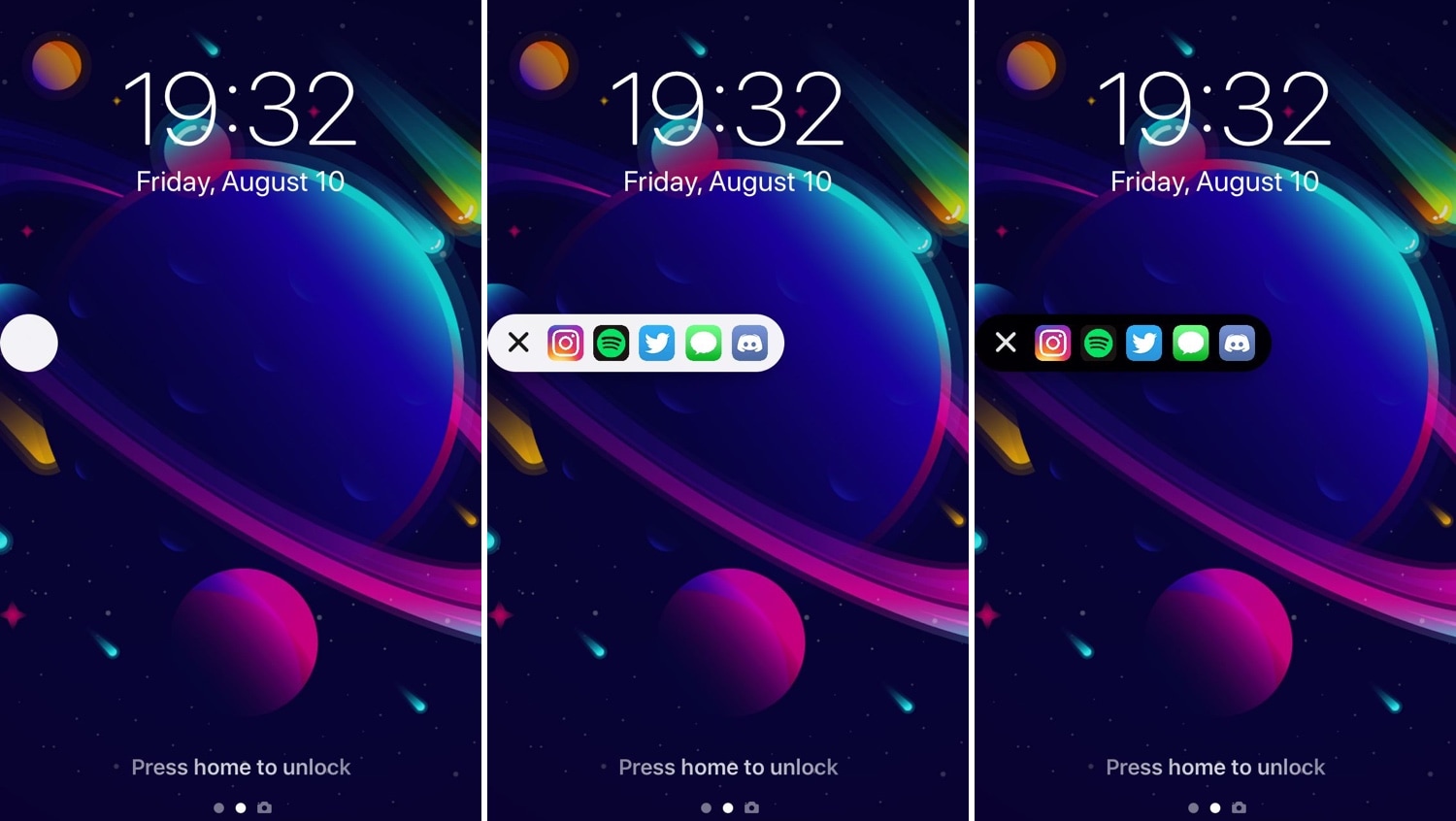
Some people are more anal than others in terms of keeping their Home screens neat and tidy, but those who install too many apps to keep track of can probably benefit from a jailbreak tweak dubbed AppShortcut by iOS developer db89.
As shown in the screenshot examples above, AppShortcut is precisely what you’d expect it to be: an app launcher that provides faster access to some of your favorite applications. The interface appears everywhere in iOS and can be collapsed or expanded depending on your needs at any particular time. Additionally, AppShortcut supports both dark and light UI modes.
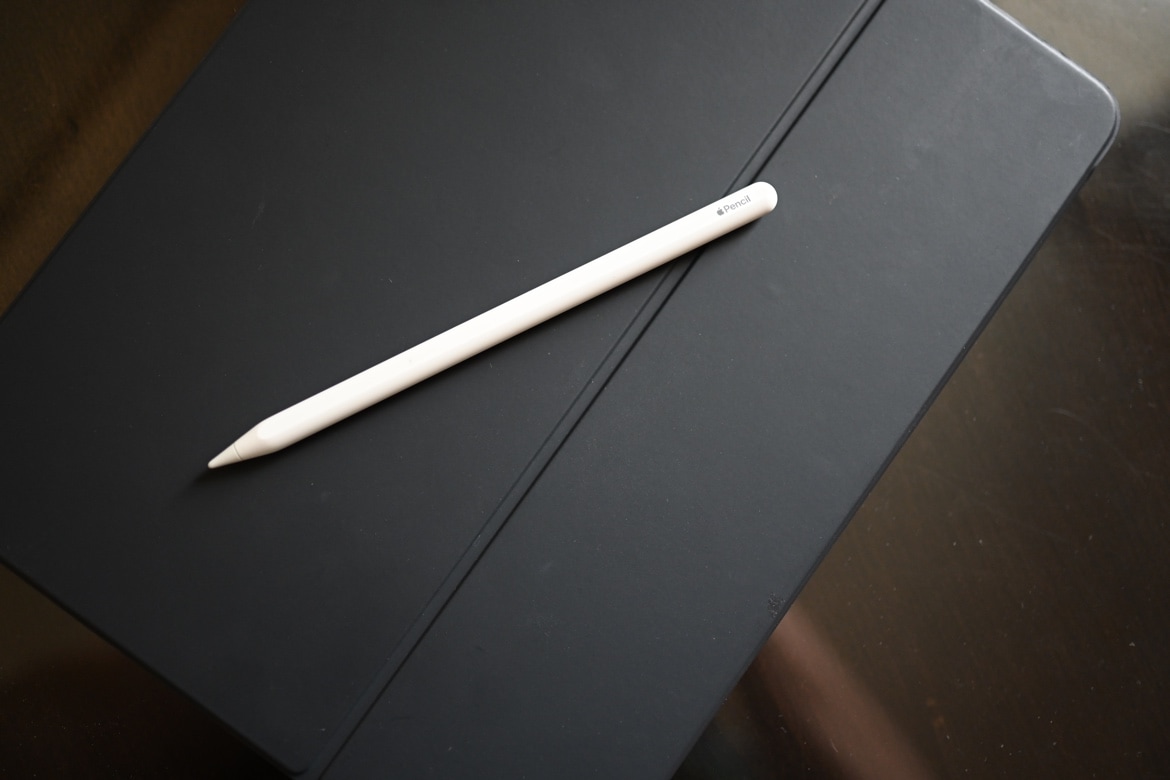
The Apple Pencil 2 has been available for a bit of time already, but if you've been waiting for a refurbished option, the wait is over.
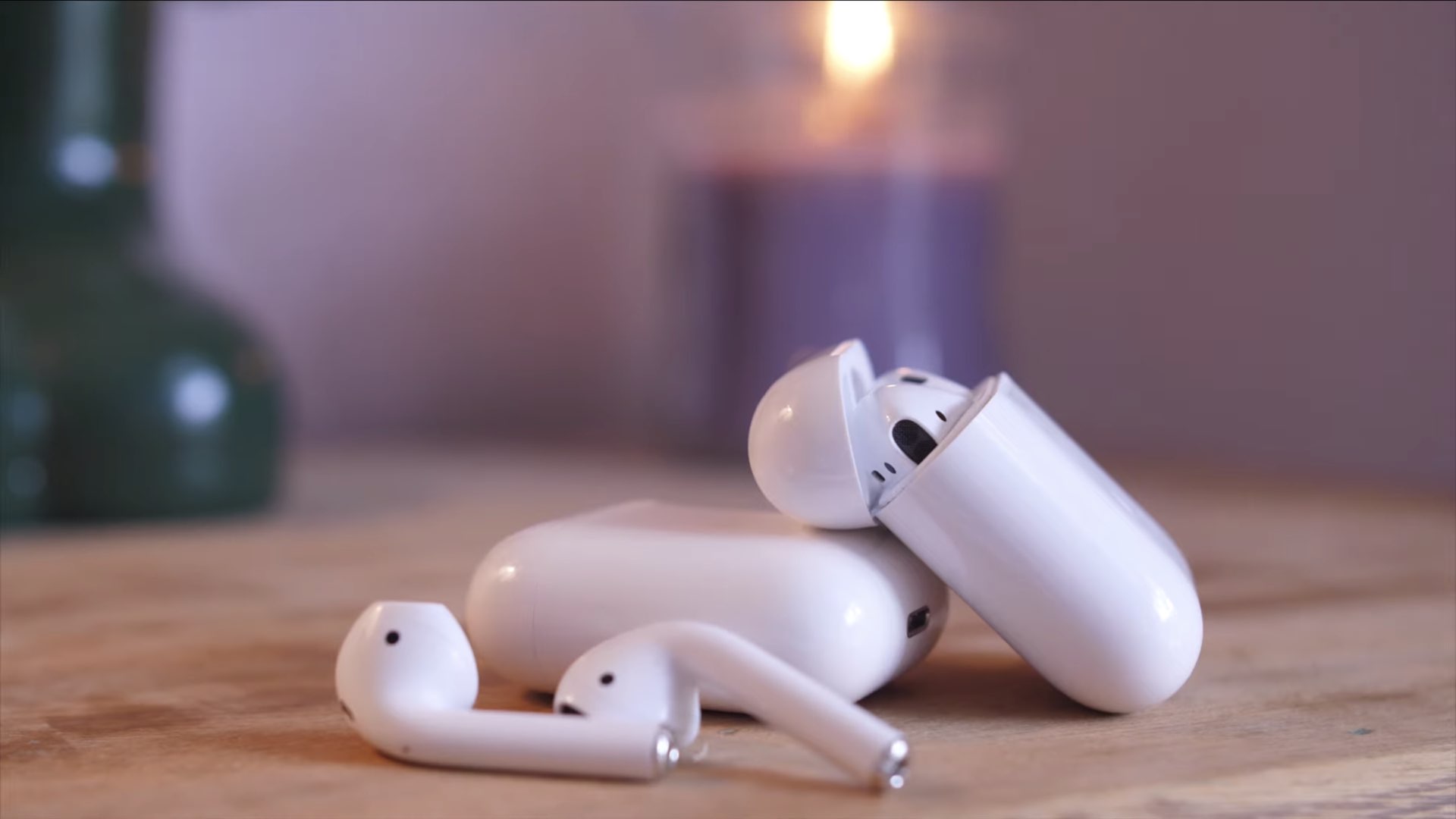
Way back in April of this year, there was a report that said that Amazon was working on its own truly wireless headphones, bringing yet another competitor to Apple's reigning AirPods.