News

Enable Peek and Pop on unsupported devices with Peekable

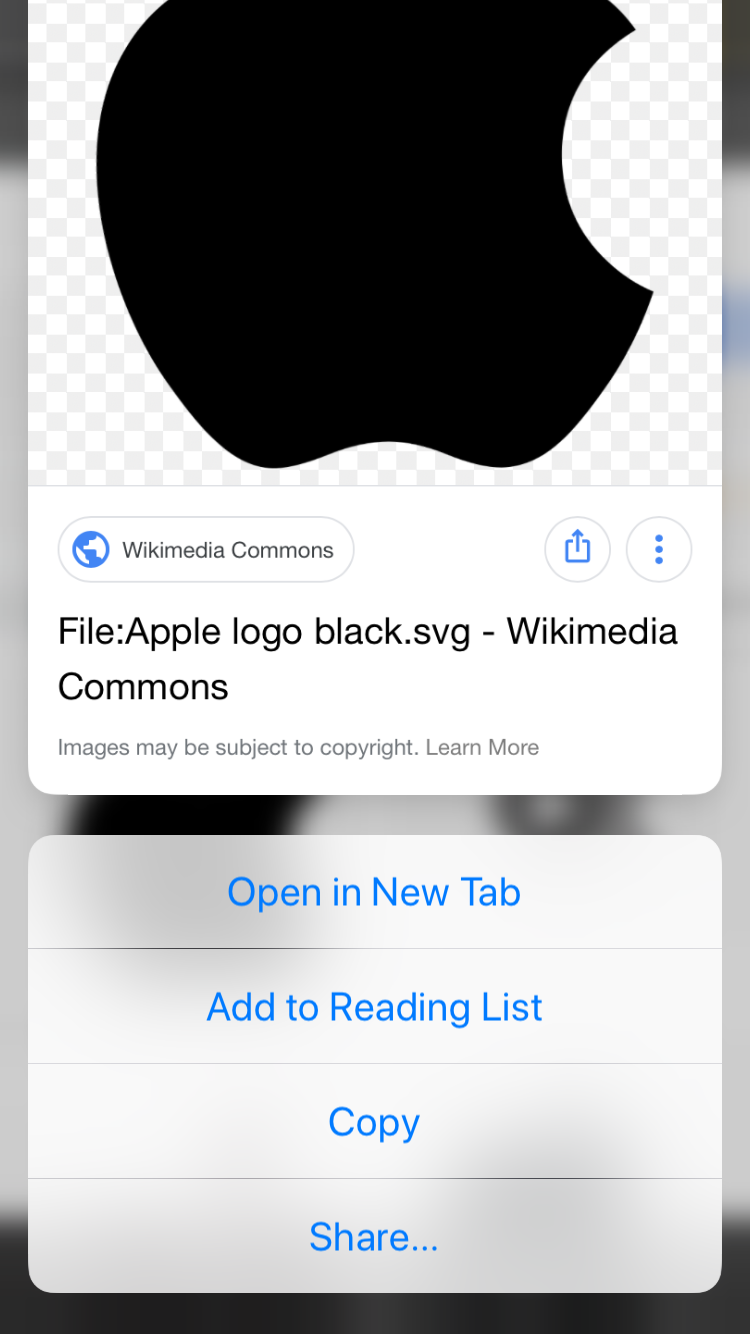
One of the most popular functions conceived by Apple’s 3D Touch and Haptic Touch gestures on modern iOS devices is the ability to press firmly on an app icon from your Home screen to reveal a hidden menu, but there’s actually much more to this feature than meets the eye.

Peek and Pop is a great example, as it enables users to press firmly on objects throughout the operating system to view more information and options for that item. Peek and Pop is limited to devices that support 3D Touch or Haptic Touch, but with a new and free jailbreak tweak called Peekable by iOS developer Ryan Nair, you can enable Peek and Pop on any iOS device.
This tweak offers improved control over your handset’s many volume levels

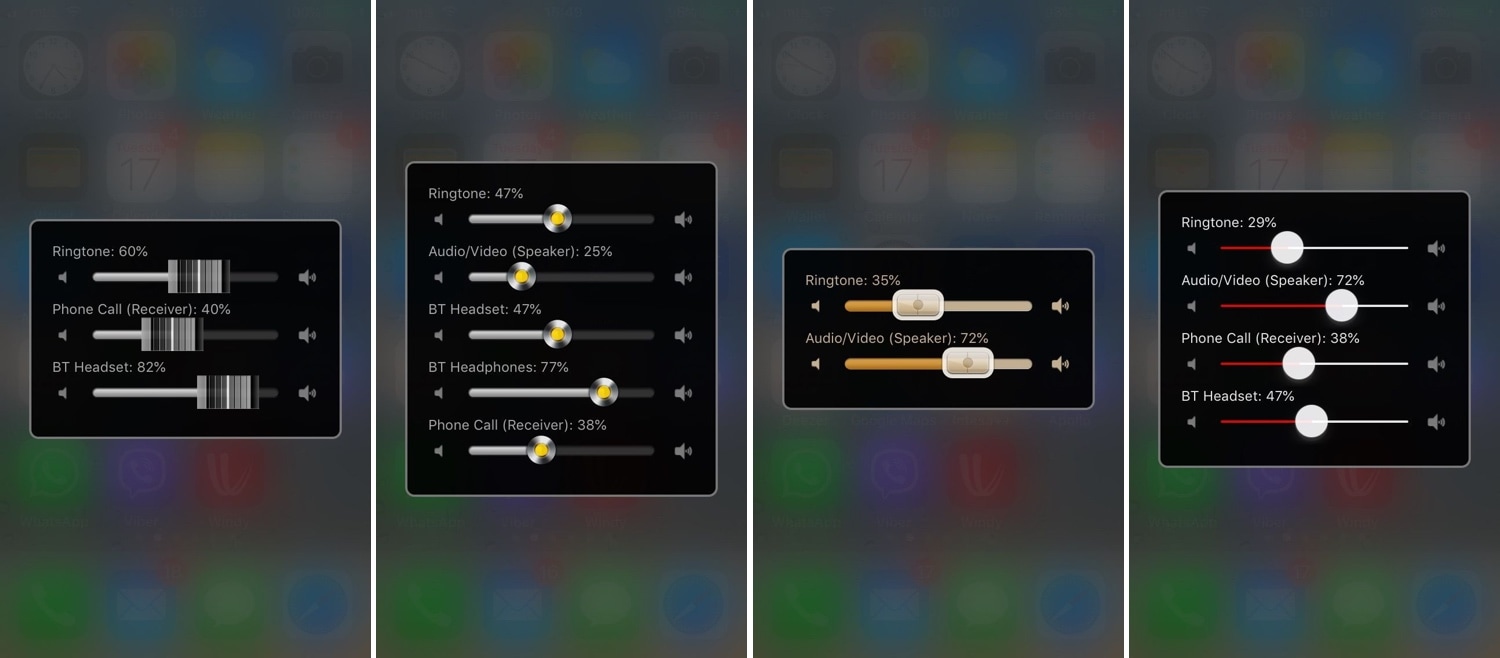
There are so many different volume levels to configure in iOS that it’s not even funny. One moment you’re turning down your volume, and the next, you might realize that you’ve just muted your ringtone instead of quieting down your Now Playing volume.

iOS tries to be smart about how it configures volume depending on what you’re doing at any given point in time, but it’s far from perfect. Fortunately, a jailbreak tweak called Volume Mixer 3 by iOS developer VladMax offers users a higher sense of fine-grained and manual control over each individual volume setting present on their iOS device.

Augment your iPhone’s Home screen with Vigor 2

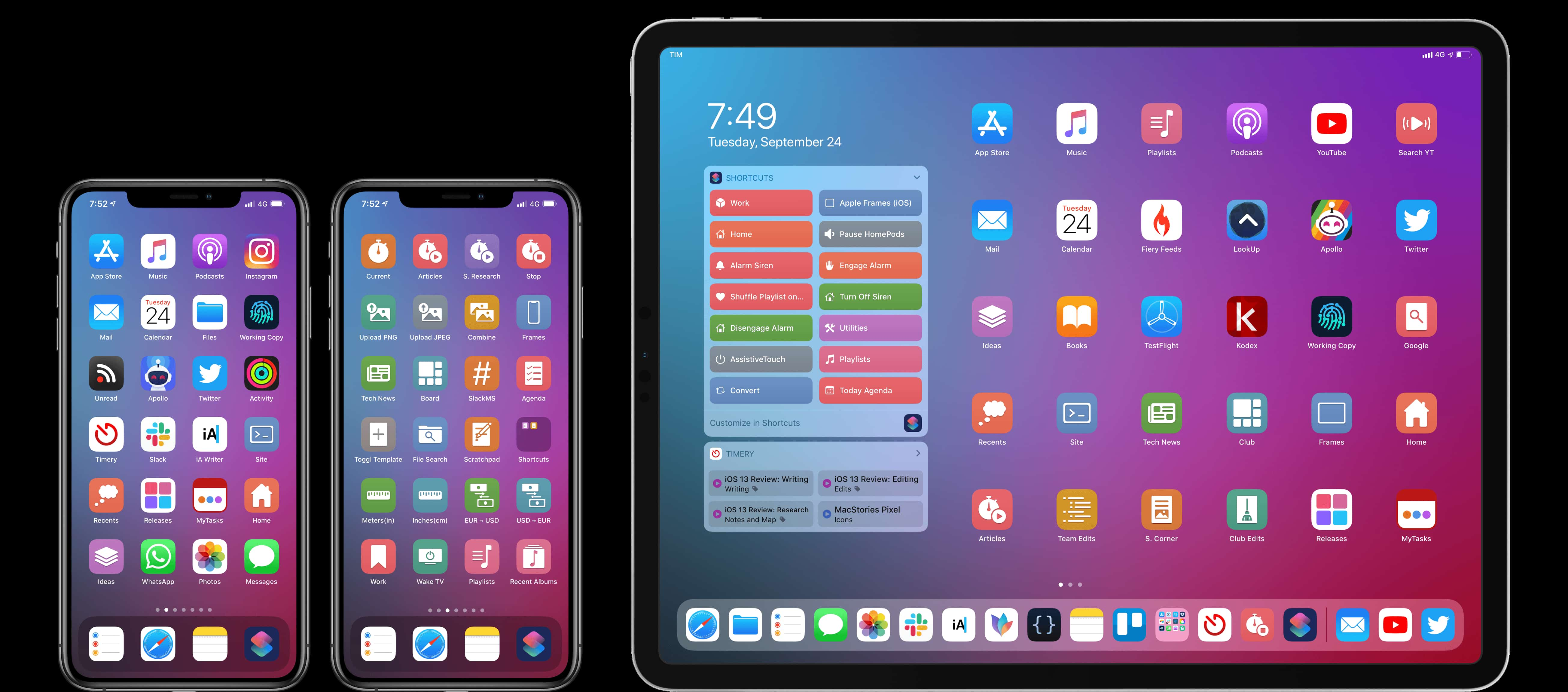
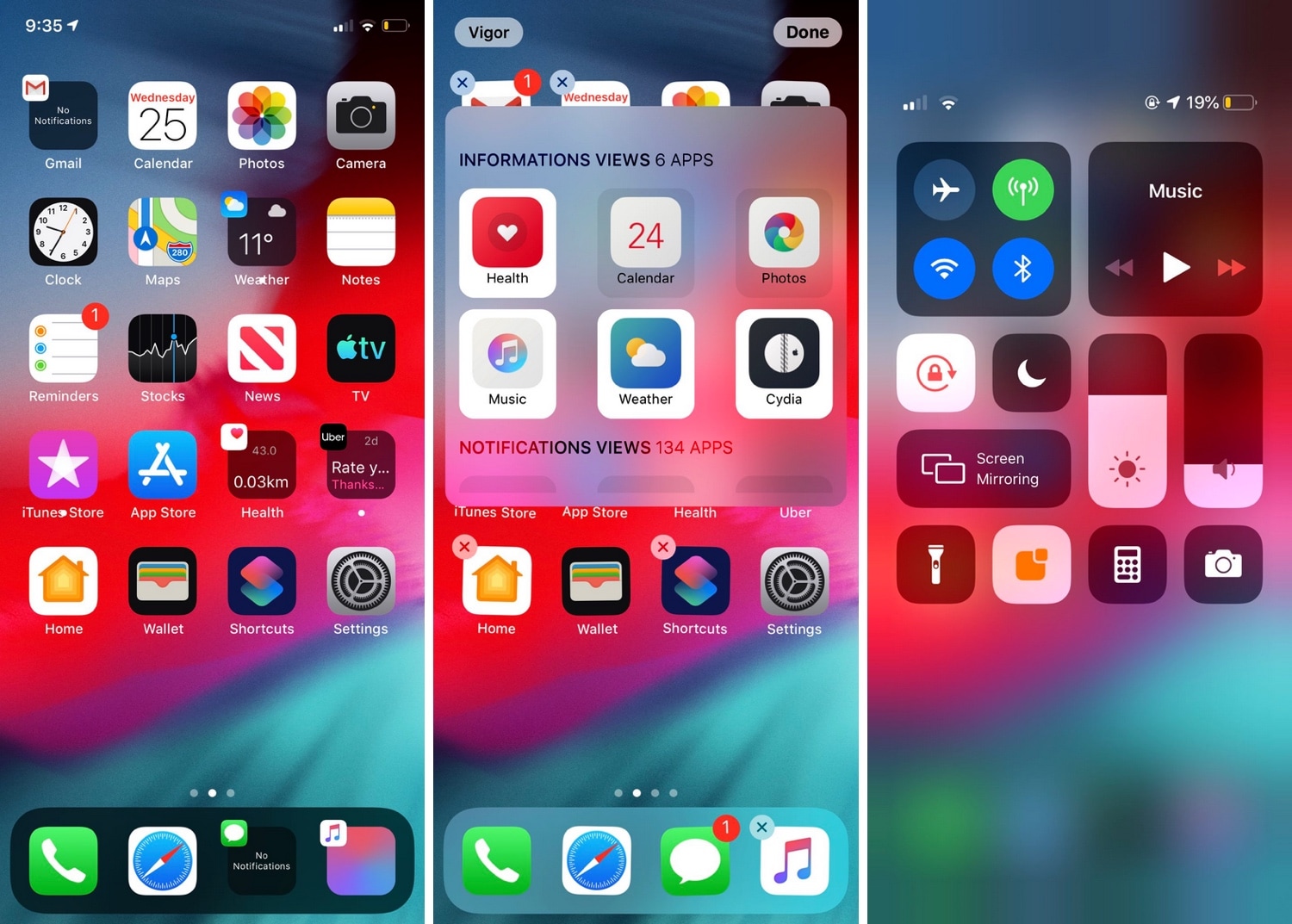
If you’ve just jailbroken your A12(X)-equipped (or other) iPhone or iPad for the first time, then you’re probably looking for some juicy jailbreak tweaks to spice up your handset’s stock capabilities. Fortunately, we’ve got an exciting one to show you today called Vigor 2 by the Atom Dev Team.

As shown in the screenshot examples above, Vigor 2 makes your Home screen icons a whole lot more useful by replacing the standard still images with dynamic widgets that change based on the content transpiring inside the respective app.