While we inch inexorably closer to the unveiling of new iPhones later this year, we are left with the rumor mill giving us glimpses of what might be.
iPhone 12 design with flat edges shown off with alleged molds and CAD images
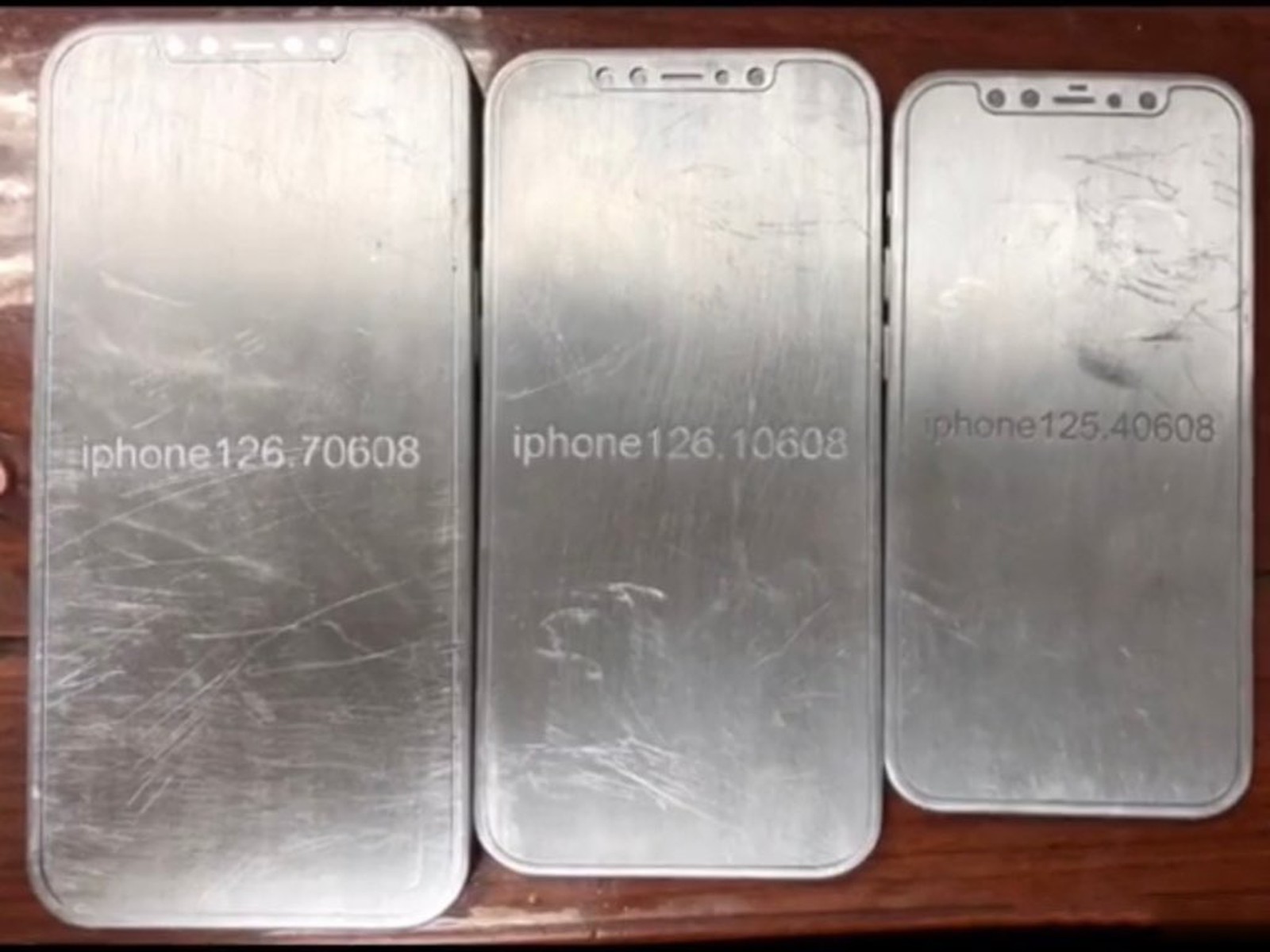
While we inch inexorably closer to the unveiling of new iPhones later this year, we are left with the rumor mill giving us glimpses of what might be.

Location spoofing is one of the hallmark reasons that someone might be willing to jailbreak their device. In fact, it was one of the arguments we mentioned in the top ten reasons to jailbreak your iPhone in 2020. But finding reliable location spoofing tweak can be a challenge, and that’s why we’re particularly excited to share with you a new and free jailbreak tweak release called Location Faker by iOS developer Jonathan Seals.
As shown in the screenshot examples above, Location Faker is powerful enough to trick most of your system’s location-based services into thinking you’re somewhere you’re not. In this example, we’ve pinned our location somewhere in Japan and both the Maps and Weather apps appear to believe that this is our true location even though it isn’t.
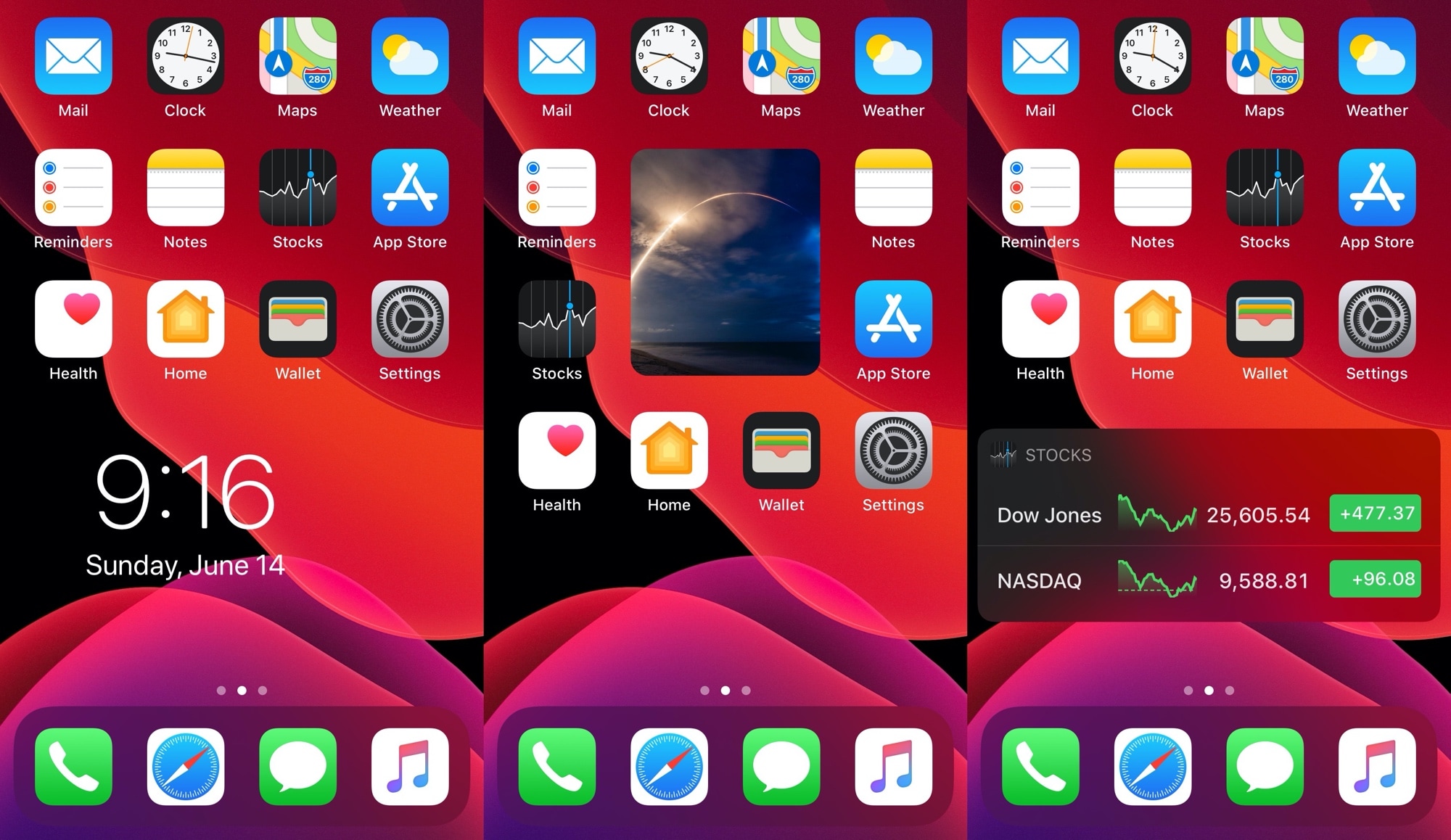
The iPhone is still one of the only mainstream smartphones on the market today that doesn’t offer a way to place widgets directly beside your Home Screen icons. Most Android handsets can already do this, and from what we can gather, Apple may be working on something similar to this for iOS 14. Unfortunately for those on vanilla iOS 13 and earlier, swiping over to the Today page is as close as you’re going to get to this experience.
Fortunately for jailbreakers, these silly boundaries are easy to break. A brand new and free jailbreak tweak called HSWidgets by iOS developer DGh0st lets users inject all sorts of widgets directly into the Home Screen interface, effectively having them ‘snap’ into place alongside the bevy of app icons that you might already have.
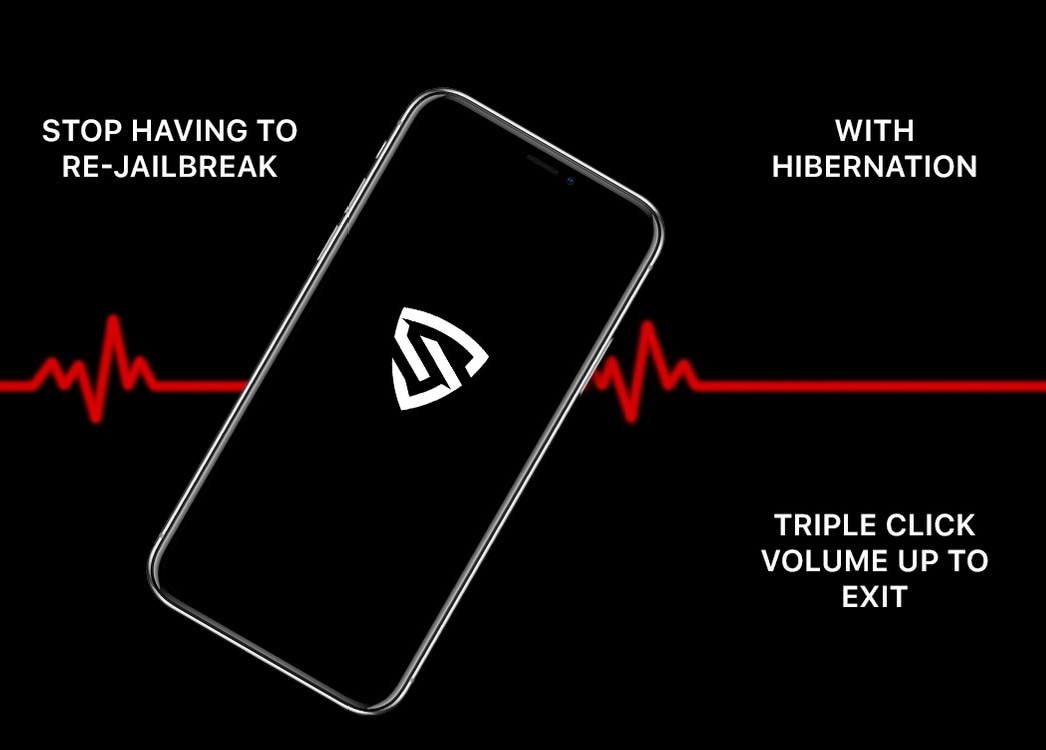
Rebooting your iPhone or iPad is often viewed as a big no-no in the jailbreak community, especially since all modern jailbreaks are either semi-tethered or semi-untethered, which means having to re-run the tool after a reboot to return to a jailbroken state.
In some cases, a reboot may seem unavoidable because your handset’s battery runs out before you can get to a charger. Fortunately, a newly released and free jailbreak tweak called Sentinel by iOS developer MegaDev tries to prevent this from happening by putting your handset into an hibernation-like state when the battery gets too low so that you have more time to get to a charger before a forced shutdown becomes inevitable.

If you were lucky enough to jailbreak iOS or iPadOS 13.5 before Apple stopped signing it earlier in the week, then you’re probably wondering what you can do to make your device more fun to use. That’s where jailbreak tweaks come into play, and it’s one of the reasons we’ve curated this roundup for you.
This roundup will encompass all the latest jailbreak tweaks we’ve showed you from Monday, June 7th to Sunday, June 14th. As usual, we’ll kick things off by discussing our favorites first, and then wrap things up with the rest afterward. These lists are alphabetized for referencing purposes.
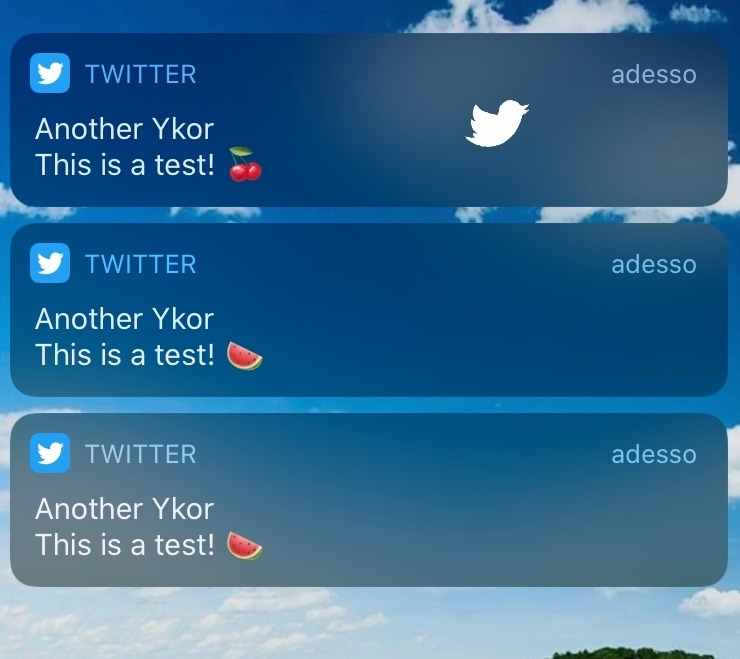
If you have as much of a love for jailbreaking as you do for using Twitter, then we think you’re going to have an absolute blast using a newly released jailbreak tweak dubbed Fly Fly by iOS developer Plat-Ykor.
Fly Fly makes the experience of receiving push notifications from Twitter both more fun and interactive. Upon receiving a notification, you will witness the Twitter bird taking flight across your display, complete with bird chirping sounds and an animated Twitter app icon.

If your iPhone or iPad is jailbroken, then it can be easy to go overboard with installing jailbreak tweaks. While the primary purpose of most jailbreak tweaks is to make your handset better, it’s always possible for a buggy or poorly coded tweak to go rogue and cause more harm than good; sometimes rendering your entire handset momentarily inoperable.
While some panic at the aforementioned thought, especially when it happens to their own jailbroken device, it’s not always necessary to restore your device and lose your jailbreak. In fact, the unc0ver jailbreak supports a function that lets you boot into a no-tweak state tantamount to the likes of no-substrate mode so that you can safely launch Cydia and uninstall the offending tweak(s). We’ll show you how that’s done in this tutorial.
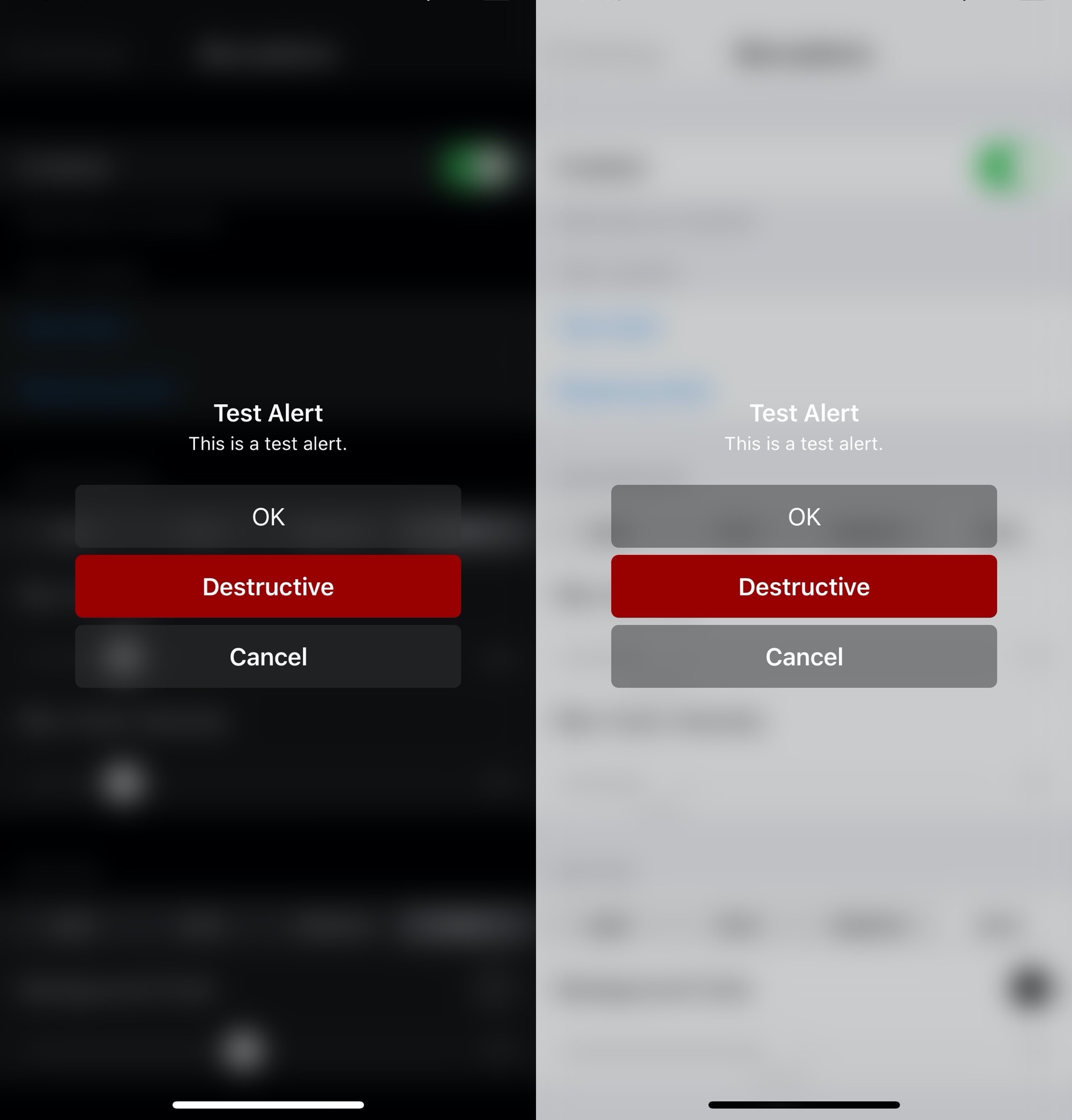
Apple has entirely different design aesthetics for its iOS and tvOS operating systems, but if you wish you could have more synergy between the two, then one way you could accomplish that is with the help of a new and free jailbreak tweak dubbed BlurryAlerts by iOS developer SlyFabi.
As you can discern for yourself in the screenshot examples above, BlurryAlerts replaces iOS’ native pop-up alert with a tvOS-inspired interface complete with the blurry background and the color-matched buttons.
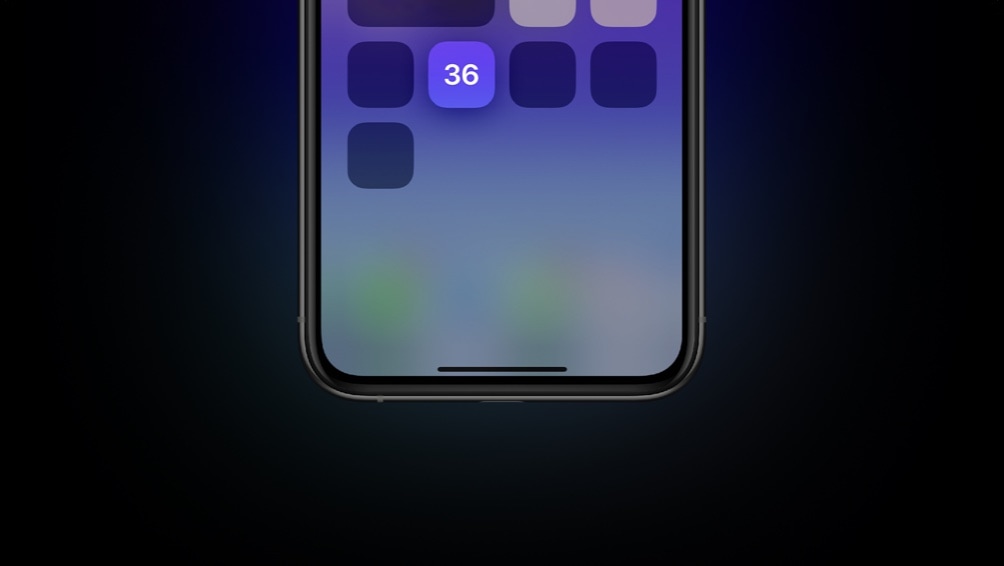
It can be difficult to curb smartphone addiction, especially when you’re so used to unlocking your iPhone with the flick of a finger and then refreshing your favorite social media feeds to see what’s happening in the world around you. But do you actually know how many times you unlock your iPhone each day? The number may surprise you.
For those interested in tracking their smartphone usage in a more intelligent manner, counter is a newly released and free jailbreak tweak by iOS developer ConorTheDev that puts a real-time device unlock counter in your handset’s Control Center interface.
Jailbreaking can be both a fun pastime and a way of making your iPhones and iPads capable of functionality that Apple doesn’t empower them with out of the box. Unfortunately, not all jailbreak tweaks work as expected, and in some cases, buggy or poorly coded tweaks may render your device temporarily unusable.
But fear not, as you probably won’t need to restore your device and lose your jailbreak data. The checkra1n jailbreak tool incorporates a Safe Mode mechanism that can be used to boot your jailbroken iPhone or iPad into a no-substrate-like mode in which jailbreak tweaks don’t load. You will, however, be able to launch Cydia and uninstall the offending tweak(s). We’ll show you how to do that in this tutorial.
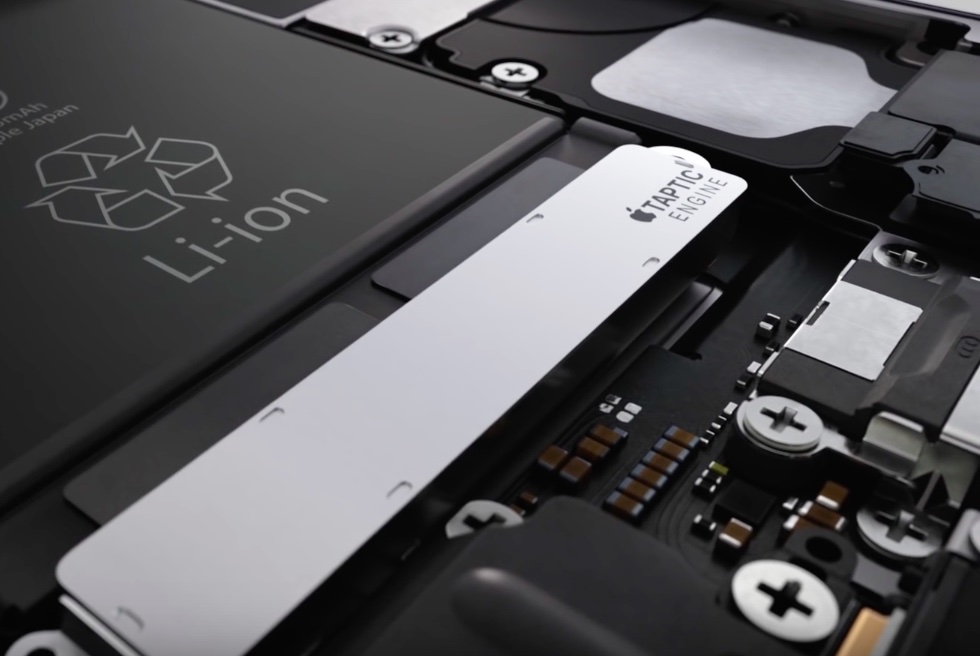
Just yesterday, we showed you a jailbreak tweak called Haptify that could make your iPhone exhibit haptic feedback in more places that it would out of the box. While it was indeed a fine tweak, it also came with a price tag, and that’s one of the primary reasons why we’re eager to show you a newly released and free add-on dubbed Buzz Buzz Lite by iOS developer Jax Roth.
Just like Haptify, Buzz Buzz Lite provides a little bit of haptic feedback to many of the actions that you might regularly perform on your iPhone. But it’s worth noting that Buzz Buzz Lite supports several more actions than Haptify did, and that the tweak’s execution is somewhat different as well. We’ll be bringing many of those differences into the light in this piece.