Music

Tune provides a sexier Now Playing interface for pwned iPhones

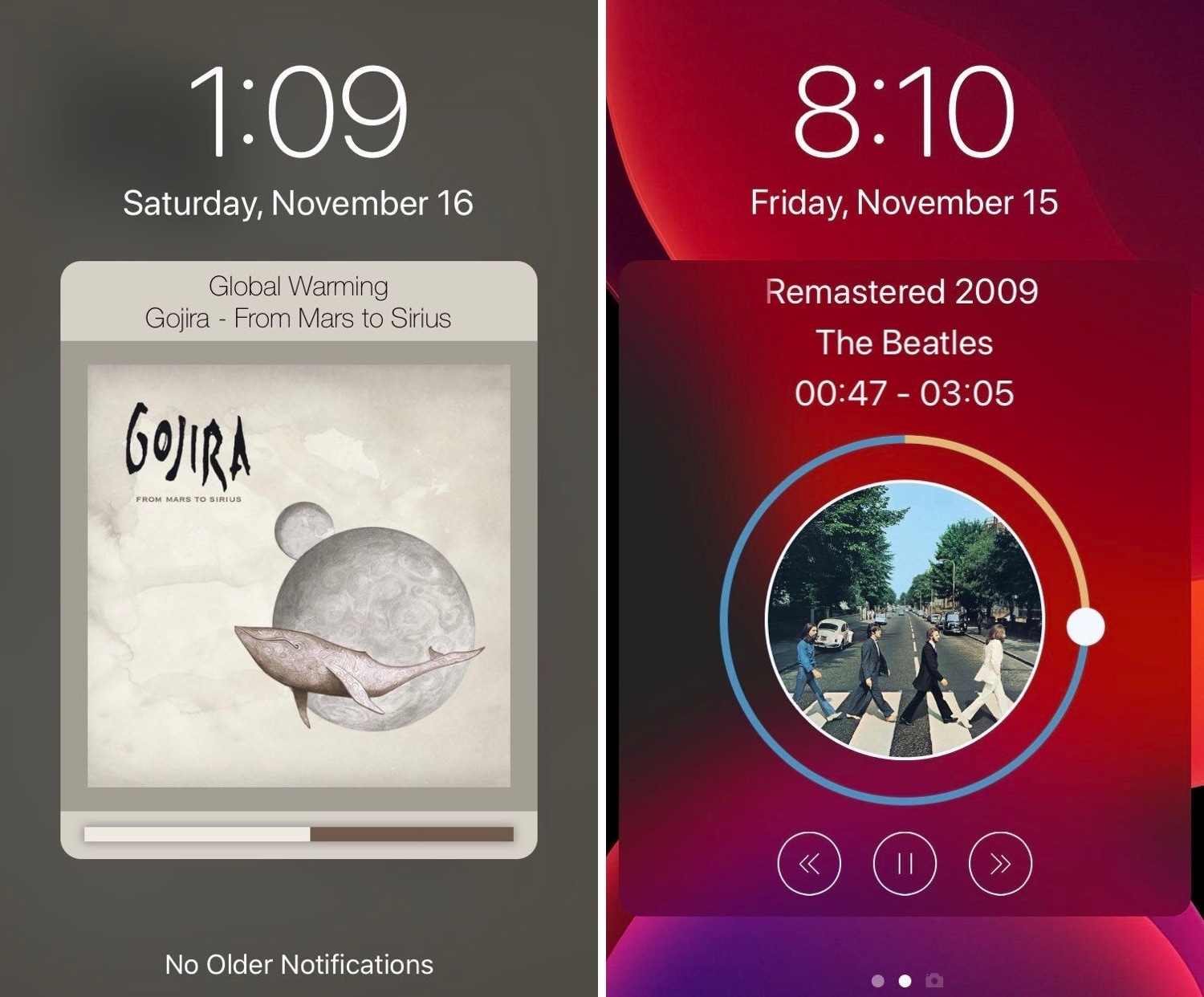
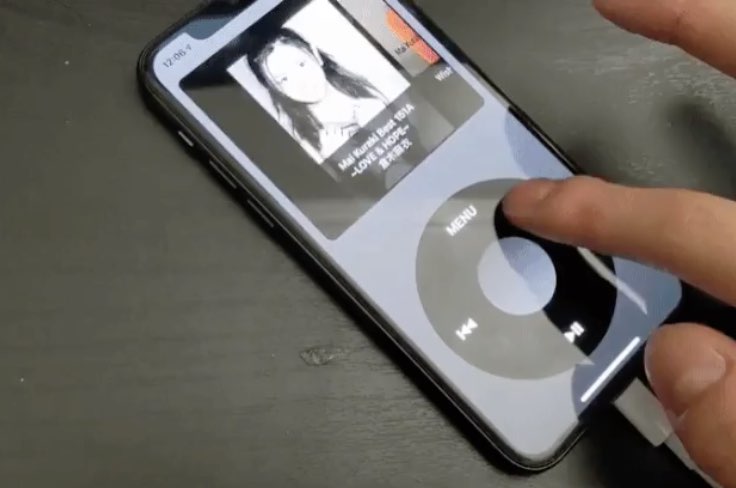
Those who listen to a lot of music on their iPhones are probably accustomed to looking at what seems like the same Now Playing interface Apple has provided for years. But if you’re like me and you’re looking for something a bit more eccentric, then you might enjoy using a newly released jailbreak tweak called Tune by iOS developer s1ris.

As depicted in the screenshot examples above, Tune can replace the traditional Now Playing interface with something a lot more aesthetically pleasing. At this time, the tweak supports two different styles, including Helius (left) and Spin (right).

The best iPhone Christmas apps for celebrating the holiday

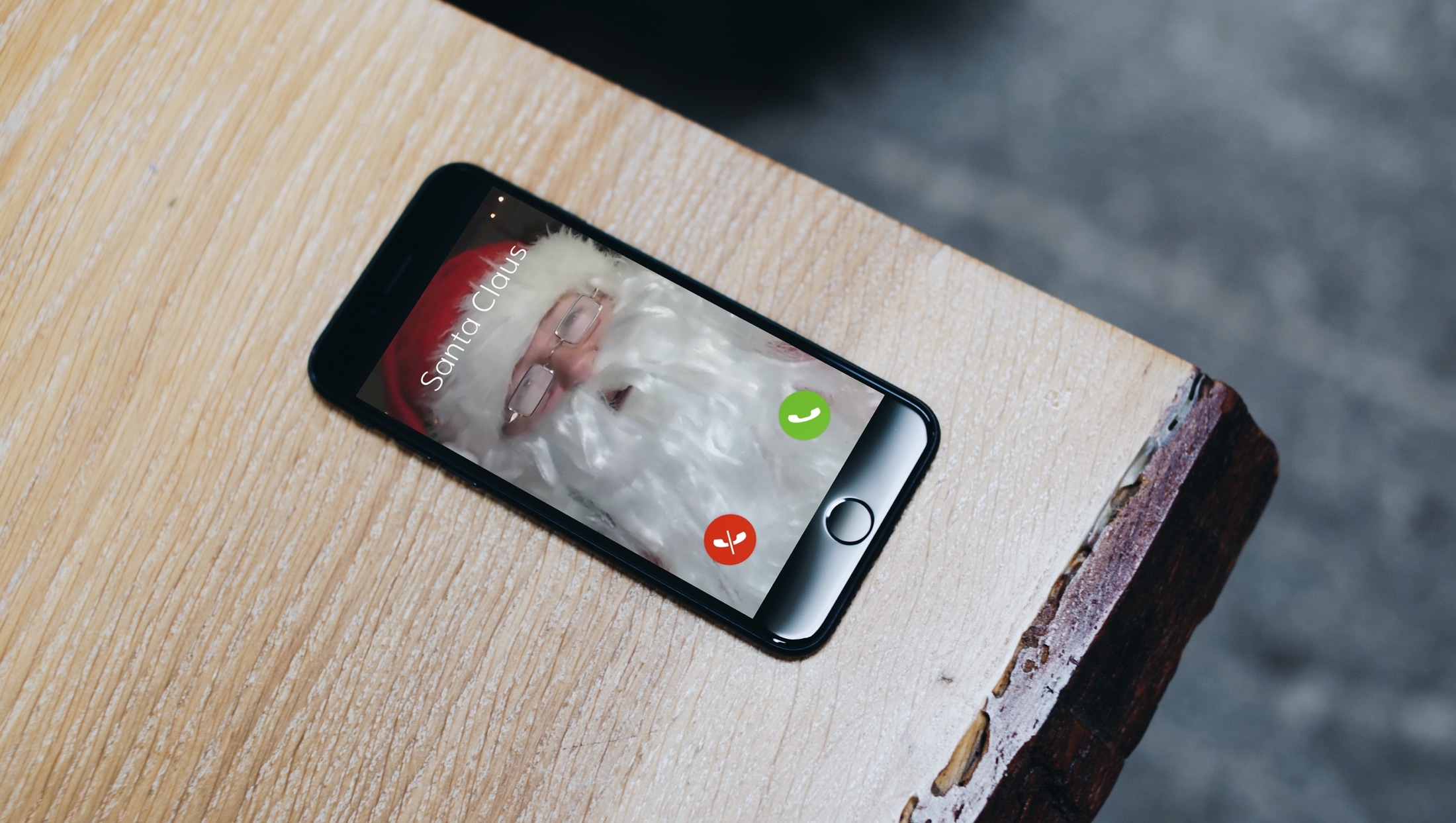
Santa Claus Video Call iPhone

Whether you love Christmas or simply want to get in the spirit, there are tons of fun, useful, and unique Christmas apps for iPhone. You can count down to the date, make festive photos, have your kids talk to Santa Claus, and more.

To give you a helping hand this holiday season, we’ve assembled a collection of Christmas apps to bring some joy to your device, and hopefully you as well.

Gump keeps backgrounded apps running amid device resprings

Respring screen.

Perhaps one of the most bothersome parts about respringing your jailbroken handset is that when you have music playing in the background, the respring interrupts it, forcing you to manually tap on the ‘Play’ button to continue music playback.

Those who’ve been plagued by this nuisance for as long as I have will be thrilled to learn about the launch of a new jailbreak tweak called Gump by iOS developer Kurrt, as it effectively keeps backgrounded apps and music running even throughout the course of a standard respring.

How to reverse a track in GarageBand on Mac and iOS

Reverse Playback switch in GarageBand on Mac

When you’re creating or editing a song in GarageBand, you might want to add something unique to it by reversing a track. Playing a track backwards can give you an unusual sound that you might not be able to replicate another way.

Here’s how to reverse a track (or region) in GarageBand on Mac, iPhone, or iPad.