Learn how to play, pause, shuffle, and control Apple Music, Spotify, YouTube Music, or other media playback on your iPhone using your Apple Watch.
How to control and play music on iPhone from your Apple Watch
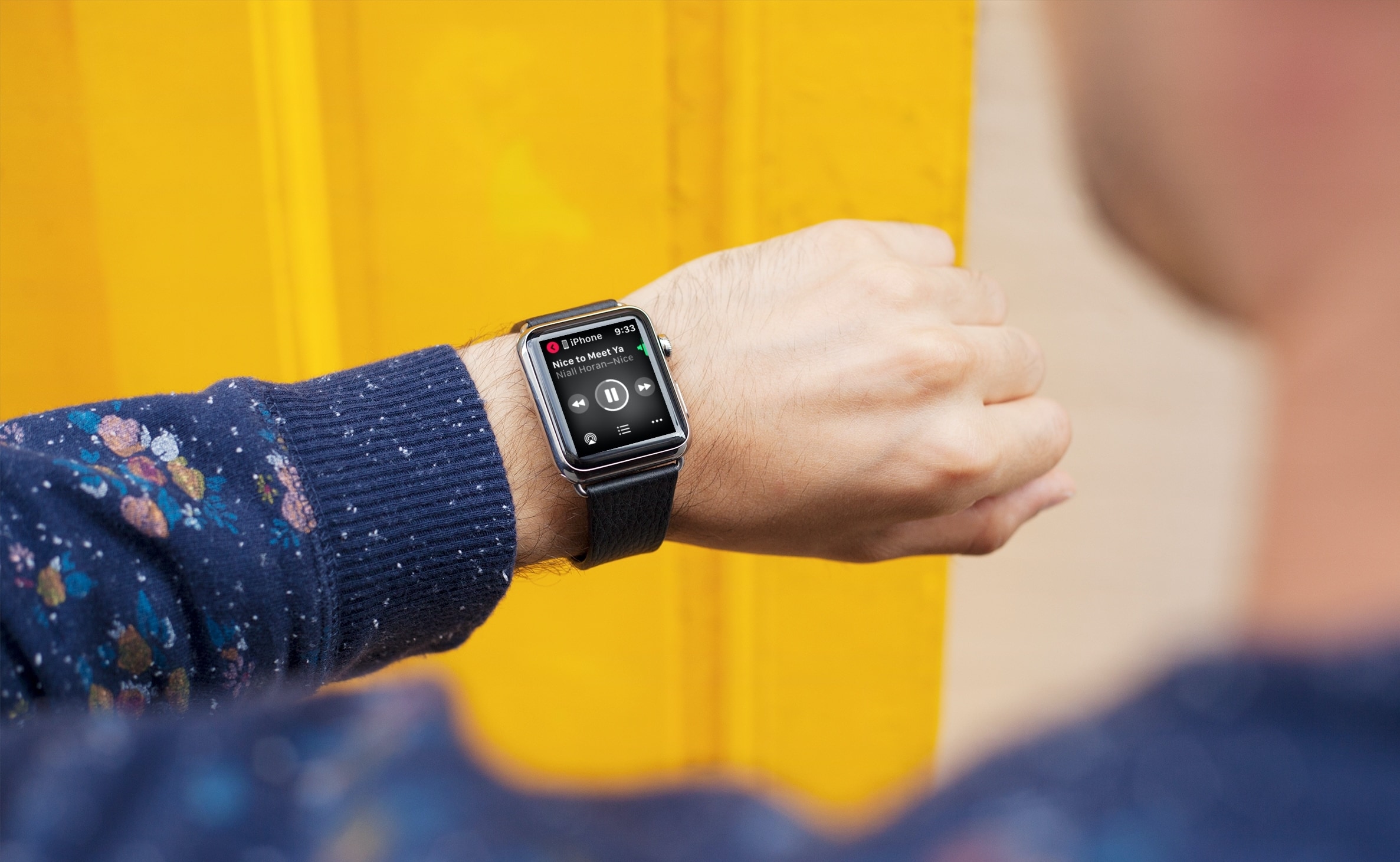
Learn how to play, pause, shuffle, and control Apple Music, Spotify, YouTube Music, or other media playback on your iPhone using your Apple Watch.
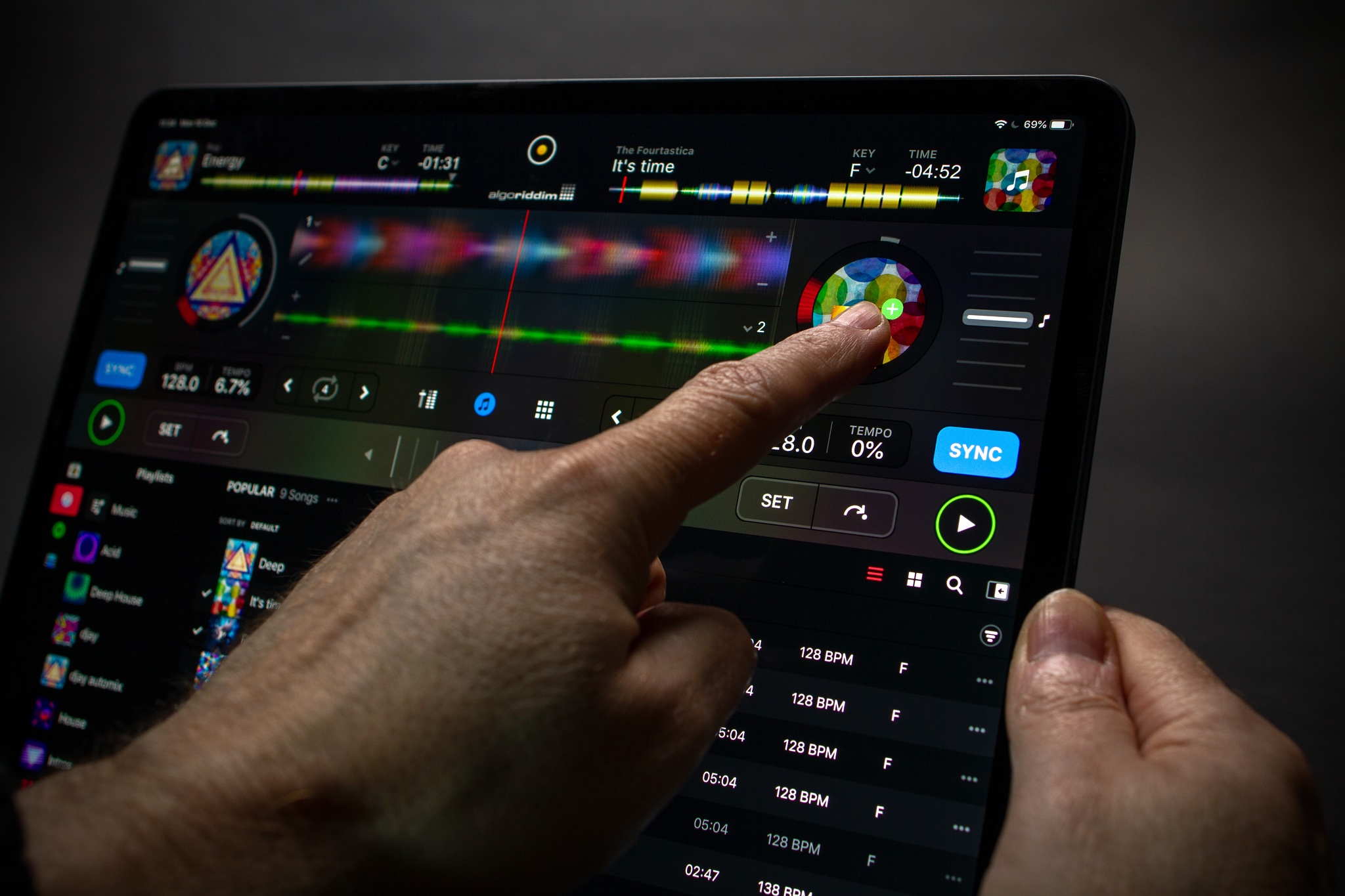
Algoriddim's award-winning djay apps for iPhone, iPad and Mac have long offered integration with both Spotify and Apple Music, the two most popular music-streaming services, but now customers can take advantage of the newly-added SoundCloud and Tidal integration, too.

Listening to the radio can be a nice change from the same old songs and playlists. You can discover a new song or enjoy a radio show. And with one of these radio apps on Apple TV, you can just tune in and let it play.

The new documentary “Beastie Boys Story” is coming to Apple TV+ in April, and the Mac maker yesterday shared a teaser video for this upcoming live documentary experience.

Learn how to add background music to your Keynote presentation or a specific slide to enhance your slideshow.
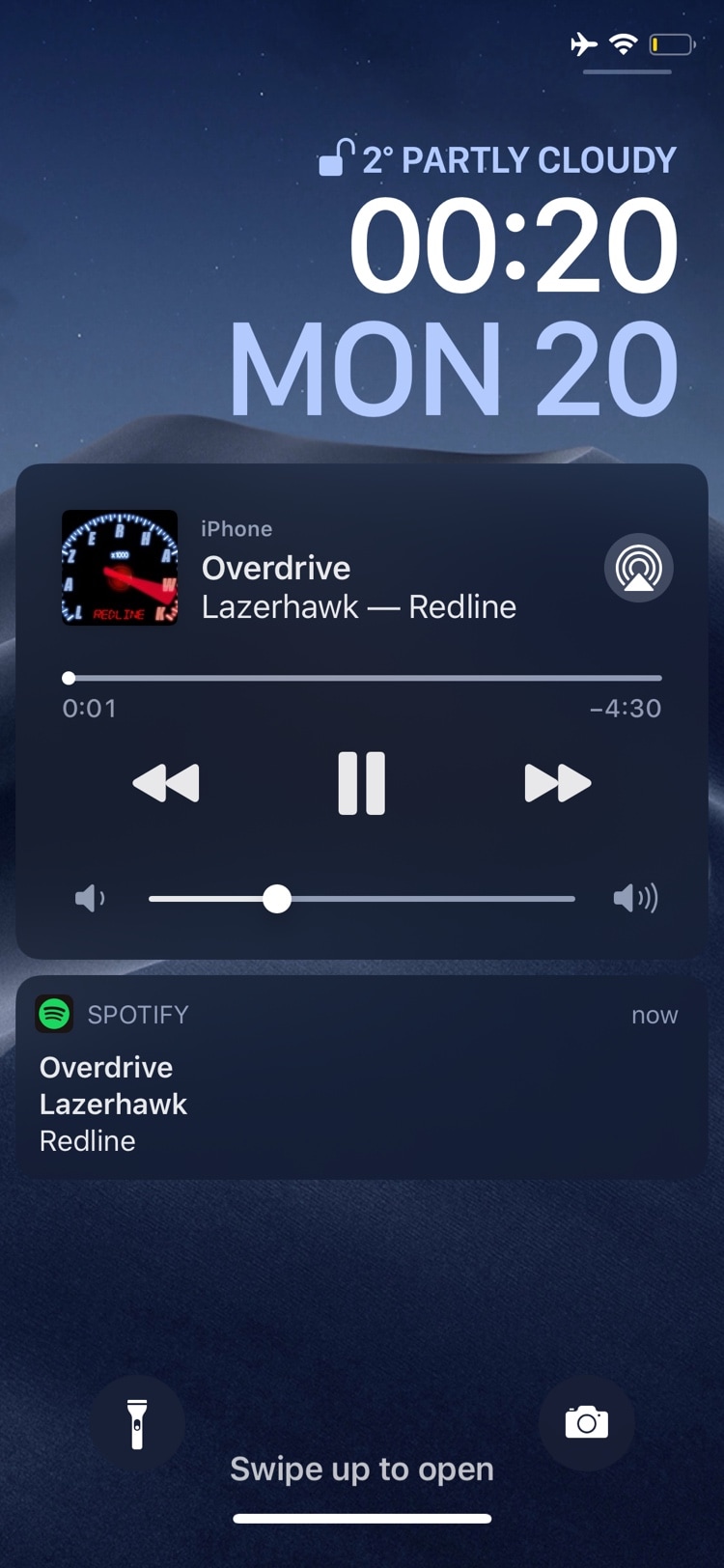
If you use your iPhone as a media player just as often as you use it as an internet communications device, then we have no doubt that a newly released jailbreak tweak dubbed ezskip by iOS developer Kushy will be able to improve your music listening experience.
Just as the name implies, ezskip was created to make skipping between Now Playing music tracks even easier – even when your iPhone is locked in your pocket. With it, you can program one of two different volume button-based gestures to quickly skip to the next track in any Music app.
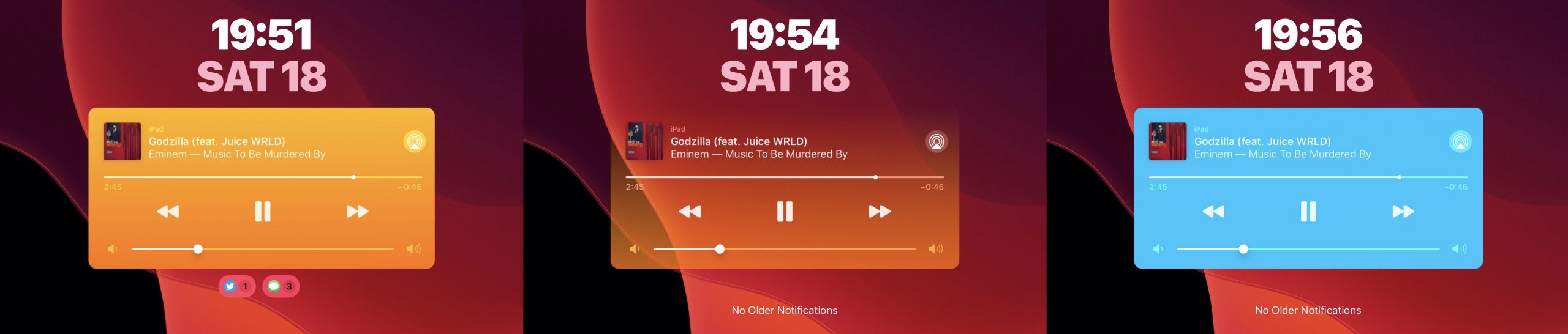
Whenever you listen to a song, iOS puts a widget on your handset’s Lock screen so that you can see what’s playing and interact with the playback as you see fit. As useful as this is, it’s particularly unfortunate that Apple doesn’t let you customize the widget’s aesthetics in any way.
Thankfully, it doesn’t have to be that way if you’re jailbroken. A newly released and free jailbreak tweak dubbed CustomPlayer by iOS developer iCraze enables users to colorize the Now Playing widget however they like.

In this quick tutorial, we show you a couple of easy ways to see all the songs you have marked as your favorite in the Apple Music app on your iPhone, iPad, and Mac.
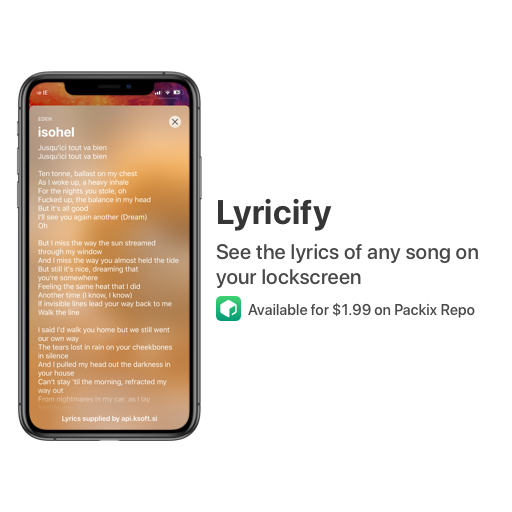
Not everyone cares about song lyrics, but if you’re the type of person who likes to follow along with whatever it might be that you’re listening to, then we have no doubt that you’ll enjoy a newly released jailbreak tweak dubbed Lyricify – originally by iOS developer ConorTheDev and more recently passed to iOS developer Renaitare.
As depicted in the screenshot examples, Lyricify was beautifully designed to display your favorite song lyrics directly on your handset’s Lock screen in an Apple-esque manner. With that in mind, the tweak looks and feels native, making it feel both familiar and easy to use.

Want to show the iTunes Store in the Apple Music app on your Mac? With a simple setting, you can display the store and buy songs, albums, and music videos.
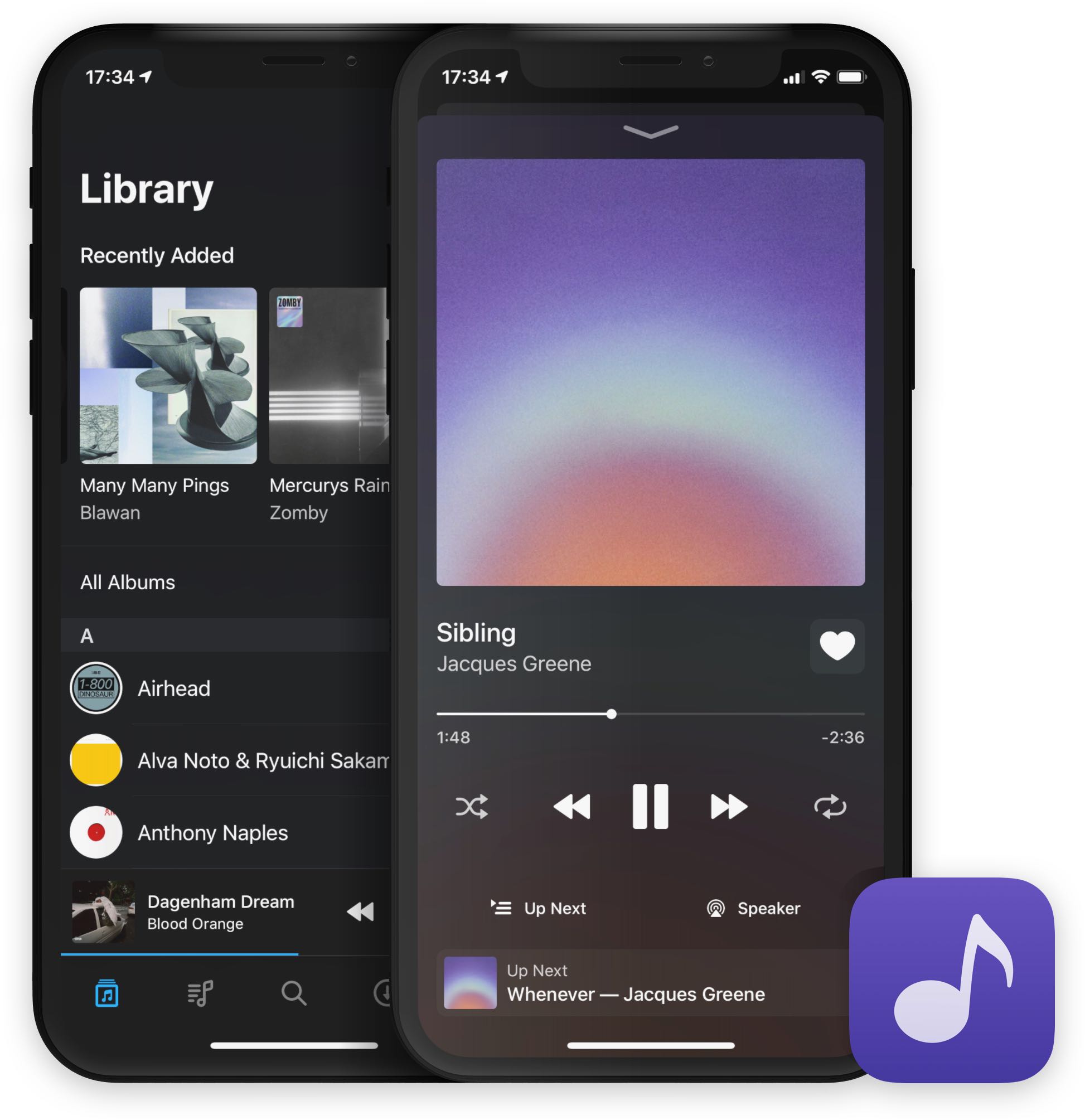
Doppler 2 was released today. It's a major update to the desktop-class music player for the iPhone with several interesting improvements like wireless transfer and import support. Doppler is an alternative to Apple's Music app, with many interesting and unique features.
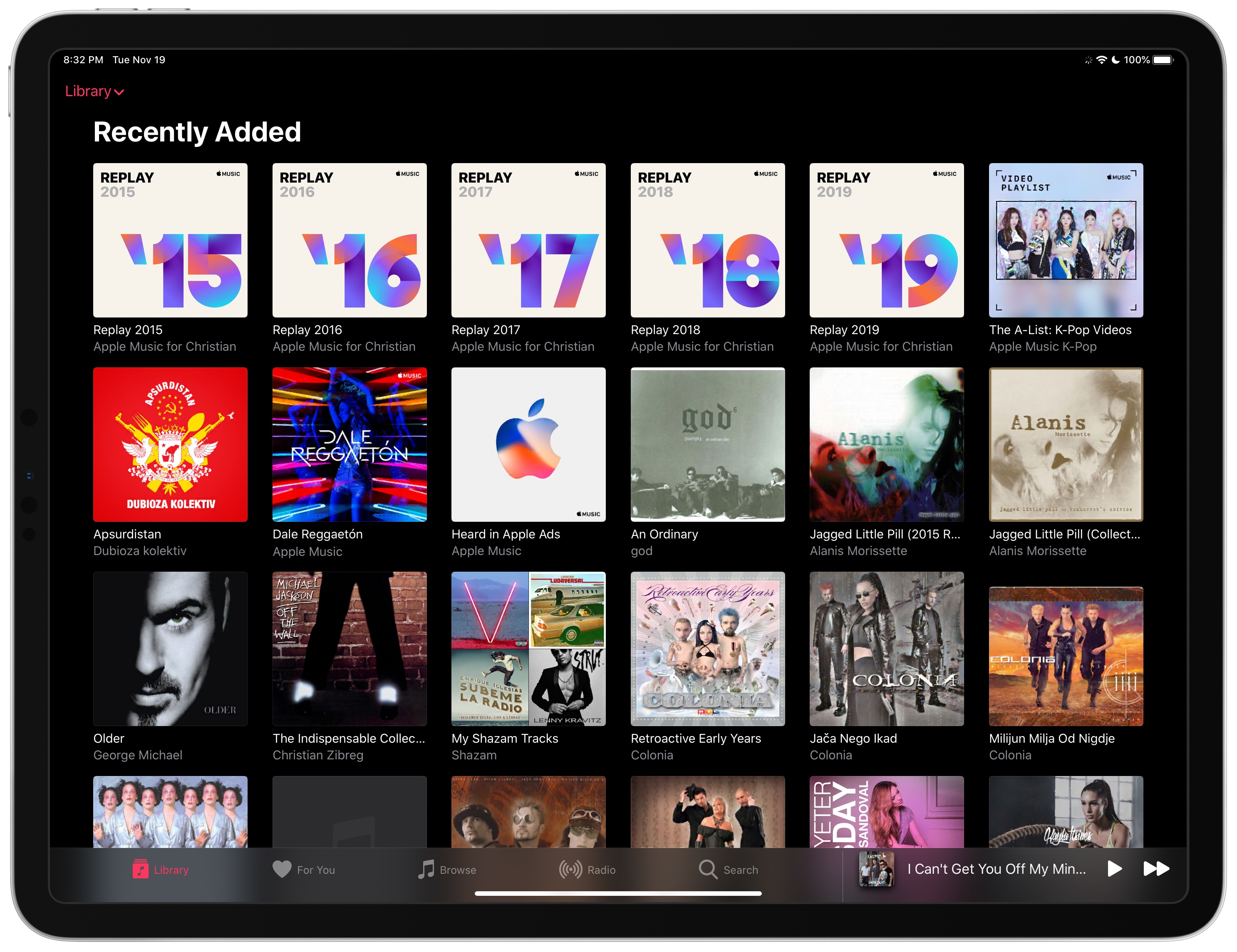
Services like Apple Music, Spotify, Tidal, Amazon Music and others have tremendously surged in popularity in the past decade, growing from a meager seven percent market share in 2010 to a whopping eighty percent of the music market in the United States a decade later.