Music

Flow: A modernized Cover Flow UI for your jailbroken handset

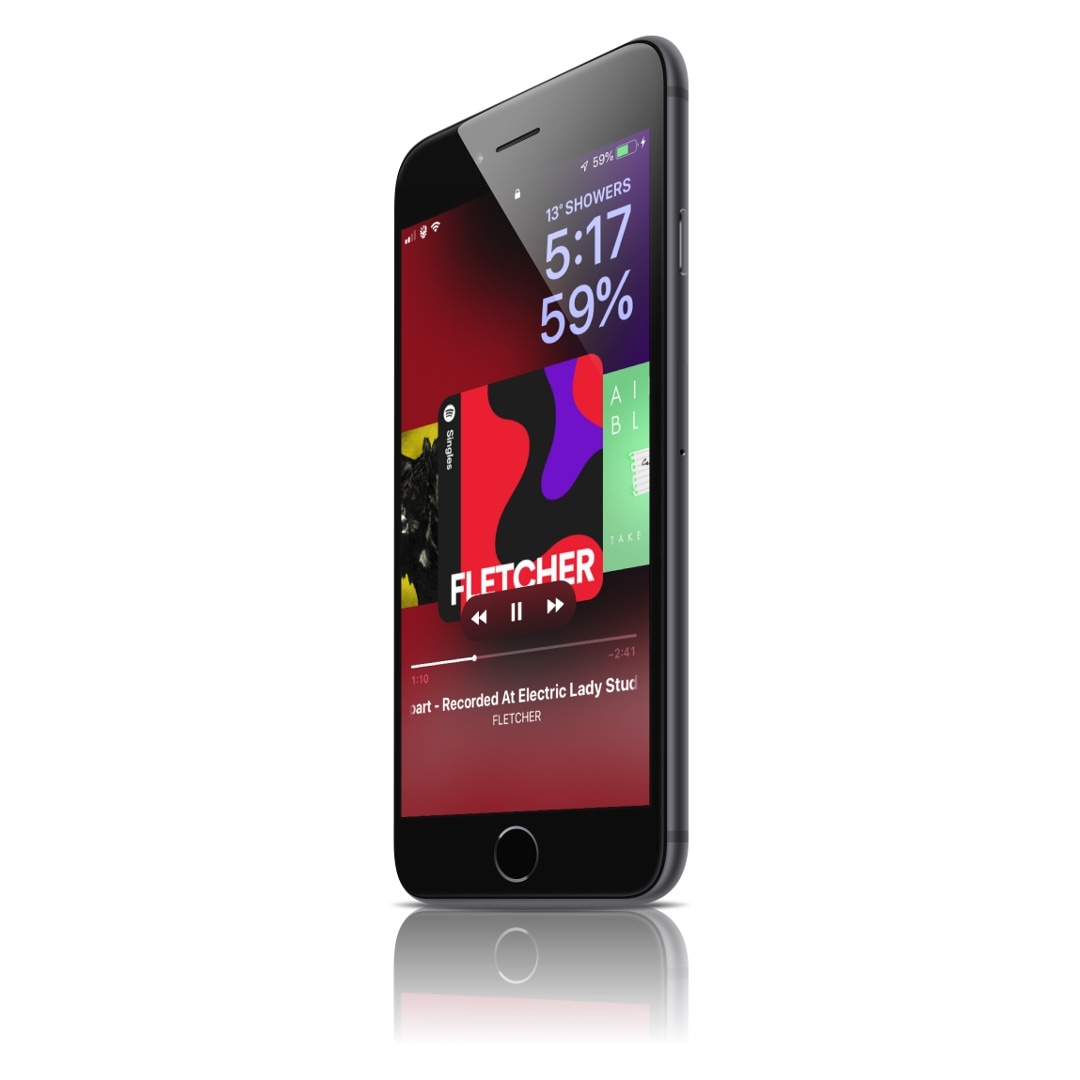
I still remember the early days when Apple placed a heavy emphasis on Cover Flow for browsing your music library. While those days might be over, we’ve taken a particular liking to a newly released jailbreak tweak called Flow by iOS developer Muirey03, as it puts a modernized spin on the classic Cover Flow media view.

Those who remember Cover Flow probably remember it one of two ways: 1) clunky; or 2) simplistic. Cover Flow appeared nice to look at, but it wasn’t always as refined or fluid as I would have liked. Flow, on the other hand, modernizes the Cover Flow concept such that it not only looks good, but works just as well.
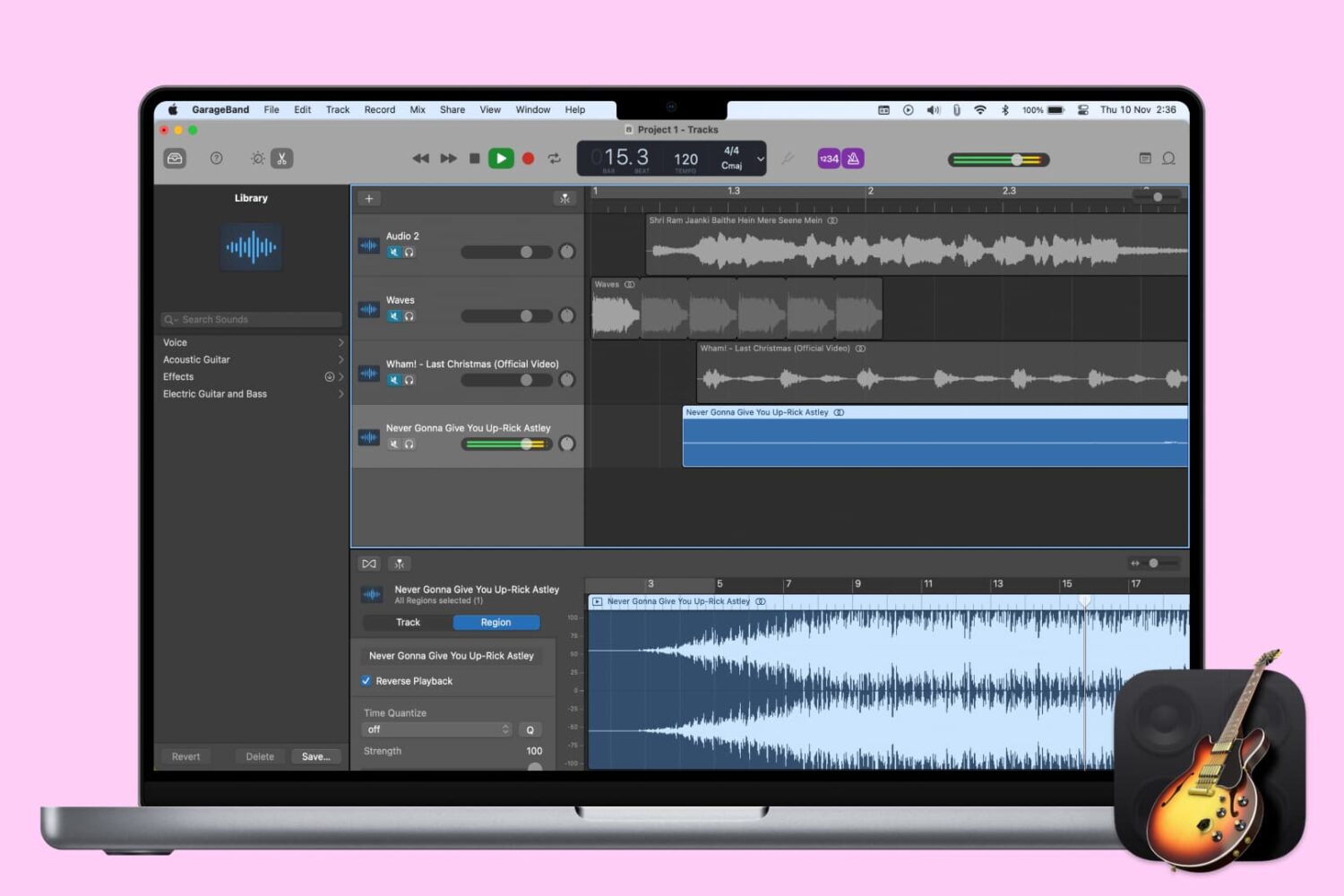
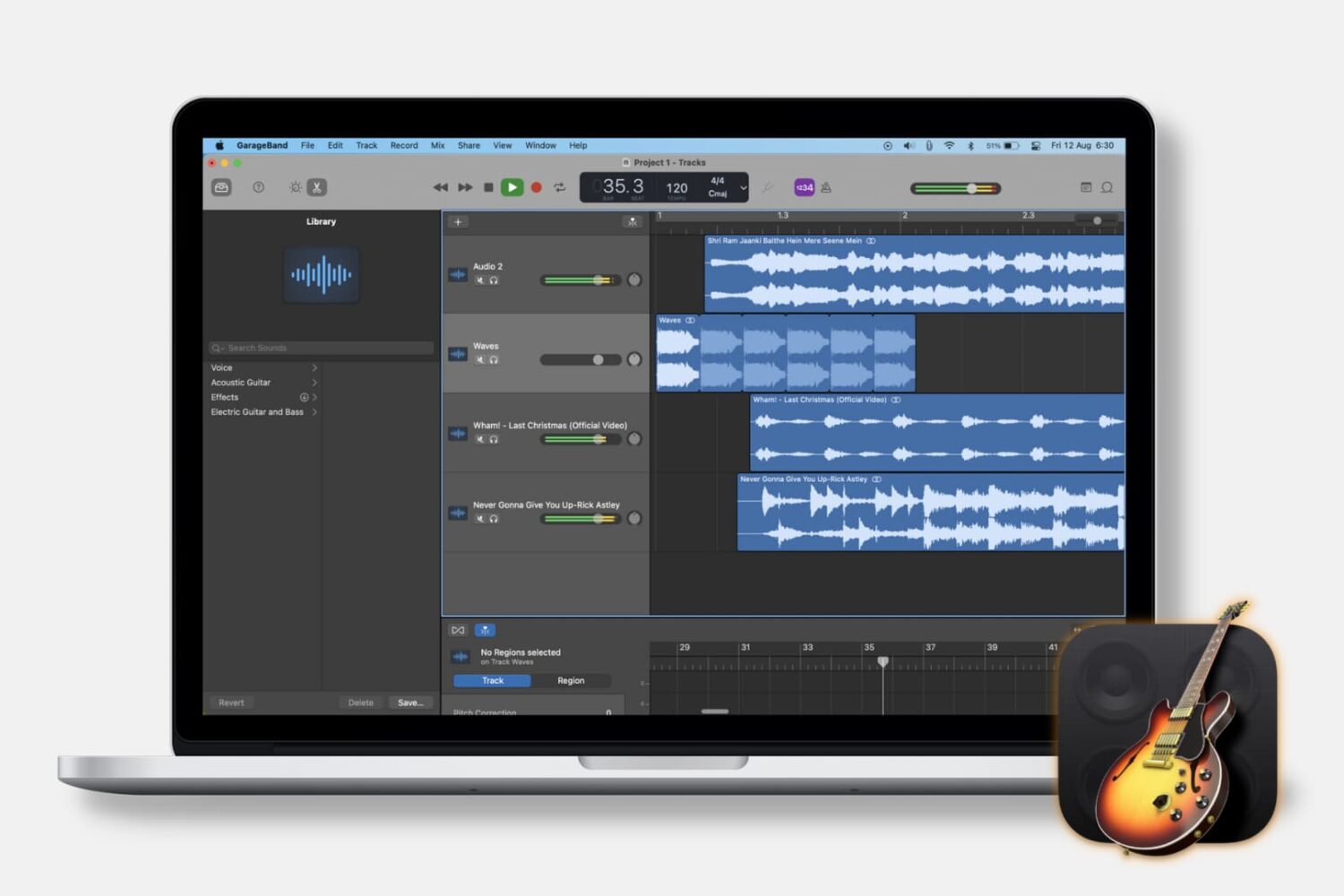
How to share a song in GarageBand on Mac and iOS

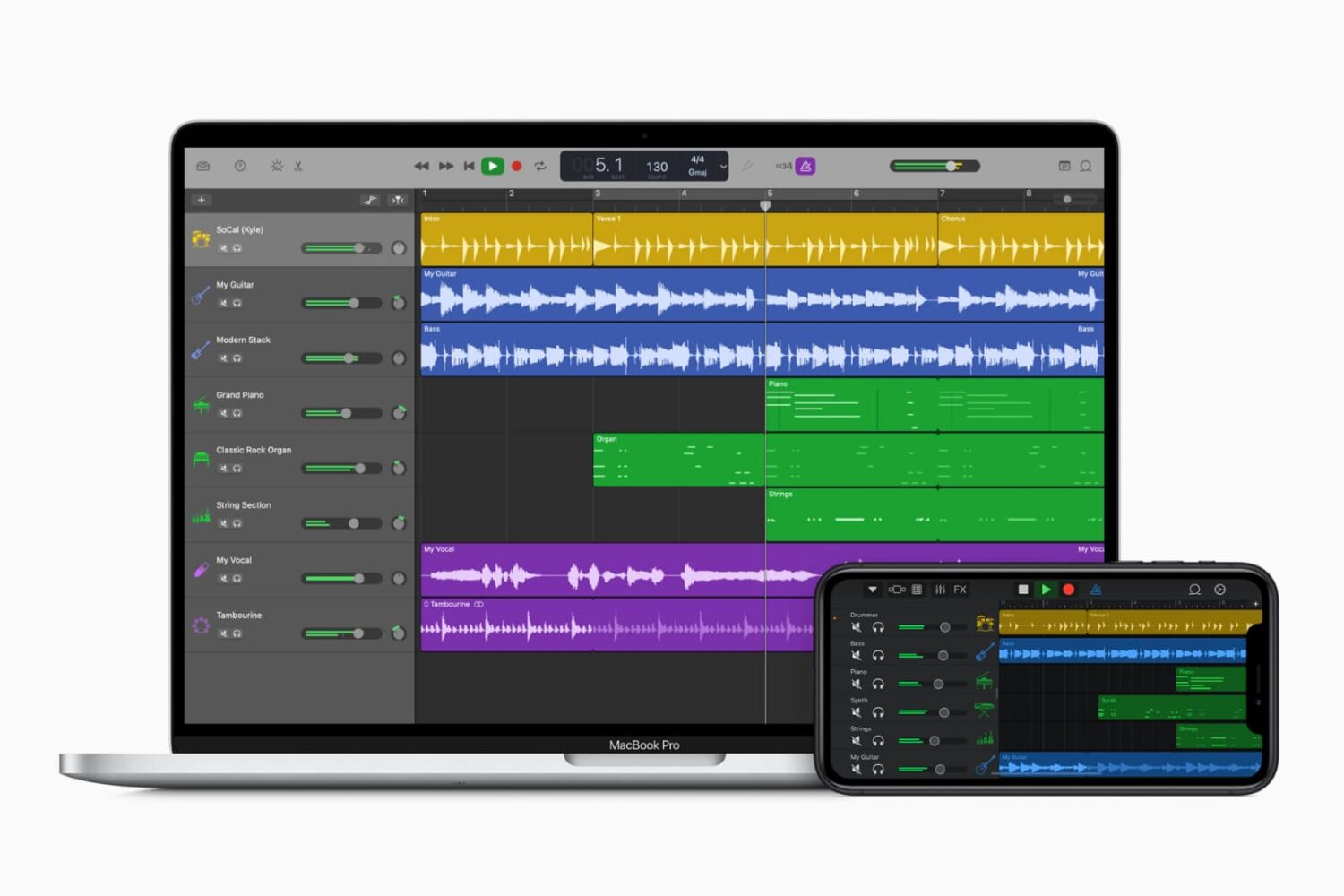
GarageBand on Mac and iPhone

Whether you’ve completed music mastery or are seeking some help with your song, you can share a tune that you create in GarageBand easily and in a variety of ways.

Want to share it to your Music library and listen to it daily? Want to send it to your friend for their input? Want to export it to a disk for a physical copy? We’re here to help. Here’s how to share a song in GarageBand on Mac, iPad, and iPhone.

How to show and adjust the keyboard in GarageBand

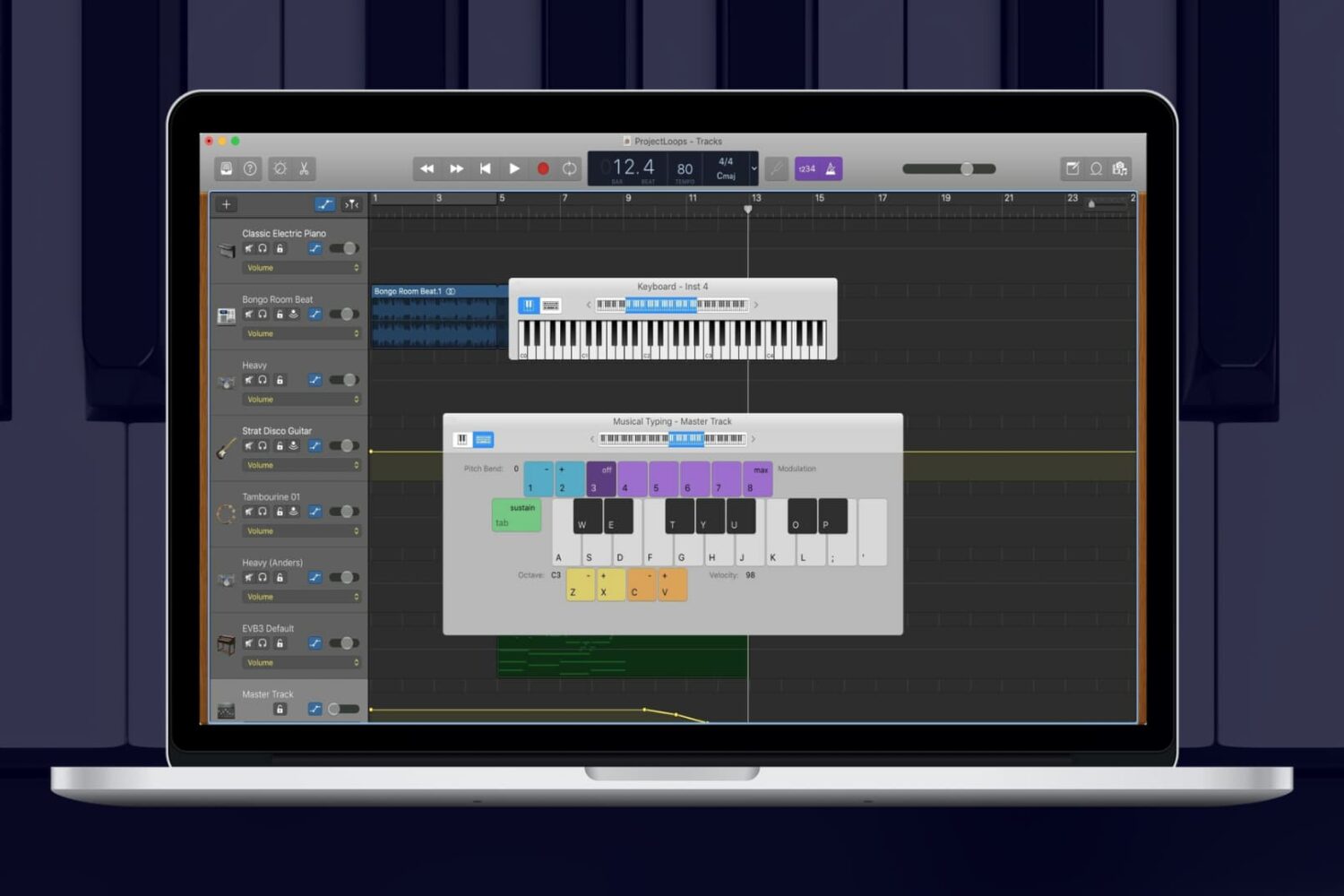
Keyboard in GarageBand on Mac

While you can add Apple Loops and import samples to use in your GarageBand creations, you can also use an onscreen keyboard to make music. On Mac, you can use the keyboard as it appears on a piano or organ in addition to musical typing with your computer keyboard. And on iOS, you can tap to open the keyboard and adjust its settings easily.

For making music in GarageBand your way, here’s how to show the keyboard on Mac, iPhone, and iPad.