Apple's iOS 16 supports automatic verification in compatible apps and websites, allowing you to bypass CAPTCHA prompts while still proving you're human.
iOS 16 can prove to websites that you’re human and let you skip CAPTCHAs
Apple's iOS 16 supports automatic verification in compatible apps and websites, allowing you to bypass CAPTCHA prompts while still proving you're human.
Later this year, when Apple launches the next major updates for iOS and macOS, a new feature will come along for the ride called Continuity Camera. This will allow folks to use their iPhone as their computer's web cam, either wirelessly or wired. Users will also need an accessory to attach their smartphone to their computer, but that won't launch until later this year, too. But one enterprising individual has decided that waiting isn't all that fun.
This tutorial shows you how to create a separate volume (partition) on your Mac’s internal drive to install macOS Ventura on it.
Using this method, you will have two macOS versions on the same Mac. The first volume will have the macOS you’re currently running (likely macOS Monterey), and the second volume will have macOS Ventura. You will be able to start up your Mac into either one.

Apple released its first betas of iOS & iPadOS 16 and macOS 13 Ventura shortly after the conclusion of the WWDC 2022 Keynote address. But one thing that users of sideloaded apps may have noticed after installing these betas is that some things weren’t quite working right – namely the Mail plugin and AltJIT.
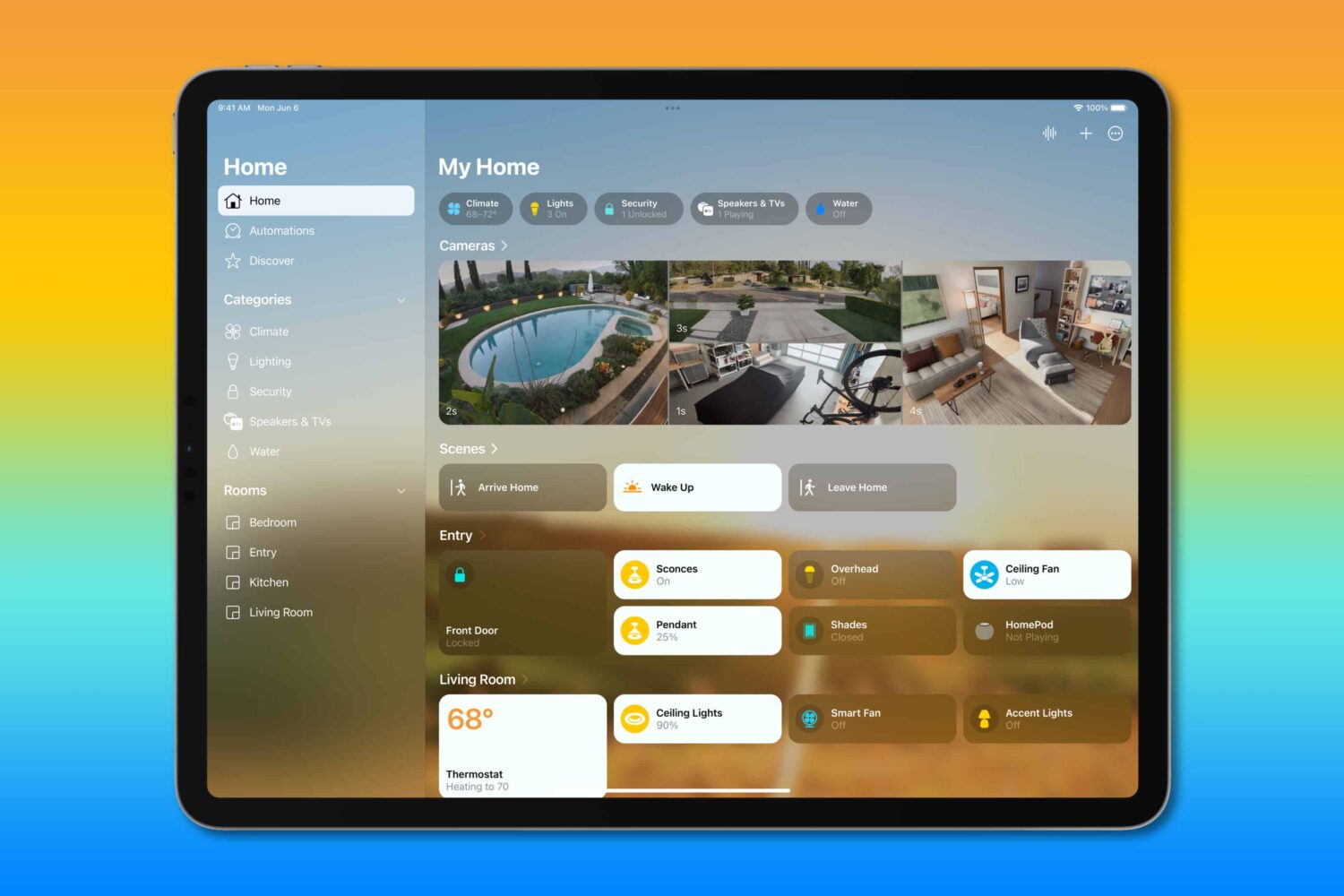
Learn why you can no longer use an iPad as a home hub to control and manage your HomeKit and Matter accessories.
You can create a bootable installer for macOS Ventura on a USB flash drive or secondary volume. This is useful if you want to install macOS Ventura on multiple Macs and don't want to download the huge 12 GB file every time on each computer.
In this tutorial, we show you how to create a bootable installer for macOS Ventura on an external drive.
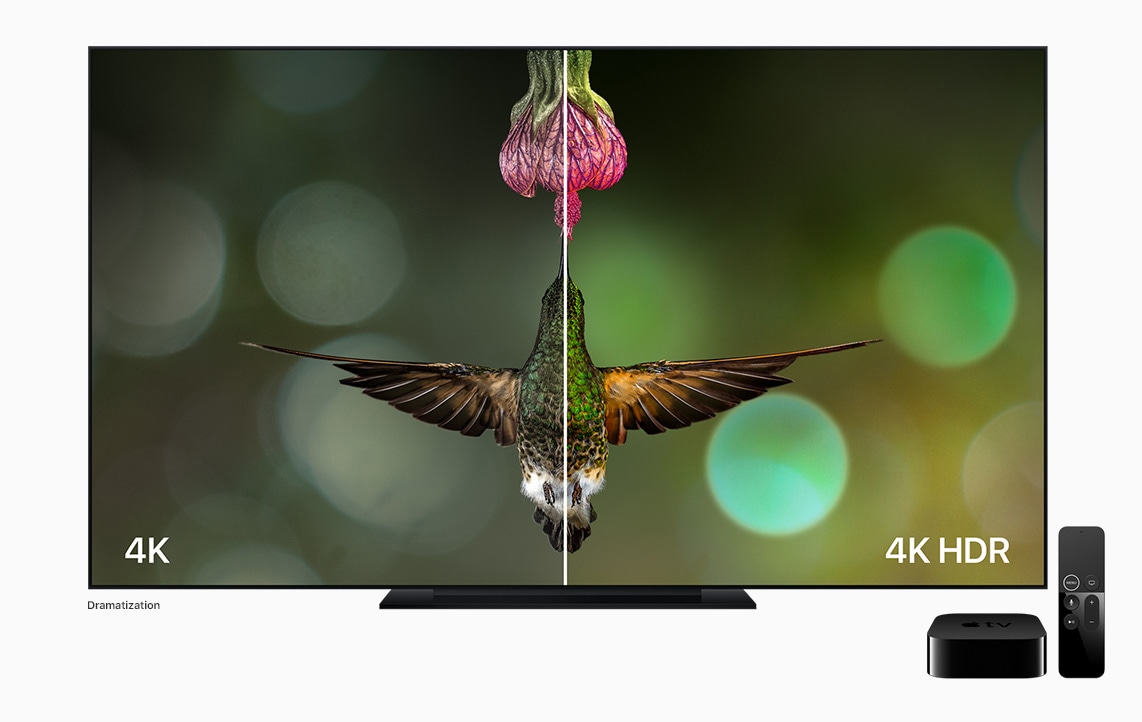
All mentions of support for HDR10+ video coming to the TV app with iOS 16, iPadOS 16 and macOS Ventura have been removed from Apple's website.
Read the official macOS Ventura system requirements to confirm that your current Mac has the required hardware to run this macOS 13 update when it drops in the fall.
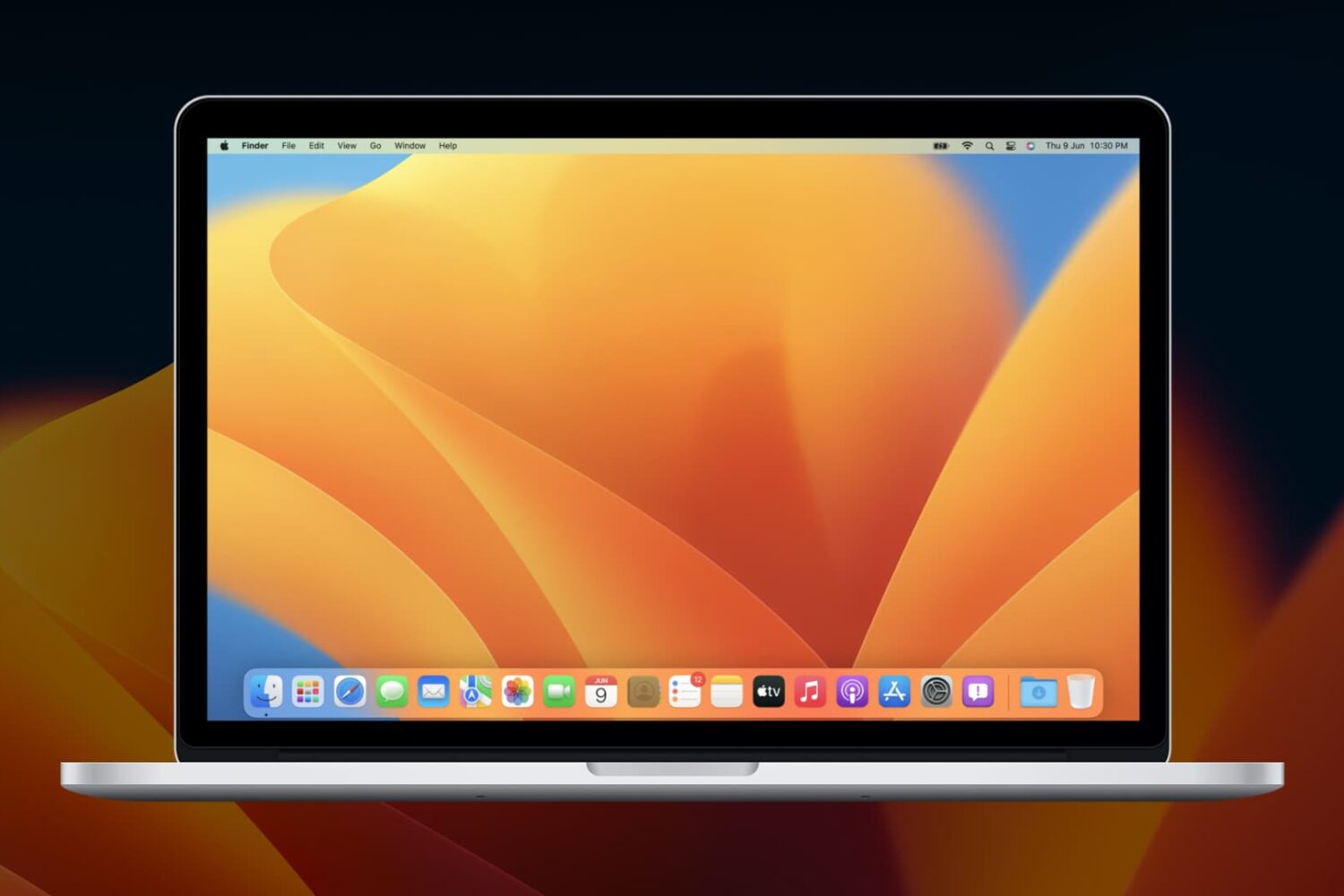
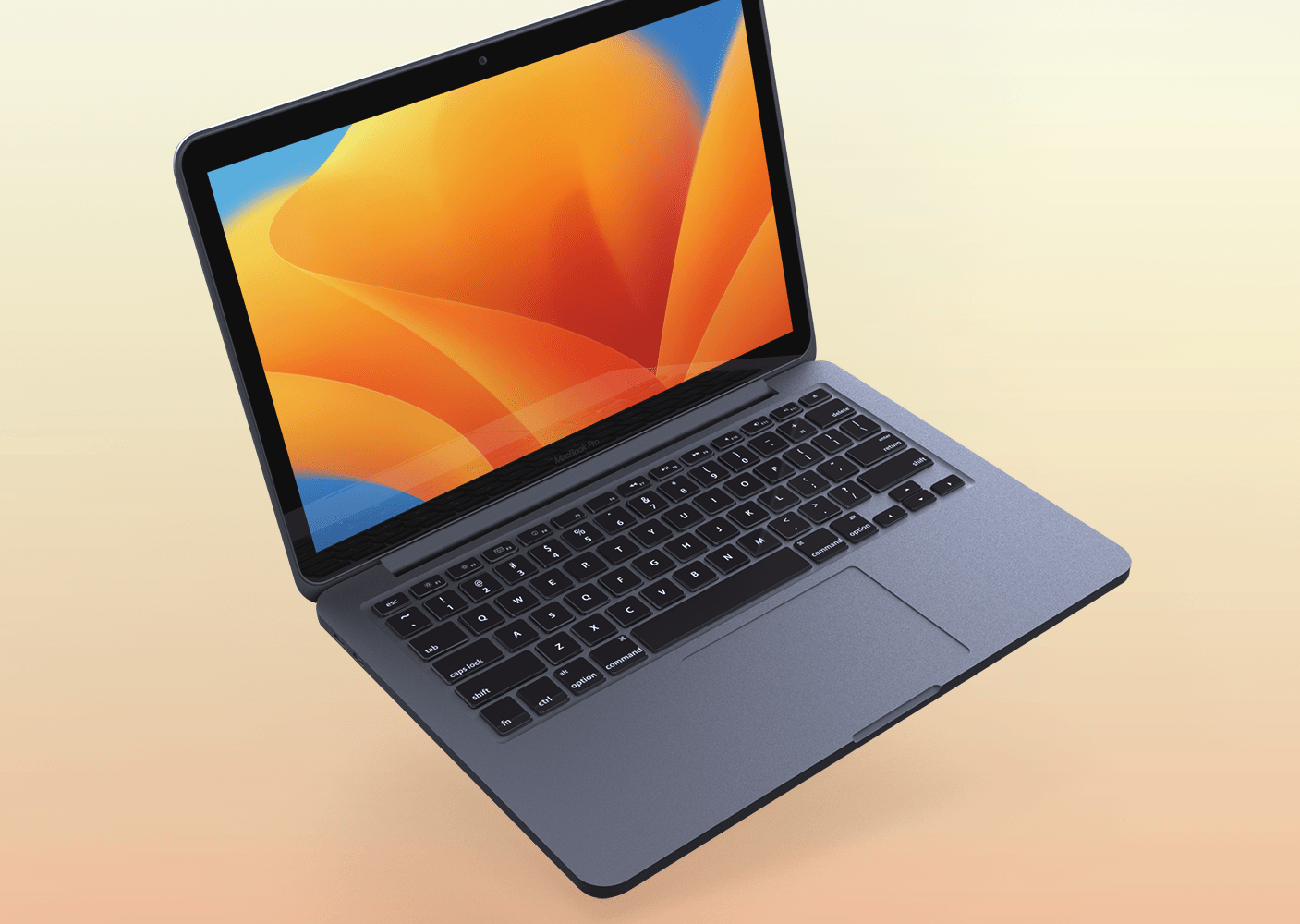
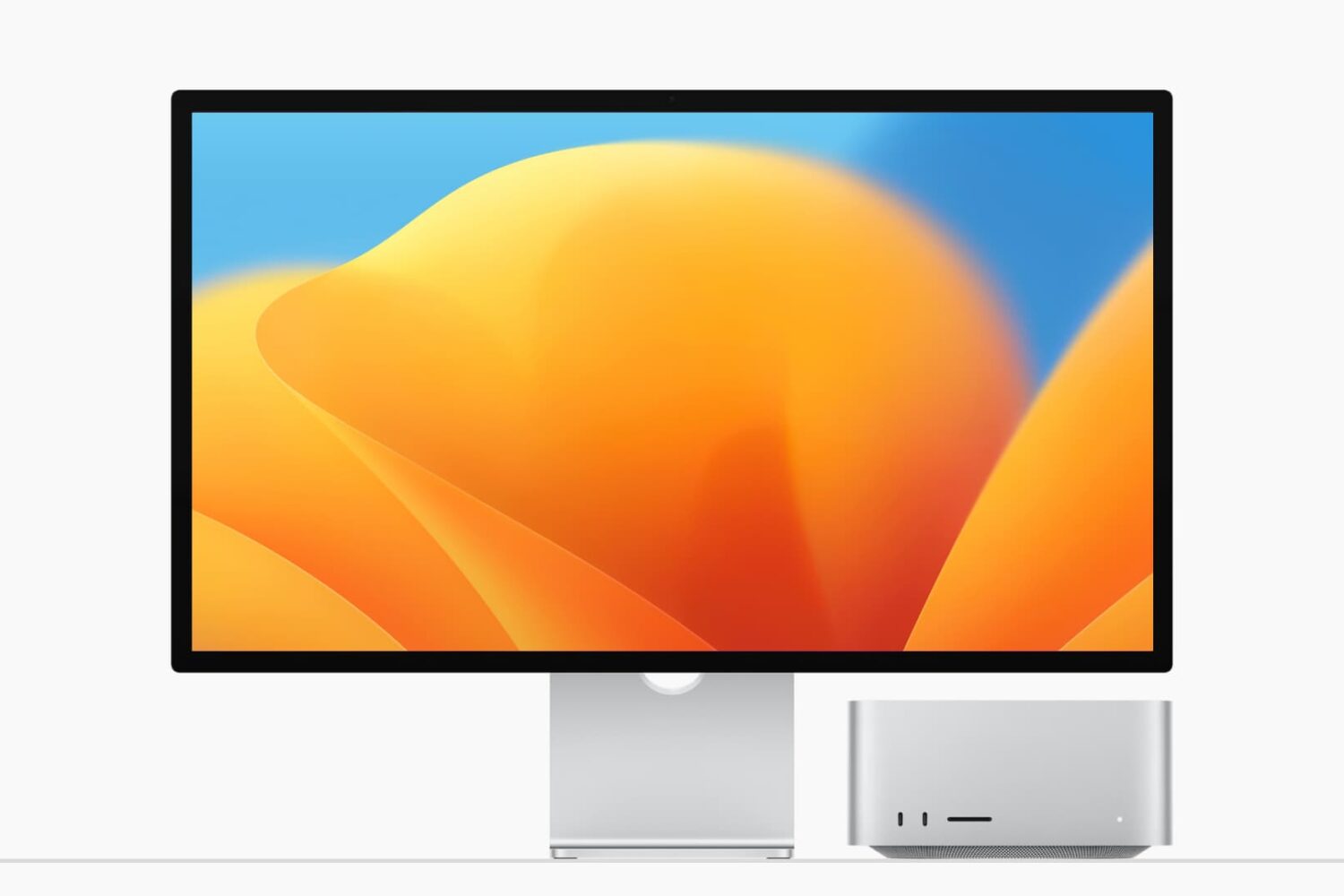
In a recorded media presentation during WWDC 2022, Apple unveiled the latest desktop capabilities in macOS Ventura. By adding powerful productivity tools and new cross platform features, the Mac experience continues to improve. Naturally, onboard is a crispy new macOS Ventura wallpaper.
In the Photos app, there are a couple of different folders that could go with some extra security. However, both the Hidden and Recently Deleted folders are simply out of sight more often than not, with potentially sensitive content easily accessible by anyone who has full access to an iPhone. But that's changing with iOS 16.
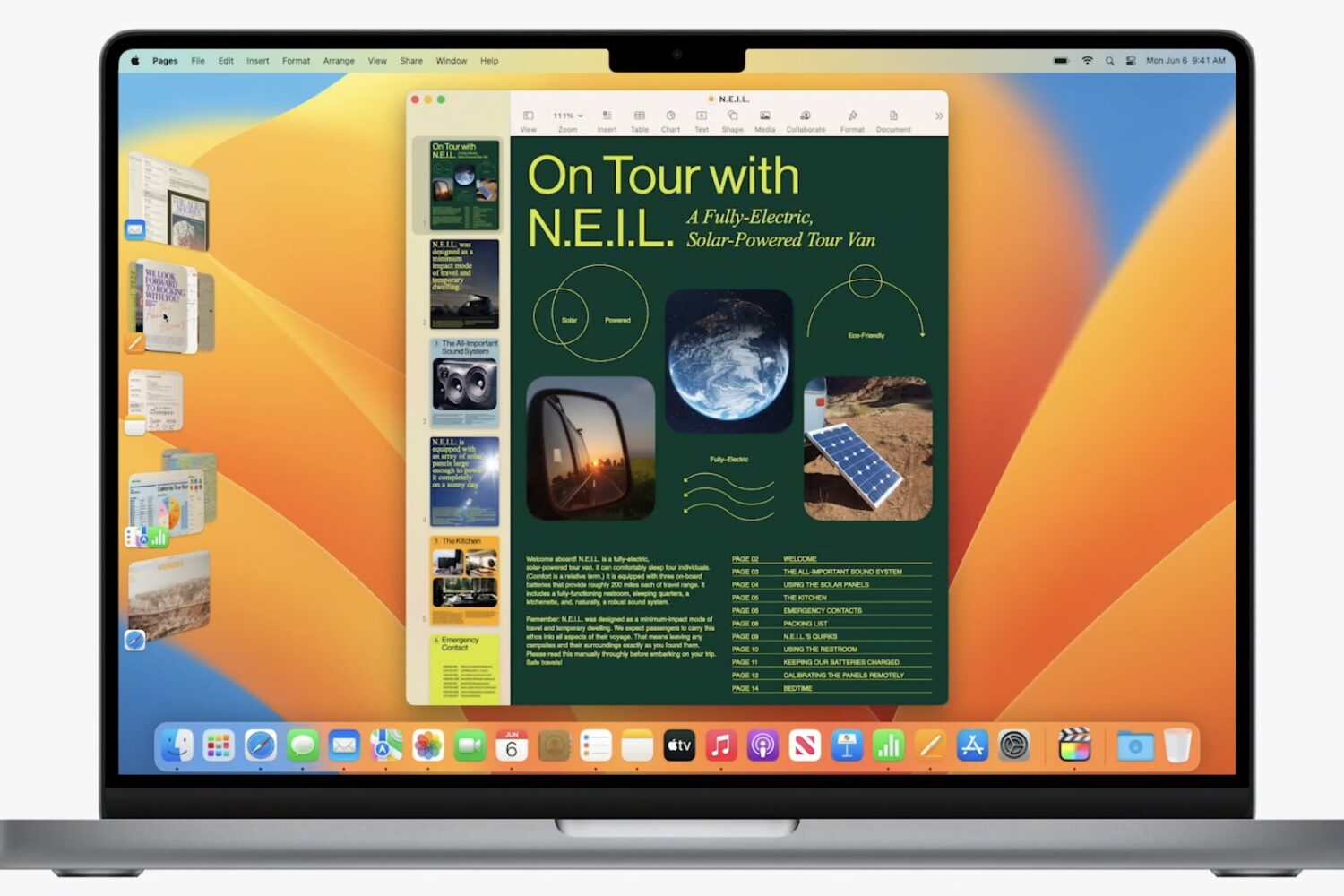
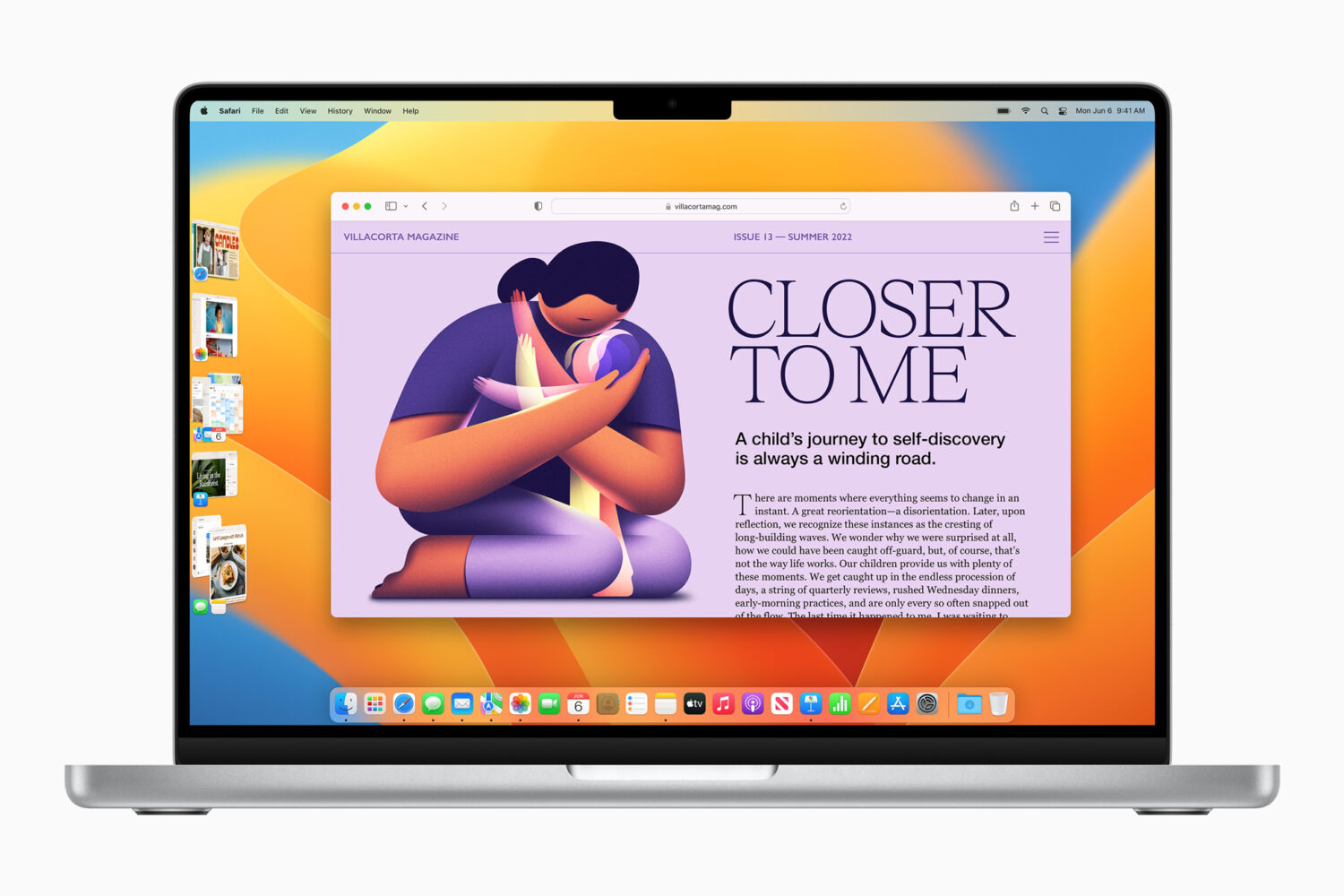
We are at the macOS portion of today's WWDC event, and Apple just announced the new version will be called macOS Ventura. Among the updates is a new feature called Stage Manager, which is meant to help you keep all of your open windows organized.