Learn how to merge cells in Apple Numbers on your iPhone, iPad, and Mac to combine multiple columns, rows, or adjacent cells into one.
How to merge cells in Numbers on Mac, iPad, and iPhone
Stay up-to-date on the latest Mac news, and tutorials. Get expert tips and tricks to optimize your Mac’s performance and learn about the latest Apple products and software updates. Discover the best Mac apps and accessories to enhance your user experience.
Learn how to merge cells in Apple Numbers on your iPhone, iPad, and Mac to combine multiple columns, rows, or adjacent cells into one.
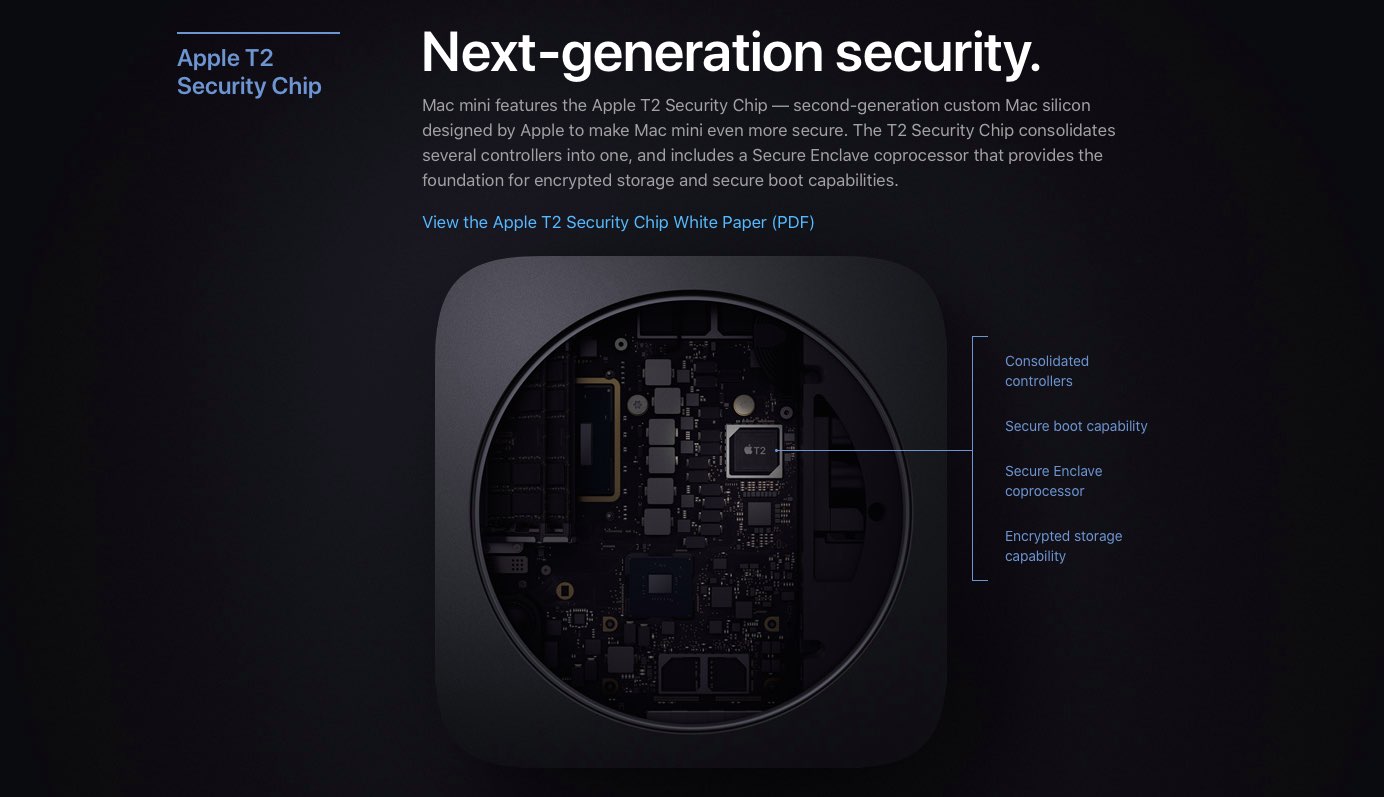
Indeed, it looks like new Macs are arriving next week. New regulatory filings with the Eurasian Economic Commission show Apple is requesting permission to sell at least four new Macs in the region. Of these, three are desktop computers, while the other is a laptop.
Learn how to sort your contacts by their first name followed by their last name in the Contacts app on iPhone, iPad, and Mac.
Apple users won't receive the 2018 emoji characters on their devices until the public release of iOS 12.1 in the coming weeks. Regardless, the Unicode Standard for next year is getting ever-closer to being finalized. On Tuesday, information about the Emoji 12.0 Beta was announced. The announcement gives vendors and implementers a chance to "test the details of what might be coming in the next year," according to Emojipedia.
Learn how to seamlessly integrate your iPhone calls with your iPad and Mac, ensuring you never miss a call across devices.
Have you noticed that your iPhone or Mac is showing an alert to join new Wi-Fi networks?
By turning off one simple setting, you can prevent this from happening, and this short tutorial shows you how to do that.
macOS Mojave has several features that tighten security, including an improved Gatekeeper feature that enforces code signing and verifies downloaded apps before allowing them to run. Today, Apple issued a reminder to developers to get their Mac software notarized so customers have increased confidence that it's not known malware.
When you’re getting ready to join a meeting, whether it’s a web conference, conference call, or in-person meeting, you often have at least one file you need for it.
One way to ensure you don’t forget that important document is by including it with the event on your Calendar. This can help ensure you have all the necessary documents or notes in front of you and minimize the chance of forgetting something important.
Here’s how to set your Mac Calendar app to open that file right before your meeting.
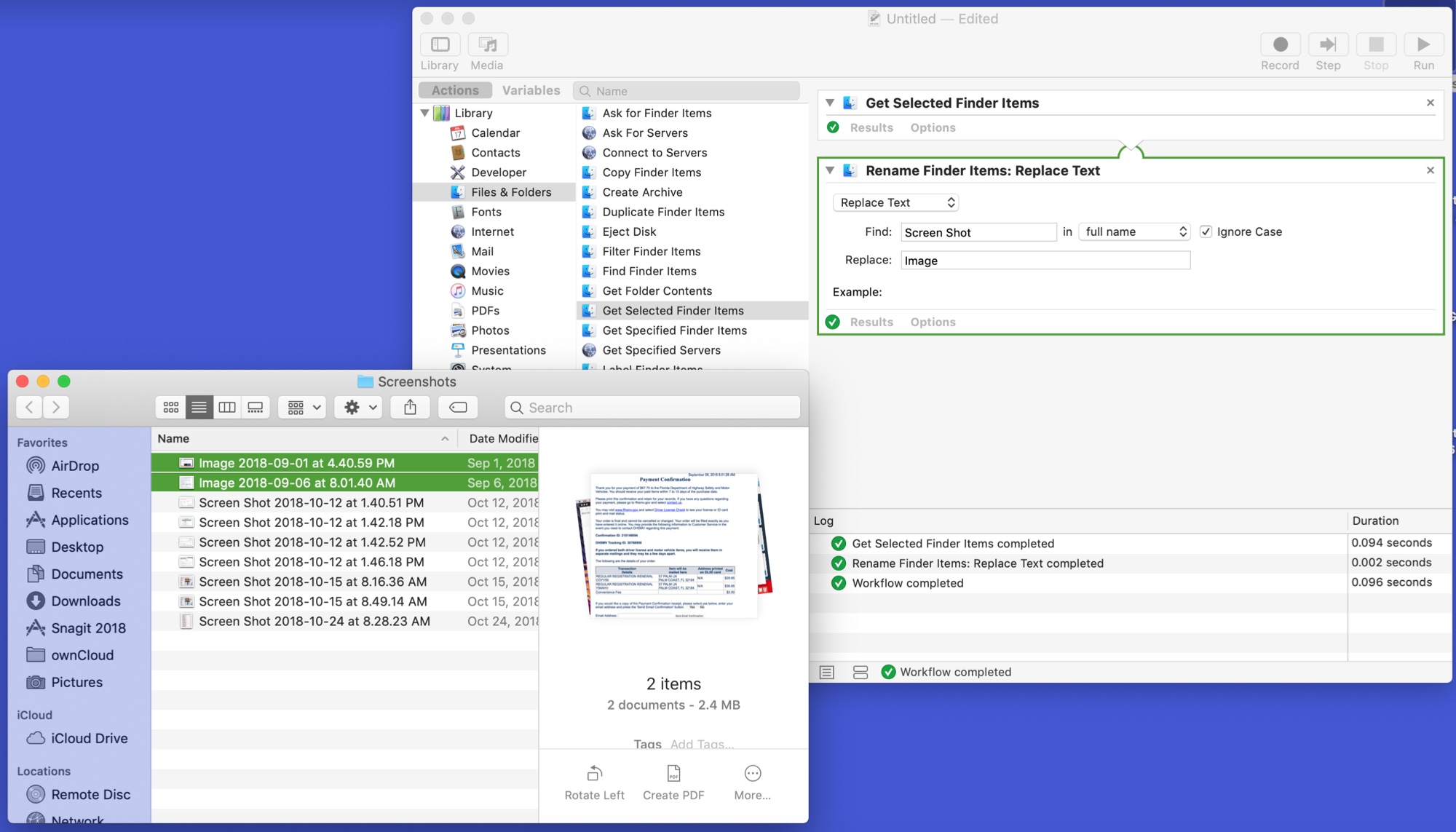
Pixelmator Pro for Mac, a powerful Photoshop alternative, has been updated on Mac App Store this morning with full support for the latest macOS Mojave 10.14 software. Code-named “Quicksilver,” the app packs in a beautiful new Light appearance augmenting its default darkened interface, plus other perks like machine learning-based automatic photo enhancement, the ability to batch-process your images in Apple's Automator app, and more.
Learn how to hide the floating thumbnail preview of screenshots you take on your Mac so it doesn't appear on any subsequent screenshots you take seconds later.
We've been hearing rumblings about Apple's internal project to ditch Intel processors for its own in-house designed chips since that 2012 Bloomberg report, and now a revered analyst has predicted that ARM-based Macs would be coming in 2020 or 2021.
Learn how to quickly convert rows to columns or vice versa in your spreadsheet in the Apple Numbers app on iOS and macOS if you want to format the table differently.