Keyboard

Click Wheel Keyboard offers a funny bit of nostalgia for iPod fans

There is no keyboard on Apple Watch. That is probably a good thing. There is just no room for one. But, what if there were a click wheel similar to what Apple used on iPod devices?

Click Wheel Keyboard for iPhone is not compatible with Apple Watch, but if it were, it could make typing on the wrist worn device possible because you don't have to tap tiny letters. Instead, you scroll through the alphabet using a wheel control.

LockEmoji prevents the iOS keyboard from reverting to another input mode

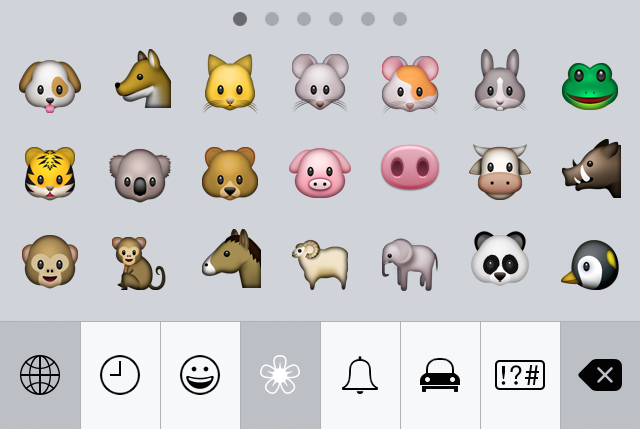
If you regularly use the emoji keyboard on iOS, then you've no doubt experienced the issue that causes your keyboard to revert to another input method.

This problem generally arrises when doing one of two things: after tapping send in a chat app like the Messages app, and on first keyboard activation when the current input mode is emoji.

If you're unfamiliar with the issue, it's a little difficult to describe without actually showing you. Check out our video demonstrations, which shows you how LockEmoji—a free new jailbreak tweak released on Cydia—tackles this issue.

Sunrise Calendar update introduces Meet, the fastest way to schedule one-to-one meetings

Sunrise, a powerful cross-platform calendar application, on Thursday launched Meet, a companion iOS 8 keyboard specifically designed to make scheduling one-to-one meetings ridiculously easy.

Available as a free update to the Sunrise app in the App Store, Meet lets you schedule one-to-ones with another party like a pro, without having to leave the context of the app you're currently in or switch to Sunrise for that matter.

How to quickly dismiss an autocorrect suggestion on Mac

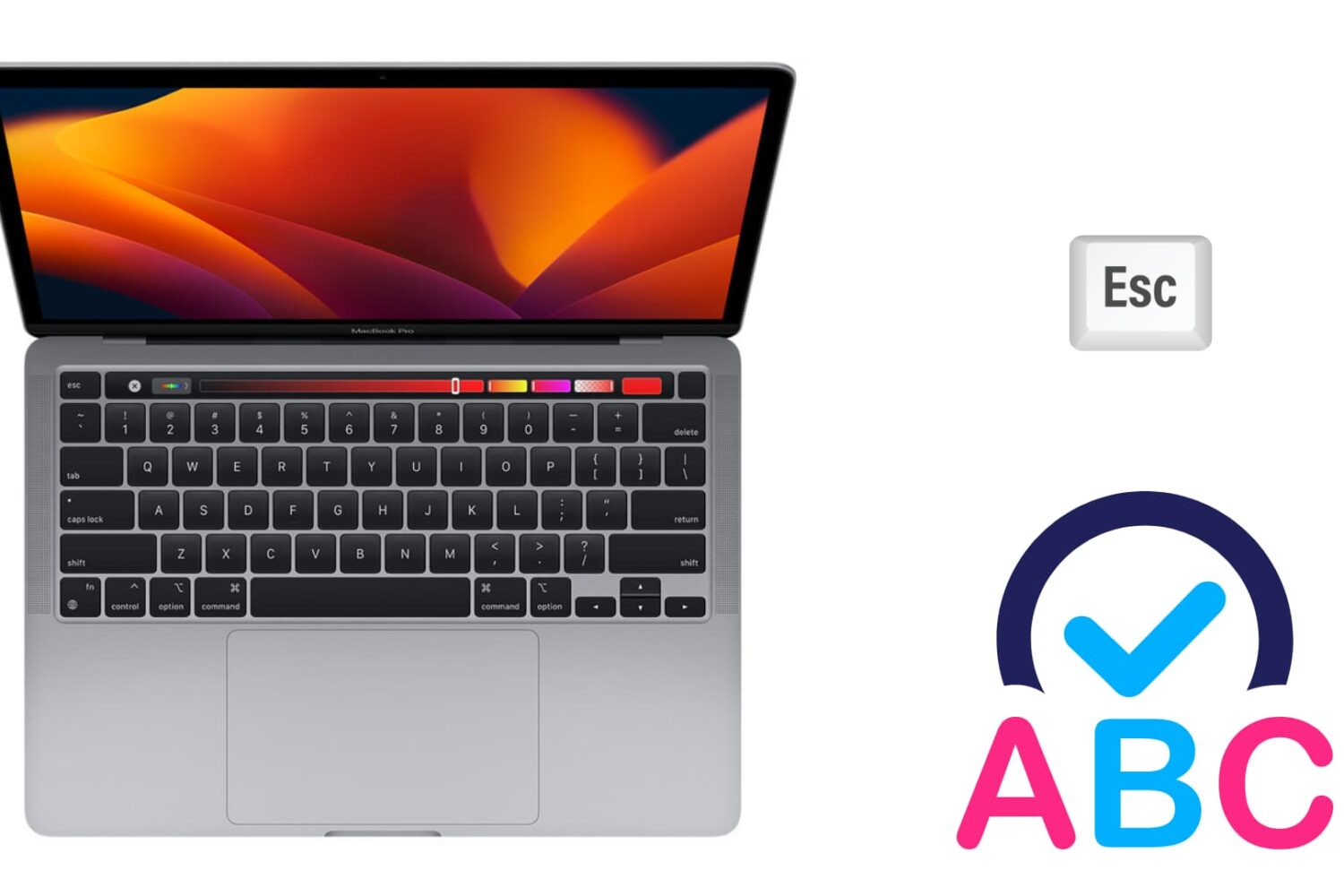
Image to illustrate autocorrect on Mac

There are two ways to dismiss an autocorrect suggestion. There is the obvious one, which lets you use your mouse pointer to reject the autocorrection, and there is a keyboard shortcut that's actually much quicker to use, especially when you're currently typing.

In this brief post, we will show you how to swiftly ignore the autocorrect suggestion on your Mac using an easily accessible keyboard action.

SmoothCursor brings a beautifully animated cursor to iOS

When I first heard about SmoothCursor, I didn't imagine that it would have much of an effect on the typing experience. While it's true that it doesn't have any real bearing on the actual input process, it definitely has a noticeable look from a visual standpoint.

SmoothCursor borrows the same cursor movement popularized by Microsoft Office. Instead of a cursor with well-defined keyframes of animation, the cursor features smoothly animated motion as you type. 

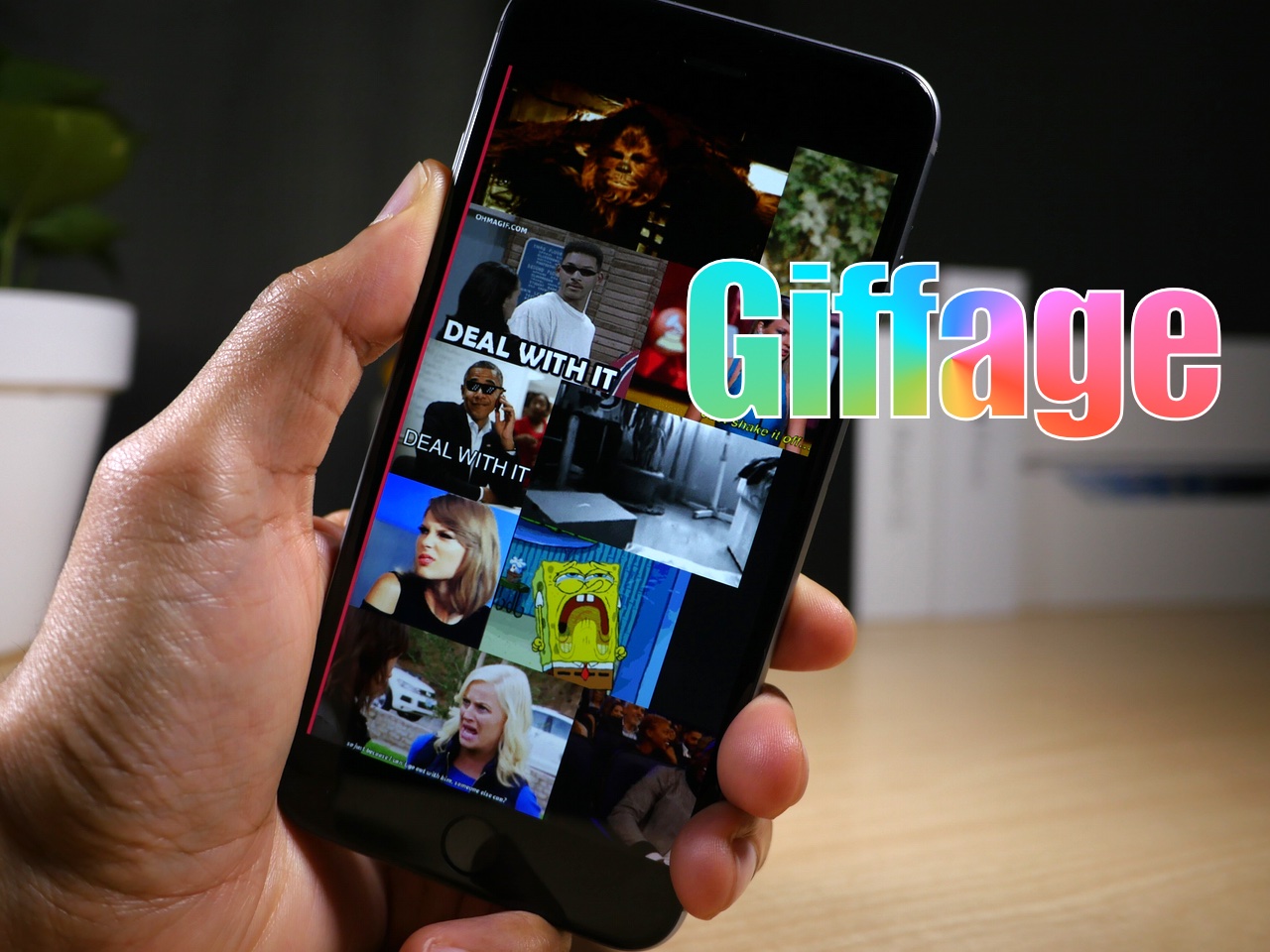
Giffage is a third-party keyboard with style

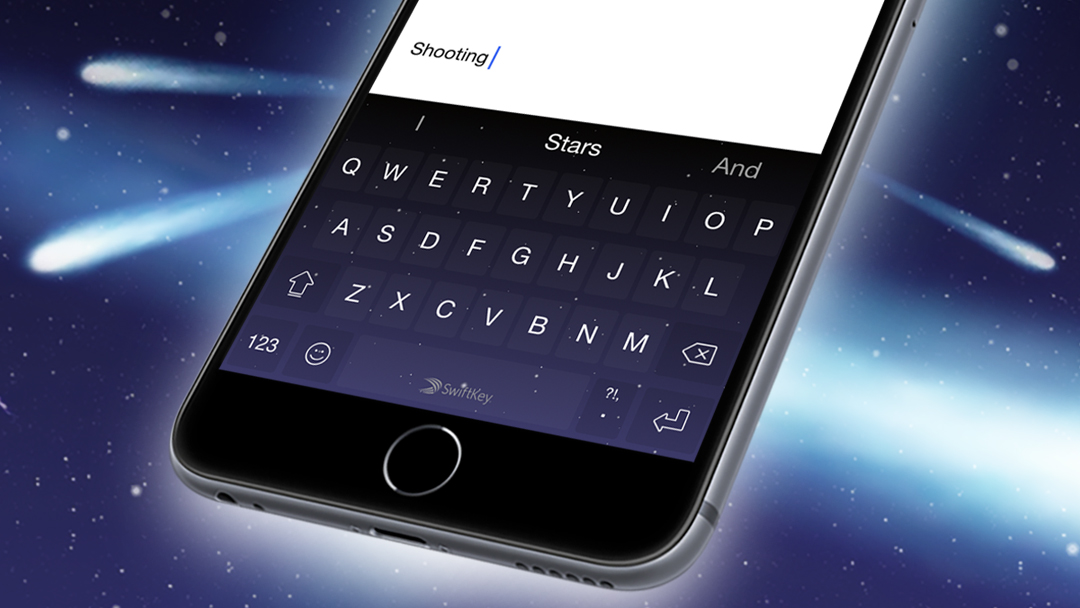
As many of you know, I've been quite bummed by the third-party keyboards on iOS 8. Many of them are underwhelming, and not all of the blame rests with developers. Apple's implementation has left lot to be desired, but many of the third-party keyboard developers have done themselves no favors.

Needless to say, there hasn't been one keyboard that I use on my iPhone outside of the stock English keyboard, and the Emoji keyboard, but that recently changed. Giffage (free) is a brand new third-party release that brings a GIF keyboard to iOS 8.

I understand that Giffage isn't the first third-party keyboard to do GIFs, as I've used some of the alternatives. What I can say is that Giffage is one of the best designed and easiest-to-use third party keyboards that I've yet to try. The implementation is well thought out, and goes beyond the call of duty when it comes to sweating the little details.
Fleksy Keyboard goes free for a week, gains millions of GIFs via partnership with Riffsy

Fleksy Keyboard, one of the first and most popular software keyboards for iOS 8 devices, has gone free for a week. The app usually retails for 99 cents a pop and has never gone free since its App Store debut as an iOS 8-compatible downloadable software keyboard in September of last year.

In addition, Fleksy's latest update has rechristened the app as 'Fleksy + GiF Keyboard' to reflect its newly gained integration with Riffsy's GIF Keyboard for iOS. The resulting app now gives you access to millions of GIFs on top of Fleksy's existing emoji support and perks like advanced keyboard capabilities with gestures and much more.

Apple quietly purchased Dryft keyboard app last year

Apple quietly purchased Dryft, a startup that develops keyboard apps, according to a new report from TechCrunch. The site says that the acquisition happened sometime last year, but the financial terms of the deal are still not known.

Dryft, who TechCrunch notes was a finalist in its 2013 Disrupt startup battlefield competition, gained notoriety for its custom mobile keyboard that would only appear when the user placed their fingers on their device's display.

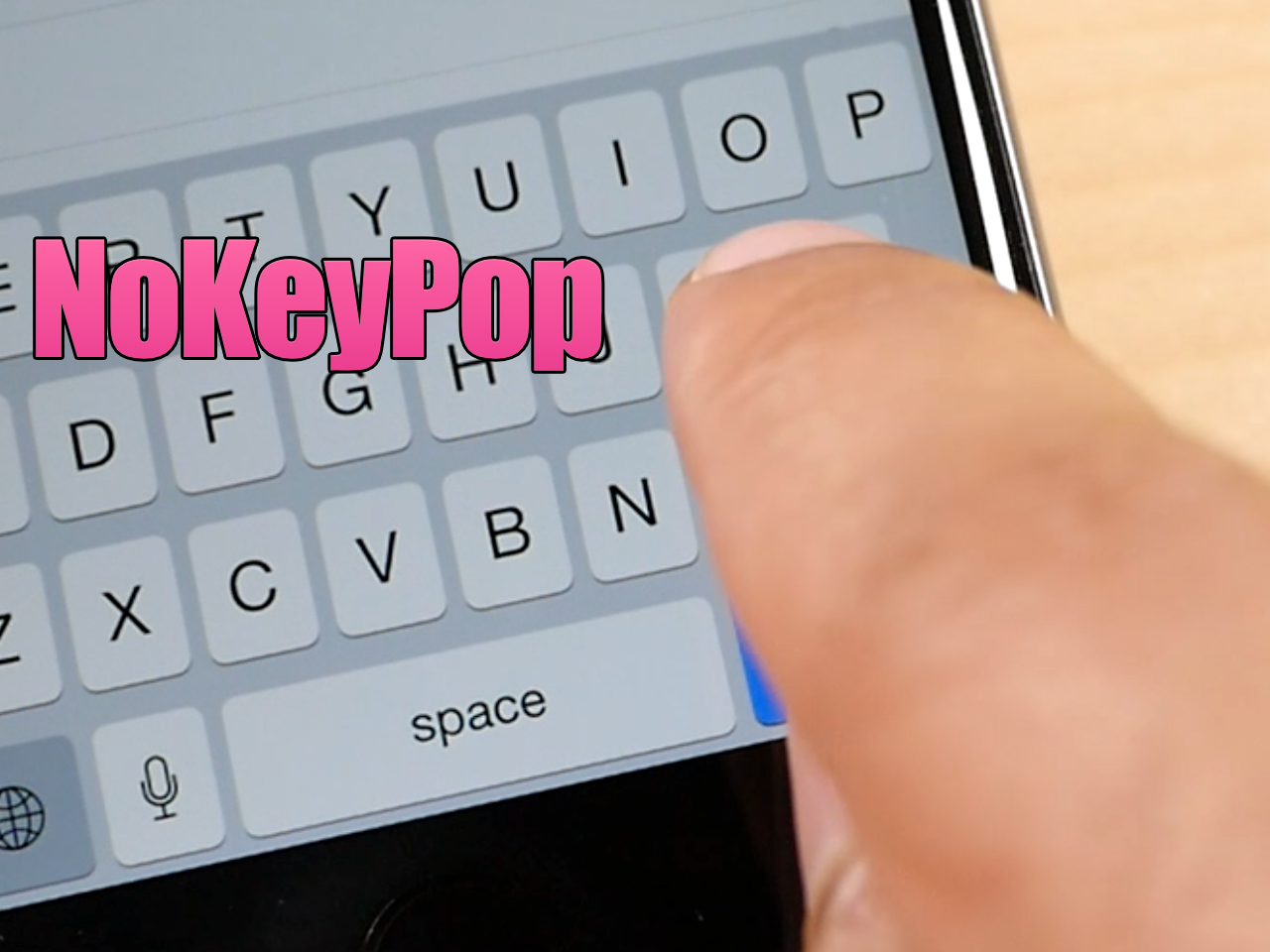
NoKeyPop: remove the keyboard pop-up animation when typing

Since touch screen keyboards lack the movement of physical keyboards, software keyboards use other tricks to help you to see how your touches interact with the on screen keyboard. One of the tricks often employed is the simple keyboard animation. Animations, combined with haptic feedback and sound, can provide enough sense of touch that typing is made easier

But what if you removed the keyboard animations altogether? What would the typing experience be like then? NoKeyPop is a jailbreak tweak that lets you do just that...

SHARKK’s wireless keyboard case for iPad Air 2 rotates for portrait or landscape mode

I love using keyboard cases for my iPad. I highly recommend that anyone with a tablet invest in a keyboard case. It increases productivity significantly, while acting as a protective covering for your device.

SHARKK has a wireless keyboard case specifically made for the iPad Air 2 that features a rotating mount, so you can use your tablet in landscape or portrait mode without missing a beat.

BoxWave Keyboard Buddy turns your iPhone 6 into a Sidekick

Although Apple has made the screen larger on its latest line of iPhones, the keyboard is still small and difficult to use. One easy solution to that problem is an external keyboard.

The BoxWave Keyboard Buddy is a case for your iPhone 6 with a keyboard attached to the back. Simply slide out the keyboard tray and you’ll be typing away like a 14-year-old girl on a T-Mobile Sidekick.

Images of refreshed Apple Wireless Keyboard with backlit keys pulled from Online Apple Store

Images of Apple's Wireless Keyboard with backlit keys and a power button were removed today from the Online Apple Store, suggesting the product has prematurely leaked or isn't ready for prime time yet.

Yesterday, the Online Apple Store in Czech Republic and Hungary got refreshed with new images showing a power button on the $69 keyboard and controls for adjusting the brightness of the backlight.