Keyboard

Hidden ‘iPad Pro’ like keyboard in iOS 9 scales to larger screen sizes with additional keys

In addition to an all-new predictive touch technology and two times better touch-to-display latency in iOS 9, another clue of a rumored 'iPad Pro' comes in the form of a hidden software keyboard in iOS 9.

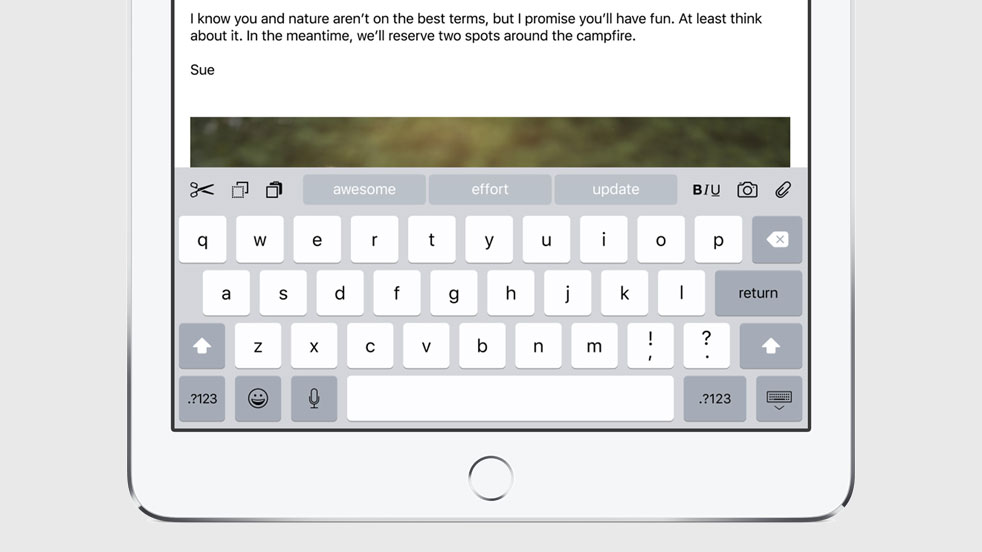
As discovered by iOS developer Steve Troughton Smith, it was designed to cater to bigger screen sizes with a wider key appearance, some new keys and a brand new row of symbols that are normally invoked with specific keystroke combinations.

The big keyboard refinements in iOS 9

During its WWDC presentation today, Apple introduced several new enhancements for its keyboard in iOS on iPhone and iPad. These changes include a redesigned shift key for distinguishing capital letters, lowercase, and caps lock. Additionally, key lettering now switches between upper and lowercase depending on which variation of a letter will be typed, which is another tool Apple is using to more clearly define what letter case mode the shift key is in, and adds ShowCase to the list of jailbreak tweaks Apple has turned into stock features with iOS 9.

iOS 9 brings productivity improvements to QuickType typing on iPads

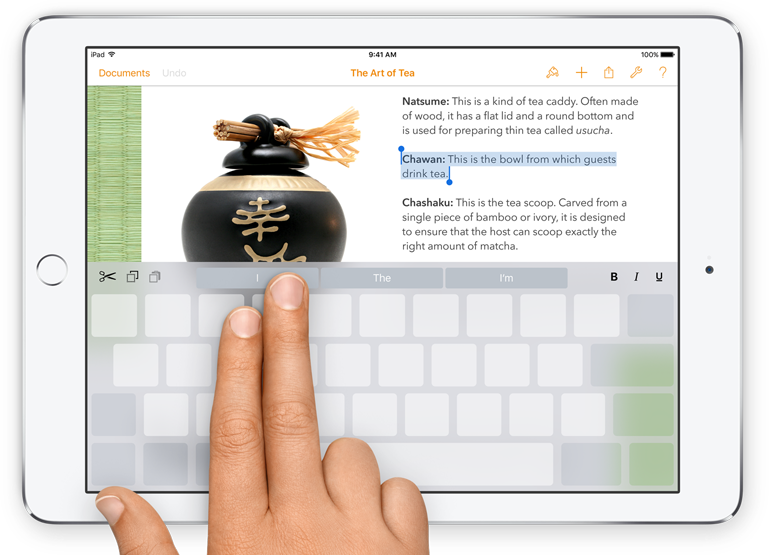
Apple has said that people using iOS 9 on their iPads will be more productive thanks to an improved QuickType virtual keyboard. The suggestion bar introduced in iOS 8 now has all-new handy shortcuts to format your content, move between apps quickly, position the cursor and even multitask like a pro with an OS X-style task switcher translucent UI with active app icons.

SwiftKey Keyboard updated with new Emoji, stability improvements to reduce crashes

SwiftKey Keyboard, my favorite third-party keyboard for iOS 8, was updated today, bringing it to version 1.3.3. The new release includes skin tone options for Emoji, several new Emoji offerings in categories like Flags and Family, and various improvements.

While improvements are nice, they typically aren't anything to get excited about. SwiftKey, however, says that 1.3.3 features "a number of stability improvements to reduce crashes." Given how crash-prone third-party keyboards are in the first place, this is huge.

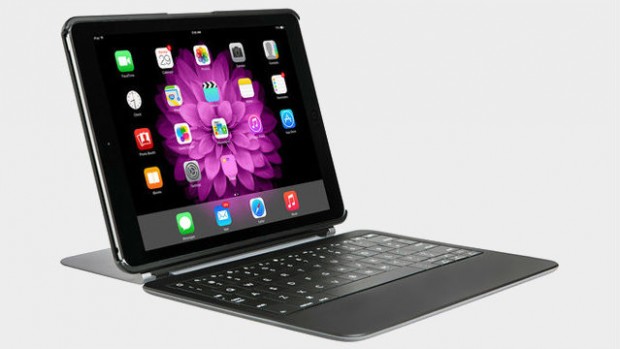
Typo gives up on iPhone, announces $189 iPad keyboard case

Following its recent settlement with BlackBerry that forbids it from making iPhone keyboards, the embattled Typo announced today that it is launching a new keyboard case for the iPad. It costs $189, and is available for the iPad Air and Air 2, and soon the iPad mini 1,2 and 3.

For those who missed the news Monday, the Ryan Seacrest-backed Typo said it would no longer sell its flagship iPhone keyboard case. It had been sued by BlackBerry over the case multiple times for design infringement, and it finally decided to give up and focus on tablets.

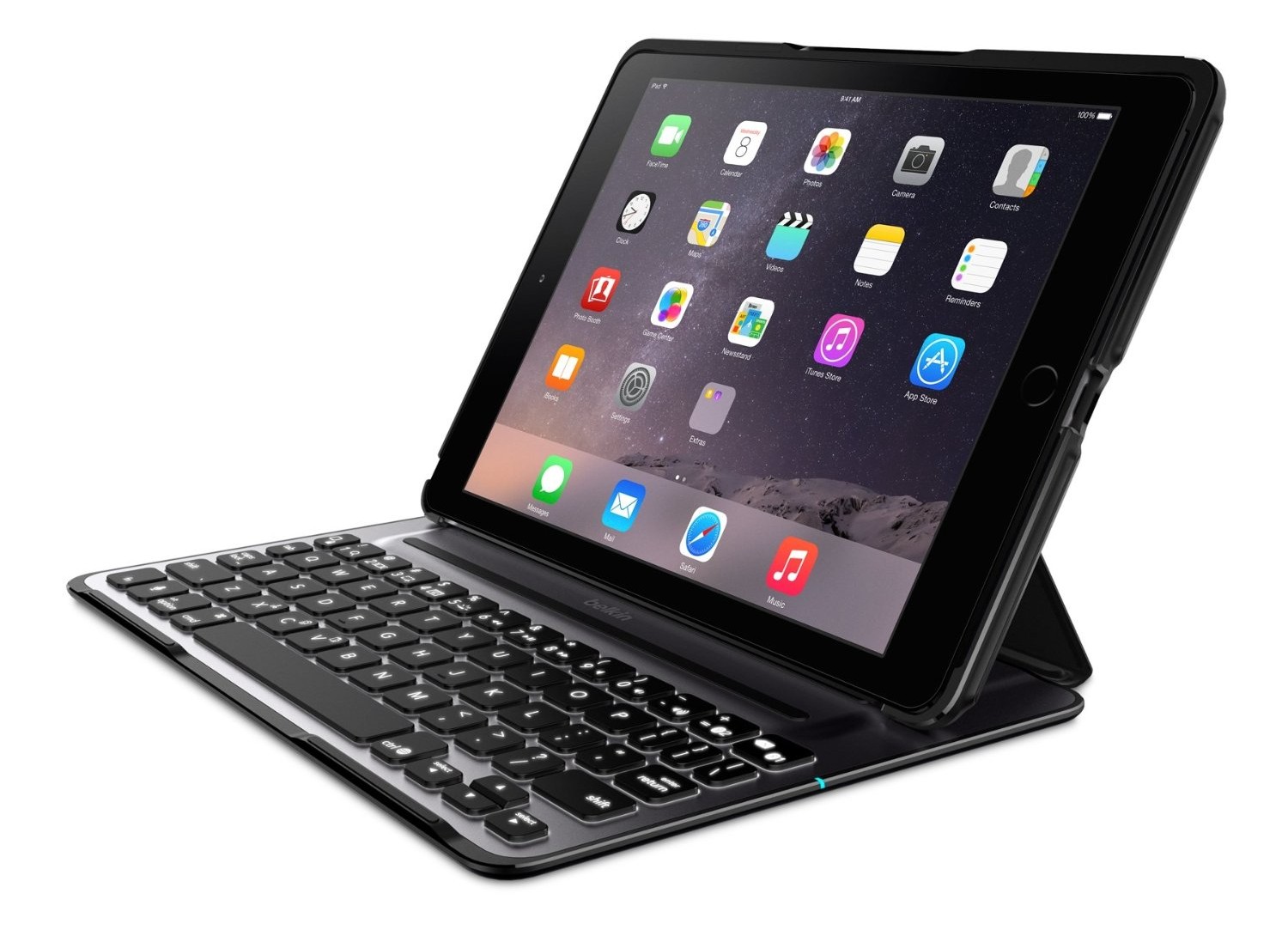
Turn your iPad Air 2 into a mini laptop with Belkin QODE

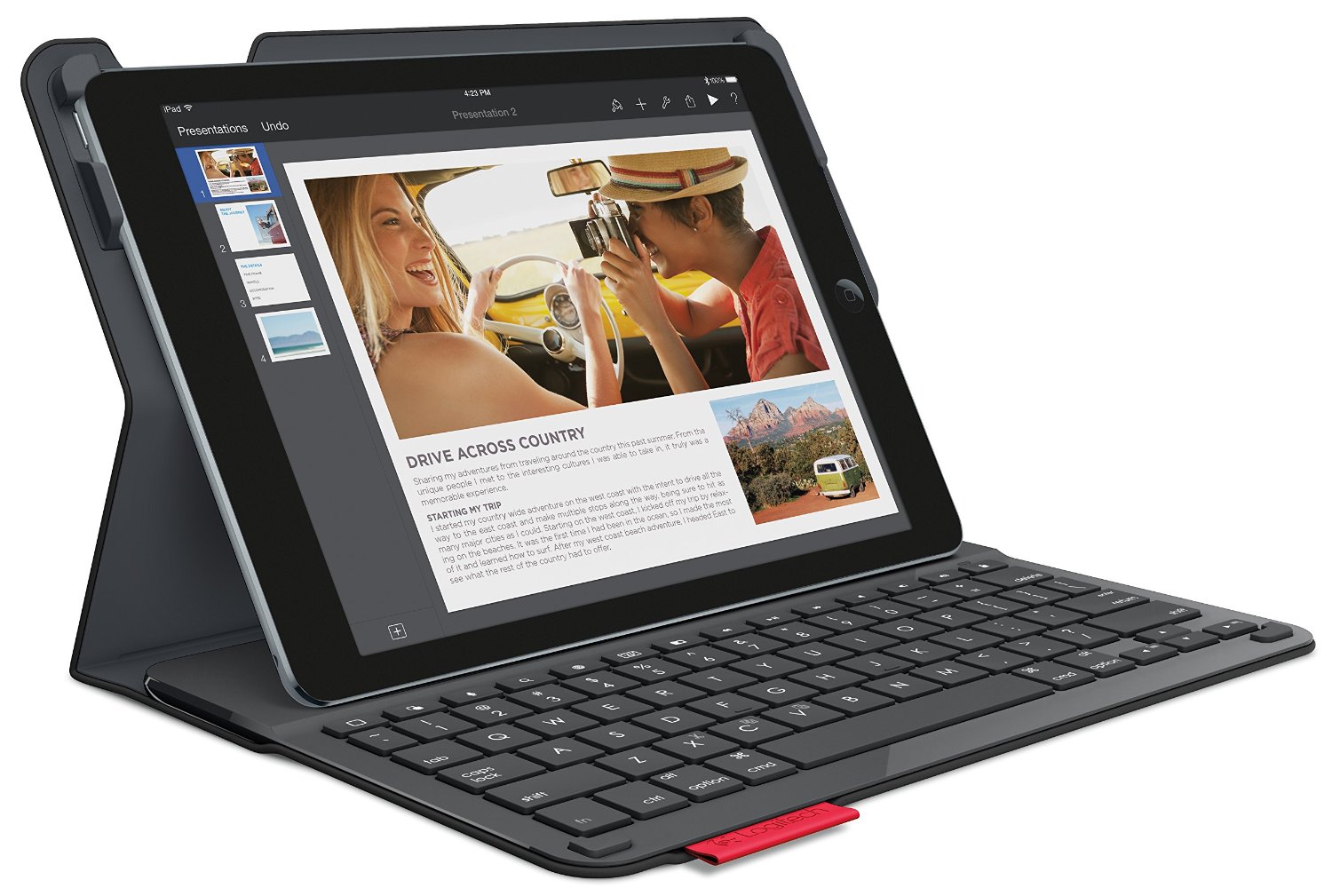
If you prefer the lightweight feel of the iPad Air 2, but wish you could type like you were using your MacBook Air, the best thing you could do for yourself is invest in a good quality keyboard case. Not all cases are alike. A smooth, comfortable typing experience is very important when you need to stay productive.

Belkin’s QODE Ultimate Pro is a fully loaded keyboard case for the iPad Air 2. The hard shell provides protection for your device, while the keyboard design provides a laptop typing experience.

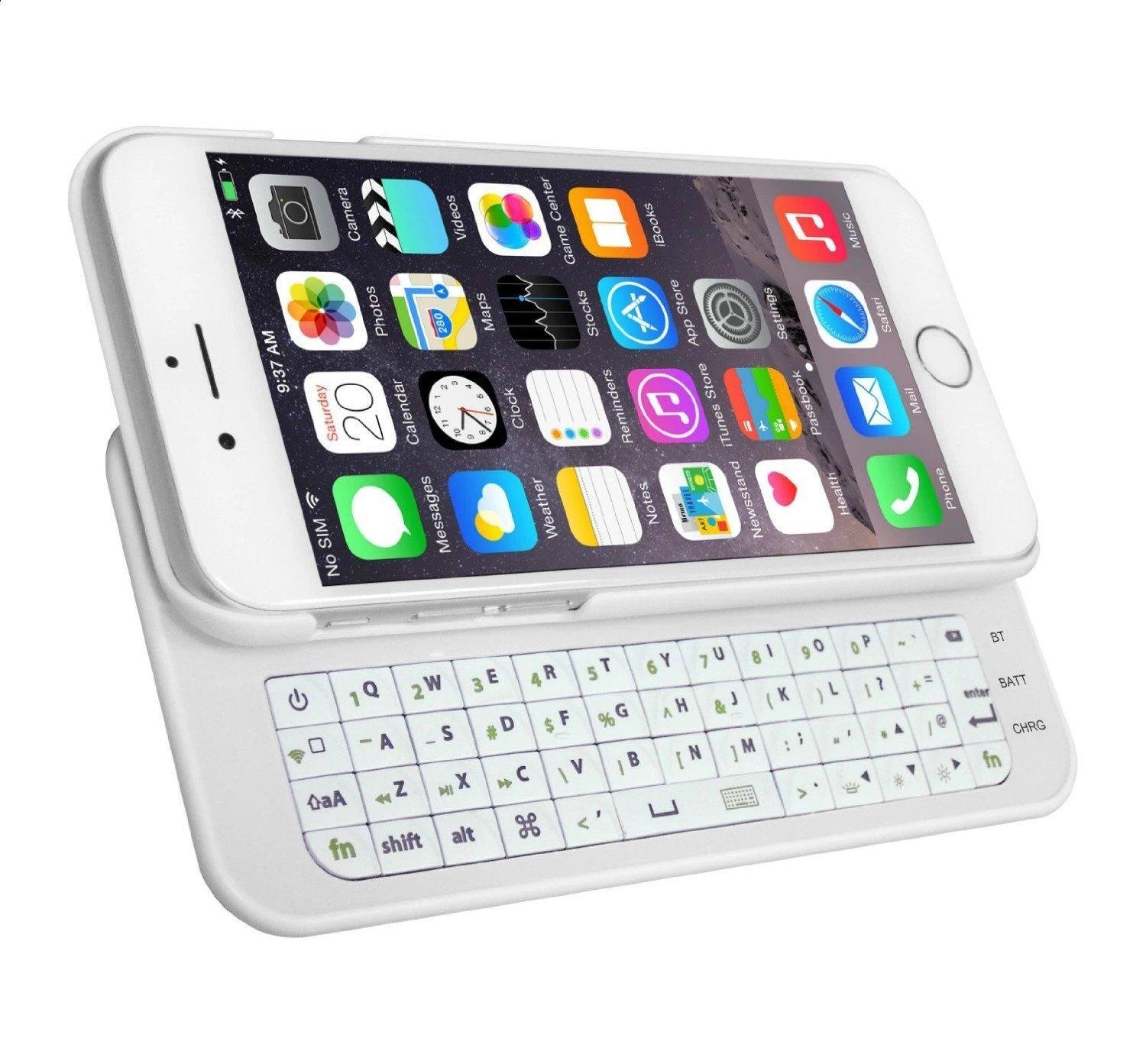
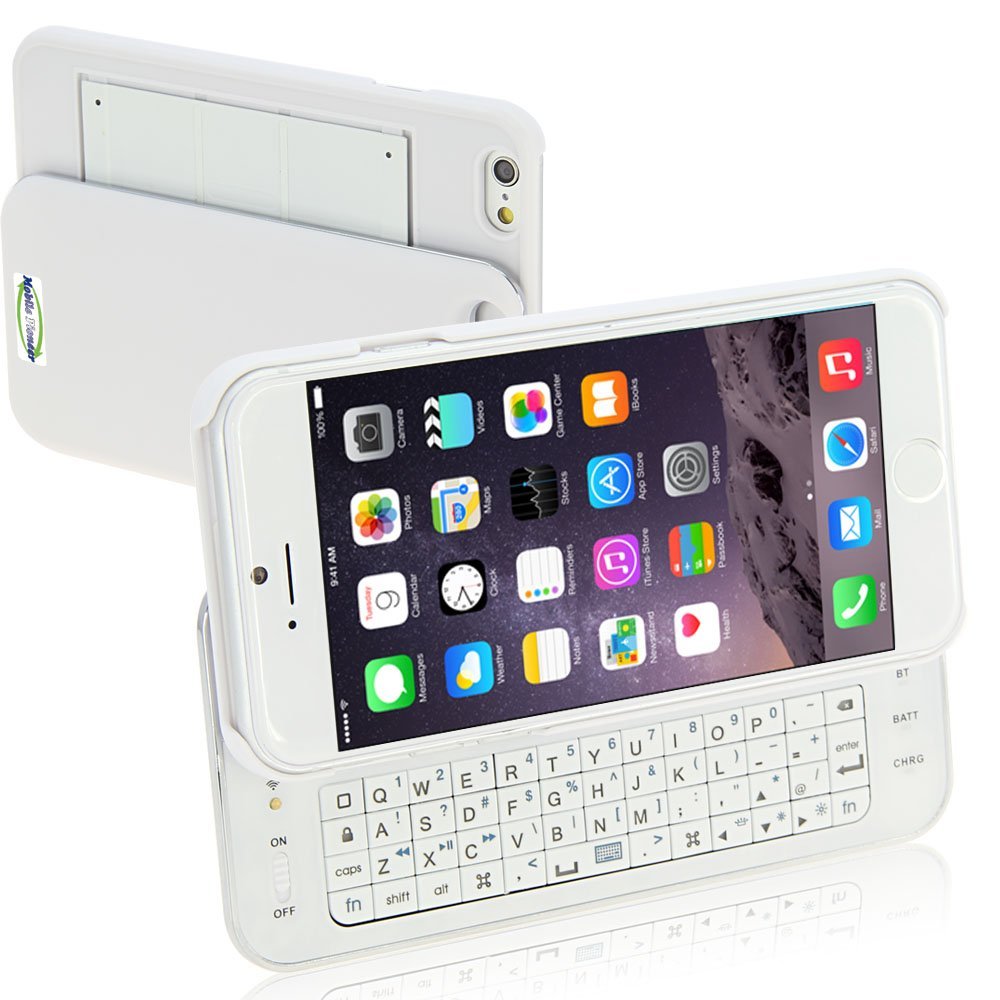
MXtechnic ultrathin keyboard case for iPhone 6 is a low-cost alternative to on-screen typing

Whether you are trying to win a speed texting contest or writing an article for your blog from your iPhone 6, the on-screen keyboard is not exactly a highly productive feature. To get the most out of your typing experience, you may want to invest in a keyboard case

MXtechnic makes an ultra-thin, slide-out, wireless keyboard case that gives you a more tactile typing experience than the on-screen keyboard on the iPhone 6, and the price tag makes it even more appealing.

Fleksy Keyboard introduces Imoji stickers, smart suggestions for GIFs and more

Fleksy, the powerful iOS 8 keyboard which lets you use gestures, GIFs and emoji, has increased its functionality in the latest update issued today.

Now the app features an integrated Sticker keyboard in partnership with Imoji, taking visual communication beyond animated GIFs. You can easily browse, search and send Imoji stickers directly in Fleksy: just tap a sticker to copy it, then paste it in a message.

To add a sticker to your favorites, double tap it from the keyboard. You can access your recently used stickers, browse endless collections of reactions,  check out what's trending and more.

StopAutoDelete stops the iOS cursor from deleting entire words

When you hold the delete button on the iOS keyboard, eventually the cursor will start to delete entire words in an effort to speed up the deletion process. While at times, this comes in handy from a speed perspective, I often find it more of a nuisance; it seems to always delete words that I had no intention of removing.

StopAutoDelete is a jailbreak tweak that slows down deleting on iOS, placing a sort of limiter on deleting and preventing whole words from being delete at once. Have a look at our video walkthrough for a full explanation.

Apple patents hybrid ‘Fusion’ keyboard with gestures, forceful pressure and more

The United States Patent and Trademark Office (USPTO) on Tuesday awarded Apple a patent for a hybrid multitouch keyboard that would incorporate touch-sensitive mechanical keys with two-position mechanical switches for activating tasks at different levels of pressure.

Titled ‘Fusion keyboard’, the U.S. Patent No. 9,041,652 explores a touch sensitive mechanical keyboard for detecting touch events and key depressions.

ADKeys: assign an image as your keyboard background color

ADKeys, which stands for adaptable keys, is a tweak that lets you change up the background and key cap color of the keyboard in iOS. By doing so, you can match up your keyboard color with other areas or your iPhone, such as your current wallpaper or theme.

If you can manage to handle the tweak's frustrating preferences, then you may be able to obtain the look you're going for. Have a glance at our walkthrough for a bit more detail.

SwiftKey keyboard launches theme store

SwiftKey, the popular gesture keyboard for iPhones, iPads ands iPods with iOS 8 or later, today launched a brand new theme store featuring a dozen themes for customizing the look and feel of its keyboard.

After debuting on Android in 2014, the built-in theme store is now available to iOS users with twelve newly designed themes, priced from 99 cents to $1.99.