Learn how to reset the SMC on Intel-based and Apple silicon Macs to troubleshoot and fix various hardware issues with the power, display, webcam, etc.
Why and how to reset SMC on your Mac

Learn how to reset the SMC on Intel-based and Apple silicon Macs to troubleshoot and fix various hardware issues with the power, display, webcam, etc.
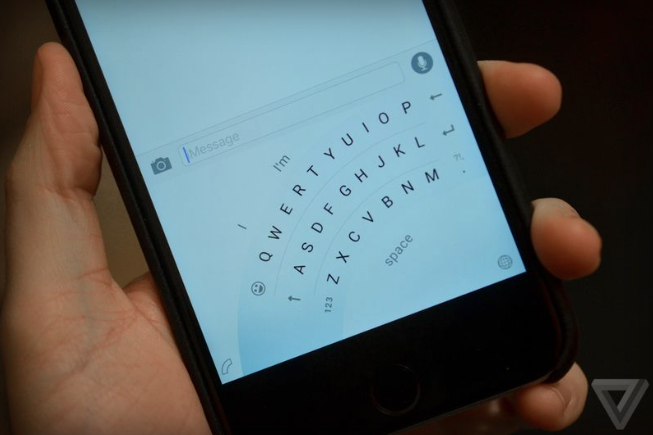
The Windows Phone keyboard Microsoft is bringing to iOS will feature a special one-handed mode, reports The Verge. Speaking with sources familiar with the company's plans, the site says that an early version of the keyboard is currently in internal beta, and it will soon be available to public testers.
One of the more interesting things the beta has revealed thus far is that the iOS version of Microsoft's Flow keyboard will feature a special one-handed mode. Yes, the Windows version also has a one-handed mode, but those who have tried the iPhone version say that there are a few noticeable differences.
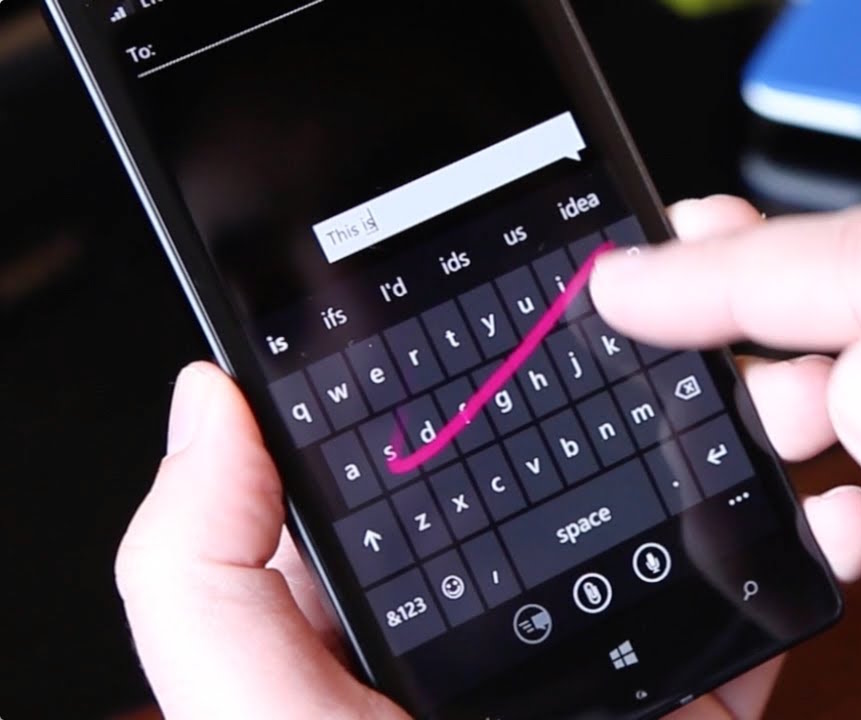
Windows giant Microsoft is porting its excellent predictive text keyboard for Windows Phone, dubbed Word Flow, over to the iPhone, iPod touch and iPad.
In an email to some Windows Insider testers, obtained by The Verge's Tom Warren, Microsoft invited iPhone users to participate in a trial of the Word Flow keyboard for iOS.
On Windows Phone, the Word Flow keyboard includes a number of advanced features such as autocorrect, suggestions, gestures, multi-language support, emoticons, the ability to swipe letters like in Swype's keyboard, and more.
Fleksy, the popular software keyboard for the iPhone, iPod touch and iPad, was updated earlier this week with a bunch of refinements and new features, including 3D Touch-based cursor control and Home screen shortcuts on the iPhone 6s and iPhone 6s Plus.
Other goodies in Fleksy 7.5 include the all-new (and free) festive pack to dress up your keyboard in holiday-themed skins, the ability to search for emoji with the Highlights extension, a new GIF & Stickers tab for browsing animated GIFs and more.
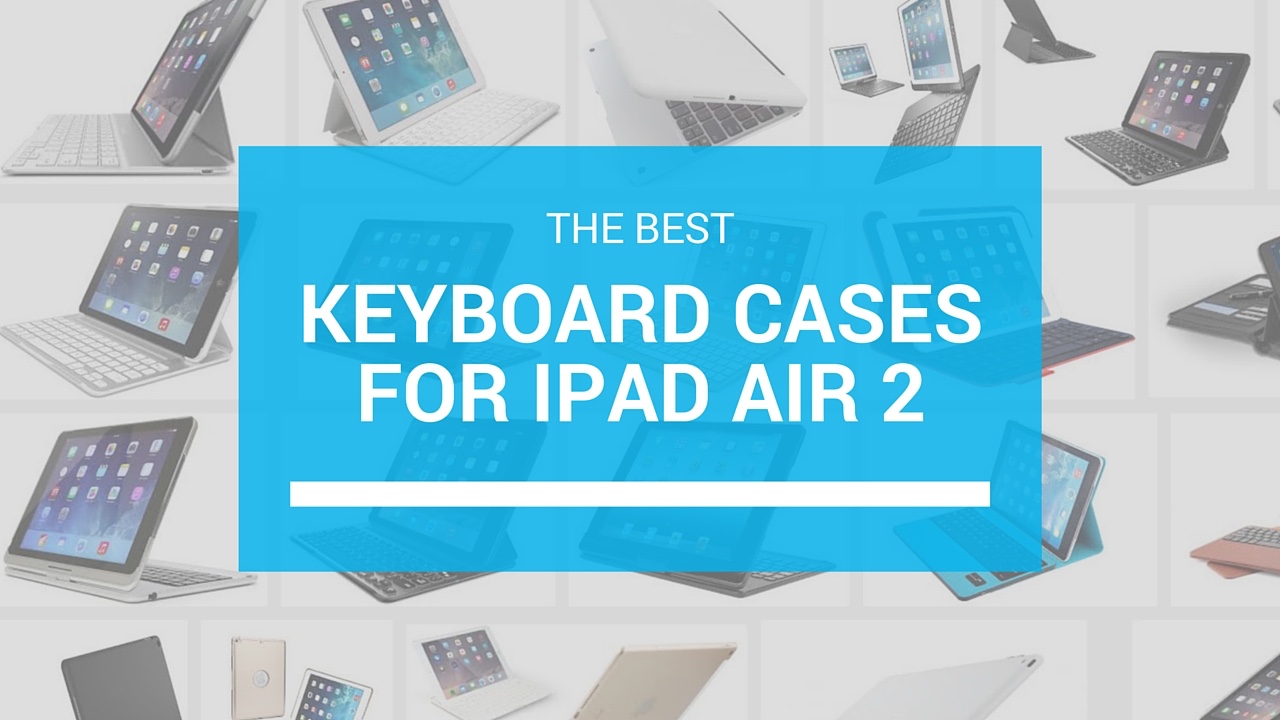
Since early 2015, we've been on the hunt to find great accessories for your iOS devices. We want to provide you with a variety of different types of products, so you can see for yourself, which one is the best for your needs.
This time, we are presenting an accessory roundup for the iPad Air 2. We've sought out a half-dozen keyboards for your review and came up with what we believe to be the best keyboard cases for iPad Air 2. If you don't see your favorite on this list, feel free to add it to the comments section.
In early November, we told you about a fun little jailbreak tweak that makes it possible for you to add Unicode faces to your keyboard so you don't have to be like everyone else with those silly yellow smiley faces.
The tweak's developer, Neo Ighodaro told us that, thanks to our coverage of Unicode Faces, he figured that it would be a good idea to turn it into an official App Store app rebranded as TextFaces. We took it for a test spin on a non-jailbroken device and have a review of TextFaces for you today.
Sometimes, there is a song or a cat video, or an iDB article that you just have to share with someone. Oh, but you forgot to grab the link before you got into a chat with your buddy in Hangouts.
That's OK. Slash Keyboard makes it possible for you to find and share all manner of content right from your iOS keyboard without having to leave your chat. We took it for a spin and have a review of Slash Keyboard for you right now.
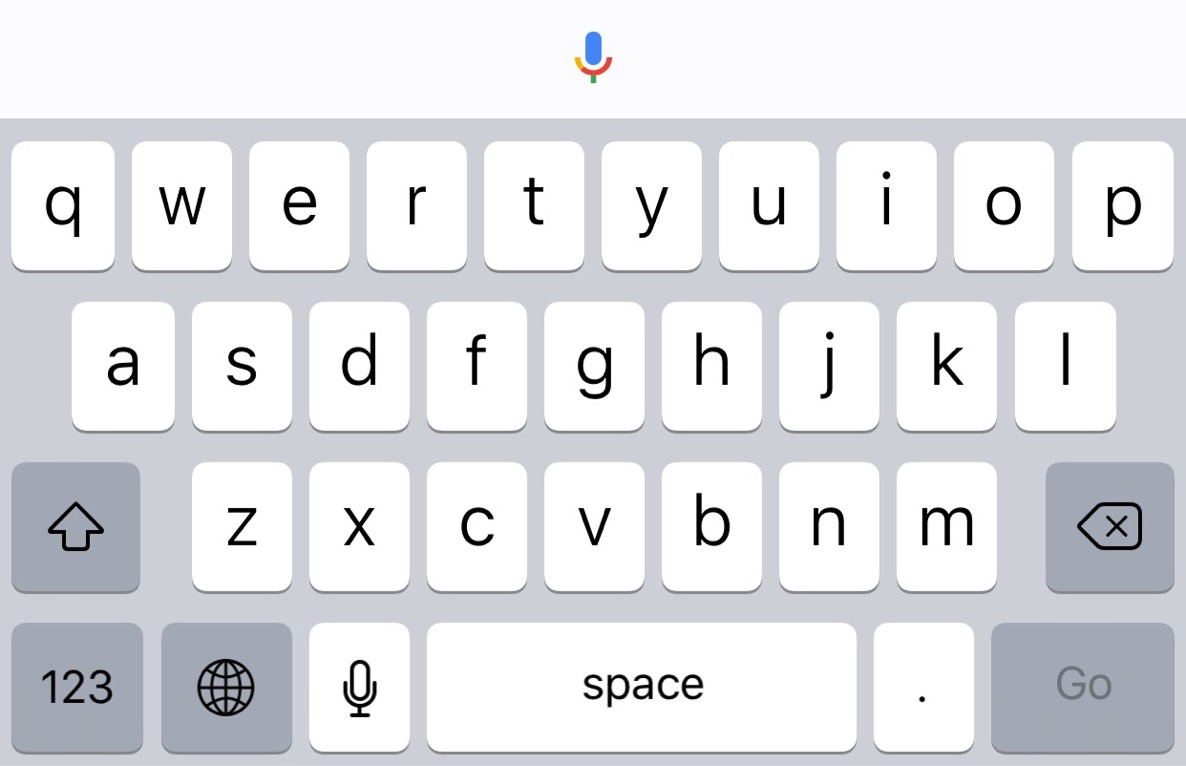
Have you ever wanted to use a third-party keyboard with Google Chrome on iOS? On a stock iOS device, you can't use alternate keyboards like Swype with Chrome, but with a jailbroken iPhone, it's possible.
ChromeKeyboardEnabler is a newly released jailbreak tweak by developer snakeninny, and it enables third-party keyboards within Google Chrome. Just install it, and you're ready to go.
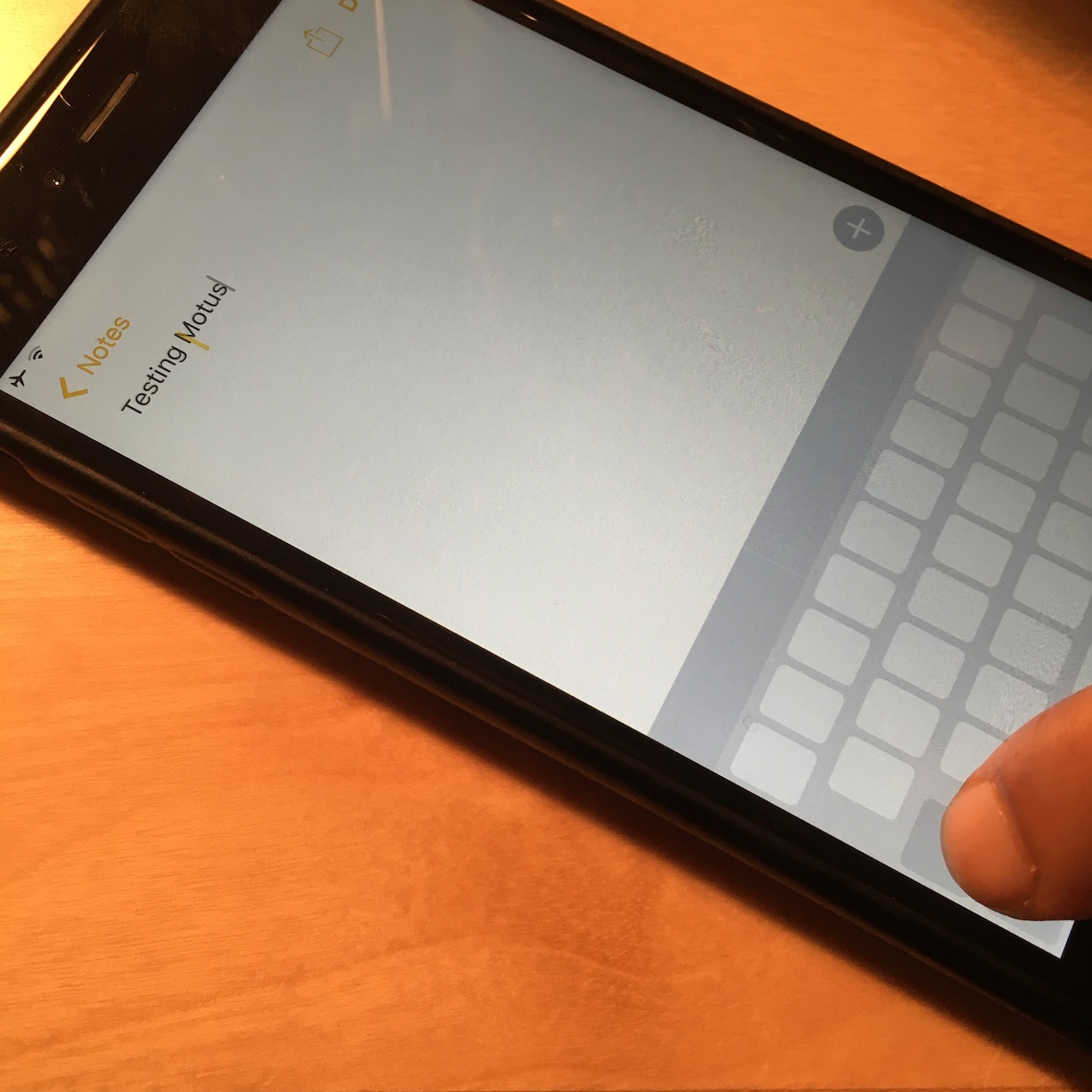
If you have an older jailbroken iPhone like the iPhone 6 or iPhone 5s, then you're missing out on one of the best features made possible by 3D Touch featured on the iPhone 6s. Thanks to 3D Touch, the iPhone 6s' keyboard trackpad mode allows users to swipe on the keyboard to position the cursor accurately when typing or editing text.
The good news is that a newly release jailbreak tweak, found on up-and-coming developer collective Creatix's beta repo, brings some of the keyboard trackpad features to older devices.
Google today updated its Chrome browser for the iPhone, iPod touch and iPad in the App Store with two new feature additions: 3D Touch shortcuts on the Home screen via the iPhone 6s and iPhone 6s Plus and expanded support for shortcuts when the app is used with a Bluetooth keyboard.
Pressing firmly on Chrome's Home screen icon on your iPhone 6s will now bring up a 3D Touch menu with Voice Search, New Incognito Tab and New Tab options.
SwiftKey, the popular software keyboard for iPhone, iPod touch and iPad devices with iOS 8 or later, has received a refresh this morning in the App Store featuring two enhancements: a brand new Bubble Gum dynamic keyboard theme and a redesigned settings menu in the app.
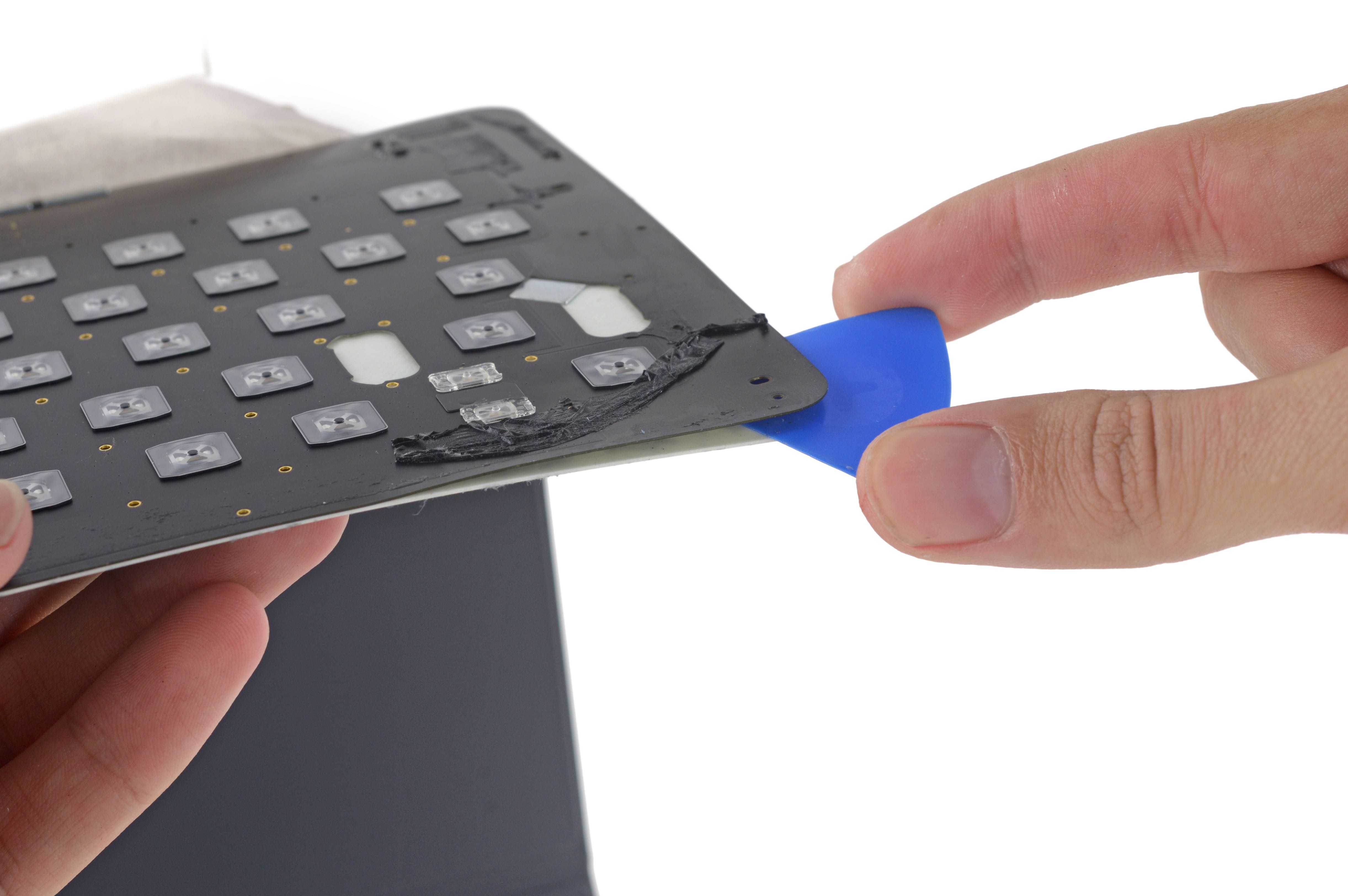
Repair experts over at iFixit today pried open Apple's new $169 Smart Keyboard case for the iPad Pro.
As you know, the Smart Keyboard is covered in Apple's mysterious conductive fabric that actually connects the keyboard to the iPad Pro's Smart Connector and allows for a “two‑way flow of power and data.”
But more important than that, the accessory is completely glued together, which makes servicing next to impossible. In fact, the Smart Keyboard files as one of the least repairable devices iFixit has ever analyzed so small wonder they gave it a repairability score of zero out of ten, ten being the easiest to repair.