Keyboard

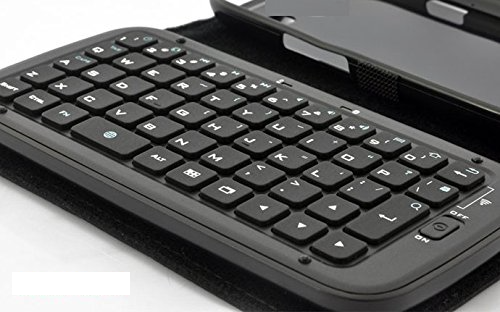
This iPhone 6s leather case features a Bluetooth keyboard

The 4.7 and 5.5-inch screens of the iPhone 6s and iPhone 6s Plus have made it possible for us to do more than ever on a smartphone. One of the benefits is the ability to be more productive with our digital lives. You can send email, edit PDFs, and write novels much easier with the larger screen space.

Top makes a hefty detachable keyboard with a leather folio cover that increases your smartphone productivity even more. Just flip open the cover and start typing.

Logitech Create Backlit Keyboard Case Review: a great keyboard solution for iPad Pro owners

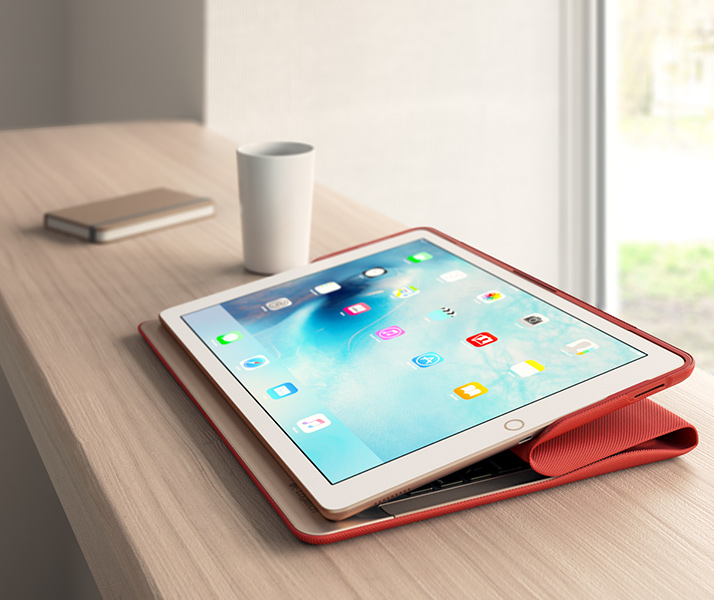
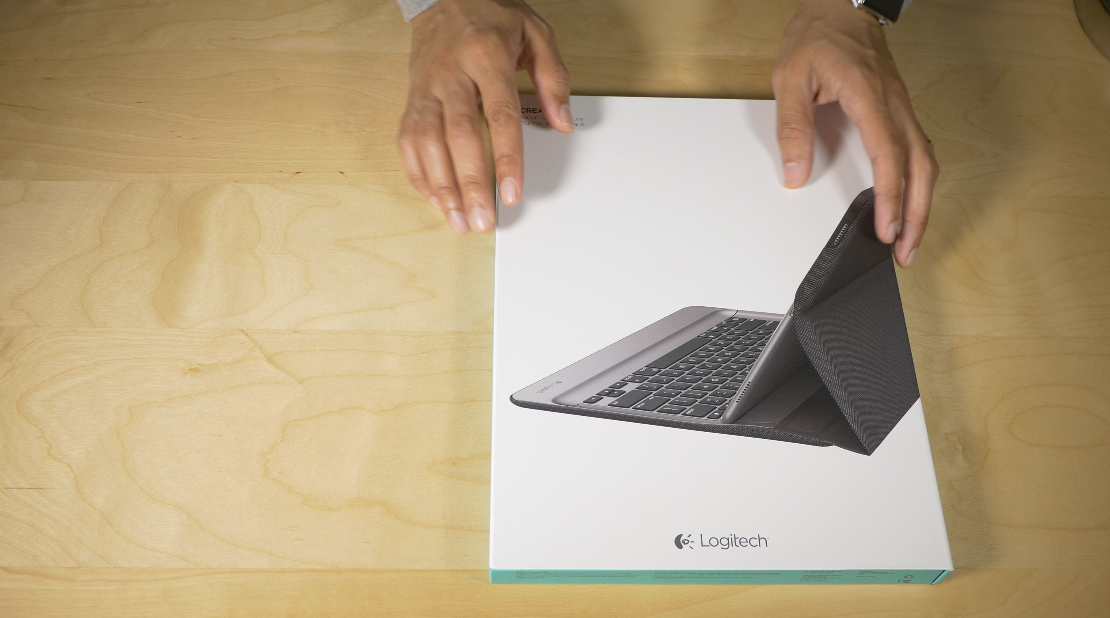
The Logitech Create Backlit Keyboard Case for iPad Pro is a great solution for those of you who are heavy typers.

Because this keyboard case, unlike Apple's Smart Keyboard, fully surrounds the iPad Pro when closed, it actually saves you money to go with Logitech's offering over Apple's Smart Keyboard + Silicone Case combo.

Of course, the protection elements offered by the Logitech Create are mere side points to the main questions: How does this keyboard perform for typers? Can I use the Logitech Create to type long-form content, or is it primarily suited for quick text outbursts? How does it fair when attempting to lap type? These are concerns that anyone who's interested in doing real work with the iPad Pro will have.

The Logitech Create Backlit Keyboard Case isn't without a few downsides, but for those of you primarily concerned with having a serviceable keyboard available at all times, it's a very good option that's worthy of your consideration.
Apple Pencil and Smart Keyboard deliveries slip to 4-5 weeks, Apple promises ‘regular shipments’

If you're in the market for an iPad Pro and are considering purchasing Apple's $99 Pencil or the $169 Smart Keyboard to take full advantage of the tablet's new features for creatives and mobile workers, you're in for some serious waiting as shipping times for these accessories have slipped to 4-5 weeks on the Apple Online Store.

In a statement to Mashable, the company did acknowledge limited supply of the Apple Pencil and Smart Keyboard in its own retail stores and promised “regular shipments”.

Logitech launches Create Backlit Keyboard Case for iPad Pro compatible with Smart Connector

Accessory maker Logitech wasted no time launching its Create Backlit Keyboard Case, a folio-style protector for the iPad Pro that offers a full-size keyboard with backlit keys, something Apple's pricey $169 Smart Keyboard case is lambasted for lacking.

Billed as the first third-party keyboard case for Apple's latest tablet, the accessory connects to the iPad Pro's new Smart Connector which offers simultaneous keyboard charging and data transfer, without the need for manual Bluetooth pairing.

All of iOS 9.1’s new emoji are now available on SwiftKey for iPhone and iPad

All those burritos, tacos, middle fingers and other emoji characters enabled by the iOS 9.1 software update are now available on SwiftKey's keyboard for your iPhone, iPod touch and iPad.

The latest update to SwiftKey's free of charge keyboard in the App Store essentially adds all of the new iOS 9.1 emoji, including the unicorn, many new facial expressions and gestures (yes, the middle finger, too) and a man in a business suit levitating.

Apple researching completely switch-less Mac keyboard with Force Touch feedback

Apple's new Magic Keyboard is awesome—if you don't believe me, check out my colleague Jeff Benjamin's excellent video review—but it lacks Force Touch feedback currently found on the Apple Watch and iPhone 6s display and MacBook trackpads.

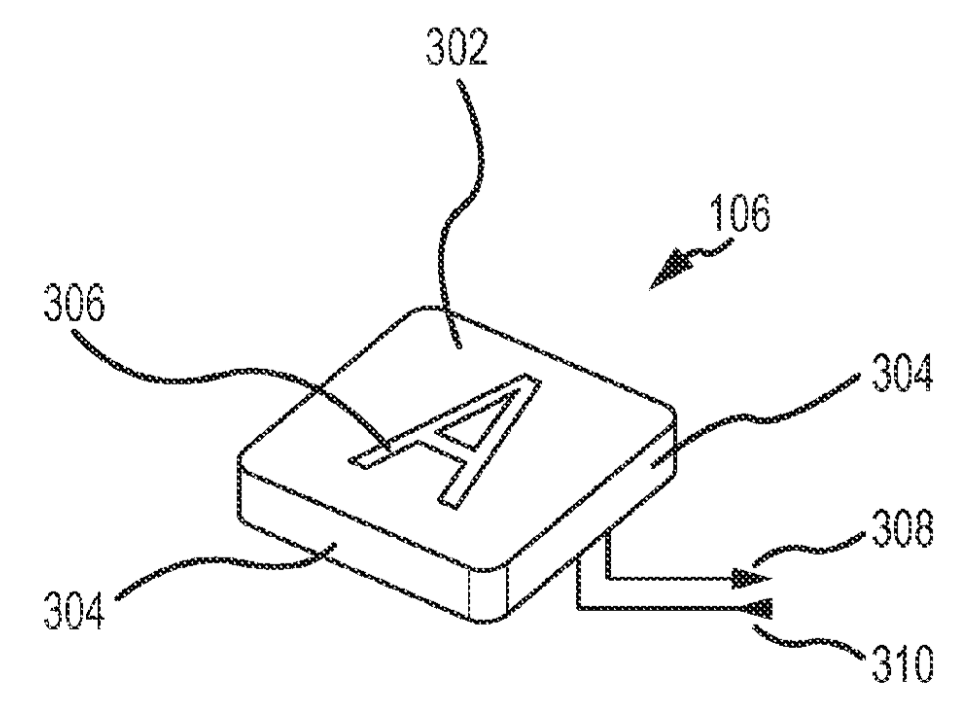
But Apple seems to be interested in bringing this technology to a future Mac keyboard, according to a patent granted to the company on Tuesday by the United States Patent & Trademark Office (USPTO).

Fleksy keyboard introduces custom theme photo builder in new update

Fleksy Keyboard, one of the most popular software keyboards in the App Store, has received a major update this morning. The update to the freemium app strives to solve the problem of users constantly demanding that developers add an ever-growing collection of new UI themes to the app, so they've added a new custom theme photo builder feature to Fleksy Keyboard 7.0.

The ability to personalize the keyboard has been one of the top requests from users, Fleksy says, and has prompted the company to come up with a system for users to build exactly the keyboard that suits their liking, and even share their creations with friends and other Fleksy users.

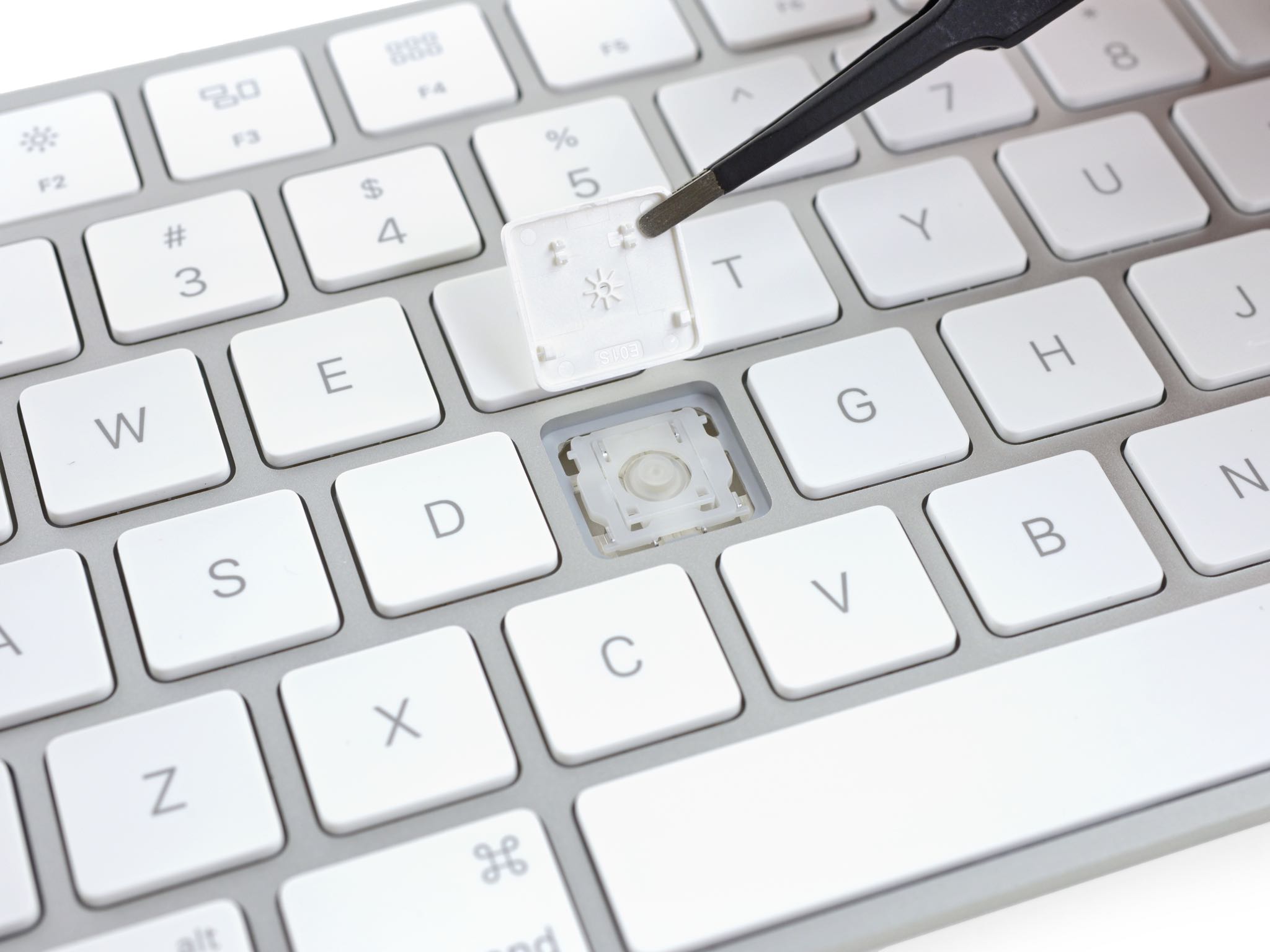
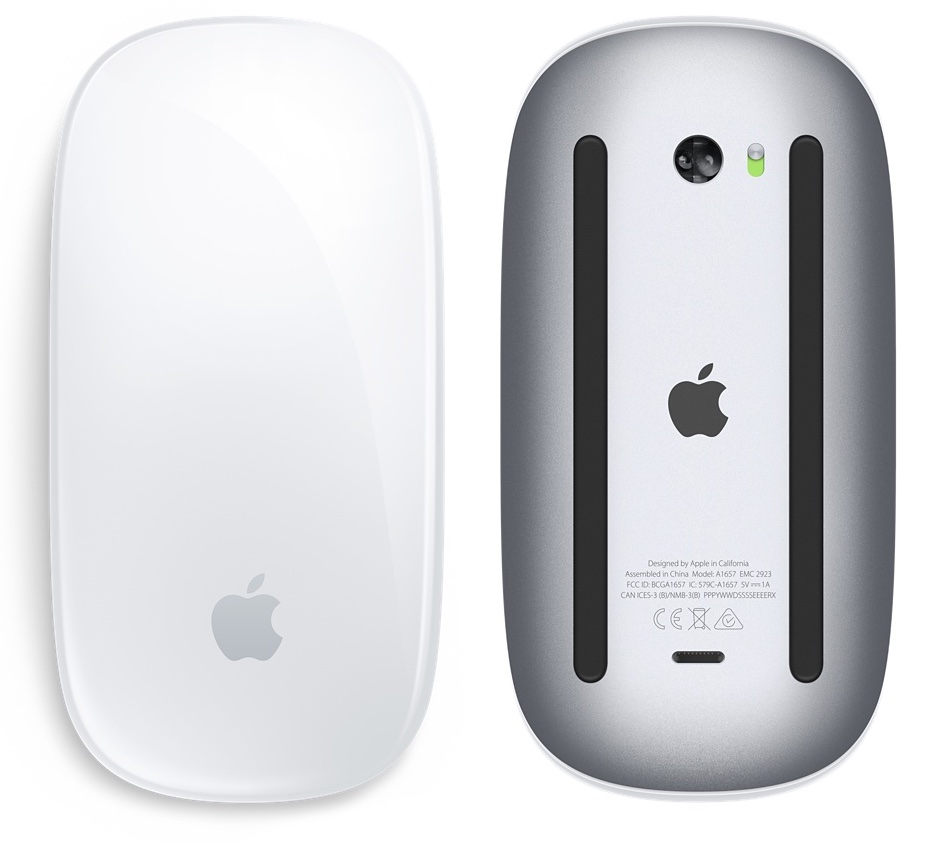
Teardown analysis of Magic accessories finds chips from other Apple products and more tidbits

Repair experts over at iFixit have performed an interesting triple teardown of Apple's latest Magic accessories—the Magic Mouse 2, Magic Trackpad 2 and Magic Keyboard—and found that all three devices are outfitted with many of the same chips also found in other Apple products.

On the downside, Apple's unified approach to engineering the new Magic devices has resulted in just 3 out of 10 in iFixit's Repairability ratings due to high level of integration and excessive amount of adhesive.

Smart Keyboard for iPad Pro will only be available with U.S. English layout at launch

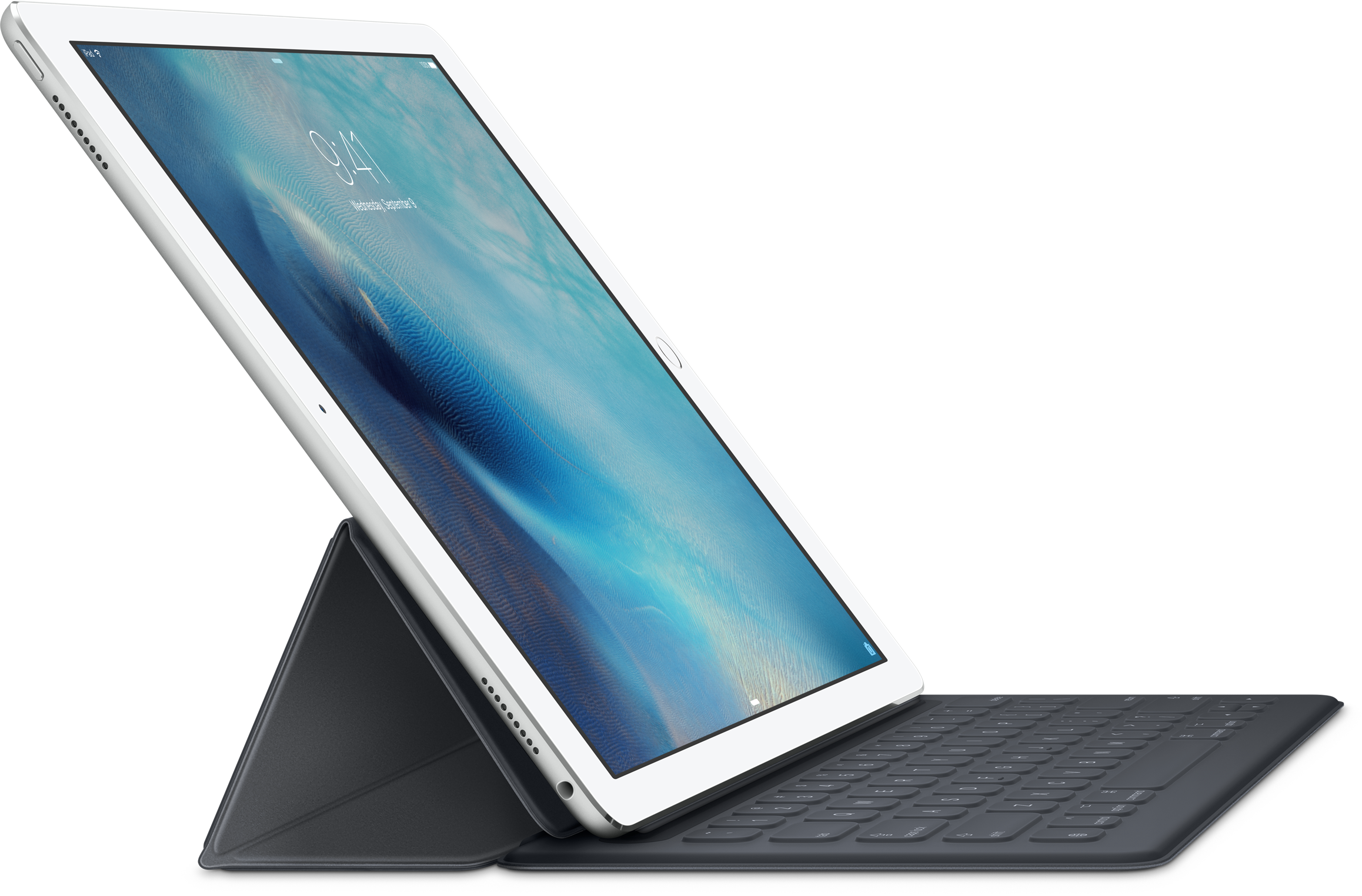
Apple's Smart Keyboard for the iPad Pro will only be available with a U.S. English layout when it launches in about two weeks, a move that might potentially discourage international users from purchasing the $169 accessory.

This has been revealed in the fine print that the Cupertino company quietly added to its German website, as first noted by German-language blog iFun.de.

10 things I dislike about Apple’s new Magic gadgets

I'm a huge fan of Apple's wireless keyboard, mouse and trackpad. My daily driver is a 2014 MacBook Air model and I also own a 27-inch Apple Thunderbolt Display which gets hooked up to the Air when I'm tied to my desk.

And of course, I also own a Magic Mouse, Magic Trackpad and Apple's Wireless Keyboard. These accessories soup up my desktop computing with precision input, wireless design and small footprint.

That being said, I'm currently on the fence of upgrading to Apple's new Magic Mouse 2, Magic Trackpad 2 and Magic Keyboard. I'm sure I'll eventually purchase them just because I'm sick and tired of buying new alkaline batteries every few weeks.

But right not, I'm having second thoughts because not everything about the new Magic devices is as rosy as Apple paints it.

Apple’s refreshed Magic accessories have introduced a new Bluetooth pairing process

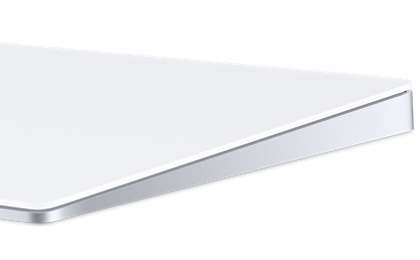
Magic Trackpad 2

Apple's just announced Magic accessories—the $99 Magic Keyboard, $79 Magic Mouse 2 and $129 Magic Trackpad 2—don't just feature a refreshed design with an integrated litium-ion battery, Bluetooth 4.0 and a built-Lightning port for recharging, but a new way to pair them with your computer.

The previous-generation mouse, keyboard and trackpad had to be paired to your Mac using the standard wireless pairing process for Bluetooth-compatible peripherals: you would go through the Bluetooth pane of OS X's System Preferences to scan for Bluetooth device and pair one to your computer.

With the Magic Trackpad 2, Magic Mouse 2 and Magic Keyboard, the pairing process has been vastly simplified, however.