Learn about a small, easy-to-remember tip that lets you increase or decrease the screen brightness and volume in even smaller, fine-tuned increments than normal.
How to adjust Mac brightness or volume in 1/4th increments
Learn about a small, easy-to-remember tip that lets you increase or decrease the screen brightness and volume in even smaller, fine-tuned increments than normal.
In this piece, we'll share with you 10 useful Finder keyboard shortcuts that you can use to quickly navigate around the filesystem on macOS.
The Preview app comes pre-installed on all Macs and is more useful than a lot of people give it credit for. It's not only used for opening different file types that reside on your Mac but it can also be used to edit those files and extract images from apps.
Regardless, most of you probably use just your mouse or trackpad to get things done in the Preview app. In this piece, we'll show you 10 ways you can use your keyboard to quickly perform actions in Preview by way of these useful individual keyboard shortcuts.
Check out these must-know keyboard shortcuts for the Apple Mail app on Mac so you can streamline your workflow and speed things up.
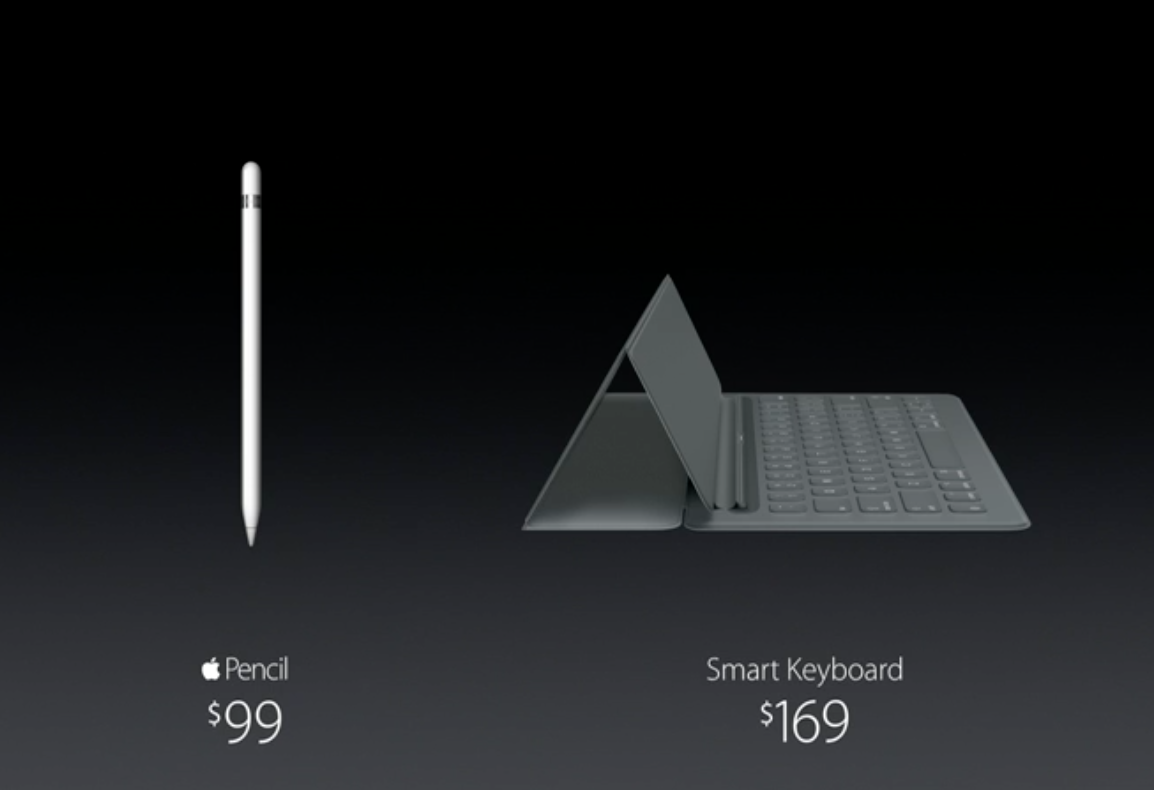
Apple has issued its first firmware update for the iPad Pro's $169 Smart Keyboard accessory. After attaching a Smart Keyboard to their iPad Pro, users will see an iOS prompt informing them of the availability of the new software. They can postpone updating the Smart Keyboard update or select to apply the new firmware immediately.
As reported by AppleInsider, the new firmware software for the accessory is delivered as an over-the-air download and is transferred to the Smart Keyboard through Apple's new magnetic Smart Connector on the iPad Pro.
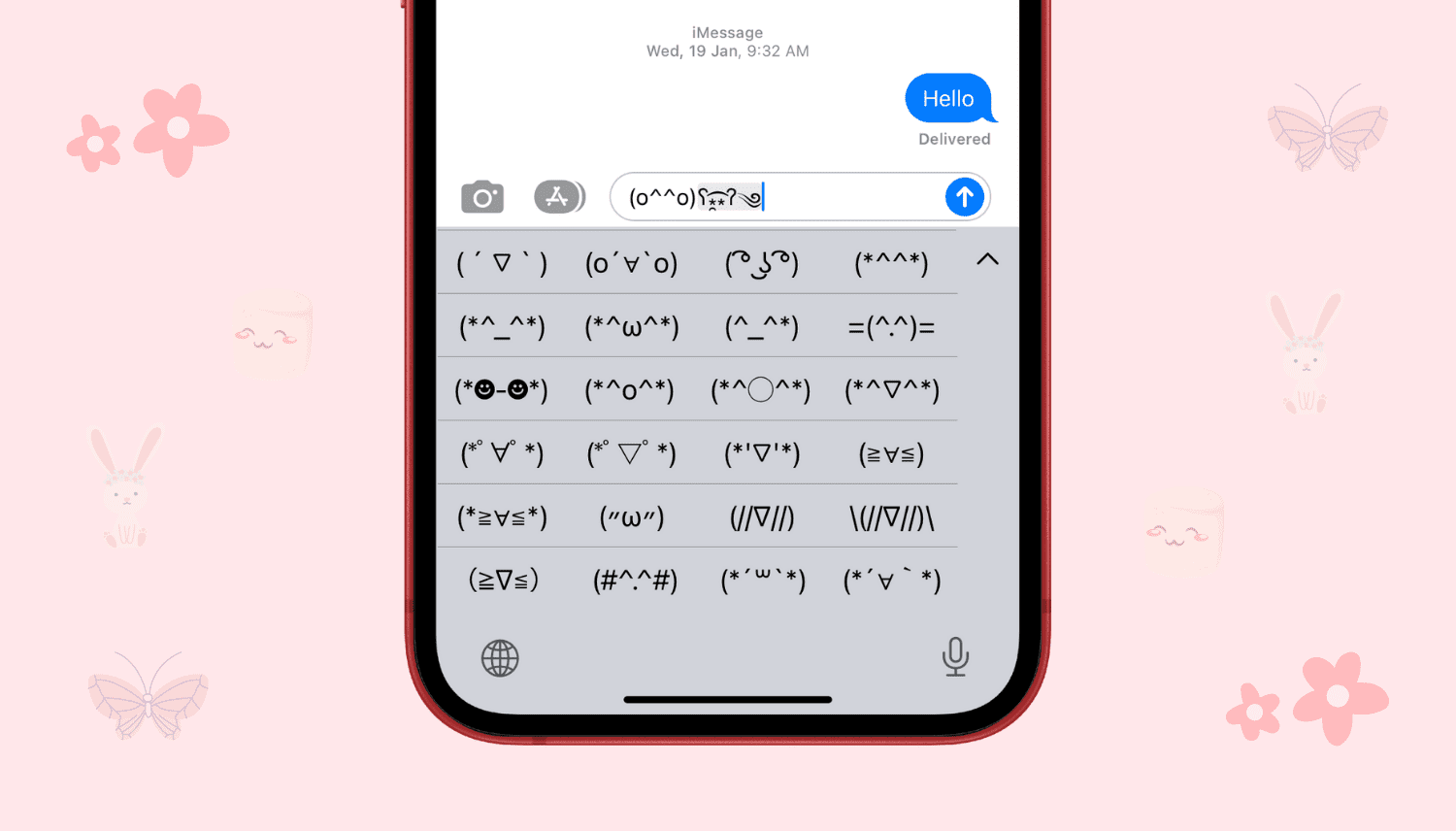
Learn how to access unique emoticons and ASCII faces on your iPhone or iPad by enabling the hidden Japanese keyboard for some fun ways to express yourself.
If you use a Bluetooth keyboard with your iPad, or even with your iPhone or iPod touch (although less likely), then you might enjoy a new jailbreak tweak called Keyhook, which is now available in Cydia for $1.99.
Keyhook will allow you to control your Home screen with your Bluetooth keyboard; this includes selecting apps, launching apps, and moving between Home screen pages.
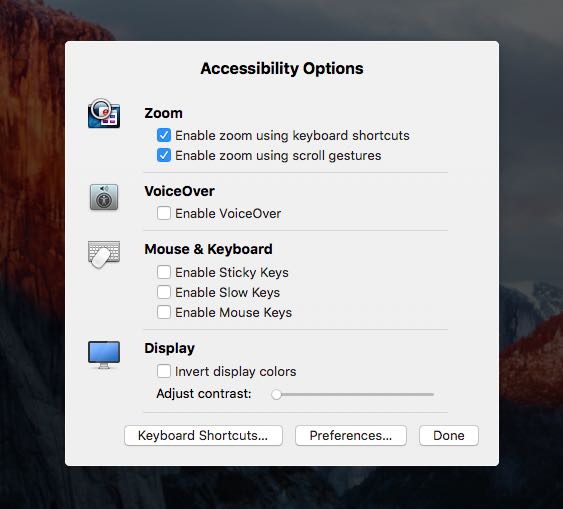
In addition to adjusting the screen resolution and choosing between the available display modes on your Mac, the macOS System Preferences application gives you additional display options to play with.
If you use display zoom, a great feature for people with less than perfect eyesight who find themselves squinting at the screen all the time, or you want to quickly access common features related to making items on the screen easier to see and the display easier to read, use the following time-saving shortcut to quickly adjust these options.
Macs are nice computers, but they're not without their issues that can spur up at random times. Fortunately, troubleshooting problems on a Mac isn't incredibly difficult and there are tons of simple steps you can take as a Mac user before calling AppleCare for support.
One of the easiest troubleshooting steps is resetting your Mac's NVRAM, a step which can solve an array of problems. In this tutorial, we'll explain what the NVRAM is responsible for and how to reset it to fix common problems.
Learn how to reset the SMC on Intel-based and Apple silicon Macs to troubleshoot and fix various hardware issues with the power, display, webcam, etc.
The Windows Phone keyboard Microsoft is bringing to iOS will feature a special one-handed mode, reports The Verge. Speaking with sources familiar with the company's plans, the site says that an early version of the keyboard is currently in internal beta, and it will soon be available to public testers.
One of the more interesting things the beta has revealed thus far is that the iOS version of Microsoft's Flow keyboard will feature a special one-handed mode. Yes, the Windows version also has a one-handed mode, but those who have tried the iPhone version say that there are a few noticeable differences.
Windows giant Microsoft is porting its excellent predictive text keyboard for Windows Phone, dubbed Word Flow, over to the iPhone, iPod touch and iPad.
In an email to some Windows Insider testers, obtained by The Verge's Tom Warren, Microsoft invited iPhone users to participate in a trial of the Word Flow keyboard for iOS.
On Windows Phone, the Word Flow keyboard includes a number of advanced features such as autocorrect, suggestions, gestures, multi-language support, emoticons, the ability to swipe letters like in Swype's keyboard, and more.