Keyboard

Unicorn sipface and coffee “emojis” are cool, but Starbucks’s iPhone keyboard needs more work

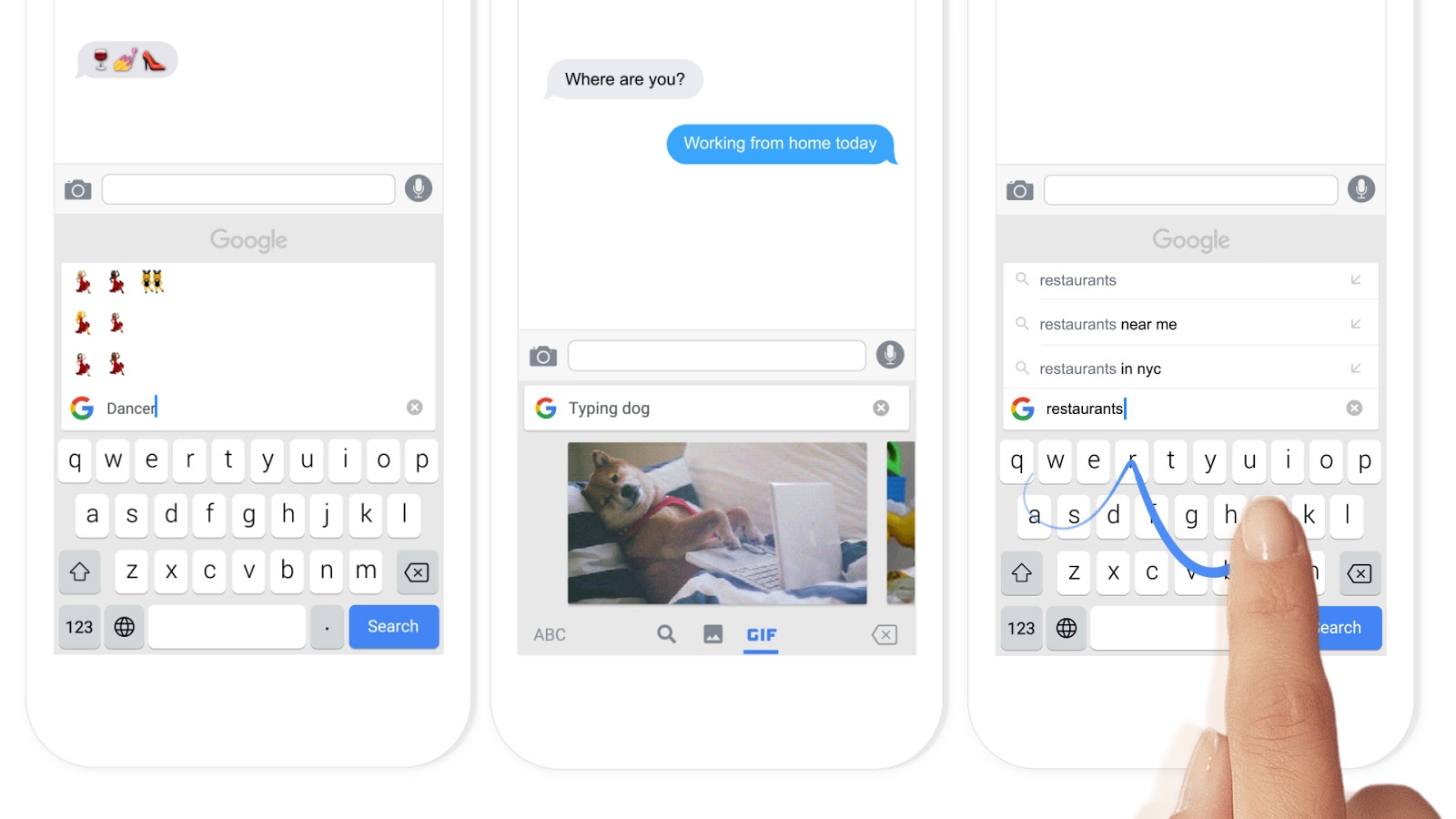
Apparently, software keyboards for the iPhone have become a must for brands. Earlier this morning, Microsoft released Word Flow for iPhone, its gestural Windows 10 keyboard with one-handed typing and predictive text input.

And now, Starbucks has jumped on the bandwagon and released an iPhone keyboard of its own.

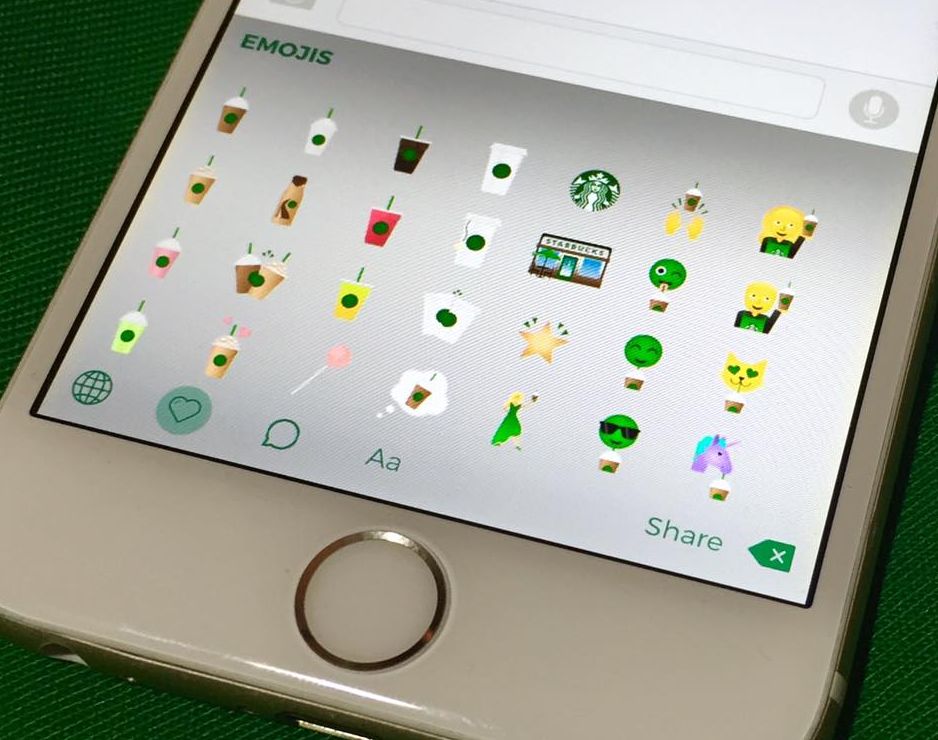
Available for free from the App Store, Starbucks Keyboard lets you add a little personality to your emails, texts, social media posts and more with branded “emojis” like Frappuccino blended beverages, iced tea, coffee and even a purple unicorn sipface.

It's a nicely done app that shows potential, but I dislike the fact that they're advertising it as an emoji keyboard because these things are more of stickers that get pasted as image attachments.

Microsoft’s Word Flow keyboard launches with one-handed mode, gestures, themes and more

After releasing an iOS edition of its Hub Keyboard last month, Windows giant Microsoft on Monday launched an iOS port of its predictive text Windows Phone keyboard, called Word Flow. The free of charge iPhone app brings many advanced features that speed up typing, like a cool one-handed mode, gesture based typing, predictive text input, custom themes and more. The Word Flow keyboard is available at no charge in the App Store.

Use text replacement in iOS to input email addresses faster

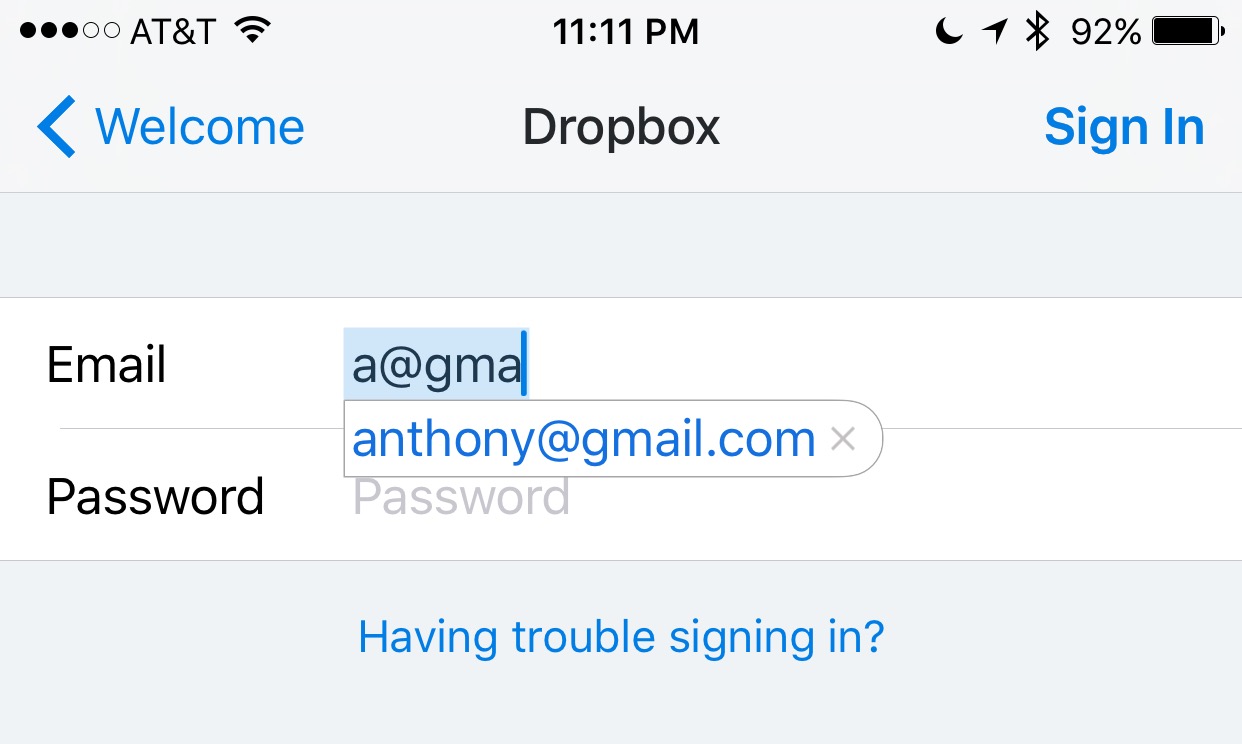
Email addresses can be long and annoying to type, especially when you're one of those goofballs out there with the weird emails like iph0n3_fan_09325@emailaddress.com, or something else with a bunch of wonky characters you don't care to remember or spend the time typing.

This is why when I came across this tip on how to make email address entry simple and fast from a friendly iDB reader, I wanted to share it with the rest of you.

Molar: an immersive Bluetooth keyboard shortcut tweak for jailbroken devices

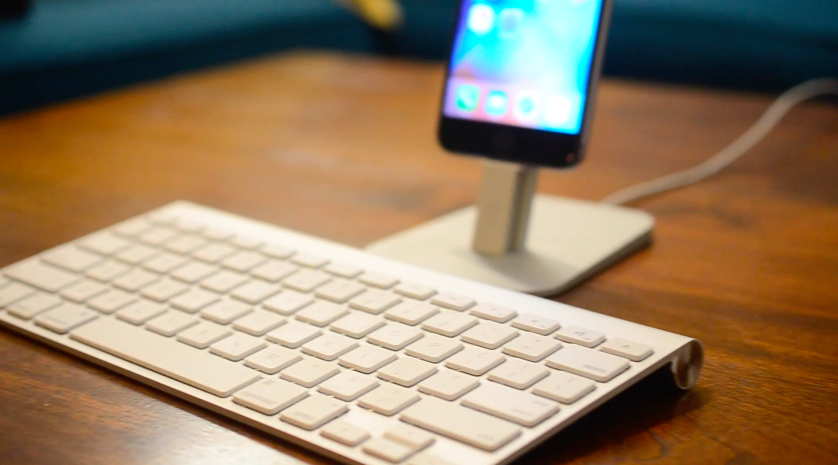
Using a Bluetooth keyboard with your iOS device is not unheard of, especially with the much more powerful iPad Pro that Apple is dubbing a true mobile competitor for notebook computers. Unfortunately, what Apple lets you do with them is quite limited.

A new jailbreak tweak called Molar is now available in Cydia for $1.99 that gives your iOS device a plethora of Bluetooth keyboard controls that stock iOS device users could only dream of having.

In this review, we'll talk about what Molar allows you to do on your iPhone, iPod touch, or iPad with a Bluetooth keyboard.

Microsoft’s Hub Keyboard now available on iPhone

Microsoft's Hub Keyboard is now available for the iPhone. No, it's not the Windows Phone keyboard that's being ported to Apple's handset. It's an iOS version of the Hub Keyboard that landed on Android in February.

Like other third-party software keyboards, Hub can be easily installed on your device once downloaded. Just navigate to Settings > General > Keyboards > Add New Keyboard, and select Hub from the subsequent list.

tvOS 9.2 is here: Dictation, folders, Live Photos, wireless keyboards, iCloud Photo Library & more

tvOS 9.2, a new update for the operating system which powers the fourth-generation Apple TV, is now available for public consumption. The new firmware, released alongside iOS 9.3, OS X El Capitan 10.11.4 and watchOS 2.2, is a very interesting update for the cool new features it brings to the table.

tvOS 9.2 enables several features missing from the initial tvOS release, including long-awaited support for wireless keyboards, dictation, Siri support for App Store searches, app folders on the Home screen, a revamped app switcher, Siri Remote improvements, support for Live Photos and iCloud Photo Library and more.

How to turn off auto-correct on Mac for one or all apps

Turn off auto-correct on Mac

Like your iPhone or iPad, your Mac sports an auto-correction feature that automatically corrects any misspelled words in your chats, documents, emails, and other documents that work with the system-level auto-correction feature.

In many macOS apps, mistakes are automatically corrected as you type. Native speakers who know their way around the grammar and spelling rules may want to reverse this behavior, and we’ll show you how.