Keyboard

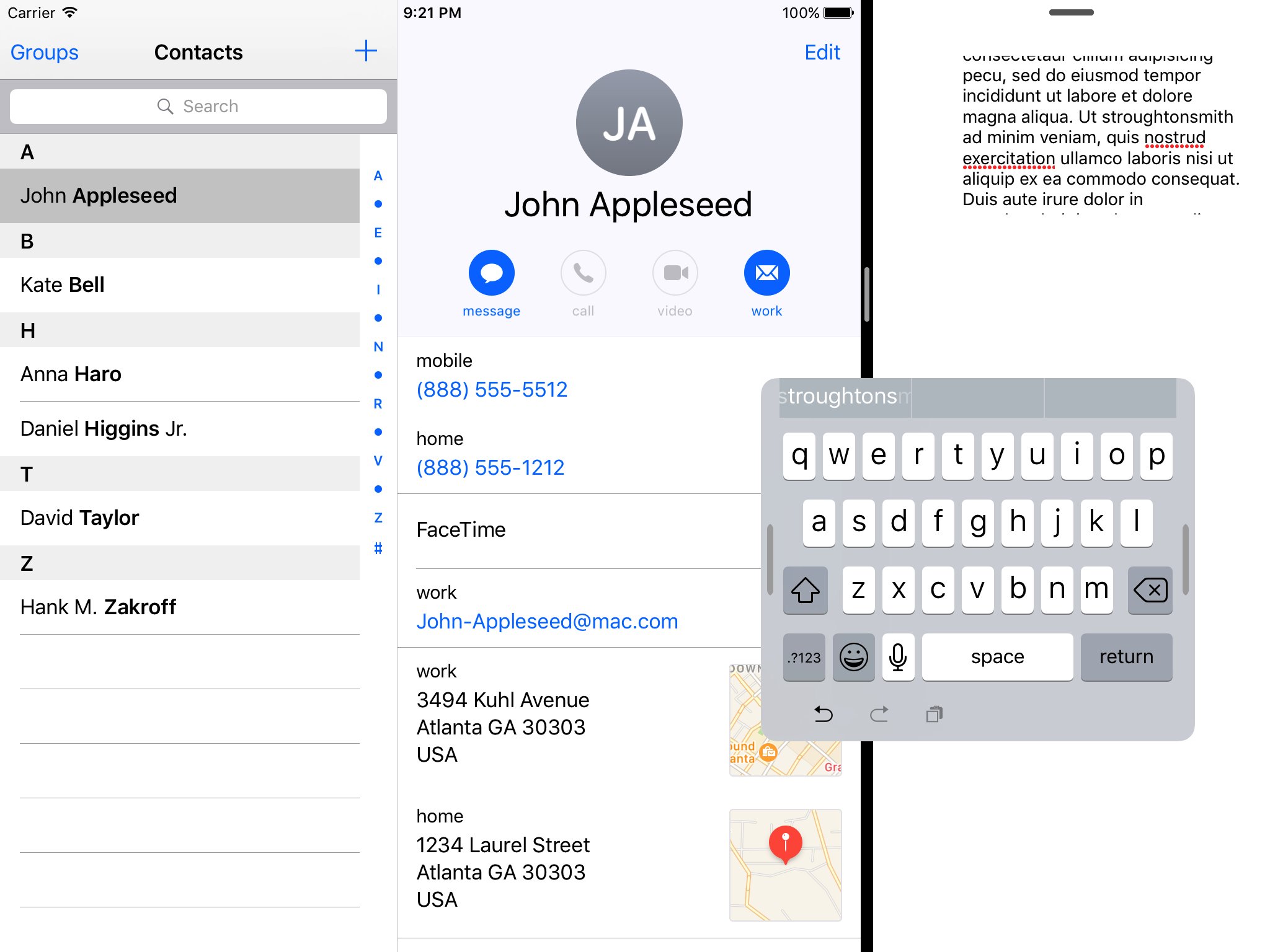
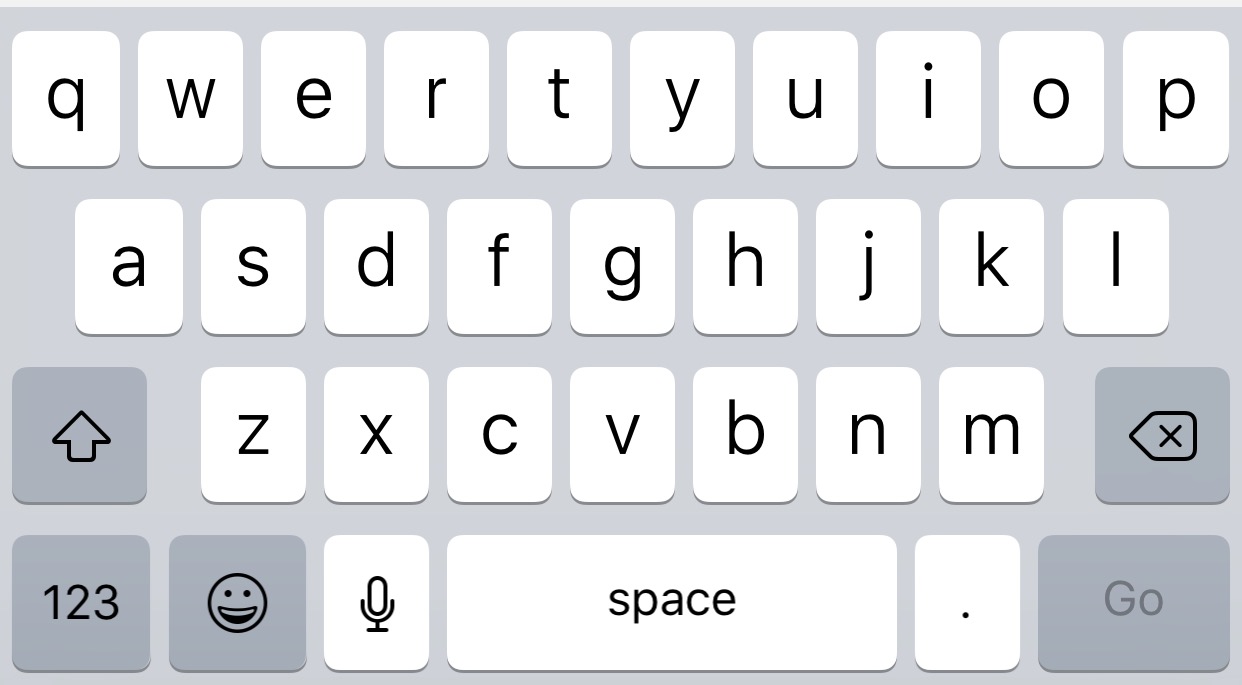
This tweak hides the background of the predictive keyboard

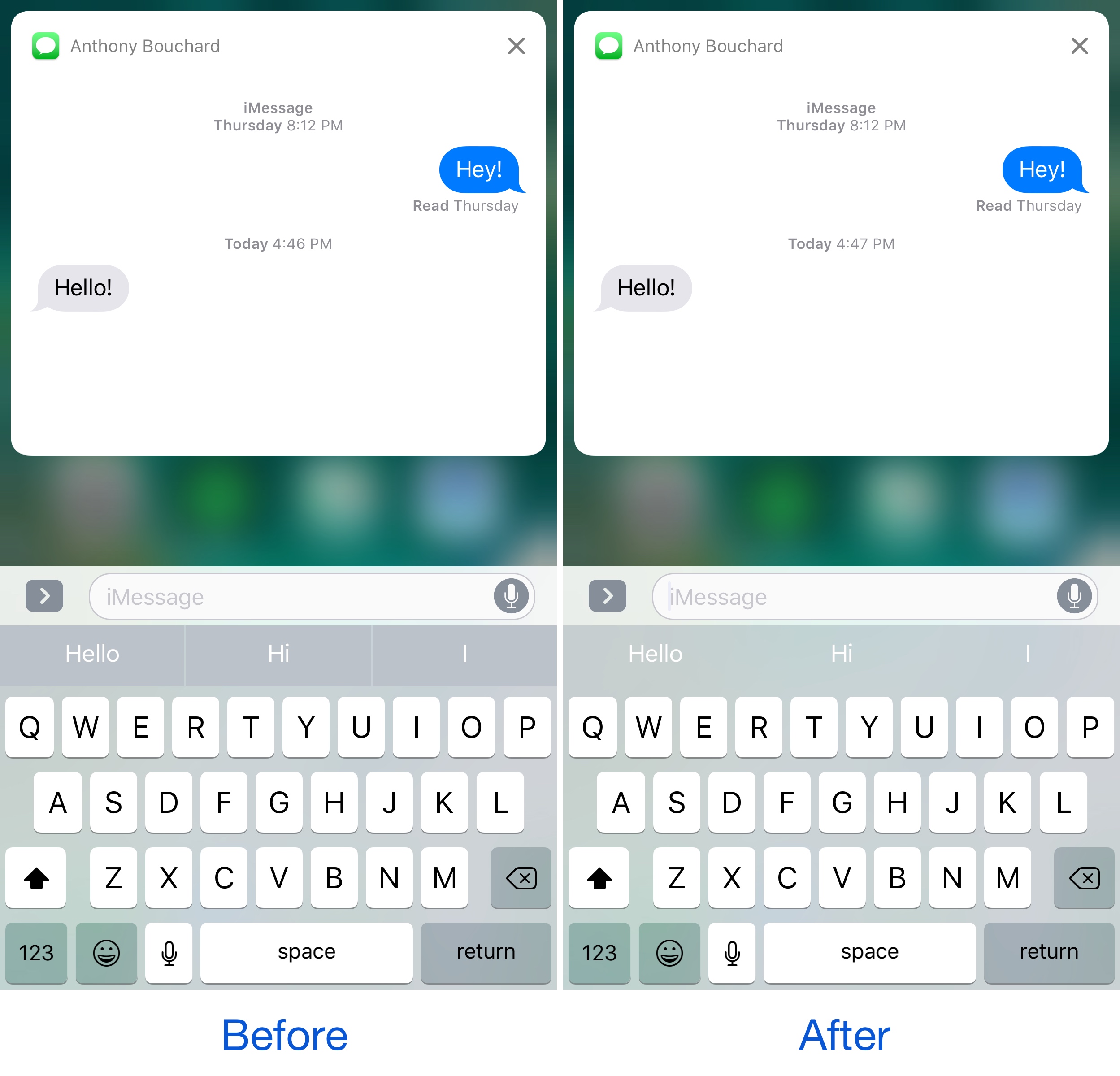
If you ever use the predictive keyboard to type faster responses to people from your device, then you’re likely familiar with those ugly separator lines in between the suggested words and the unappealing difference in background color that the buttons have when compared with the rest of the keyboard.

A new free jailbreak tweak called KB - NoPredictiveBackground by pxcex removes the background color and lines from the predictive keyboard buttons, leaving you with much cleaner-looking buttons.

Gboard gains voice typing, Google Doodles, new languages & iOS 10 emoji in latest update

Gboard, Google's iPhone keyboard that comes with Google Search, glide typing, GIFs, emojis and other advanced features built in, received a notable refresh on App Store. Bumped to version 1.3, Gboard includes support for fifteen new languages and brings a useful dictation feature that Google is calling Voice Typing. Additionally, you can now see a day’s Google Doodle right from the keyboard and enjoy Apple's latest iOS 10 emoji.

iOS 10.3 has hidden support for one-handed floating iPad keyboard

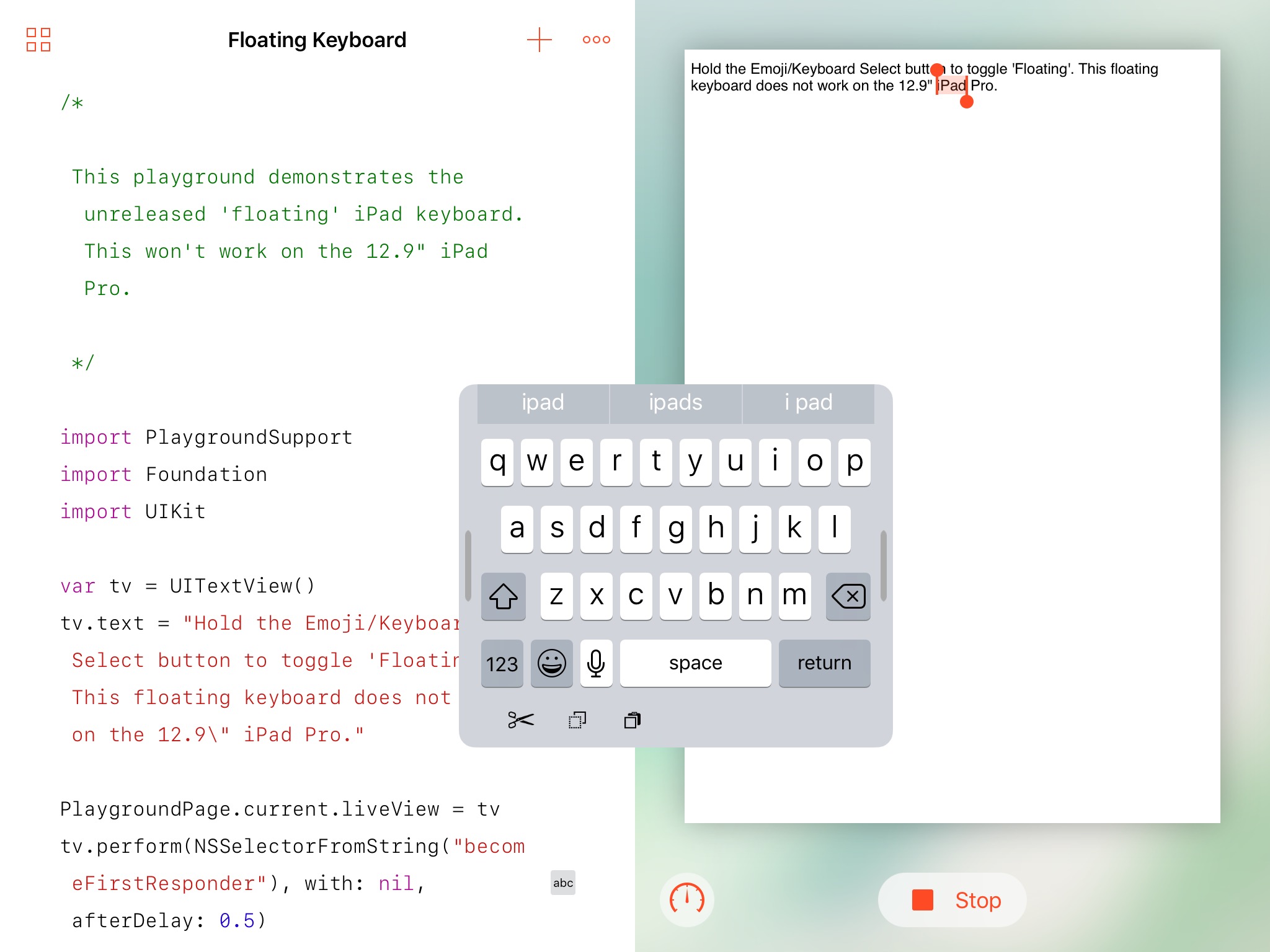
Another hidden keyboard has been uncovered in iOS, according to developer Steve Troughton-Smith who last night tweeted about his discovery of a one-handed floating iPad keyboard in iOS 10.3 beta code.

While not exposed to users just yet, Steve was able to activate this new keyboard by hacking Apple's iOS Simulator app that developers use to test work-in-progress code on their Mac.

How to change the behavior of Control, Option, Command and Caps Lock keys on Mac

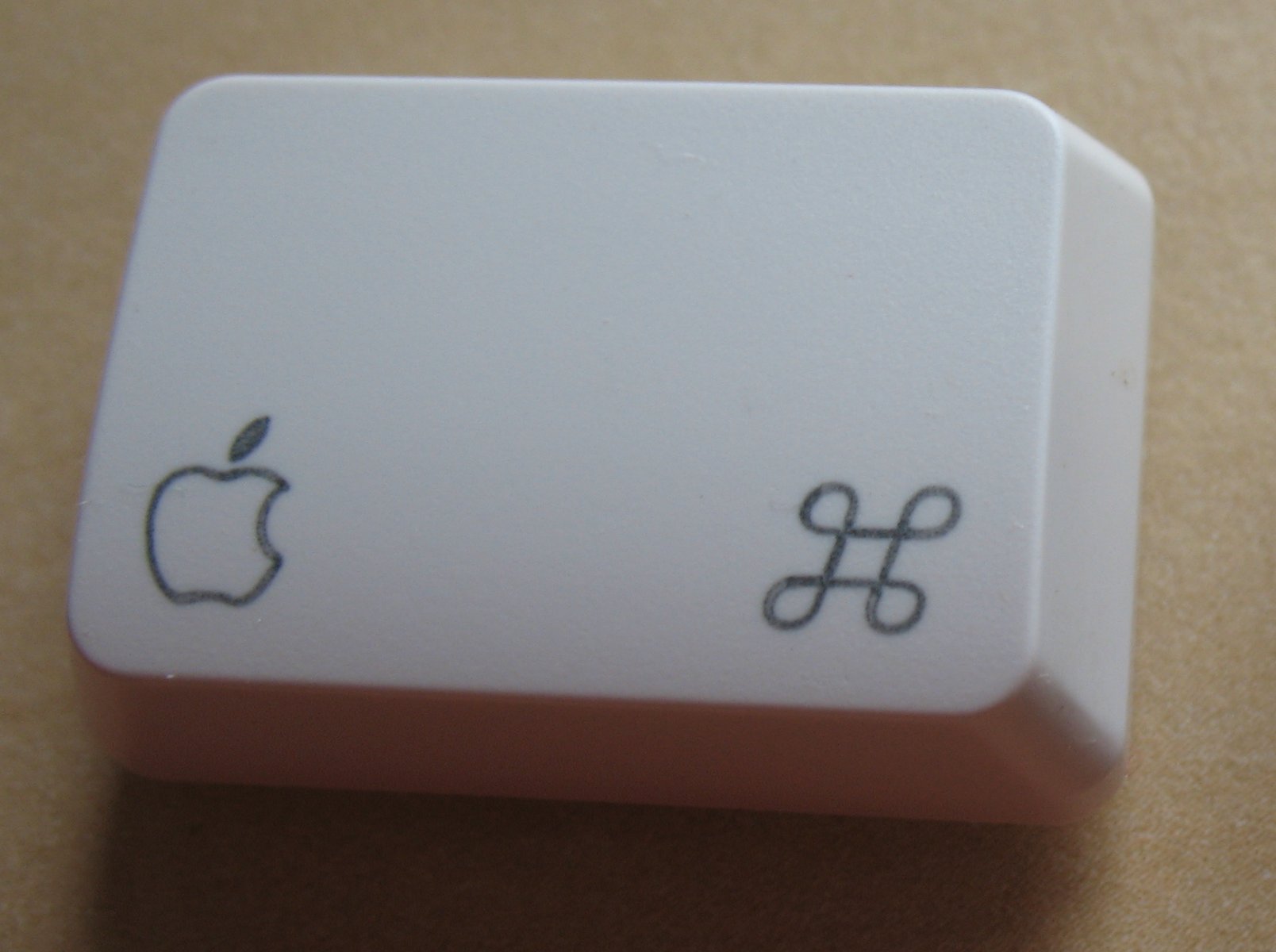
macOS provides an enhanced keyboard remapping feature that allows you to change the behavior of the special modifier keys on your Mac's keyboard, such as Caps Lock (⇪), Control (⌃), Option (⌥) and Command (⌘).

For example, you could remap the Caps Lock key to trigger the Escape command.

This feature is especially useful if you’re familiar with a keyboard layout different from your current keyboard or are an experienced touch typist who finds some of the default modifier key actions a bit awkward to use. In this tutorial, you'll learn about remapping the Mac's modifier keys to non-default actions.

How to stop your Mac from inserting a period when you double-press the Space bar

Mac tips

Just like you can easily insert a period when you double-press the Space bar on your iPhone or iPad, this feature is also available on Mac running macOS Sierra and later. It seems to be disabled by default if you're upgrading a Mac to macOS Sierra, but it was definitely enabled by default on my brand new MacBook Pro.

While I find the feature helpful on iOS, it actually gets in the way of my typing habits on my Mac. For that reason, I have chosen to stop my Mac from adding a period at the press of a double space.

EmojiSuggest brings iOS 10-like emoji suggestions to the predictive keyboard

One of the cool new features of iOS 10 is the ability to input Emojis through the predictive row at the top of the keyboard that tries to guess what you're trying to say before you say it.

When you express certain words, iOS 10 will recommend Emojis to communicate the word instead, and a new free jailbreak tweak called EmojiSuggest brings this functionality to jailbroken iOS 9 devices as well.

With the Touch Bar, Apple gives us a glimpse into a future keyboardless MacBook

Apple have a proven track record of ardently pursuing their vision, no matter the cost. The latest MacBook Pro serves as another reminder that the company is wholly unimpressionable by outside opinions, keeping up the dream of more simplistic products with every iteration, all the while taking away your beloved USB ports or SD card slots.

The ends might be justifiable, but the means can regardless lead to frustration with the most patient customers and complete alienation of the more short-fused ones. This cycle repeats every other year, when Apple decides to roll out hardware that is often just a little ahead of the curve.

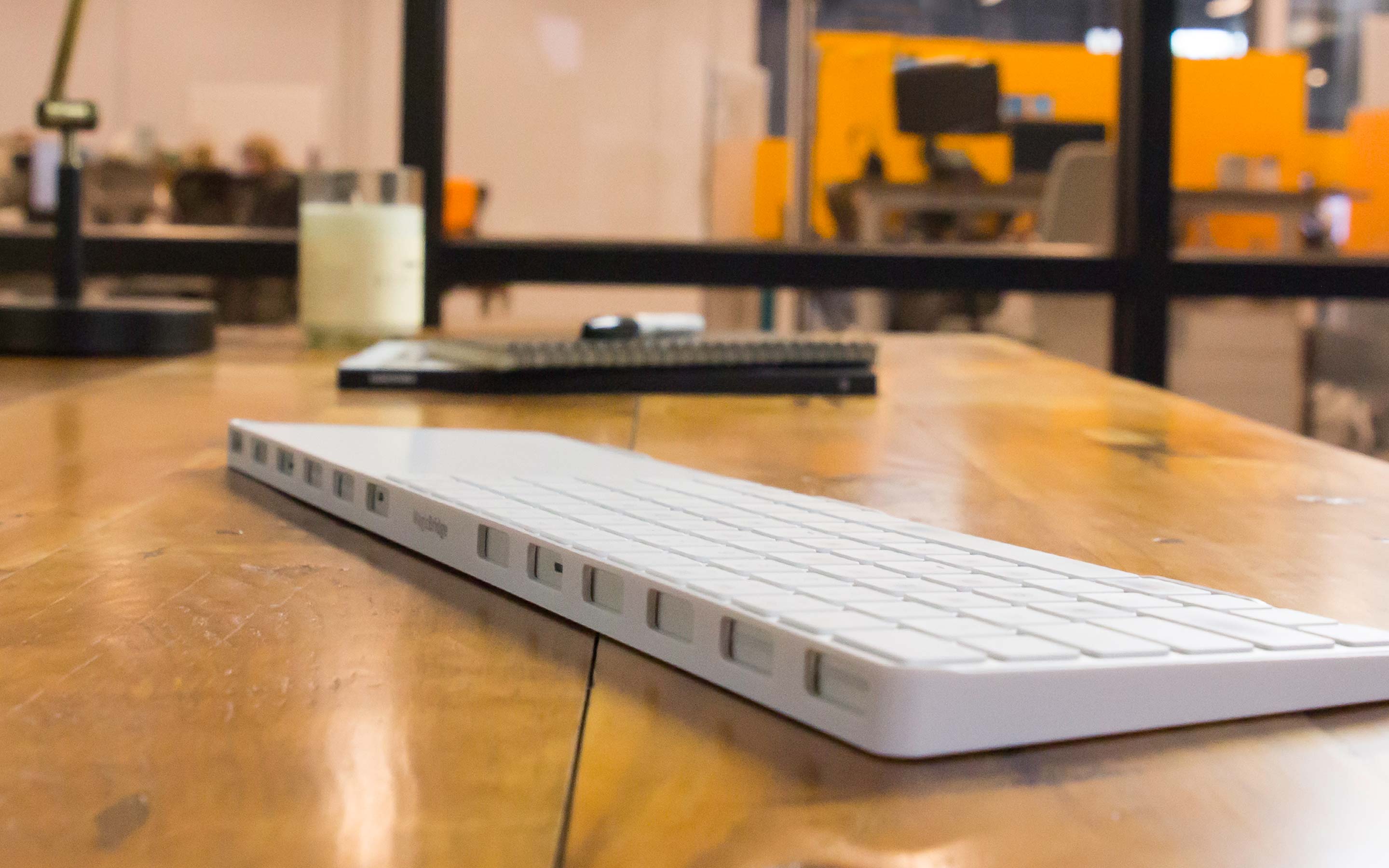
Much has been made of the MacBook Pro’s latest changing of guard in the USB department. For now, the story goes, Apple has simply done their homework and found USB-C to be the technology fit for the immediate future. But the days of all ports are numbered if rumours are to be believed, as Apple generally contends that less is more and wireless the ultimate endgame. It does not take a giant leap to draw that conclusion and granted its validity, focus on the port situation has drowned out another discussion we clearly need to have at this point: Apple plans to get rid of the physical keyboard, and with the launch of Touch Bar on MacBook Pro the process is well under way.