Set up a custom keyboard shortcut on your Mac to export web pages and documents from apps like Safari, Notes, Pages, Keynote, and Numbers as PDFs.
How to export to PDF with keyboard shortcut in all Mac apps
Set up a custom keyboard shortcut on your Mac to export web pages and documents from apps like Safari, Notes, Pages, Keynote, and Numbers as PDFs.

One of the cool new features of iOS 10 is the ability to input Emojis through the predictive row at the top of the keyboard that tries to guess what you're trying to say before you say it.
When you express certain words, iOS 10 will recommend Emojis to communicate the word instead, and a new free jailbreak tweak called EmojiSuggest brings this functionality to jailbroken iOS 9 devices as well.
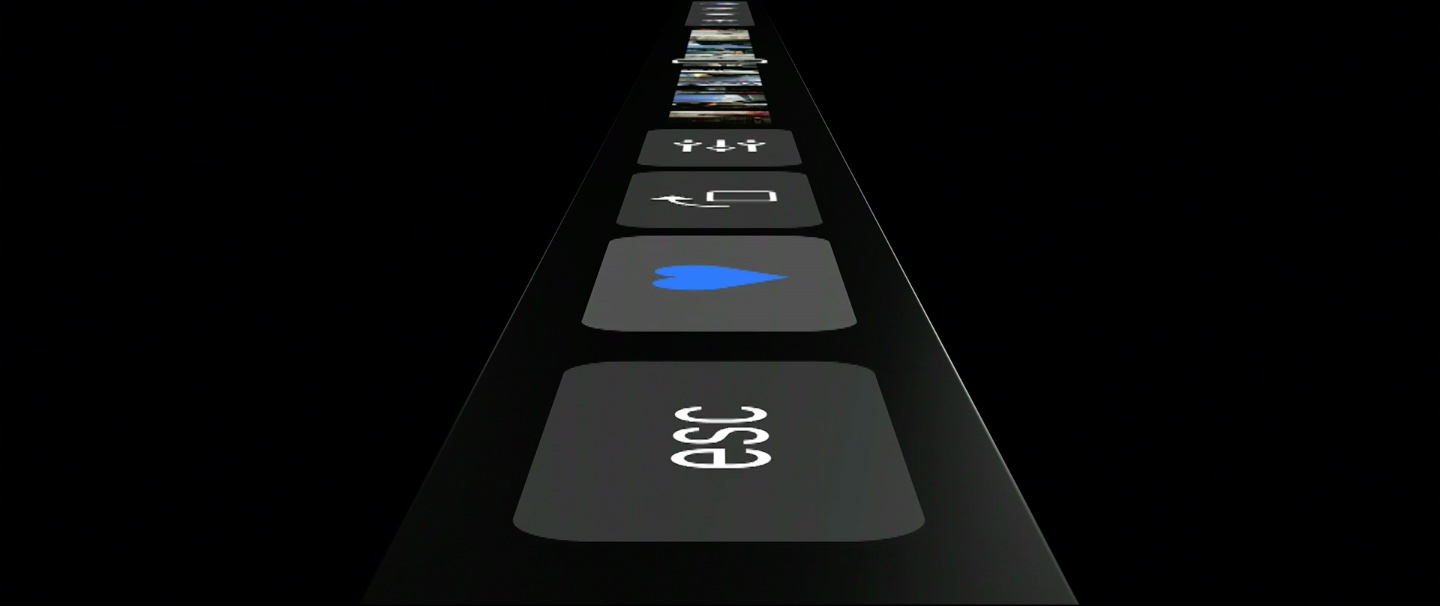
Apple have a proven track record of ardently pursuing their vision, no matter the cost. The latest MacBook Pro serves as another reminder that the company is wholly unimpressionable by outside opinions, keeping up the dream of more simplistic products with every iteration, all the while taking away your beloved USB ports or SD card slots.
The ends might be justifiable, but the means can regardless lead to frustration with the most patient customers and complete alienation of the more short-fused ones. This cycle repeats every other year, when Apple decides to roll out hardware that is often just a little ahead of the curve.
Much has been made of the MacBook Pro’s latest changing of guard in the USB department. For now, the story goes, Apple has simply done their homework and found USB-C to be the technology fit for the immediate future. But the days of all ports are numbered if rumours are to be believed, as Apple generally contends that less is more and wireless the ultimate endgame. It does not take a giant leap to draw that conclusion and granted its validity, focus on the port situation has drowned out another discussion we clearly need to have at this point: Apple plans to get rid of the physical keyboard, and with the launch of Touch Bar on MacBook Pro the process is well under way.
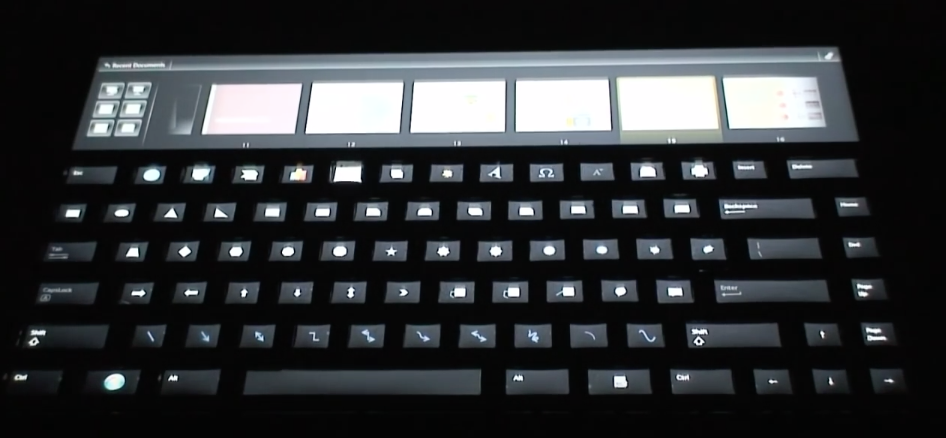
As you know, Apple recently unveiled its new MacBook Pro with Touch Bar touch display. What you may not know, is that Microsoft was at one point working on a Touch Bar-esque keyboard feature of its own.
The Verge points to a website for Microsoft's applied sciences group, which highlights concepts revolving around keyboard innovation. The group rounded out the initiative in 2009 with an "Adaptive Keyboard."
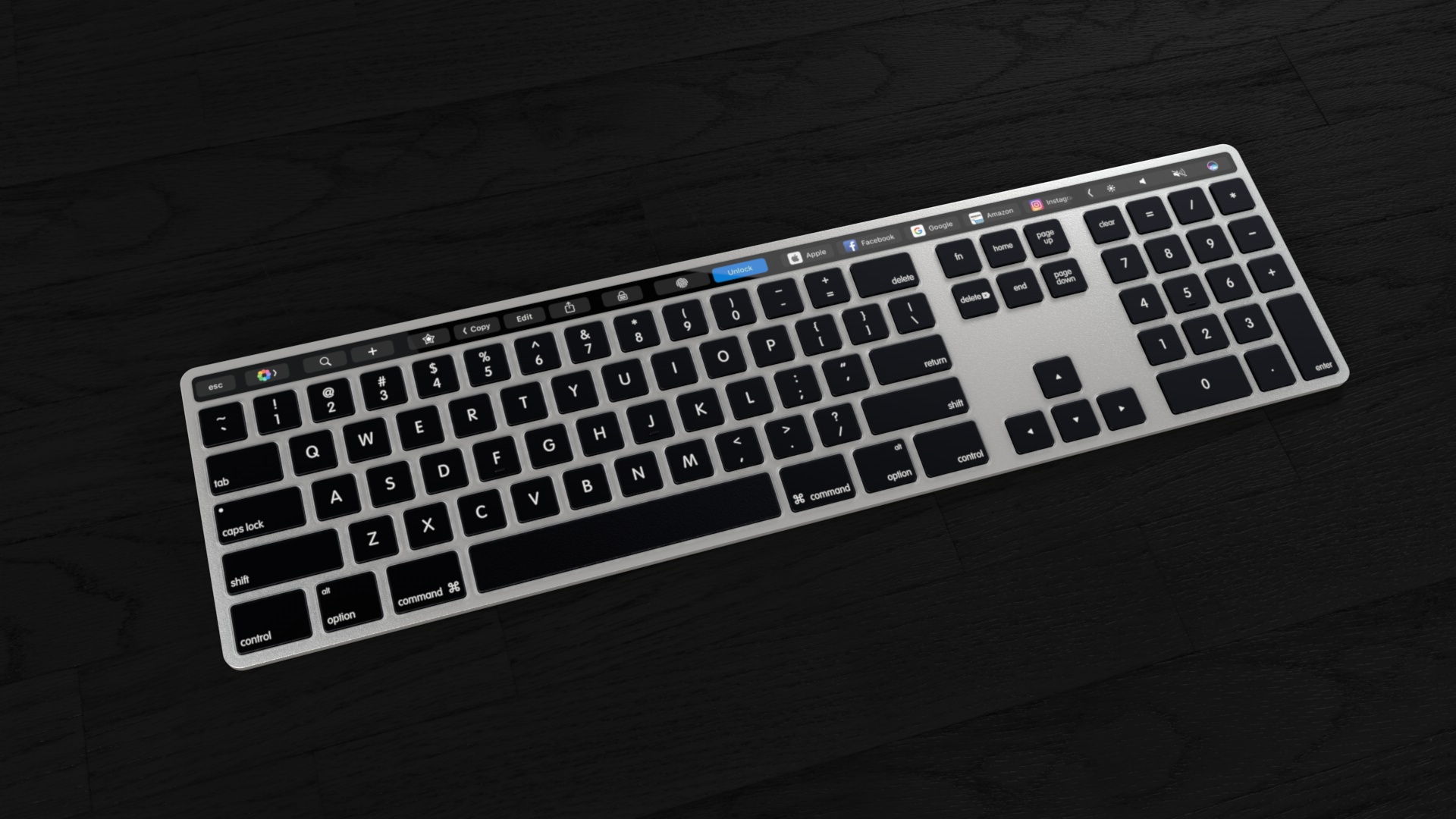
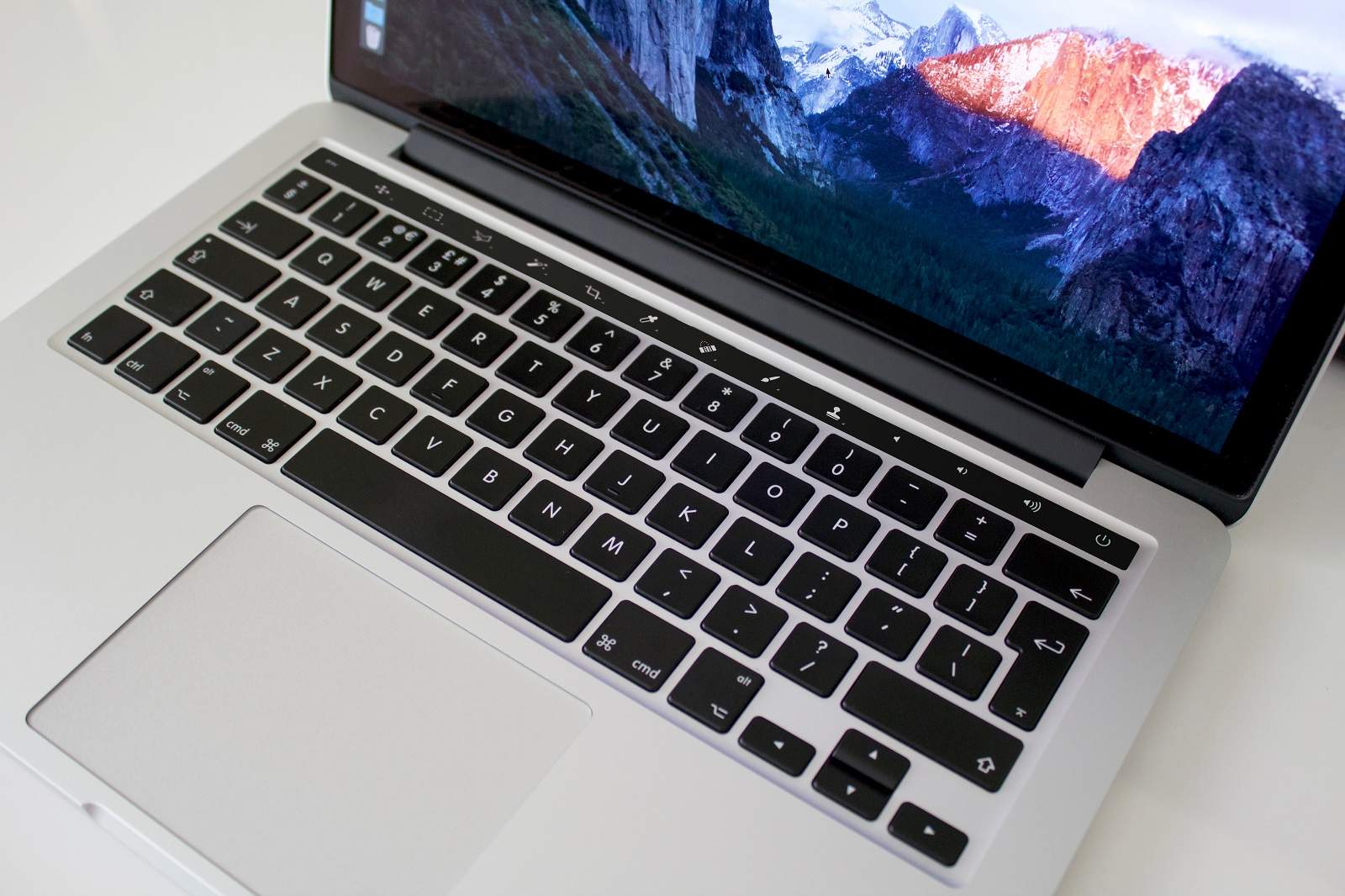
German magazine Curved.de and Dutch 3D artist Martin Hajek created plausible concept renderings of a future Magic Keyboard with a contextually aware OLED strip replacing the physical row of function keys, but that was months before Apple unveiled the new MacBook Pro with Touch Bar.
Now that the new notebook has been formally announced, Reddit user “Hazza42” felt inspired to create his own mockups of what a standalone extended aluminum Apple keyboard with an integrated Touch Bar might look like.
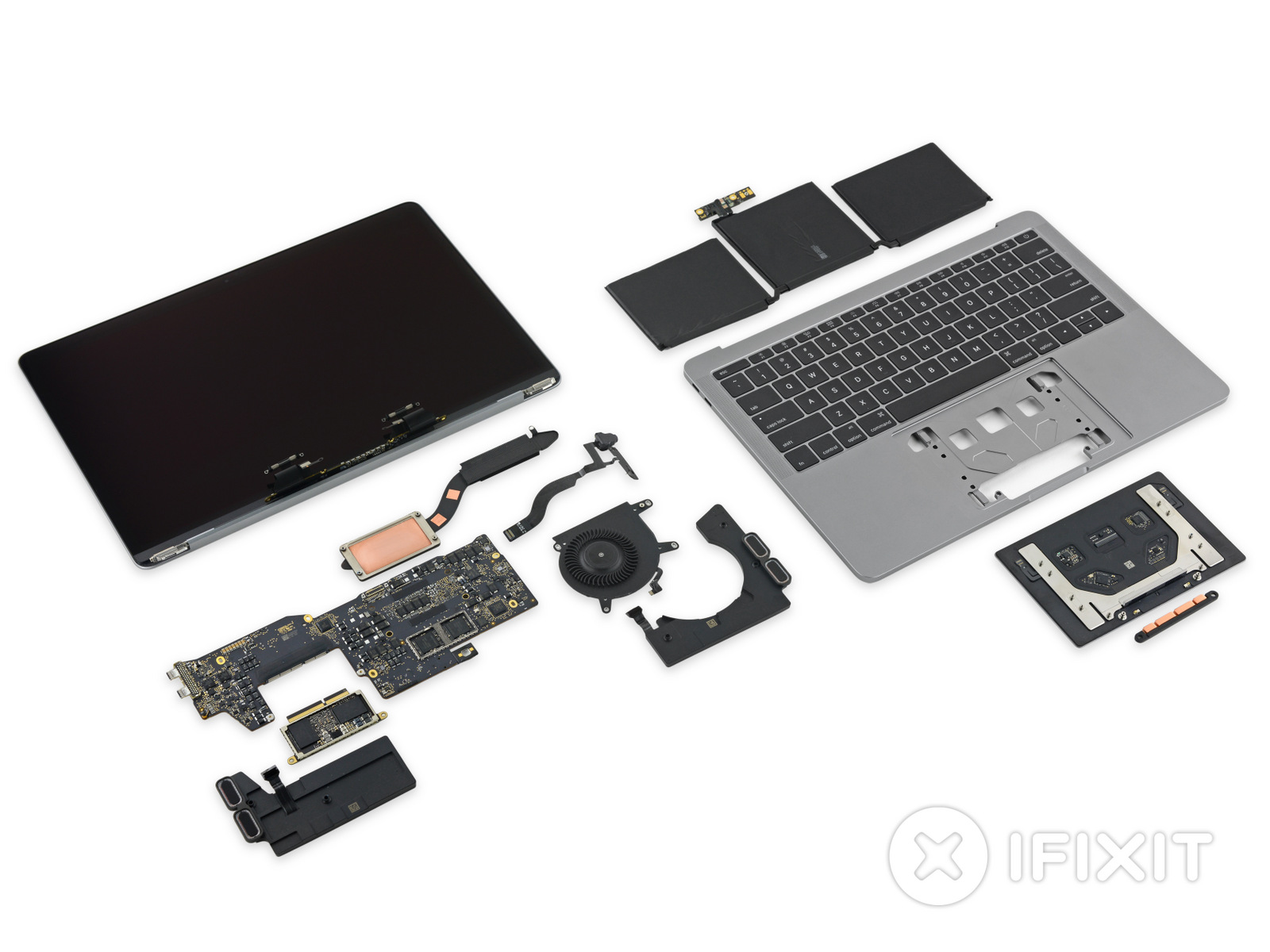
iFixit officially got its hands on the 2016 MacBook Pro without the Touch Bar at the top of the keyboard, and their team has already completed one of the detailed teardowns the firm is known for.
The new MacBook Pro appears to contain a lot of new tech, highlighting large advancements in Apple's pro notebook lineup.
Apple yesterday unveiled the new MacBook Pro with Touch Bar, a completely redesigned, thinner machine that shifts away from traditional computer ports in place of Thunderbolt 3 and replaces the function key row of the keyboard with a new versatile Touch Bar that dynamically changes based on the app you're in.
So that might raise the question: what happens when you boot into Windows on your MacBook Pro with Bootcamp?
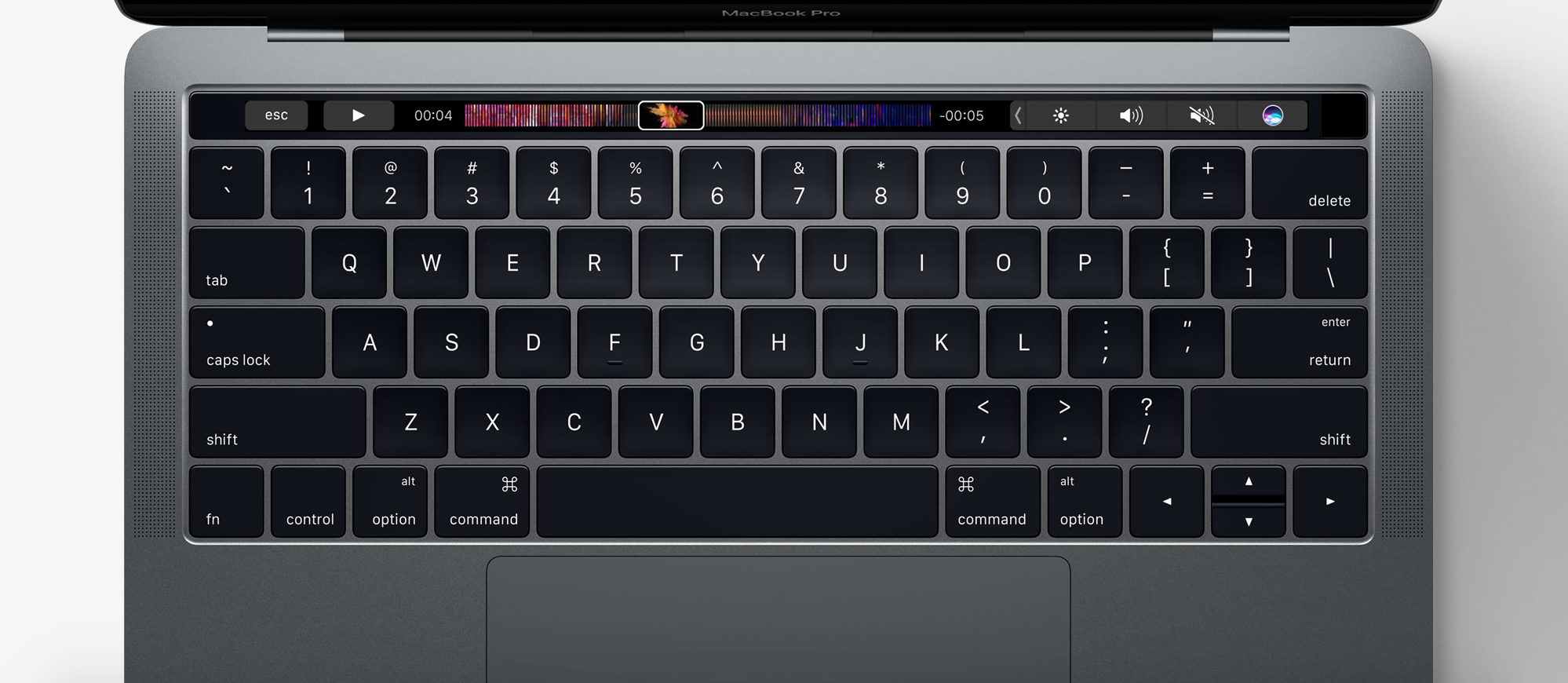
One of the new flagship features on the 2016 MacBook Pro is the new Touch Bar. This is essentially a versatile OLED bar at the top of your keyboard that replaces the function keys with software-based buttons that change based on what app you're in and what you're doing.
In this post, we'll mention 20 awesome things you can do with the Touch Bar on your new MacBook Pro.
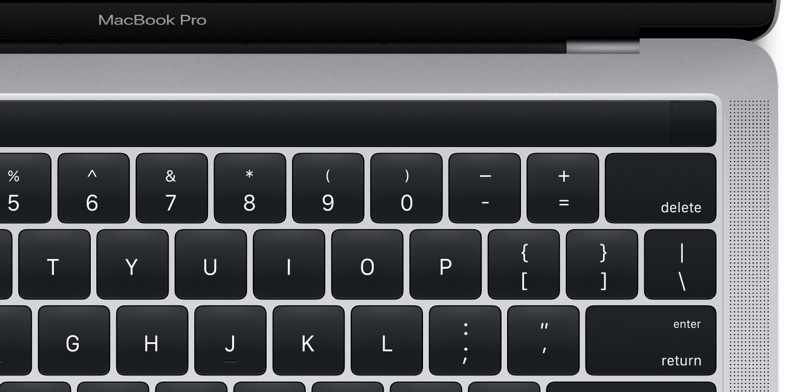
With less than 24 hours away until Apple's “Hello again” Mac event, images of an unreleased MacBook Pro found in the latest macOS Sierra 10.12.1 update have all but confirmed a rumored OLED touch bar replacing the row with hardware function keys.
The Internet immediately complained about the apparent loss of the hardware Escape key that seems to have fallen victim to these programmable OLED keys. While the OLED Bar could display a soft-Escape key in the left corner, users can now assign its function to one of the hardware modifier keys.
As Jeff Geerling first noted yesterday, the latest macOS 10.12.1 Sierra update now conveniently lets you remap an Escape action to a Caps Lock, Control, Option or Command modifier key—which wasn't possible in earlier macOS editions.
If you need another “proof” that the next MacBook Pro will indeed feature an OLED touch bar in place of the function key row, feel free to comb through system resources in the macOS Sierra 10.12.1 software update which released yesterday.
As first discovered by MacRumors reader Gabriel Lorin, the System Preferences assets for the Mac's virtual keyboard now come with refreshed image assets depicting an updated keyboard layout which no longer shows the standard row of function keys.

OneHanded is a new free jailbreak tweak that enables the recently dicovered one-handed keyboard, which includes the extra text editing buttons in the keyboard itself.
It's designed to work on iPhones with larger displays, and if you have trouble typing on these kinds of devices without using two hands, then this tweak might be worth trying out.