Keyboard

Confirmed: Apple held talks with Sonder on using e-ink for a dynamic Magic Keyboard

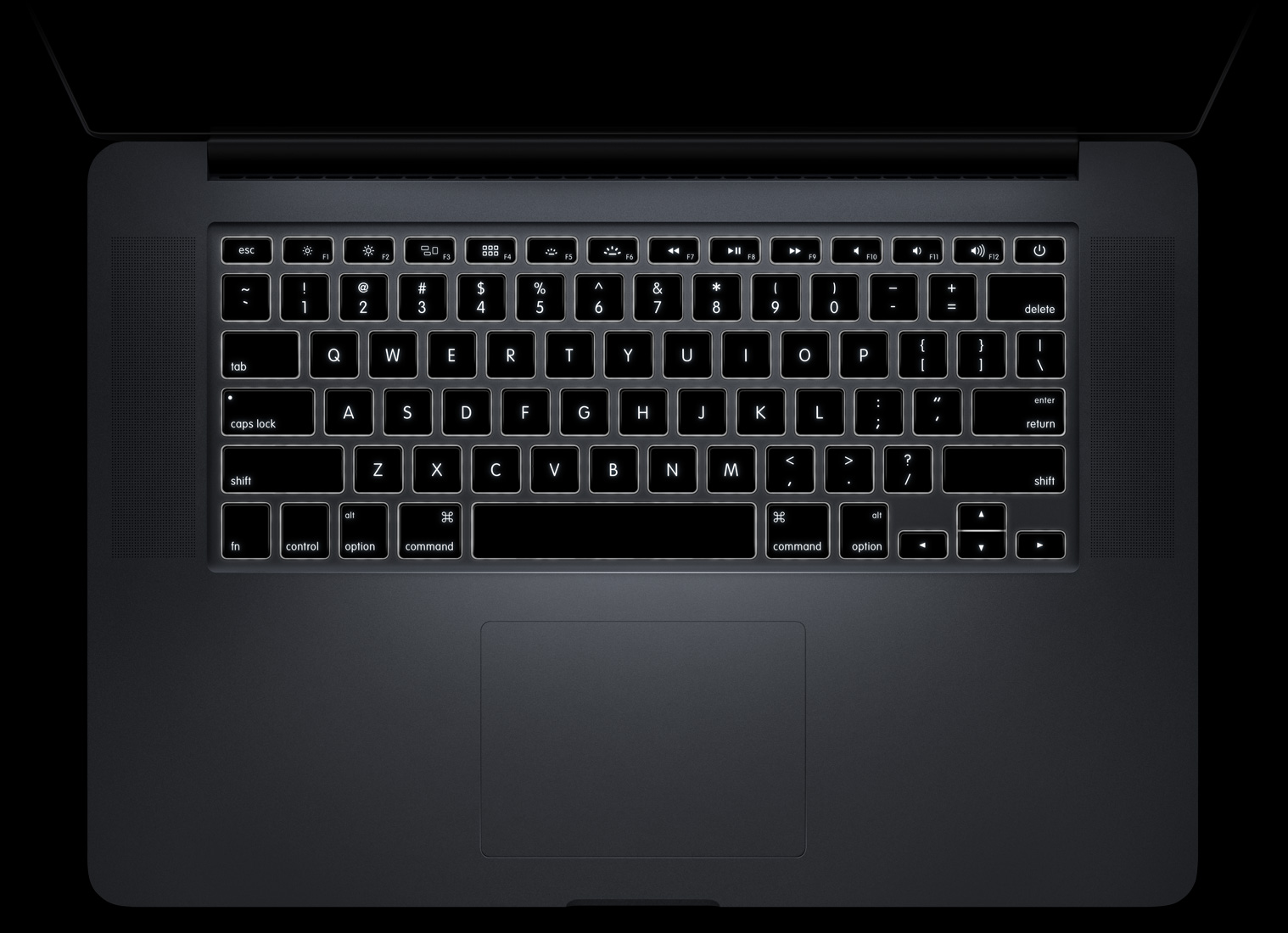
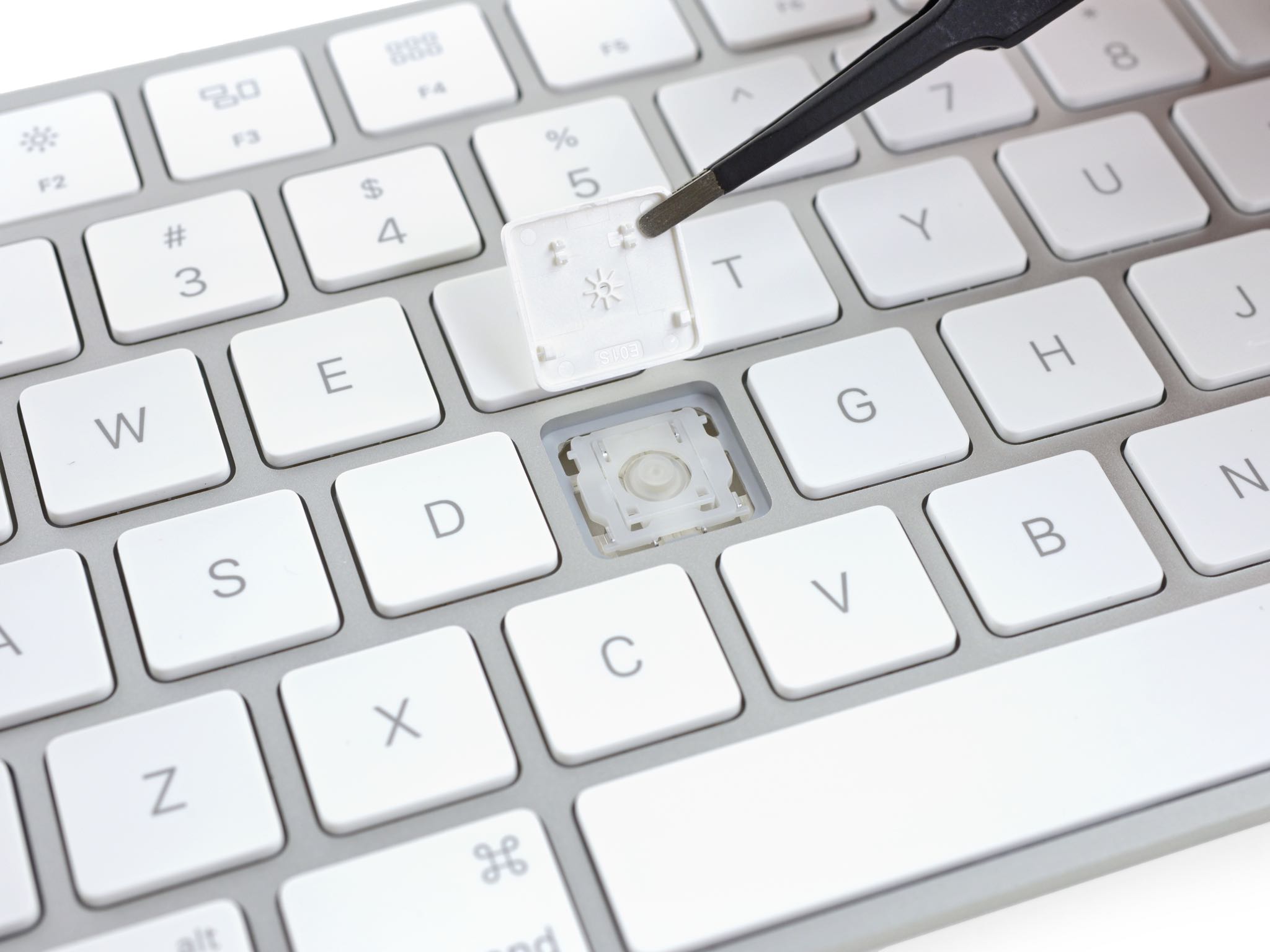
An exciting story yesterday, based on a sketchy Reddit report, alleged Apple could use dynamic keyboard technology from Australian startup Sonder, part of Foxconn’s International Holding’s Incubator program. It would presumably permit the Cupertino company to engineer a keyboard with a tiny e-ink display on each key so that the layout could change depending on the app being used.

British newspaper The Guardian confirmed that discussions between members of Apple’s boss Tim Cook and representatives from Sonder Keyboard indeed took place.

Next-gen Magic Keyboard reportedly in the works with e-ink display on every single key

According to a post by an anonymous user named “Foxconninsider” that surfaced Wednesday morning on Reddit, Apple is allegedly working with a startup called Sonder on a next-generation Magic Keyboard that's supposedly outfitted with an individual e-ink display on every single key.

Having e-ink-enhanced keys would let the graphics on each individual key change depending on the app currently in use. To me, that sounds a lot like an OLED strip that the rumor-mill believes will be debuting on the next MacBook Pro.

PredictionShortcuts adds cut, copy, and paste buttons above the keyboard

Text editing can be so cumbersome on the iOS platform, mostly because of having to tap and hold on text to select it and then having to wait for the editing menu to appear on the screen afterwards.

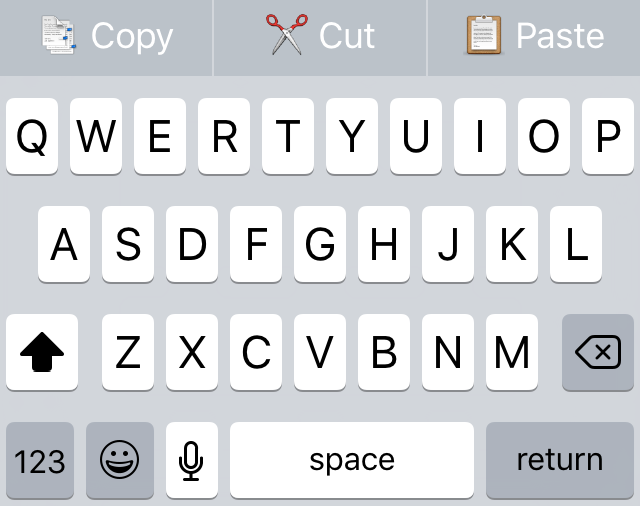
Fortunately, a new free jailbreak tweak called PreditctionShortcuts adds cut, copy, and paste options right to the QuickType section of the keyboard for ease of access. Best of all, it doesn't even impede on your ability to use the predictive typing features.

BetterTextSelection makes precise paragraph text selection possible on iOS

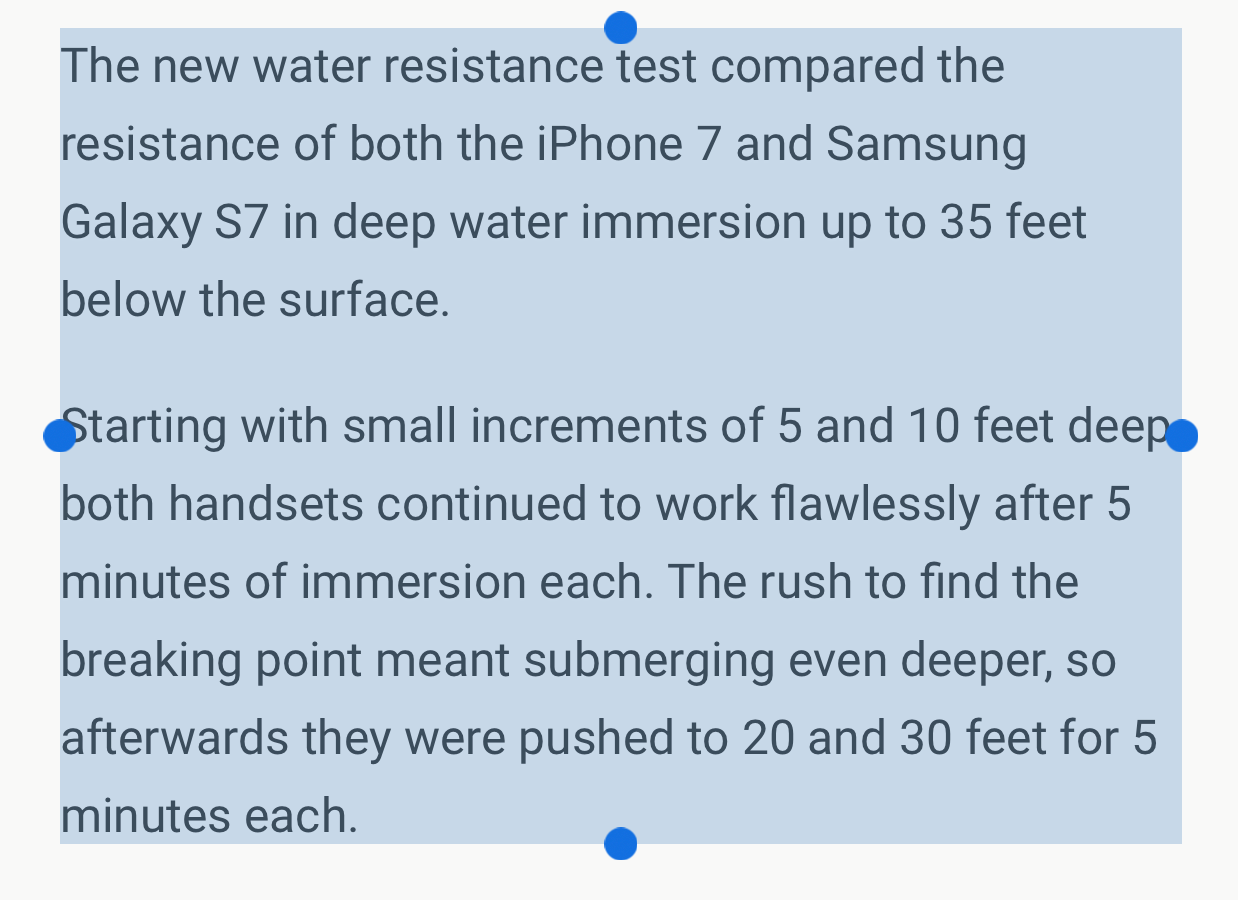
There are a lot of people who get away with using iOS' text selection just fine, but there are others who hate the way it's implemented and find using it to be a pain in the hind quarters.

A new free jailbreak tweak release called BetterTextSelection aims to make the text selection feature in iOS a little more precise, especially in the context of selecting large excerpts of text from blocky paragraphs on a web page.

How to invoke Siri with a keyboard shortcut on Mac

Your favorite assistant finally made its way to the Mac, starting with the macOS Sierra software update.

If you have used Siri on your iPhone or iPad before, then you'll probably feel right at home with the assistant on your Mac since it works in a similar way. However, unlike your iPhone, you don't have the ability to invoke Siri on your Mac by saying "Hey, Siri." Instead, you will have to click on the Siri icon in the Menu Bar, or in the Dock.

Another way to invoke Siri is by using a keyboard shortcut. Admittedly, this is my preferred way of activating the assistant as it feels faster and more efficient than reaching for the mouse or trackpad and clicking on the Siri icon.

AutoPaste makes using GIF keyboards easier on jailbroken iPhones

There are a lot of people out there who love using GIF images as a way of expressing their feelings, and it would seem that jailbreak developer Ryan Petrich is no different.

With a new beta jailbreak tweak release he's calling AutoPaste, he aims to make sharing GIF images in your favorite messaging apps with third-party GIF keyboards from the App Store faster and easier than before.

Google’s iOS keyboard gains dark theme, GIF suggestions & expanded language support

Following its debut on the App Store nearly three months ago, Google's gesture-driven predictive keyboard for the iPhone and iPad—called Gboard—today received its first feature-focused update. Gboard 1.1 for iOS, a free download, includes a darker keyboard theme, smart GIF suggestions and increased global availability with language support for English, French, German, Italian, Portuguese (Brazil and Portugal) and Spanish (Spain).