Jailbreak

Check out the most comprehensive jailbreaking coverage on the internet, including the latest news, apps, tweaks, and detailed tutorials about everything jailbreak.

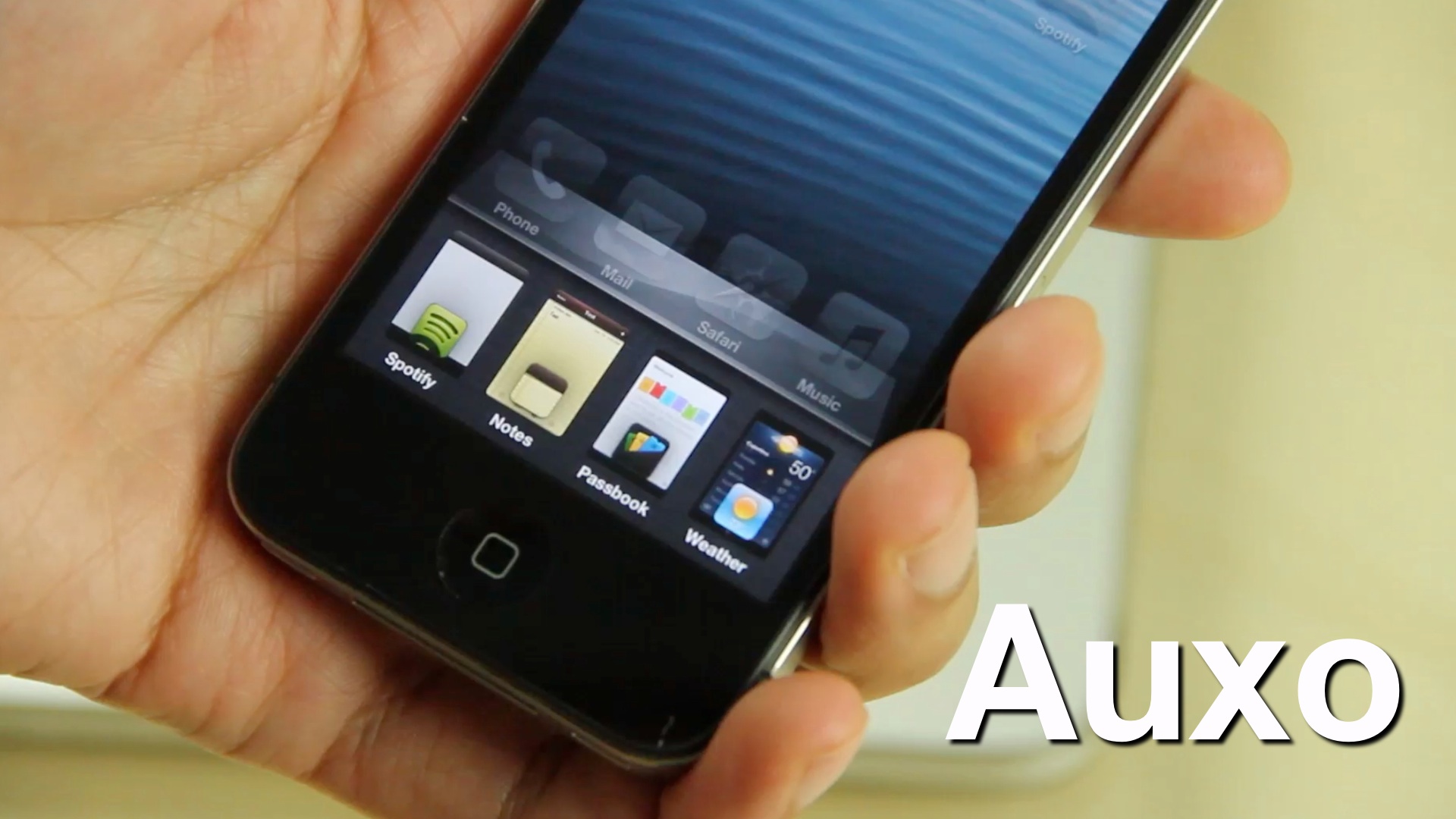
Auxo completely reinvigorates the iOS app switcher

Back in October we posted a tidbit on an iOS app switcher concept that was making waves across the Internet. Initially posted on The Verge forums, designer @Sentry_NC's concept was met with approval by many, including readers here on iDB.

A lot of times, though, these sorts of things never go anywhere. Concept photos and videos are nice, but rarely do they evolve into anything more than that. Well, I'm happy to tell you that Sentry's concept hasn't followed the status quo in this regard. Bent on making his concept a reality, he collaborated with developers, Jack Willis, and JamieD360, to bring the idea to fruition.

We've been fortunate enough to gain access to the final build of the real live working tweak. Auxo is its name, and changing the stock iOS app switcher for the better is the game...
iH8sn0w’s f0recast tool updated with new features

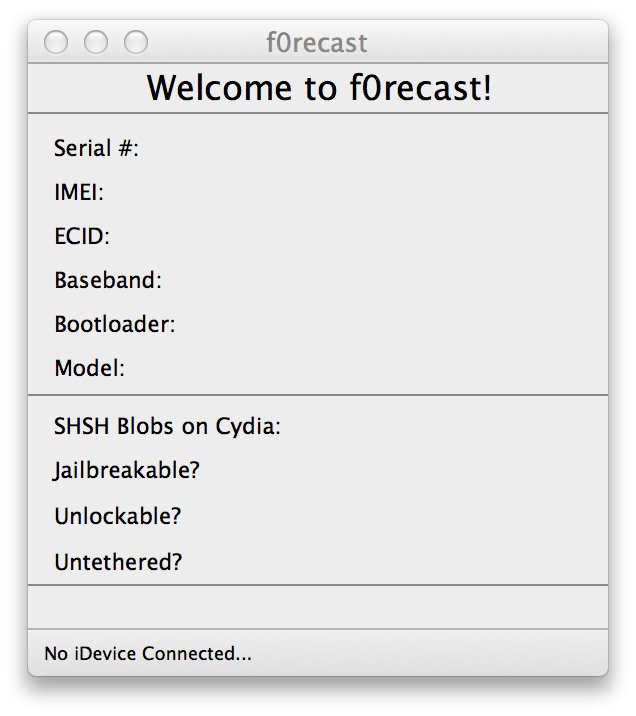
News on the jailbreaking front has been pretty slow as of late. With no release date in sight for a jailbreak compatible with Apple's latest devices and software, it seems like the rest of the community has sort of quieted down.

This afternoon, iOS hacker iH8sn0w broke the silence by releasing an update to his popular f0recast utility. Version 1.4 of the app brings about a number of new features, including the ability to view SHSH blob availability...

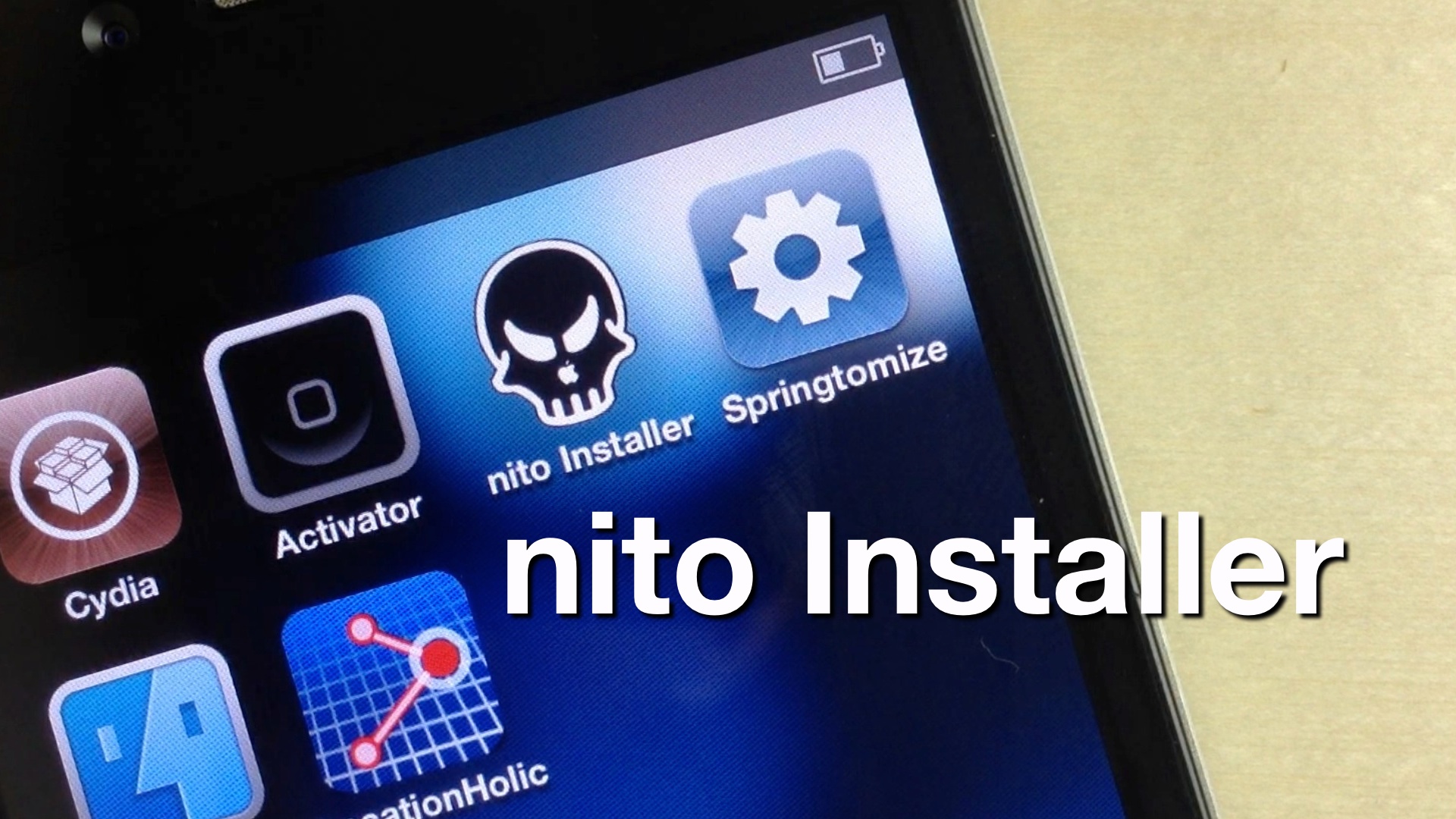
Nito Installer allows you to easily install nitoTV and XBMC on a jailbroken Apple TV

Thanks to the folks over at FireCore, both jailbreaking and installing useful jailbreak apps on an Apple TV 2 is about as easy as it gets. FireCore's jailbreak tool — Seas0npass — is incredibly simple, and it's free.

Likewise, FireCore's application package — aTV Flash (black) — is extremely simple as well, though there is a charge associated with using it. Pretty much everything that you can install using aTV flash (black) can be accomplished on your own with a bit of know how, but its simplicity makes the package worth the money.

Now Kevin Bradley, better known in hacking circles as nitoTV, has created his own easy to use installer, appropriately called, nito Installer. Unlike aTV flash (black), his version is free and runs directly on an iOS device like the iPhone or iPad.

Want to see how it works? Take a look inside as we take nito Installer for a spin...

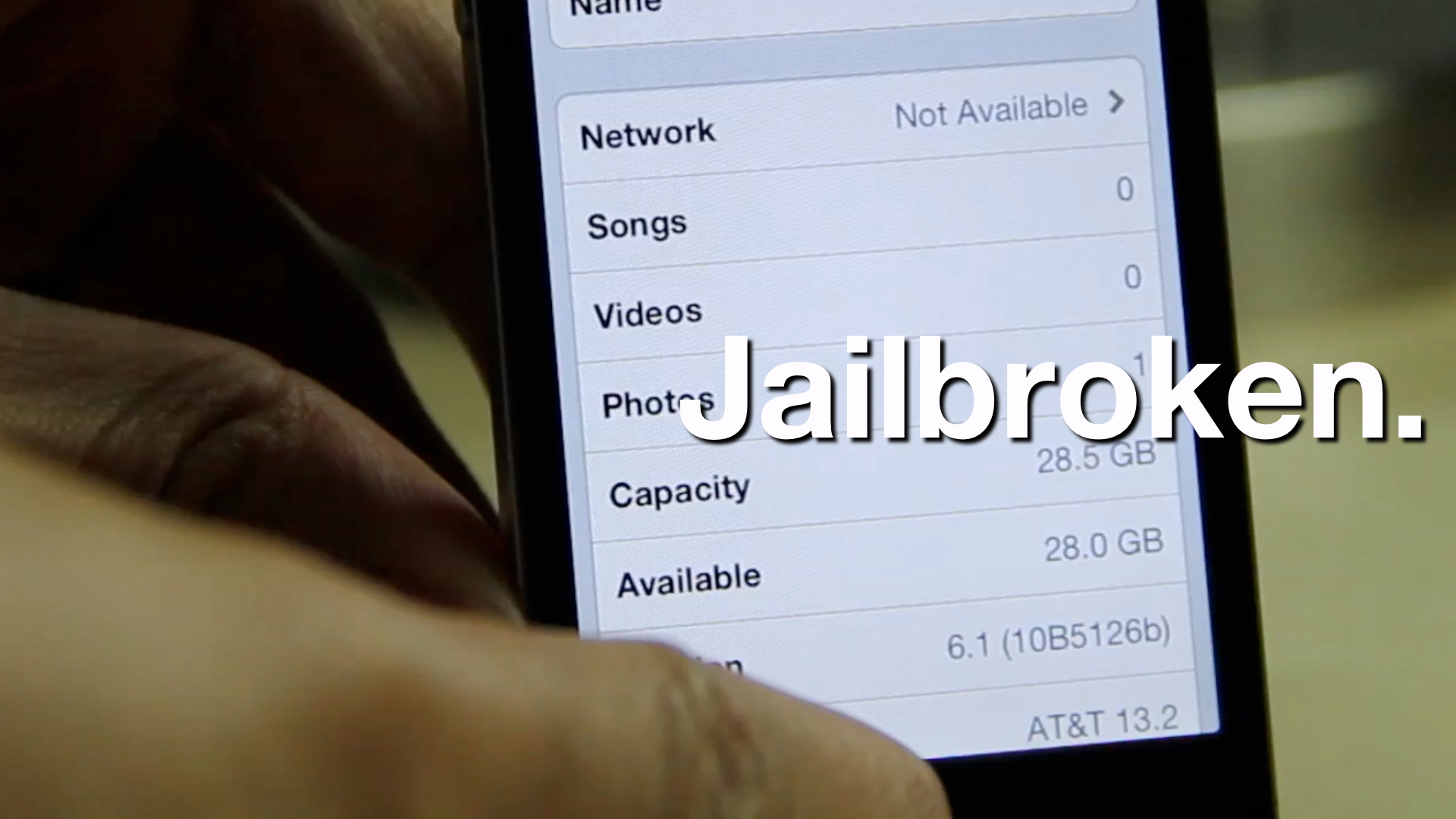
How to jailbreak iOS 6.1 beta 4

Apple seeded the 4th beta installment of iOS 6.1 just a while ago, and it's now available as both a delta update, and a direct download via Apple's developer portal.

As we always strive to do, we've taken it upon ourselves to jailbreak iOS 6.1 beta 4 as a confirmation that it can be done. Inside, we'll show you the exact steps that you need to take in order to do the same on your qualifying iOS 6 beta 4 device.

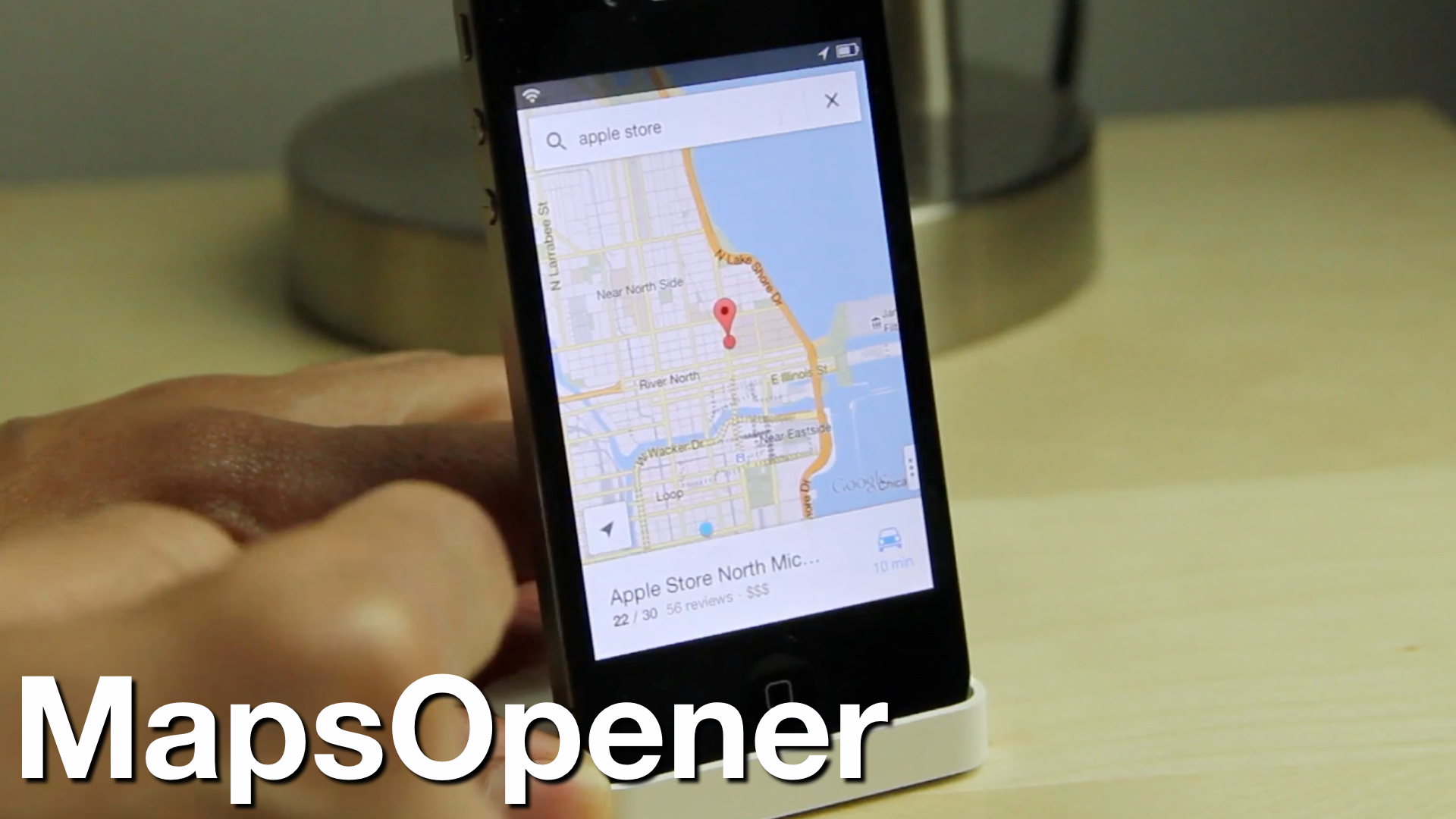
‘MapsOpener’ makes Google Maps the default Maps app on iOS

Google Maps is back on iOS, but there's just one problem -- Apple's stock maps app still remains default, so all of your maps links will open in Apple's version instead of Google's.

Thankfully, we knew it was only a matter of time before a jailbreak solution appeared to skirt around this issue. That solution is called MapsOpener -- a brand new jailbreak tweak that forces maps links to open up in Google Maps...

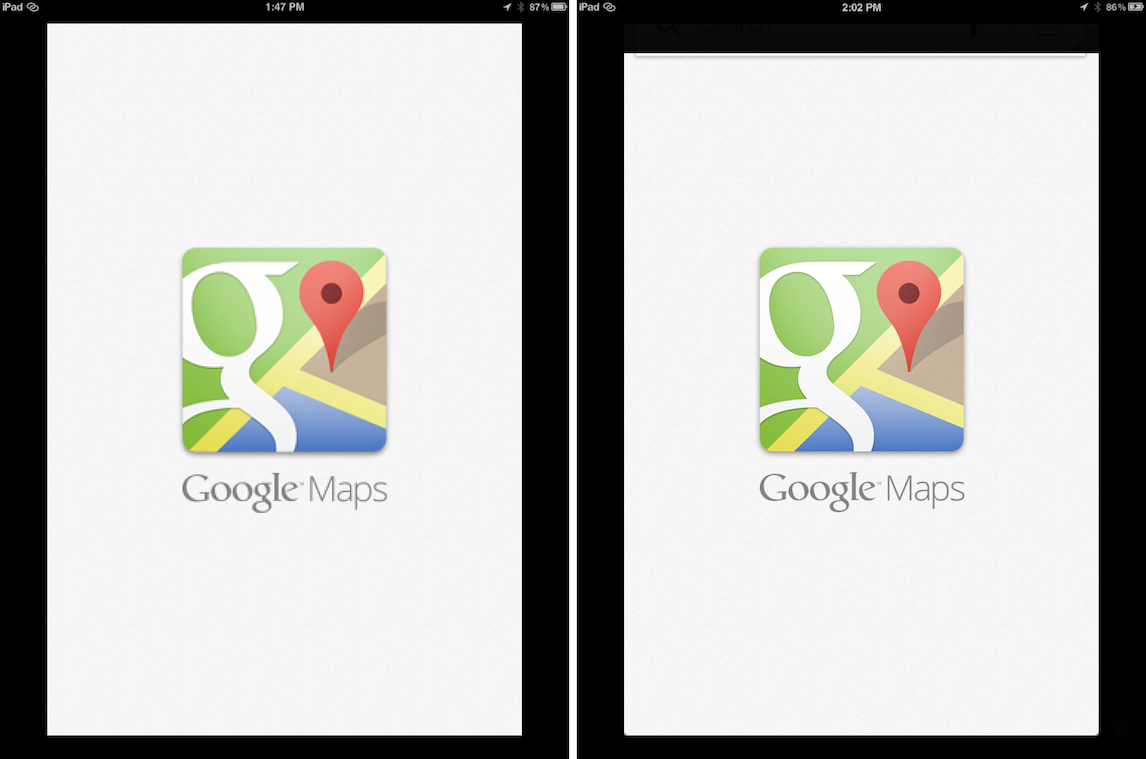
How to improve the look of Google Maps on a jailbroken iPad

Last night, Google released its new version of iOS maps to much fanfare, but sadly, iPad owners were left without a version designed for the larger display.

True, you can always run Google Maps in 2x mode on the iPad, but truth to be told, it looks hideous when doing so. Thankfully, one of our favorite jailbreak tweaks for the iPad always seems to come to the rescue when there's a big iPhone only release.

RetinaPad, a tweak by Ryan Petrich that we've covered extensively in the past, allows you to run Google Maps, and any other iPhone app for that matter, using the 2x mode assets included with the app. This not only provides a full screen experience, but significantly improved visuals in full screen as well...

As expected, the Dream JB is a fake – updated

Okay, I'll bite. Again.

Yesterday I called out the developer of "Dream JB" for promising to bring a jailbreak to the iPhone 5 when he knew good and well that he couldn't fulfill that promise.

Understandably, a lot of readers were miffed that I had the audacity to dash their hopes for a jailbreak. We've waited a long time for a jailbreak for iOS 6 and the iPhone 5, so it didn't really surprise me when I was labeled a pessimist, although I was surprised a bit that my journalistic integrity was questioned. Fair enough, I was pretty positive that in due time this "jailbreak" would be exposed for what it really was.

Due time came today.

As I stated, I too wish for a jailbreak, it's in my best interest to have one...but I and many others saw through this for what it was — a fake. Now the developer has released a video showcasing his fake work. And although it's a pretty ambitious job of fakery, at the end of the day it's still fake.

Reports of an iPhone 5 jailbreak releasing on December 22nd are probably fake – updated

Over the last few weeks there's been a slight buzz about a so-called iPhone 5 jailbreak from some unknown and unproven entity. So as not to draw attention to the folks behind what is almost assuredly a hoax, we'll refrain from linking or name dropping.

The bottom line is this, if you don't see word from a respectable member of the community, a member from proven teams like the Chronic Dev Team or the iPhone Dev Team, then it's almost always fake. Please don't get hyped up over something that isn't real, only to be highly disappointed in a few weeks...

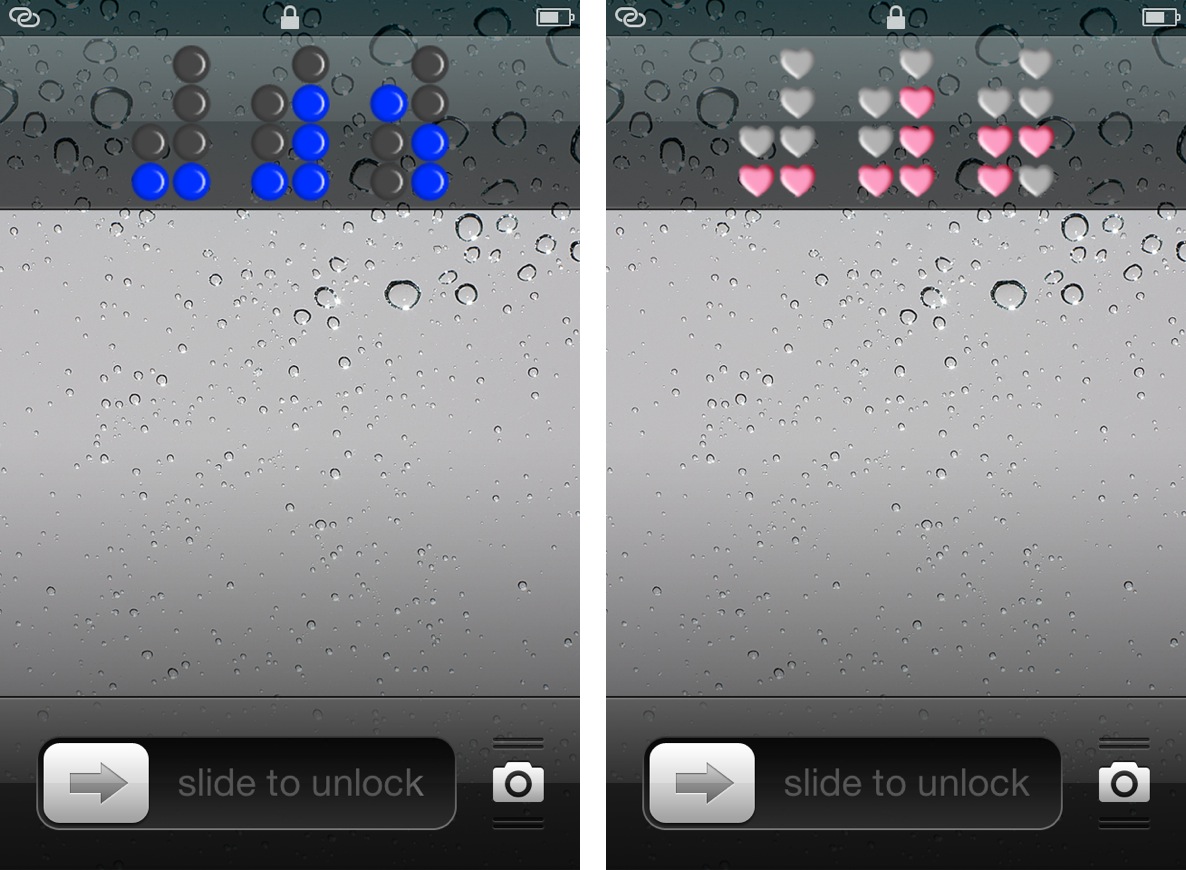
Binary Clock replaces your iPhone’s stock Lock screen clock

Binary Clock is a new jailbreak tweak that outright replaces the stock Lock screen clock on an iOS device. The tweak features over a dozen different themes of various colors or shapes, along with the ability to hide or show the Lock screen date string.

Obviously, you'll need to know how to tell time in binary, unless your plan is to simply stare aimlessly at the pretty flashing lights. Don't worry, inside I'll not only showcase this awesome tweak, but I'll also teach you how to tell time in binary in less than a couple of minutes.

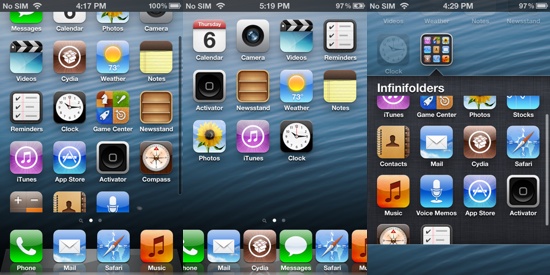
Chpwn releases rebuilt Infiniapps with iOS 6 support

The Infiniapps are some of the most popular tweaks on the jailbreak scene. There's Infinidock, which lets you add more icons to your iOS dock, Infinifolders, which does the same thing for folders, and Infiniboard, which adds vertical scrolling to your Springboard.

If you're a fan of the trio, you'll be happy to know that Chpwn has recently updated all three of them to support iOS 6. In fact, he's completely rebuilt them from the ground up to eradicate long-standing bugs, and improve the stability and performance of the tweaks...

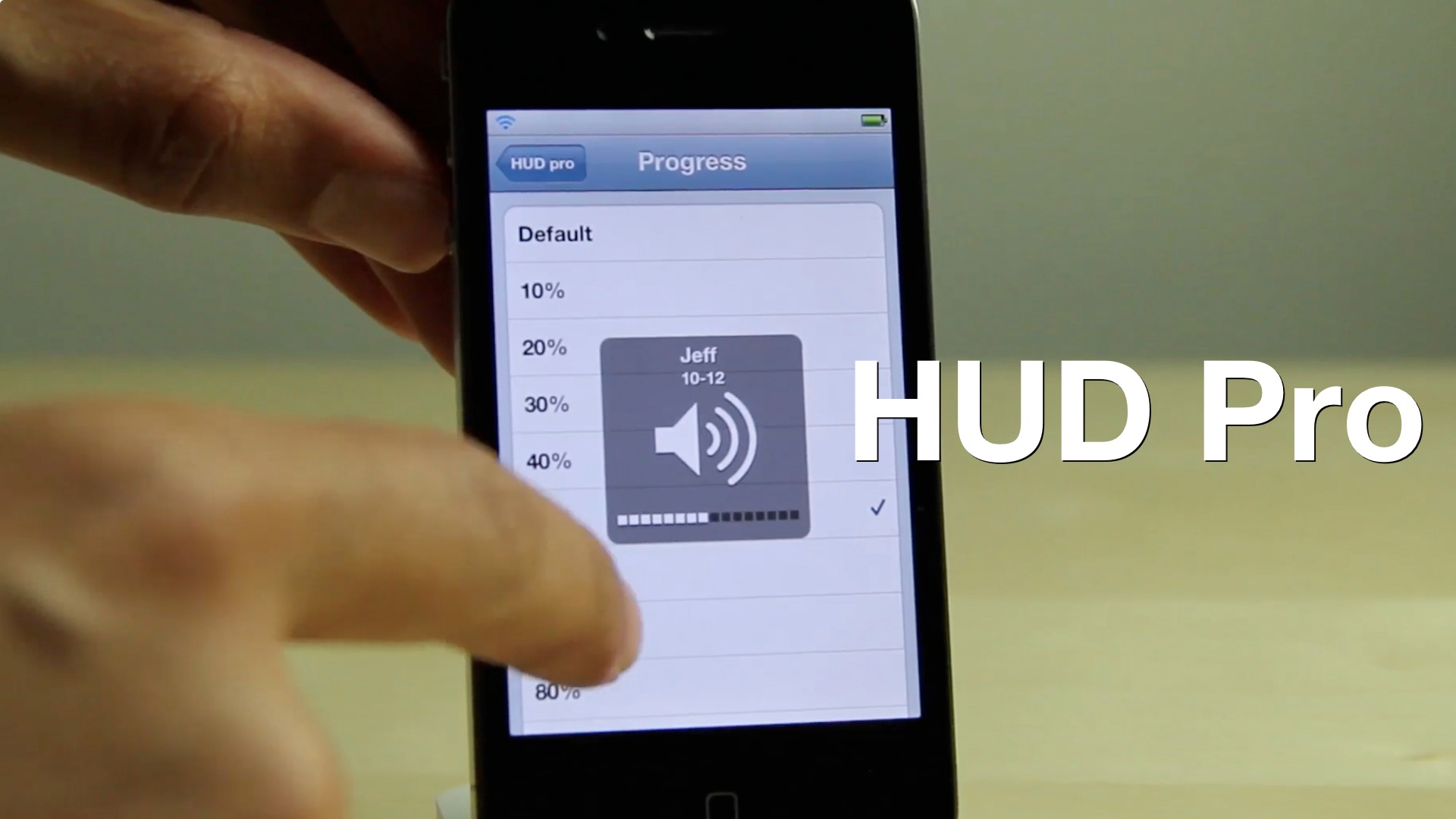
HUD Pro adds additional options to the iPhone’s volume HUD

Looking to add some additional functionality to the iPhone's volume HUD? If so, then you might want to take a look at HUD Pro — a new jailbreak tweak available on Cydia's MacCiti repo.

At $1.50, I feel HUD Pro is a bit pricey for what it offers. It features things that venture more toward the gimmicky side than actually being useful, but perhaps this video will make it easier for you to decide on that...

How to easily adjust brightness on iPhone and iPod touch with BrightVol

BrightVol is a new jailbreak tweak, which allows you to adjust the brightness settings of an iPhone or iPod touch using the device's hardware volume buttons.

While similar tweaks have been created in the past, none of them, to my knowledge, allows you to dynamically switch between brightness settings and traditional volume settings as easy. BrightVol allows you to do just that, and that's what really separates it from the rest of the pack. Take a look inside for our full video walkthrough...