Jailbreak Apps & Tweaks

These are the latest jailbreak apps and tweaks available for your iPhone or iPad. We save you time by highlighting only the best tweaks.

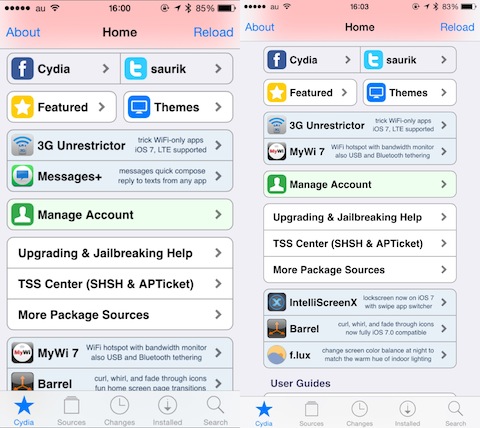
Cydia Installer updated to 1.1.14 to fix passcode issue, adds multitasking, iPhone 6 support, and much more

Ladies and gentlemen, the moment you've been waiting for. Cydia Installer just received a 1.1.14 update to fix the lingering passcode issue. You can now update Cydia on your jailbroken iOS 8 device and use a passcode without any side effects.

More impressively, perhaps, is the introduction of new multitasking capability! Yes, true multitasking with Cydia is finally here if you're jailbroken with iOS 8. Amazing.

Then, there's support for the iPhone 6 Plus! That includes rotation support.

Watch our video walkthrough inside for an overview of the new changes, and then head over to Cydia right now and install the update if you're jailbroken. If you're not jailbroken, follow our tutorial inside to jailbreak and install Cydia.
How to use a passcode with the iOS 8.x jailbreak

At this point in time, running Cydia on a jailbroken iPhone can still be a bit confusing for users who aren't always knee-deep in this stuff. One of the biggest issues encountered when running Cydia on a jailbroken iOS 8 device at the moment involves using the passcode and Touch ID.

After installing Cydia on a jailbroken iOS 8 device, many are reporting that establishing a passcode sends them into a bootloop. I verified that I encountered the same issue.

Let me just preface this by saying that the problems encountered here are no fault of the Pangu team or of Saurik. This jailbreak is a work in progress, and we've been advised that the jailbreak is only for developers at the moment. That said, many of you are adventurous and want to take the plunge as soon as possible; as do I.

In this video, I share an unsanctioned workaround to the boot loop issue. I show you how to establish a passcode on a device with Cydia and Cydia Substrate installed. I've tested this out, and have recorded the entire Cydia installation process for your convenience. Have a look inside for the full tutorial.

PrefDelete: delete tweaks directly from the Settings app without opening Cydia

Normally, when you want to delete a jailbreak tweak installed on your device, you'll have to remove it from Cydia. If you ever wished to remove a tweak with just the tap of a button without opening Cydia, you should probably check out a brand new jailbreak tweak known as PrefDelete.

Developed by Brave Heart, PrefDelete allows you to delete tweaks that come with a preference pane directly from the stock Settings app. This can be done by tapping and holding on a tweak's preference button in the Settings app to remove it immediately on the spot, though a confirmation message appears before deletion ensuring that you don't remove a tweak by mistake.

ForceGoodFit: make older apps fit on your larger iPhone 6 and iPhone 6 Plus screen

Although the new iPhone 6 and iPhone 6 Plus boast a larger screen and come with a Retina HD display, some of the apps on the App Store have not yet been updated to support the larger screen, therefore causing the apps to zoom in and appear blurred. If you've got a favorite app that hasn't been updated for the larger iPhone 6 and the iPhone 6 Plus yet, you should probably check out a new jailbreak tweak known as ForceGoodFit.

Just as the name implies, the tweak forces old apps to stretch to the iPhone 6's larger screen and allow you to view the app in full screen mode instead of having them zoomed in. From the two screenshots above, the left one is taken without the tweak install while the right one is with ForceGoodFit enabled. The tweak is quite similar to FullForce which was developed by Ryan Petrich to optimize apps for the larger iPhone 5.

ReachAll brings Reachability-inspired functionality to the iPhone 5s and older devices

ReachAll is a recently released jailbreak tweak that brings one of the iPhone 6 and 6 Plus' flagship features—Reachability—to older devices. Reachability, as you're likely aware of, allows you to shift down the contents of the iPhone's interface via a double-tap on the iPhone's Touch ID sensor. For large devices like the iPhone 6, this feature was added with one-handed usage in mind.

Obviously, a smaller device like the iPhone 5s lacks the need for such a feature out of the box, but don't tell that to jailbreak developers. ReachAll not only brings Reachability to the most likely candidate, (the iPhone 5s is the only Touch ID enabled iPhone without Reachability) but it also works, thanks to a special "Tap Box" option, on older devices like the iPhone 5.

Want to see how ReachAll functions in action? Step inside and watch the full video walkthrough.

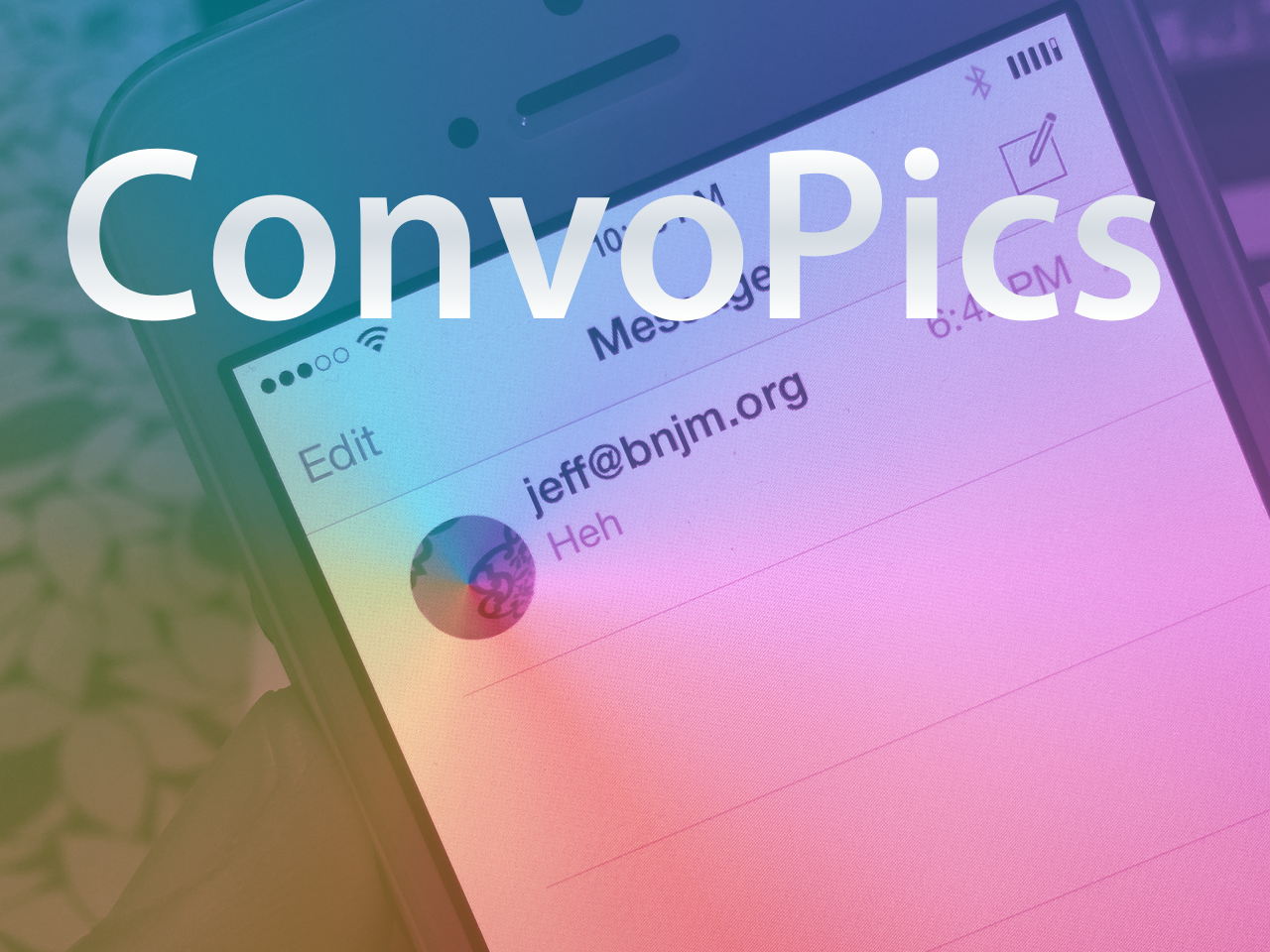
ConvoPics brings the iPhone 6 Plus Messages app avatars to all devices

It’s only a matter of time before the deluge of iOS 8-only jailbreak tweaks begin surfacing on Cydia. Until then, I just thought I’d bring it to your attention that another one of the first such tweaks has appeared on Cydia.

The release is called ConvoPics, and it’s an iOS 8-only tweak that enables the iPhone 6 Plus’ conversation list pictures found in its stock Messages app on all devices. Have a look at our video demonstrating the before and after comparison inside.

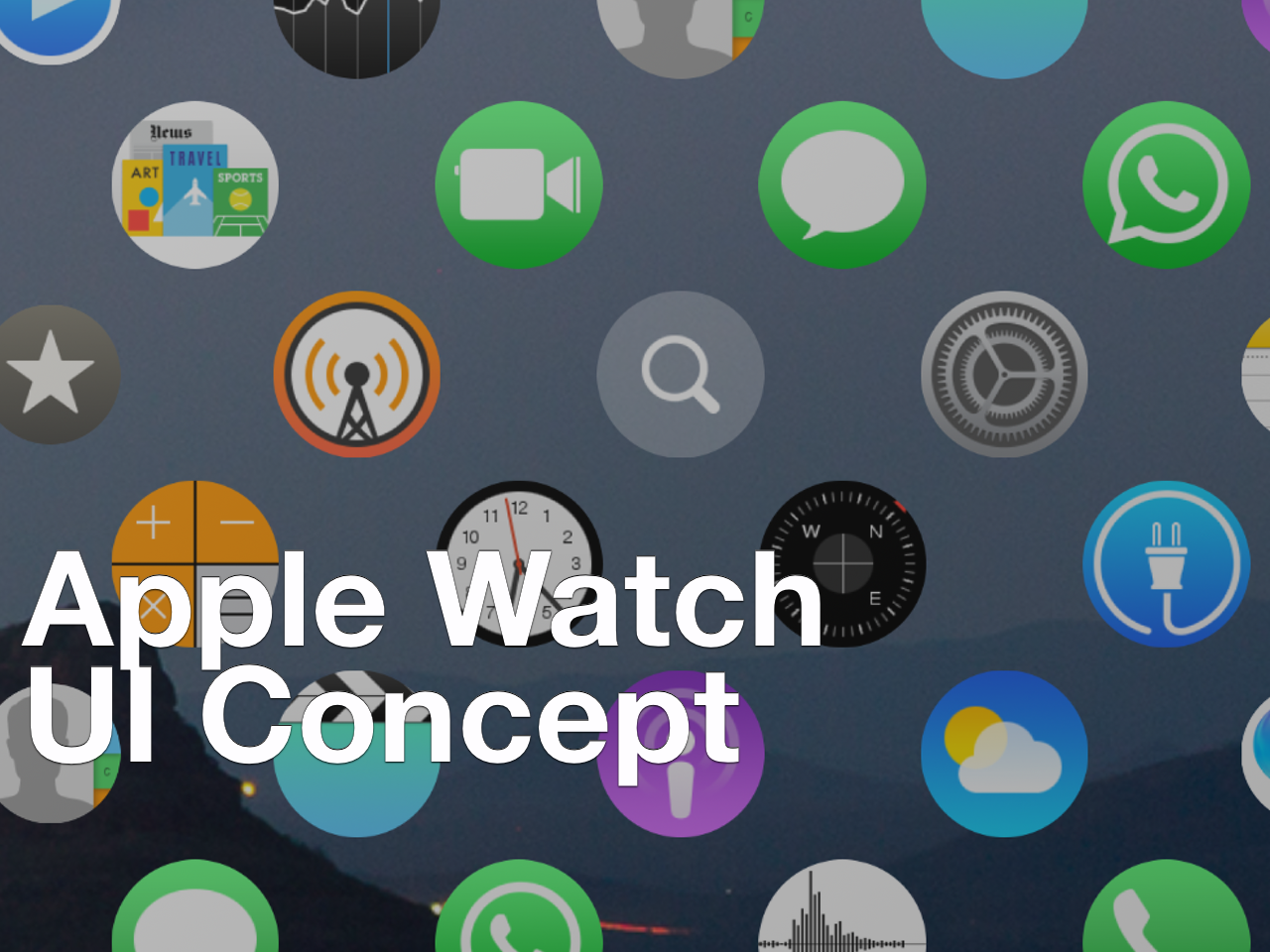
Here’s how to install the Apple Watch UI concept on your iPhone

Yesterday, we posted an article showcasing a developer's concept of the Apple Watch UI running on the iPhone. The response was mixed, but it leaned more towards the positive end of the spectrum than I anticipated.

Seeing someone demo a concept on video is one thing, but trying it for yourself is something altogether different. Thanks to developer Lucas Menge, who made the project open source, the code has been compiled and posted as a Cydia package. This means that everyone can now try out the Apple Watch UI concept on their iPhone.

After the break, watch me demonstrate and comment on the Apple Watch UI running on my iPhone 6 Plus. I also showcase how you can get the Apple Watch concept on your iPhone to try out yourself.

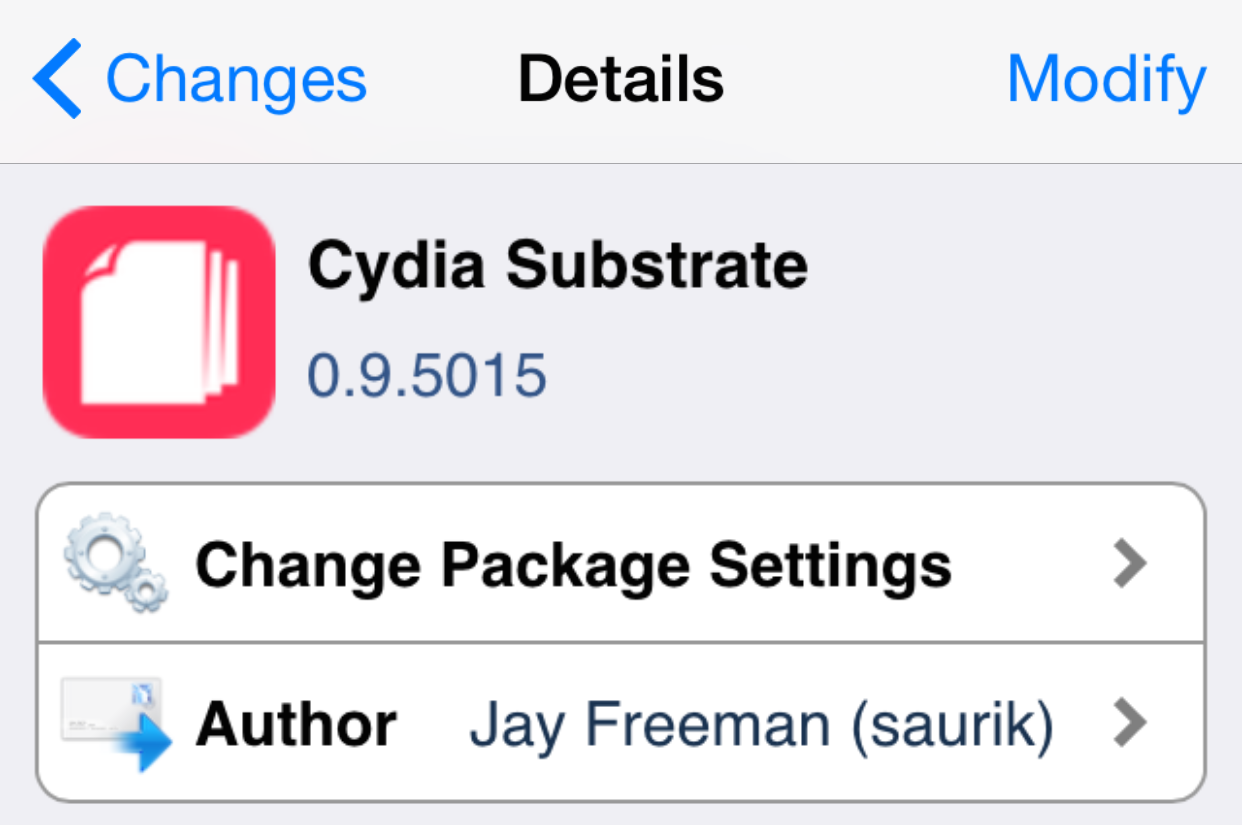
Cydia Substrate updated yet again, this time fixing bugs with OpenSSH and other processes

As expected, Saurik continues to work tirelessly on Cydia and all of its parts, including the uber-important Cydia Substrate. The latest update, which rings in at version 0.9.5015 comes mere hours after the 0.9.5014 update.

While the previous update aimed to squash many festering bugs, and did so successfully, it also introduced another bug which caused some process, like OpenSSH, not to start. Obviously this was a huge issue that needed to be fixed quick, since OpenSSH is used by lots of jailbreakers as a means to communicate with their jailbroken devices and to transfer files. As expected, Saurik responded accordingly.

ForceReach: extend the capabilities of Reachability

ForceReach is a new jailbreak tweak for Reachability enable devices like the iPhone 6 and iPhone 6 Plus. It serves as a way to extend the capabilities of Reachability, allowing you to invoke the mode while in landscape orientation, and eliminate the timeout that occurs after a few seconds of it being active.

Want to see how ForceReach works in action? Check out our video walkthrough inside for the in-depth details.

Pangu releases iOS 8.x jailbreak untether update to fix Cydia Substrate loading, iMessage bugs, and Safari crashes

The Pangu team has just released an update to their untethered jailbreak. Users who are already jailbroken can venture into the Pangu app on the Home screen in order to update.

The incremental update fixes the Cydia Substrate loading issue upon reboot, iMessage picture sending, and Safari bugs. It's advised that all jailbroken users update now.

SBFlip is one of the first tweaks to work on iOS 8 only

One of the major differences between the iPhone 6 and the iPhone 6 Plus is that the latter is capable of changing the Home screen's orientation. In other words, you can change from portrait to landscape mode on the Home screen when using the iPhone 6 Plus, just like the iPad. On the other hand, the iPhone 6 and older devices lack this capability, but if you've already jailbroken your iOS 8 device, you should definitely check out SBFlip.

SBFlip enables Home screen rotation on unsupported devices, just like the iPhone 6 Plus. This means that you can rotate your Home screen from portrait to landscape mode on iPhone 6, iPhone 5s and older devices running iOS 8. The tweak also comes with two flip styles called Dynamic Dock and Stationary Dock.

AlienBlue++ adds additional functionality to the Alien Blue app

Alien Blue is one of the most popular Reddit client apps for iOS and was recently acquired by Reddit. Although the app has most of the features that a user needs, it's still a long way from being a perfect app. This is why a new jailbreak tweak known as AlienBlue++ comes in to fill the gap.

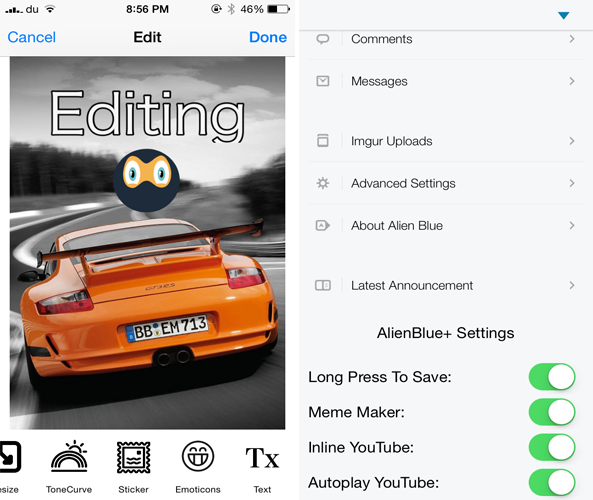
Developed by UnlimApps, AlienBlue++ adds four new features to the popular Alien Blue app to improve  your experience browsing Reddit. The tweak comes with a built-in photo editing feature that allows you to edit photos and give them a new touch before posting them on Reddit. For instance, you'll have the ability to add emoticons and texts, choose from a variety of effects and filters, crop the image, draw on it and much more.