Jailbreak Apps & Tweaks

These are the latest jailbreak apps and tweaks available for your iPhone or iPad. We save you time by highlighting only the best tweaks.

HandyKey: a tweak that adds a one-handed keyboard to the iPhone 6 and 6 Plus

If you find it difficult to type on large screen iOS devices like the iPhone 6 Plus and the iPhone 6, then HandyKey is a jailbreak tweak that you may derive real benefits from. The tweak, which is available for $0.99 on Cydia's BigBoss repo, brings the ability to add a one-handed keyboard for right-handed or left-handed iPhone users.

Users who use HandyKey have the option of forcing the iOS keyboard to always open to HandyKey when the keyboard is invoked, or a two-finger swipe gesture on the keyboard can be used to orientate it as needed. Have a look at our video inside for additional details and a hands-on demonstration.
Saurik touts jailbreak and Cydia stability for iOS 8, enables Cydia purchases

Another day, another milestone. Saurik, the man behind Cydia, has re-enabled purchases for paid Cydia apps and tweaks, which means that you can now purchase apps and tweaks that were, for a time, unobtainable for some.

He also made sure to lend credibility to the stability of both Cydia and the iOS 8 jailbreak via a pair of tweets—the first of such since the iOS 8 jailbreak arrived.

Upscale: Change the resolution on your jailbroken iPhone

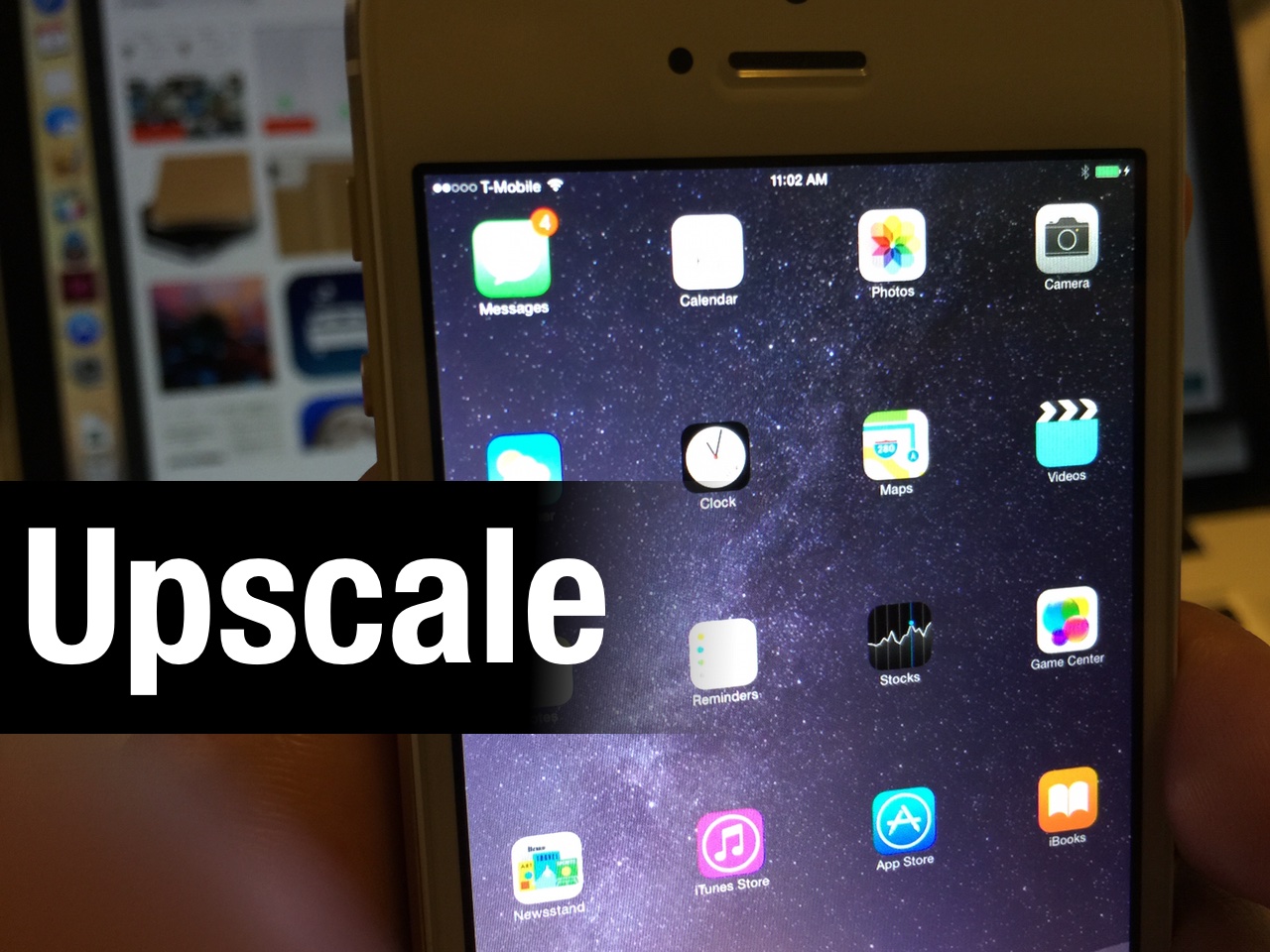
Upscale is a new jailbreak tweak that allows you to run higher resolutions on jailbroken iPhones. The tweak, which is currently in beta, features serval presets to choose from via its settings.

This tweak makes it possible to run the iPhone 6 or 6 Plus resolution on older devices like the iPhone 5 or iPhone 5s—devices with substantially less screen real estate. The result is an interface that features less than ideal tap-zones, but much more room to work with on screen.

Upscale is a compelling jailbreak tweak that everyone should at least investigate. First noted and discovered by developers cpdigitaldarkroom and coolstar, this is a tweak that will surely turn a lot of heads. Full details after the jump...

Filippo Bigarella teases Springtomize for iOS 8

Is this enough to get you to take the plunge? I know it will be for Sebastien, and perhaps even Cody. Springtomize for iOS 8 was officially teased by well-known (and well-liked) developer, Filippo Bigarella.

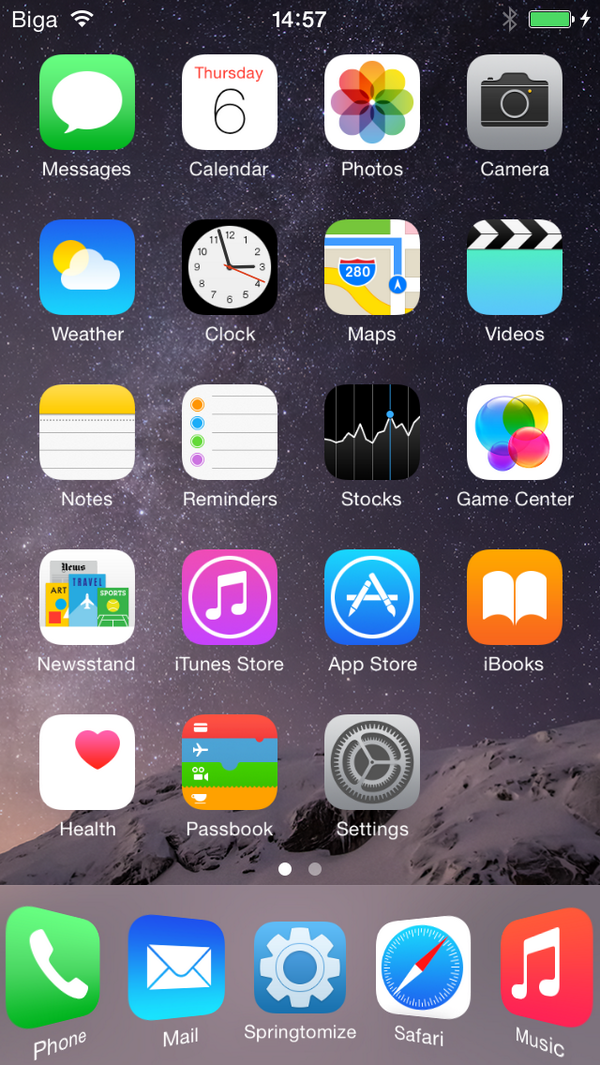
Springtomize is the type of tweak that lets you customize virtually every aspect of your iPhone's SpringBoard, hence the name "Spring" (SpringBoard) and "tomize" (Customize). We've done extensive reviews of this extremely popular tweak in the past, so if you're not familiar with it, I advise you to get up to speed and review our Springtomize coverage.

If you've yet to jailbreak, will this be enough to push you over the edge?

Pangu team: Mac version of the iOS 8 jailbreak due in a couple of days

Good news for Mac users who have been unable to jailbreak due to the lack of a native Mac jailbreak tool for iOS 8.x: The Pangu team has heard your cries, and is gearing up for an OS X release.

In a Twitter post just a few minutes ago, the PanguTeam Twitter account acknowledged the release of Cydia 1.1.16, and followed that acknowledgement up with some insight on the status of the Mac jailbreak. Have a look at the details inside...

VolumeNotifier makes your device beep as you increase or decrease the volume

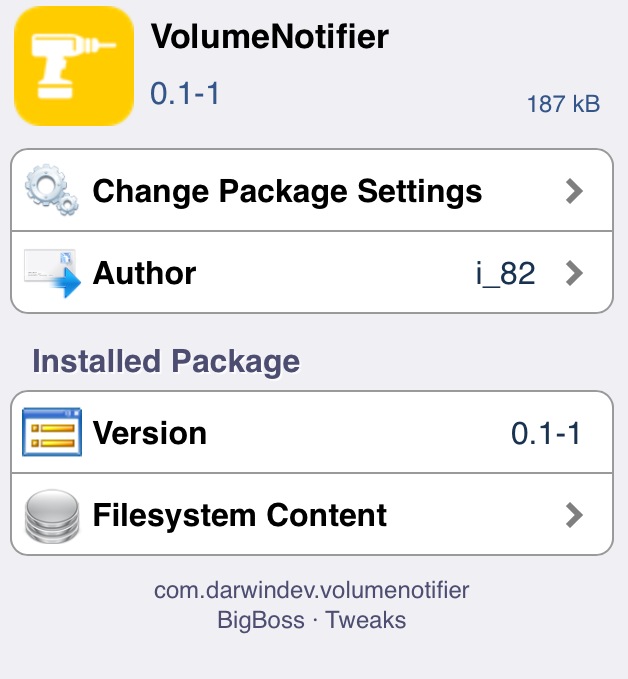
Normally, when you increase or decrease the volume on your iPhone, a large volume HUD appears on the center of the screen that displays the volume level as you adjust it. VolumeNotifier is a brand new jailbreak tweak that goes a little step further and notifies you when you change the volume on your device.

The tweak adds a sound effect when you're changing the volume such that when you increase or decrease the volume, a beep sound is made, just like how it works on Mac.

Let’s Talk Jailbreak 80: You guys have changed

Episode 80: Sebastien and Cody explain why they've yet to jailbreak their iPhones. iOS 8.1.1 kills the Pangu jailbreak. Tons of new jailbreak tweaks discussed, including a cool new Apple Watch UI tweak called Aeternum, and a tweak that lets you optimize apps for the iPhone 6 Plus and the iPhone 6's larger screen. Jeff goes gaga over the new Cydia.

Subscribe via RSS

This episode has no sponsor, but you can always support Let’s Talk Jailbreak and iDB by downloading our OS X Yosemite Interactive User Guide in the iBooks Store.

How to add a fifth icon to the dock in iOS 8 and on the iPhone 6

betterFiveIconDock is a new jailbreak tweak that brings the ability to add a fifth app icon to the iOS dock on both iOS 8 and the iPhone 6 and 6 Plus. The tweak, which is available free of charge on a non-default Cydia repo, even plays nice with the iPhone 6 Plus' Home screen rotation abilities.

Want to see how betterFiveIconDock works in action? Check out our video walkthrough inside.

You should update to iOS 8.1 now if you’re at all interested in jailbreaking

Perhaps you've been holding out on updating to iOS 8.1 until there's a "stable" jailbreak and a stable version of Cydia. Maybe you're like Sebastien and Cody, and just want to make sure that things run smoothly enough, and that the compelling tweaks are updated for iOS 8 before taking the leap.

Throw all of that logic out of the window. If you're an iOS 7.x jailbreak holdover, it's time to stop holding out and just update. iOS 8.1.1 is now in beta, and it has been confirmed to kill Pangu's iOS 8.x jailbreak. Even if you don't want to jailbreak right now, it's still a good idea to go ahead and upgrade to iOS 8.1, so that when the jailbreak does meet your needs, you can still jailbreak on iOS 8.

Aeternum: the best looking Apple Watch UI SpringBoard replacement for iPhone

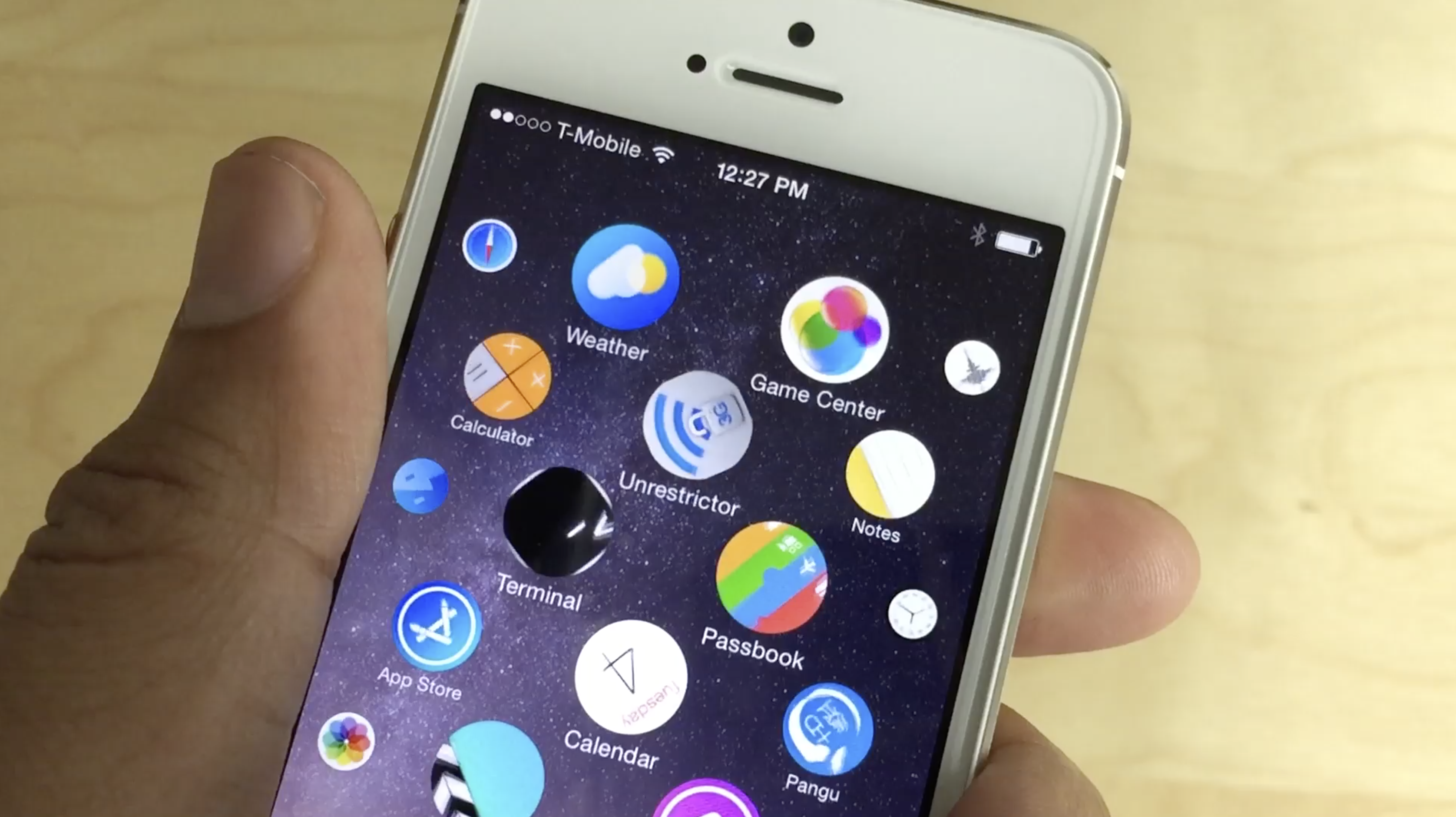
I just got my hands on the latest jailbreak tweak to take advantage of Lucas Mendes' open source Apple Watch UI for the iPhone. It's called Aeternum, which means eternity in latin, and it's from the developer that brought us iRealSMS and iTouchSecure. In other words, it's from a quality well-known developer.

I've tried a few tweaks that build upon Mendes' code, but Aeternum is far and away the best looking and best functioning one thus far. Not only do you get the Apple Watch UI, but you get smooth animations, a dock, and the ability to rearrange app icons. It still has some ways to go, but it's very promising. Have a look at our full video walkthrough after the jump.

CCSettings updated with support for iOS 8

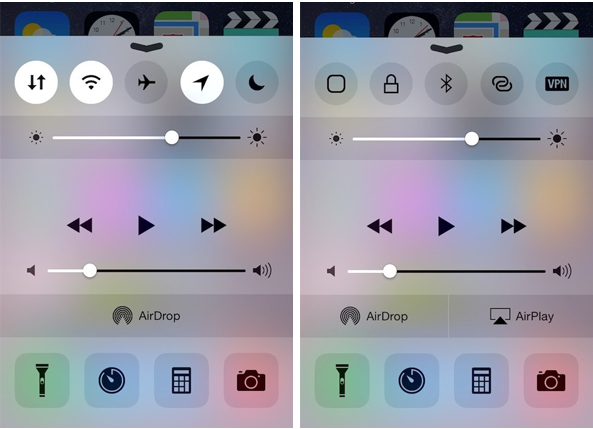
CCSettings, one of most popular tweak for Control Center, has now been updated to support iOS 8 devices. The tweak which is now available as a separate package on Cydia provides a larger collection of settings toggles in Control Center rather than the stock toggles such as Airplane mode, Wi-Fi, Bluetooth and more.

The new toggles that CCSettings provides for iOS 8 Control Center range from Cellular Data, Location Services, Personal Hotspot and VPN to virtual home and lock buttons. These can be accessed from Control Center by swiping the toggles section from left to right and vice versa. You can enable or disable each of these toggles along with the stock buttons as well as arrange them in the right manner from the preference pane of the tweak in the Settings menu.

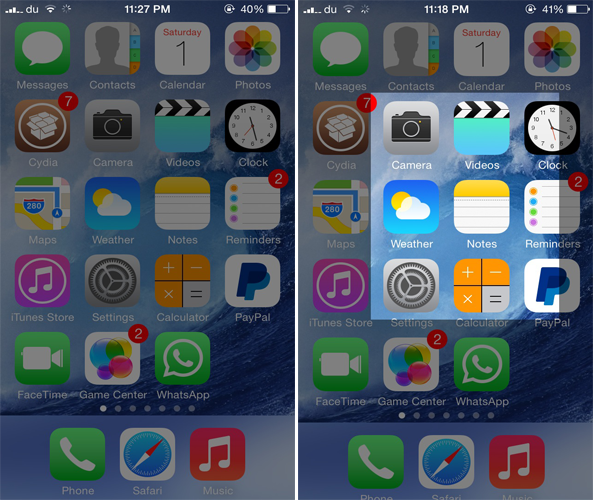
CroppingScreen: take screenshots of specific areas of your iPhone’s screen

Normally, when you press the Home and the Power button simultaneously on your iOS device, a screenshot of your whole screen is taken right away. Unfortunately, there's no way that you can take a screenshot of a particular portion area of your screen other than cropping it manually. This is why a new jailbreak tweak known as CroppingScreen debuted on Cydia recently to make your work a whole lot easier.