iPhone

Stay up-to-date on the latest iPhone news and learn new tips and tricks with our comprehensive tutorials. From software updates to new features, we’ve got you covered.

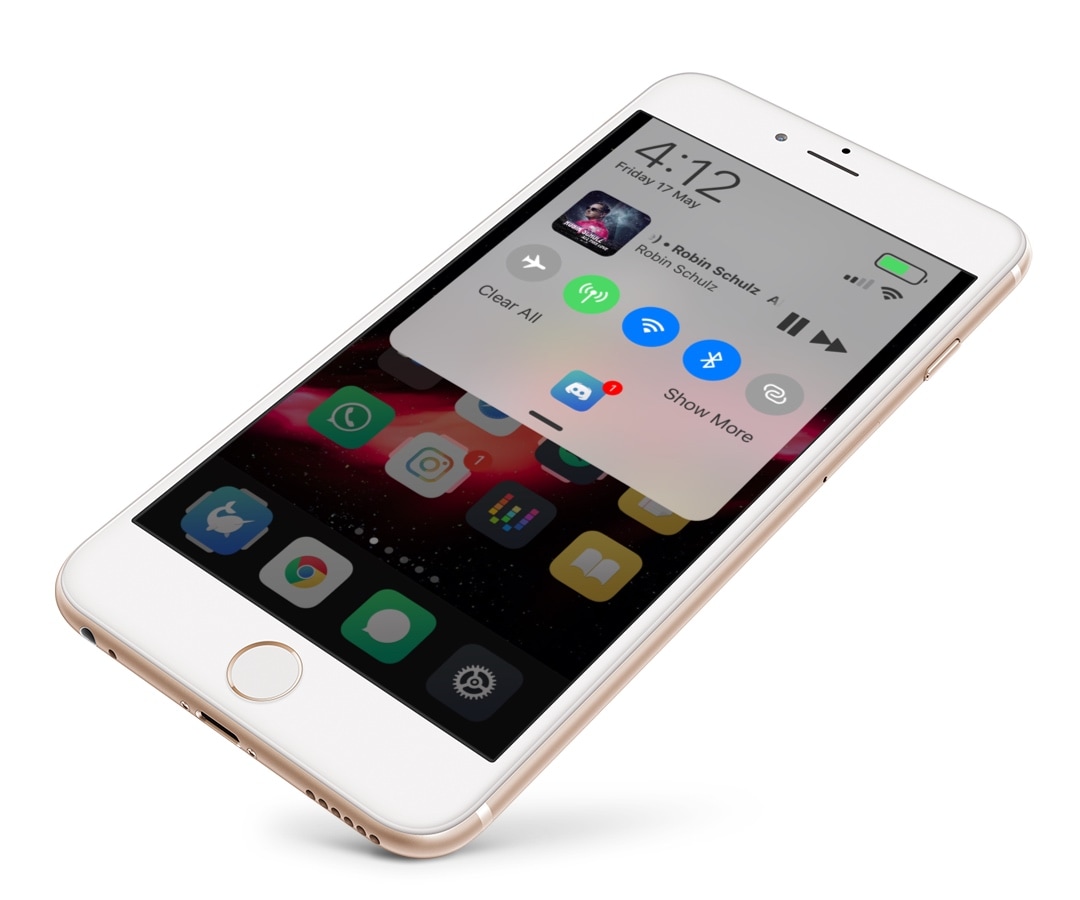
YTStatus lets you access the Status Bar while enjoying YouTube videos in landscape mode

One of the things I’ve always disliked about the YouTube app is how elusive the Status Bar becomes when you begin watching a video in landscape orientation. Obviously, I wouldn’t want the Status Bar to be in the way while a video was playing, but I also don’t like being compelled to switch to portrait orientation to check the time.

iOS developer Karimo299 has devised the ultimate solution and released it in the form of a new free jailbreak tweak called YTStatus. As you can discern for yourself in the before and after screenshot examples embedded above, this tweak implements the native iOS Status Bar into YouTube’s own video controls interface.

Swipeshot: A new way to take screenshots on your jailbroken handset

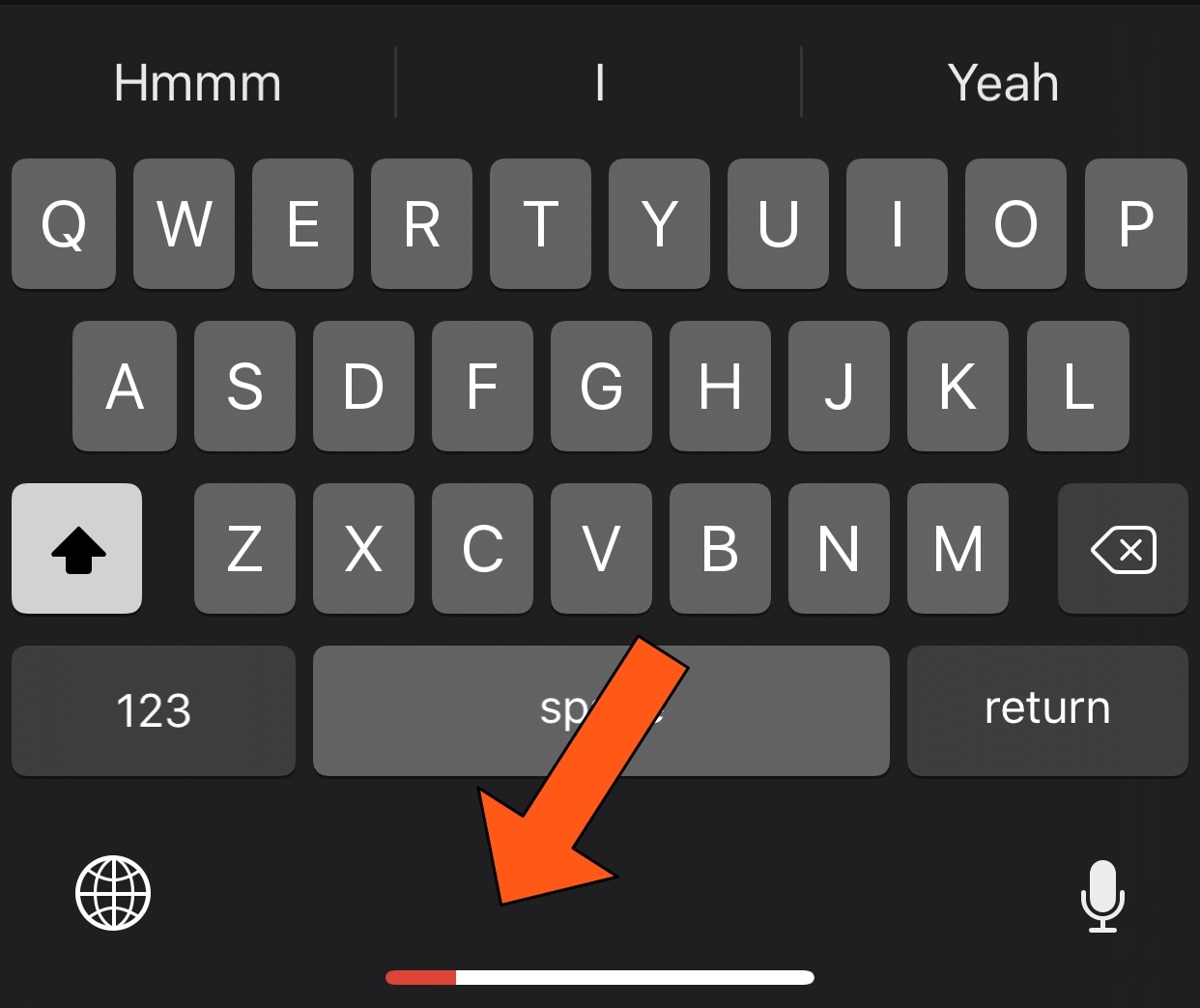
Taking a screenshot on your iPhone typically involves pressing a couple of buttons, but Ryan Petrch’s popular Activator tweak can help you take a screenshot using almost any other gesture you can set your mind to. Take note of the word “almost” in that statement…

Swipeshot is a new free jailbreak tweak by iOS developer Nepeta that lets you take a screenshot on your iPhone or iPad with a three-finger swipe on the Status Bar. As it turns out, this is one of the few gesture techniques that Activator doesn’t appear to provide out of the box.

Hide your Home screen’s icon labels with HideLabels12

One of the most popular ways for jailbreakers to clean up their Home screen’s aesthetic is by hiding the labels that typically appear just below each app’s icon.

If you’re rocking any of the latest jailbreaks, whether that’s Chimera, Electra, or unc0ver, and you’re interested in doing this to your device, then you might take a liking to a new free jailbreak tweak called HideLabels12 by iOS developer Ryan Nair.

HapticVolume brings haptic feedback to your volume buttons

Those who know me best also know that I have a soft spot for jailbreak tweaks that give my iPhone simple haptic feedback capabilities. For that same reason, I’m excited to share the news about a free release called HapticVolume by iOS developer MayBeMe.

In a nutshell, HapticVolume compels your iPhone to exhibit a tidbit of haptic feedback whenever you depress either of the volume adjustment buttons on the side of your device.

Sileo Team launches Sileo v1.0.3 with more speed improvements

If you’ve jailbroken your iOS 12.0-12.1.2 handset with the Electra Team’s all-new Chimera jailbreak tool and have been experiencing baffling sluggishness while using the Sileo app, then you might want to pay particular attention to the package manager’s latest update.

The Sileo Team has announced the release Sileo version 1.0.3 for both Chimera and Electra users just this evening via Twitter, an update that strives to boost Sileo’s performance by up to ten times for those who might be using more than 12 repositories at a time:

Should I jailbreak with Chimera, Electra, or unc0ver?

In case you’ve been living under a rock, there are now three major full-fledged jailbreak tools floating around in the wild: Chimera, Electra, and unc0ver. So which one should you be using?

Answering this question is challenging, and given the seemingly volatile state of the jailbreak community at the time of this writing, I’ve been hesitant to answer it; but I think it’s finally time, especially since folks now have more choices to pick from than ever before.

Prevent Now Playing apps from being killed via the App Switcher with DontKillMyMusic

Do you ever launch your App Switcher and start swiping away at apps until there’s nothing left? Despite how unnecessary people claim this to be, it’s common practice for folks to habitually clear apps when not in use. But the real problem manifests itself when you accidentally kill an app that’s playing music in the background. Yeah… frowny pants.

A new free jailbreak tweak called DontKillMyMusic by iOS developer Karimo299 aims to prevent this dilemma by empowering users with the ability to designate which apps can and can’t be killed via the App Switcher.

AutoBlue imposes Bluetooth and Wi-Fi timeout thresholds to improve any iPhone’s battery life

Your Bluetooth and Wi-Fi radios are always searching for new devices and networks, even when they aren’t being used. That said, both can have an impact on your device’s battery life, and a new free jailbreak tweak called AutoBlue by iOS developer Karimo299 attempts to help you find that ideal sweet spot in between performance and battery savings.

AutoBlue works by automatically disabling Bluetooth and/or Wi-Fi after a certain amount of time of being unused. The timers are fully configurable by the end user, and you can even configure the triggers that will re-enable Bluetooth and/or Wi-Fi whenever they become disabled by the tweak.

Disable Cydia Substrate or Substitute in specific apps with UnSub

Some App Store apps throw a fit when you jailbreak your device or when they’re tampered with by third-party tweaks, so if you happen to be jailbroken, what can you do to resolve this problem and mitigate issues with these types of apps? We're glad you asked.

UnSub is a new free jailbreak tweak by iOS developer Nepeta that aims to make your pwned handset less prone to these kinds of issues. It does this by letting you disable Cydia Substrate or Substitute-centric tweak injection for specific apps, such as those that might exhibit adverse reactions.

FolderCustomizerXII provides seemingly endless customization for the Home screen’s folders

Jailbreakers who are into heavy theming and iOS UI customizations will probably take a liking a newly-released jailbreak tweak called FolderControllerXII by iOS developer i0s_tweak3r.

Just as the name implies, FolderControllerXII can be used to achieve custom aesthetics for your Home screen folders that can go well with third-party themes and other aesthetic customizations. Citing the tweak’s depiction, it lets you do any of the following:

The best free clipboard managers for iPhone

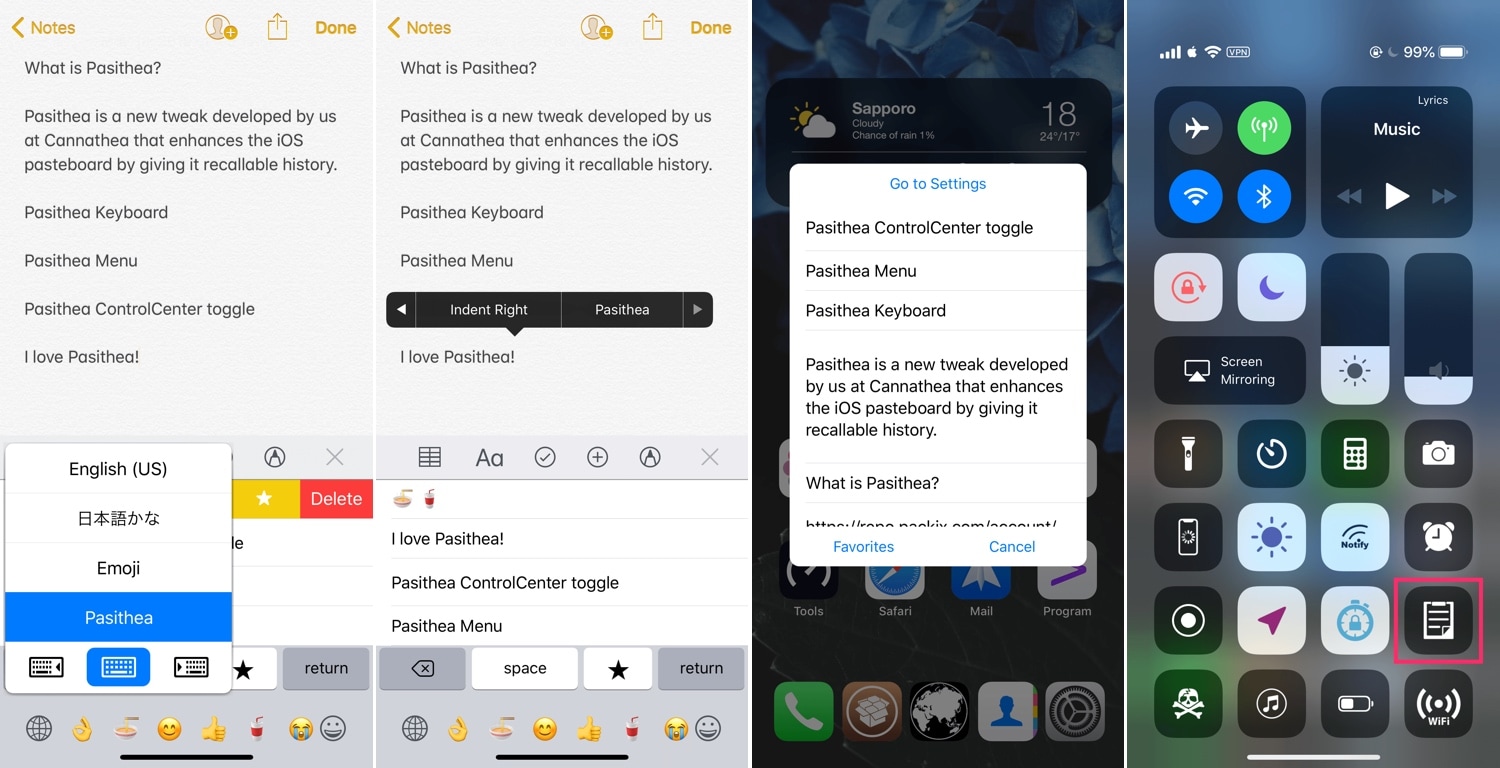
Best Clipboard Managers iPhone

Clipboards are valuable tools for writers, programmers, students, and so many others. Copying references, code, links, text, and similar items and keeping them for later saves us time because we can grab what we want as soon as we see it.

The Universal Clipboard on iOS and Mac is great and lets you copy and paste across devices. The problem is that you only have the last copied item handy. What if you want to save more than that?

This is where clipboard manager apps for iPhone come in to help. You can save and manage all of your clippings quickly and easily. These are the best free clipboard managers for your devices and they each work with the Universal Clipboard as well for an awesome bonus.