Learn how to adjust Auto FPS settings for your iPhone or iPad camera, and improve video quality when shooting in low-light conditions.
How to improve low-light video recording on iPhone or iPad

Learn how to adjust Auto FPS settings for your iPhone or iPad camera, and improve video quality when shooting in low-light conditions.
There’s absolutely no question that Apple goes all-in on making the rear-facing camera on its iPhones as powerful as possible through the combination of great hardware and user-friendly software. Unfortunately, it’s blatantly obvious that Apple doesn’t even come close to investing in their handsets’ front-facing cameras, as many seem to lack obvious features such as the ability to zoom while snapping selfies.
Fortunately for jailbreakers, iOS developer Brandon Robinson has released a solution in the form of a new and free jailbreak tweak called Front Zoom Dial. Just as the name implies, Front Zoom Dial adds the familiar zoom capability that we all take for granted from the rear-facing camera to the front-facing camera as well.

Photographer Austin Mann is no stranger to testing out iPhone camera systems. He praised the iPhone 11 Pro's cameras last year, for instance. So it's not a surprise to hear he got some time with the iPhone 12 Pro, too.
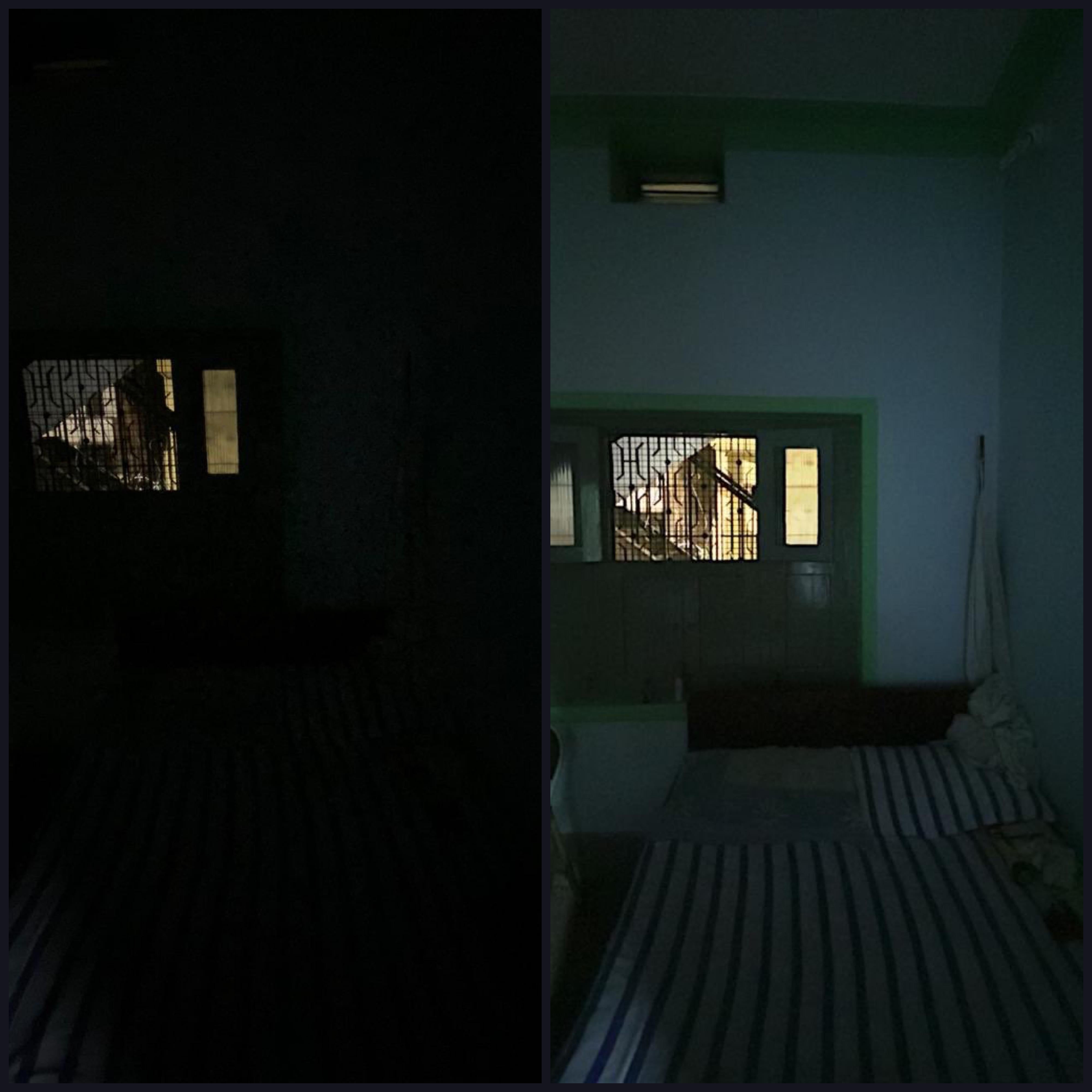
There’s no doubt that Apple pours tons of cash into researching and developing some of the best mobile camera experiences for smartphones in the world, but that doesn’t make it perfect. In fact, low-light photography is one area in particular where the iPhone’s camera seems to lag behind some of the competition.
If Apple’s native Night Mode feature isn’t enough for you, then you might want to consider upping your ante and trying a new jailbreak tweak called Lumi by iOS developer FoxfortMobile. Lumi requires a jailbroken device to work, but the results are particularly pleasant, especially if you’re an amateur iPhone photographer and struggle to capture the ideal shot in the most demanding of low-light conditions.
Every year when Apple announces a new flagship iPhone, you can bet that the company has poured tons of money into research and development to improve the photo quality of the rear-facing camera. While it doesn’t always come by way of more megapixels, the company’s software-centric photo processing can be top notch – except when it’s not.
iOS developer XCXiao recognized that something needed to be done about the iPhone’s somewhat dismal low-light photography performance, and consequently created a new jailbreak tweak called Enlighten to improve this particular aspect of iPhone photography. Examples of the tweak at work, compared against Apple’s existing Night Mode feature, are depicted below.
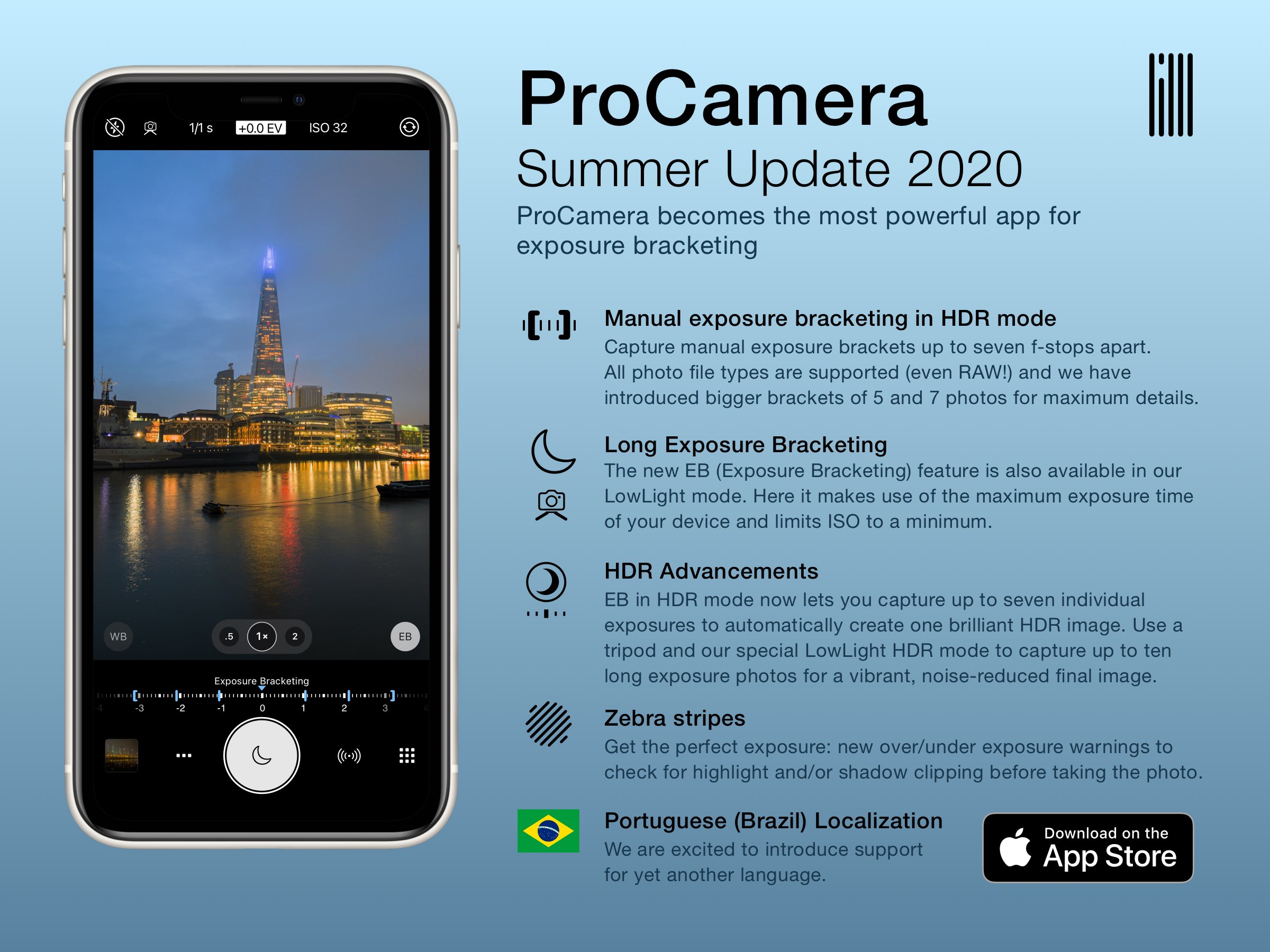
ProCamera, a professional iPhone app that caters to enthusiasts, creatives and pros, has received a significant update today that brings exposure bracketing features.
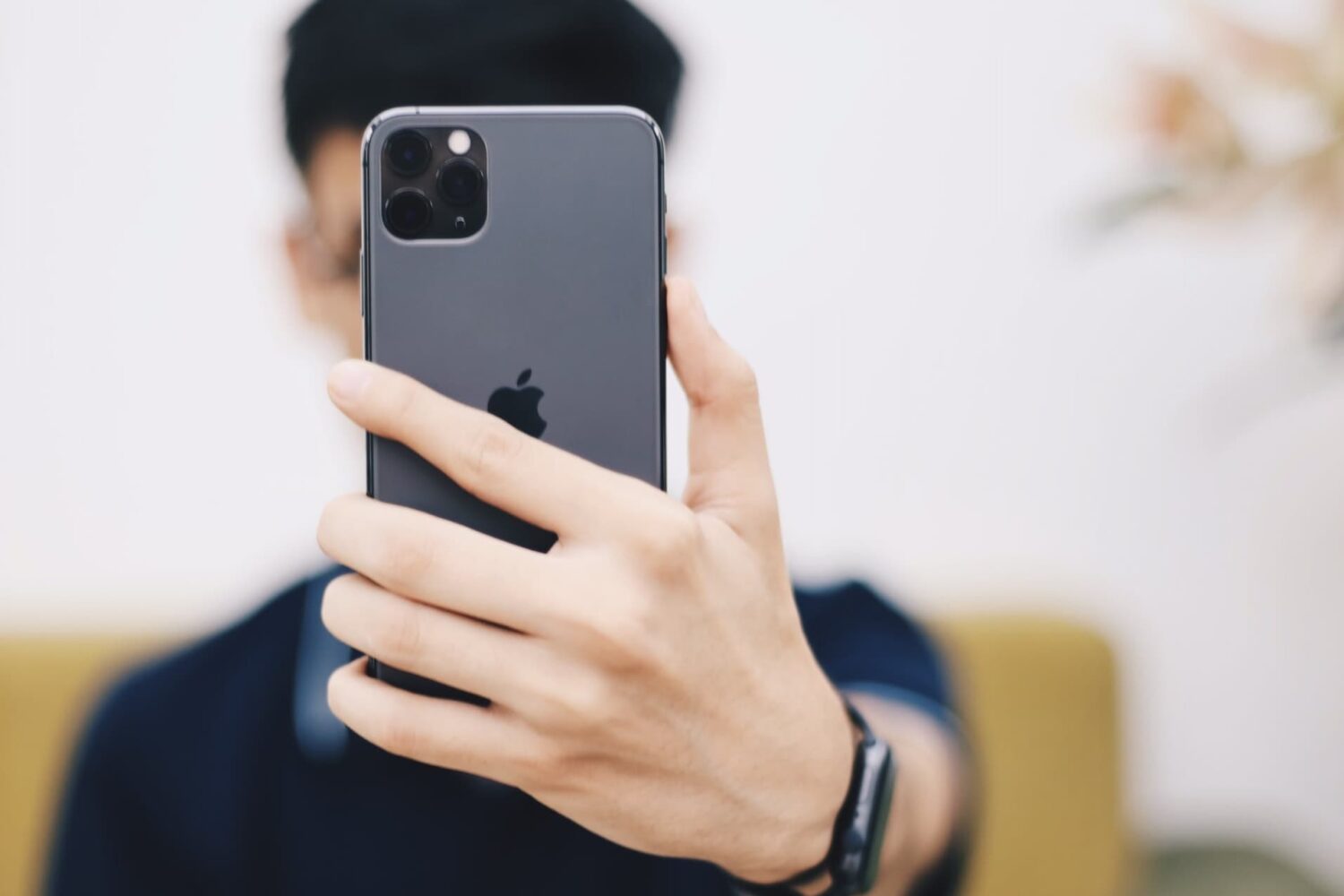
Learn how to stop your iPhone from flipping selfies and instead save un-mirrored originals that match exactly what you see in the Camera app’s viewfinder.
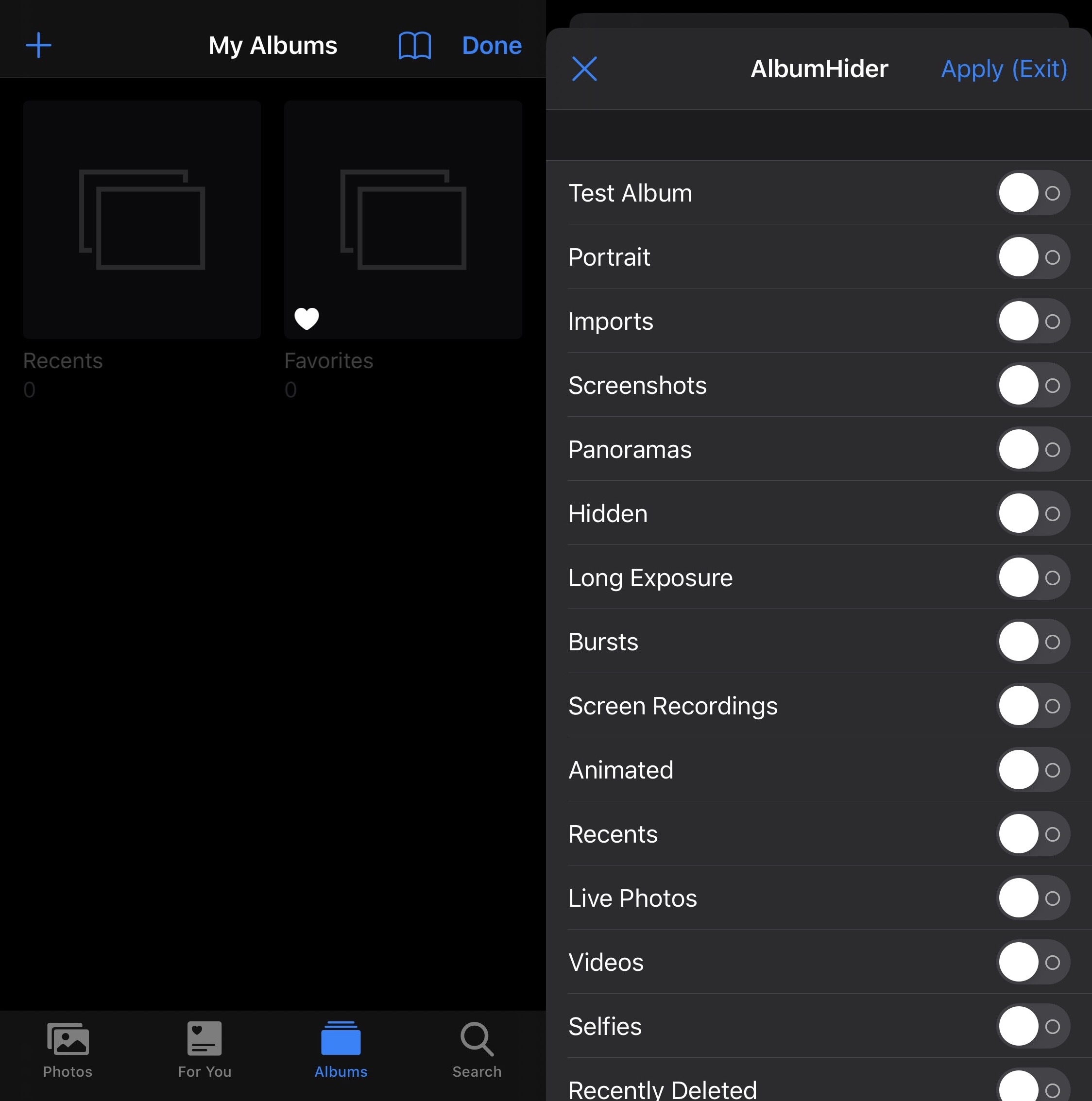
As you use your iPhone to its fullest potential, you might come to realize that your Photos app accumulates a plethora of different albums. Beyond the Camera Roll and Recents albums that appear by default, you may find albums for Screenshots, Panoramas, Hidden items, Live Photos, People, Time-lapse, Slo-mo, and even for specific apps on your device that have saved items to your Photo Library.
But perhaps you don’t want all these excessive albums, or you’re happy with just the Camera Roll? If so, then we think you’re going to love a free jailbreak tweak dubbed AlbumHider by iOS developer Julio Verne.
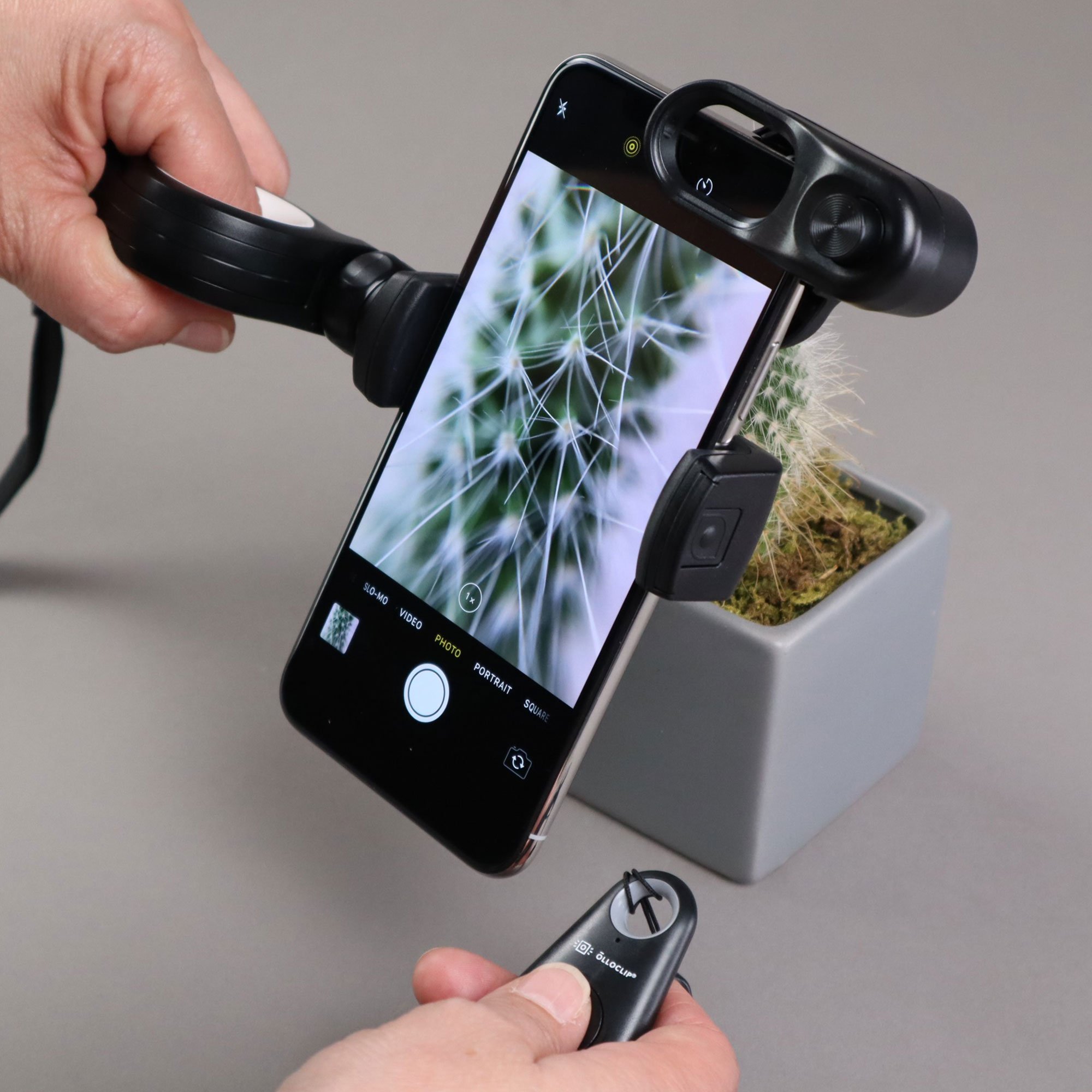
Apple has made huge gains when it comes to camera quality in the iPhone over the years, making it one of the most important features in its smartphone lineup.
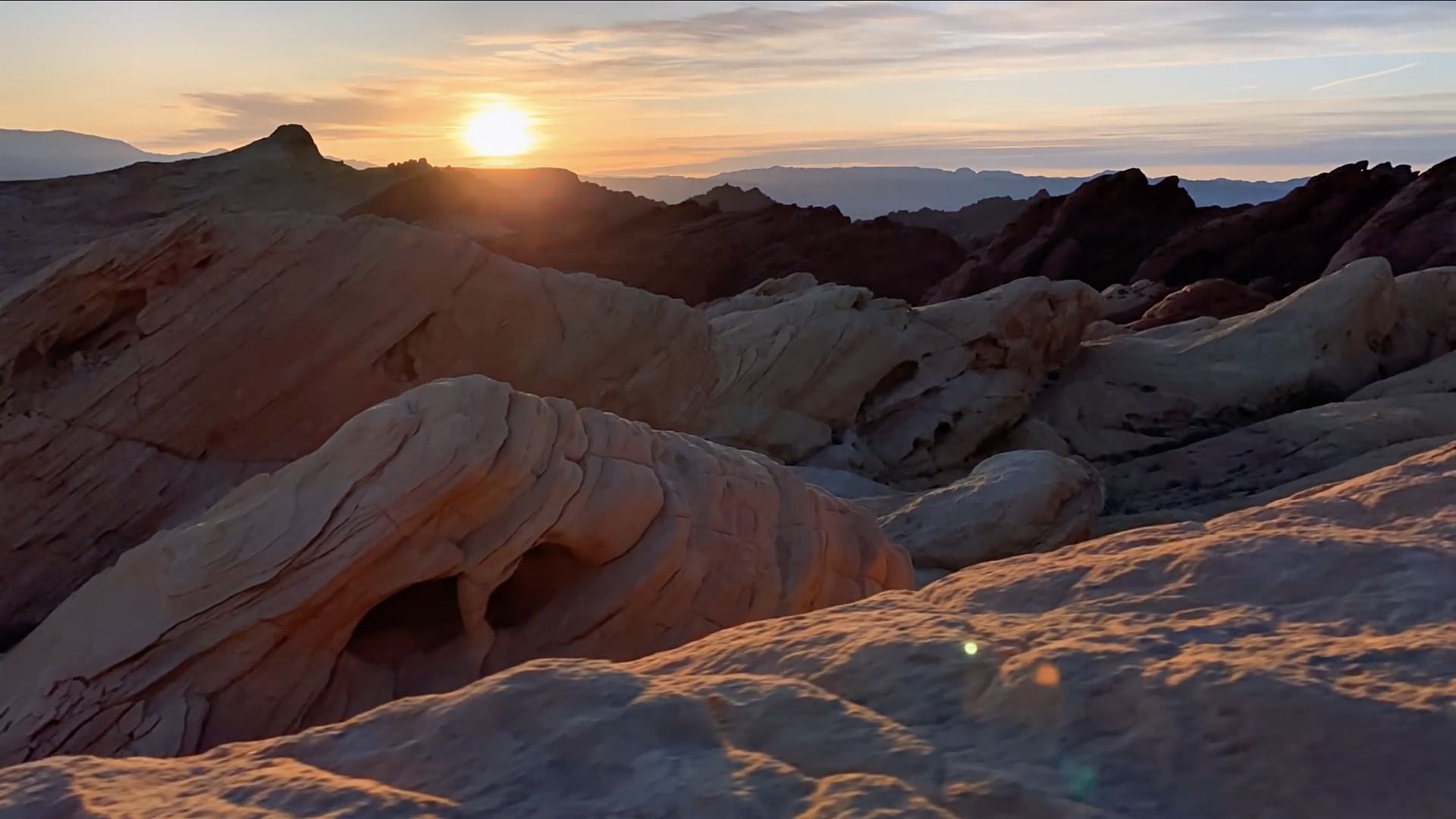
Apple on Sunday released a new shot-on-iPhone footage that tested the limits of the triple-lens camera on the iPhone 11 Pro, especially its ultra wide camera, with sweeping shots of the iconic sandstone structure found in Valley of Fire State Park located in Overton, Nevada.
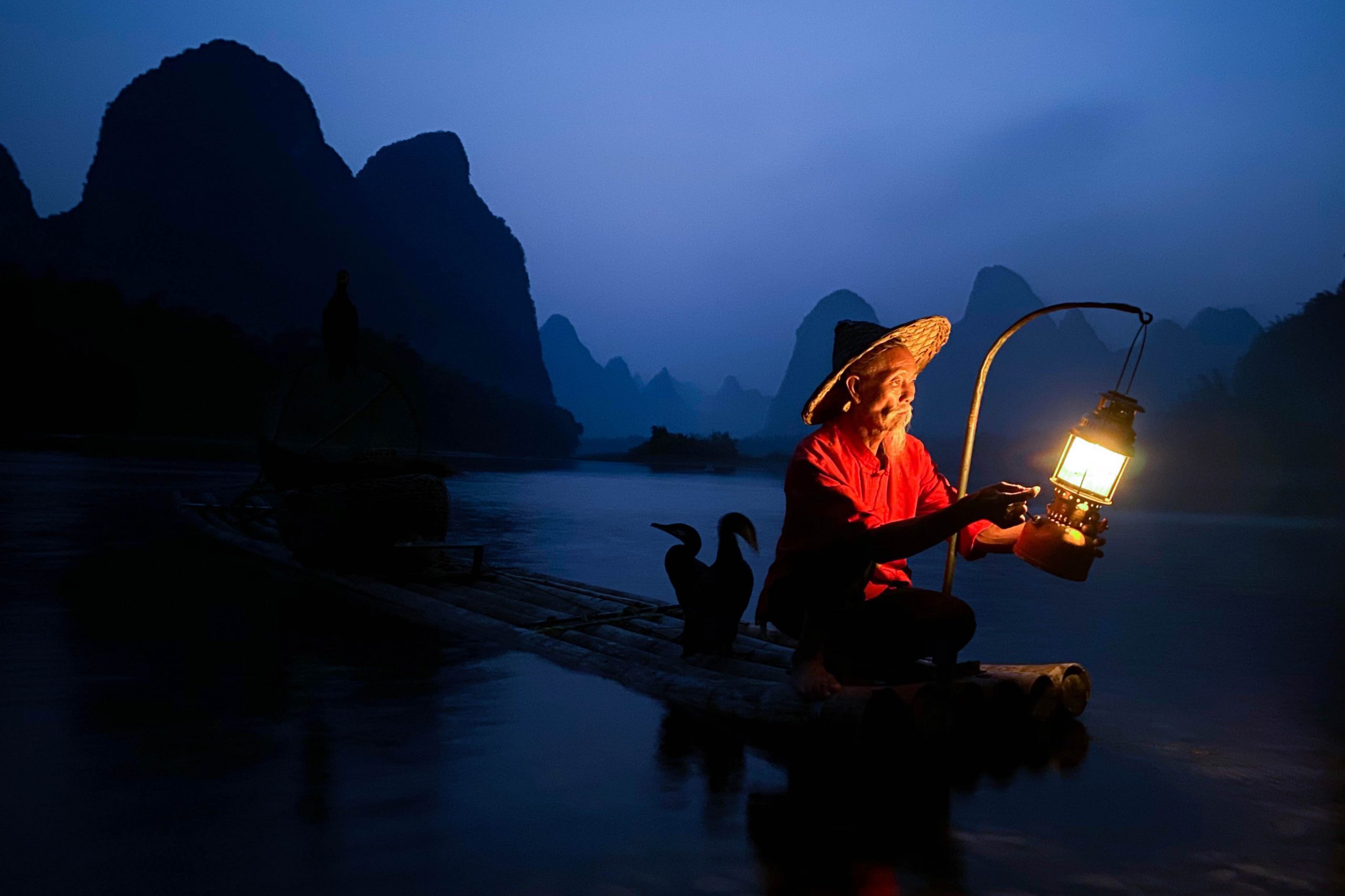
Apple on Wednesday invited customers to share their best Night mode photographs taken with their iPhone 11, iPhone 11 Pro or iPhone 11 Pro Max camera.
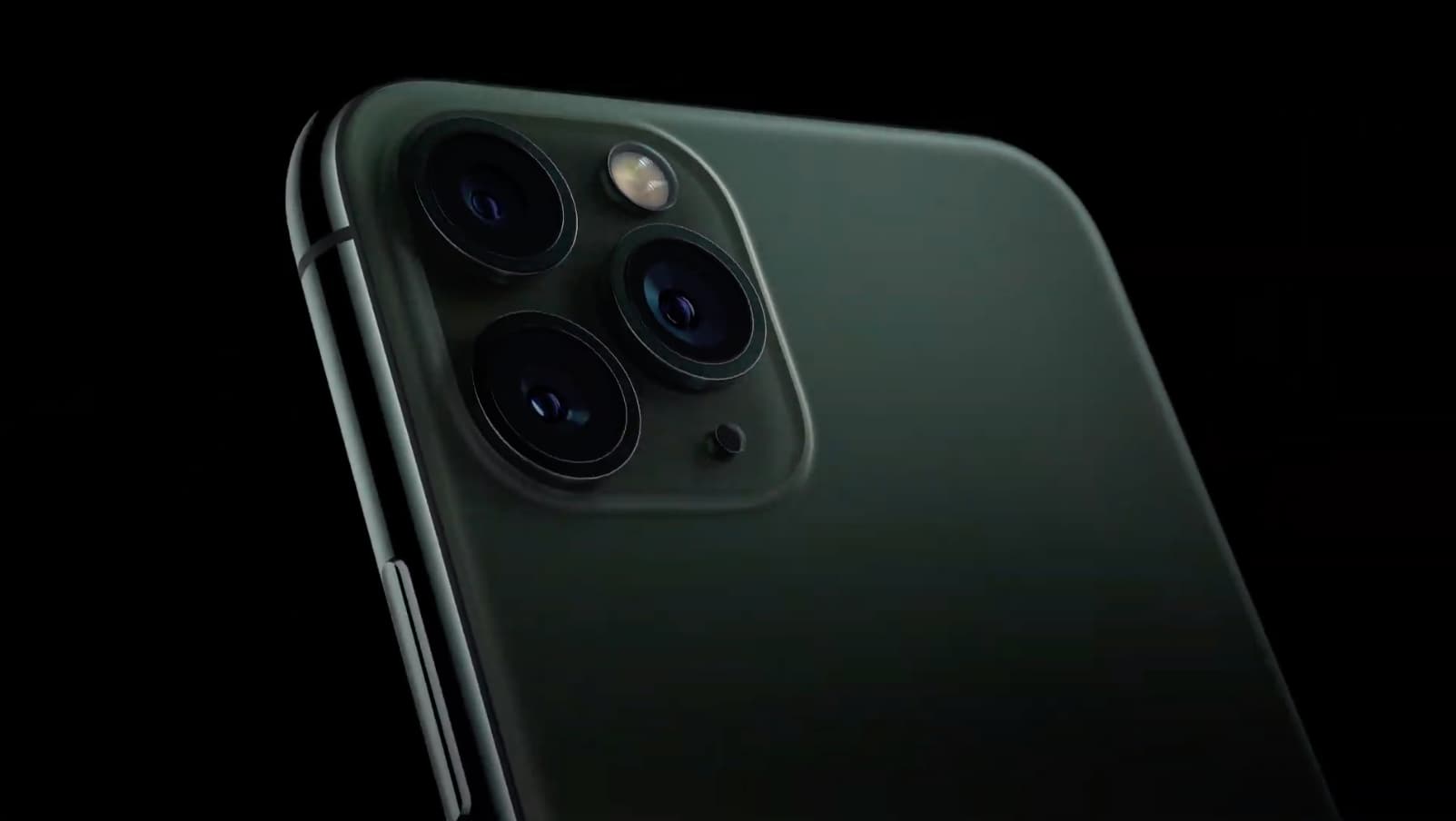
According to sources briefed on new specifications that Apple shared with vendors in its Made for iOS (MFi) licensing program, the latest iPhone 11 models could soon support new kinds of third-party strobe and flash accessories that sync with the iPhone’s camera shutter button.