Learn how to convert one or multiple Live Photos into a video on your iPhone and iPad without using third-party apps, websites, or shortcuts.
How to turn one or more Live Photos into video on iPhone
Learn how to convert one or multiple Live Photos into a video on your iPhone and iPad without using third-party apps, websites, or shortcuts.
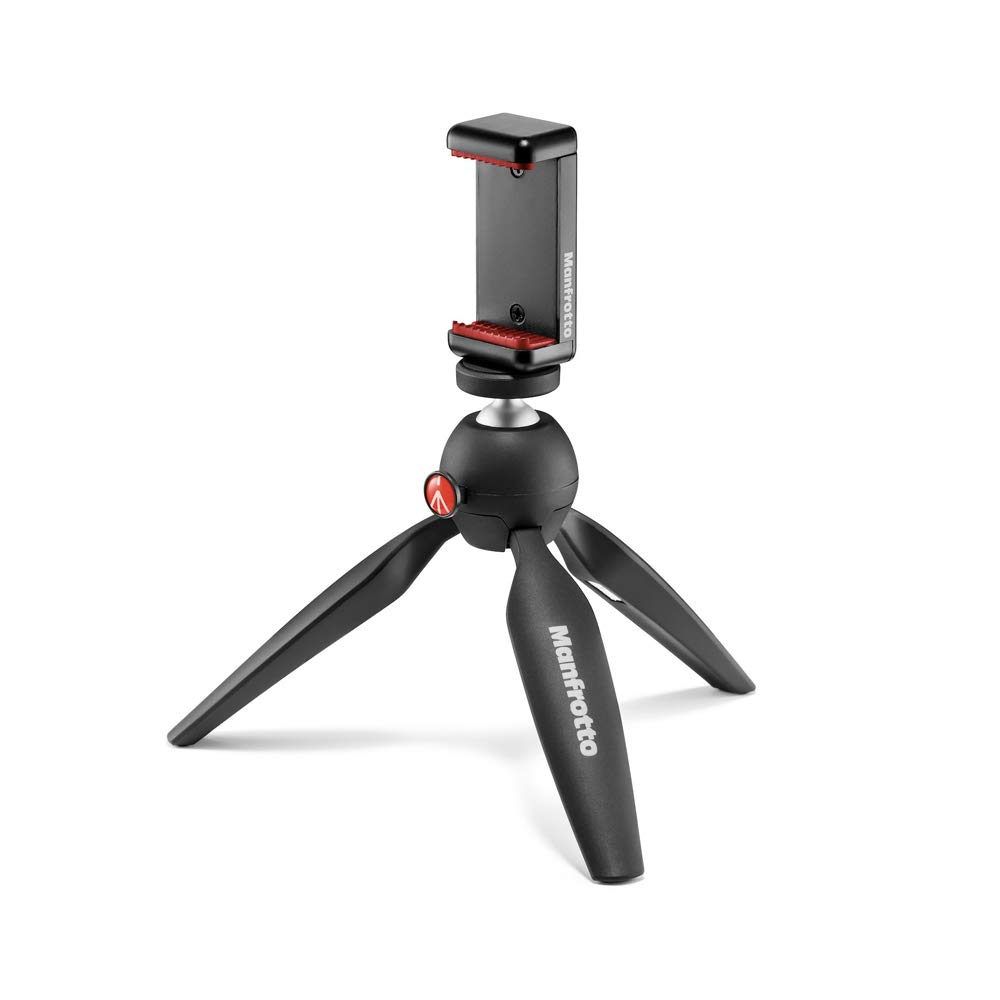
Tripods make a great accessory for your iPhone. They can help you take better photos and better selfies, and are essential for more creative shots like stop-motion and time-lapse. They can even significantly enhance Apple's new Night Mode feature. With this in mind, we thought it was the perfect time to share some of our favorites. Here is a roundup of what we believe are some of the best tripods for iPhone 11 and iPhone 11 Pro.
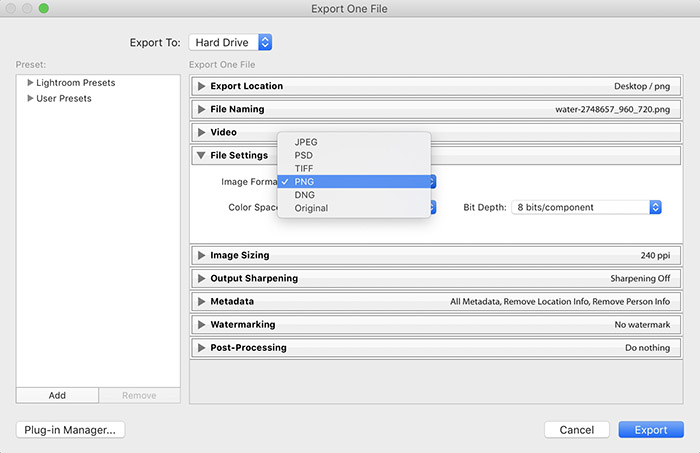
Avid photographers will appreciate a smoother and more responsive Lightroom Classic and RAW on computers, thanks to GPU acceleration, but that's scratching the surface of everything new and improved in the Lightroom ecosystem.
Apple today shared new videos in its ongoing #ShotOniPhone advertising campaign.
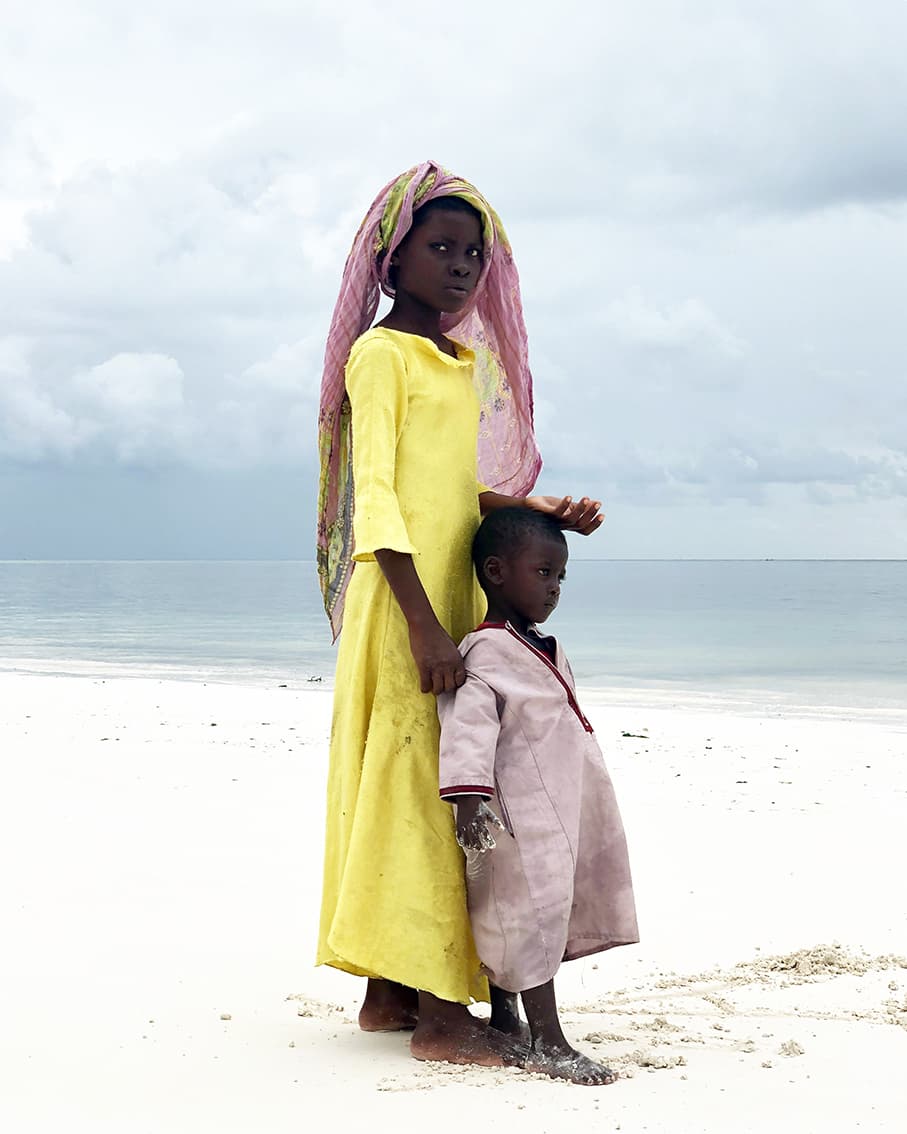
The winners of the 2019 iPhone Photography Awards were announced on Thursday. The photo seen above is "Big Sister," taken by Gabriella Cigliano on her iPhone X in Zanzibar, Africa, and it took home the grand prize.
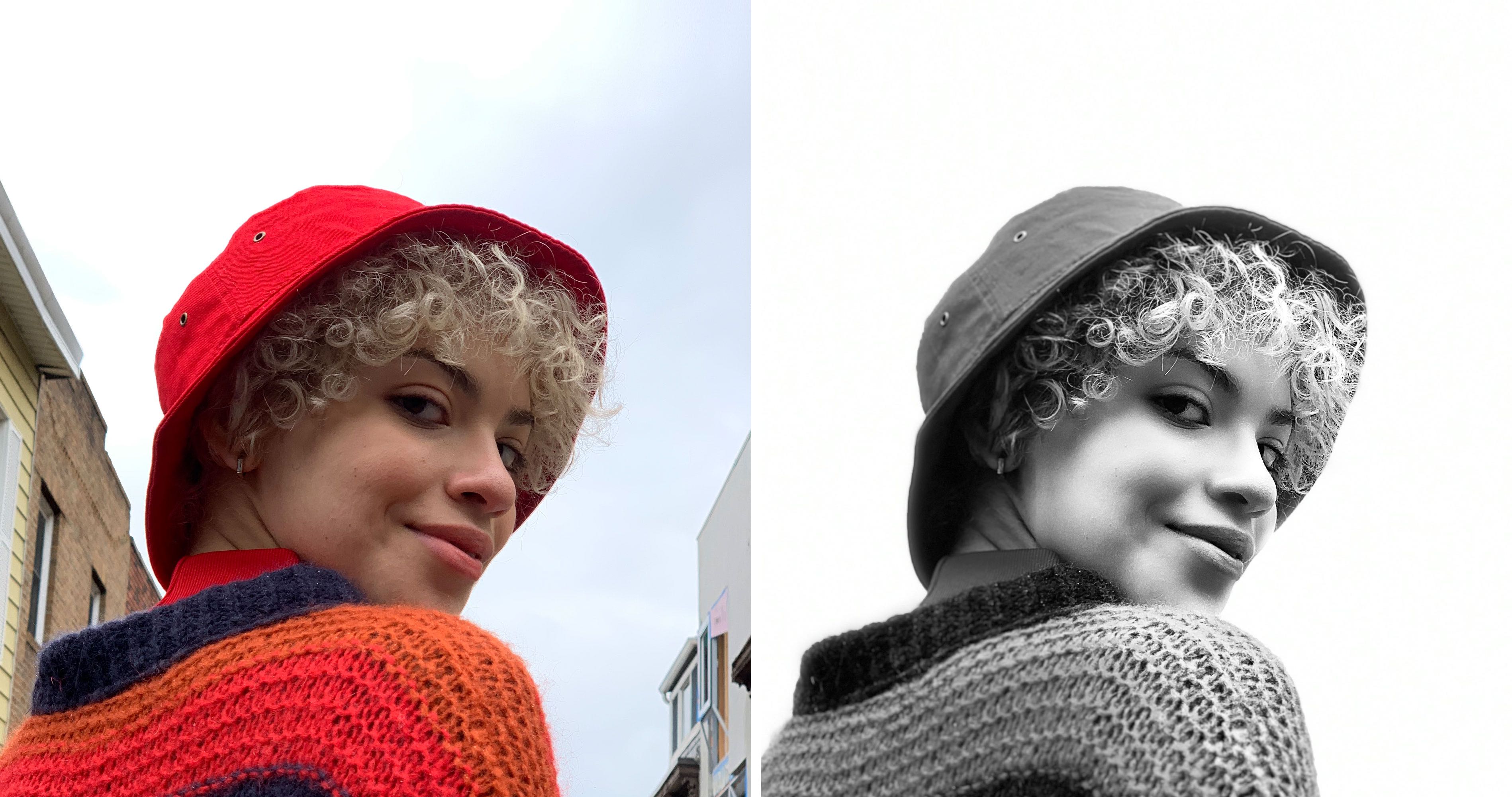
Learn how to boost your iPhone photography game with the High-Key Light Mono monochromatic Portrait lighting effect on your iPhone.
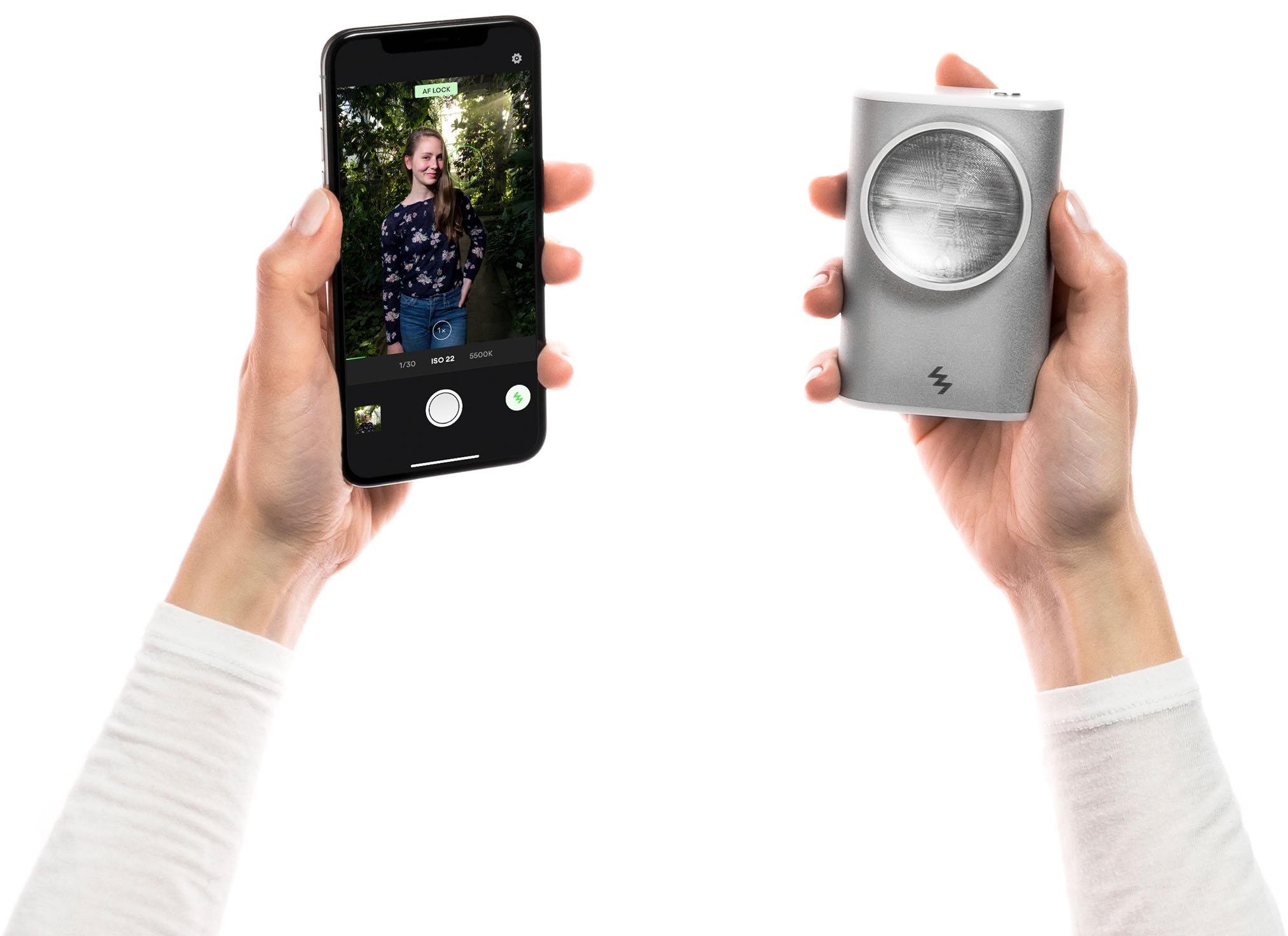
Your iPhone photography gets a serious leg up with the LIT Flash, a handheld Xenon flash that puts powerful, studio-quality lighting in your hand that you can shape to your liking.
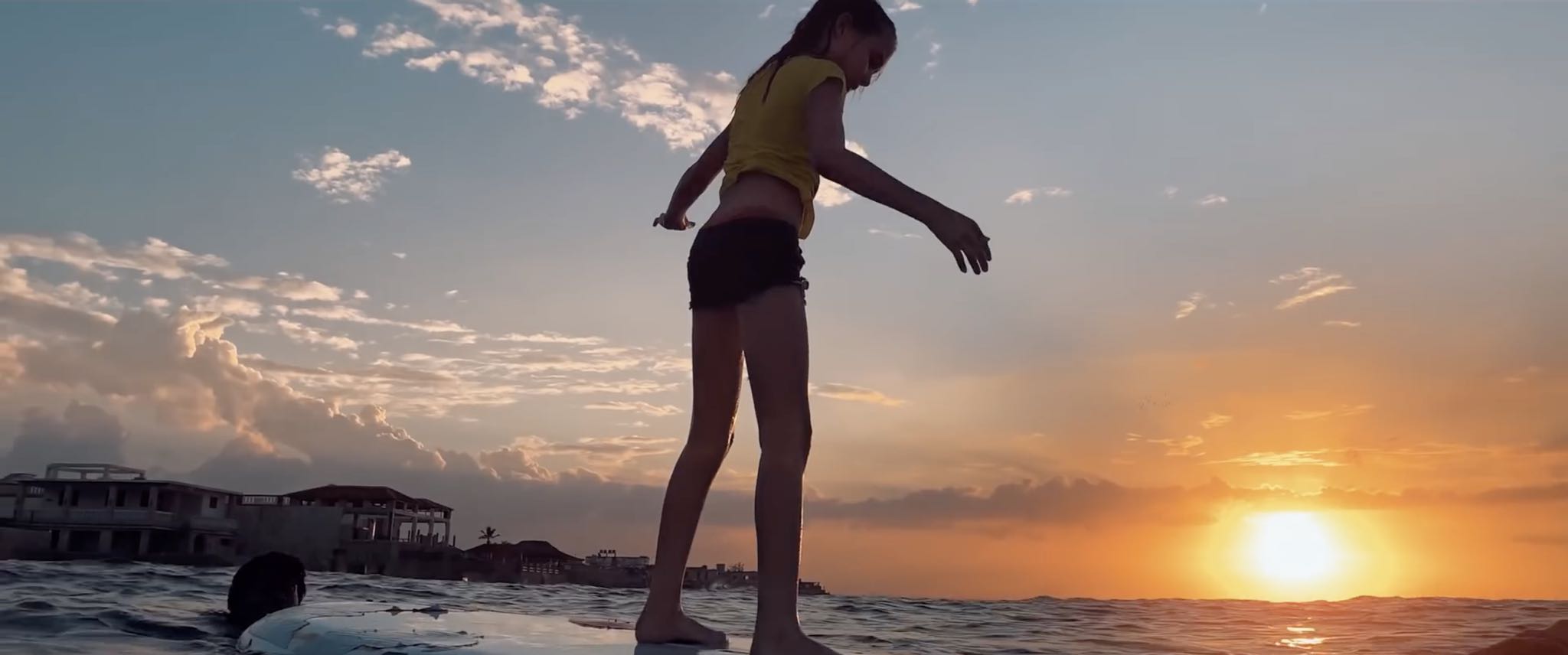
The Cuban surf community is at the centre of a pair of new Apple-commissioned videos that the company shared Friday through its official YouTube channel.
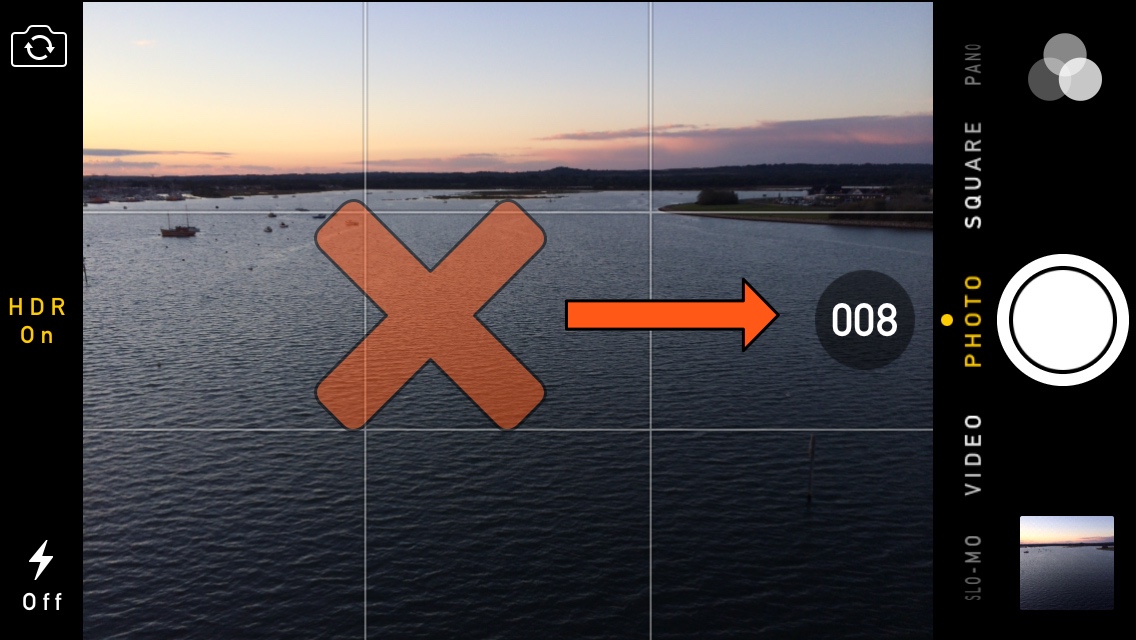
Your iPhone is more than a phone – it’s also a powerful point-and-shoot camera that comes out of the box with a ‘Burst Mode’ built-in that can capture a multitude of photographs in rapid succession.
Burst Mode can be incredibly useful, except when it’s not, and if you happen to find yourself accidentally burst-shooting your camera shutter more often than you’d like, then you may take a liking to a new free jailbreak tweak called NoBurst by iOS developer iCraze.
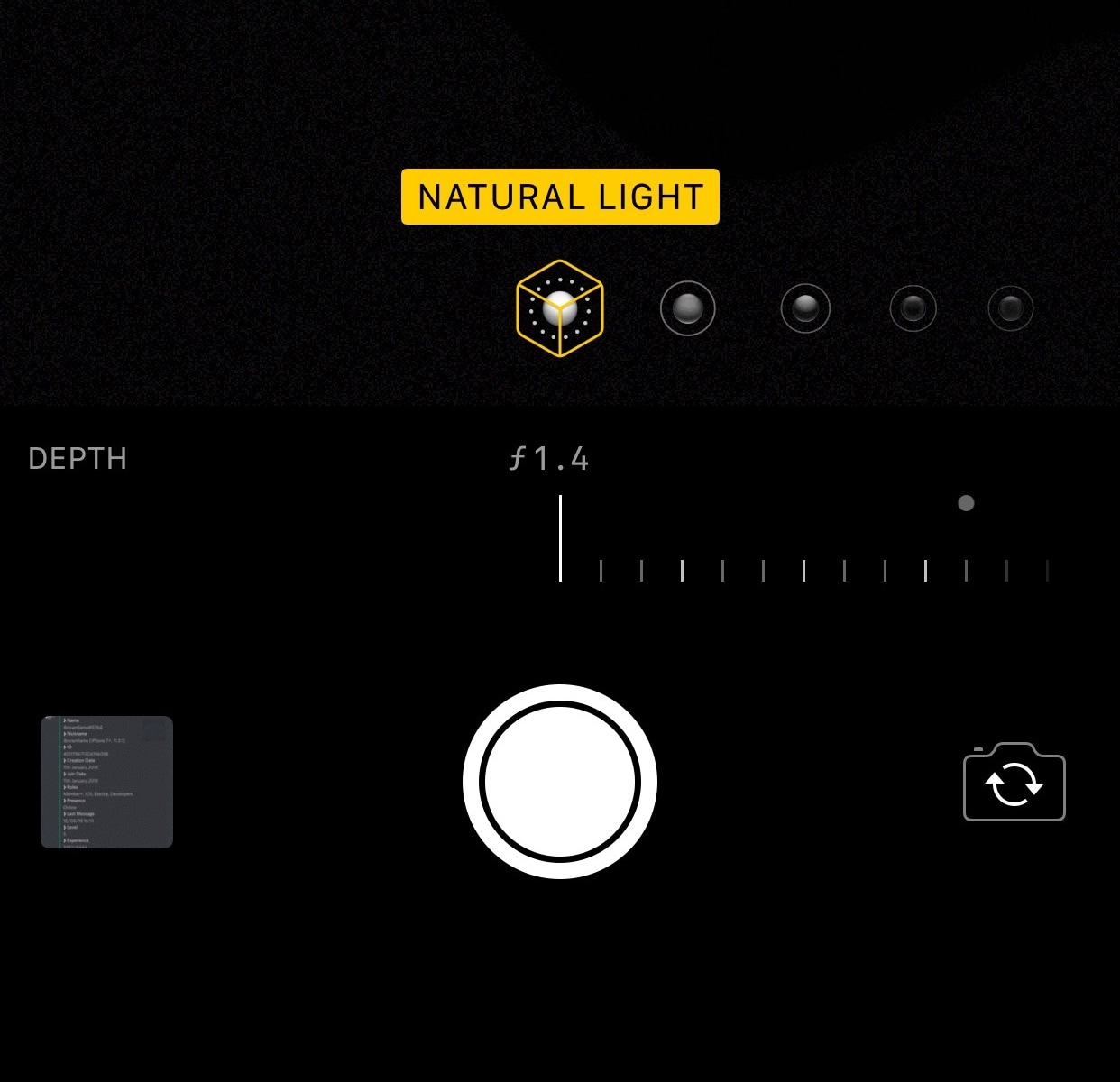
It was just a couple of weeks ago that we showed you a jailbreak tweak called Aperturize, which unlocked a variety of different bokeh features on unsupported devices – both before and after snapping the picture. But for those on a budget, a new free release called ShutterDepthControl by iOS developer Jbrownllama just might suffice.
ShutterDepthControl isn’t as full-featured as Aperturize was, but it can still enable depth control on most unsupported dual-lensed devices such as the iPhone 7 Plus, 8 Plus, and X. For reference, Apple only officially supports native depth control on the iPhone XR, XS, and XS Max.
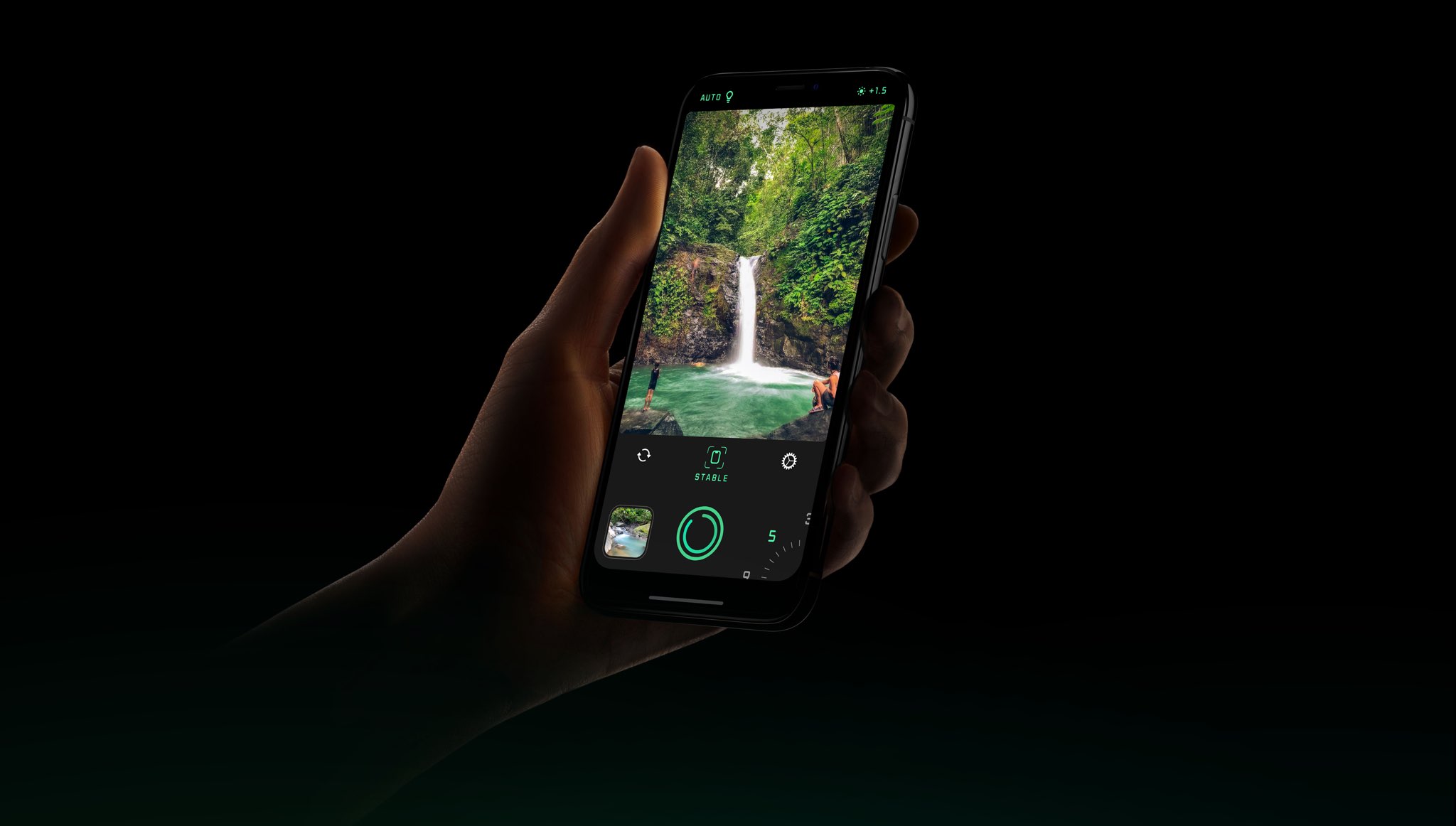
Spectre for iPhone, from the makers of the top-notch Halide camera app, takes you long exposure photography to the next level with cutting edge technology based on hardware-accelerated machine learning, computer vision, artificial intelligence and more.

Amplified by incredible software capabilities, the iPhone has always been an astonishing point-and-shoot camera for on-the-go amateur photographers, but modern iPhones like the iPhone XR, XS, and XS Max augment those features with powerful new camera systems that support adjustable bokeh via Portrait photography mode.
Unfortunately, not all dual-lens Apple handsets support adjustable bokeh like the iPhone XR, XS, and XS Max; but, iOS developer foxfortmobile has just released a new jailbreak tweak dubbed Aperturize that brings this useful photography feature to what would otherwise be considered “unsupported” handsets.