Apps

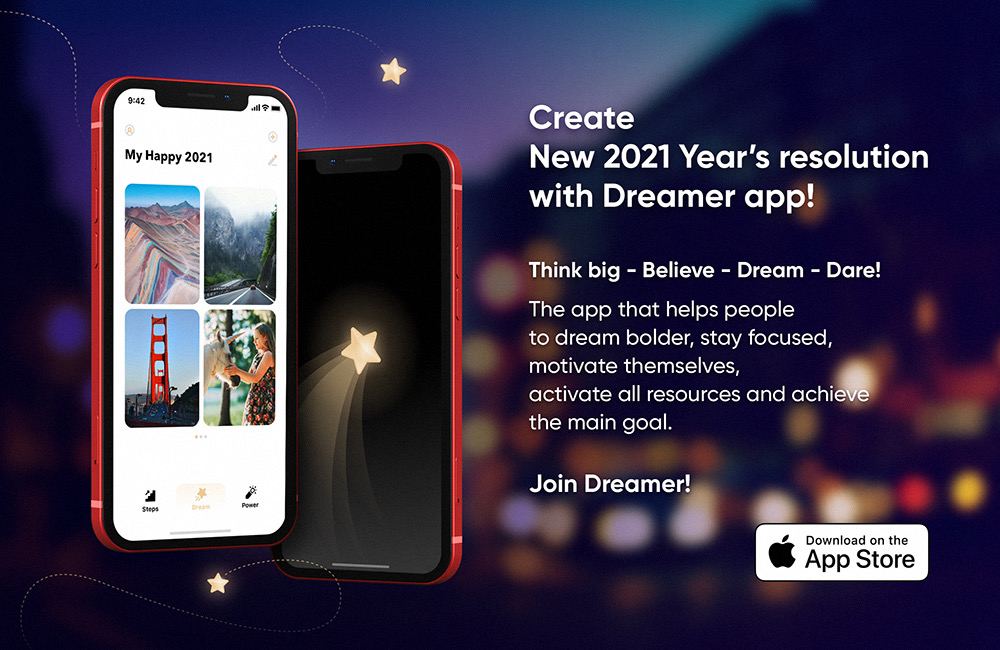
Create and achieve New Year’s resolutions with the Dreamer app

There's no shortage of apps that help you achieve New Year’s resolutions and various big dreams. Enter the Dreamer app that makes it easy to stay positive with daily affirmations and focus on your lifestyle goals and New Year’s resolutions. Use it to create a plan on how to achieve them and start putting it in motion. No more excuses to quit smoking!

How to manage data usage in the Disney+ app

Disney+ logo.

If you use the Disney+ video-streaming service on your devices, you probably know that it attempts to deliver the highest-quality experience possible as a default setting. To preserve your bandwidth when using Disney+, however, you must limit video quality over cellular and Wi-Fi. Follow along with us as we show you how to manage Disney+ data usage.

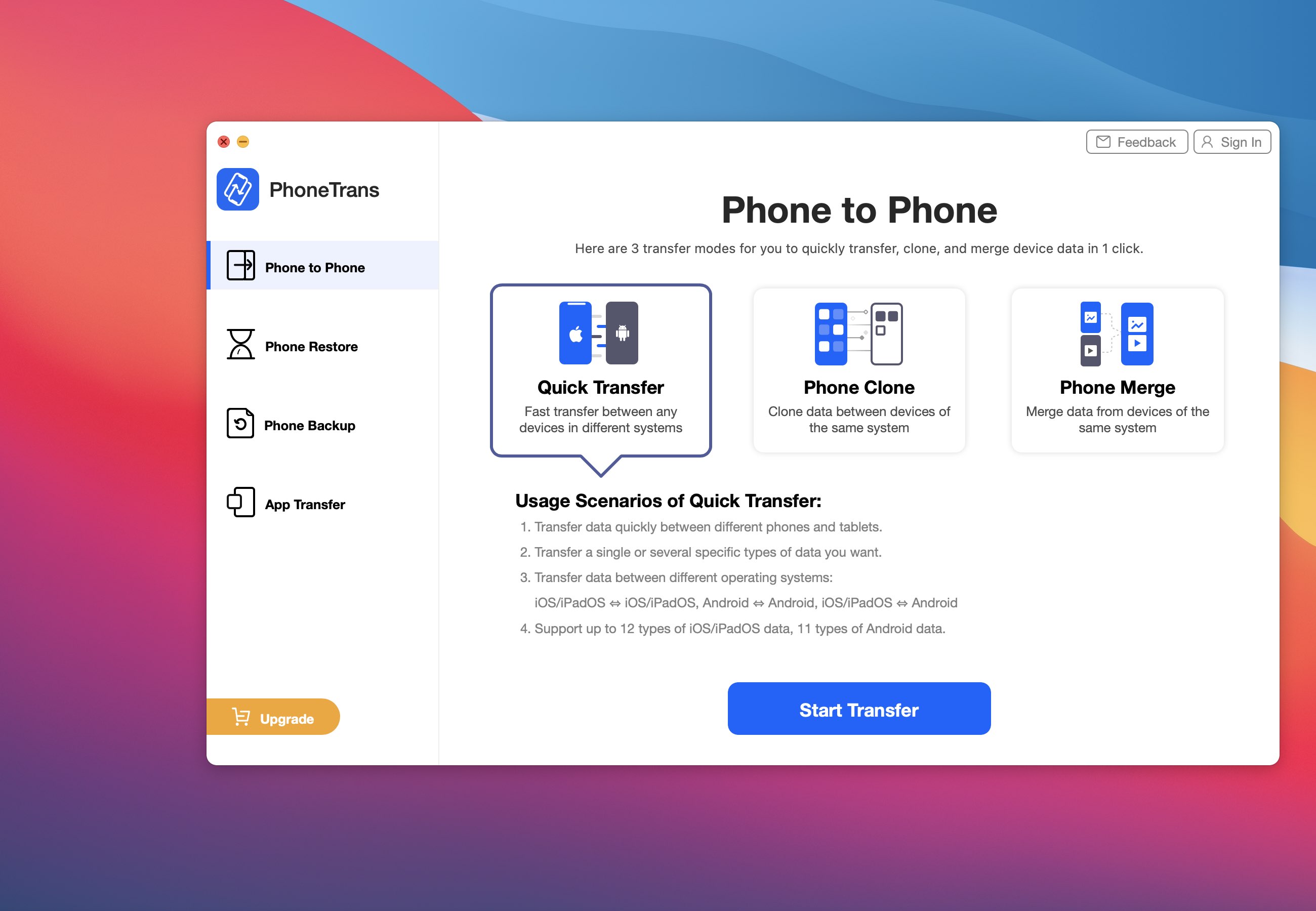
PhoneTrans lets you easily migrate data from your old iPhone to a new iOS or Android device [sponsored]

iMobie's PhoneTrans is a new Mac and Windows app for frictionless phone-to-phone data transfer that makes it easy to transfer everything across iOS and Android smartphones and tablets. If you have recently upgraded to a new iPhone, PhoneTrans will let you transfer content from your phone to your new one, including WhatsApp messages, contacts and more.

Library Card lets iPad users hide apps to the App Library

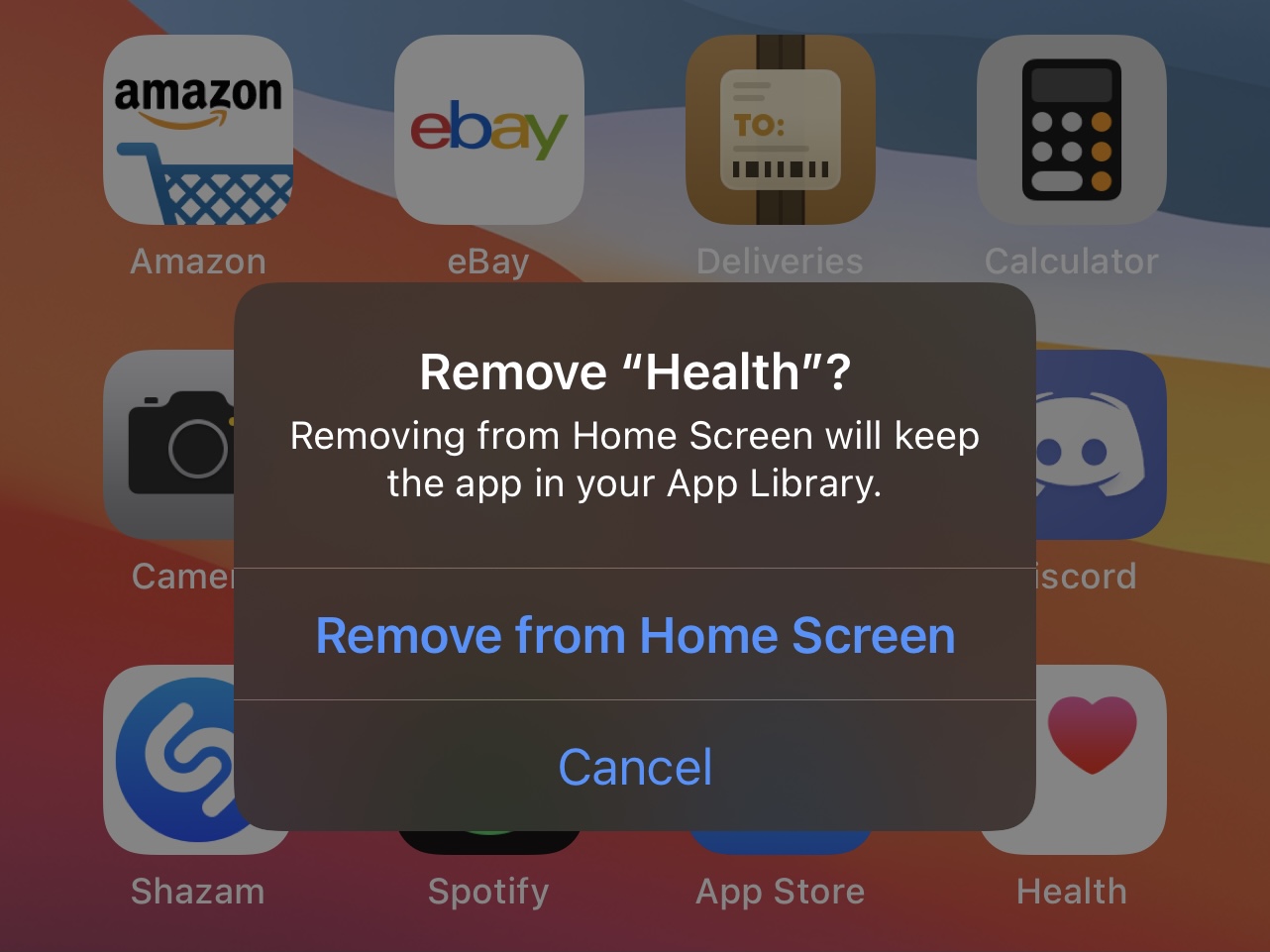
One of the new features to ship with iOS 14 is the App Library. Some people like the App Library because it lets them hide seldom used apps from the Home Screen and without the added clutter of folders, while others dislike it because they have less control over how apps are organized as opposed to creating and managing their own folders. Hiding apps to the App Library is optional, but one thing that struck me as odd is that it’s only available for the iPhone.

Library Card is a newly released and free jailbreak tweak by iOS developer garrepi that ports at least one of the App Library’s key features to jailbroken iPads running iPadOS 14. While it won’t bring the full blown App Library functionality like what we have on the iPhone with iOS 14 to the iPad, it will permit iPad users to hide apps from the Home Screen that they don’t use often without outright deleting them.
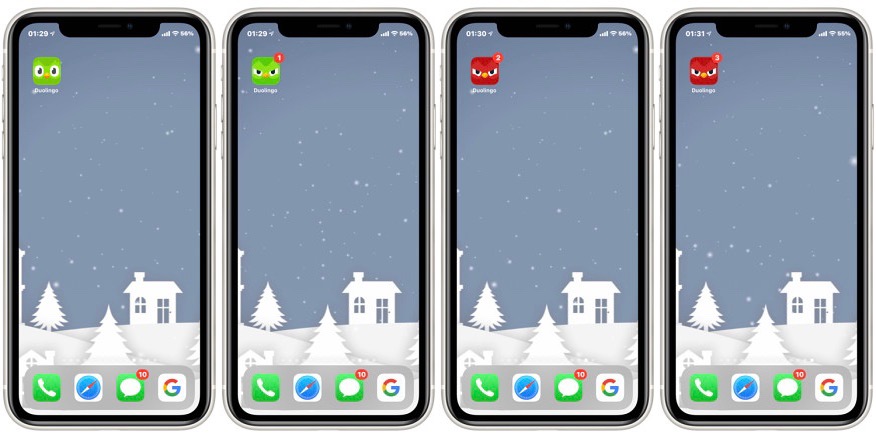
AngryDuolingo makes the Duolingo app icon look angry when notifications are missed

Duolingo is perhaps one of the most popular apps for learning a new language available on the iOS and iPadOS  platforms, and despite this fact, the app appears to lack the types of fun and quirky Easter eggs that you might come to expect from an app of this caliber.

That’s where a newly released and free jailbreak tweak called AngryDuolingo by iOS developer Idefix2020 comes into play. It makes using the Duolingo app more fun by giving the Home Screen icon some added character as the app accumulates more and more missed notifications.