Apps

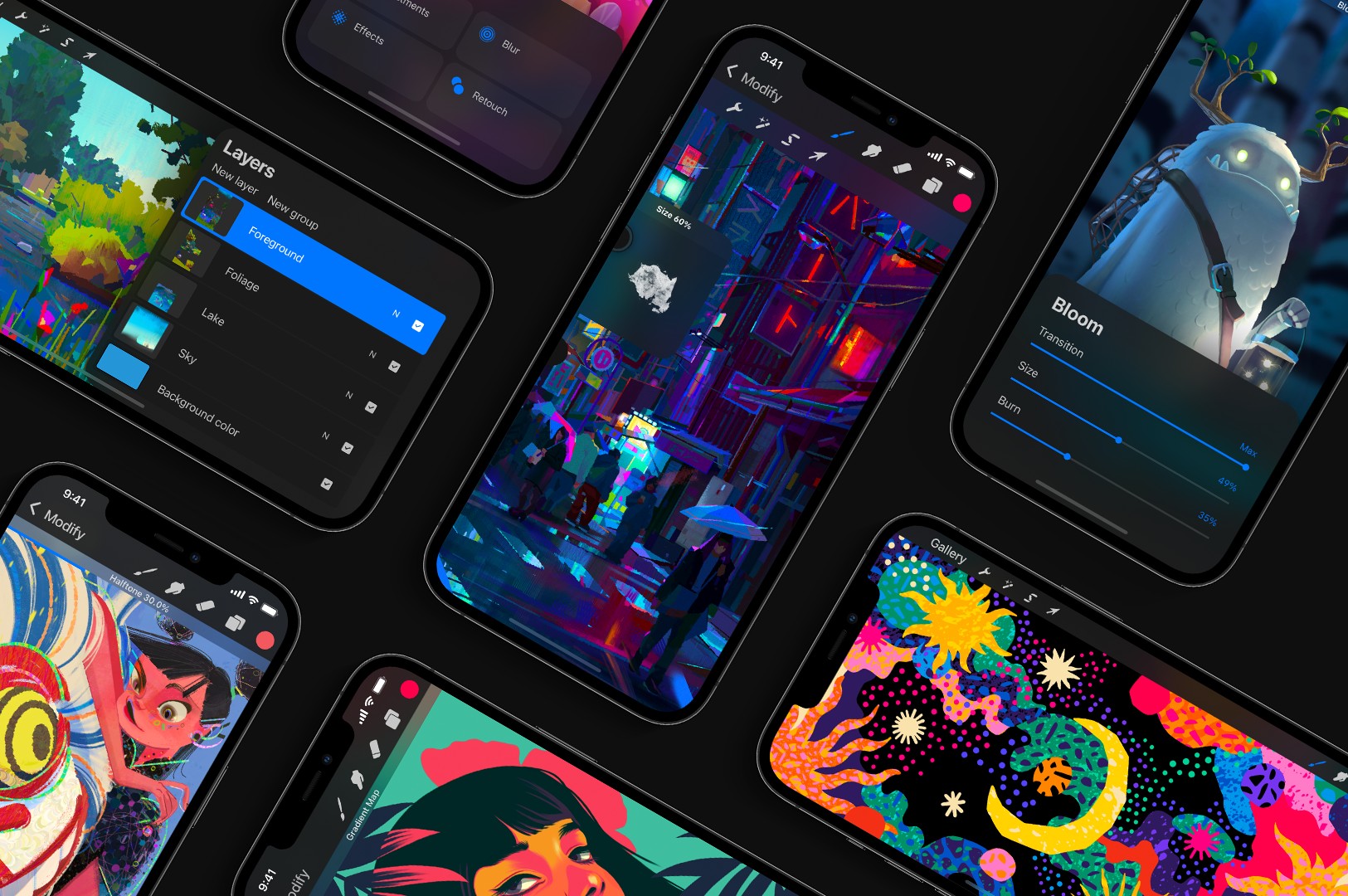
The popular Procreate art app brings the iPad experience to your iPhone

The versatile, award-winning drawing and illustration software Procreate Pocket for iPhone has been updated on the App Store with a bunch of new features, some of which used to be exclusive to the iPad edition of the app. The refreshed app also includes a totally new interface and the Valkyrie graphics engine that “moves as fast as you can sketch, paint or draw.”

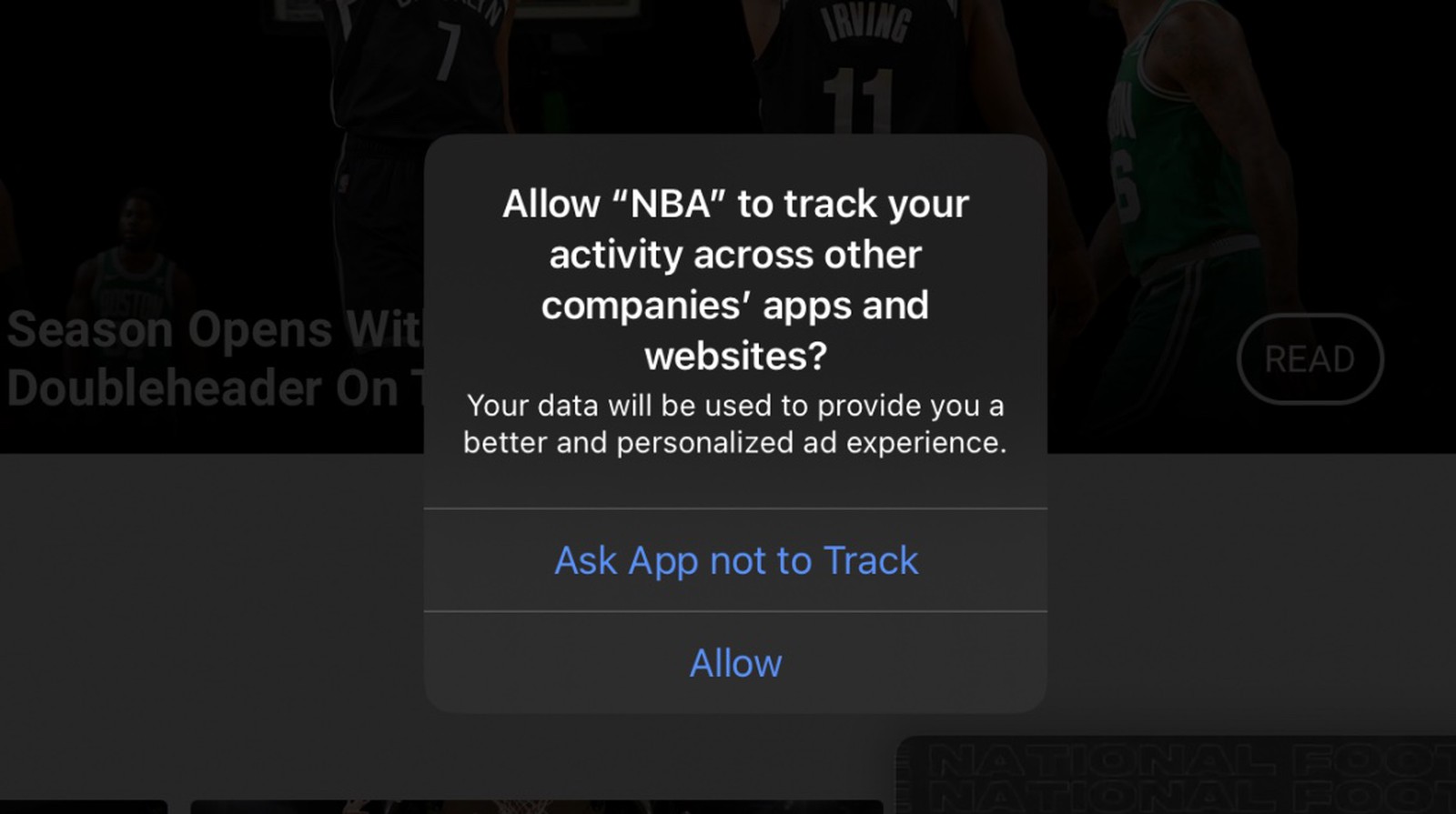
Google is trying to work around Apple’s new privacy permission prompt

Google and its ad industry partners are not liking Apple's upcoming tracking prompt in iOS 14. The company's been dragging its feet with adding data privacy disclosures to its iPhone and iPad apps on the App Store. And now, Google says it will stop using a device’s unique IDFA (Identifier For Advertisers) to avoid showing the new privacy permission prompt in iOS 14.

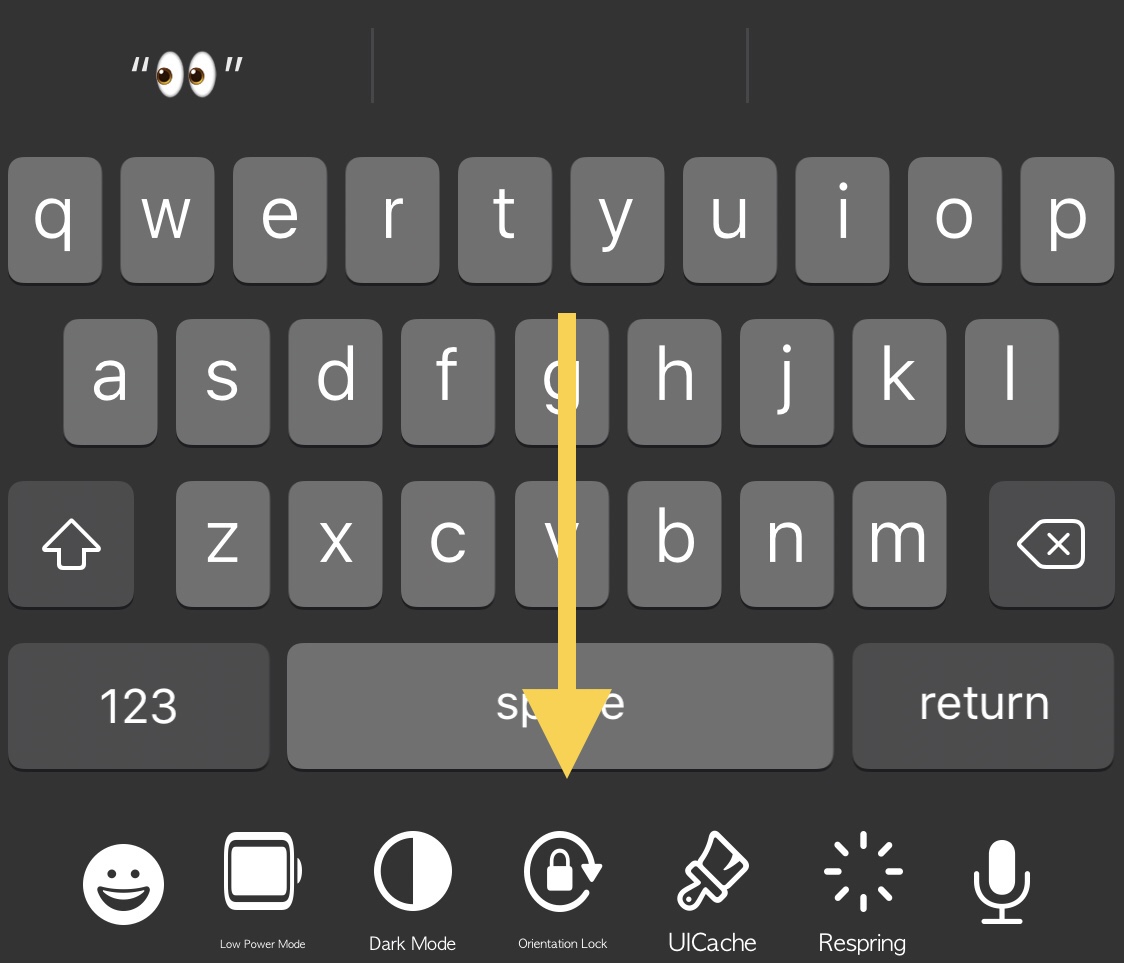
KBAppDock upgrades the stock keyboard on jailbroken iPhones

The keyboard is one of the most frequently-used interfaces on any iPhone, and that’s not just because it’s useful for texting, but also because it’s the one tool you use whenever you browse the web, jot down notes or reminders, or search the App Store for your favorite apps, among other things.

While it’s certainly possible to download third party keyboards from the App Store to replace iOS’ native keyboard interface, you’d be hard pressed to find anything nearly as powerful as what can be had with a jailbreak tweak. That’s because jailbreak tweaks often let you keep Apple’s wonderful native keyboard while still enabling you to augment it in ways that Apple otherwise wouldn’t permit on a stock handset.

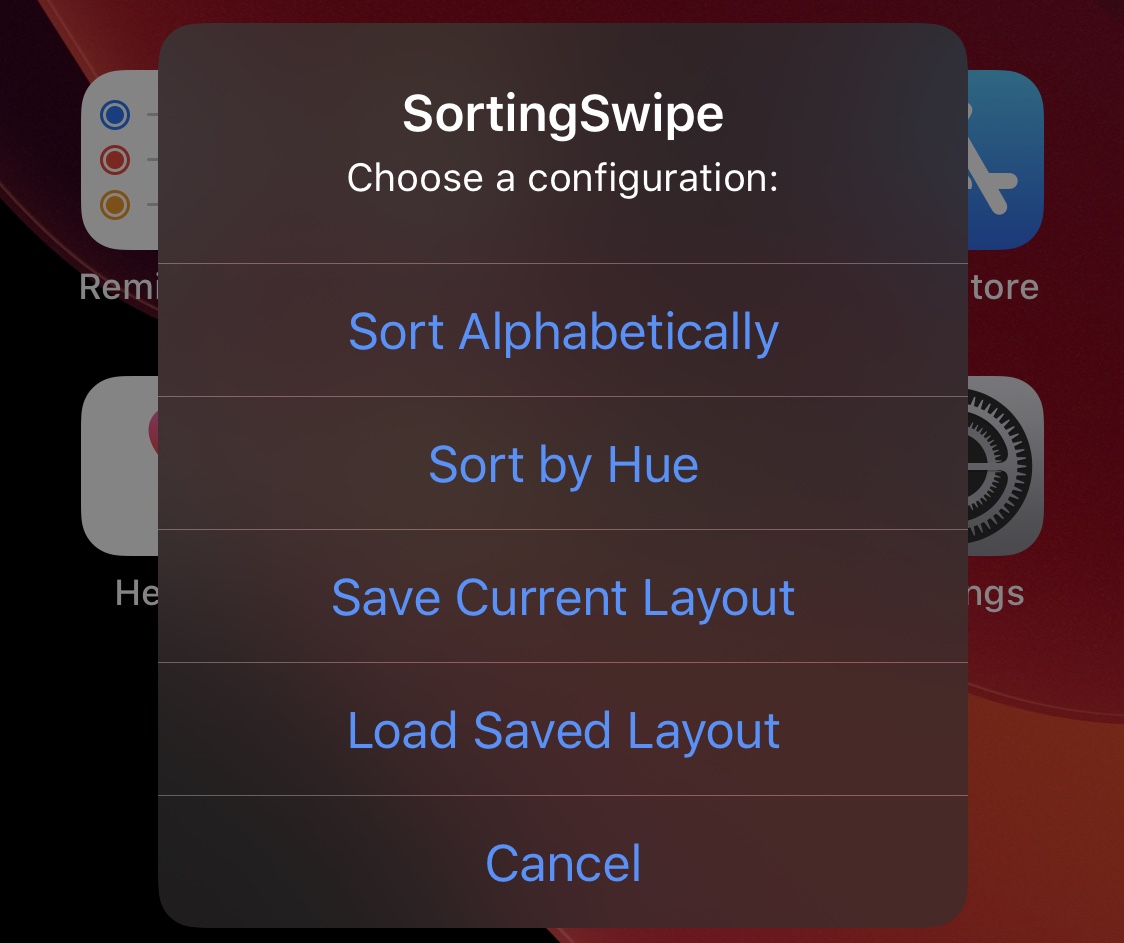
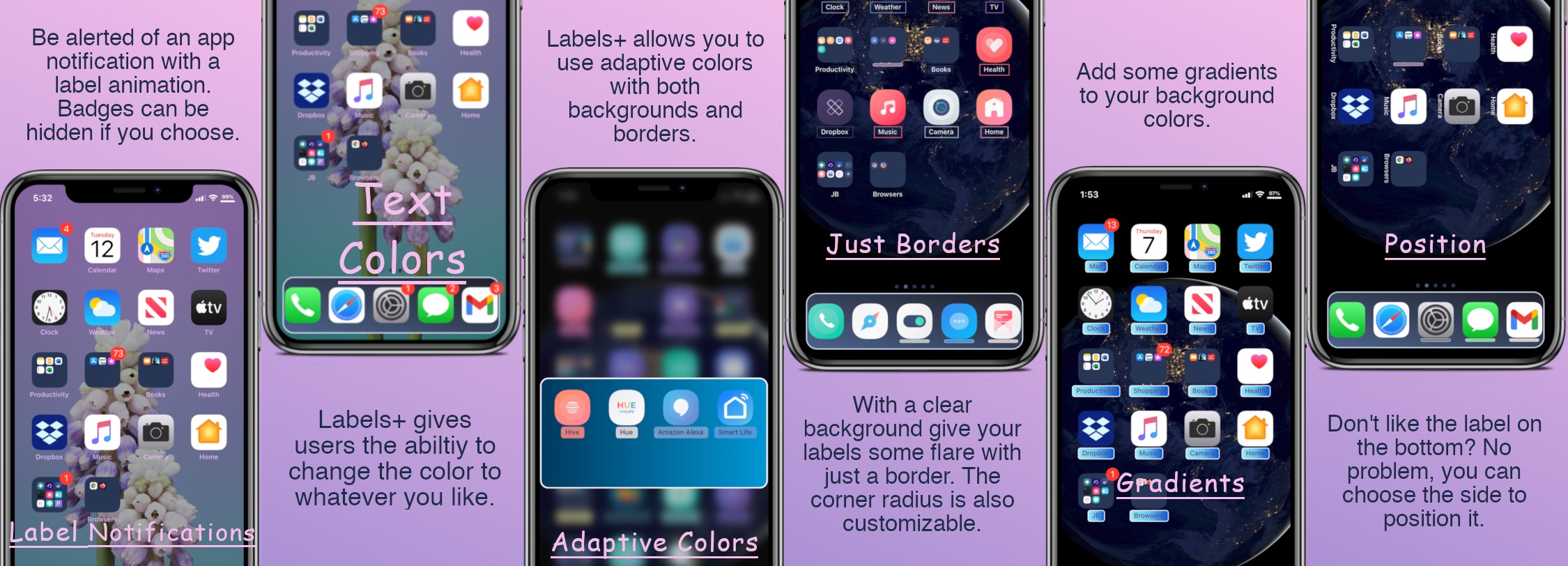
Jailbreakers can customize their Home Screen’s app icon labels with Labels+

One of the things we just can’t help but notice about the Home Screen is the fact that each individual app icon sports its own label — typically designating the respective app’s name.

Apple doesn’t provide users with much customization when it comes to the Home Screen’s app icon labels. The only arguable exceptions are that the icon labels may switch between black and white depending on the color of the Home Screen’s wallpaper and that users may embolden the app icon labels by enabling bold text system-wide.

The best apps for car shopping on iPhone and iPad

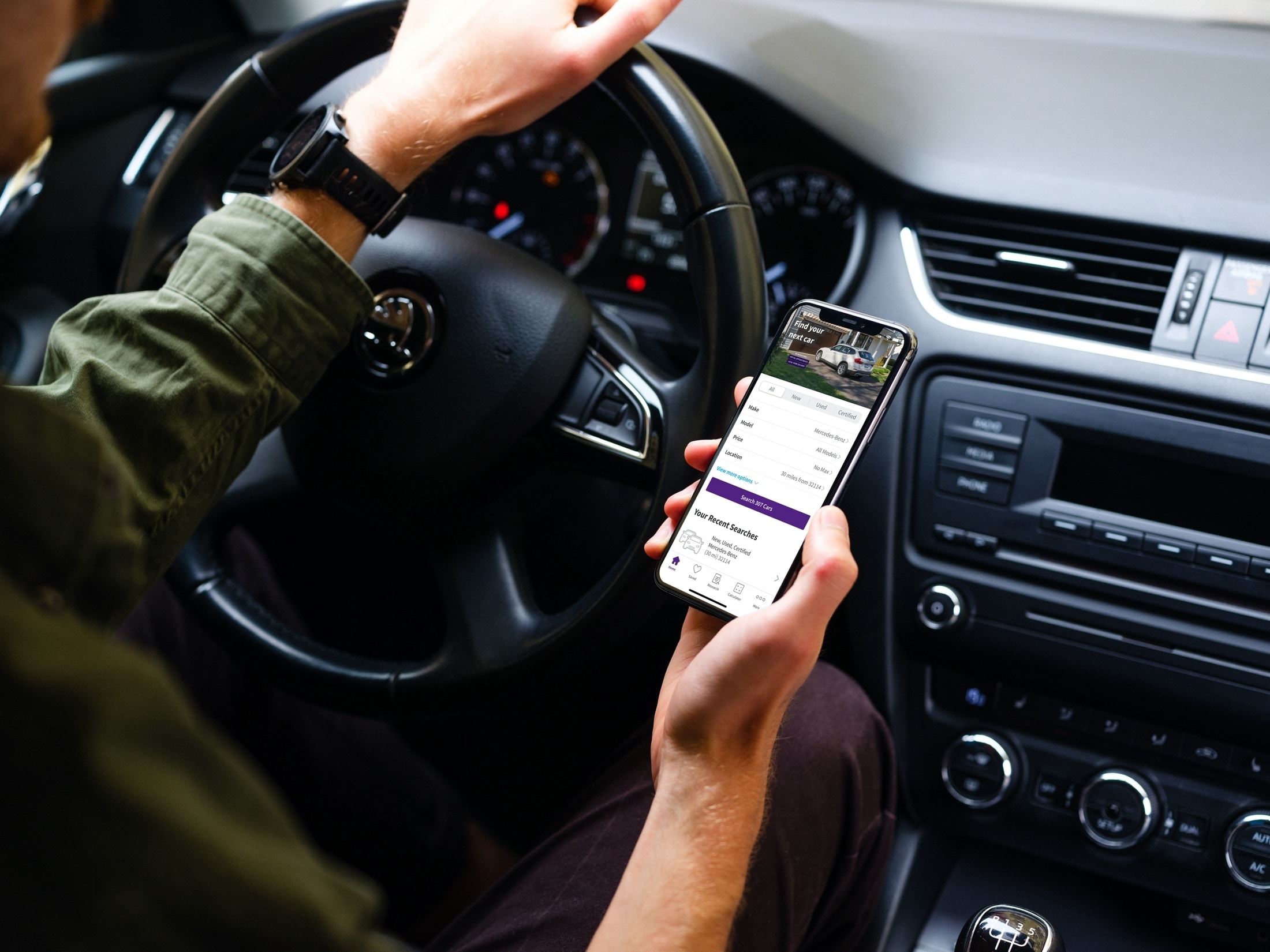
Car Buying Apps - CarsDotCom

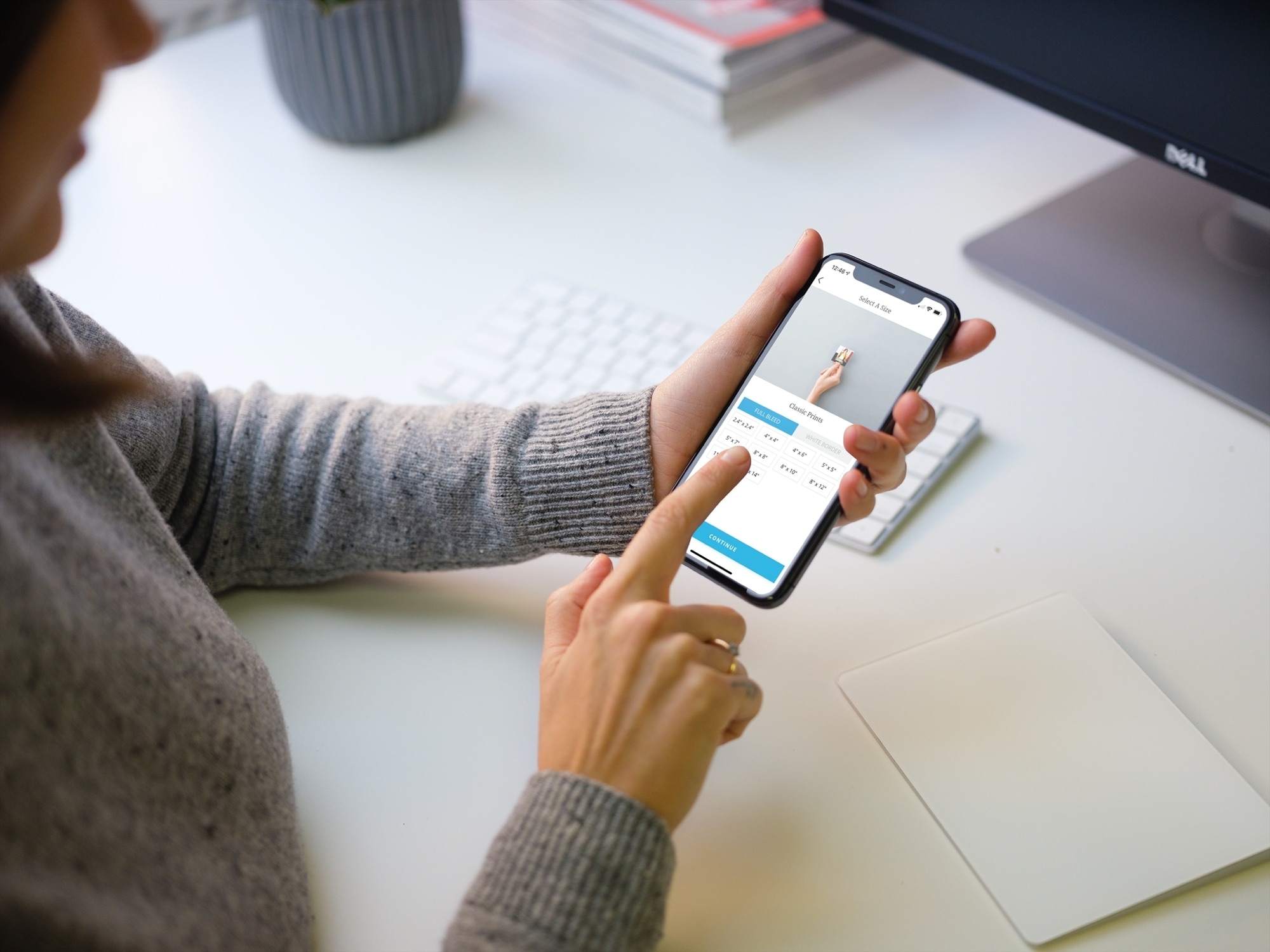
Things certainly have changed when it comes to shopping. You no longer have to deal with traffic, crowds, and checkout lines. You can buy almost anything you want online or from an app. So when you’re ready to purchase a new vehicle, why not do it the same way?

Now of course, you’ll want to see that car in person, take it for a test drive, and make sure it’s in great condition, especially if it’s used. But you can get a jumpstart on your vehicle purchase with a handy app on your iOS device.

These car buying apps for iPhone and iPad let you find the right vehicle for you before you head out the door to see it. Instead of traveling from one car lot to another, check out these convenient apps for finding a new vehicle.