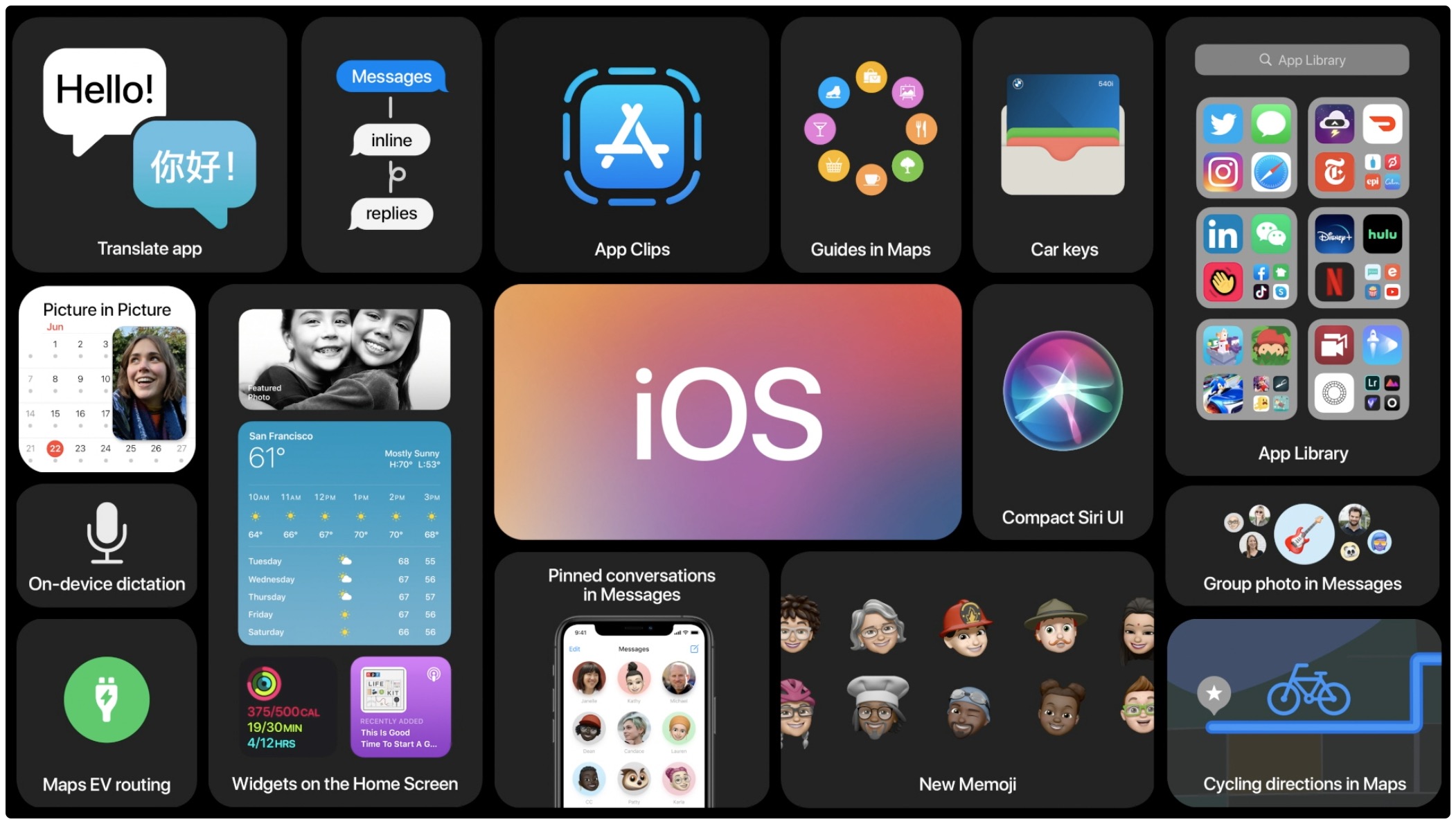
Learn how to use inline replies in Messages, a feature that lets you reply to a specific message in a conversation on your iPhone or iPad.
How to use inline replies in Messages on iPhone and iPad
Learn how to use inline replies in Messages, a feature that lets you reply to a specific message in a conversation on your iPhone or iPad.
Learn how to use direct mentions to make a text to someone standout in a group conversation on iPhone, iPad, and Mac.
Apple stopped signing iOS & iPadOS 13.5.1 Wednesday evening, a move on the company’s part that effectively prevents iPhone and iPad users from downgrading from the newer 13.6 release that was released to the general public exactly one week ago from today.
The company is notorious for preventing firmware downgrades because it doesn’t want users downgrading to versions that are vulnerable to exploits – whether those exploits are being used maliciously or for the sake of jailbreaking. Compelling users to upgrade to newer firmware when restoring also buffs Apple’s new firmware adoption statistics that the company frequently enjoys flaunting at Keynote presentations.
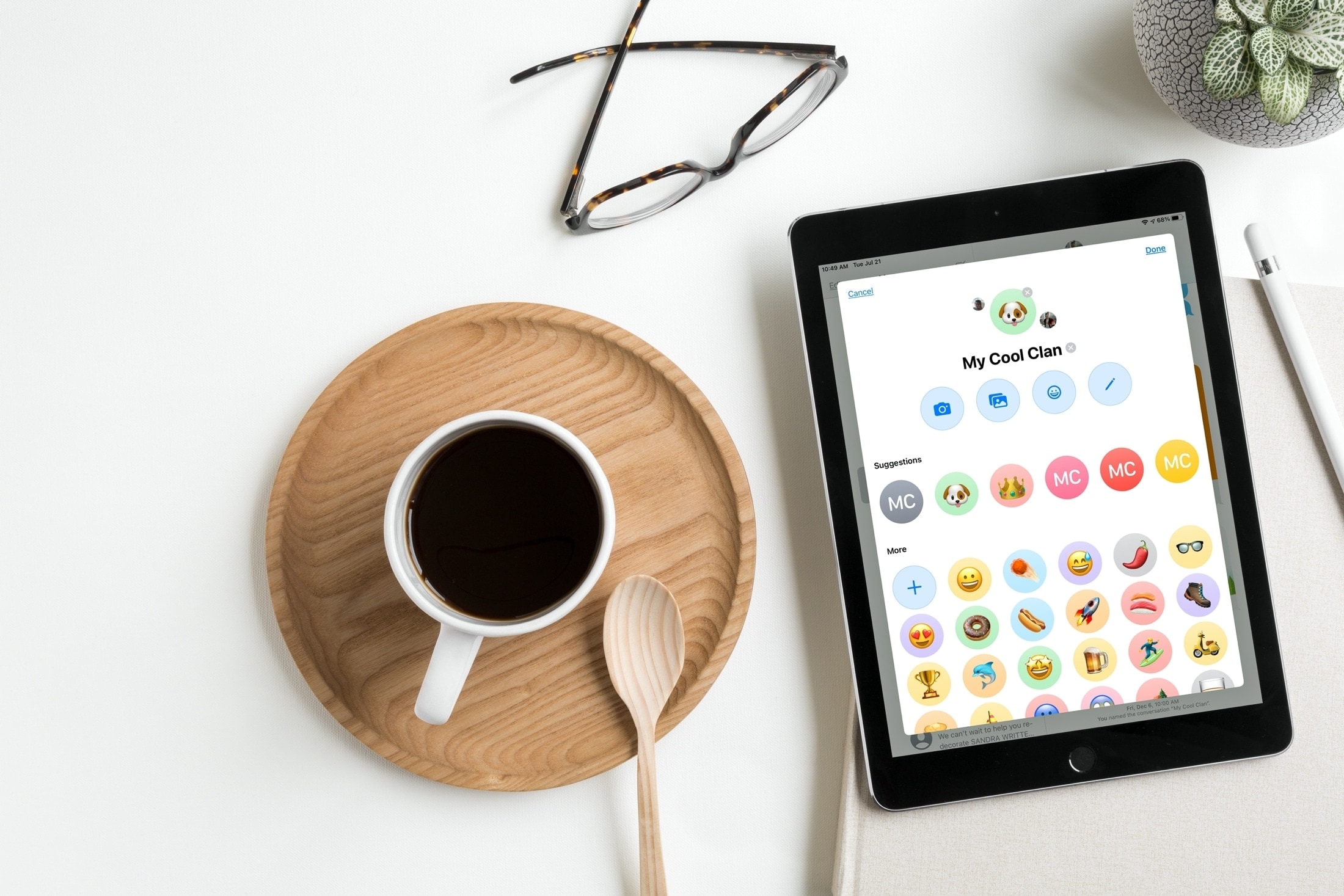
Learn how to customize group chats with images in Apple's built-in Messages app on your iPhone, iPad, and Mac to distinguish them in the conversation list.
Learn how to pin important conversations to the top of the Messages app on your iPhone, iPad, or Mac to access them quickly without scrolling through a sea of chats.
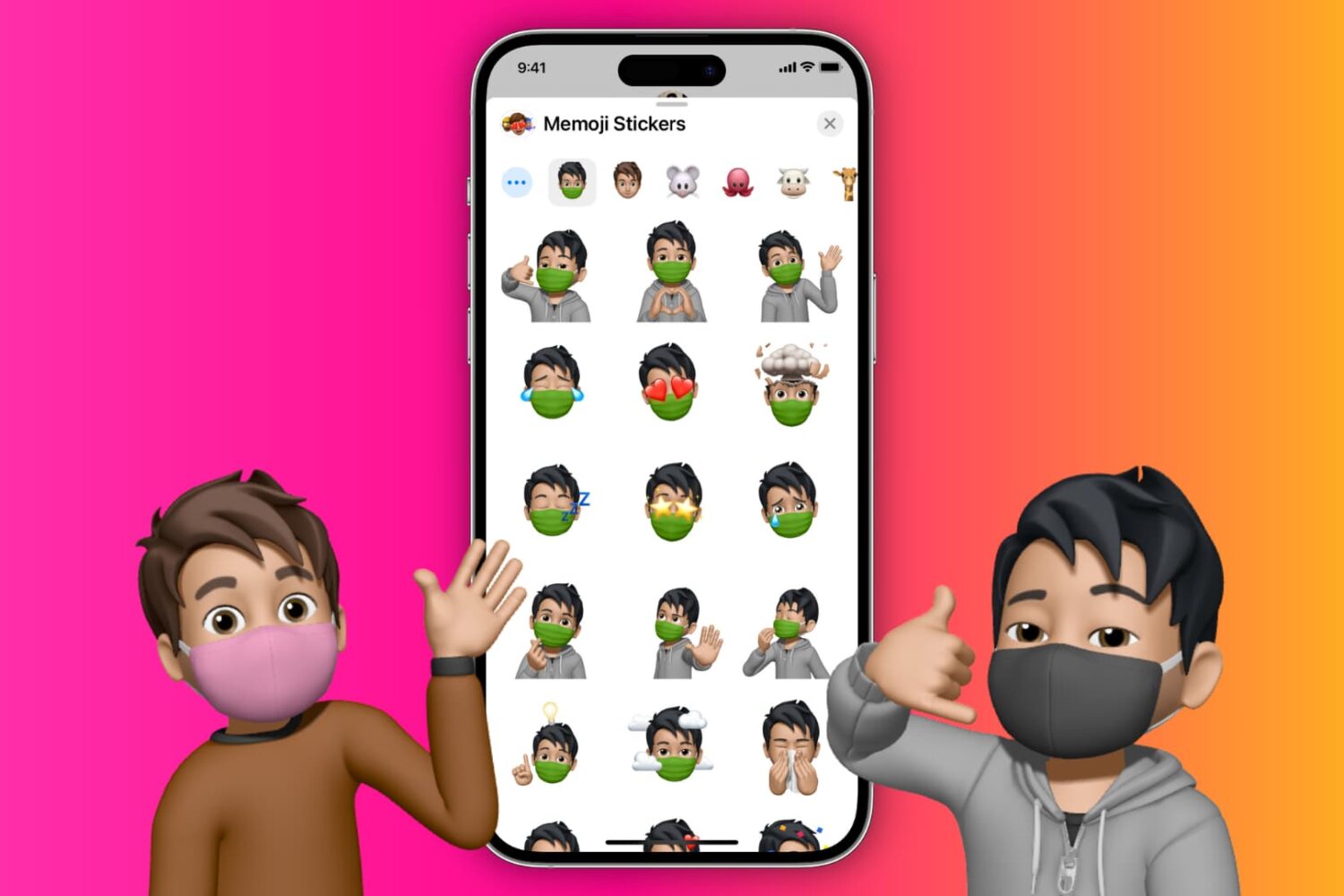
You can easily put a face mask over your Memojis, and in this tutorial, we'll show you how to do that on your iPhone, iPad, or Mac.
Apple has made it possible for developers to include various iOS and iPadOS app icon designs for users to choose from for quite some time now, and it looks like Twitter may be taking advantage of the feature at some point in the future.
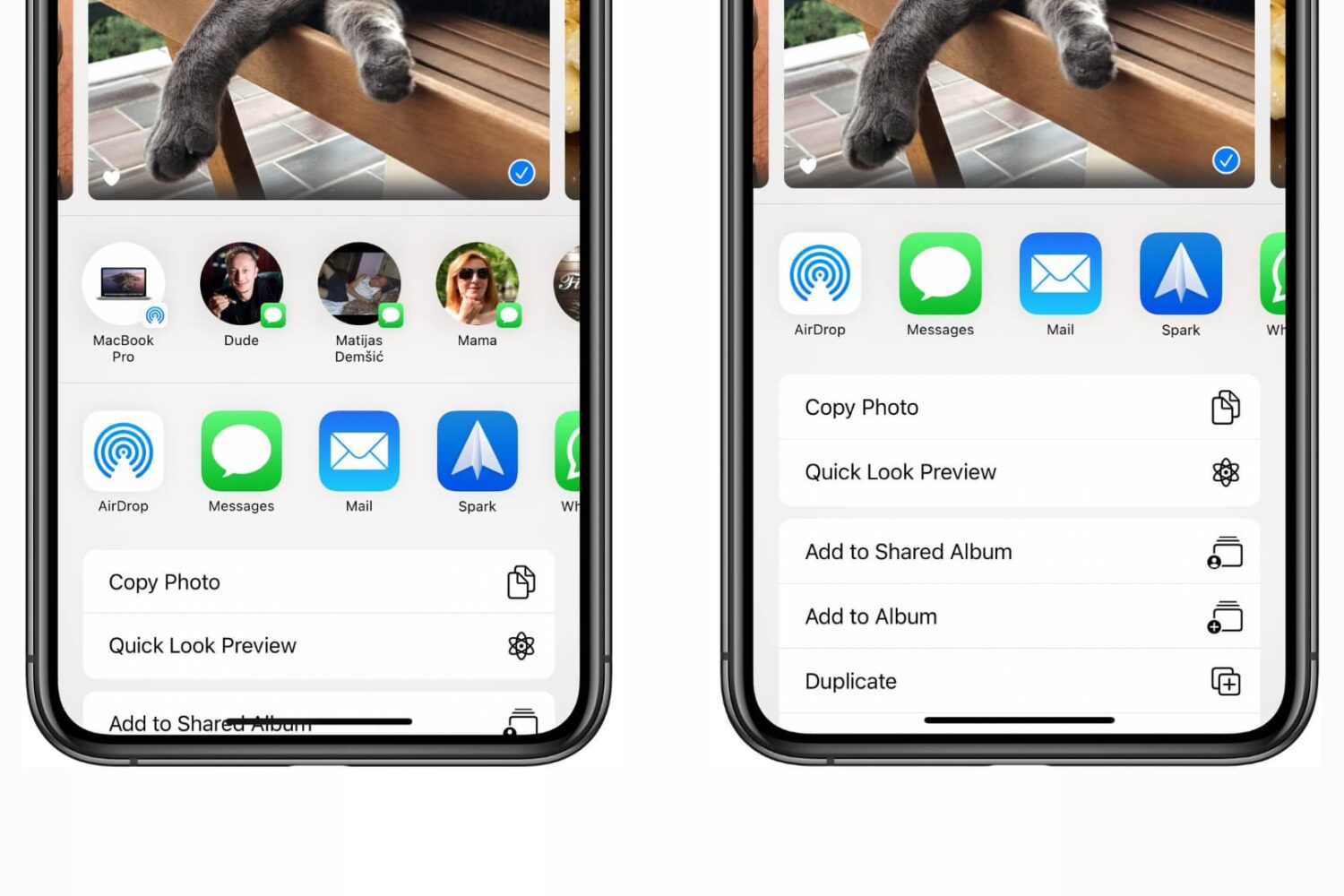
Check out the steps to disable the contacts row from the top of the iOS Share Sheet that appears when sharing items from apps on iPhone and iPad.
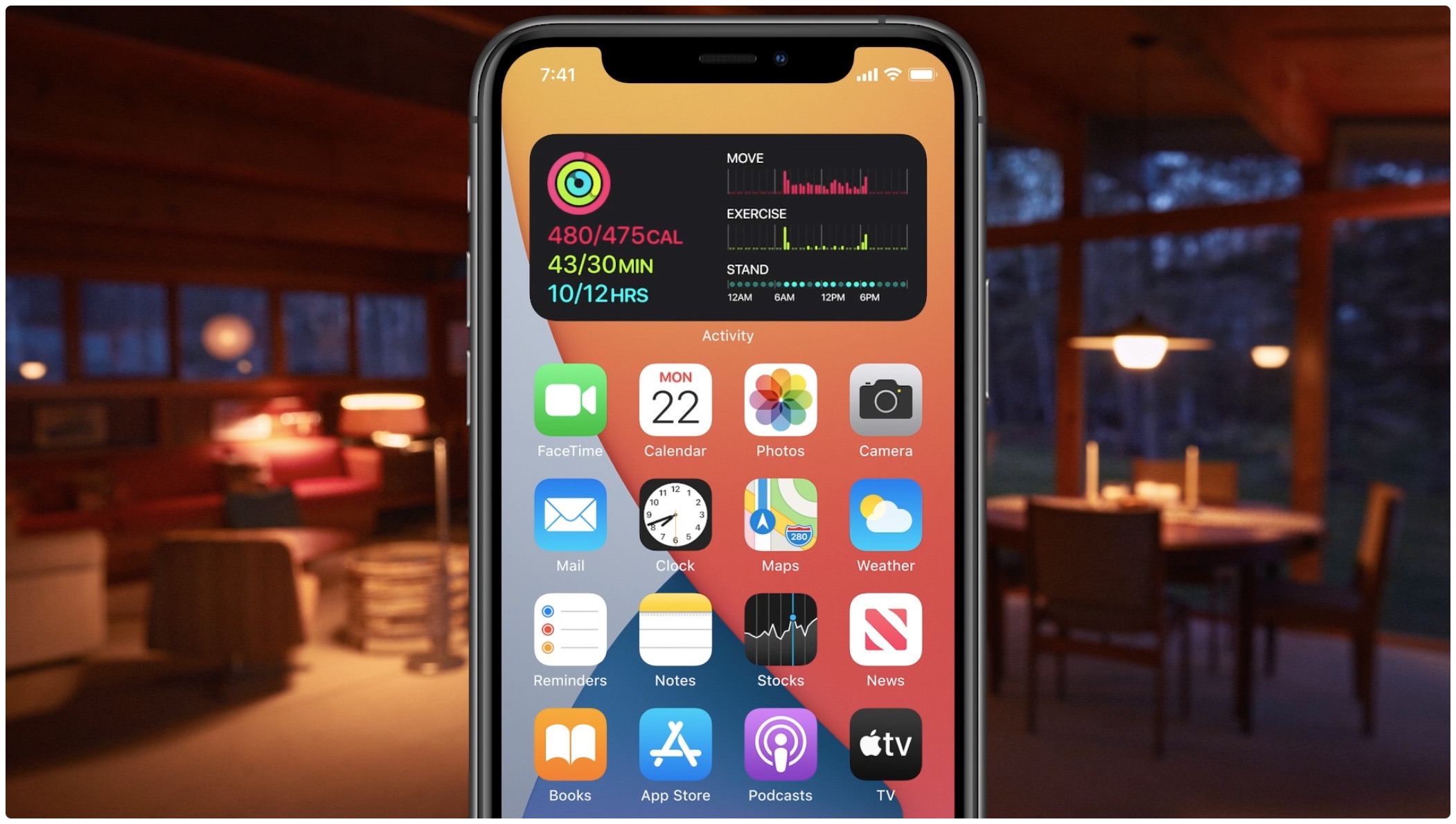
Learn how to quickly create widget stacks on iPhone for better organization and to make the most of the space on your Home Screen.
Apple's been seeding the latest betas for iOS 13.6 and iPadOS 13.6 for weeks now, but now it's finally time to release these iPhone and iPad software updates to the general public.
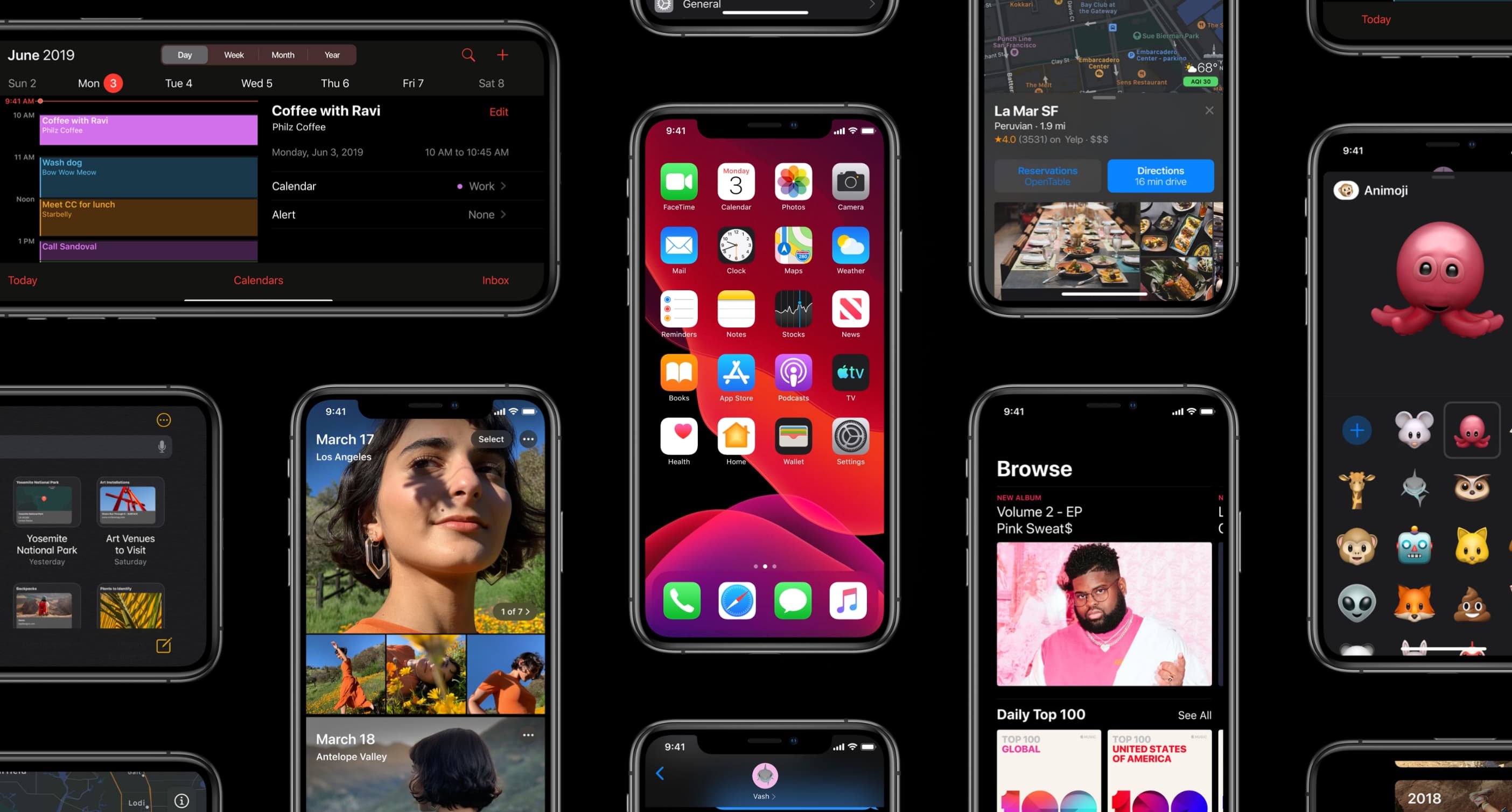
Apple on Thursday made its upcoming iOS 14, iPadOS 14, tvOS 14, watchOS 7 and macOS Big Sur software updates available for public beta testing ahead of commercial releases this fall.
iPhone and iPad apps which have been ported over to the Mac using Apple's Catalyst framework will support the company's Apple Pay mobile payment solution with the release of iOS 14, iPadOS 14 and macOS 11.0 Big Sur in the fall.