Learn how to make your Instagram stories stand out by using an effect from the Effect Gallery and save your favorite effects for later or share them with friends.
How to use the Instagram Effect Gallery for stories

Learn how to make your Instagram stories stand out by using an effect from the Effect Gallery and save your favorite effects for later or share them with friends.

Learn how to use Instagram story filters, stickers, drawings, and text to make your stories stand out from the rest.

Learn how to share the lyrics of a song from Apple Music as an Instagram Story from your iPhone, iPad, or Android phone.
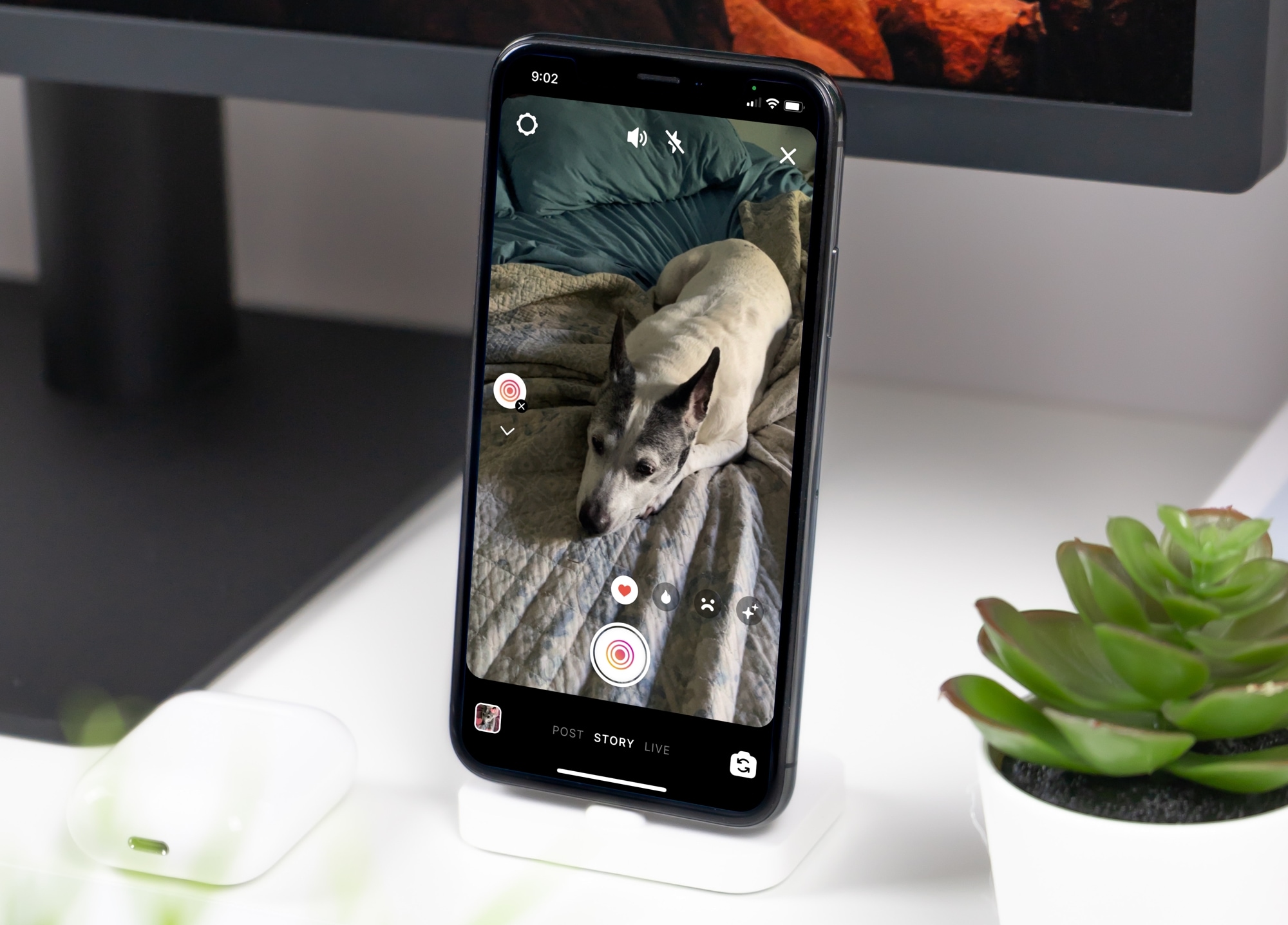
Learn how to use the Superzoom feature in your Instagram story to zoom in on the subject, along with some special effects to tell your story in a unique way.

Learn how to create Highlights from Instagram stories you want to hold onto. These Highlights stay on your profile until you remove them.
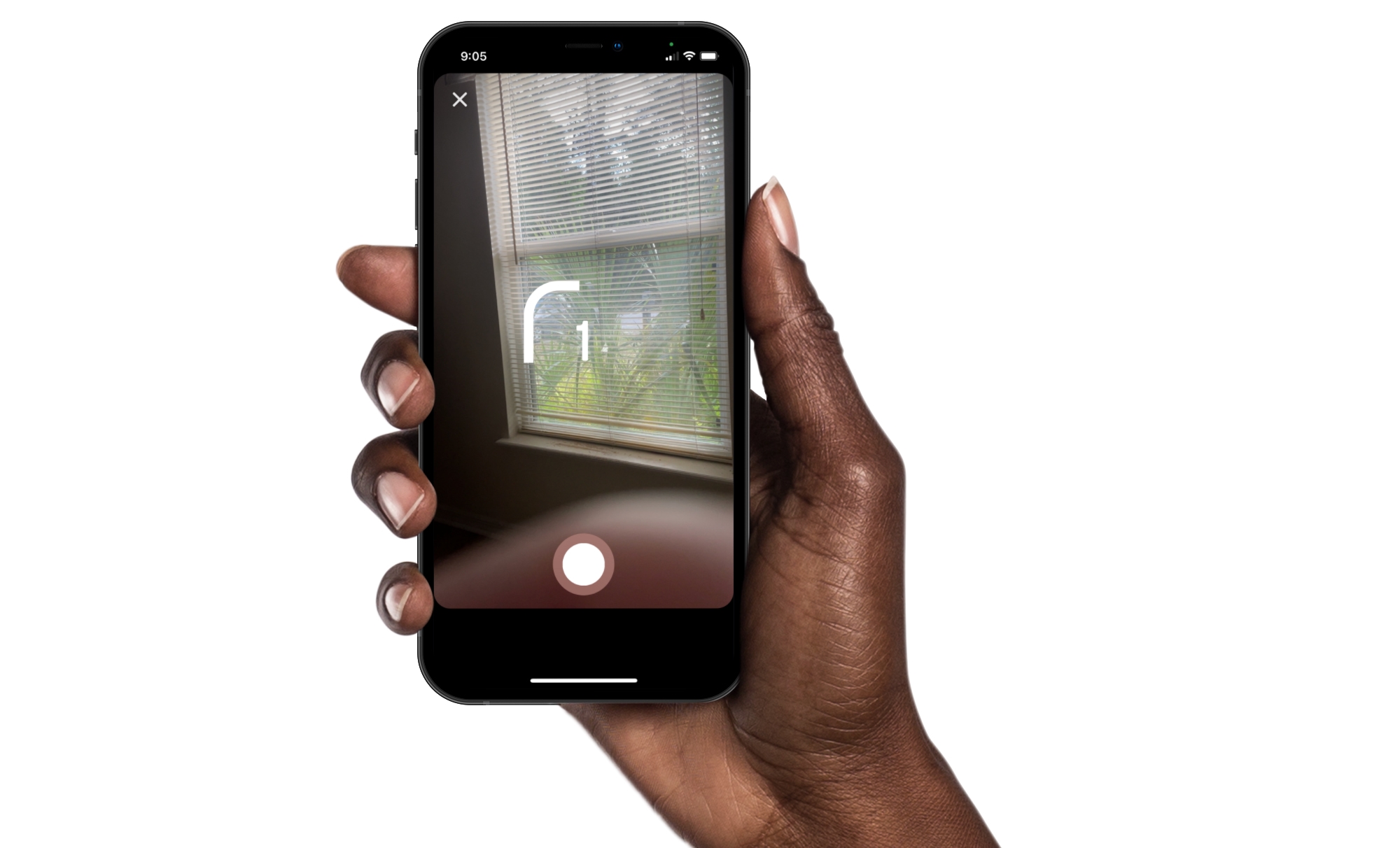
Instagram offers some great features for creating memorable stories and posts. You can use Multi-Capture to quickly snap several photos for your story. And you can use PhotoBooth for that “photo booth” look, which is what we’ll walk through here.
Just like sitting in that photo booth at the mall, you can capture four pictures of you and your pals, pets, or just yourself. Then, add them to your Instagram story for something a little different. Here’s how to use the PhotoBooth feature in Instagram.
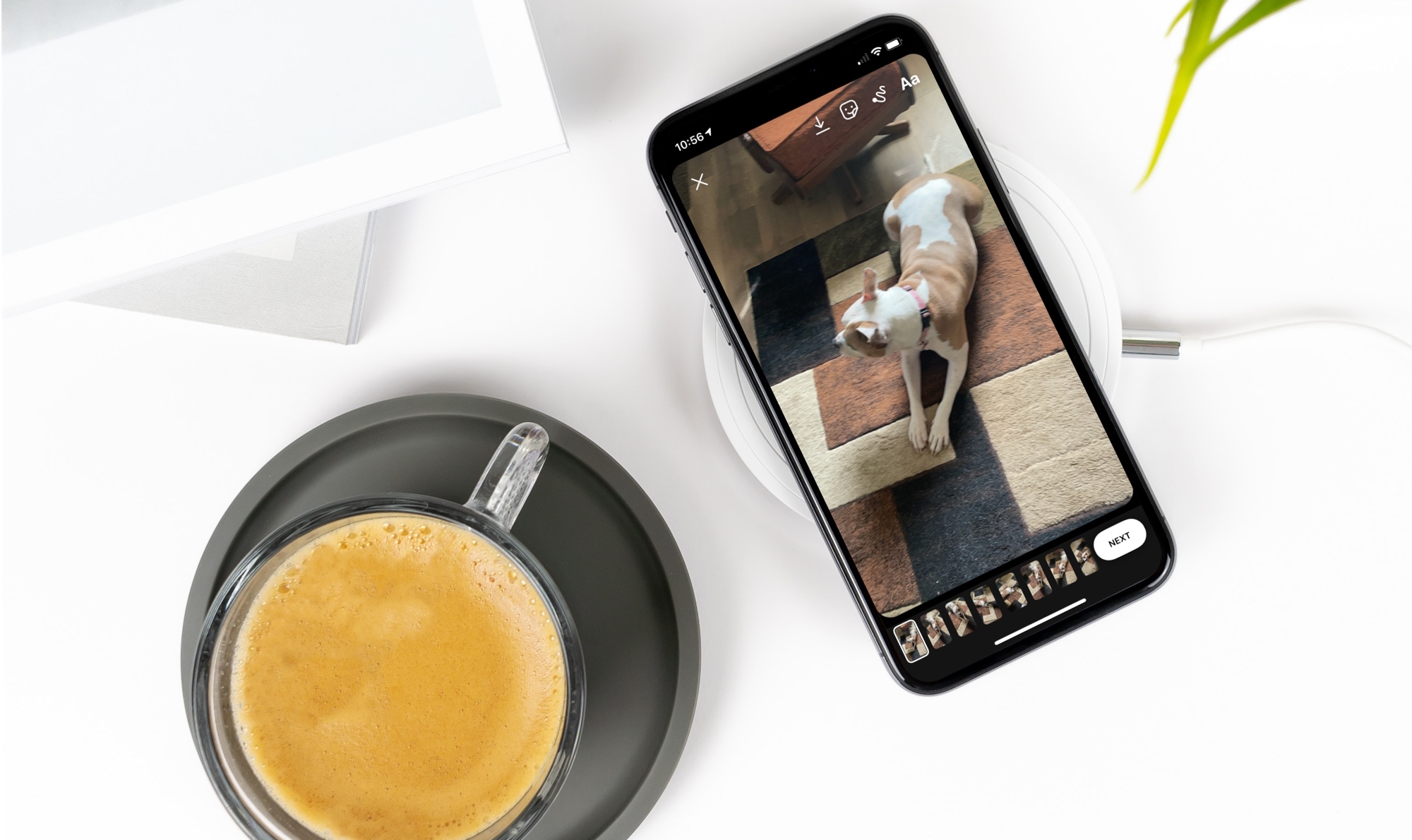
New features come and go with apps. And if you’re an Instagram user, you may notice a feature you haven’t used before when creating a story. This feature is called Multi-Capture and it allows you to snap a few photos to add to your story.
Multi-Capture gives you a quick and easy way to create a story on the fly. Shoot photos of yourself or someone else and turn them into an Instagram story instantly, here’s how.

In this step-by-step tutorial, we'll show you how to add music to your Instagram story to enhance your content with your favorite tunes.
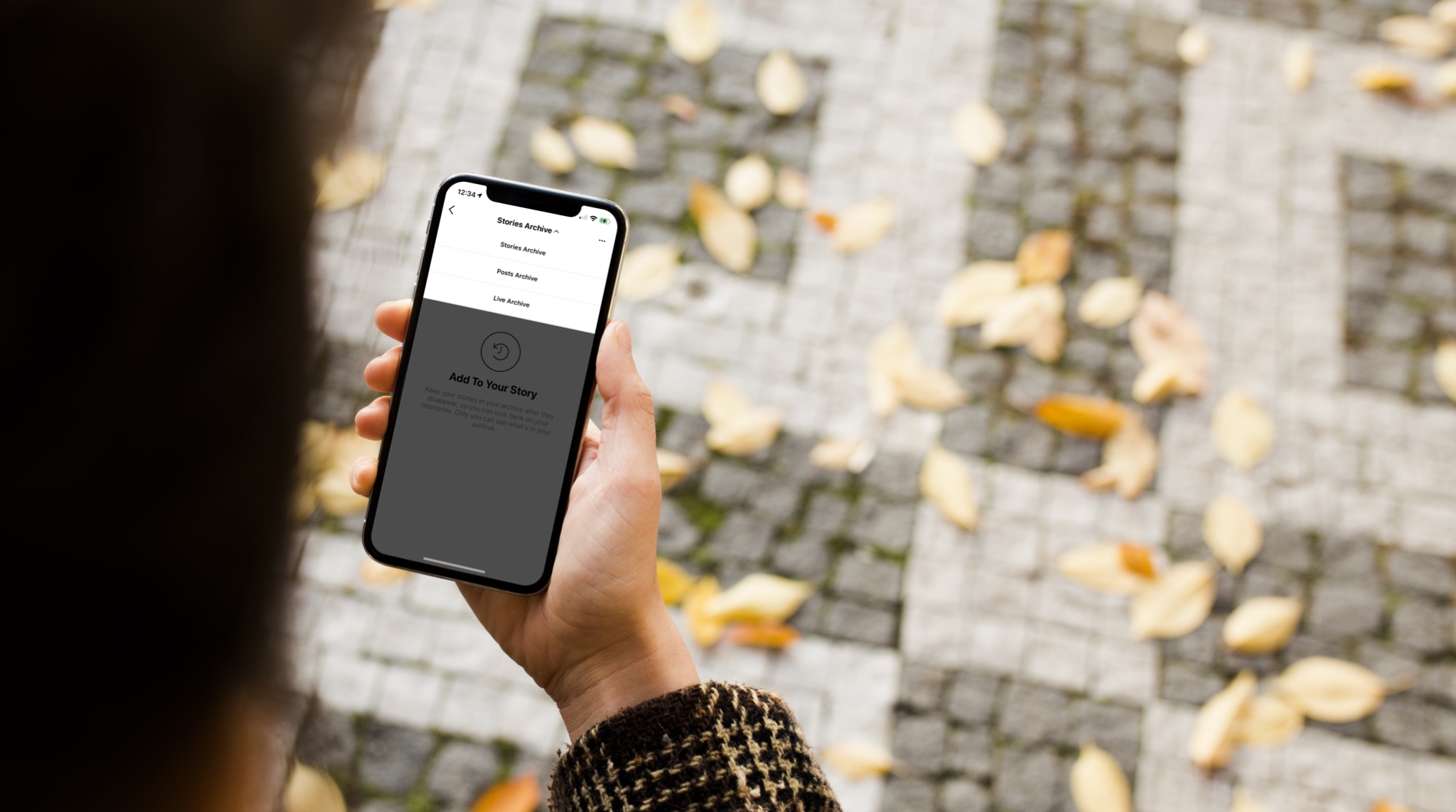
Learn how to use the archive feature on Instagram to move your published posts to a hidden section that's only visible to you and nobody else on the platform.
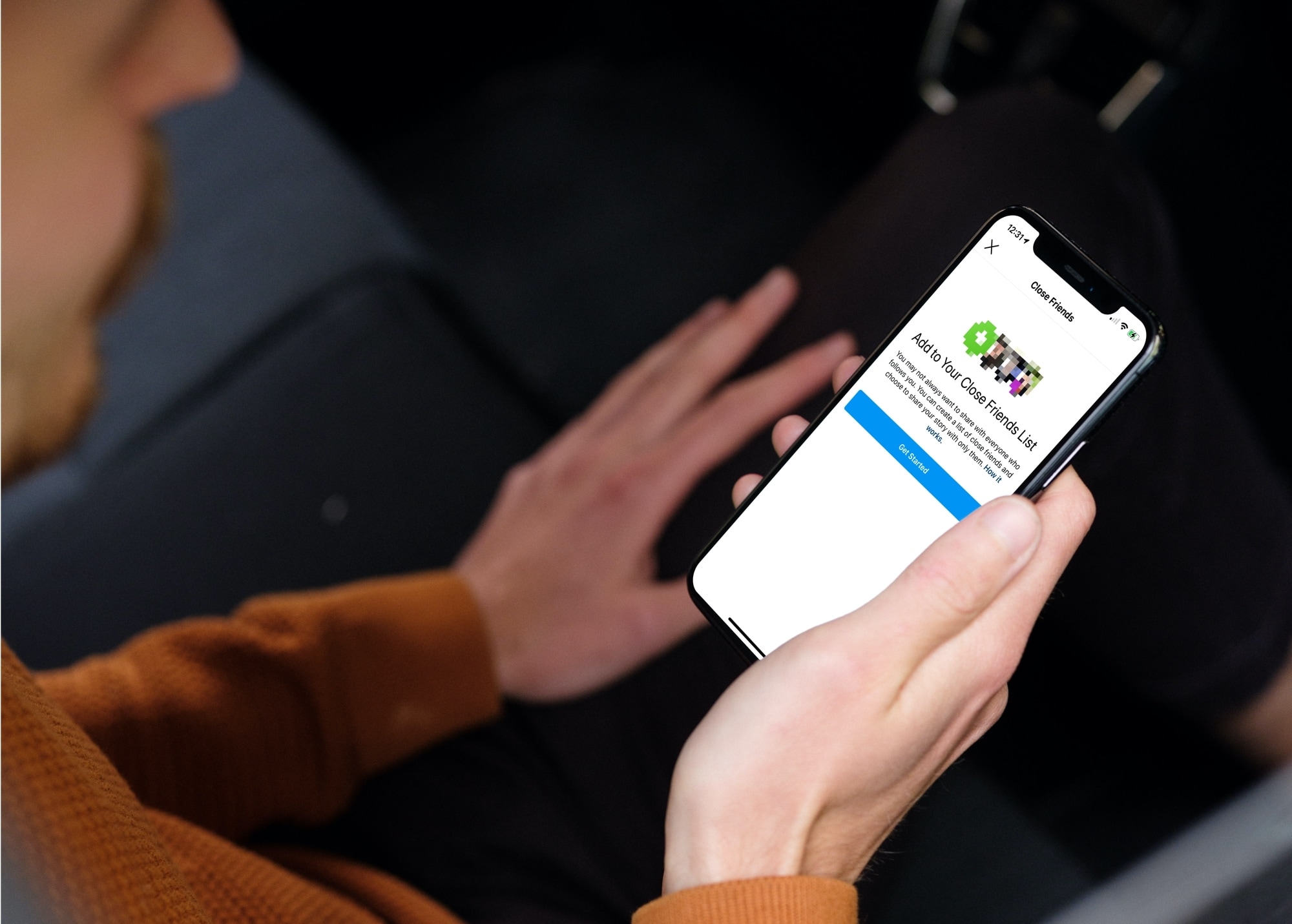
Learn how to create and manage a list of Close Friends on Instagram, and share your story with only the people on this list.
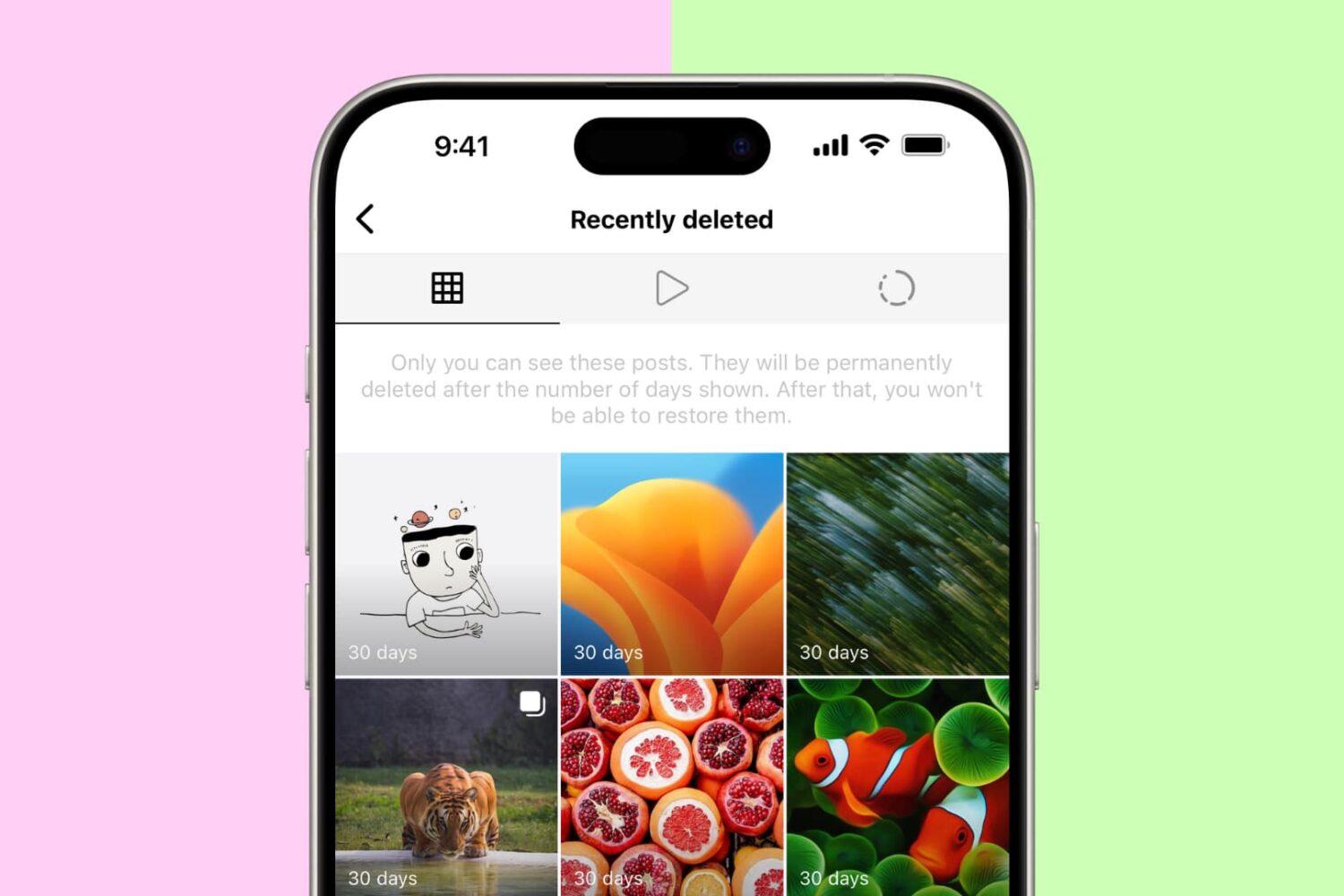
Have you deleted an Instagram post or story by accident and want to restore it? In this brief tutorial, we will share the steps to recover your deleted Instagram posts & stories and also show you how to archive and unarchive posts to hide them from others.

Curious who is looking at your stories? In this tutorial, we'll show you how to see how many people viewed your Instagram story and the usernames of those who did.