Don't like a person's face tile automatically enlarging on a group FaceTime call? Let's tell you why this happens and how to stop it on your iPhone, iPad, or Mac.
How to disable moving faces in group FaceTime video calls on iPhone, iPad, and Mac
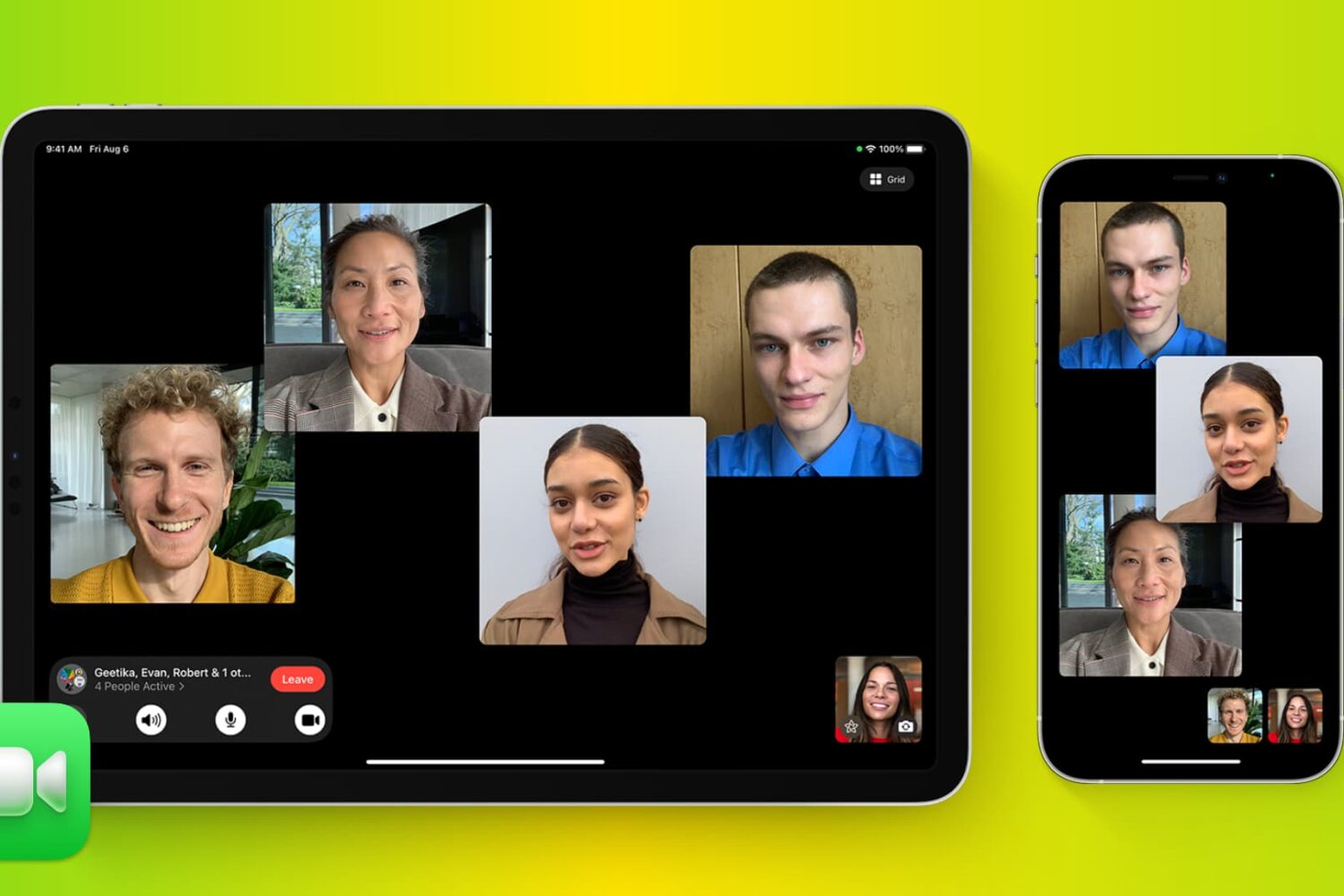
Don't like a person's face tile automatically enlarging on a group FaceTime call? Let's tell you why this happens and how to stop it on your iPhone, iPad, or Mac.

Want to share your favorite songs on your Facebook profile page? This tutorial shows you how to add and display your favorite music on your profile.

Receive too many notifications from X? This tutorial shows you how to customize the notifications on iPhone, iPad, Mac, and the web to cut down unnecessary alerts and reduce distractions.

Find out how to protect your user account by setting your Mac to automatically log you out after a set period of inactivity.
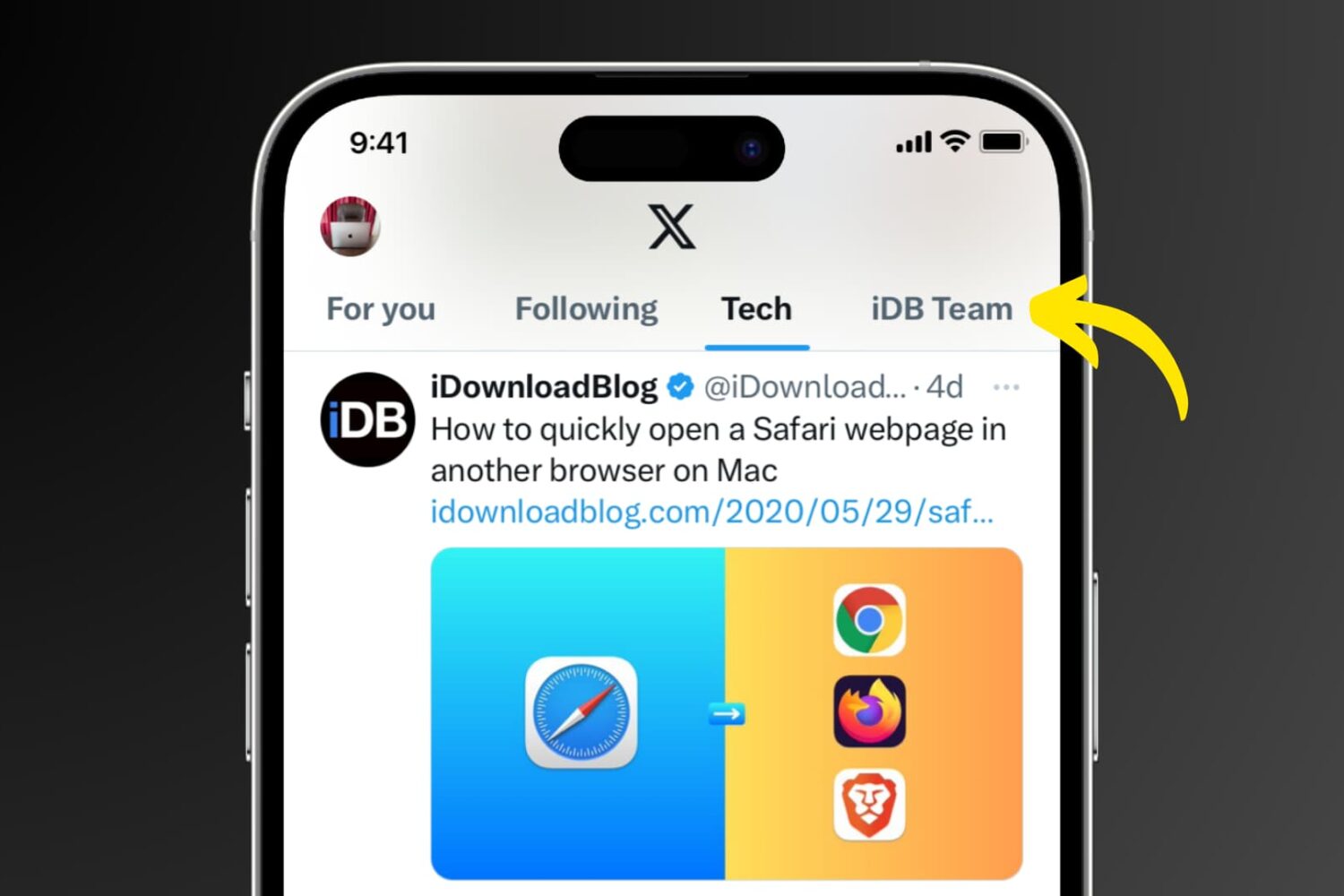
Learn how to create Twitter lists on your iPhone, iPad, Mac, and the web to curate your favorite accounts, and stay updated with the content that matters most to you.
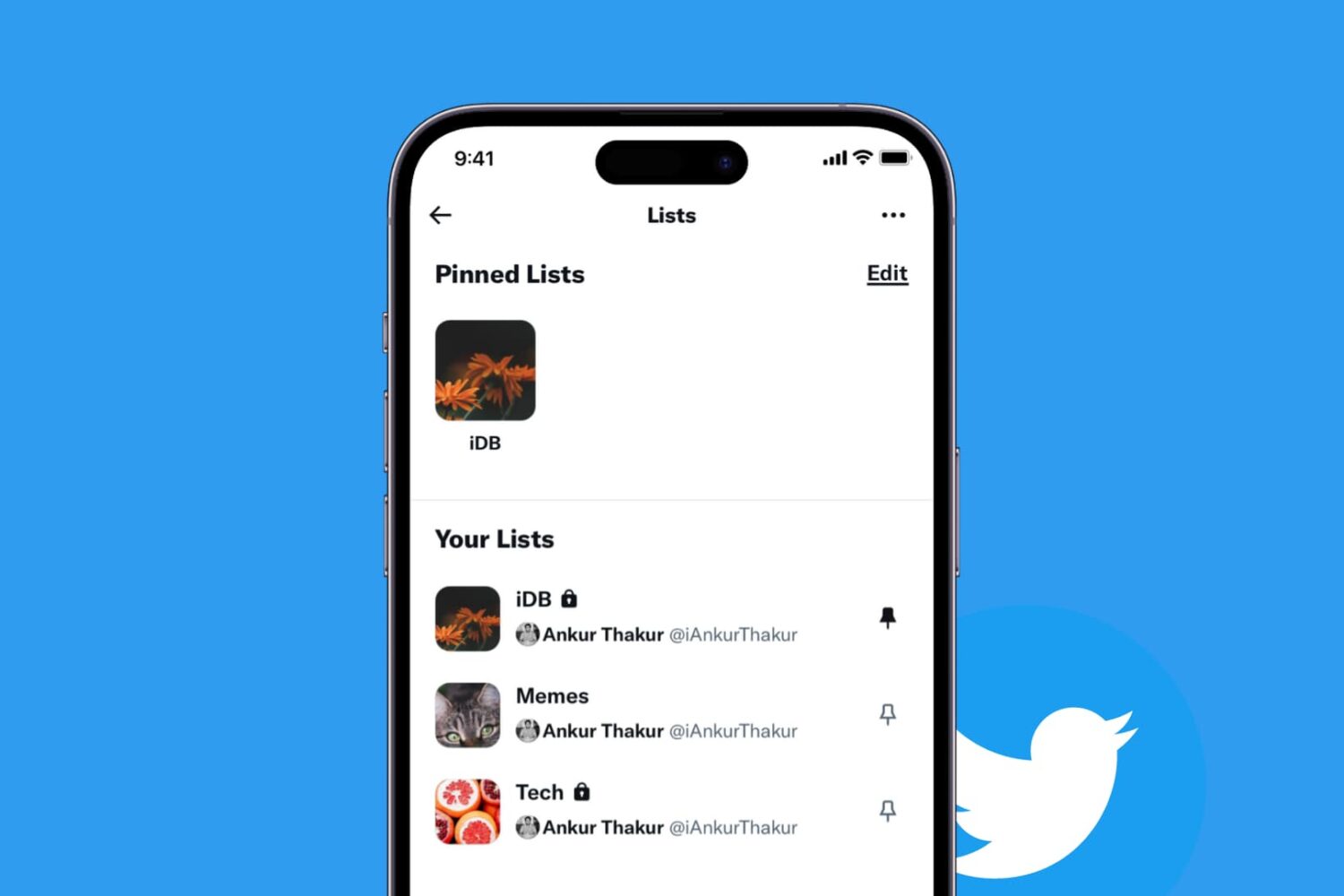
If you take advantage of the List feature on Twitter, then knowing how to pin your lists is quite useful. Once you pin a list, it will appear as another tab on your Twitter Home timeline. So, with a click or a tap, you can jump to that list quickly.
This tutorial shows you how to pin Twitter lists on iPhone, iPad, and Mac.

Check out these quick steps to change the icons for your accessories in the Home app on your iPhone, iPad, and Mac. Doing so, you can customize your experience or easily differentiate between your various smart devices such as light bulbs, fans, locks, thermostats, etc.
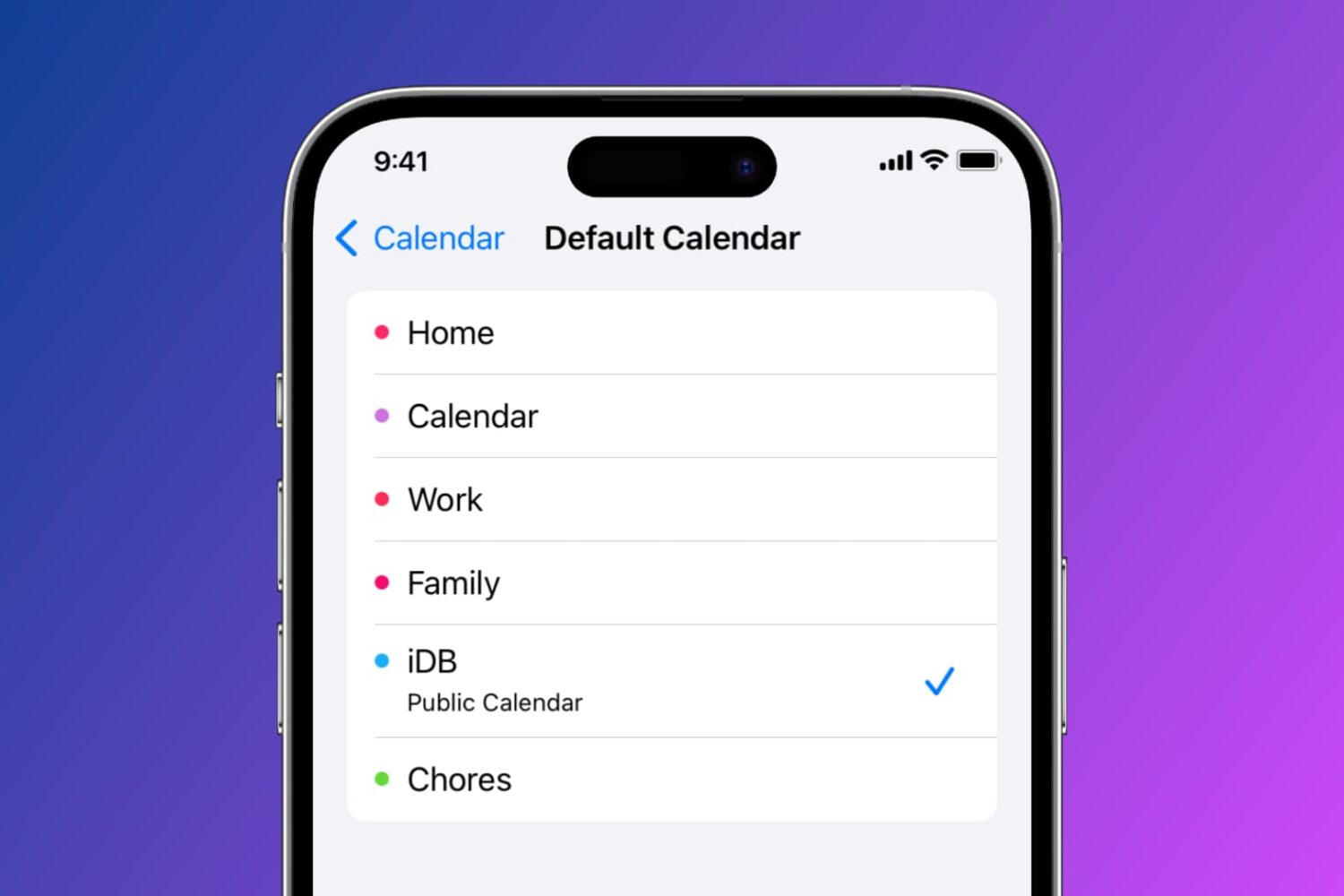
Learn how to set a default Calendar account on your iPhone, iPad, and Mac so that newly created events are automatically added to your preferred default calendar.
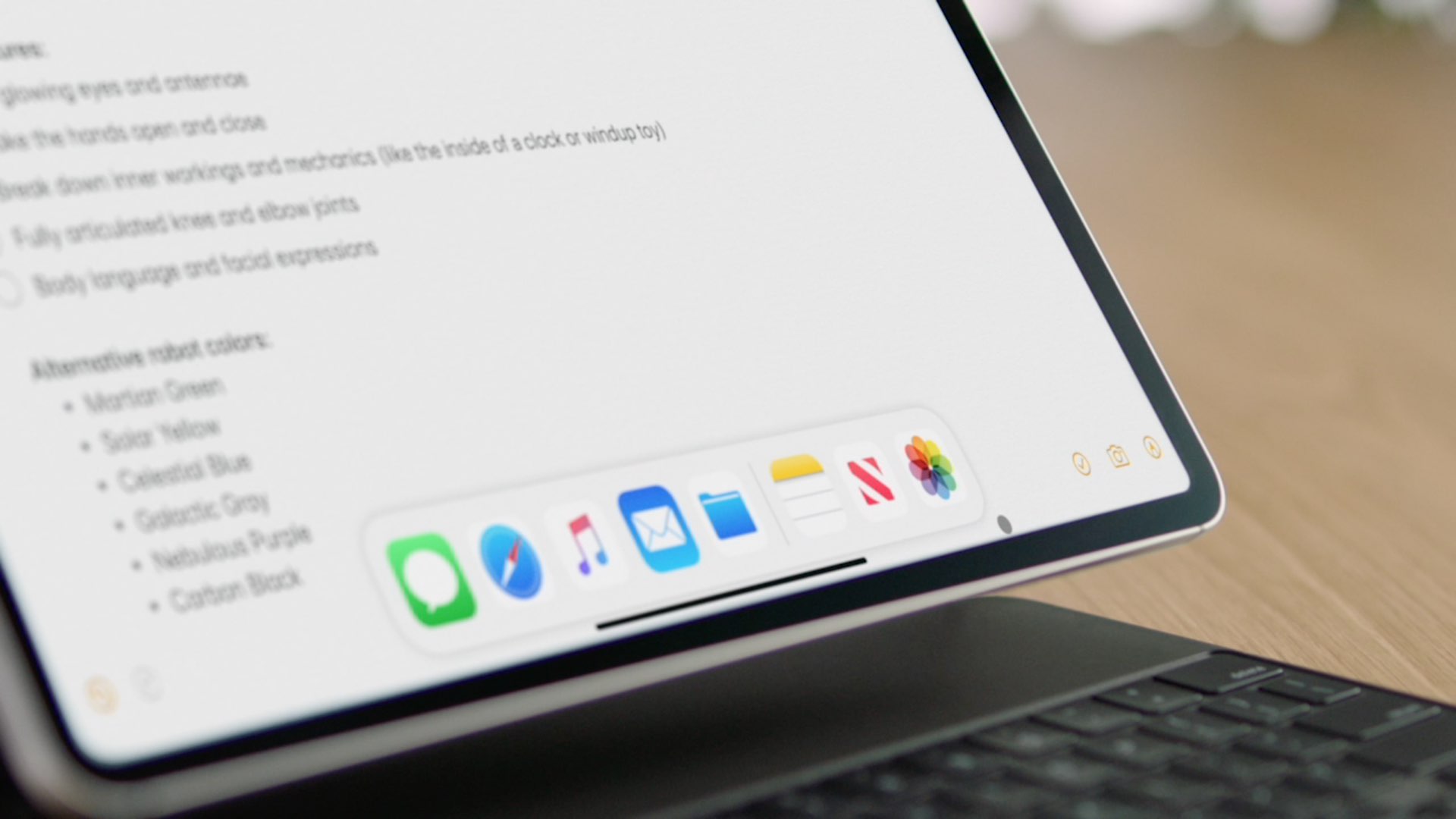
Learn how you can control your iPad pointer with the keyboard keys or number pad via a cool new accessibility feature called Mouse Keys.
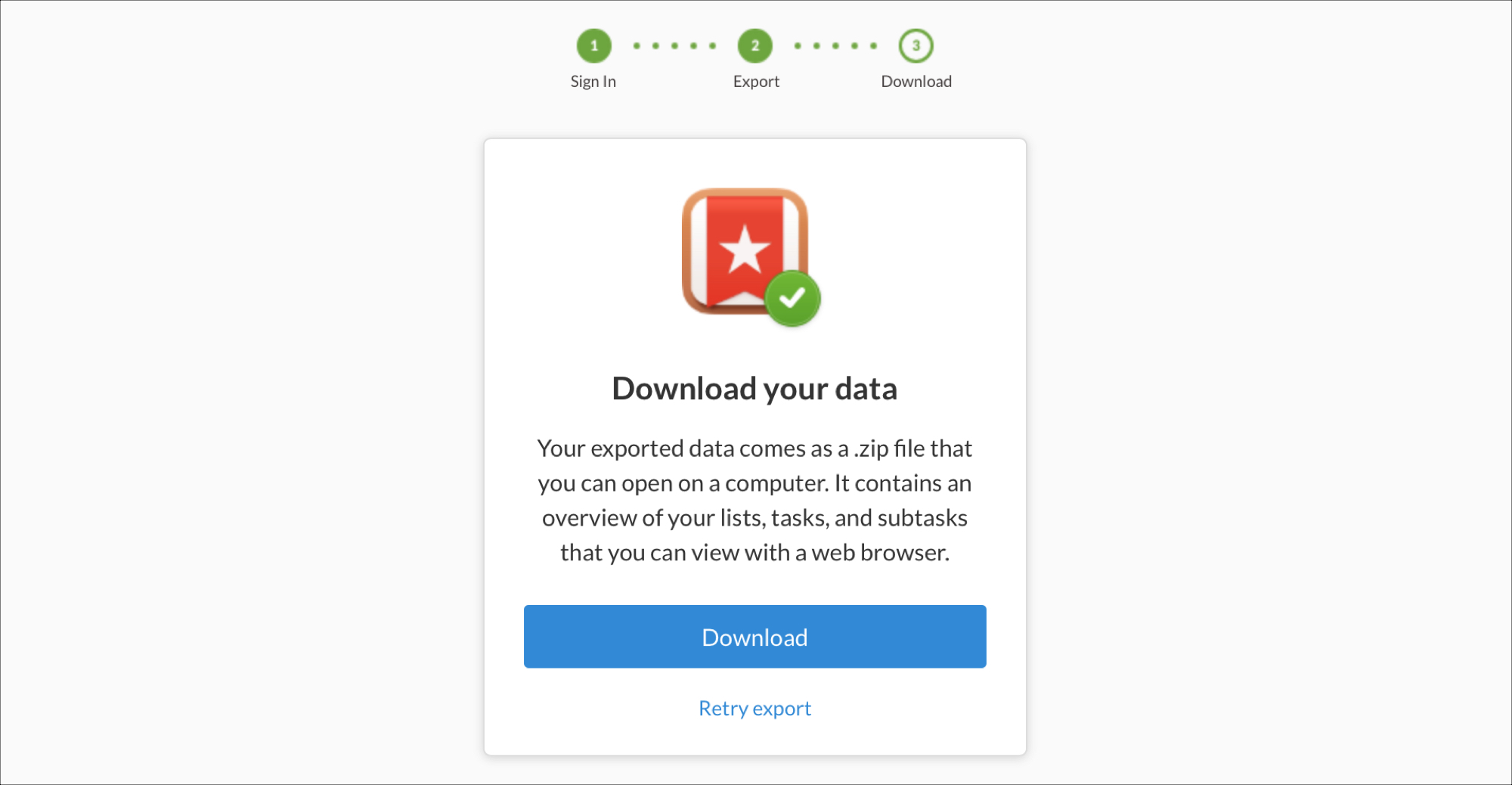
When Microsoft acquired the to-do list application Wunderlist in 2015, no one knew for sure how long it would keep the popular task app alive. Even after an announcement in 2017 that it would discontinue Wunderlist in favor of Microsoft To-Do, the app was still usable. But that has finally come to an end.
As of May 6, 2020, Wunderlist will finally close its virtual doors to users.
If you’re a fan of Wunderlist and have been using it for years, it’s time to grab your tasks and move on, if you haven’t already. Here’s how to export, email, or print your to-dos from Wunderlist.

See the storage space used by podcasts and TV shows on your iPhone or iPad and manage them. If left unchecked, these can take up a lot of space on your device, which is why it’s a good idea to clean them up from time to time.
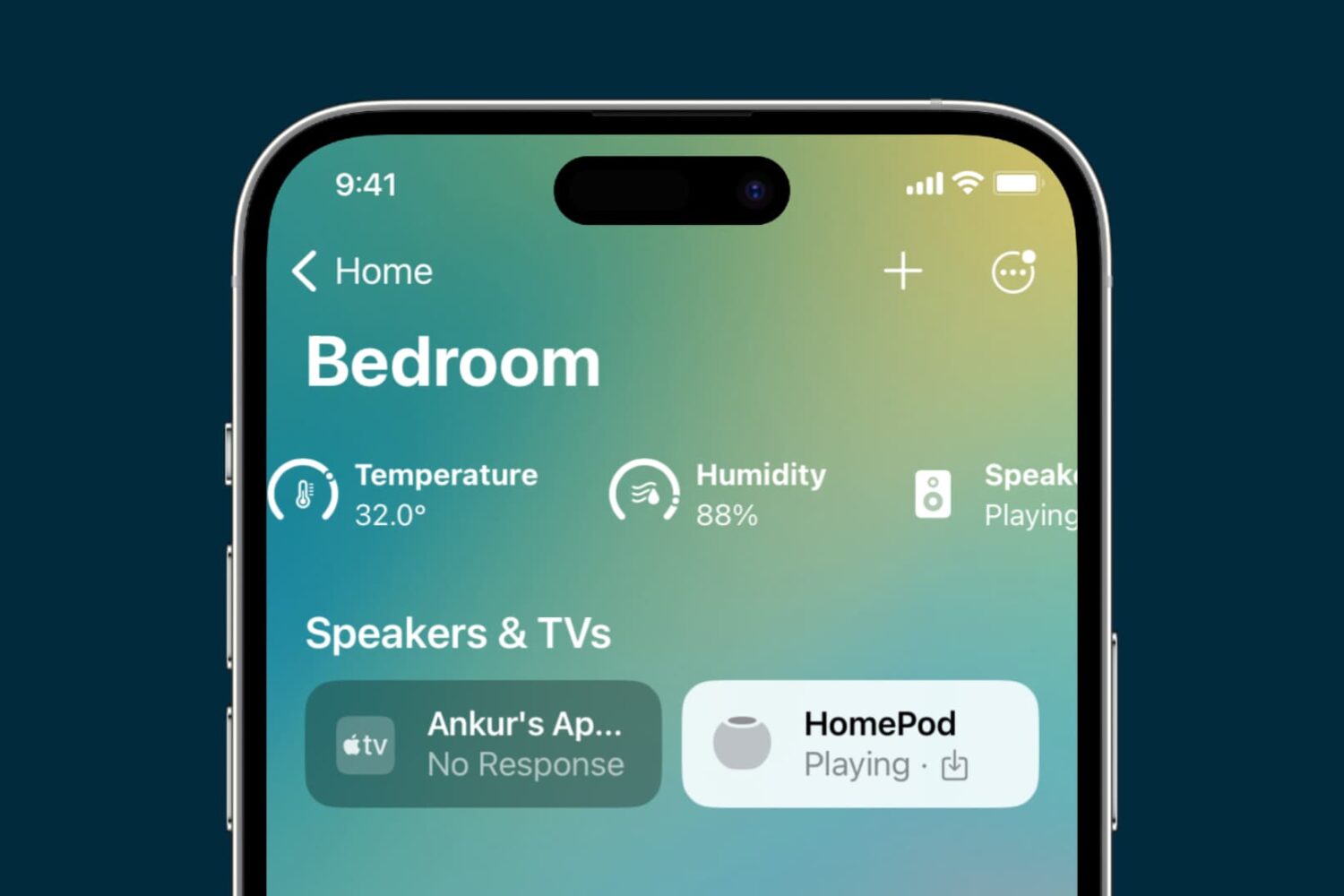
Learn how to rearrange rooms in the Home app on your iPhone, iPad, and Mac, so they appear in your preferred order.