Learn how to use your Apple Pencil with Scribble to add handwriting to text boxes that will convert to typed text.
How to use handwriting in text boxes with iPad and Apple Pencil
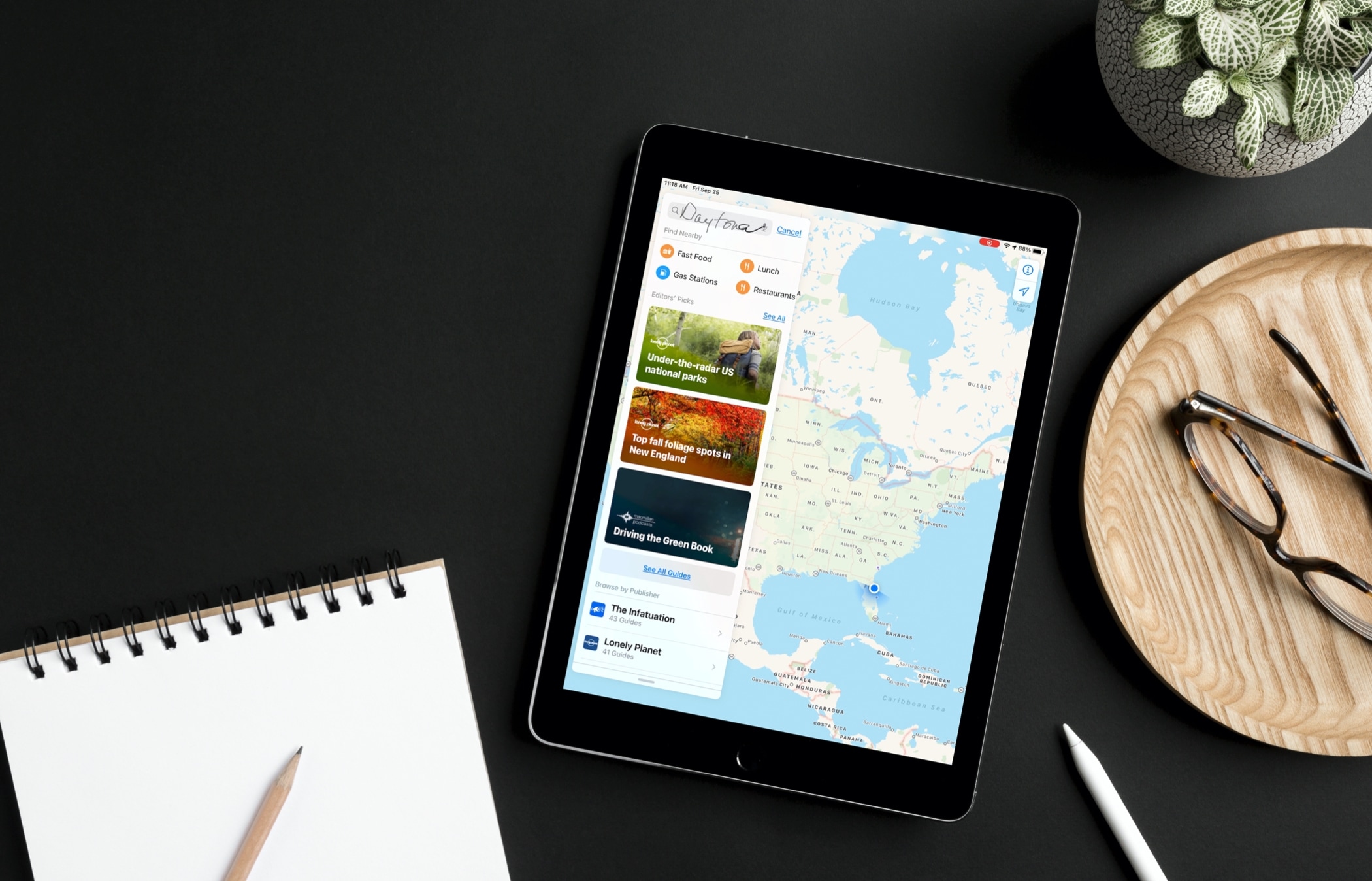
Learn how to use your Apple Pencil with Scribble to add handwriting to text boxes that will convert to typed text.

When it comes to social media, your username represents who you are. And while most times, you don’t want to change that username because of this, there might be other times when you must. Maybe your username includes your last name, which has recently changed, or maybe you’re in an uncomfortable situation in that network.
Whatever your reason is, here’s how to replace your current Instagram username with a new one using the official app on your iPhone or the website on your computer.

Learn how to add a photo widgets to your iPhone or iPad Home Screen so you can get a glimpse of memorable pictures without going inside the Photos app.
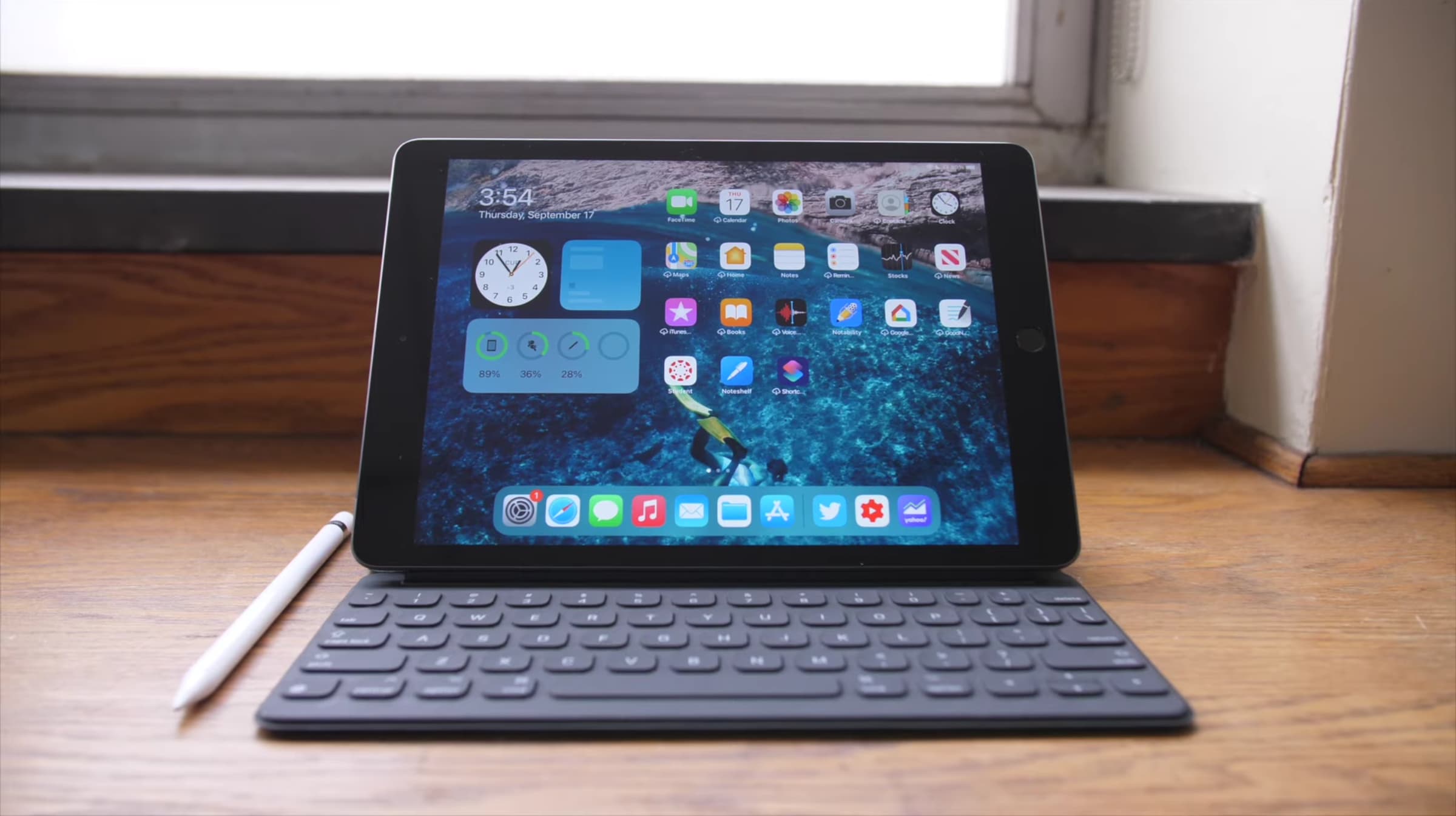
Learn how to quickly close unneeded apps on your iPad using the Command + Q keyboard shortcut for efficient multitasking.
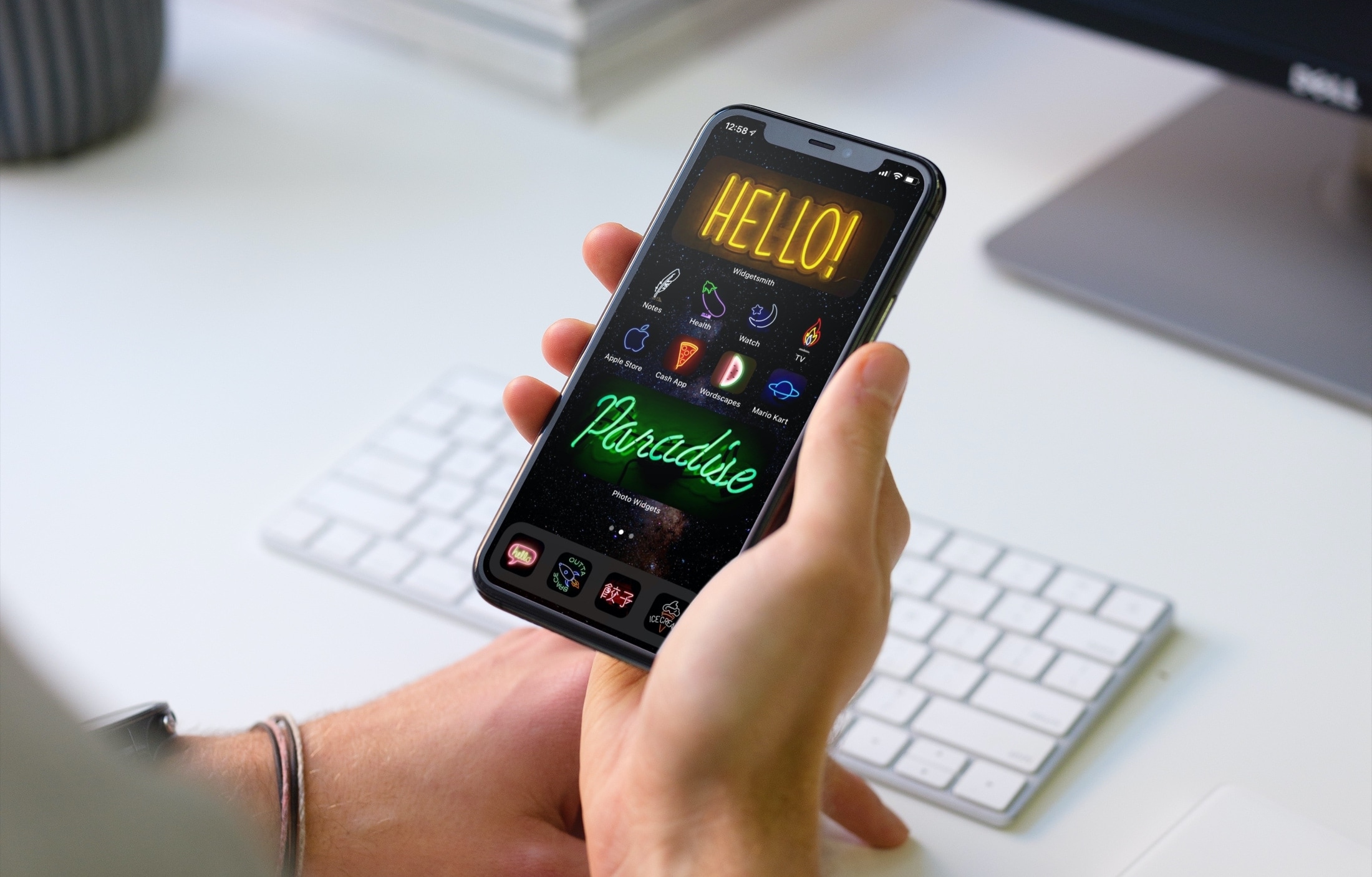
Looking for a little help or ideas for personalizing your device? With these tips, you can take your Home Screen to the next level. Whether you love animals, games, or characters and want to change widgets, icons, or wallpaper, here are great ways to customize your iPhone Home Screen.
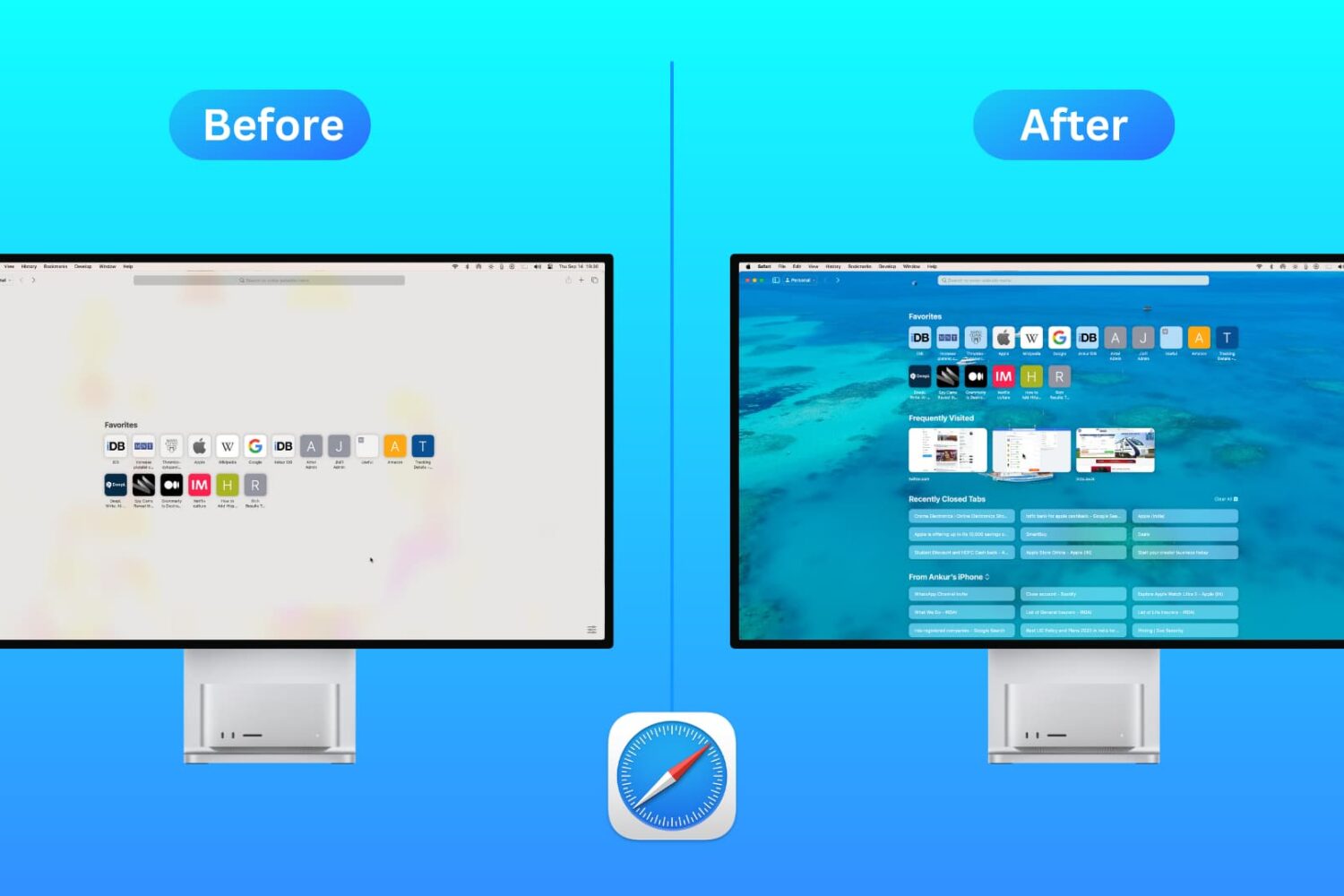
Customize the Safari Start Page on your Mac by selecting just the sections you want to see, using a personal background image, and more.
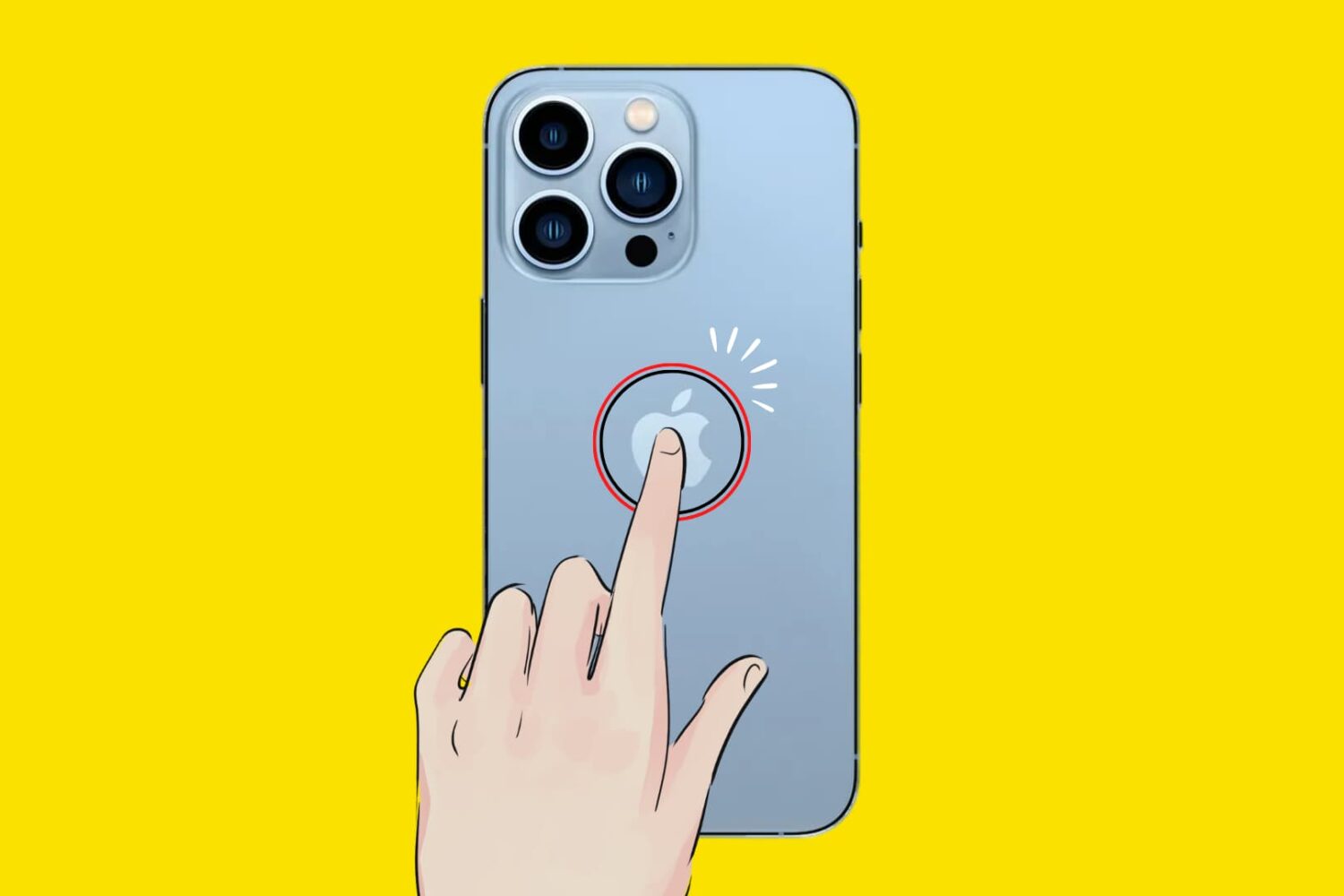
In this tutorial, we’ll show you how to trigger specific actions by tapping twice or thrice on the back of your iPhone. It works even with a case, cover, or skin!
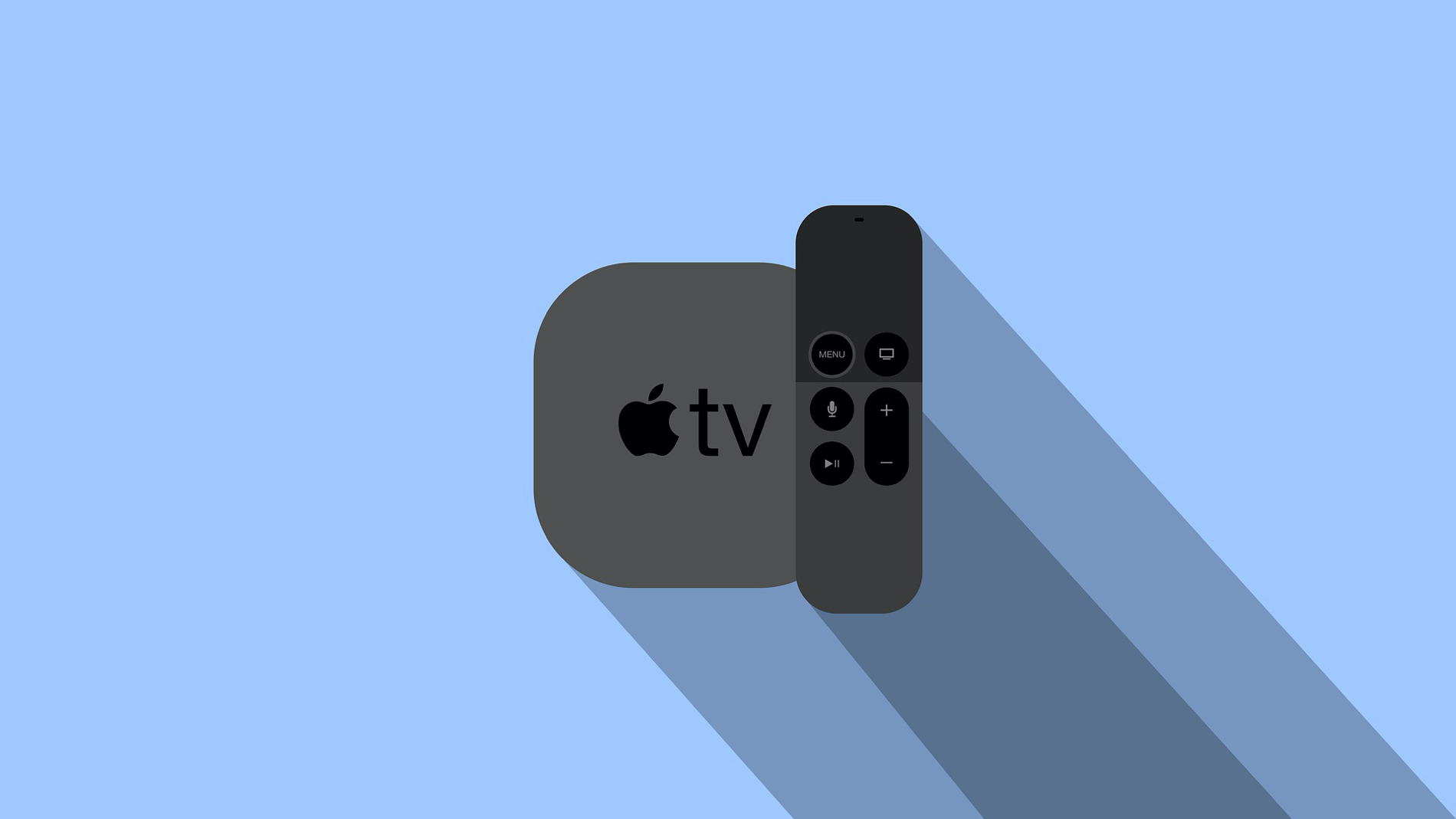
Whether it’s for identifying your Apple TV or getting help from Apple Support, this tutorial shows you where to find the serial number of your Apple TV and its Siri Remote.
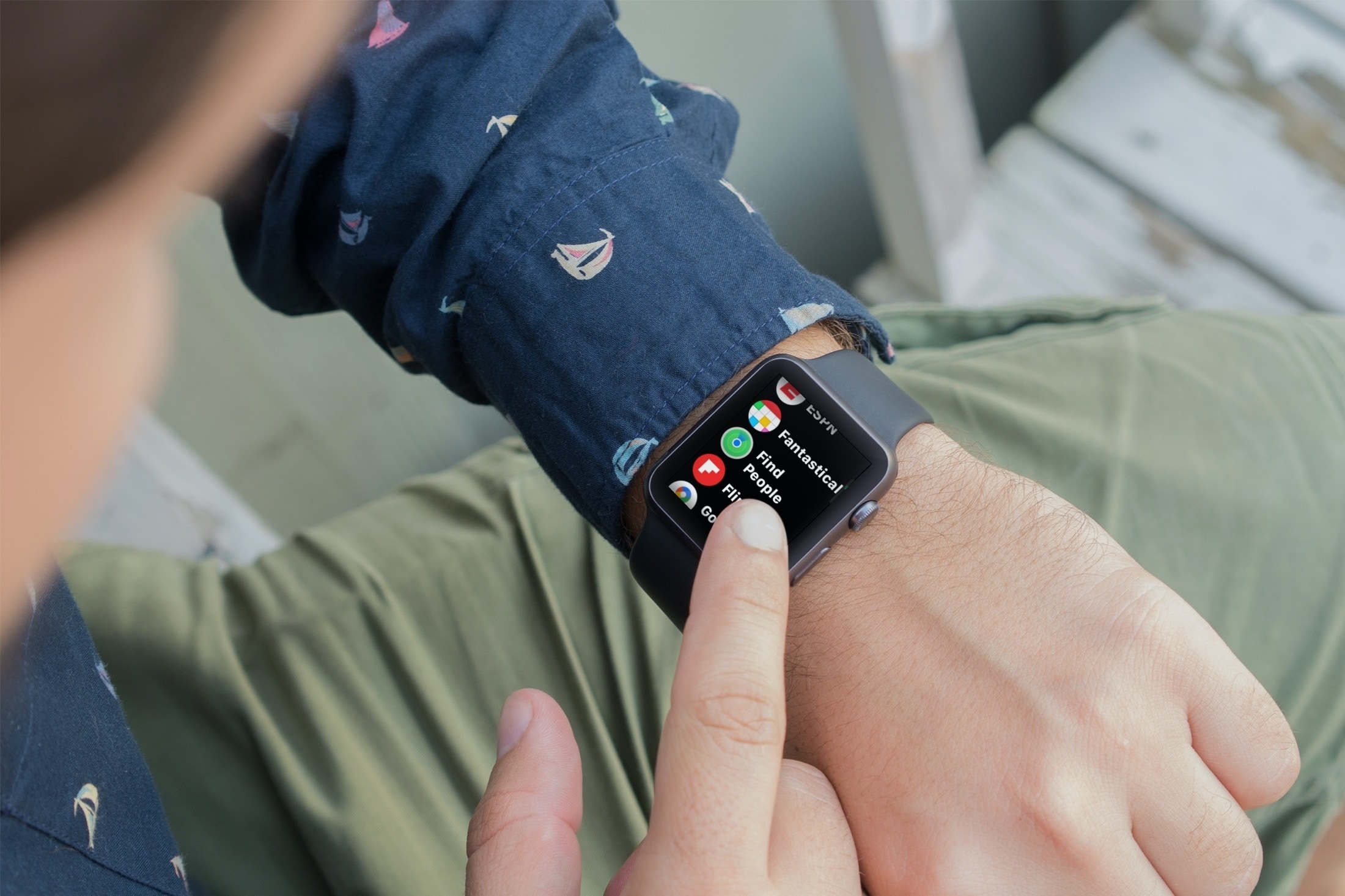
Learn how to use the Find People app on Apple Watch to see your friends and family members’ locations and share your location with them.
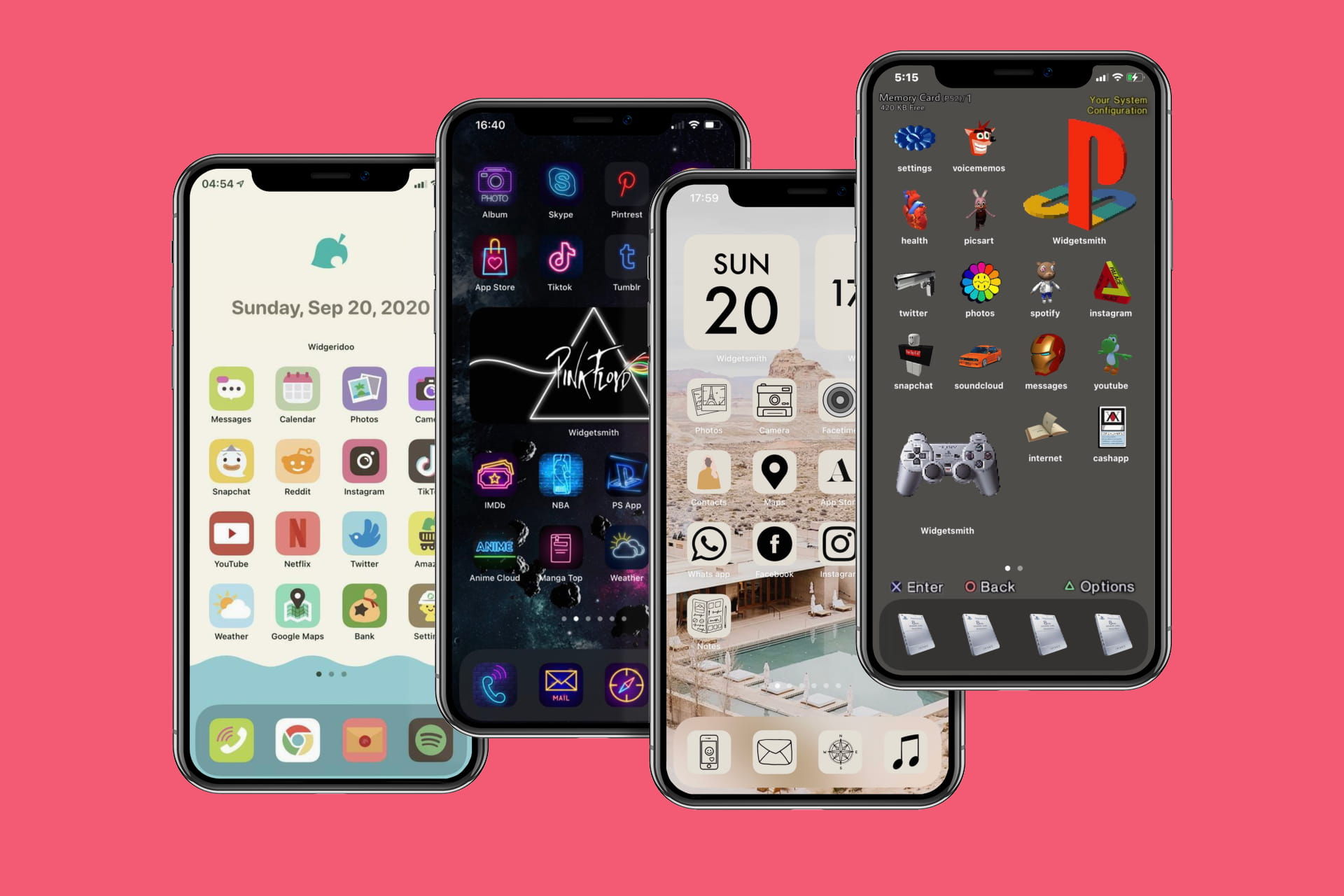
In this step-by-step tutorial, we show you how to use the built-in Apple Shortcuts app to personalize your iPhone or iPad Home Screen with custom app icons and add some pop to your digital space.
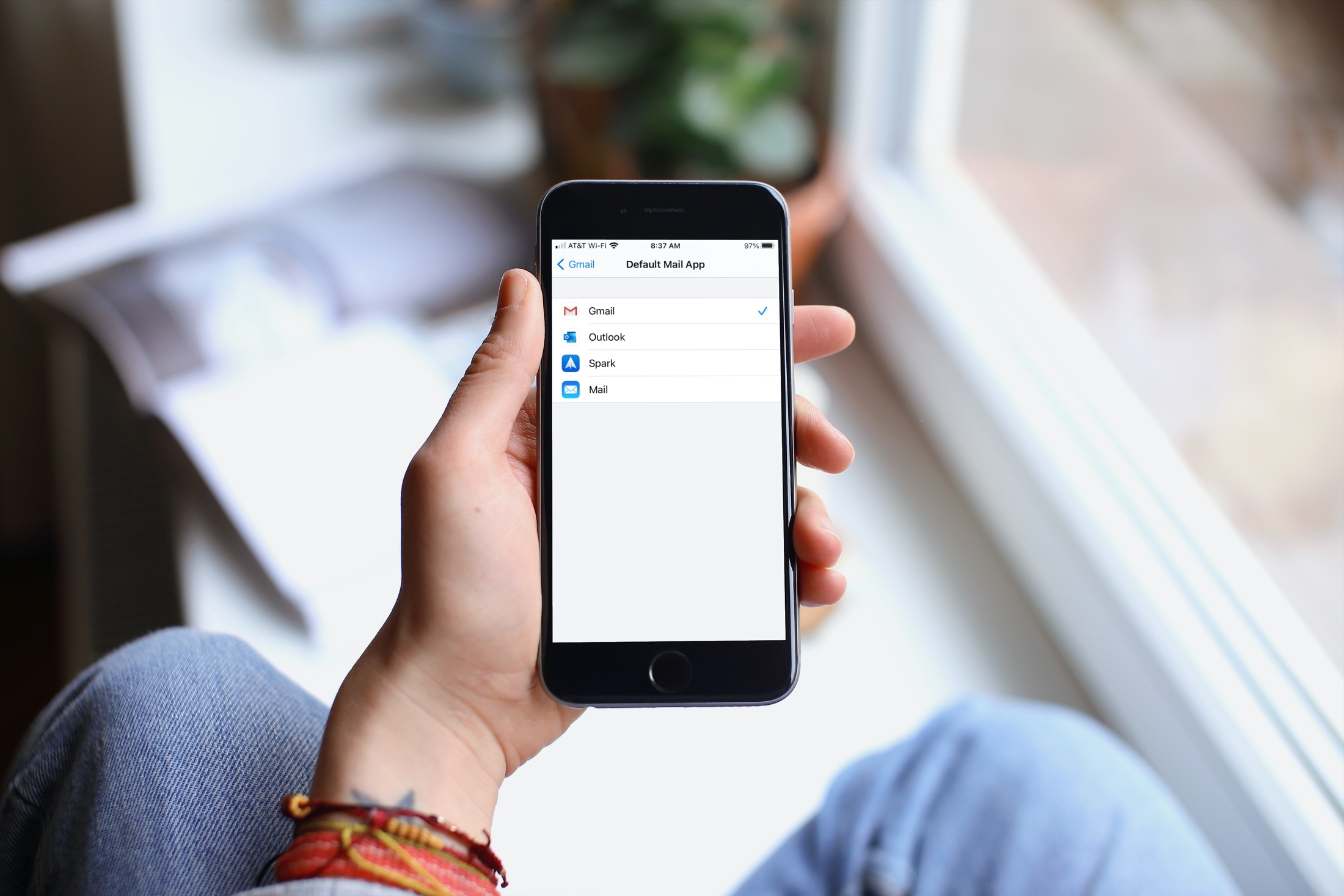
Learn how to change the default email app on your iPhone and iPad to Gmail, Outlook, Spark, HEY, or something other than the default Apple Mail app.