In this tutorial, we will show you how to find and watch Apple Music TV for free on your iPhone, iPad, Mac, TV, and other supported devices.
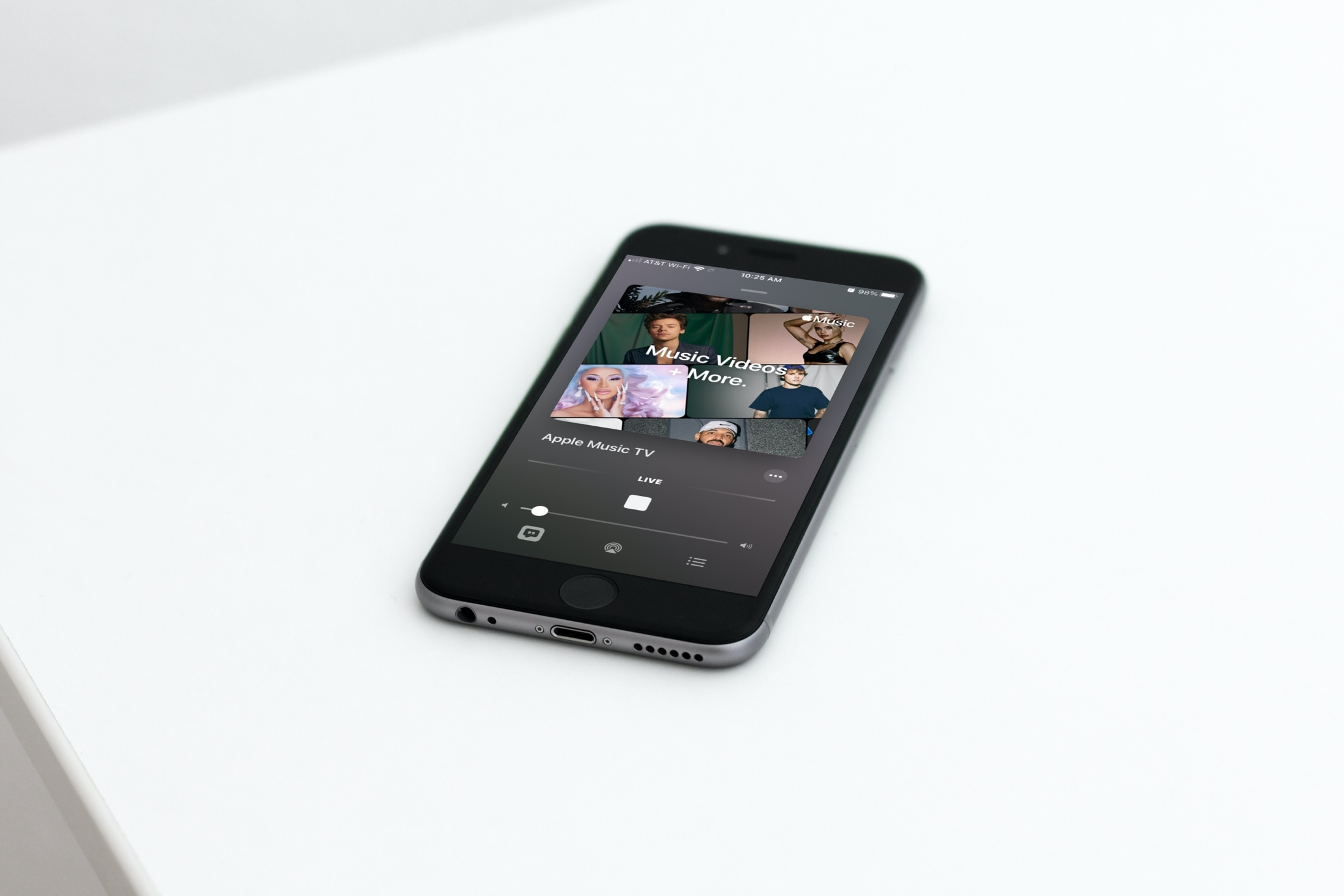
Go back to the days of MTV and explore Apple Music TV for everything music all day, every day. From music videos to interviews to events, you can catch up on what’s trending in the music world. No matter which Apple devices you own (or don’t), you can watch Apple Music TV from anywhere, anytime.
When you watch Apple Music TV, you’ll be watching a live broadcast. But you can still pause, enable subtitles, and use picture-in-picture.
Note: Apple Music TV is not available in all countries and regions.
Watch Apple Music TV on Apple devices
- Open the Apple Music app or the Apple TV app on your iPhone, iPad, Mac, or Apple TV. It should also work in Apple Music app on Android and Apple Music and TV apps on Windows PC.
- Head to the Browse tab in Music or Home tab in TV.
- You’ll see Apple Music TV and variations of what’s on. Tap or click to watch it live.

Note: You may have to scroll a bit to see Apple Music TV in the apps, depending on how soon you choose watch after the premiere of the service.
Apple Music TV on non-Apple devices
You don’t have to own or use an Apple device to enjoy Apple Music TV. Head to http://apple.co/AppleMusicTV from any browser to see ways you can watch. You can check it out on Roku, Amazon Fire TV, common smart TV brands, and streaming devices with Apple TV+.
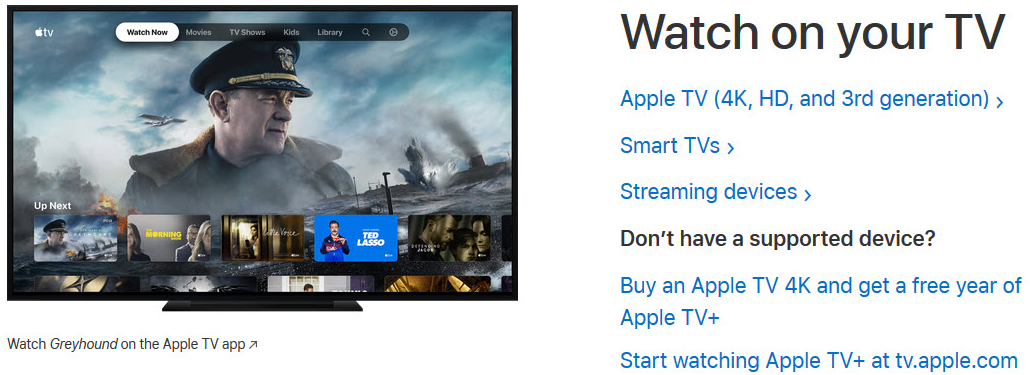
Note: If you click the above link from an Apple device, it will open the TV app with Apple Music TV ready and waiting.
Are you going to check out Apple Music TV? Is this a service you’re happy to see? Let us know your thoughts on Apple Music TV!
On a related note: