Learn how to activate the smart Autoplay feature in the Apple Music app on your iPhone or iPad so similar songs play nonstop after the one you’re listening to ends.
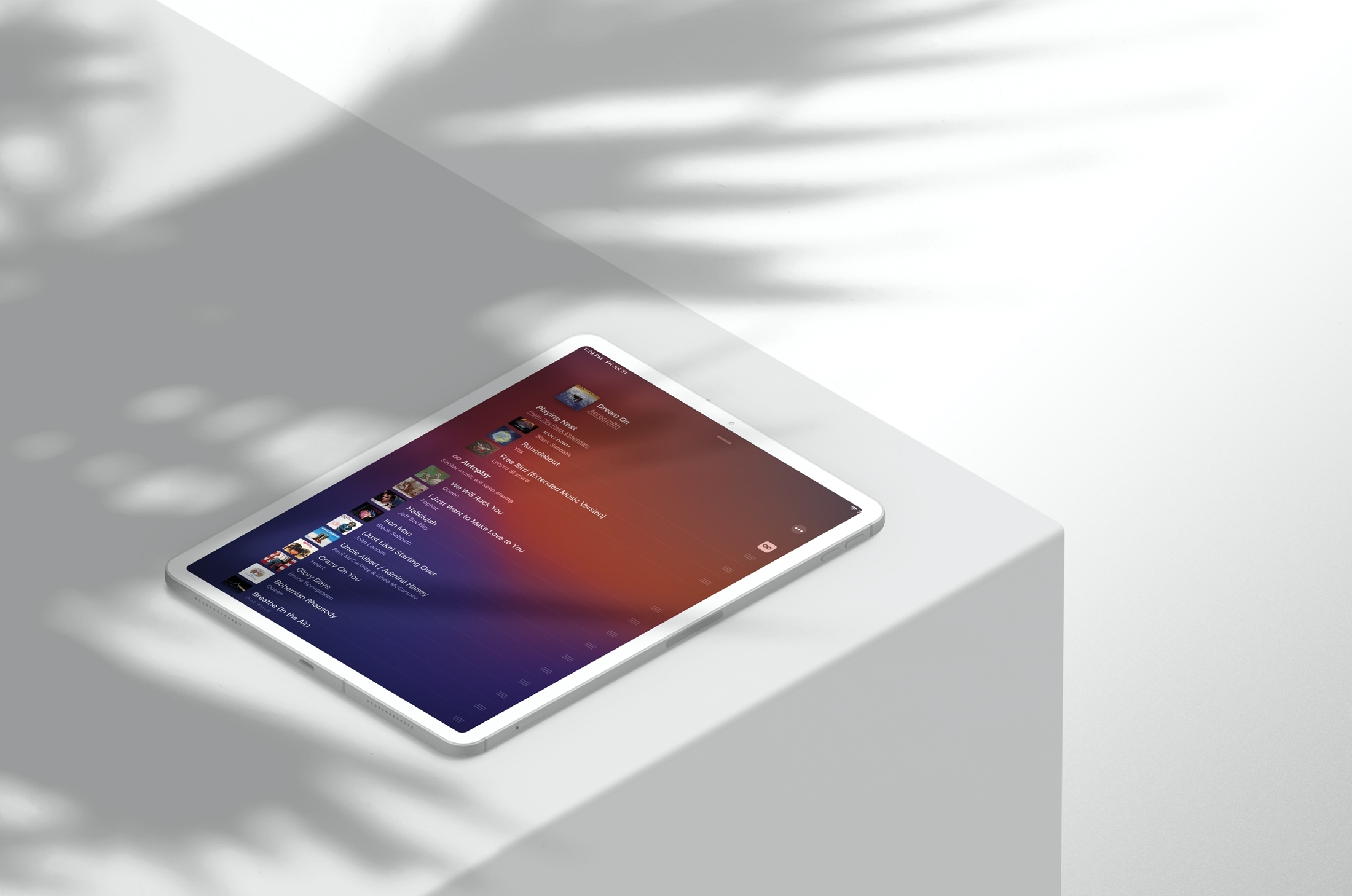
When you hit the end of a song or playlist, similar music will continue to play, so you can keep the party going, the dance steps moving, or yourself grooving.
Turn on Autoplay on Apple Music
The Autoplay feature is not enabled by default. So, if you want that continuous flow of songs, you’ll need to turn it on.
- Open the Music app on your iPhone or iPad and play a song.
- Go to the Now Playing screen and tap the bullet icon.
- Lastly, tap the Autoplay (infinity loop) icon so its background is highlighted.

What’s nice about this feature, aside from nonstop music, is that you can see what will be playing next while using this mode.
Below Playing Next or Continue Playing, you should see “Autoplaying similar music” after a song or “Similar music will keep playing” at the end of a playlist.
When you’re done using continuous play, just tap the icon to turn it off, and you’ll be back to your regular music mode.
Autoplay mode in the Music app is a nice improvement if you listen to music often and don’t want to worry about playing the next playlist or song.
And finally, here’s what the button next to AutoPlay does: How to use the new DJ-like AutoMix feature in Apple Music