Learn how to take action on email addresses, phone numbers, addresses, or dates, and create perfect shapes within your handwritten notes on your iPad.
How to use Data Detectors and Shape Recognition on iPad

Learn how to take action on email addresses, phone numbers, addresses, or dates, and create perfect shapes within your handwritten notes on your iPad.
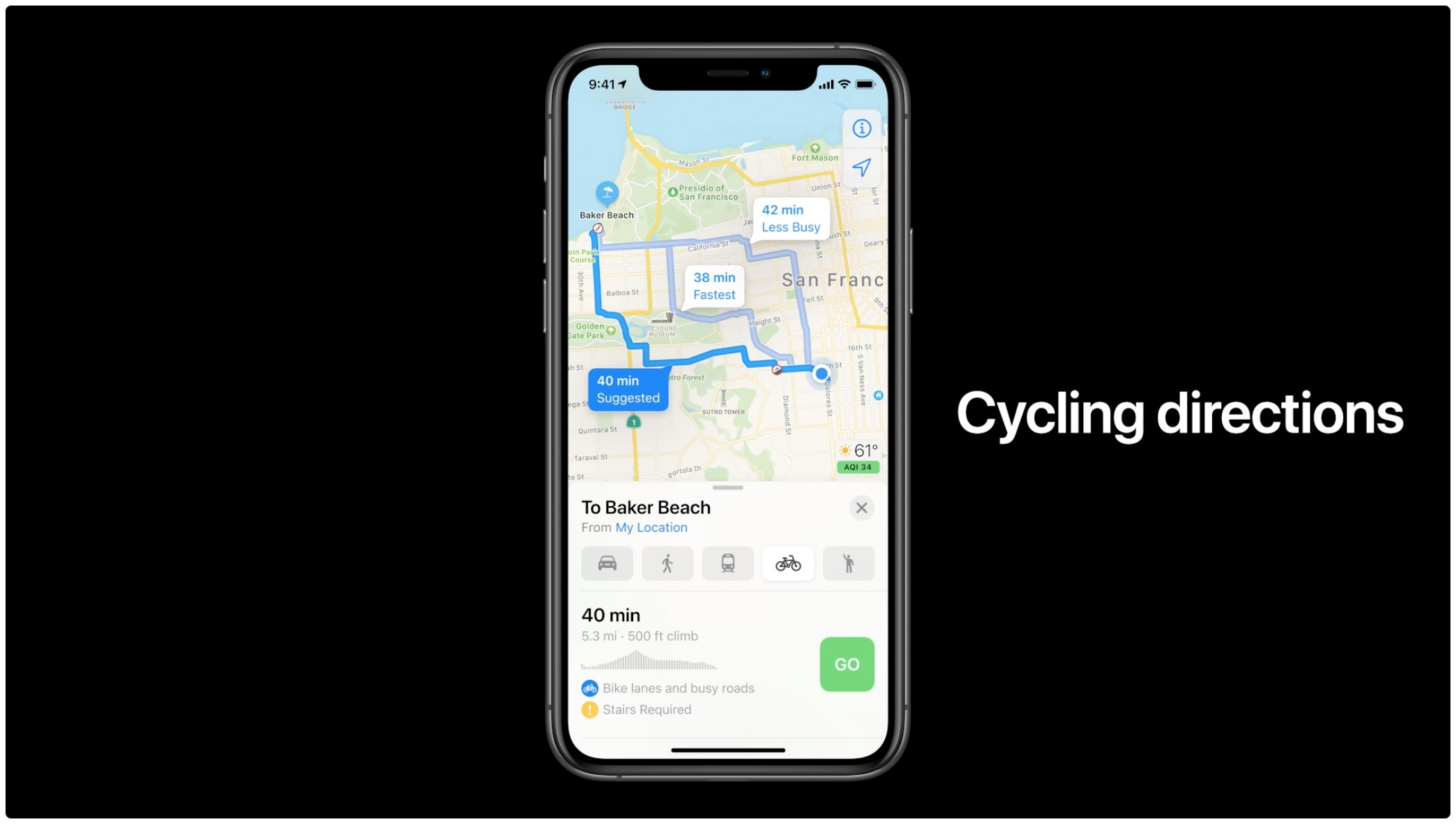
Learn how to get cycling directions in Apple Maps on iPhone, iPad, and Apple Watch to see turns, elevation changes, bike lanes, and more along the route.

In this tutorial, we’ll cover the basics of sharing an Apple Watch face from your Watch or iPhone, uploading it online, and using a shared face yourself.

We’ve been telling you about some great new features that came with iPadOS 14 and Scribble that you can use with or without an Apple Pencil. You can copy and paste handwritten notes as typed text and use handwriting in text boxes like search fields. But there’s more!
The Scribble feature comes with a Shortcut Palette that you can use to perform actions faster and without opening your keyboard. You can do things like add a date to a to-do in Reminders or change the font in an email in Mail. Here’s how to use this cool tool, the Scribble Shortcut Palette, on your iPad.

Learn how to use Conversation mode in Apple's Translate app to show the translated transcription of a face-to-face conversation in real time.

In this tutorial, we’ll show you how to select, delete, add space, join, and insert text using Apple Pencil on your iPad.

If you own an Apple Watch and recently upgraded to watchOS 7, you might notice a new app on your wrist. The Memoji app is a new addition for those with watchOS 7 or later that lets you create and edit a Memoji as well as turn one into a Watch face.
Make your first Memoji, spruce up your existing one, or create something totally funky. Sound like fun? Here’s how to use the Memoji app on your Apple Watch.
The Apple Maps electric vehicle routing feature helps environmentally-conscious drivers plan trips with supported electric cars by automatically adding charging stops along their routes. With it, an iOS device offers to route you to the nearest charging station when your charge gets too low. Follow along with us to learn how to set up and use electric vehicle routing in Maps.
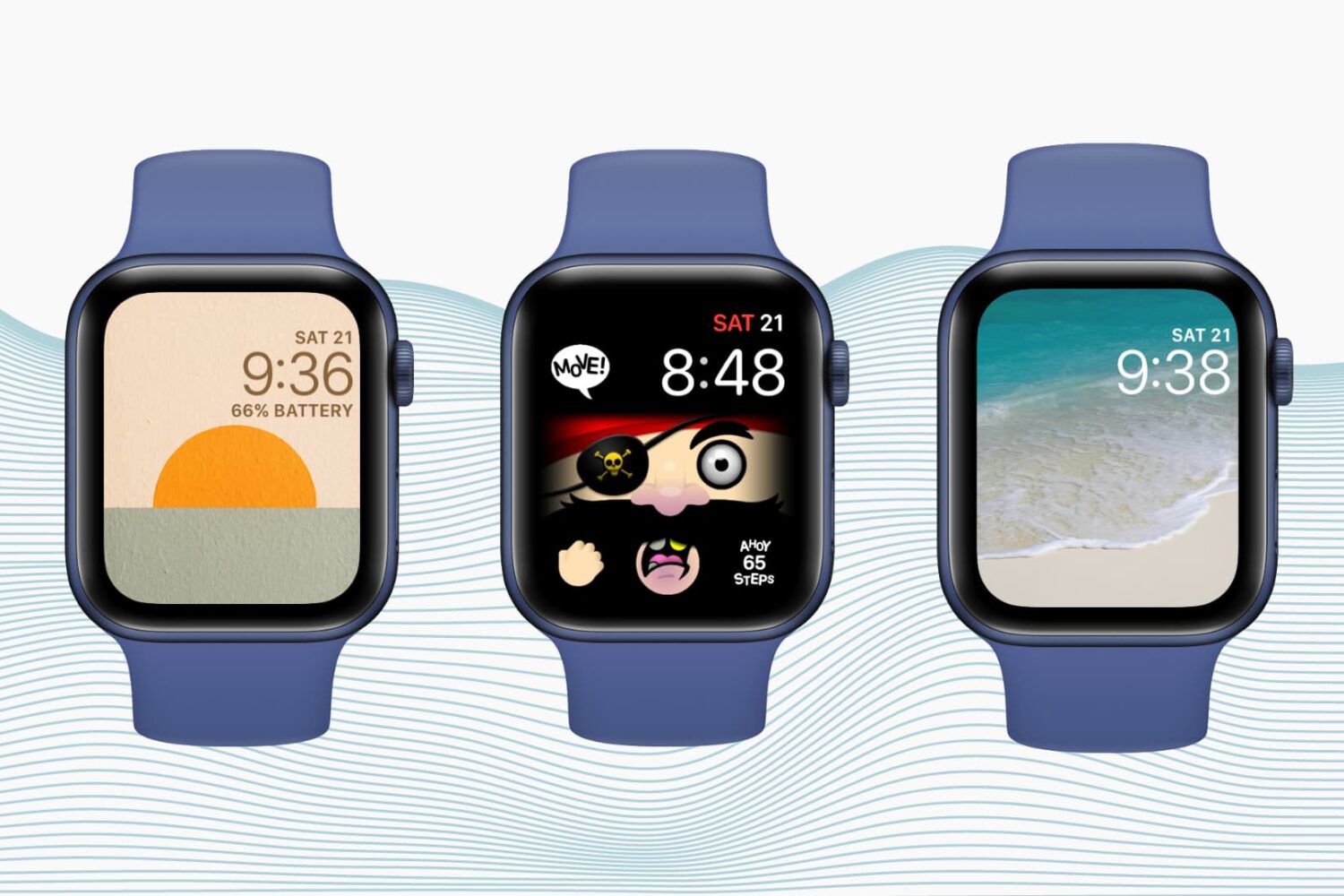
Want to personalize your Apple Watch? Check out how to create custom watch faces and complications to match your taste, style, or even your day.
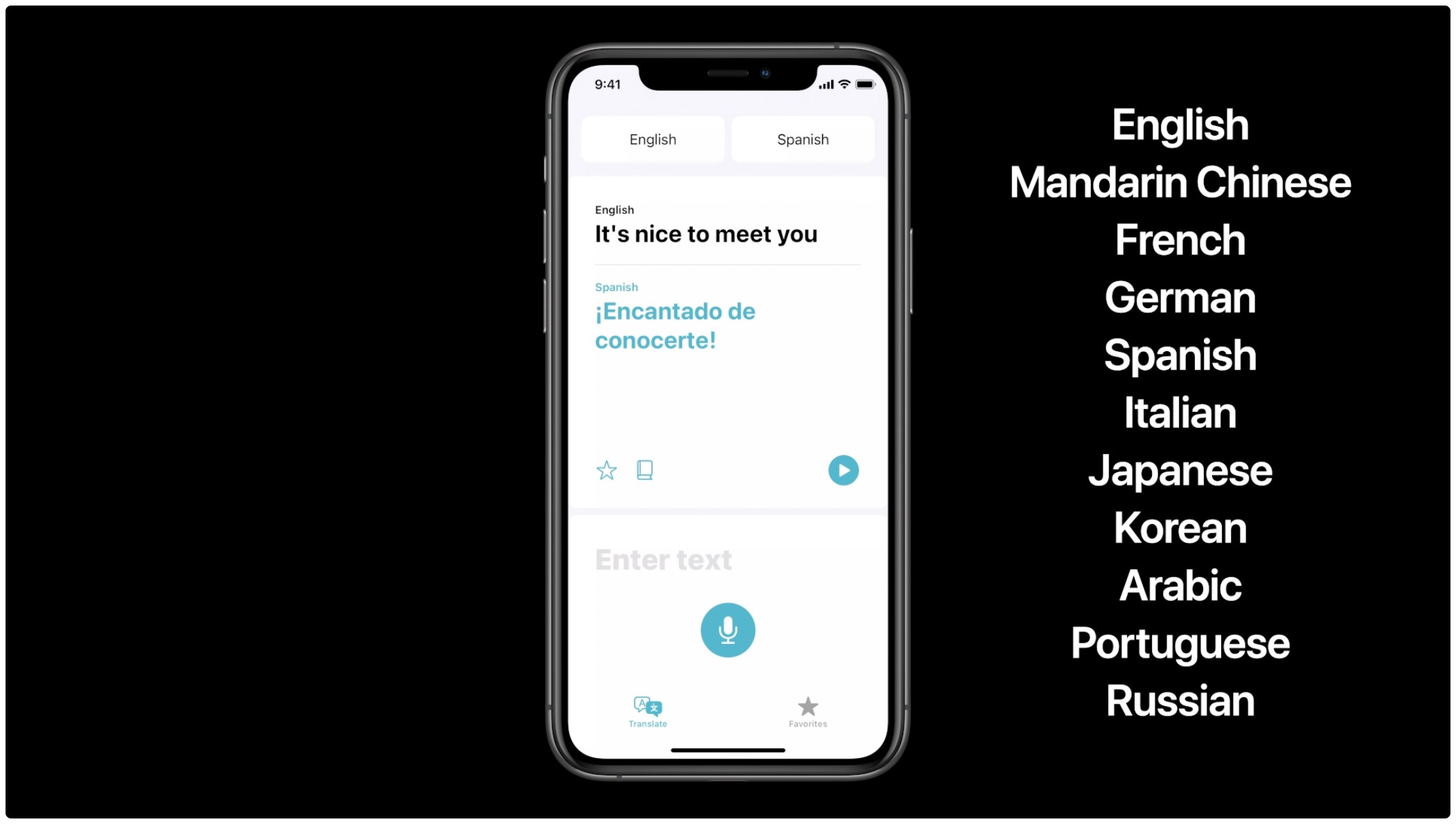
Read these official system requirements for Apple's Translate app on the iPhone and iPod touch to verify that the software supports your preferred languages, regions and devices.

Before you can use the iPhone or iPad Translate app without an Internet connection, you'll need to download language packs. In this brief tutorial, we'll show you how to download languages to your iPhone or iPad so you can use it for offline translation.
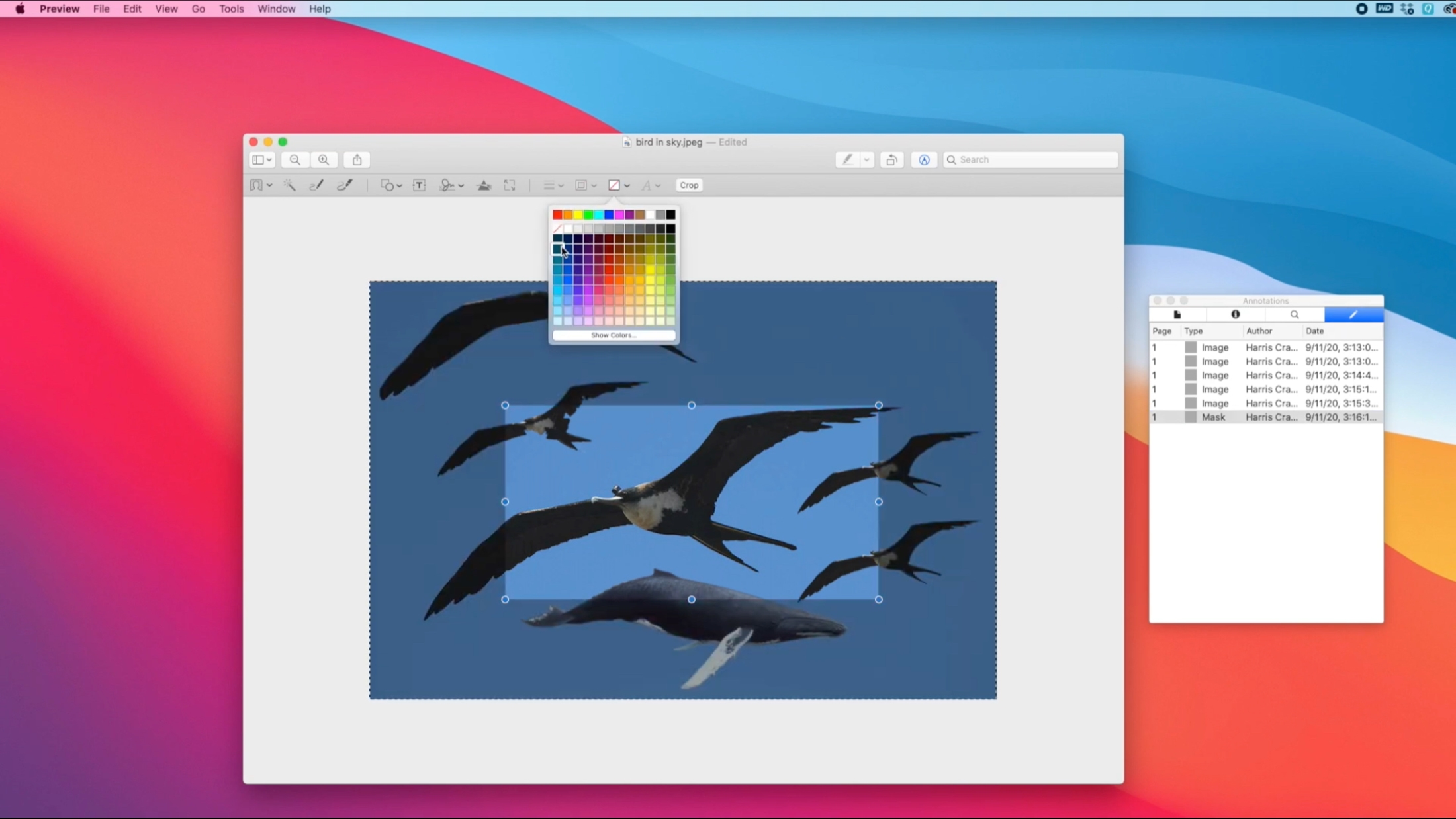
To make edits to photos on your Mac, you don’t have to invest in an expensive photo editing app or piece of software. The built-in Preview app provides you with tools for making changes to your photos and other images that you might not even realize.