Find out how to know which app created or saved a photo or video to the iOS Photos app on your iPhone to trace media origins.
How to know which app saved media to your iPhone Photos

Find out how to know which app created or saved a photo or video to the iOS Photos app on your iPhone to trace media origins.

Learn how to easily hide, blur, or pixelate sensitive parts of a photo or screenshot on your Mac using built-in and third-party tools.

Learn how to flip a photo on iPhone, iPad, and Mac using the built-in Photos or Preview apps to create a mirror effect.

Learn how to hide photos and videos on your iPhone, iPad, and Mac if you’d like to keep them private or simply want to declutter your camera roll.

Learn how to change the key photo for a Live Photo on iPhone, iPad, and Mac by selecting the most compelling and visually appealing moment of the photo.
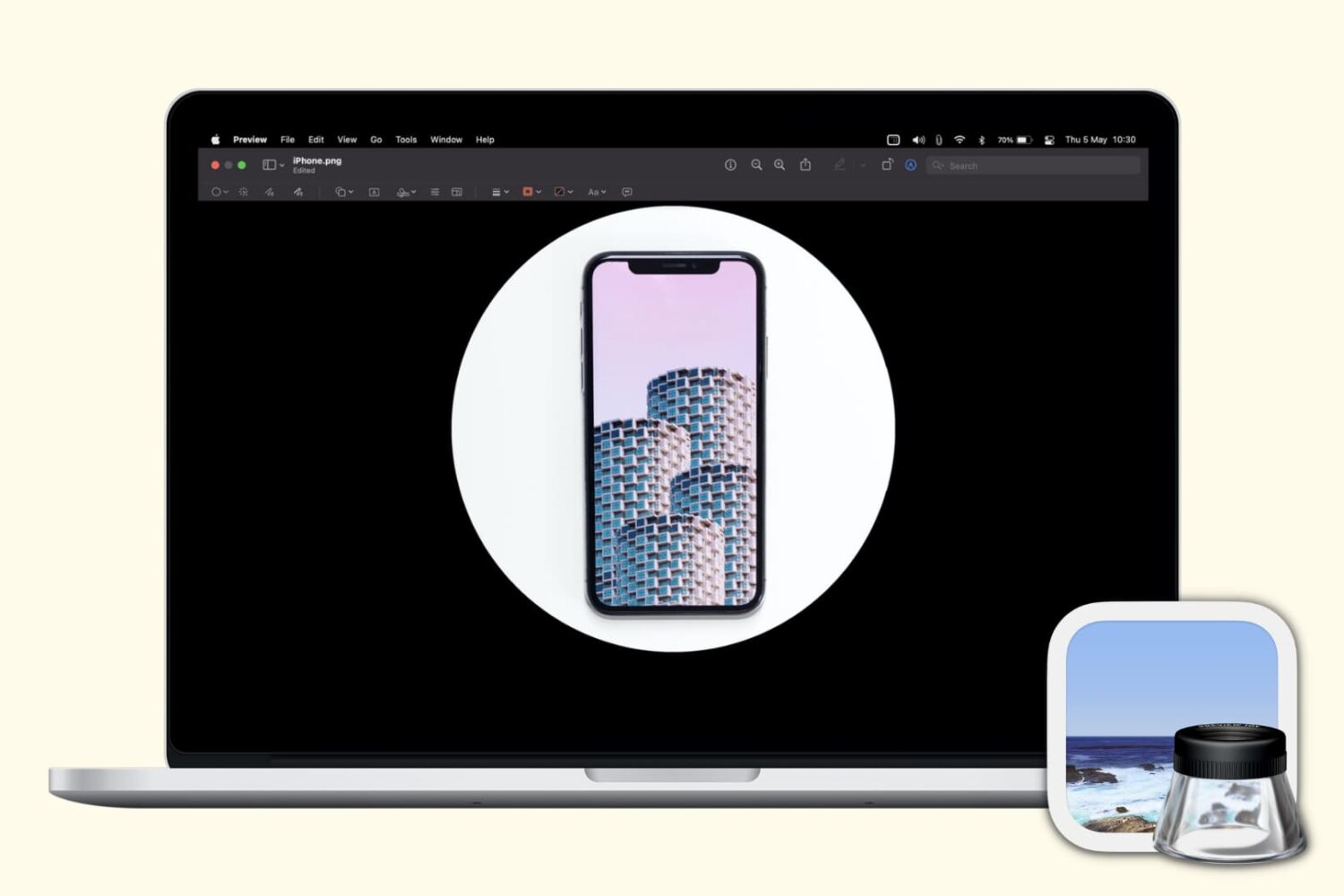
Check out these free techniques to crop photos on your Mac without downloading third-party image editors or using app extensions.

Learn how to compress photos without using the internet on your iPhone or iPad to make their file sizes smaller so they’re easier to share, upload, and store.

Learn how to change or delete the date, time, location, and other metadata of a photo on your iPhone, iPad, and Mac.

Learn how to add a photo widgets to your iPhone or iPad Home Screen so you can get a glimpse of memorable pictures without going inside the Photos app.
Finding photos of people, places, or things can become increasingly difficult as you snap more pictures. And if you don’t take the time to add keywords or descriptions, it can be even harder. In this tutorial, we’ll share some tips to help you find what you need inside the macOS Photos app.

Learn how to sort images and videos in the built-in Photos app on your iPhone or iPad by date or custom order to organize your library.

Tired of endlessly scrolling through your library in search of that one photo? In this guide, we will show you how to use search filters in the Photos app on your iPhone and iPad, and start effortlessly locating the photos you are looking for.