Learn how to manually add titles and captions to images and videos in the Apple Photos app on your iPhone, iPad, and Mac to make it easy to search for them later.
How to add captions to photos and videos on Mac and iOS
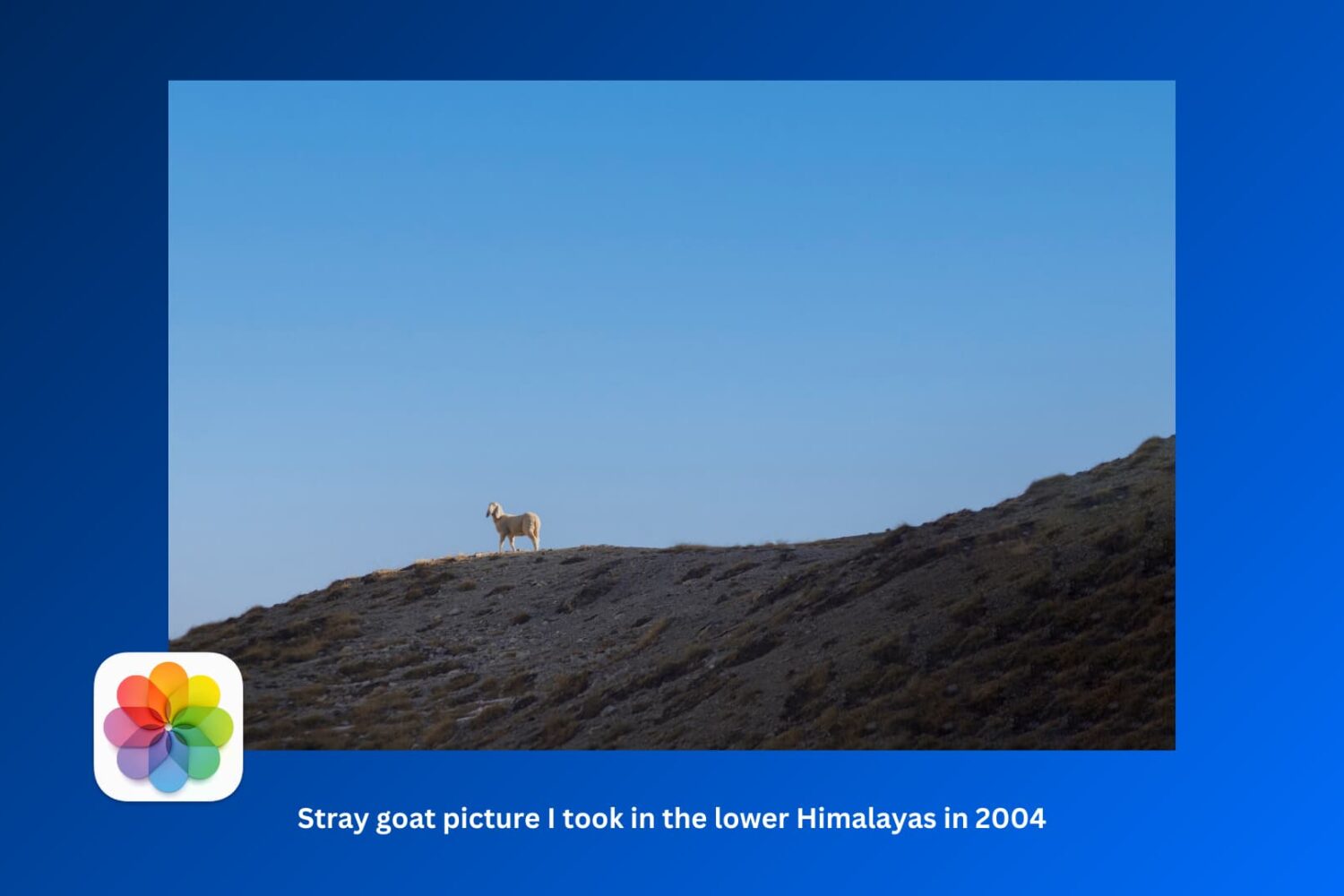
Learn how to manually add titles and captions to images and videos in the Apple Photos app on your iPhone, iPad, and Mac to make it easy to search for them later.
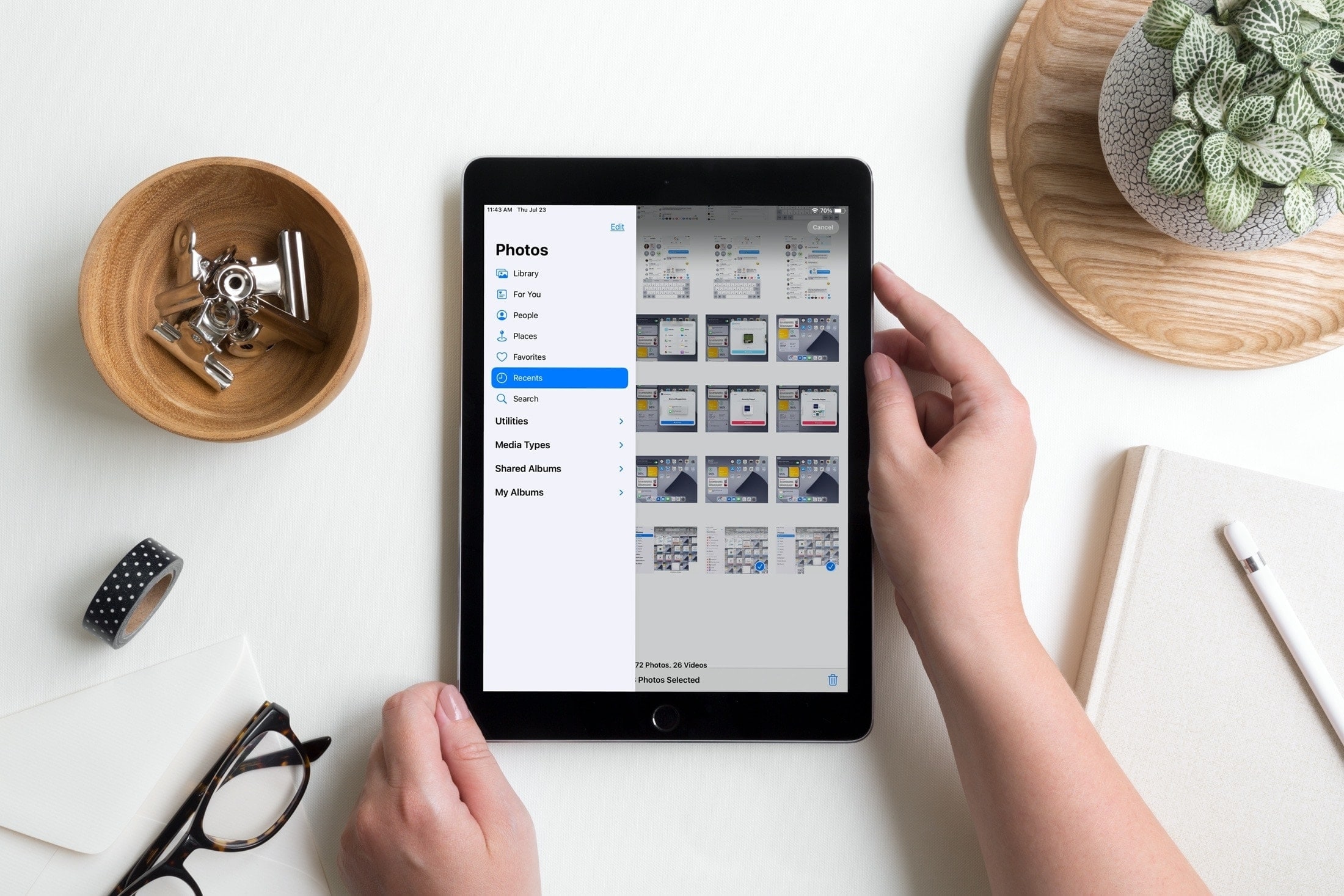
Learn how to use the sidebar in the Photos app on your iPad to easily access and navigate your image library, shared albums, specific media types, and more.
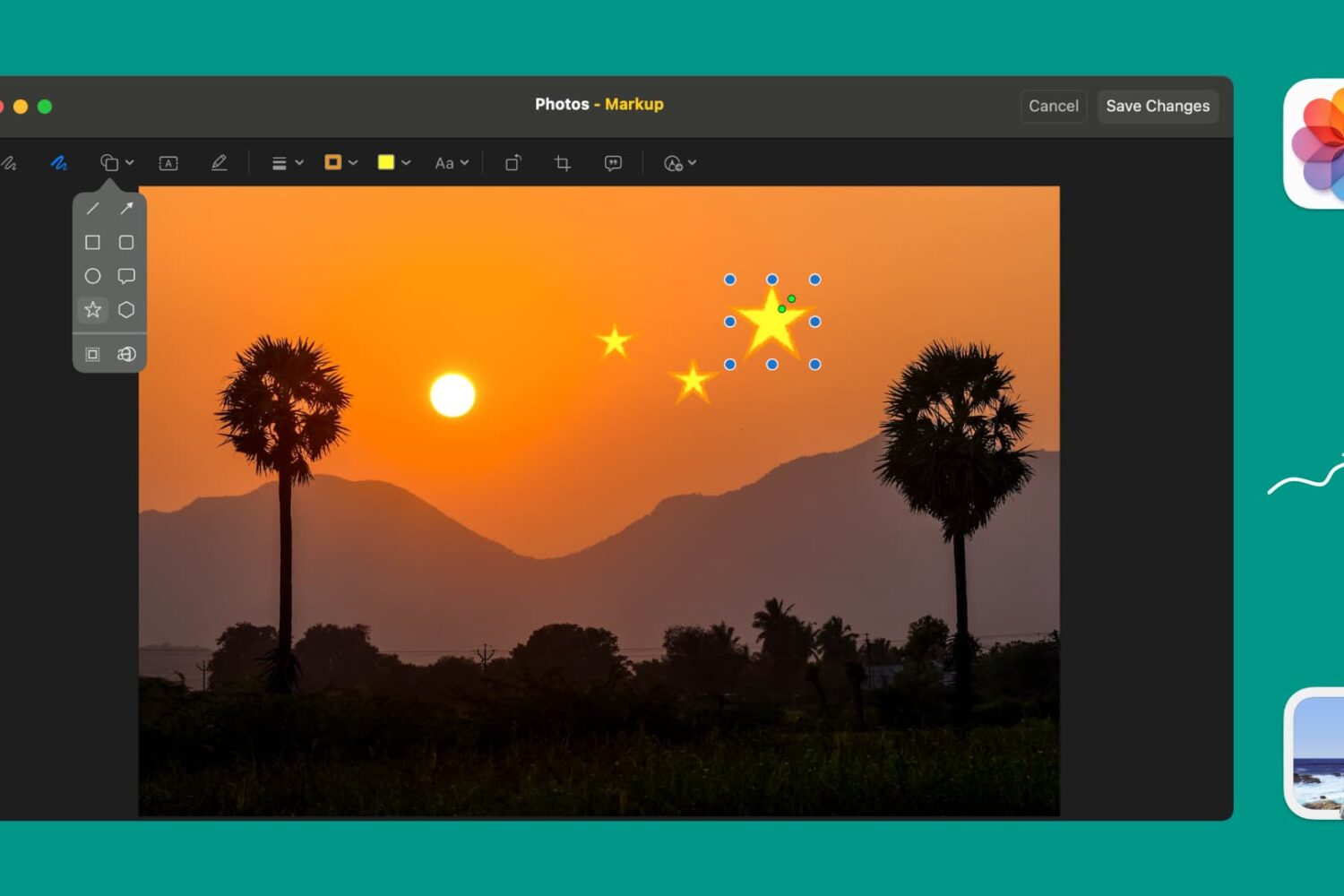
Learn how to use Markup tools in the Preview and Photos apps to annotate, highlight, add shapes, or draw on images without needing third-party apps.
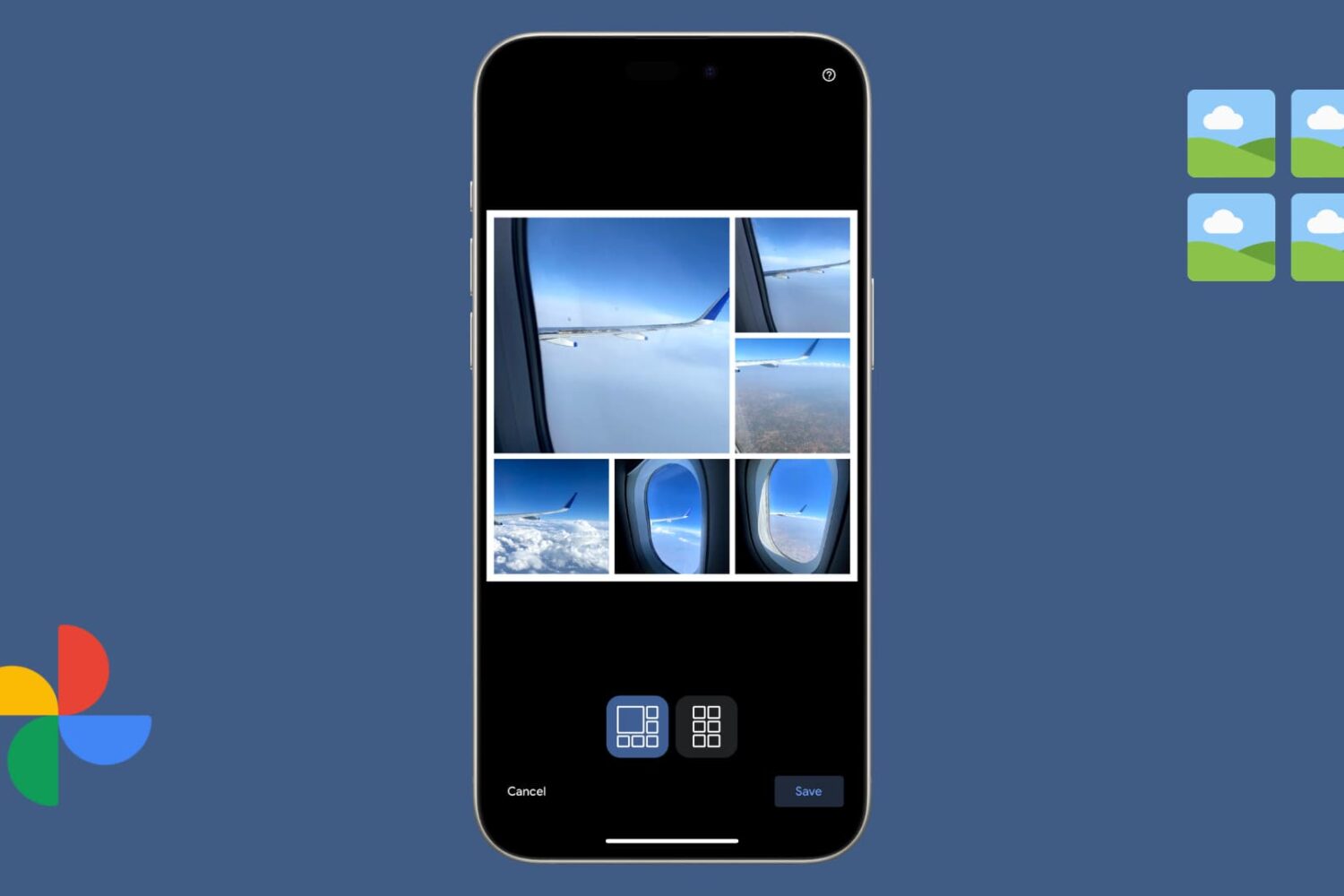
Learn how to create a picture collage in the Google Photos app on your iPhone, iPad, Android device, or computer to combine multiple photographs into one image.
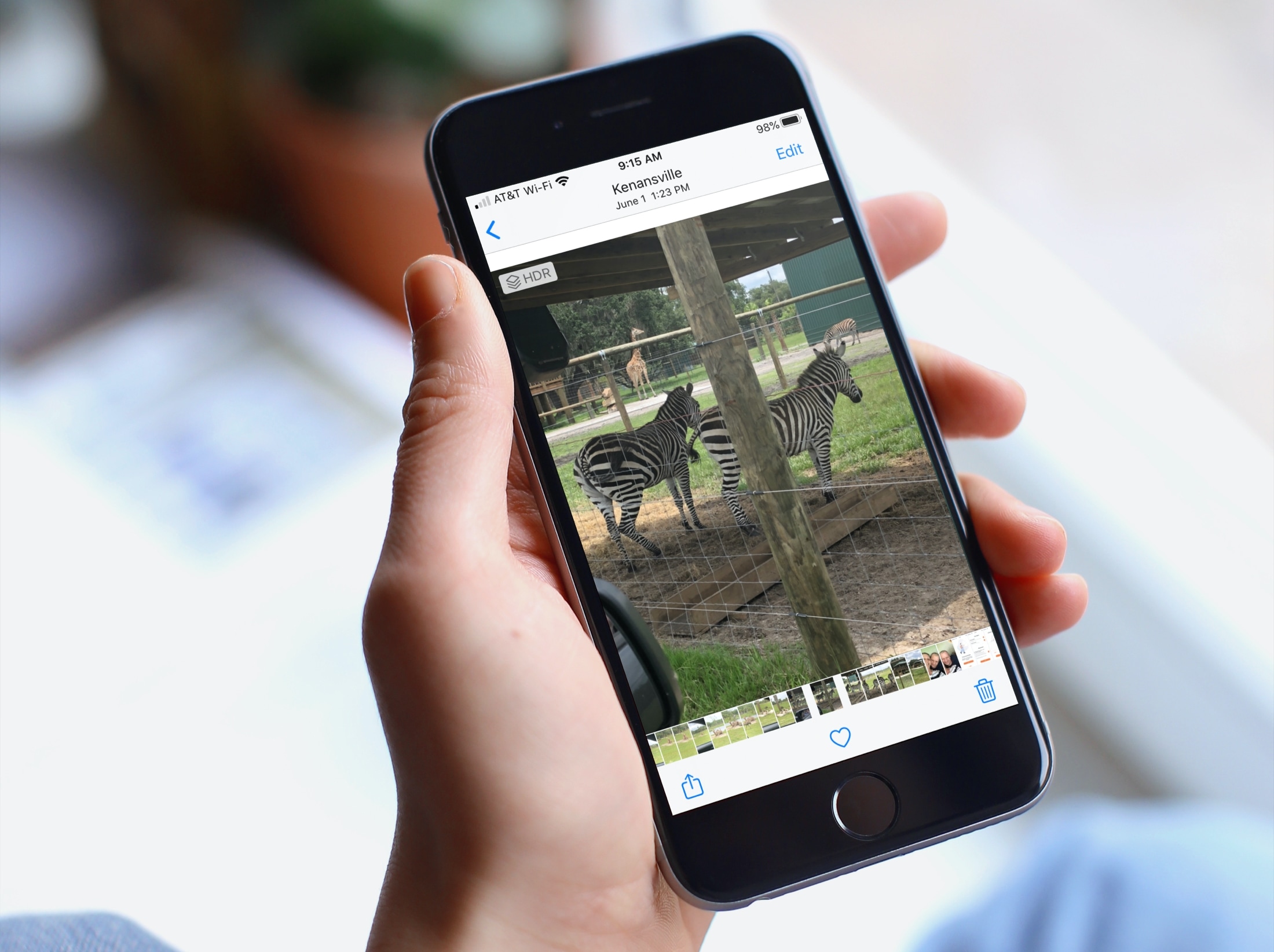
When you’re browsing through your pictures in the Photos app, you might notice that Live Photos and videos automatically play. And while this can be convenient if you’re just reliving some memories, it can be distracting if you’re looking for something in particular. If you’re someone with motion sickness, it can even cause extra discomfort. So, here’s how to deactivate the autoplay feature for videos and Live Photos in the Apple Photos app.

Learn how to organize your albums more efficiently by creating folders in the Photos app on your iPhone, iPad, or Mac.
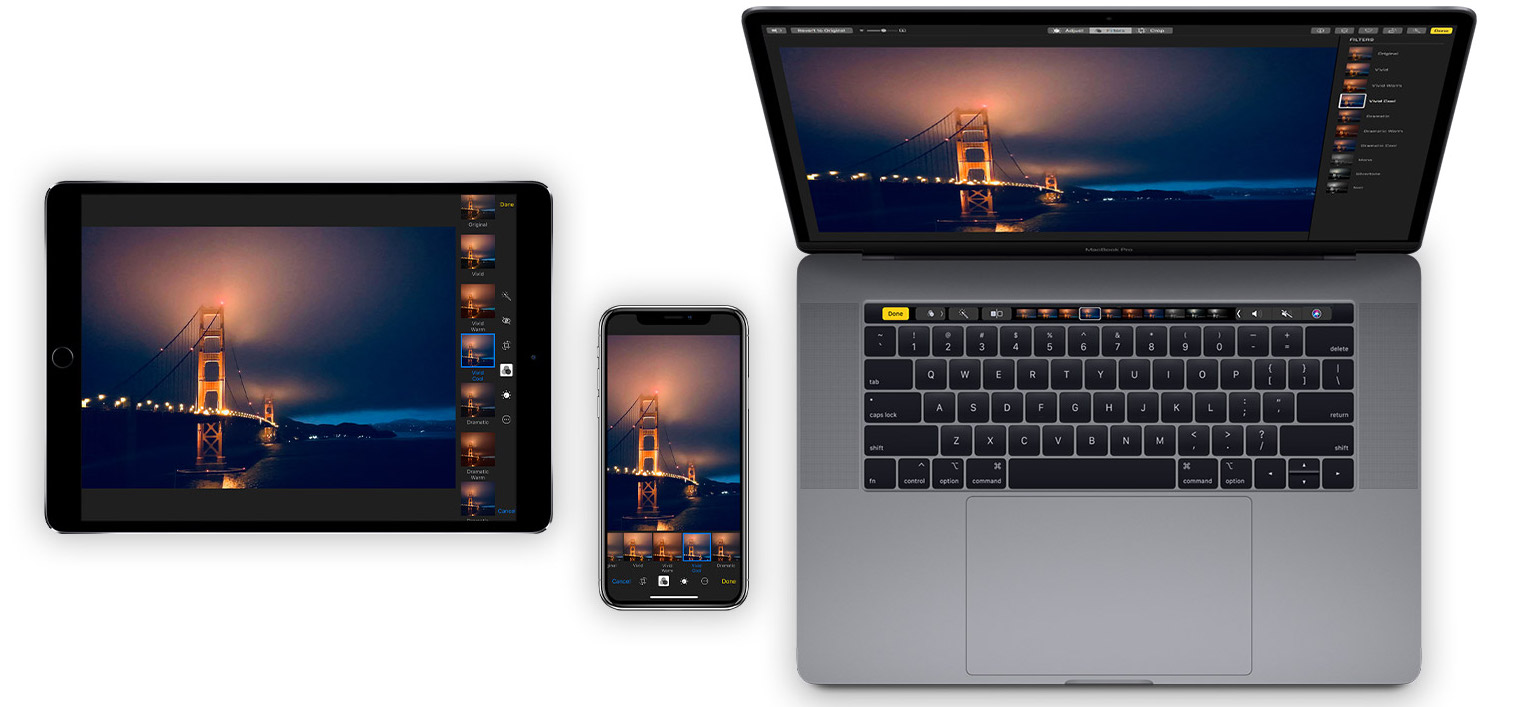
Learn how to organize your pictures and videos with Smart Albums in the macOS Photos app to simplify photo management with intelligent automation.

Learn how to name people that Photos for Mac has recognized in your images to quickly identify your favorite people and organize your media library.

Learn how to keep your pictures and videos organized in the iPhone and iPad Photos app by sorting them into photo albums.

Learn how to easily strip GPS data from your photos on Mac, ensuring your personal whereabouts remain confidential and secure.
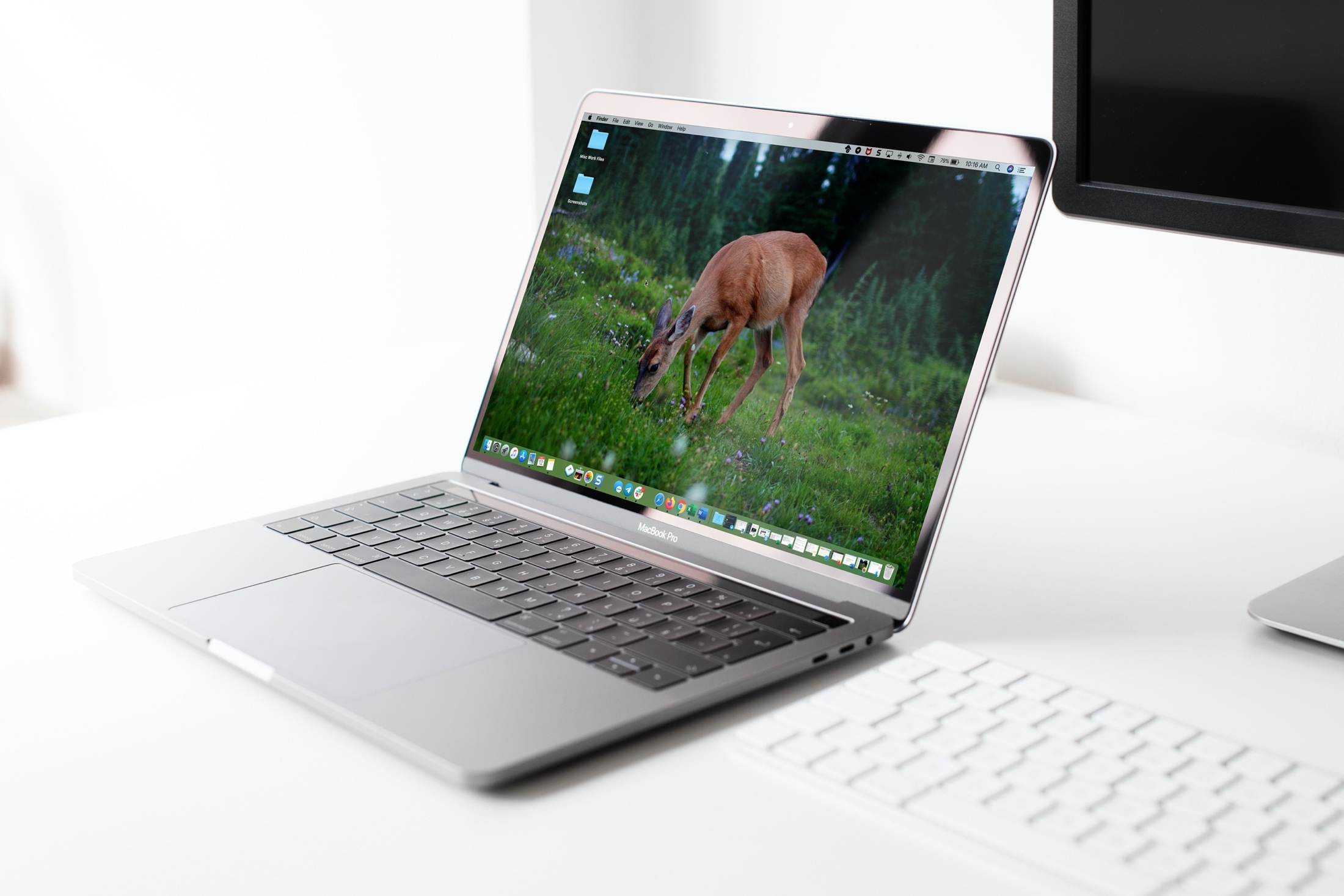
Looking for a quick way to set a picture as the wallpaper on your iPhone, iPad, or Mac? We’ll show you how to do that right from iOS Photos or macOS Finder without going into Settings.
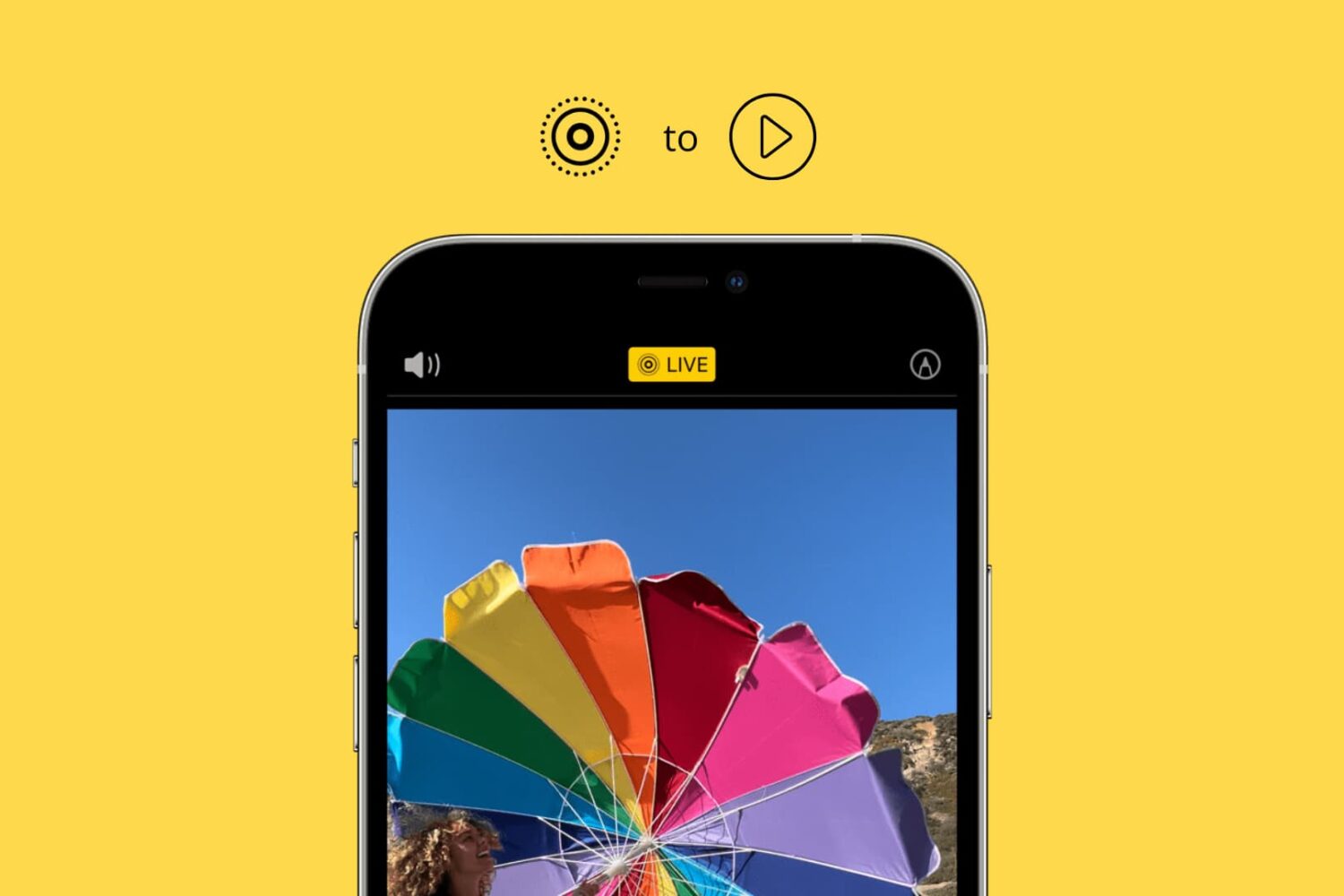
Learn how to convert one or multiple Live Photos into a video on your iPhone and iPad without using third-party apps, websites, or shortcuts.