How to

How to download and add Apple Loops to songs in GarageBand

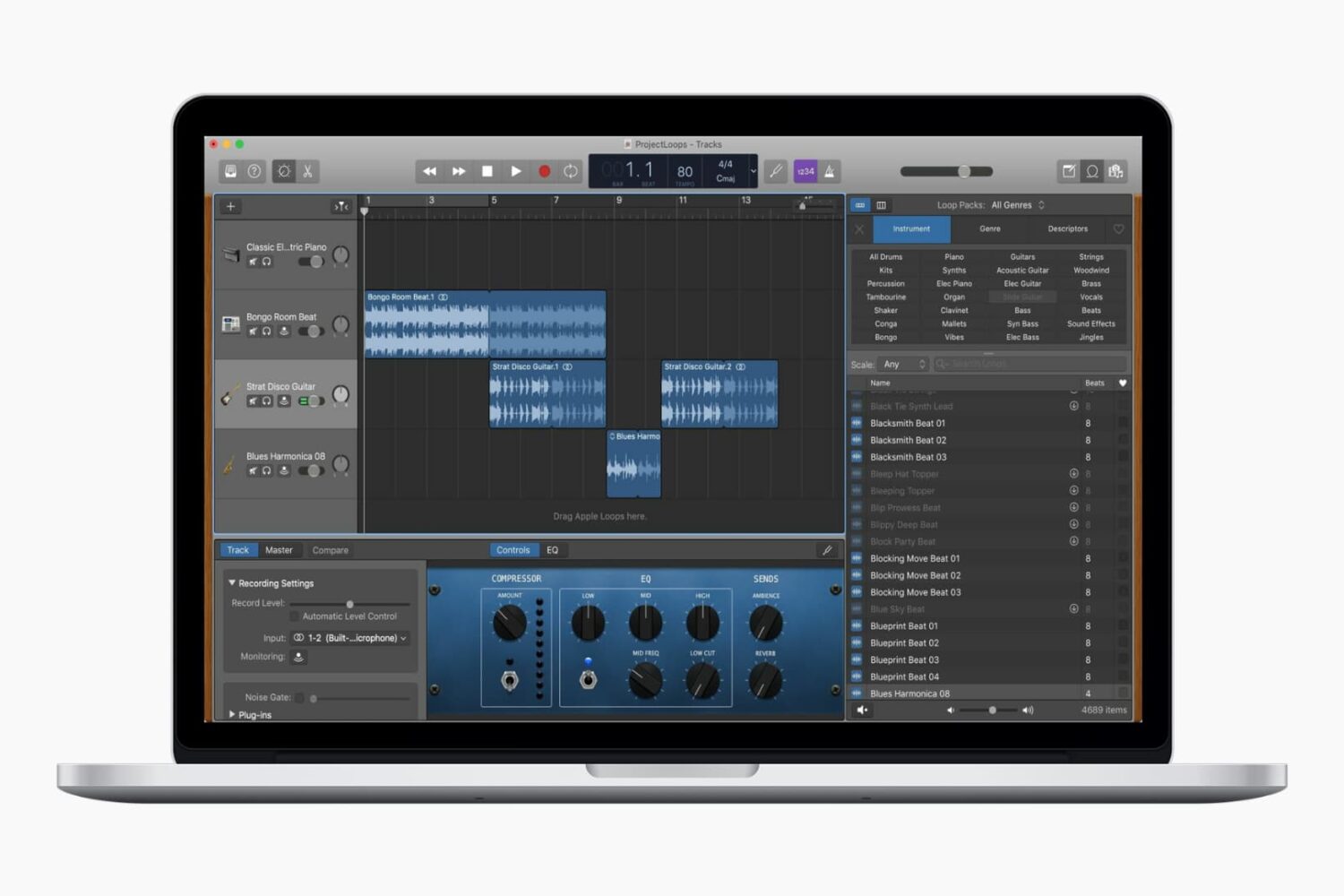
Use Apple Loops in GarageBand

Whether you’ve used GarageBand before or are completely new and just learning, Apple Loops can help you build or enhance your creations. These handy little bits of music come in all forms, from drums to guitar to vocals, and beyond. Some loops are there waiting to be picked by you, while others may need to be downloaded. So depending on the type of song you’re composing, you might want to toss one in or start right off with one. Either way, we’re going to help you out.

This tutorial shows you how to download and add Apple Loops to your songs in GarageBand.

How to add and edit movie titles in iMovie on Mac, iPhone, and iPad

iMovie with Title Mac

The title is an important part of the movie you create in the iMovie app on Mac, iPad, or iPhone. Whether it's short and sweet or long and descriptive, the title, as you know, lets others know what the overall movie is about.

You can add a title to your movie at any point during its creation, and you have some terrific tools for making the title appear as you like. This tutorial shows you how to add and edit a title in iMovie on your Mac, iPad, or iPhone.

How to create a new project in iMovie on iPhone, iPad, and Mac

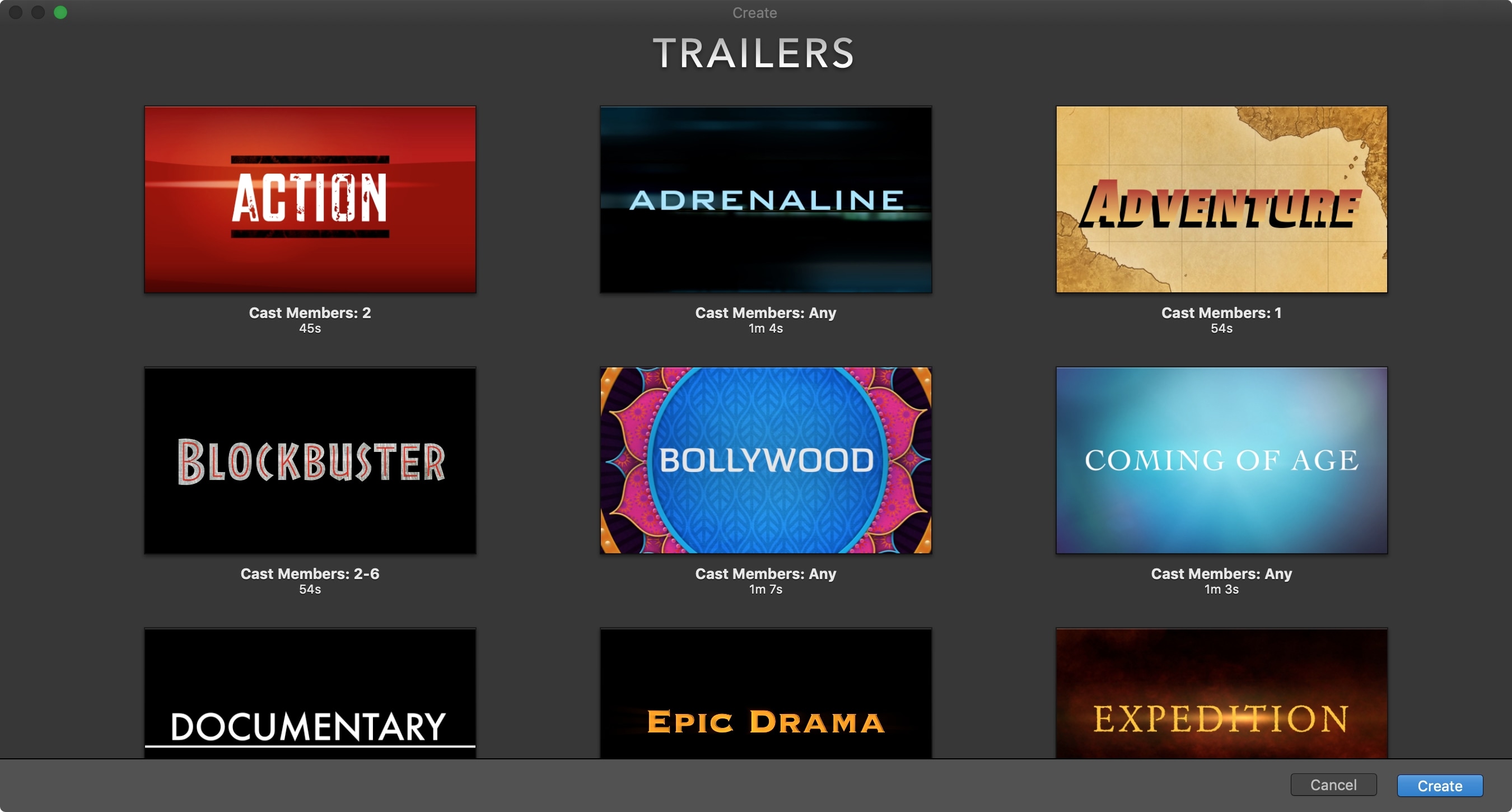
iMovie New Trailer Project on Mac

The iMovie app on iOS and Mac is one of those apps you only open if you really need it. And many people delete it just to save storage space. But if you are interested in creating some movie magic on your device, then there’s no better way than with iMovie.  And the best place to start is with how to create a new project. So, open iMovie on iPhone, iPad, or Mac and follow along!