Stop the frustration of files automatically saving to iCloud on your Mac by following this guide on disabling the default setting.
How to stop Mac apps from saving to iCloud by default with Terminal
Stop the frustration of files automatically saving to iCloud on your Mac by following this guide on disabling the default setting.
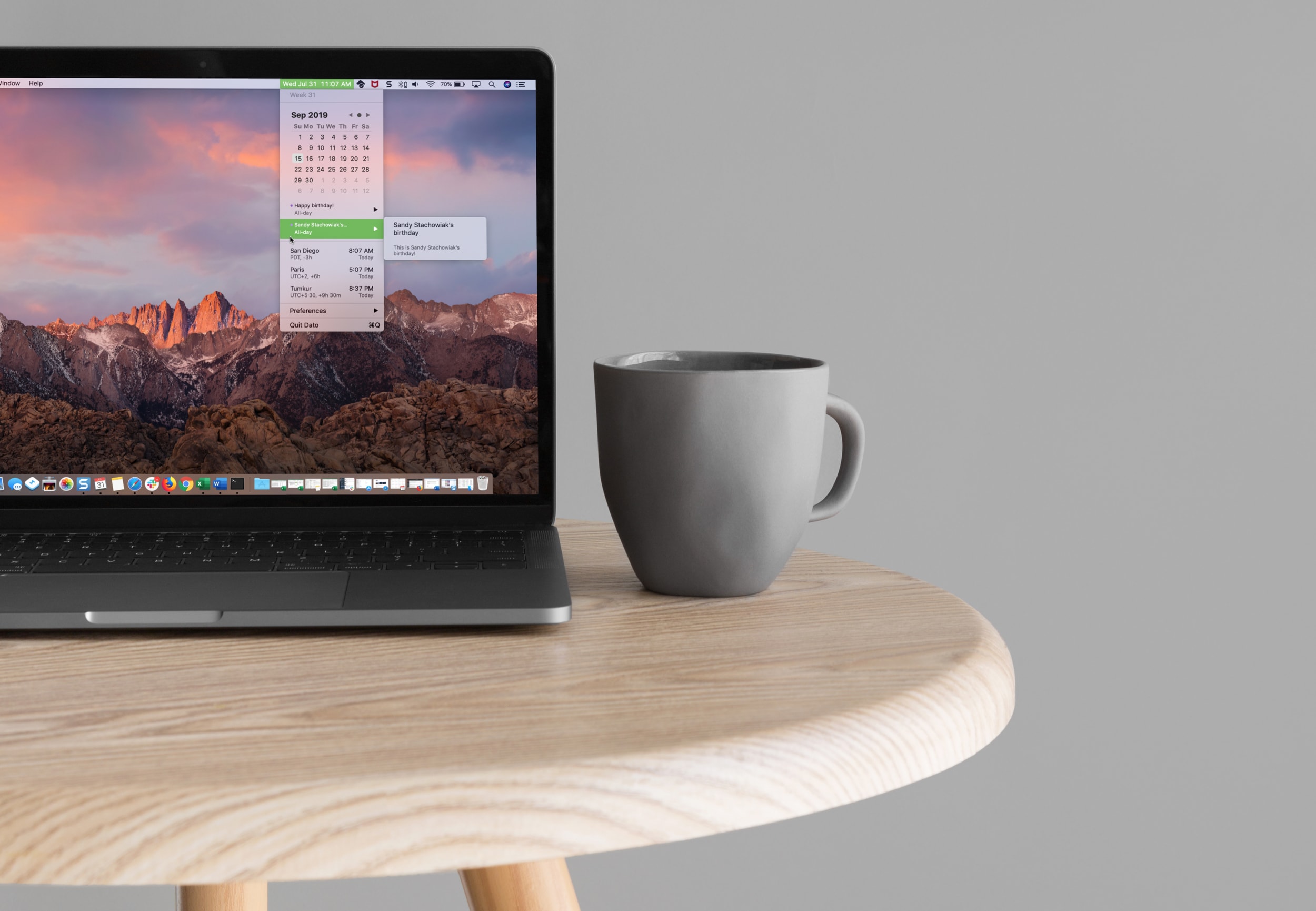
Learn how to easily add a calendar and multiple time zones to your Mac Menu Bar in order to improve your productivity and organization using the Dato app.

The People album in the Photos app is a pretty cool collection that’s assembled for you to quickly view pictures of the people in your life. So when someone new enters that you start snapping photos of, you might want them in that People album too. Unfortunately, they may not show up there as quickly as you might like.
Luckily there is a really easy way to add a new person to the People album in your Photos app or iCloud Photos library. Here’s how.
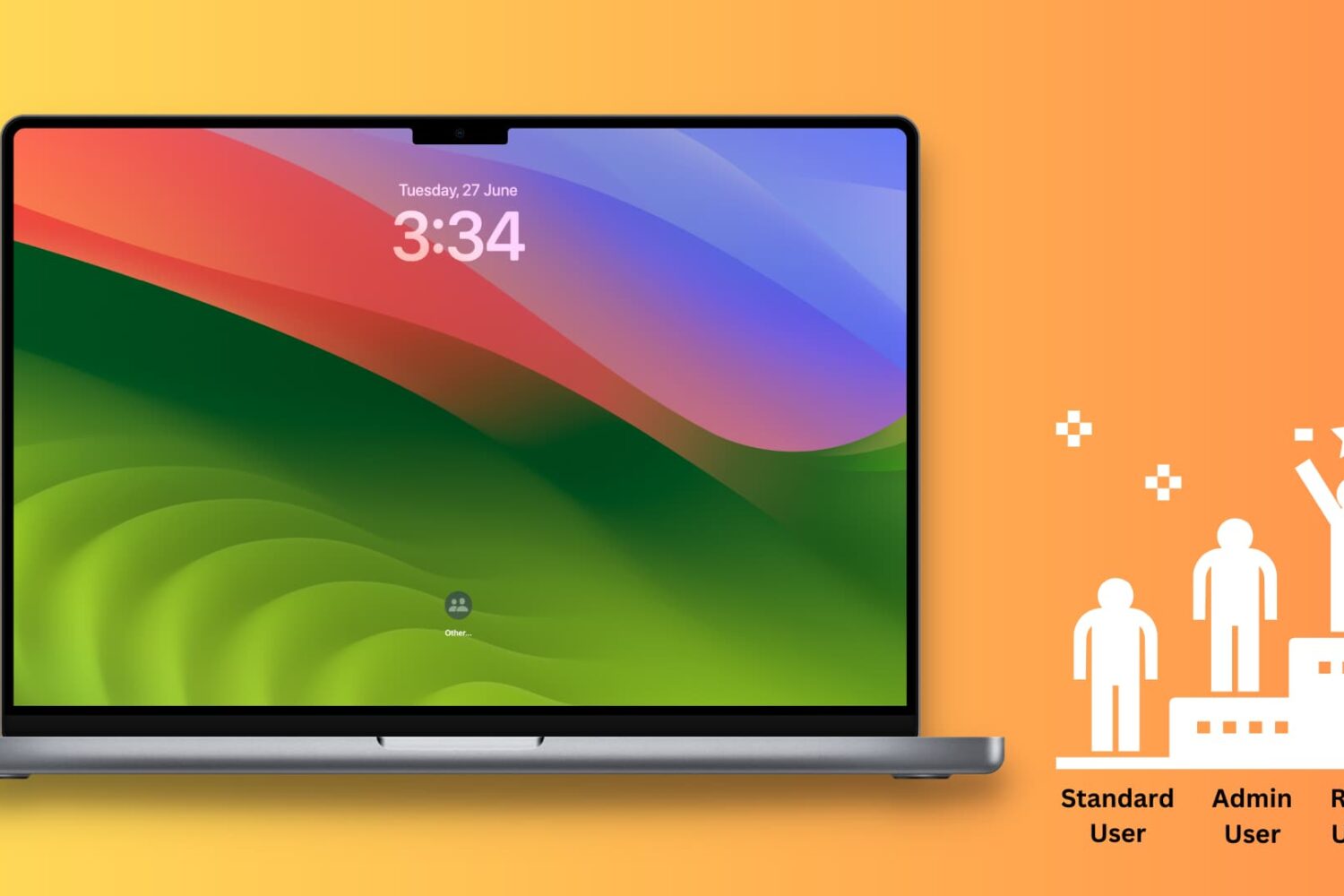
This tutorial shows you how to enable root user on your Mac, log in to it, use it, change its password, and finally disable it.
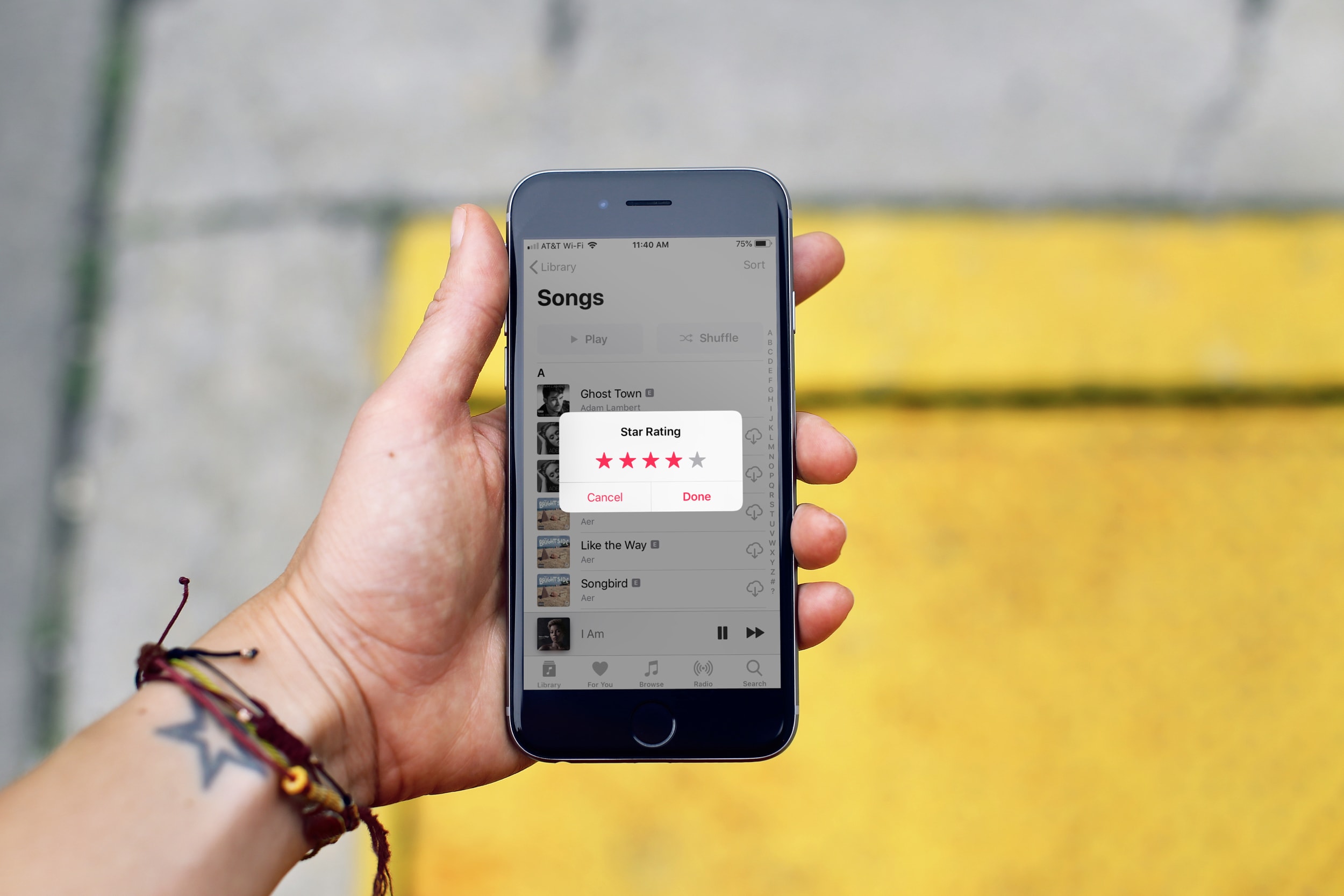
In this tutorial, we’ll show you how to rate songs in your iPhone, iPad, or Mac’s music library on a scale of one to five stars and then create smart playlists based on these rated songs.
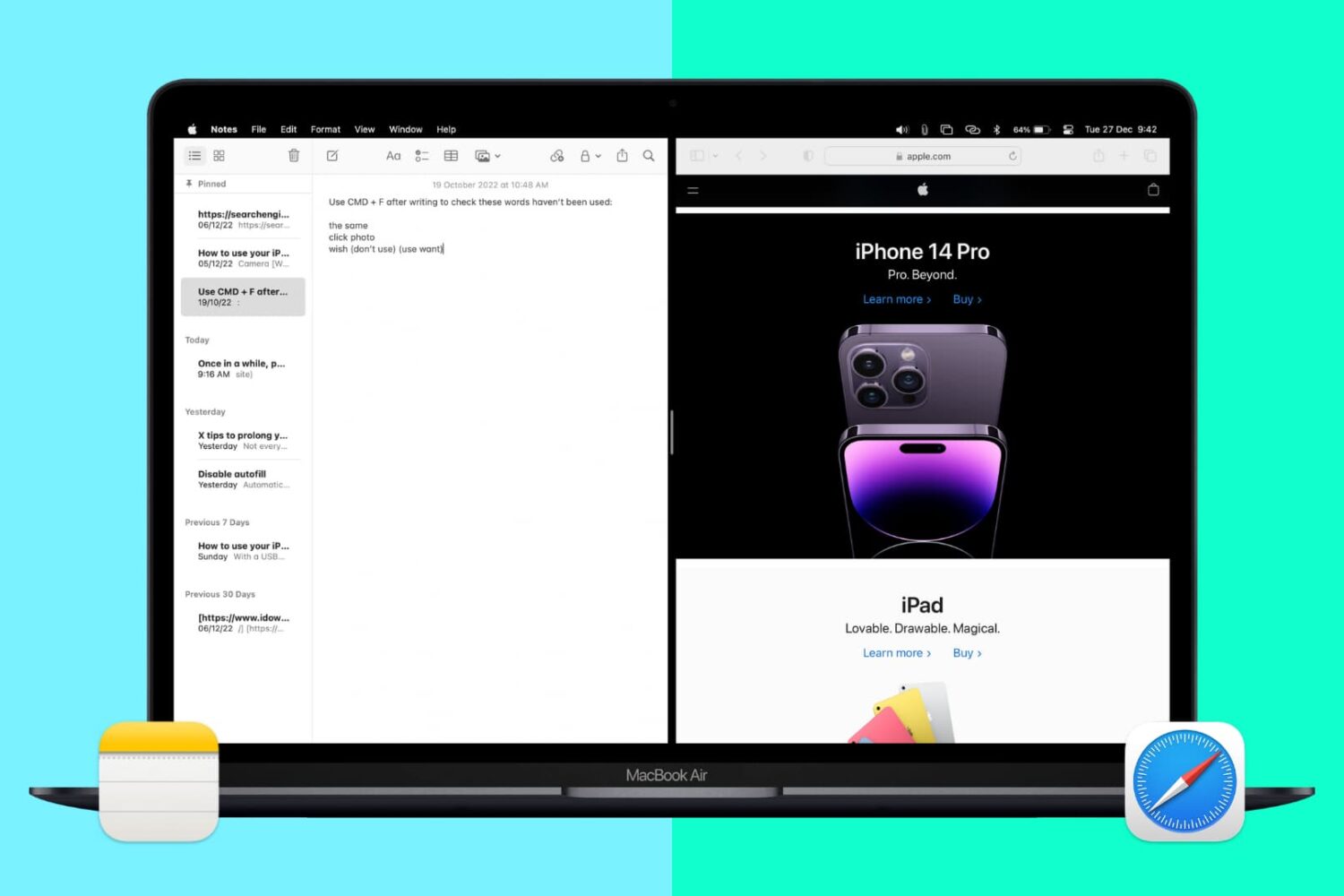
Split View lets you put two apps side-by-side on the same screen. It’s super easy to invoke or exit and makes working on your Mac more efficient. Here’s how to use Split View, or split screen, on your Mac desktop or MacBook.
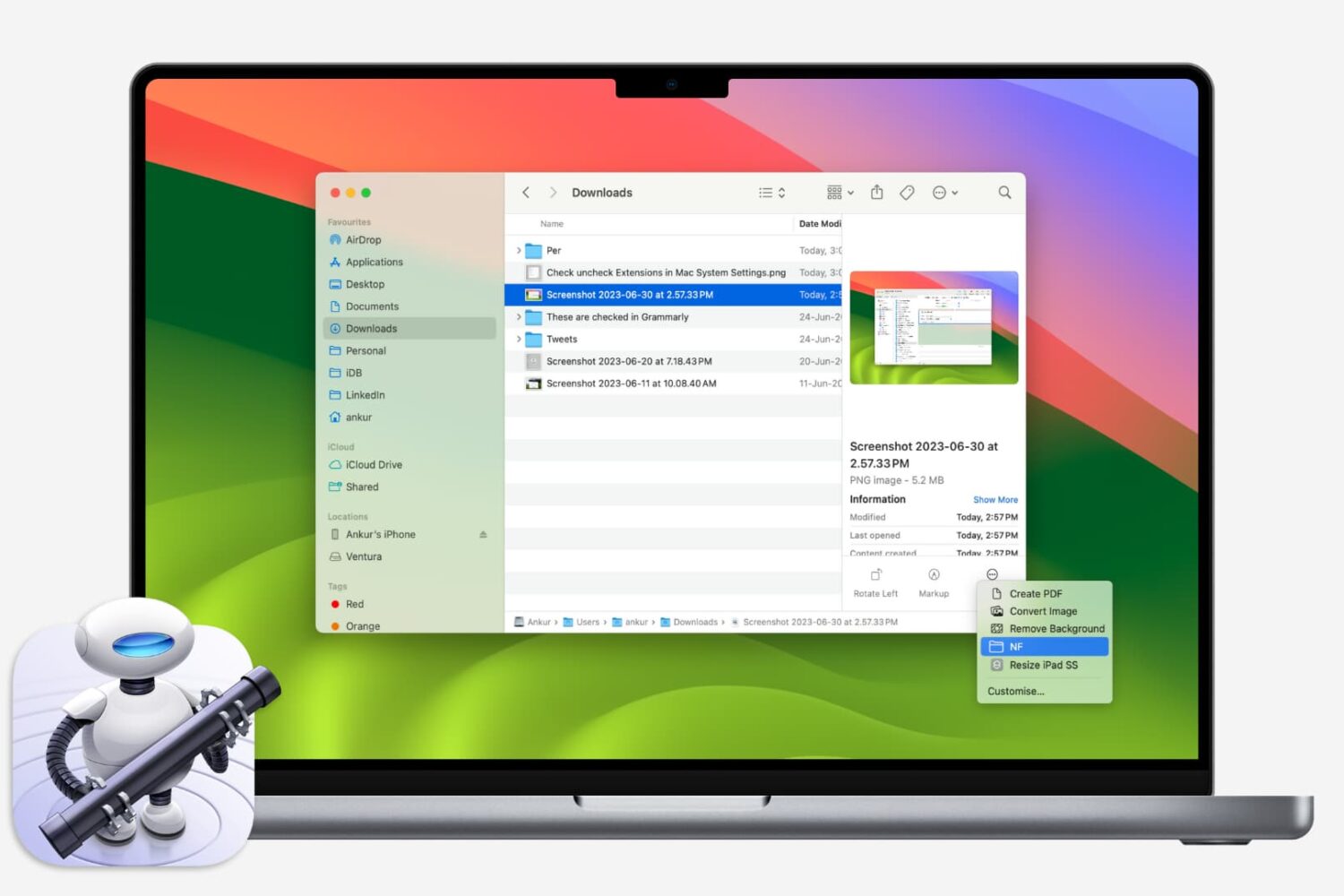
If you like using Quick Actions on your Mac to do things faster, why not make your own? This tutorial shows you how to create custom Quick Actions for Finder.
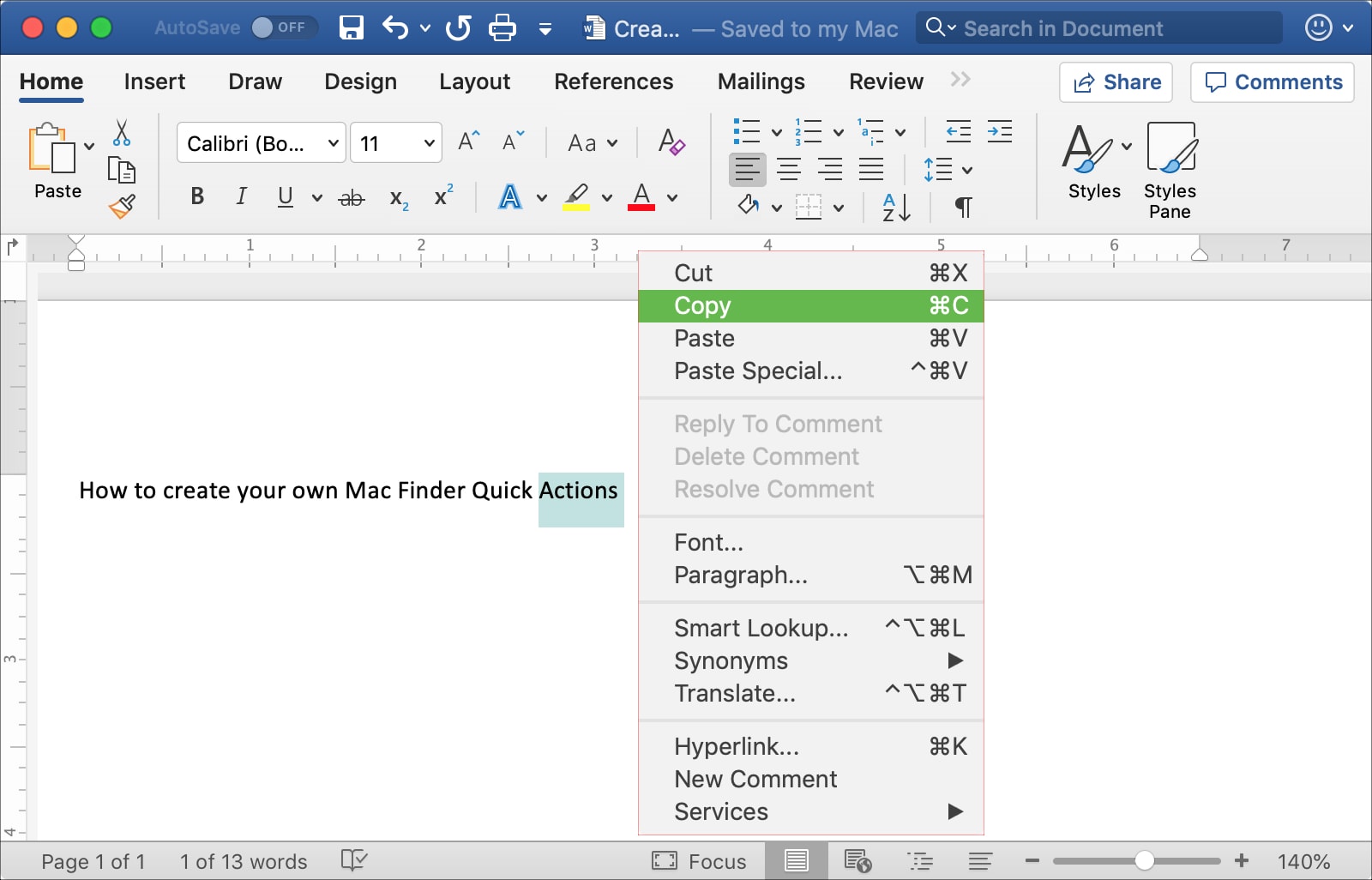
This tutorial shows you three different ways to copy and paste text on Mac using a keyboard shortcut, your mouse or trackpad, and from the menu bar.
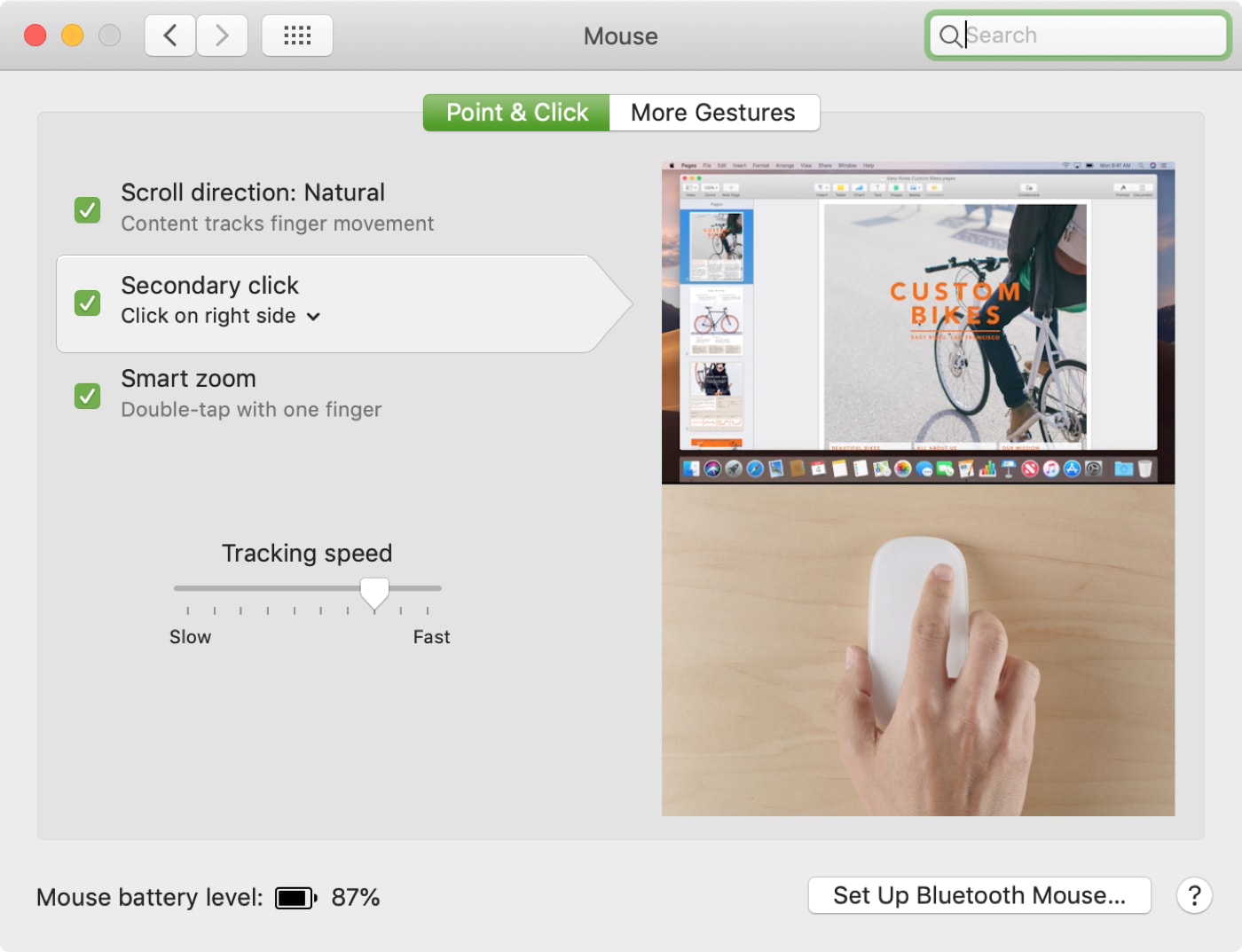
In this tutorial, we explain all the practical ways to right-click—also know as secondary click or Control-click on your Mac using a mouse, trackpad, or keyboard.
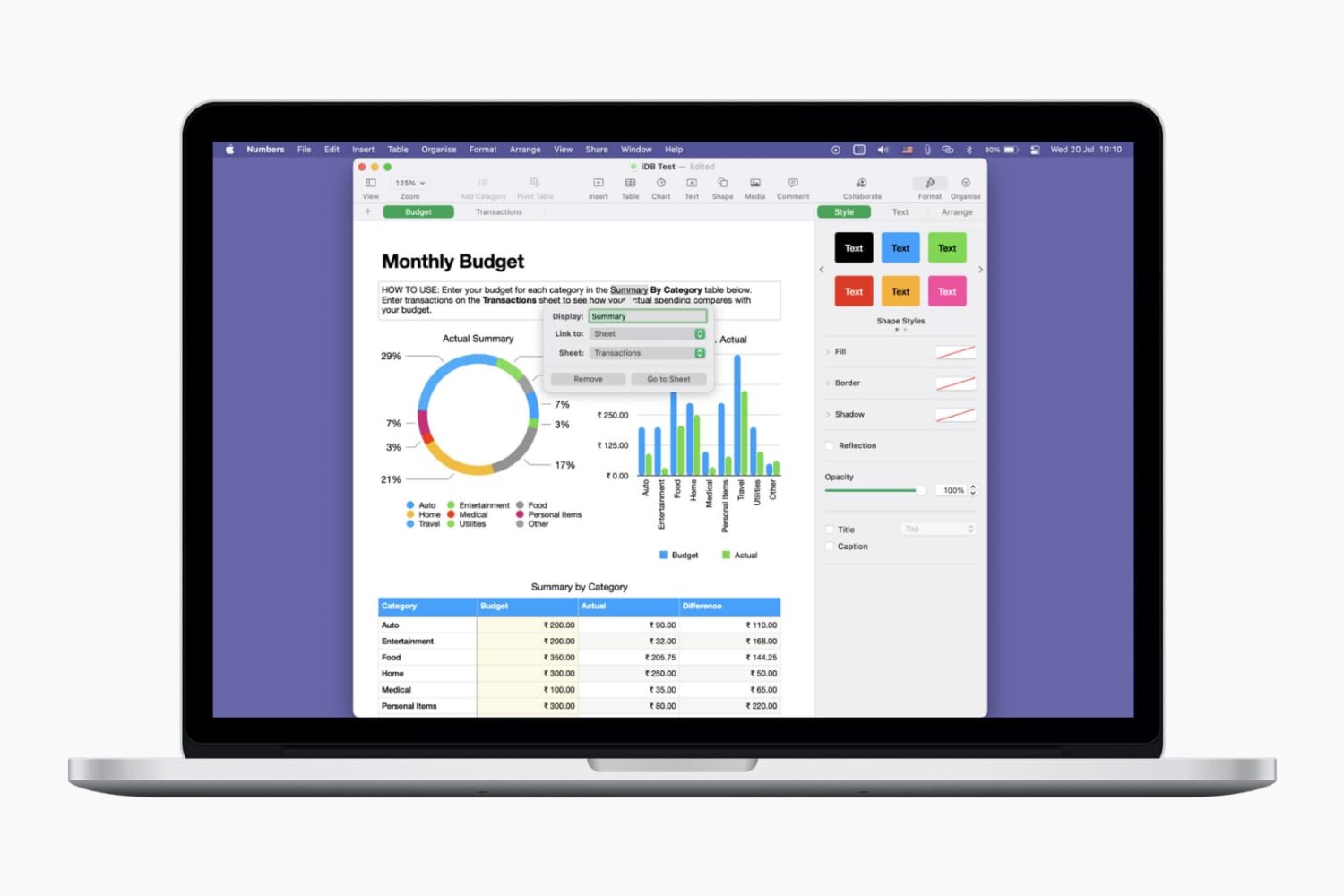
Learn how to use links for websites, email addresses, phone numbers and more to make your Pages documents and Numbers spreadsheets more interactive and informative.
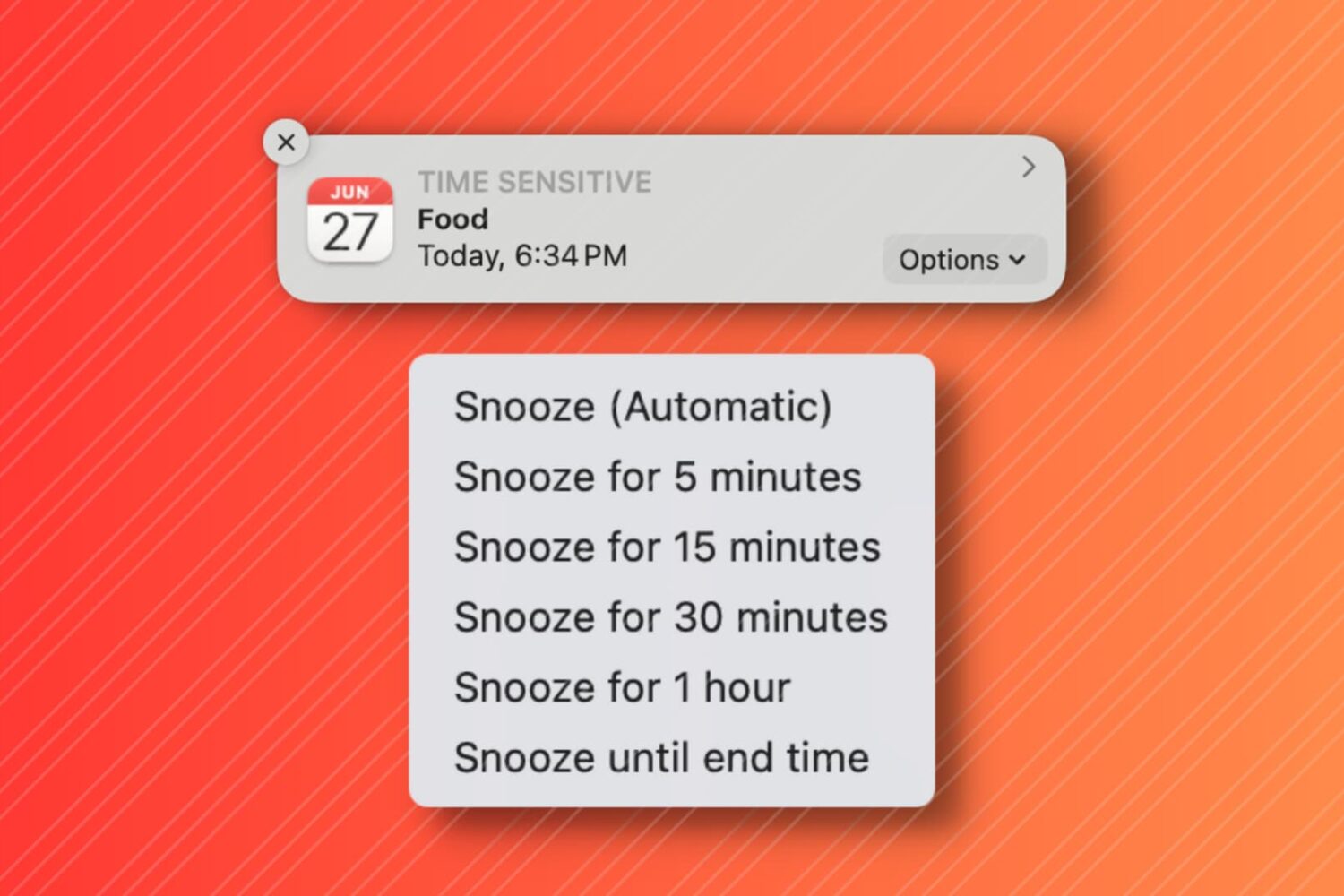
In this tutorial, we'll show you how to snooze your Mac Calendar events for longer than the default snooze time.

When you’re working in Pages on Mac, there may be times when you want to copy content and paste it into another document. Maybe the second document is similar, and you can save time by copying, pasting, and just making slight changes.
In Pages on Mac, you can copy pages between documents, and here’s how.