This tutorial walks you will teach you how to work with Regions in GarageBand, including cutting and pasting, joining and splitting, and more.
How to work with Regions in GarageBand on Mac, iPhone, and iPad
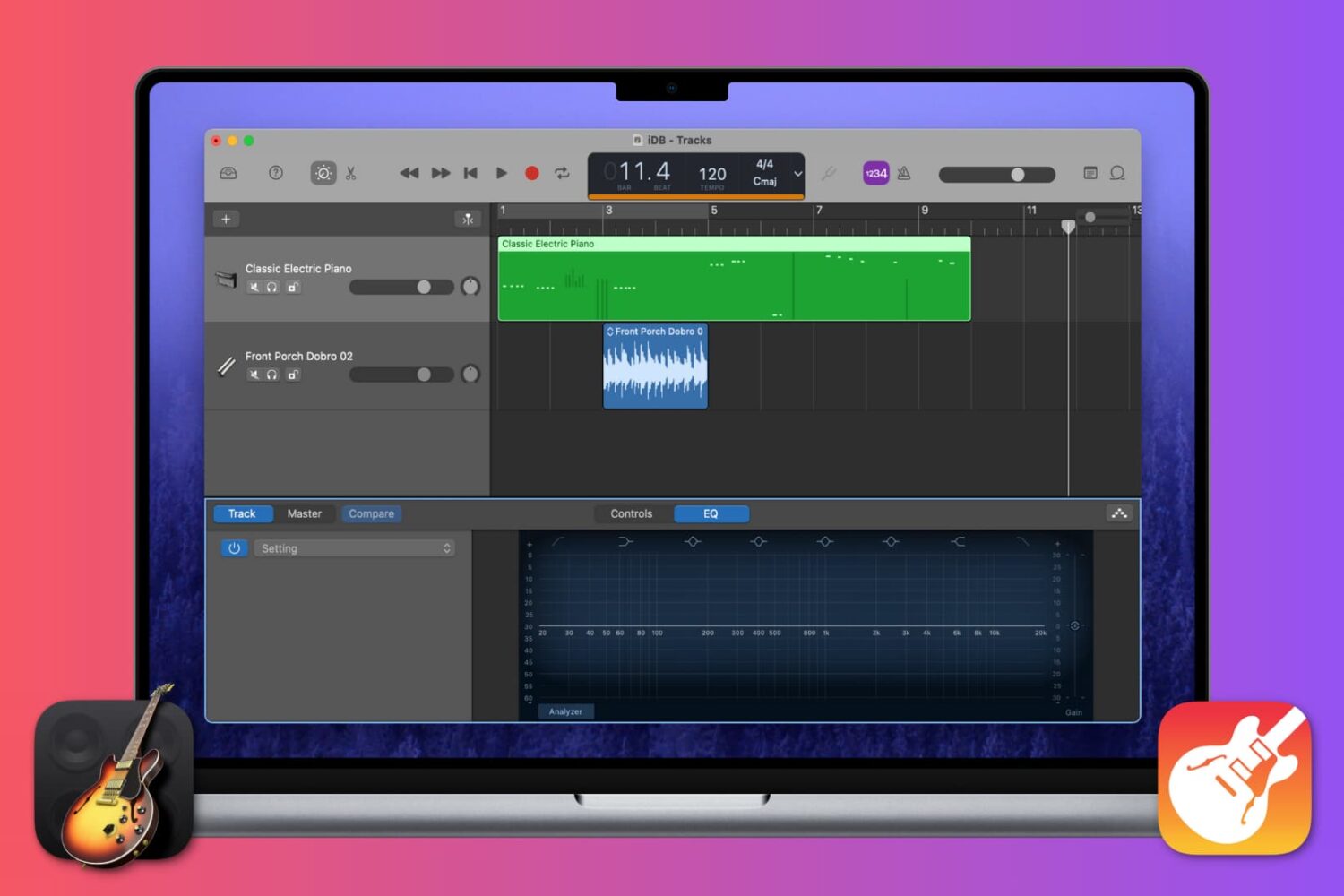
This tutorial walks you will teach you how to work with Regions in GarageBand, including cutting and pasting, joining and splitting, and more.
Find out how to add background music and sound effects to your video projects in iMovie on Mac, iPad, and iPhone to make them sound as great as they look!
Get used to your Mac System Settings with our helpful guide for accessing, navigating, and finding what you need as a new Mac user.
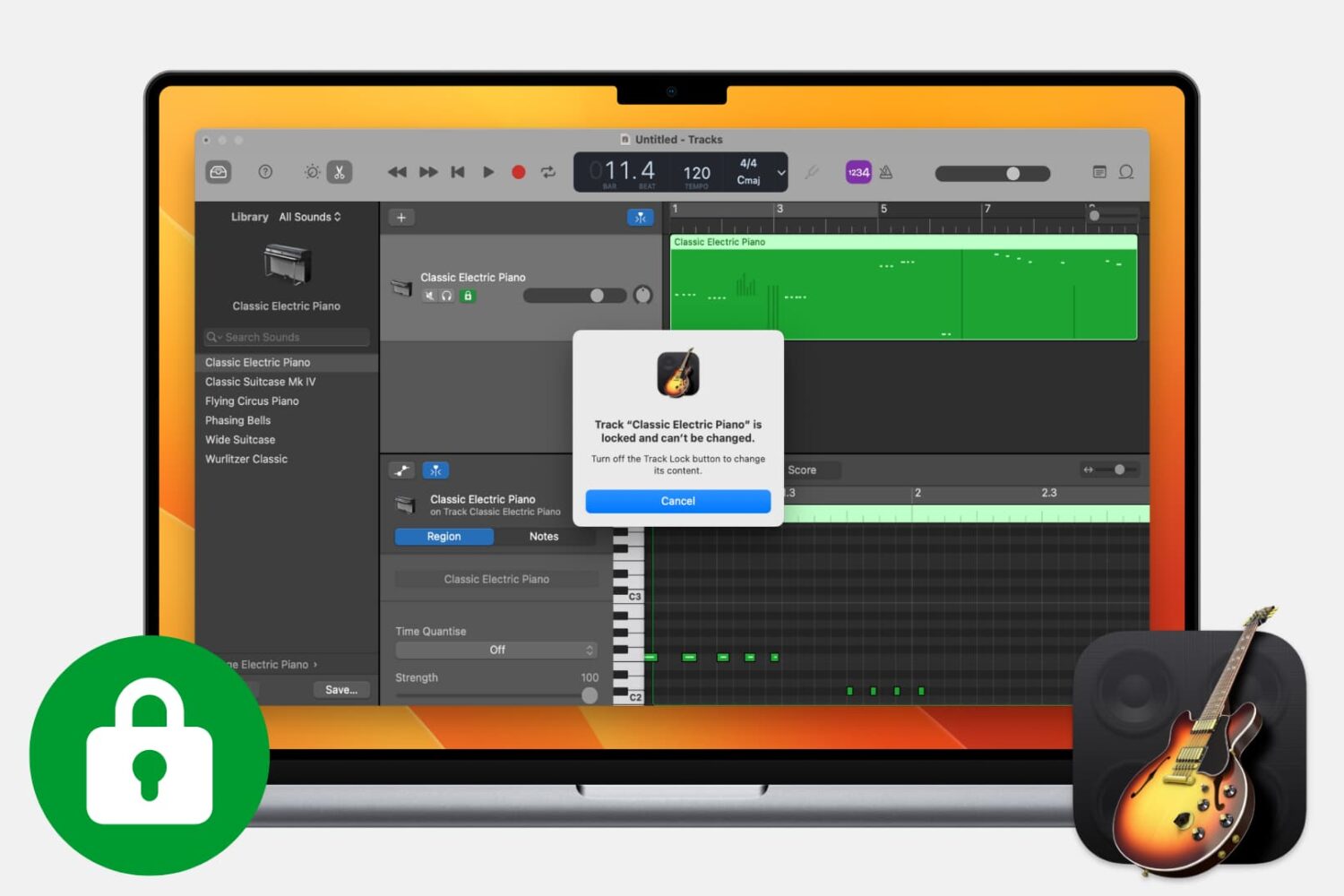
Find out how to lock tracks in GarageBand on Mac to make sure a track is not accidentally changed or deleted.
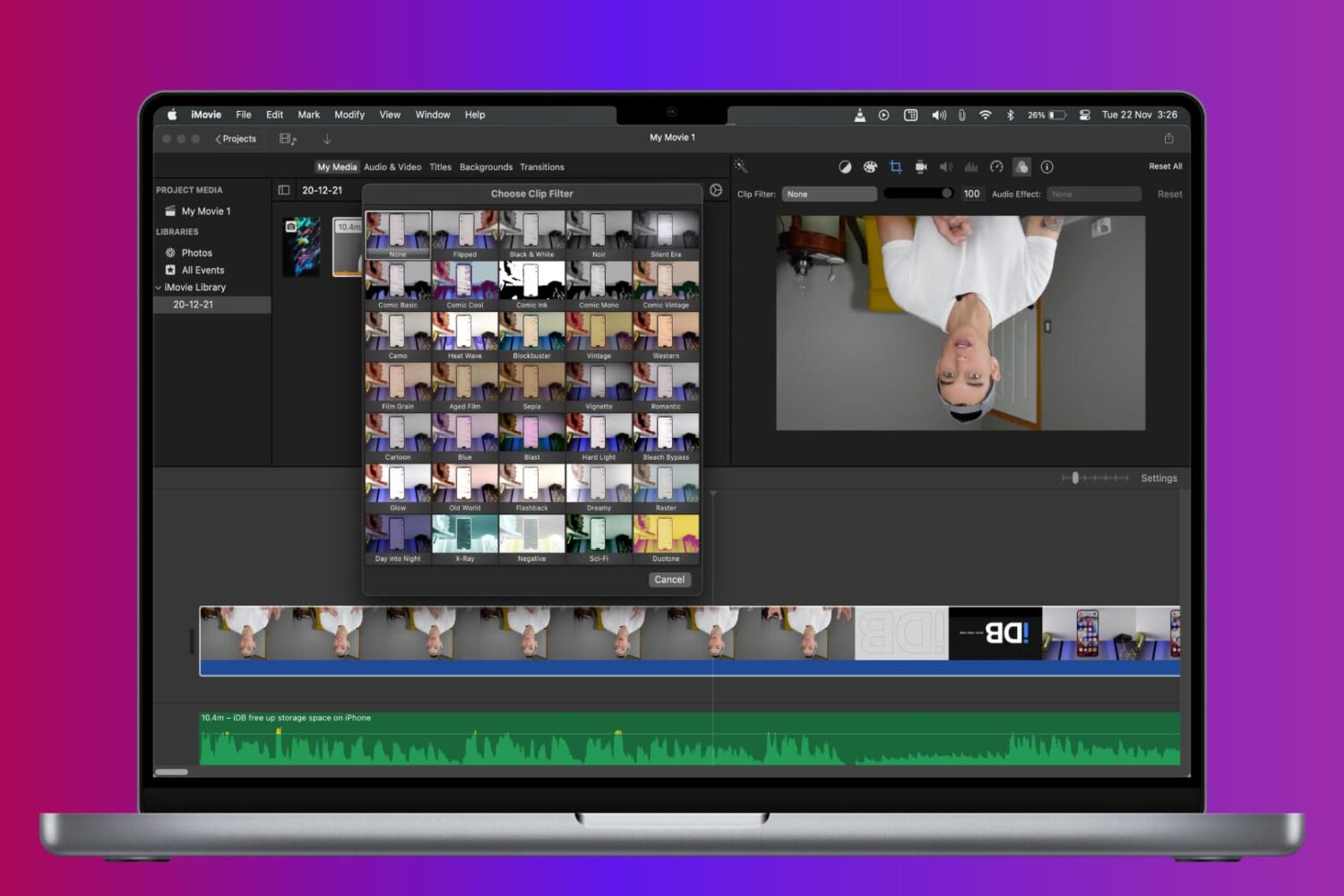
Learn how to rotate, turn, and flip a video in iMovie on Mac, iPad, and iPhone to fix a clip or add cool visual effects to your movie project.

Learn how to unlock the full potential of Siri on your Mac with these tips and tricks to help you work more efficiently.
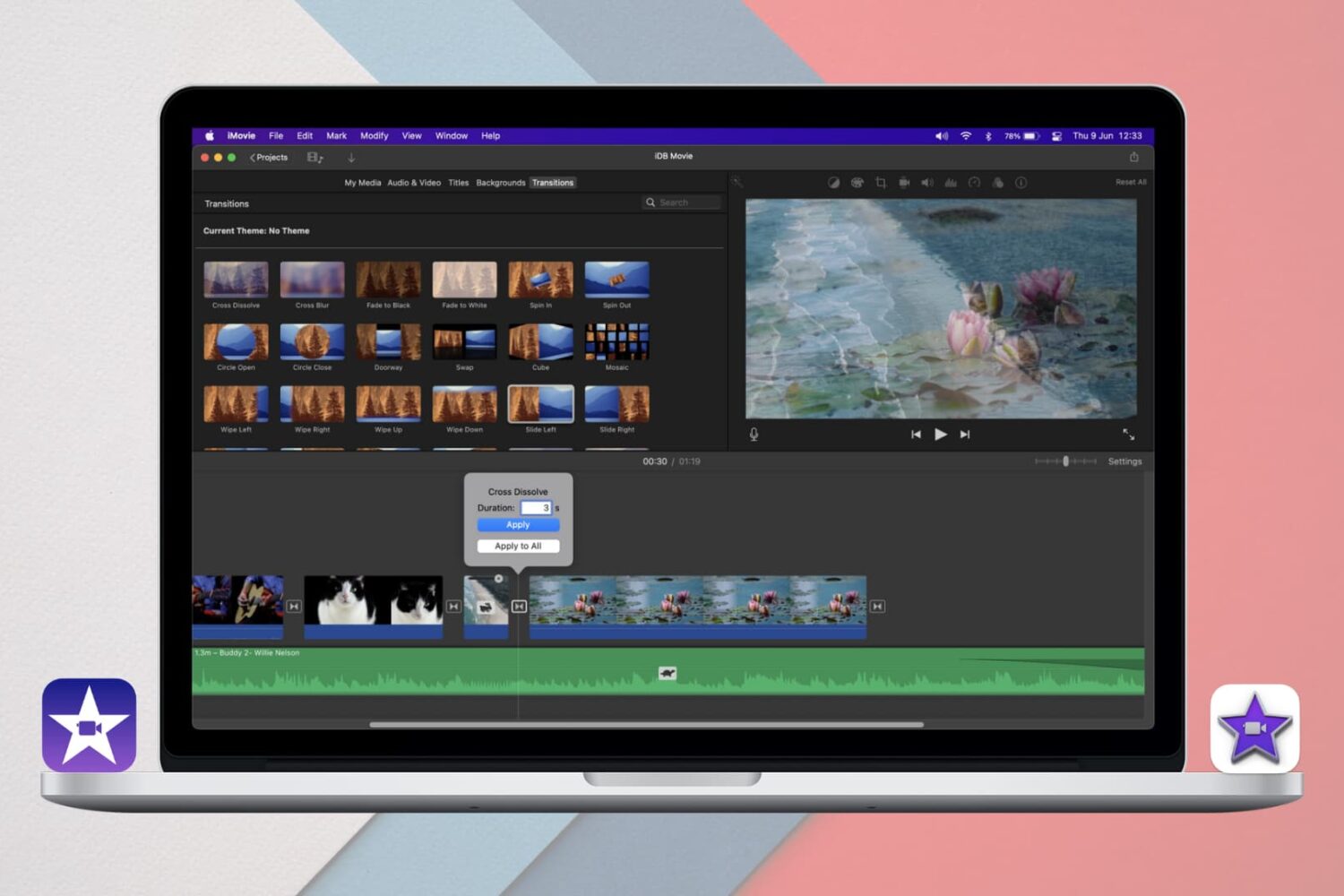
Learn how to add and edit iMovie Transitions on iPhone, iPad, and Mac for a seamless way to move between clips or scenes in your movie projects.

The Metronome in GarageBand offers a steady beat that helps you keep time when you’re recording or just listening to your song. The feature also uses a one-measure Count-in so that you can get ready when you’re recording a song, just like you hear live bands do when performing.
You can turn the Metronome and Count-in on and off as well as adjust the Count-in bars on both Mac and iOS, and this tutorial shows you how.
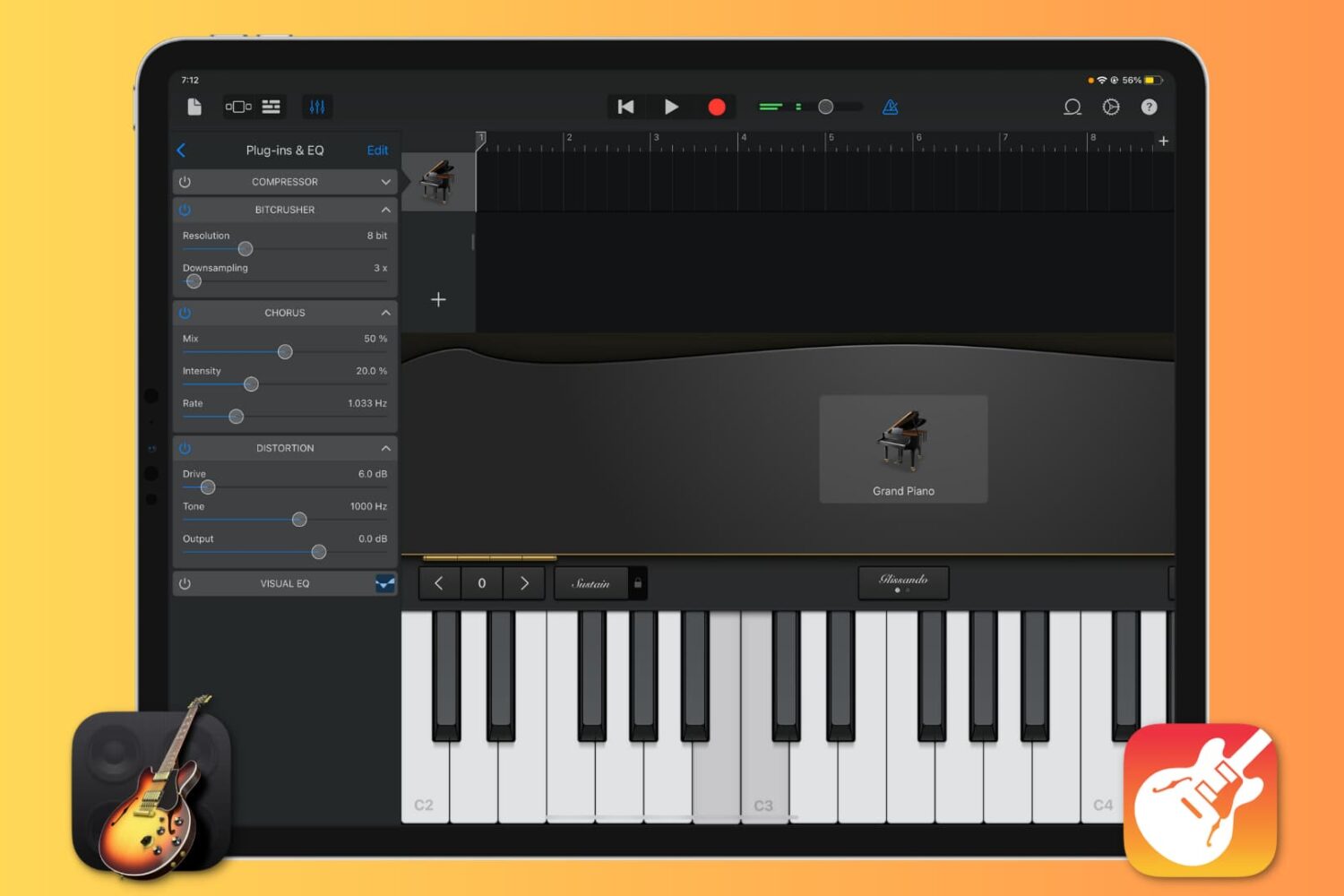
Want to enhance the quality of your music production in GarageBand by using cool sound effects? Learn how to add, edit, reorder, and remove plugins for your tracks, and take your sound to the next level.
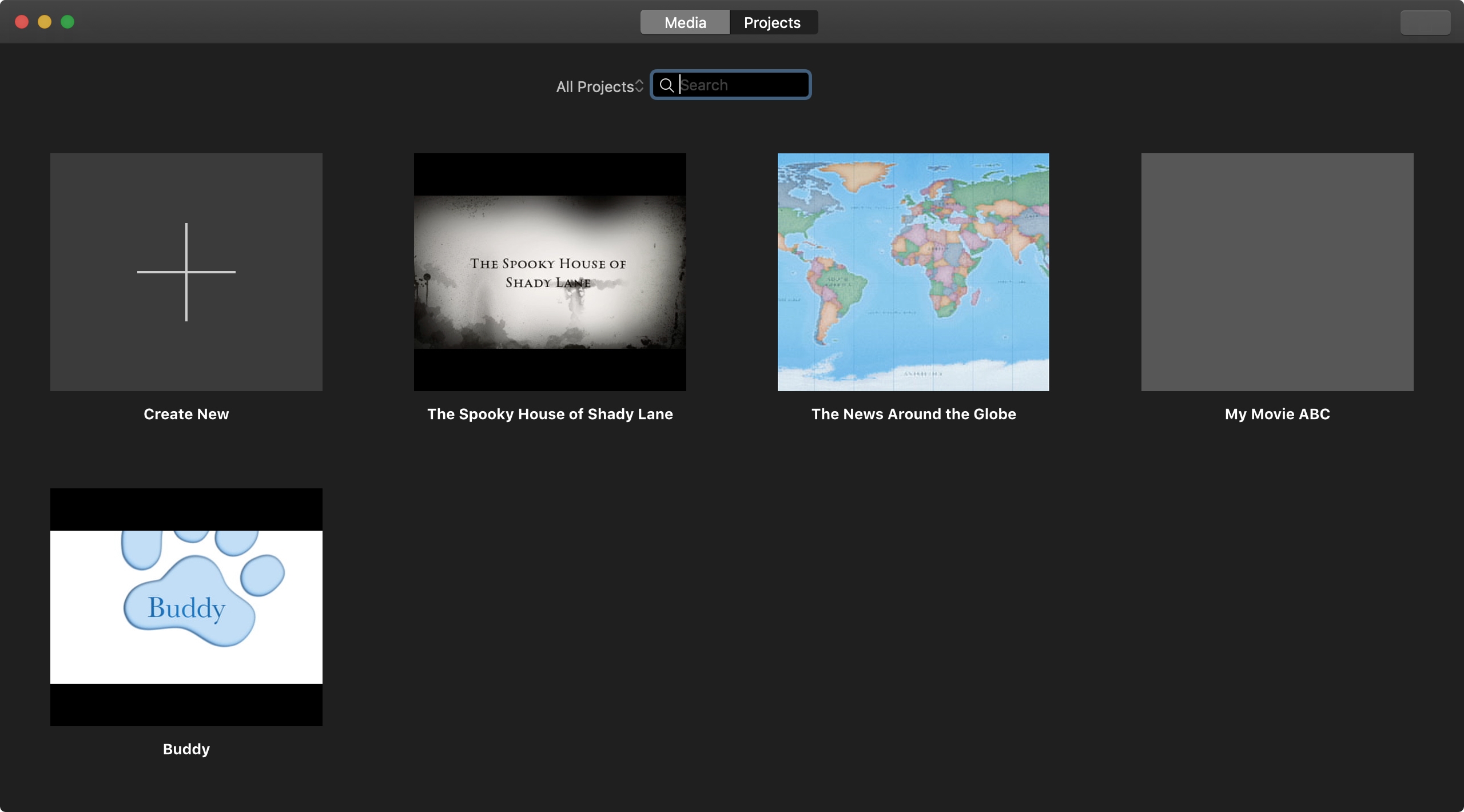
Everything that you create in iMovie, whether a Trailer or Movie, is considered a Project. You can make as many Projects as you like. And if you end up with a huge list of them, you’ll want to know how to manage those Projects. You may want to play, rename, edit, duplicate, or delete a Project. This tutorial shows you how to do all that in iMovie on iPhone, iPad, and Mac.
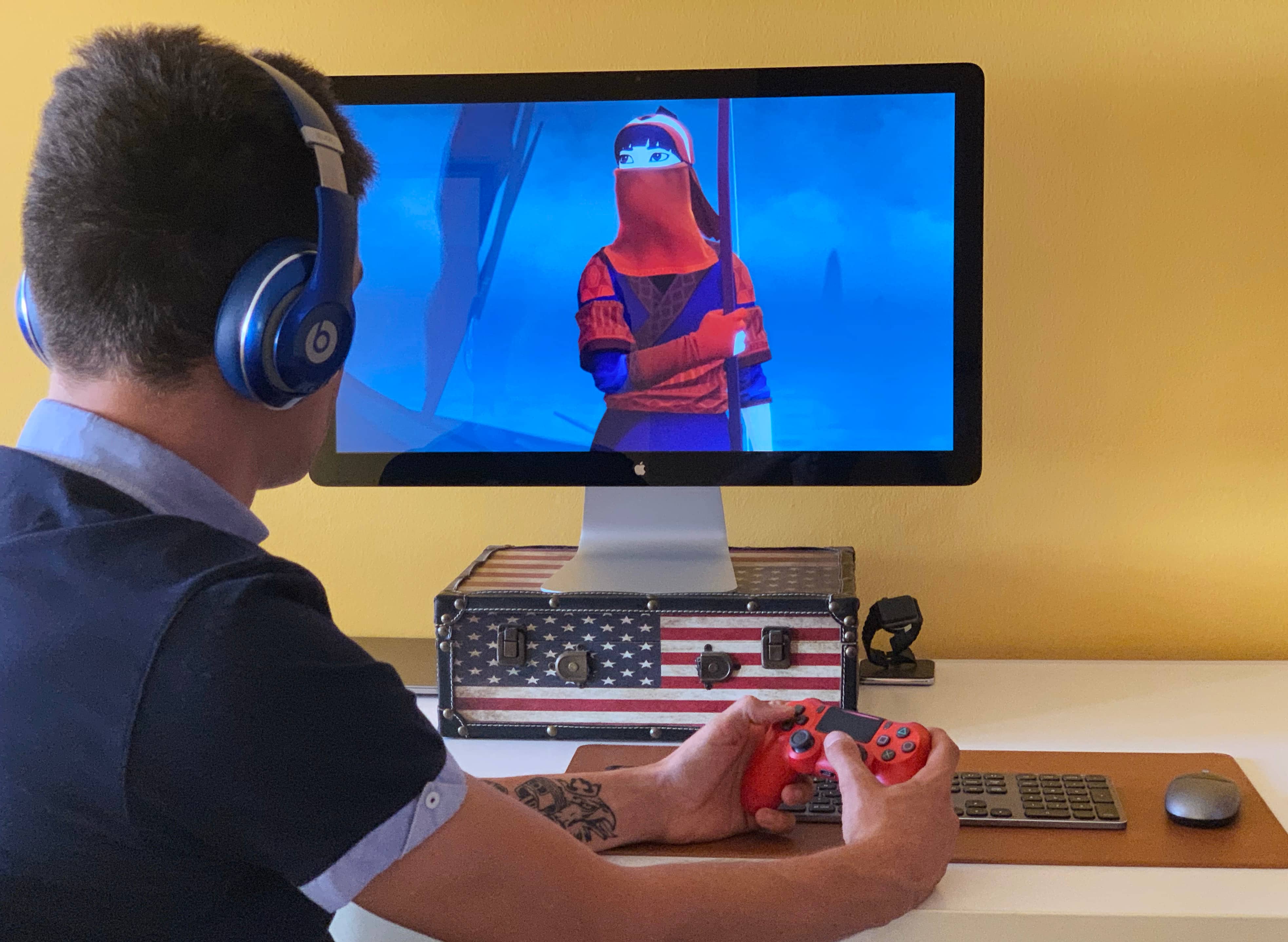
Apple has ramped up its gaming chops by announcing at its annual developers conference in the summer that iOS 13, iPadOS, tvOS 13 and MacOS Catalina 10.15 software updates bring support for the wireless Xbox and PlayStation game controllers, namely Sony's DualShock 4 controller and Microsoft's Xbox Wireless Controller with Bluetooth. In this tutorial, we'll show you how to pair your Xbox or PlayStation controller and use it to play games on your iPhone, iPad, iPod touch, Apple TV and Mac, navigate the user interface on your Apple TV and more.
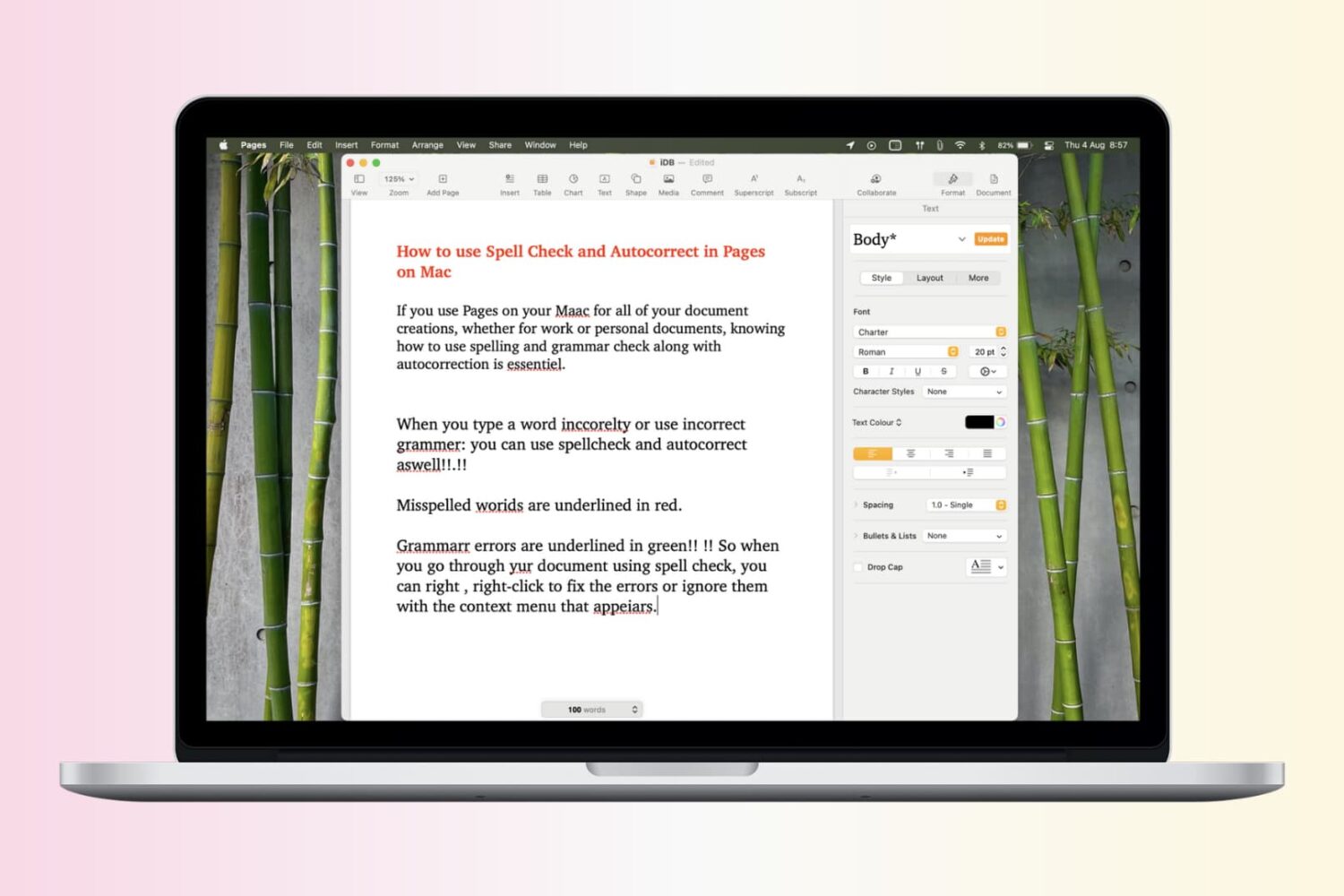
Spelling and grammar are very important when composing a document, especially business agreements, school papers, and similar. Knowing how to check for spelling and grammar errors will save you from stupid mistakes that could embarrass you and paint you as unprofessional.