In this tutorial, we’ll show you how to use referenced library mode in Mac’s Photos app to stop it from making copies of your media and help save space.
How to use referenced library mode in Mac Photos to save space
In this tutorial, we’ll show you how to use referenced library mode in Mac’s Photos app to stop it from making copies of your media and help save space.

In this brief tutorial, we’ll show you how to adjust the search scope for Finder on your Mac. You can set it to search the entire drive (which is the default), search the current folder you are in, or use the search scope you last specified.
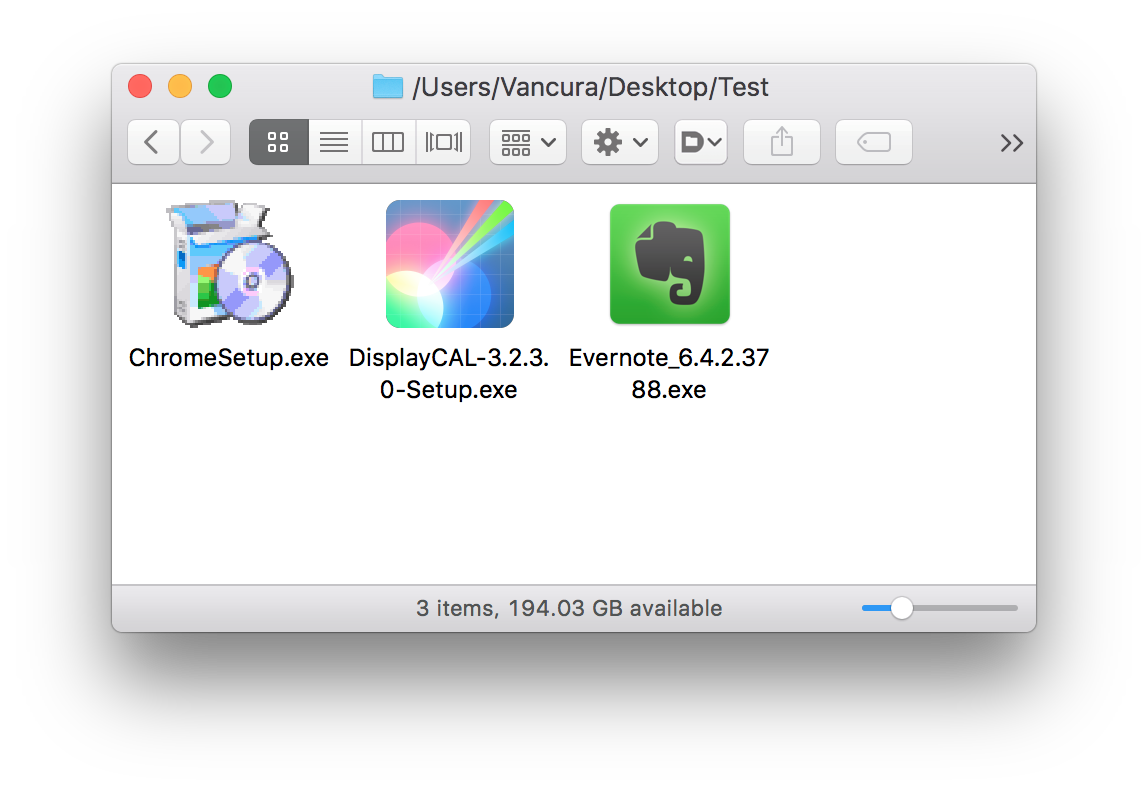
Yesterday's beta release of what would become the fourth major software update to macOS Sierra doesn't just bring iOS's Night Shift mode to your Mac. Aside from that feature and things like an updated PDF API, expanded Dictation support or the ability for Siri to look up cricket scores and rosters, macOS Sierra 10.12.4 includes better handling of Windows executable files in the Finder.
As discovered by Microsoft's Mac product designer Vaclav Vancura, rather than use a generic icon to represent Windows executables like before, macOS Sierra 10.12.4 now actually parses .EXE files for native Windows resources such as icons.
We've already covered how to completely prevent partitions from mounting under macOS, but sometimes you want a partition mounted and ready to use but still want the benefit of it not cluttering up your desktop. For example, many people want their Time Machine partition constantly mounted and backing up throughout the day but don't need it to be visible at all.
Finder's preferences allow for hiding all volumes from the desktop but offer no control on a volume-by-volume basis. Therefore, we'll show you how to use the Terminal to hide mounted volumes on a case-by-case basis.
From time to time, you might come across an audio file format known as .caf (Core Audio Format), which was originally created by Apple to put an end to file size barriers set by other audio file types.
Unfortunately, not every audio player or device works with .caf files, so it might do you good to know how to convert them to another audio file type using the software that comes with your Mac. In this tutorial, we'll show you how to convert .caf files to more commonly-used audio files such as AAC or MP3 with Garageband.
Learn how to stop your iPhone, iPad, or iPod touch from automatically backing up to your computer when you connect it using a USB cable.
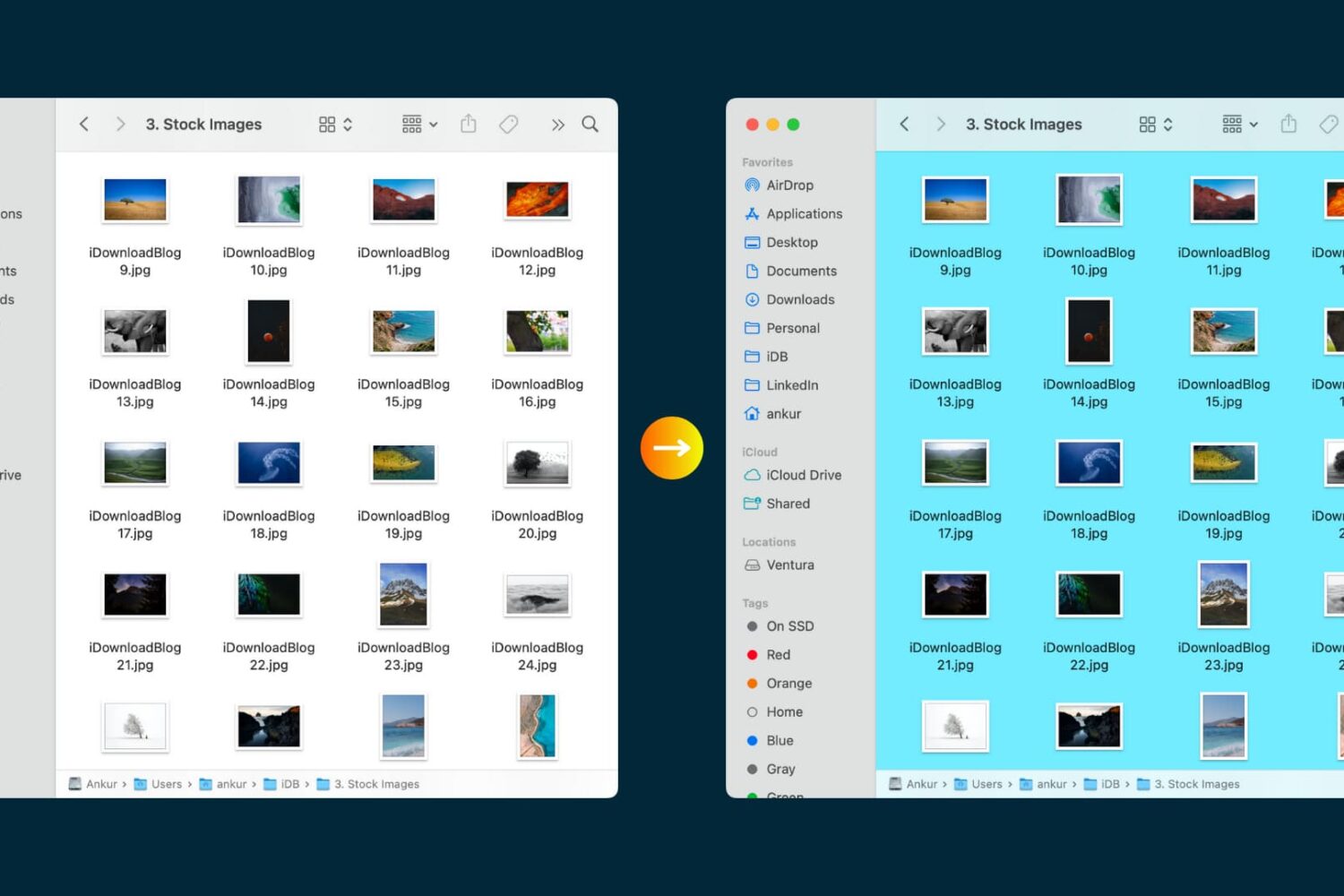
Transform the look of your Mac Finder folders by adding custom background images or vibrant colors.
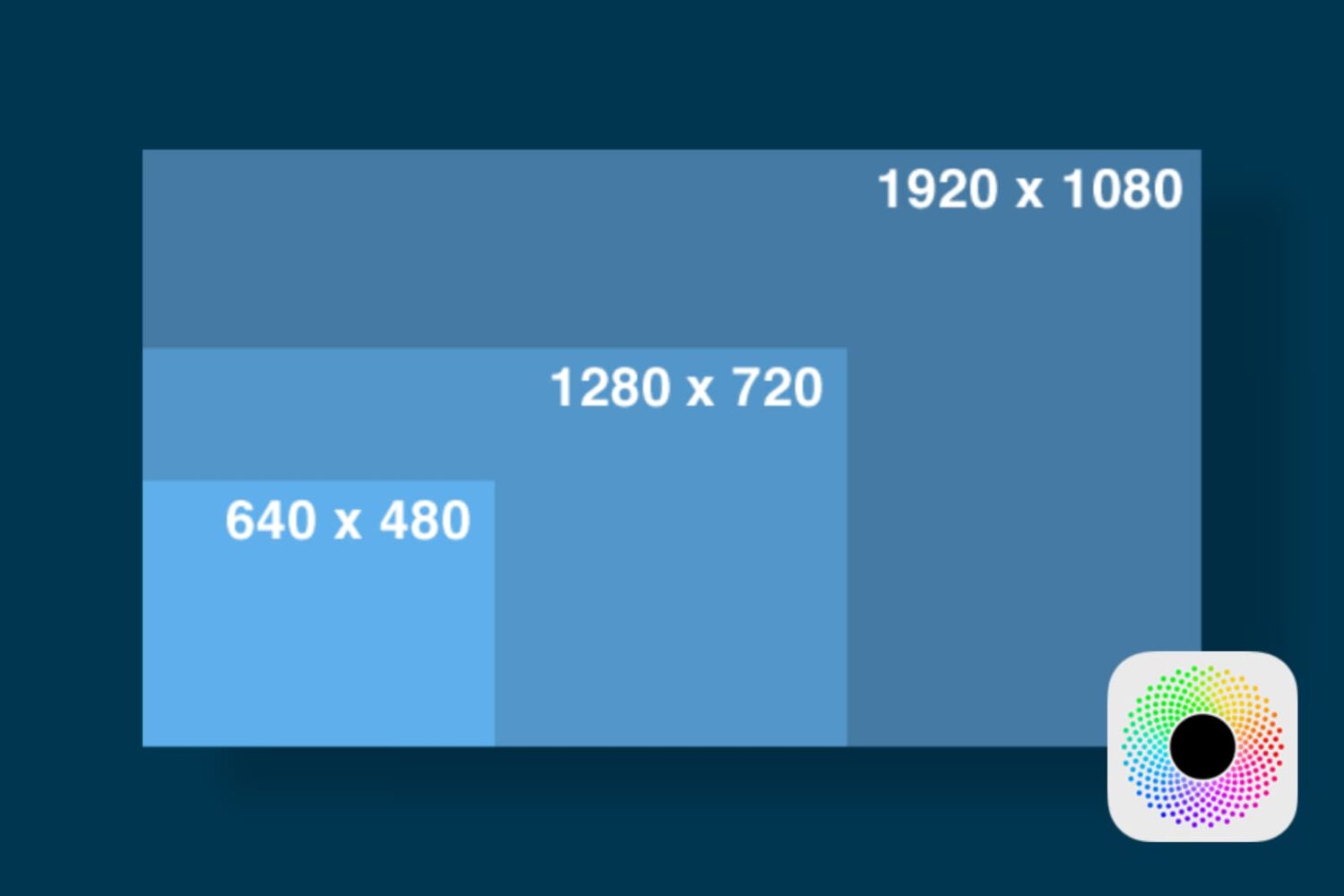
In this tutorial, we'll show you how you can launch apps on your Retina display Mac in normal resolution rather than in its higher Retina display resolution form.

If you own a Mac, you most likely use the Finder window on a daily basis; probably more than you even realize. But one thing you may not have known throughout the eons of using the Finder interface as Apple has created it to be used, is that you can actually customize the Finder toolbar to your liking.
By doing so, you can supercharge your Finder window's functionality with additional easy-to-reach features, and we'll show you how to customize your Mac Finder toolbar in this simple tutorial.
Like Windows, macOS makes having apps, documents, folders or server connections launch automatically whenever you log in to your Mac as easy as dragging them to the System Preferences → Users & Groups → Login Items section.
Sometimes, one or more Login Items may cause software problems or prevent your computer from starting up properly.
Rather than remove all of your Login Items permanently, here's how you can temporarily prevent them from opening automatically when you log in, without needing to adjust your settings.

In this piece, we'll share with you 10 useful Finder keyboard shortcuts that you can use to quickly navigate around the filesystem on macOS.

Billy Ellis, a 15-year-old developer, has created a fun Apple Watch app that simulates OS X Yosemite's Finder on your wrist. The proof-of-concept software serves to demonstrate what can be achieved on the Apple Watch with a little bit of imagination and some superb coding skills. “Haven't had the time to make everything fully functional just yet,” said Ellis. “Hopefully I'll add some more to it later this week.”