Learn how to enhance your Mac’s organization and boost productivity by creating and using Smart Folders in Finder.
How to create and use Smart Folders on Mac
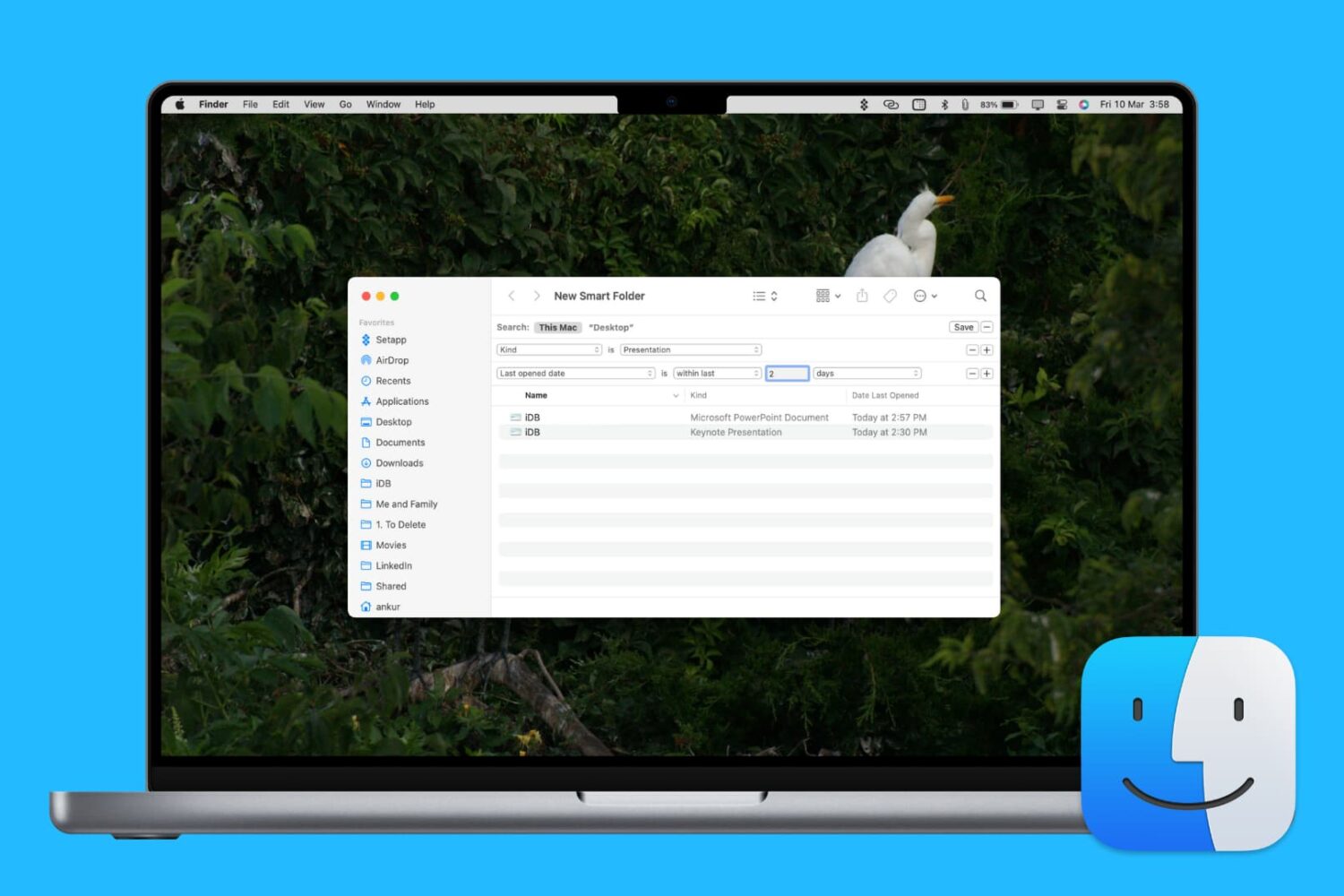
Learn how to enhance your Mac’s organization and boost productivity by creating and using Smart Folders in Finder.

Learn how to set Finder on your Mac to show external hard drives, SSDs, thumb drives, and more in its sidebar for easier access.
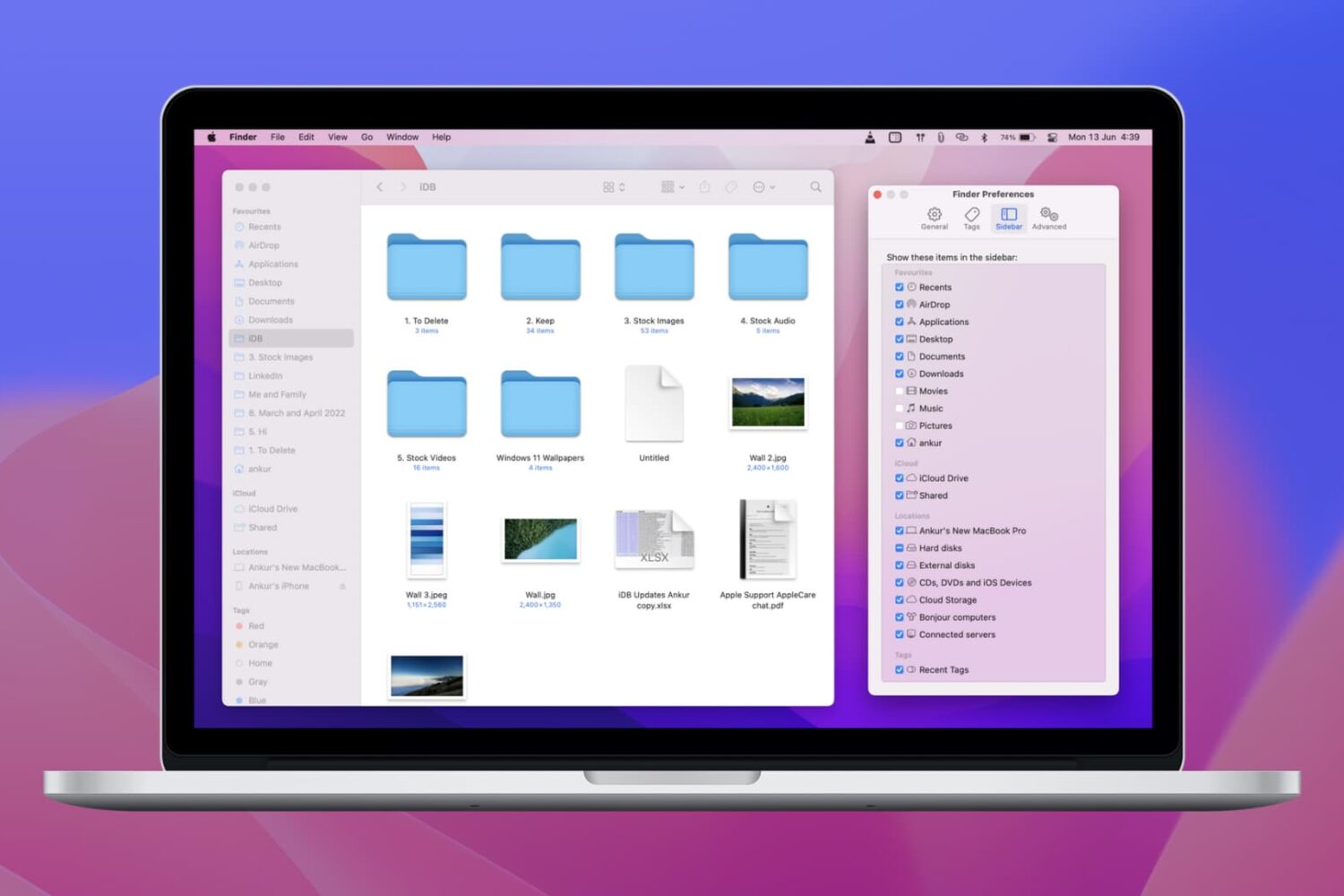
Learn how to personalize your Mac’s Finder sidebar with handy shortcuts to drives, folders, and network shares, remove stuff you never use, and reorder items to your liking.

Find out how to add an iCloud Drive shortcut to your Mac desktop and Dock for faster access to your online files, folders, and documents.
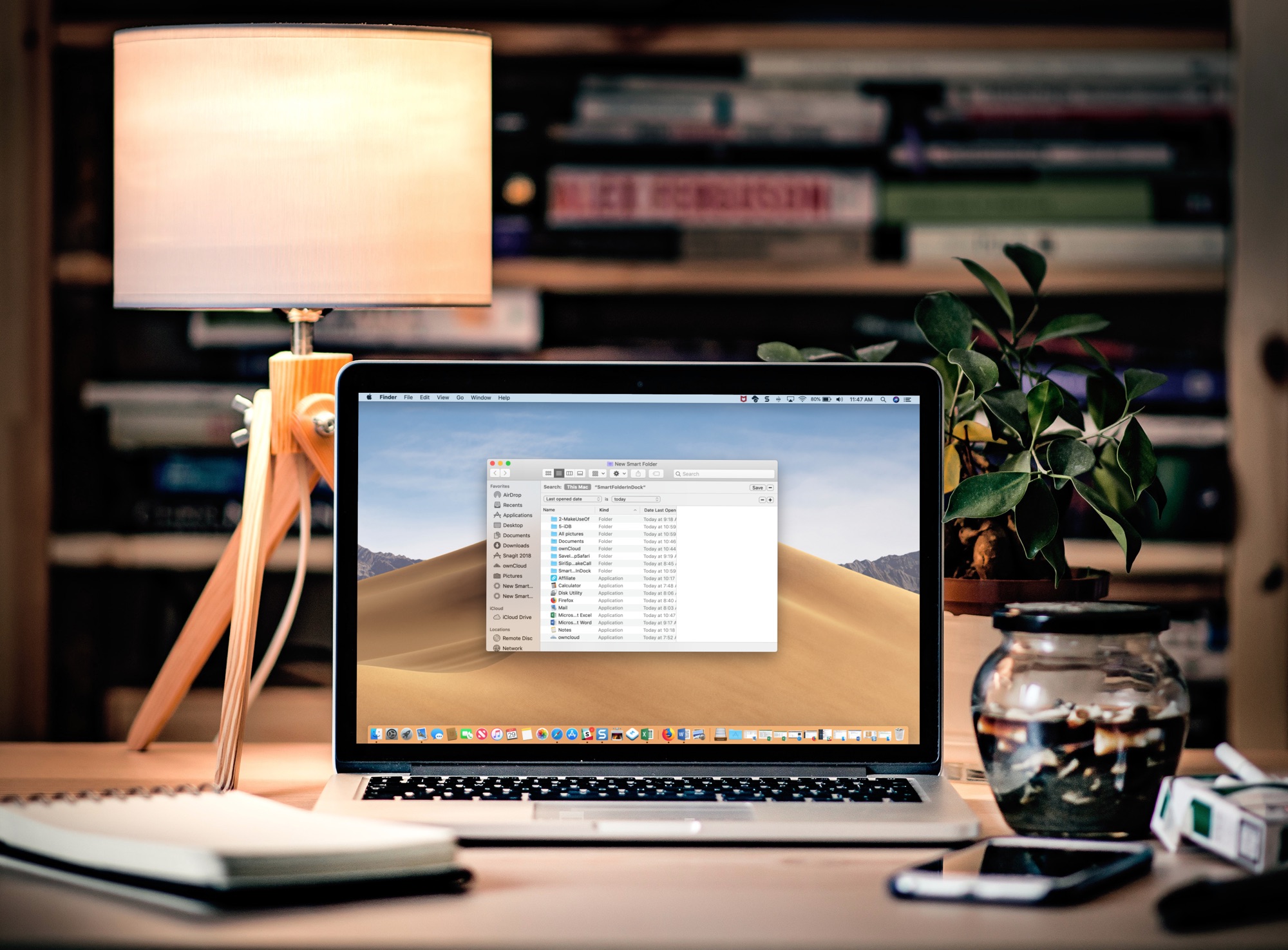
Learn how to add a folder to your Mac’s Dock that automatically gathers your recently opened files in real time for convenient one-click access.
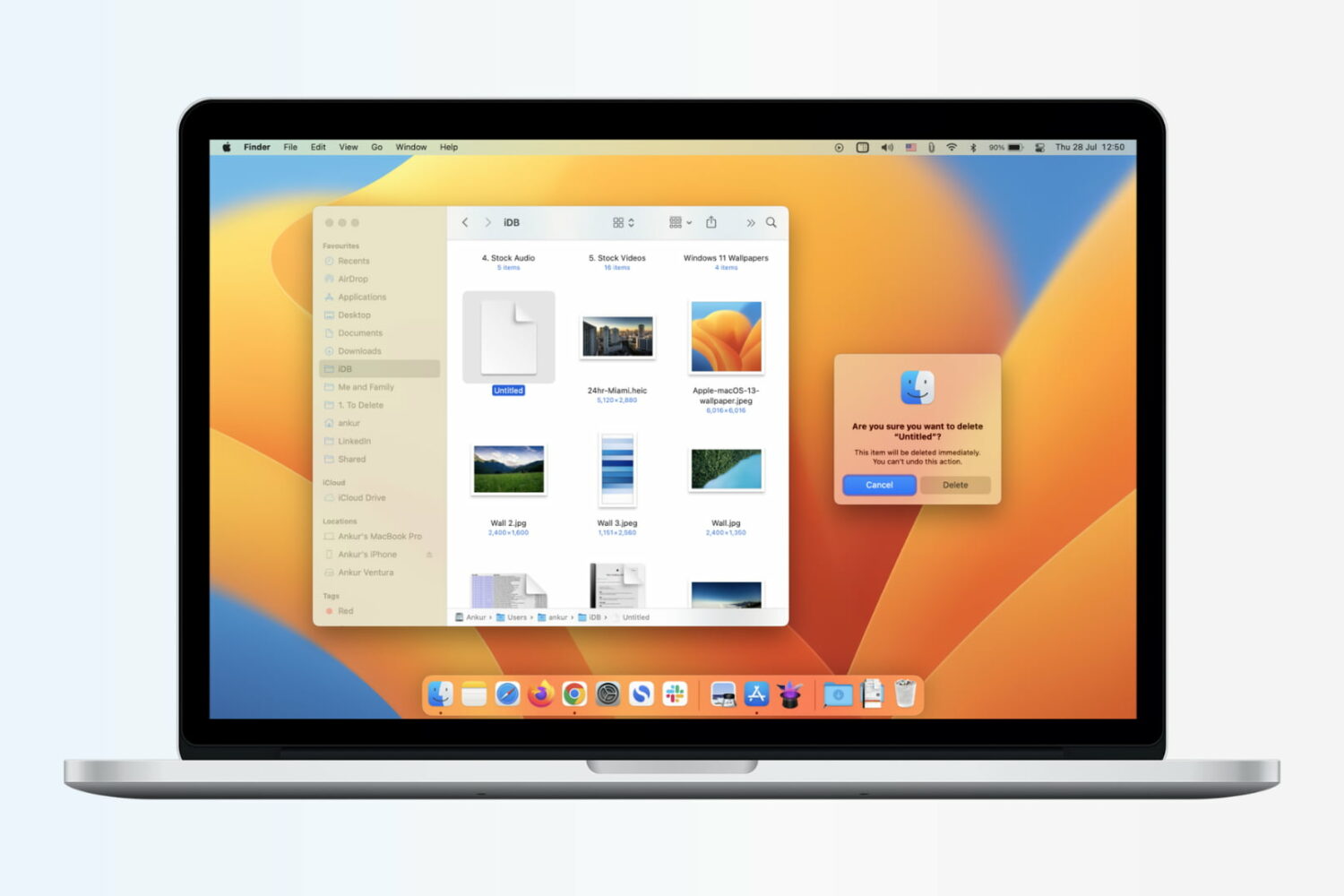
Learn how to immediately delete files on your Mac by skipping the Trash altogether, which will permanently erase the items without a chance of recovering them later.
Do you have a hard time finding a folder on your Mac? Do you wish there was an easier way to access your data? A simple feature of macOS makes it simple to keep folders on top of your Desktop or Finder windows. Here's how to do it.

macOS includes a super-handy Automator feature to automate the tasks you do on your Mac. Even though Automator takes advantage of ready-made actions for easy creation of complex workflows without programming, most people are unaware of its existence or what it can do.

Learn all the ways you can select stuff on your Mac, including contiguous groups of Finder files, multiple non-adjacent items, and more.
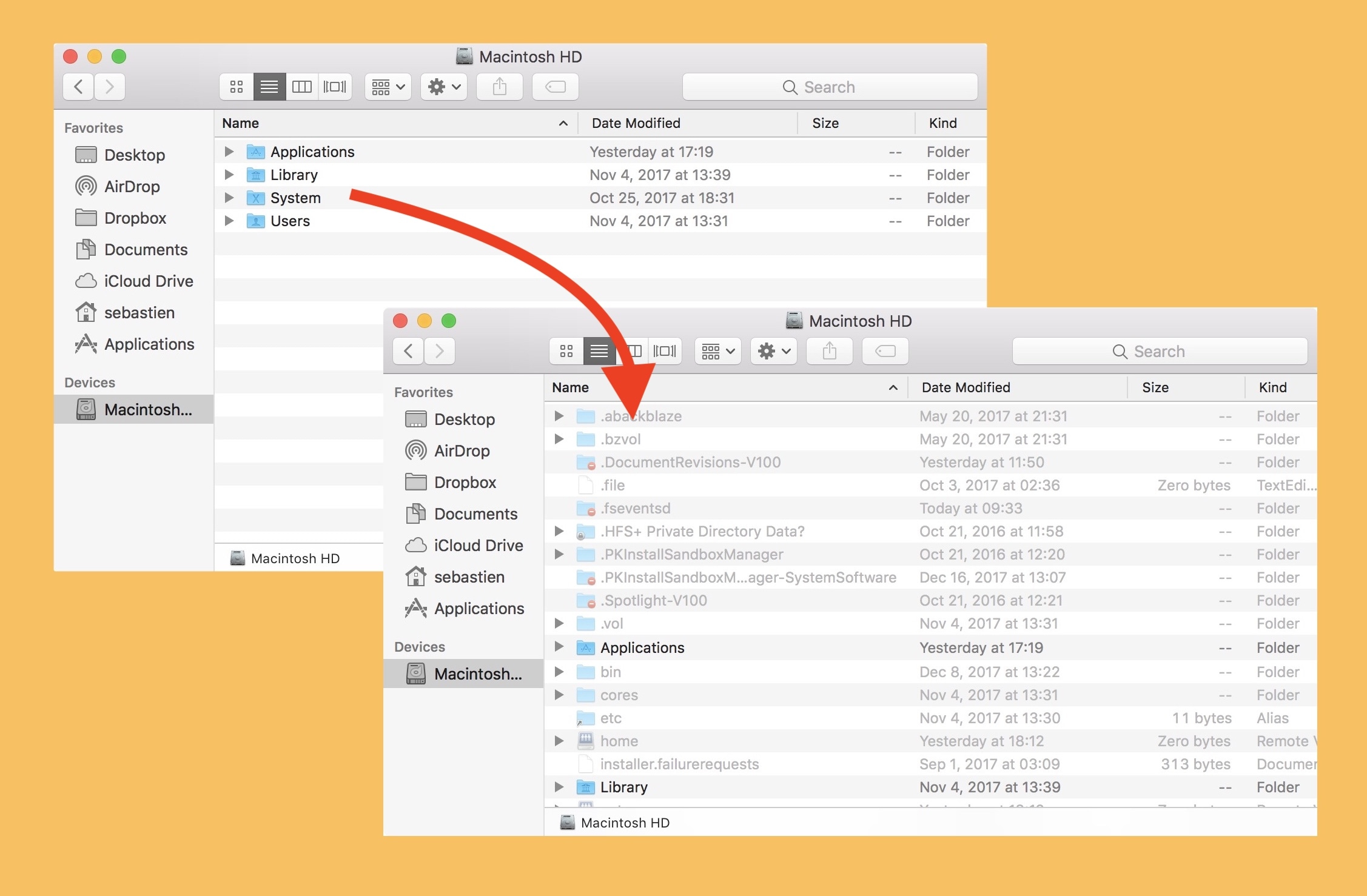
Sometimes you need to edit a system file, or look at a file created by one of your programs. Many of these files are hidden by default, so you'll need to make them visible before you can go about your business. One example I often encounter is hosts files, either for SSH or for your computer's whitelisted and blacklisted domains, though there are many others.
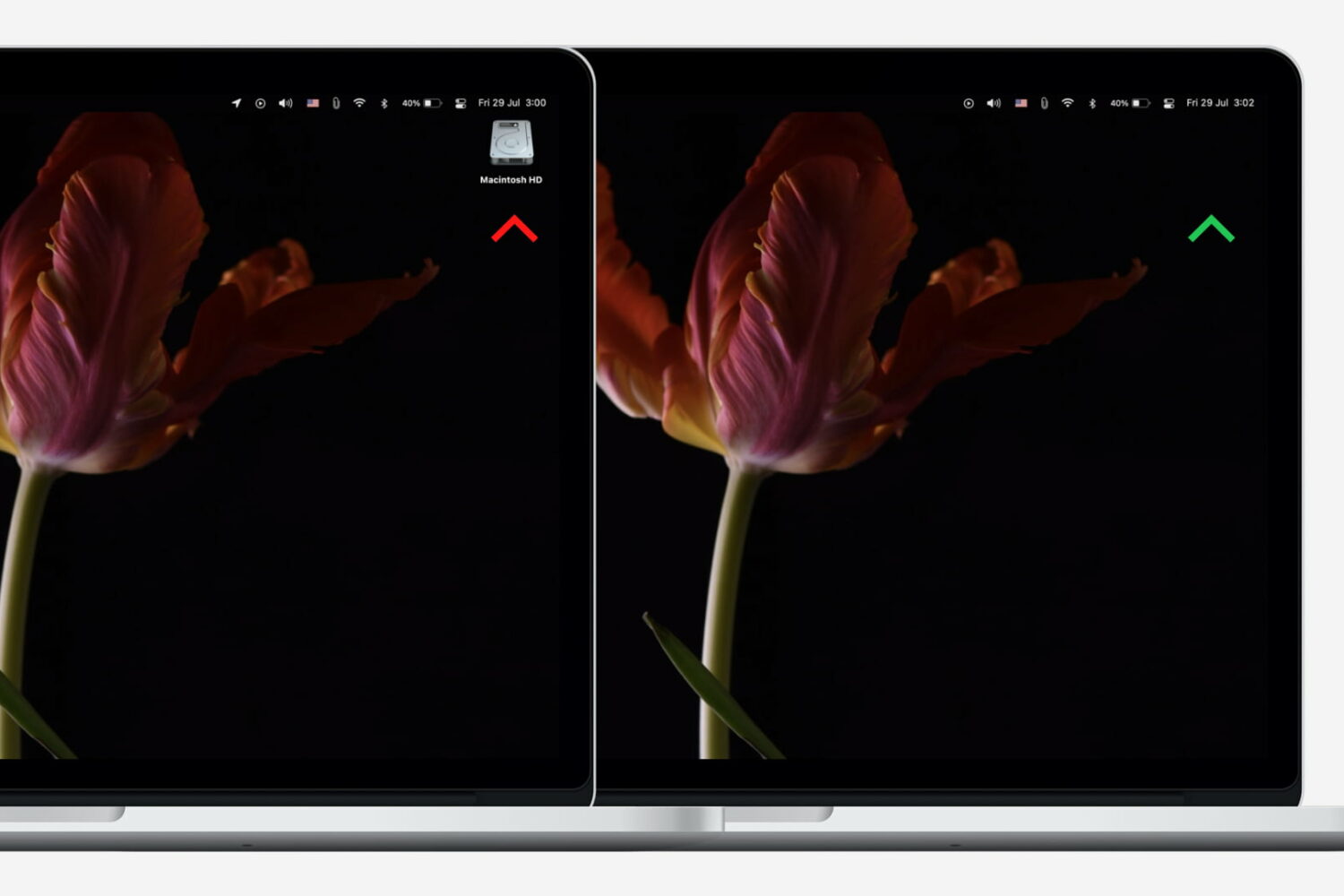
Neat freaks like me like to keep the desktop of their computers free of any clutter. That includes files, folders, and of course, the Macintosh HD icon. As a matter of fact, removing the Macintosh HD icon from the desktop is one of the first few things I do when setting up a new Mac.
Although pretty simple to do, hiding that icon is not very obvious to less tech-savvy people. So in this post, I will describe how to remove the Macintosh HD or the hard disk/SSD icon from the desktop on your Mac.