Learn how to change the default save location where Apple's Safari browser stores files you download on your iPhone, iPad, or Mac.
How to change where the downloaded Safari items are saved
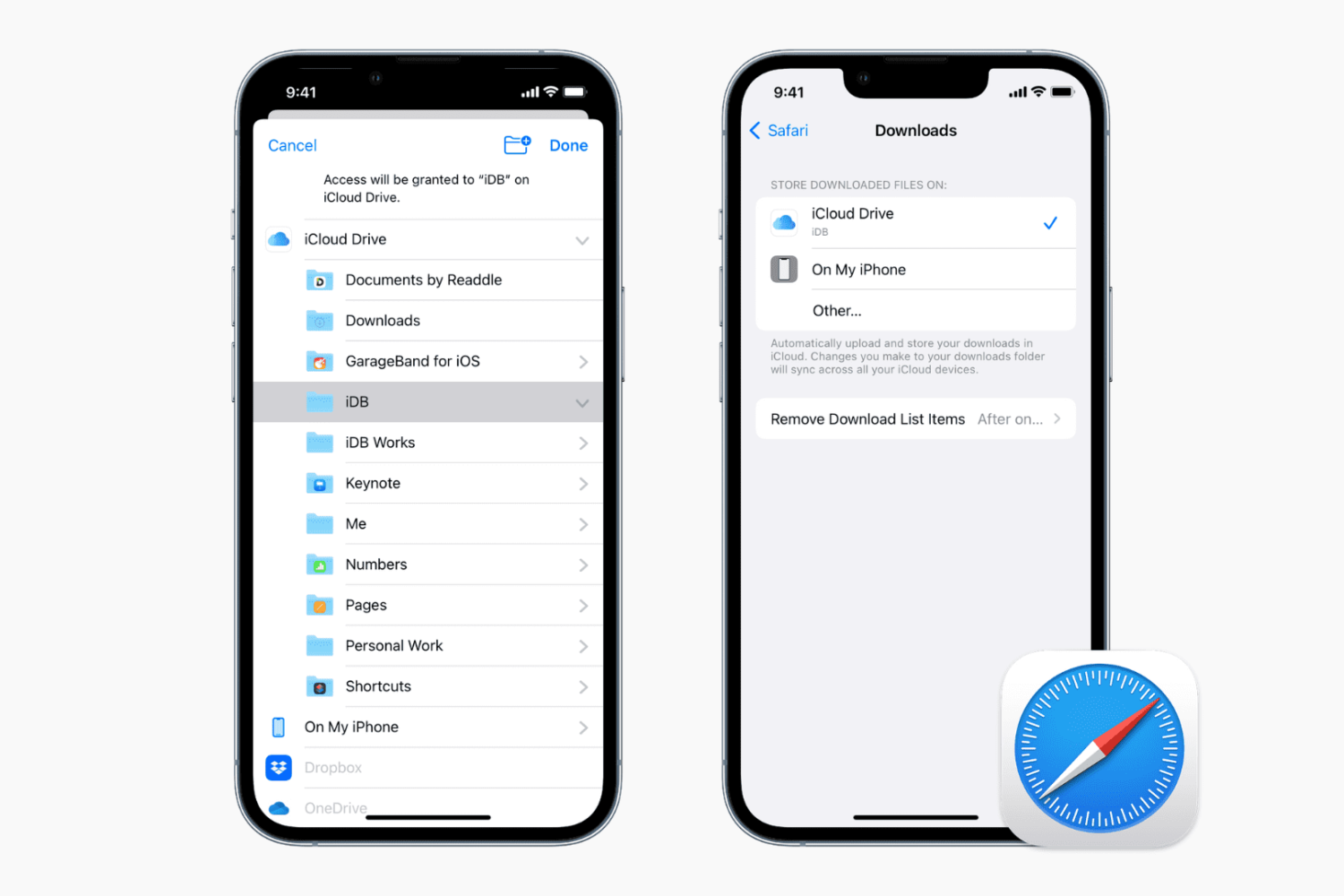
Learn how to change the default save location where Apple's Safari browser stores files you download on your iPhone, iPad, or Mac.
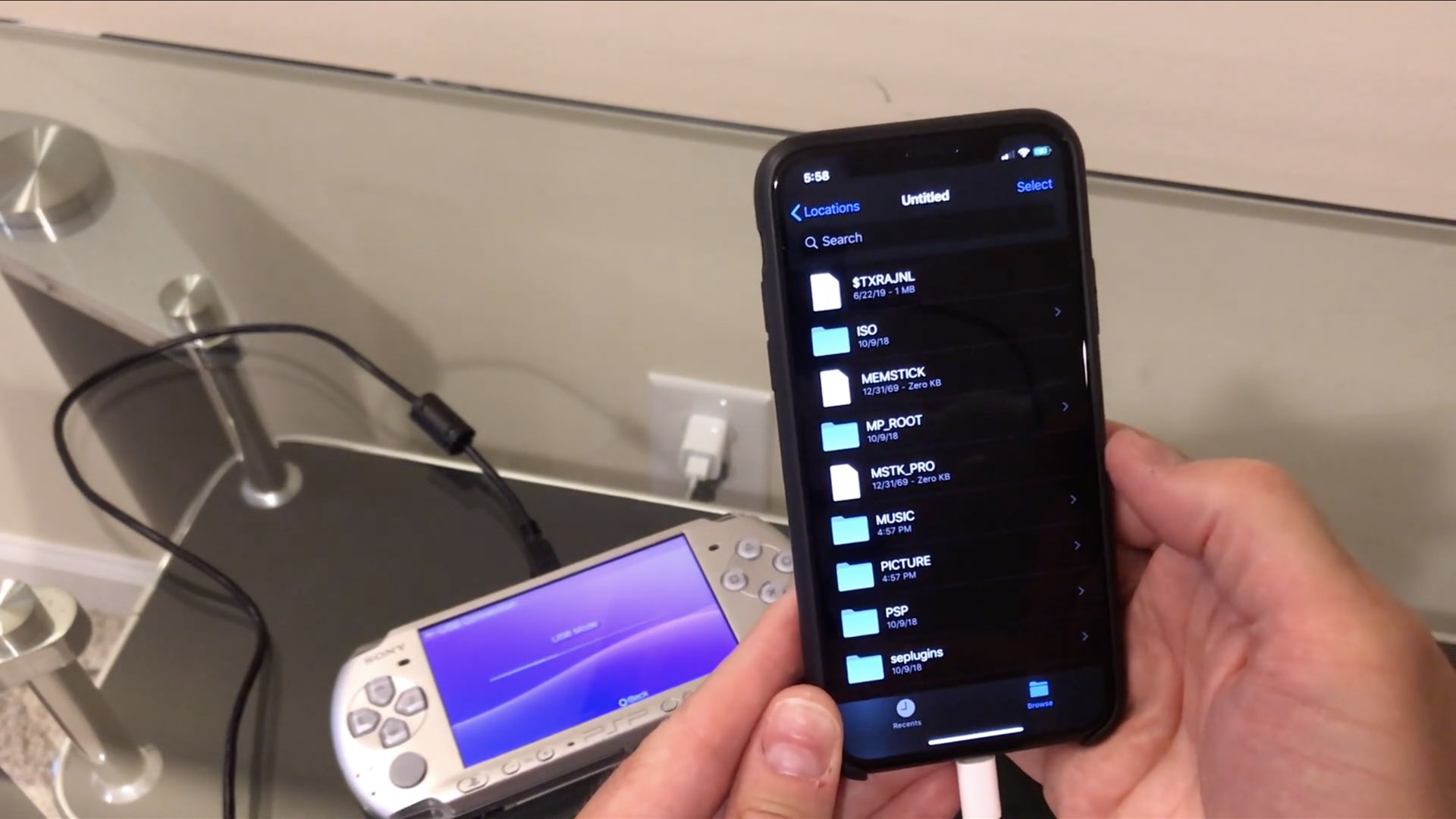
One enthusiast has so far been able to connect an Iomega Zip drive and even an Amazon Kindle to his iPhone running iOS 13 and access them through the much-improved Files app. But how about connecting some really old stuff to an iPhone or iPad, like a floppy drive?
iOS 13 and iPadOS's enhanced Files app packs in a bunch of improvements, with support for external storage devices arguably the biggest new feature that opens up new possibilities.
iOS 13 brings a download manager in Safari along with support for connecting external storage devices in the Files app, opening up some pretty powerful on-the-go workflows.
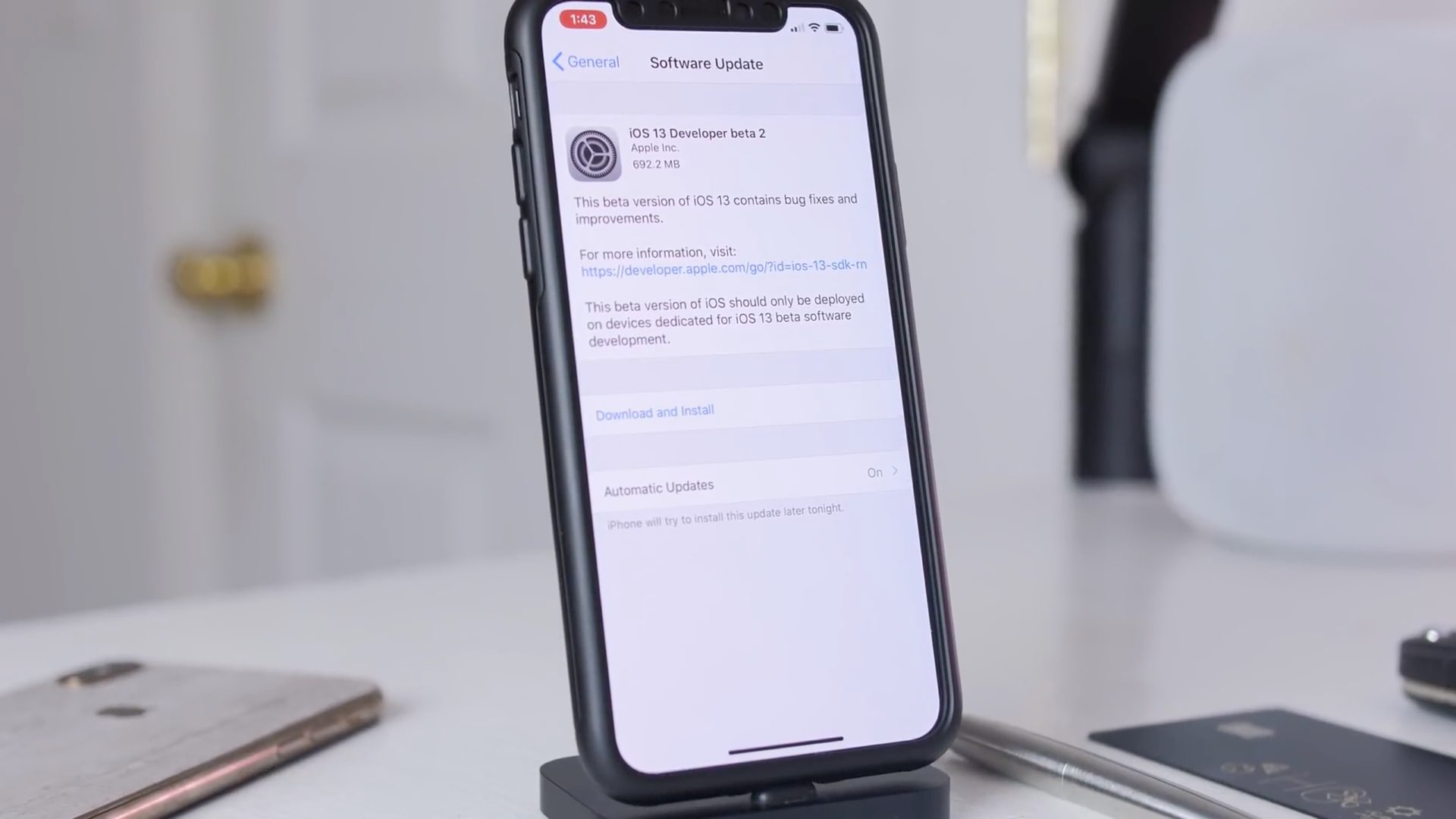
Sit back and relax as iDownloadBlog's Harris Craycraft takes you on a quick tour of some of the biggest changes in the second developer beta of iOS 13.
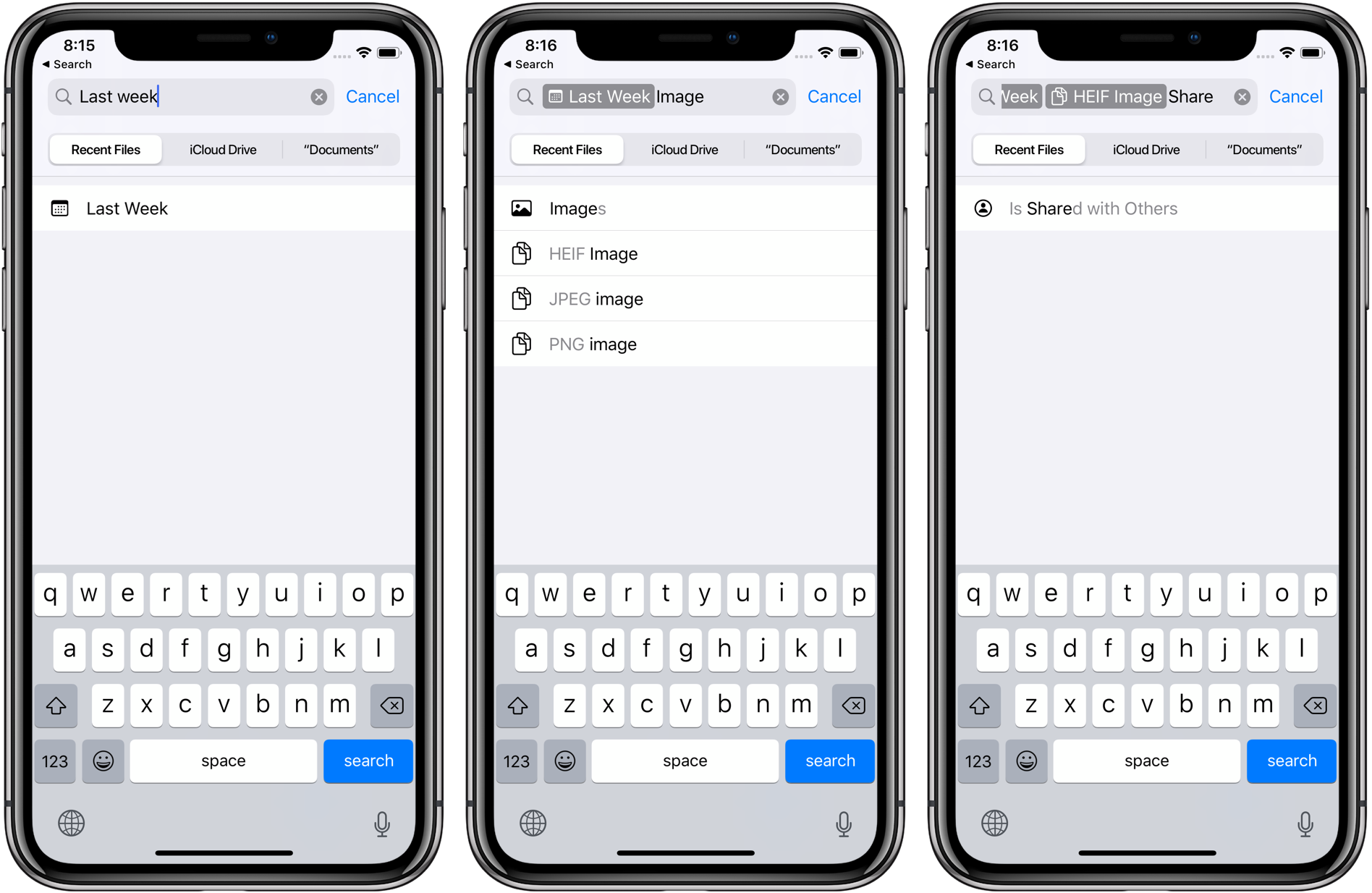
iOS 13 brings a more advanced Files app for iPhone that lets you access external storage devices, including SD cards and USB flash drives, as well as use file servers, archive and unarchive files, share iCloud folders via a link, manage Safari and Mail downloads, and more.
iPadOS brings a bunch of welcome feature additions to the Files app.
Learn how to save a note as a PDF on your iPhone, iPad, or Mac without having to use a third-party app.

Learn how to convert Keynote or PowerPoint presentations into videos on your Mac using these simple step-by-step instructions.

The table of contents (TOC) feature of the Apple Pages app automatically creates a table of contents in the sidebar for you to navigate your document easier. Plus, you can pop that TOC right into your document if you like.
This tutorial walks you through how to use the table of contents view in Pages.
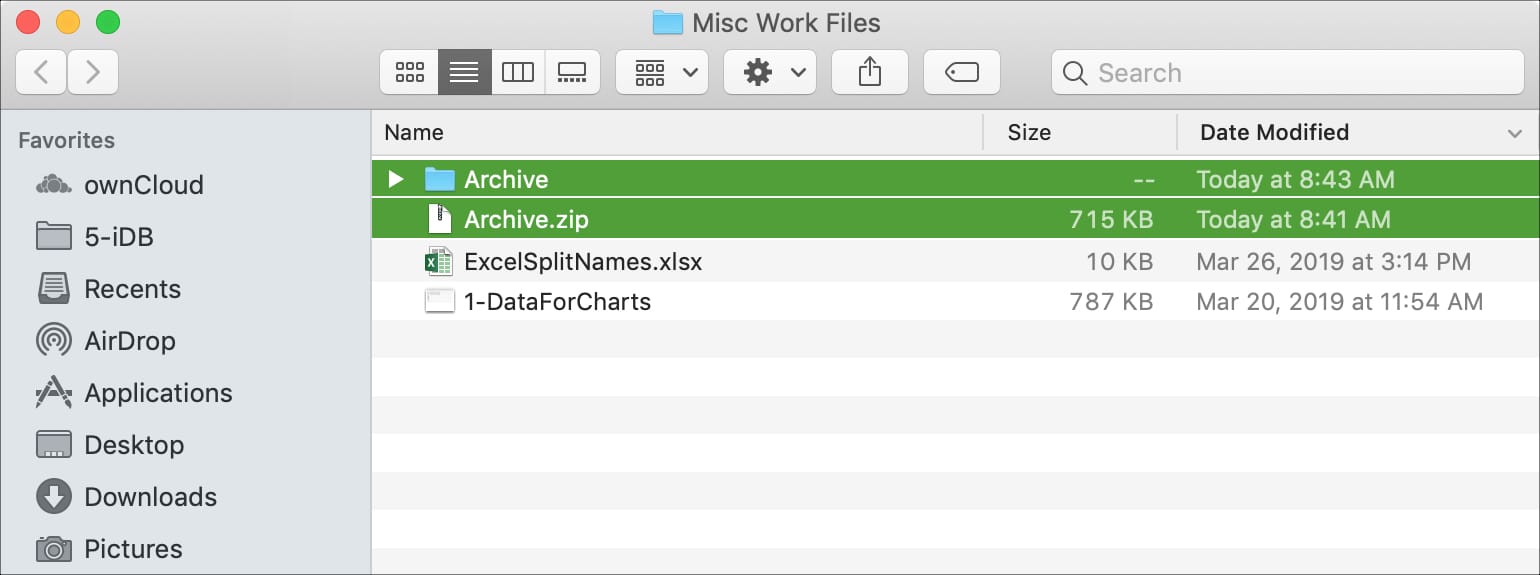
Learn how to extract and compress files and folders in ZIP archives to save storage space on your Mac and share files faster in email attachments.
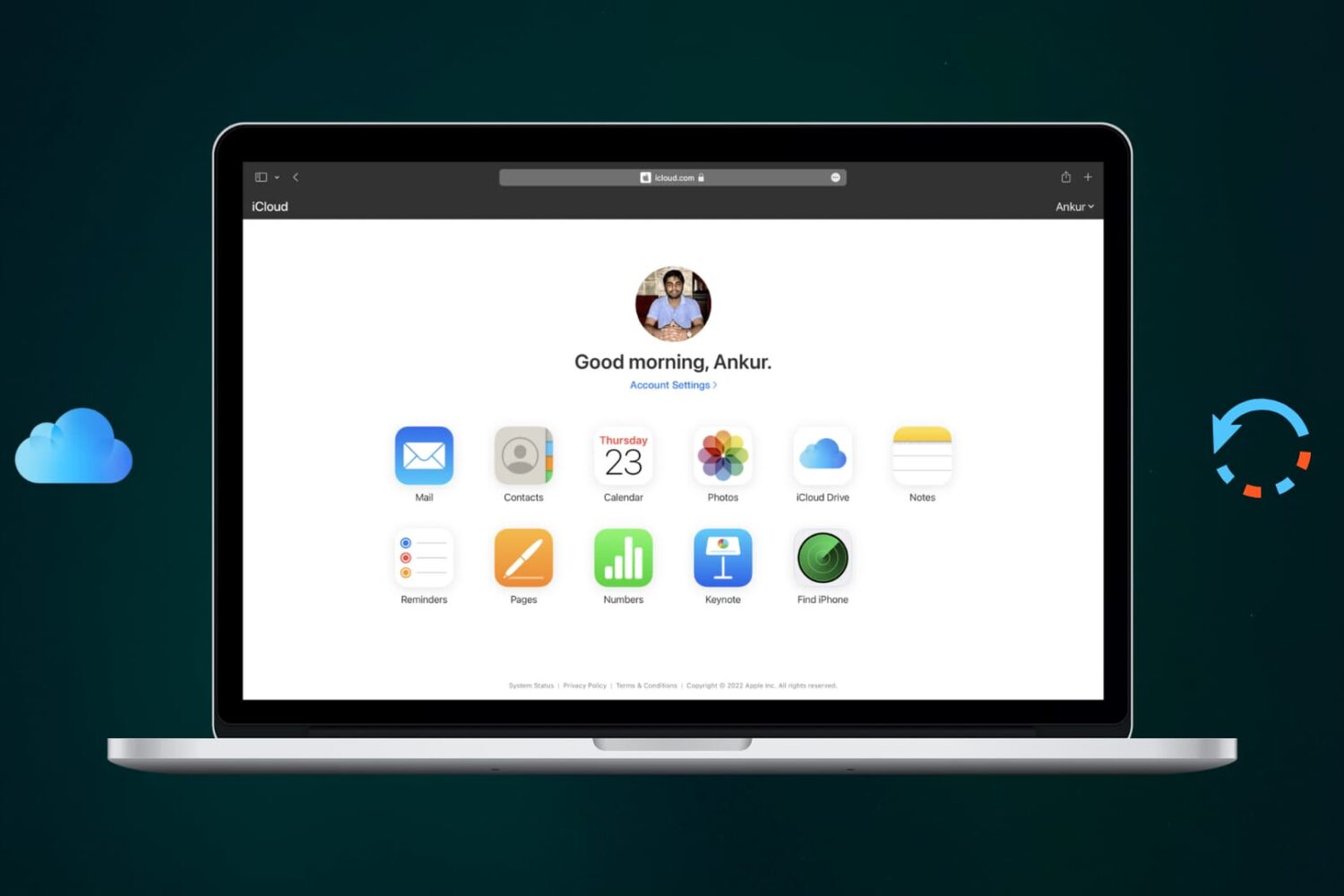
Learn how to recover recently deleted files from iCloud Drive on Apple devices that you may have trashed accidentally or still need.