Learn about this simple and efficient method for organizing your files and folders in Finder on Mac using colored tags.
How to use colored tags to organize files and folders in Finder on Mac
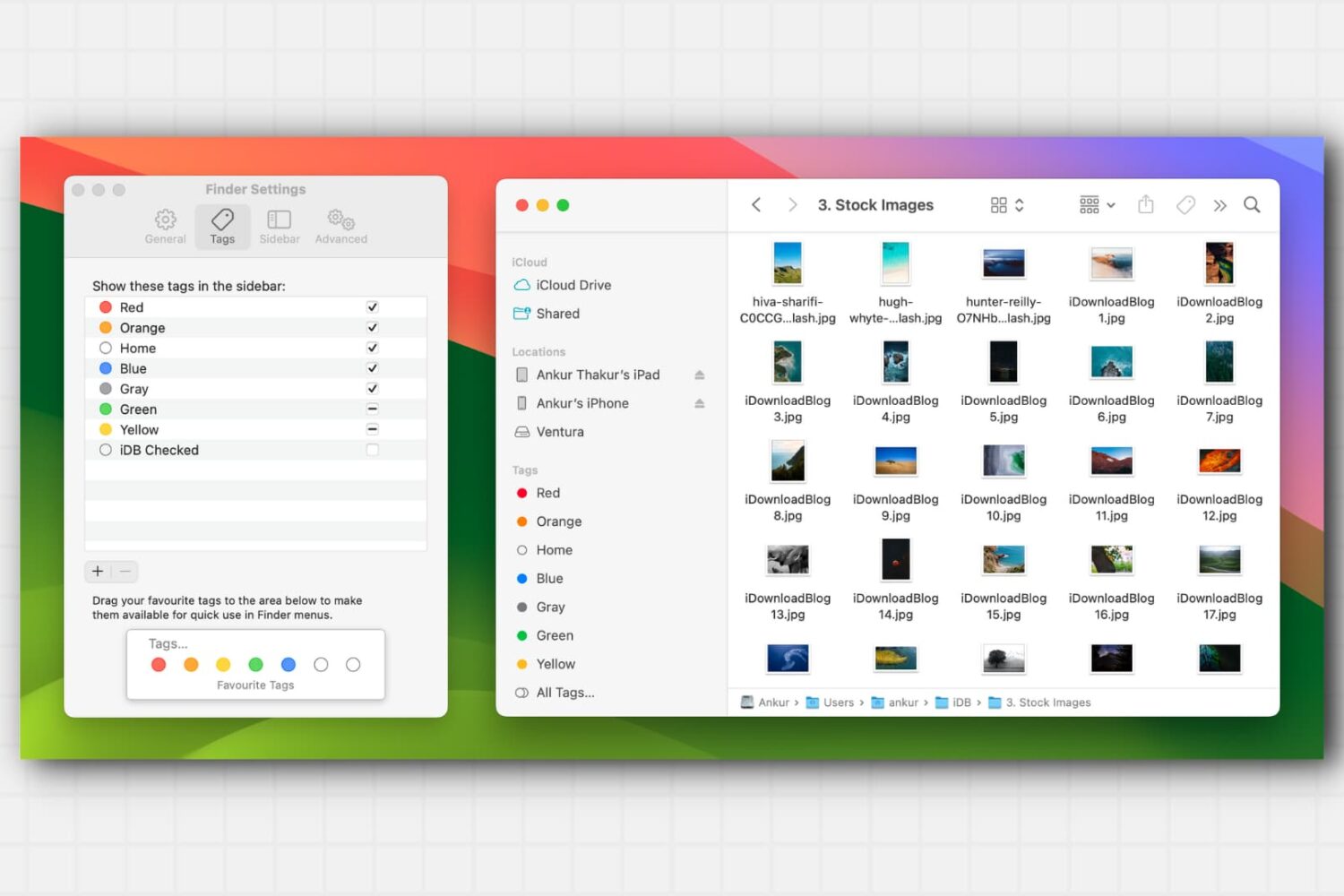
Learn about this simple and efficient method for organizing your files and folders in Finder on Mac using colored tags.
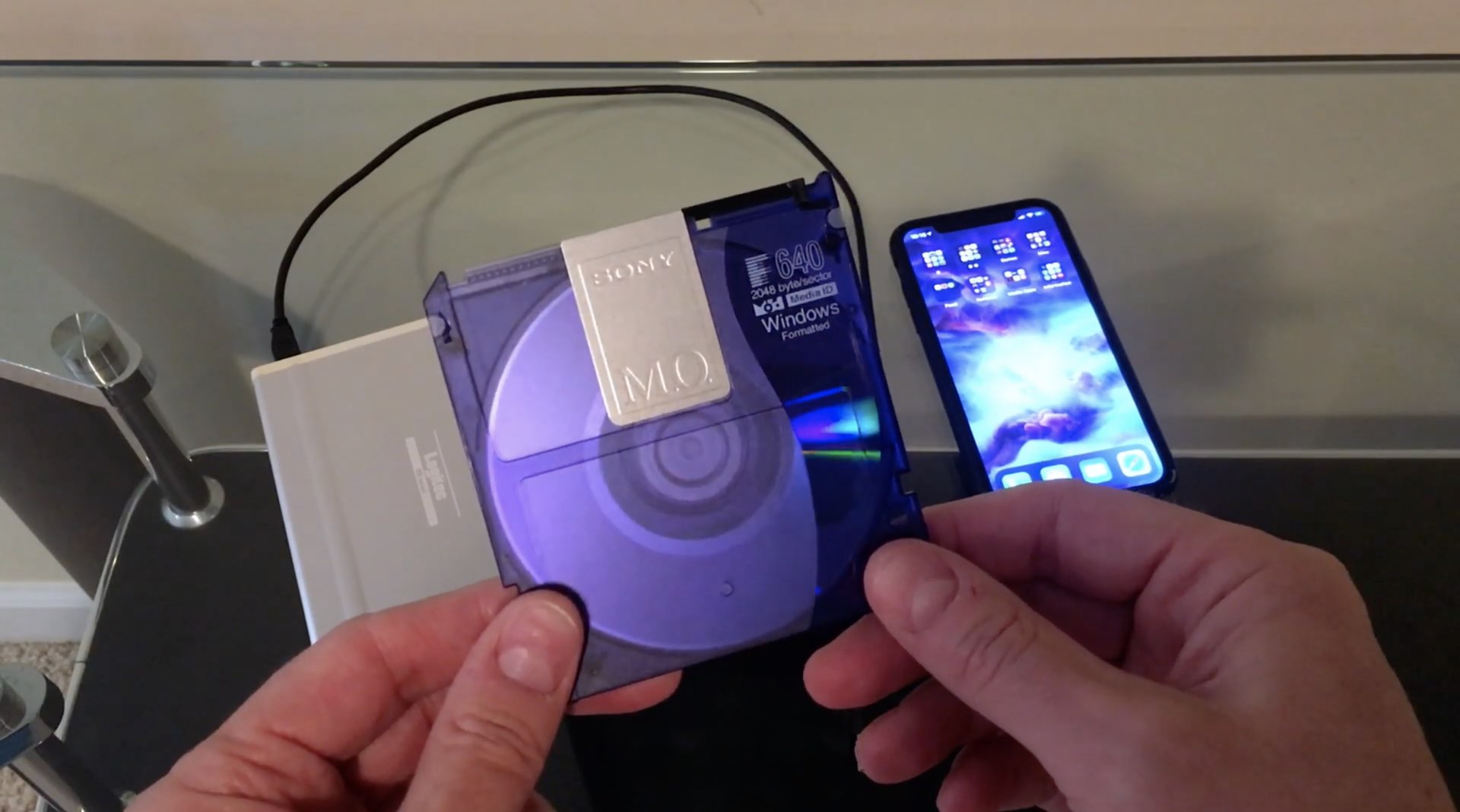
If you've liked Niles Mitchell's "Will It Work" video series in which he attempts to make his iOS devices work with all sorts of retro computer equipment, like an Iomega Zip drive, you're going to love this one showing connecting a magneto optical disk to his iPhone.
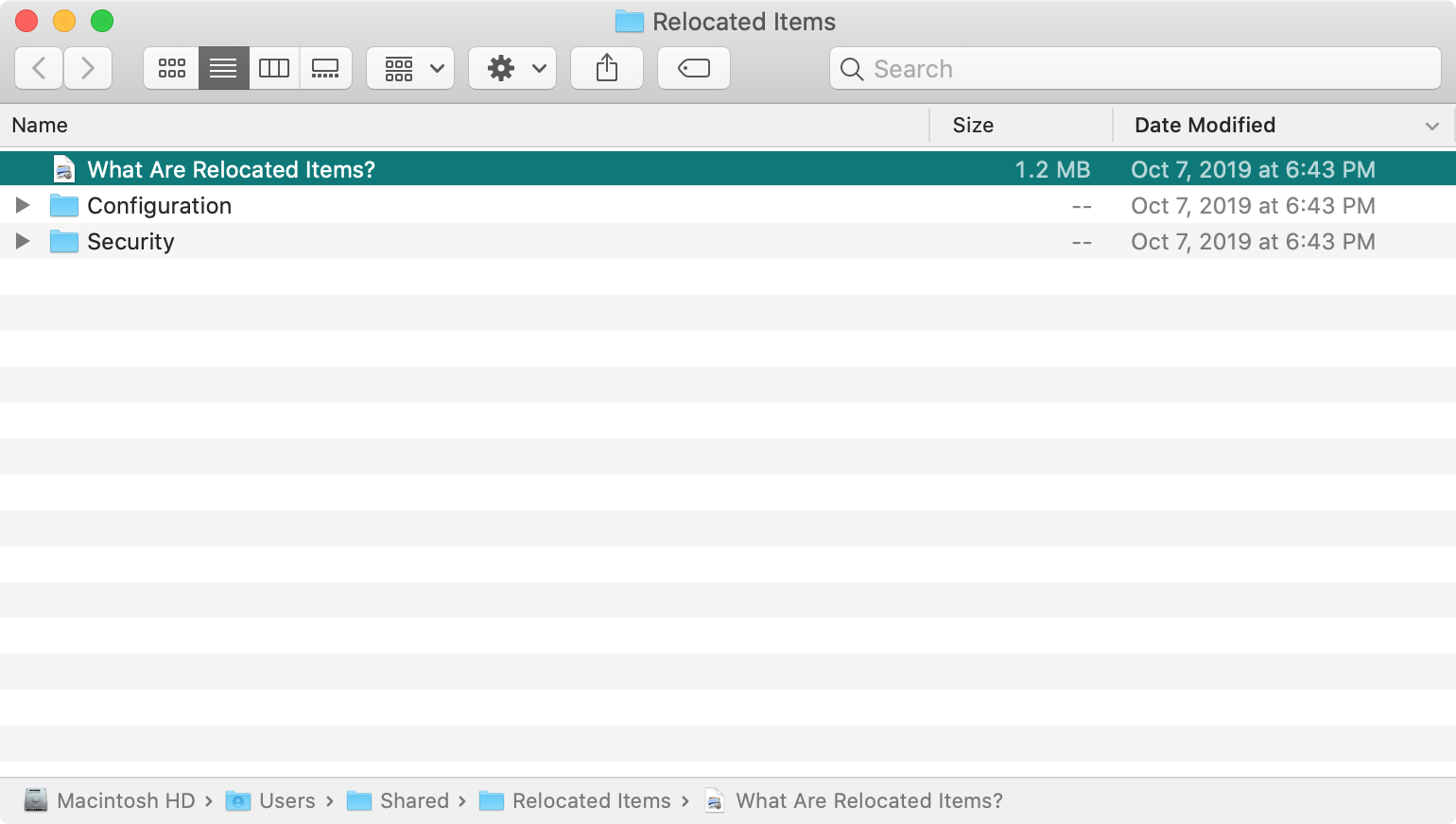
If you’ve recently upgraded to macOS Catalina, you may have noticed a new folder shortcut on your desktop called Relocated Items. But what in the world is the folder for and what are you supposed to do with it?
Here’s what the Relocated Items folder is all about on macOS Catalina.
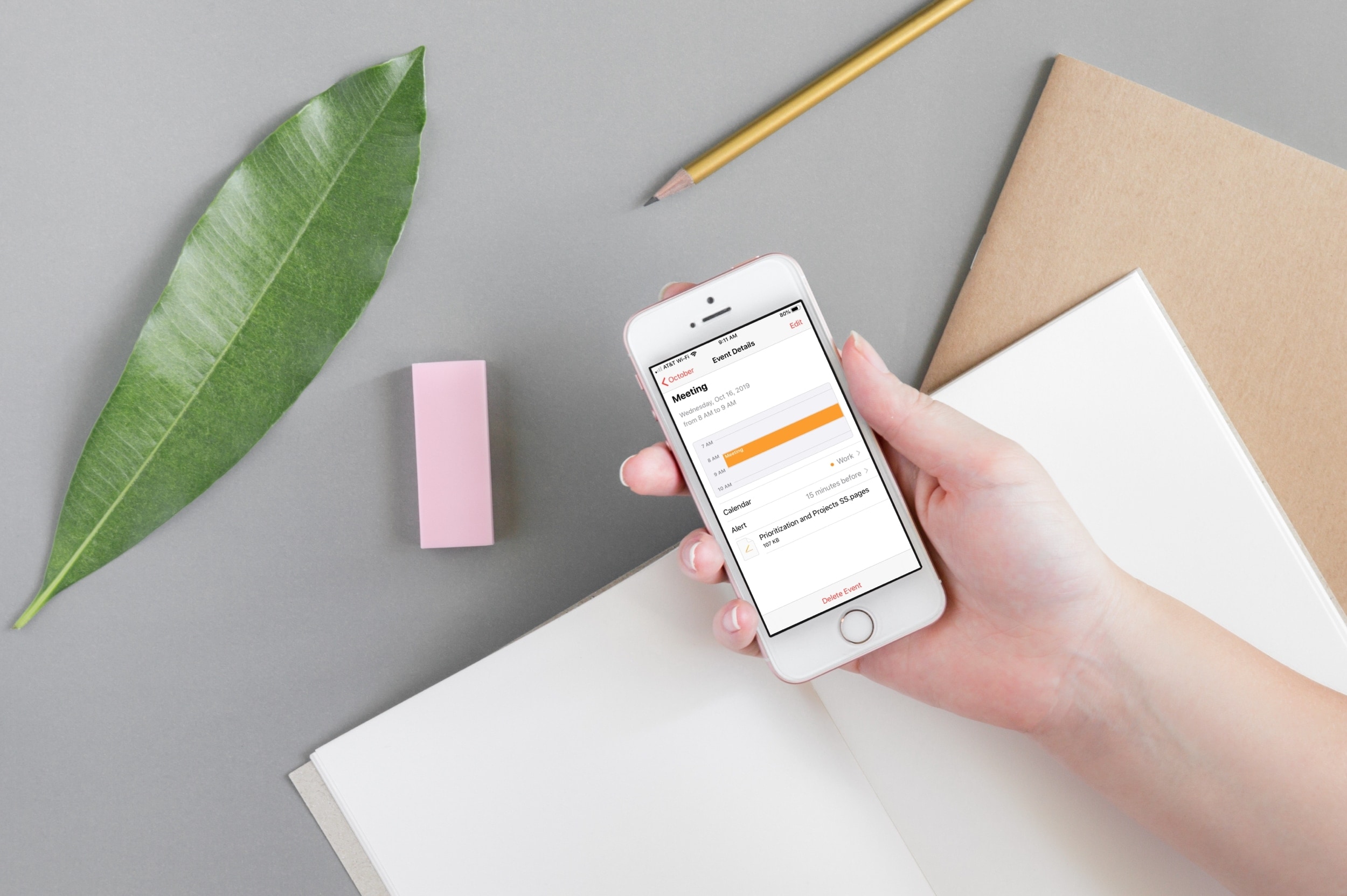
Attach important documents or files to your calendar events on iPhone and iPad to open them right before a meeting, streamlining your schedule and improving productivity.

Safari Download Manager is a powerful tool for managing and organizing your downloads on the go. From documents to media files, we will show you how to harness its capabilities and take control of your downloads.
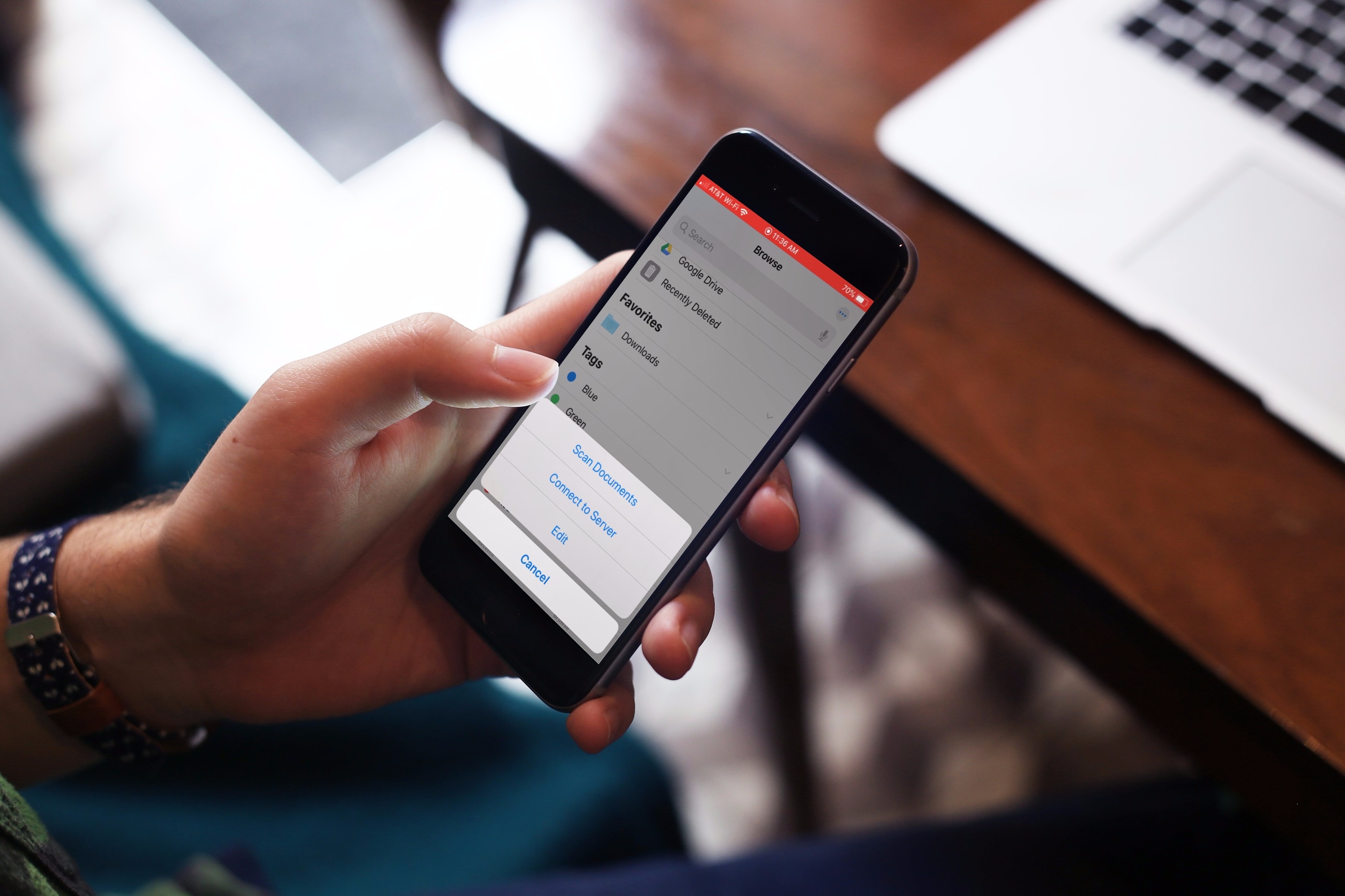
Learn how to scan physical documents, such as receipts, flyers, or business cards, directly from the Apple Files app on your iPhone or iPad, and save them in digital form or share them via Mail, Messages, WhatsApp, or Slack.
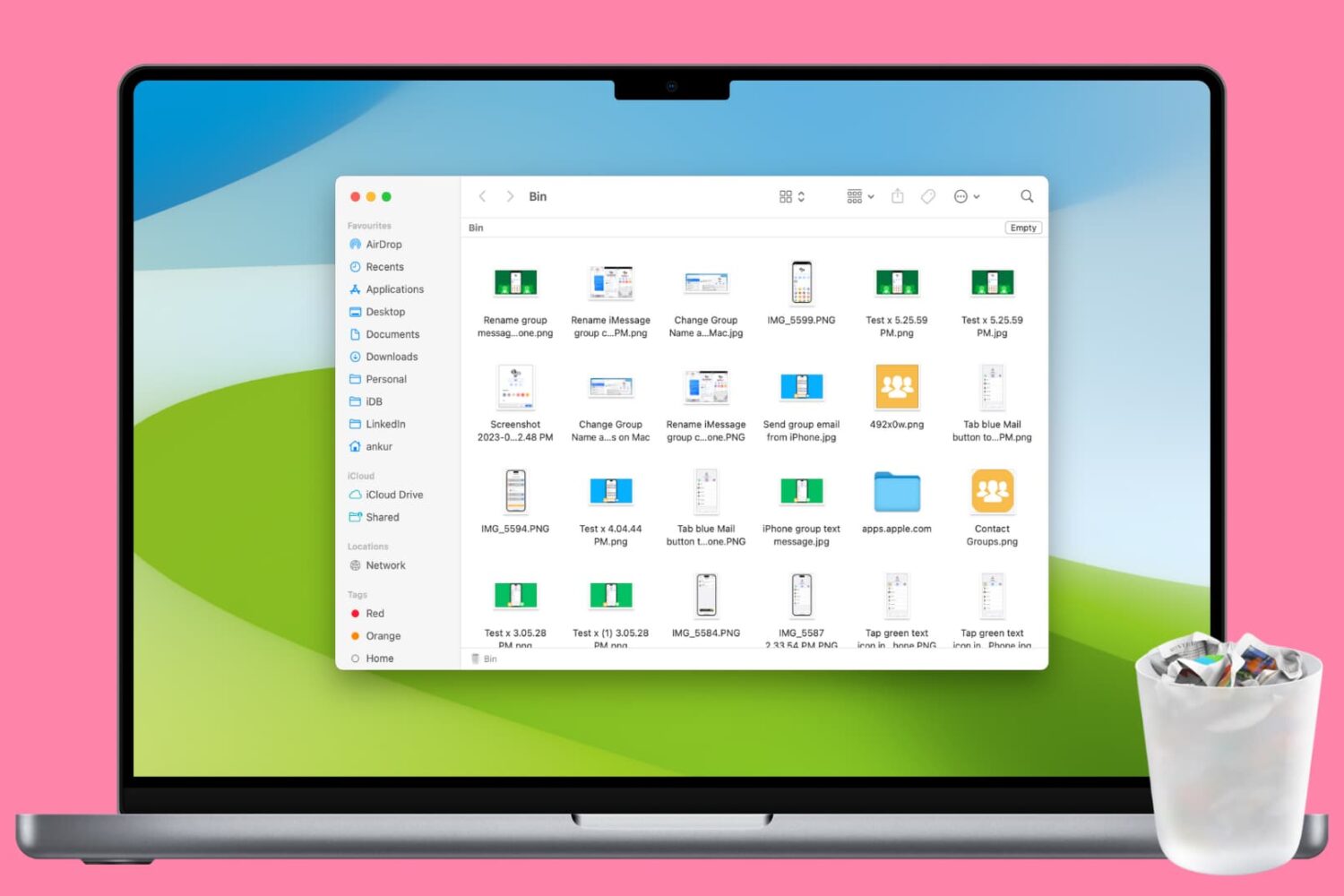
Clean up your Mac and regain valuable storage space by mastering these 10 ways to delete all or selected items from the Trash folder.
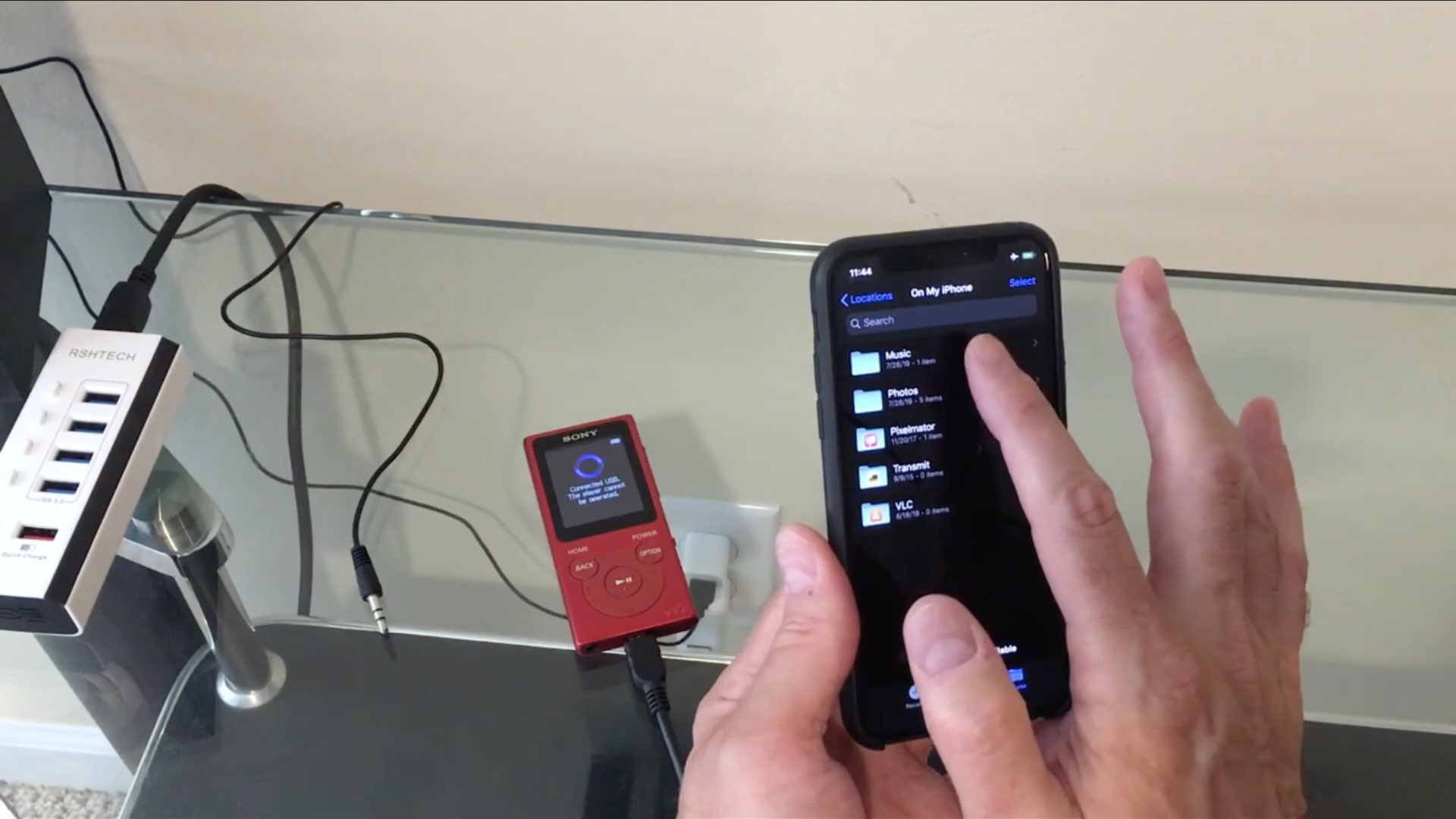
iDB reader Niles Mitchell made it his mission to test how flexible external drive support in the much-improved Files app on iOS 13 and iPadOS really is. This time around, he connected his iPhone running iOS 13 to a Sony Walkman and fired up the Files app. Here's what happened...
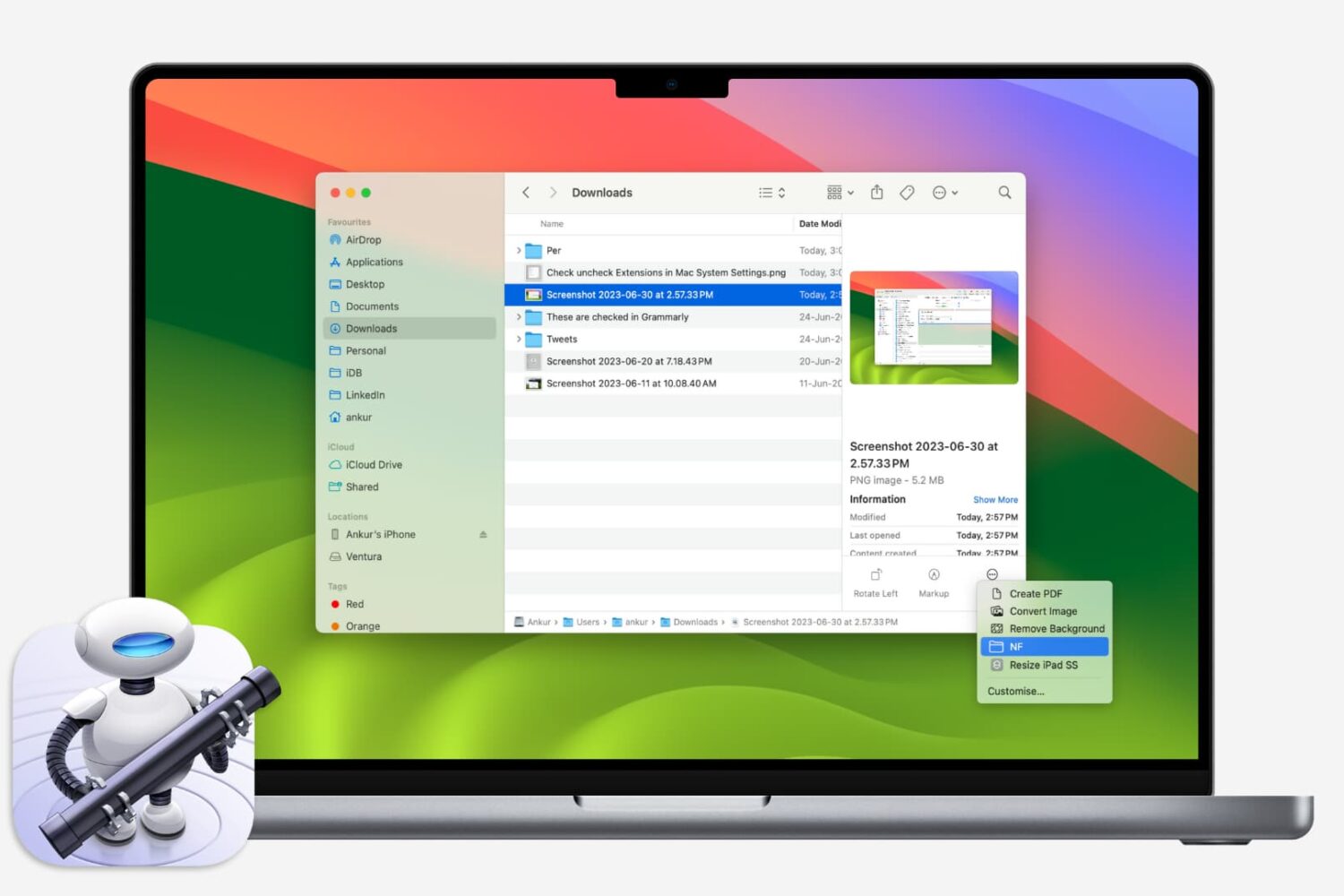
If you like using Quick Actions on your Mac to do things faster, why not make your own? This tutorial shows you how to create custom Quick Actions for Finder.
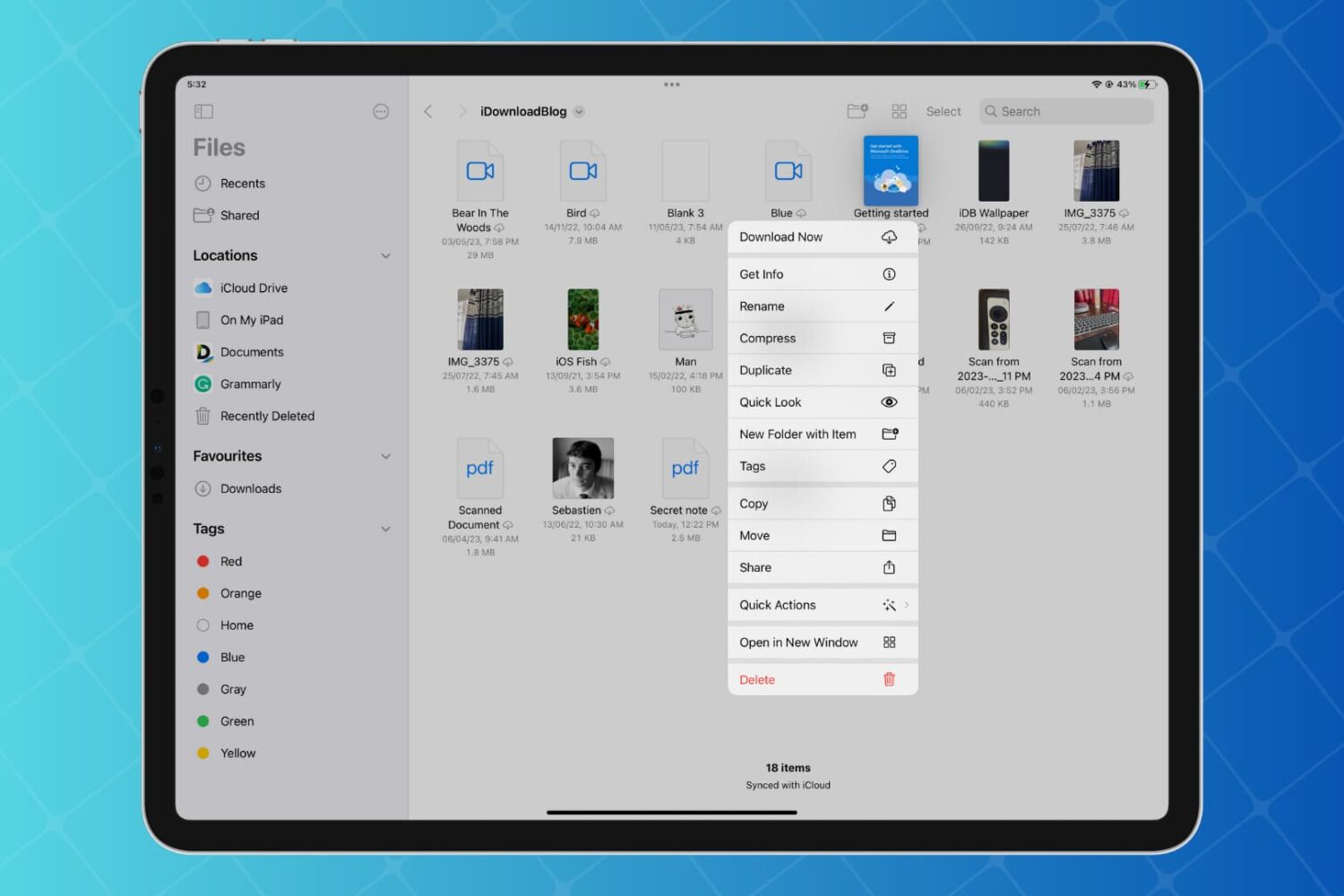
Discover how to enhance your productivity on iPad and iPhone with Quick Actions in the Files app, enabling you to work with your folders, files, and images faster than ever with just a few taps.
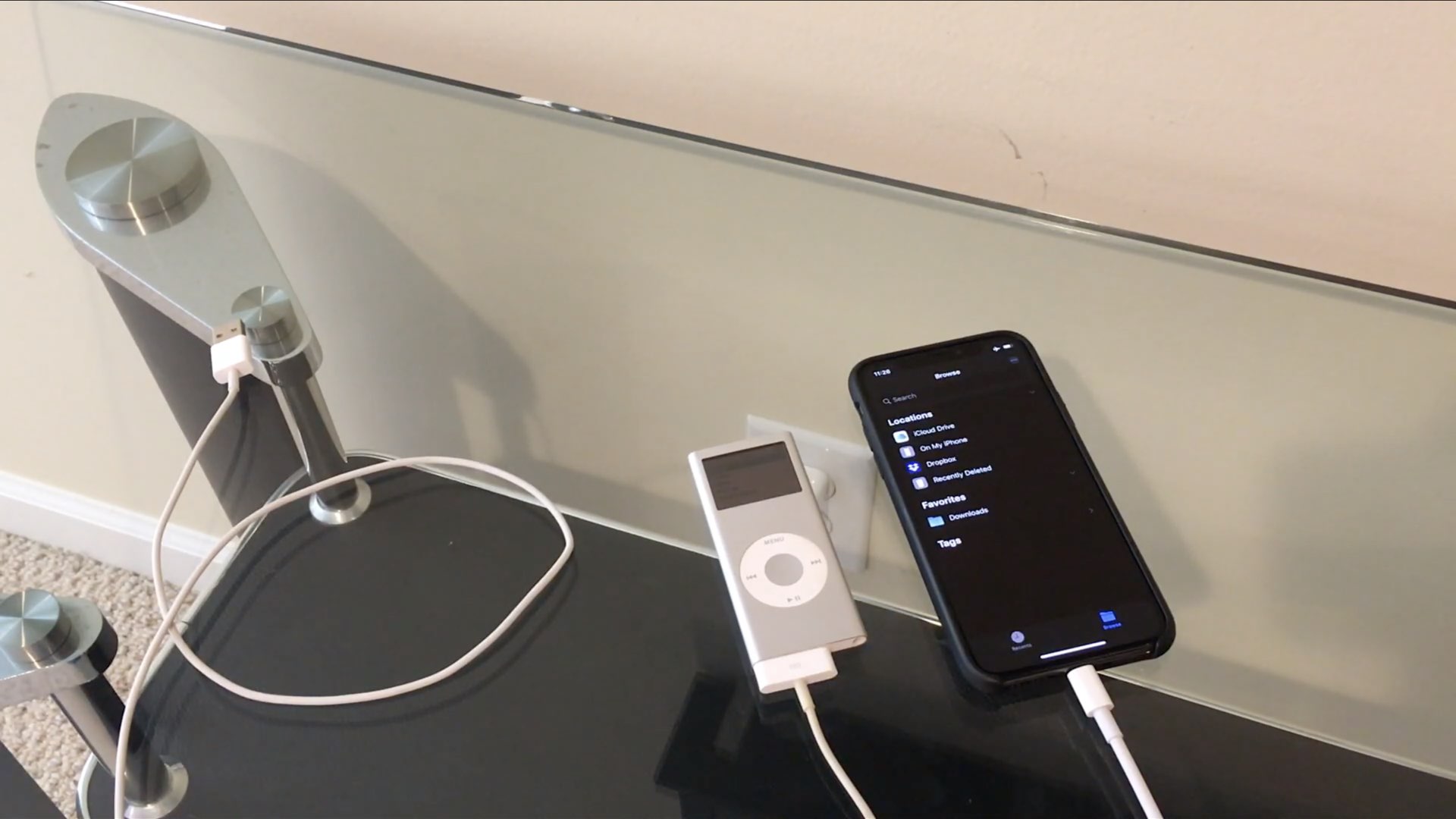
The much-improved Files app on iOS 13 gained support for external drives. iDownloadBlog reader Niles Mitchell previously connected all sorts of legacy devices with his iPhone running the iOS 13 software so it came natural to him to try doing the same with his good ol' iPod.

Learn how to enhance your file management and navigation experience for improved productivity by using the Column view in the Files app on your iPad.