Learn how to merge macOS folders to clean up duplicate folders on your Mac that may or may not have the same names.
How to merge folders on your Mac
Learn how to merge macOS folders to clean up duplicate folders on your Mac that may or may not have the same names.

Learn how to use the Finder’s file inspector to get a summary of multiple Mac items in a single floating window on macOS that dynamically refreshes as your selection changes.

The free Gmail app for iPhone and iPad will soon permit customers to upload various attachments straight from Apple's native Files app, Google announced yesterday.

Learn how to preview files and documents in the iOS Files app on your iPhone and iPad to streamline navigation and file management.

Learn how to use the built-in Terminal app on your Mac to hide files and folders from prying eyes. And of course, you can also unhide them when the need arises.
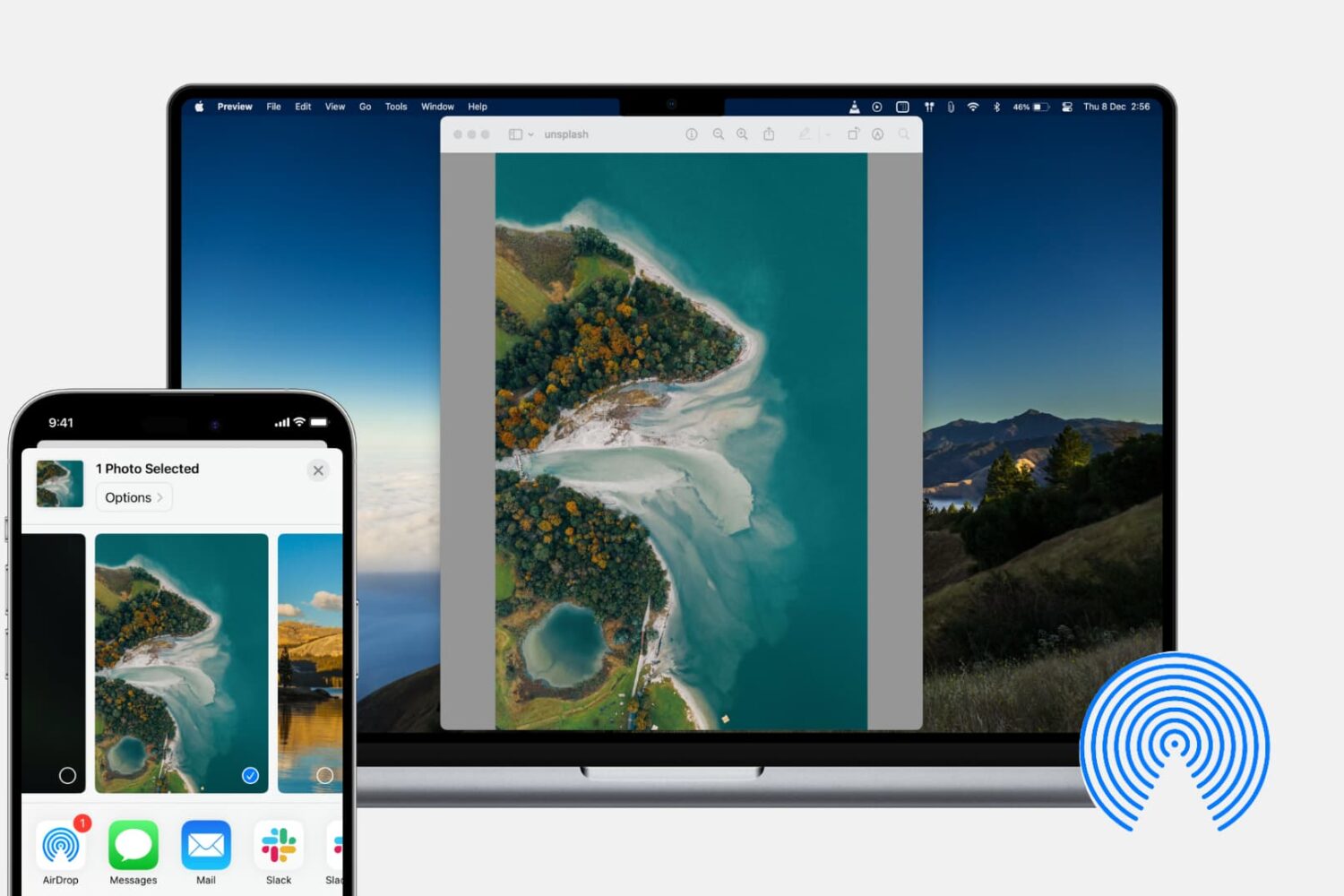
In this tutorial, we’ll show you how to share photos, videos, PDFs, web links, and other files between iPhone, iPad, and Mac using AirDrop.
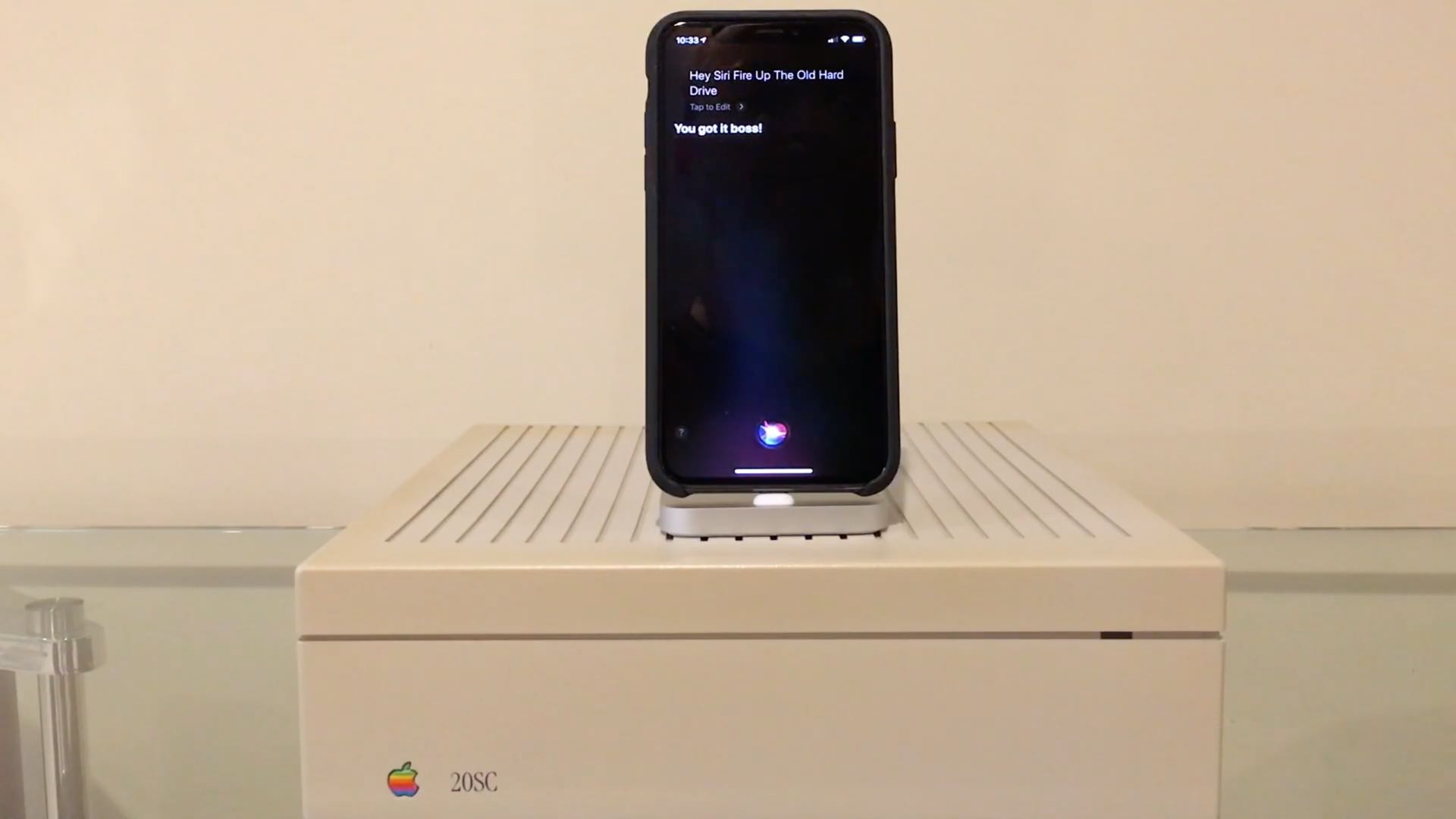
iDownloadBlog reader Niles Mitchell has been keeping busy with his "Will It Work" video series in which he attempts to interface iOS devices with all sorts of peripherals via the Files app and the ubiquitous USB protocol. But this time around, Niles has a real treat for us.
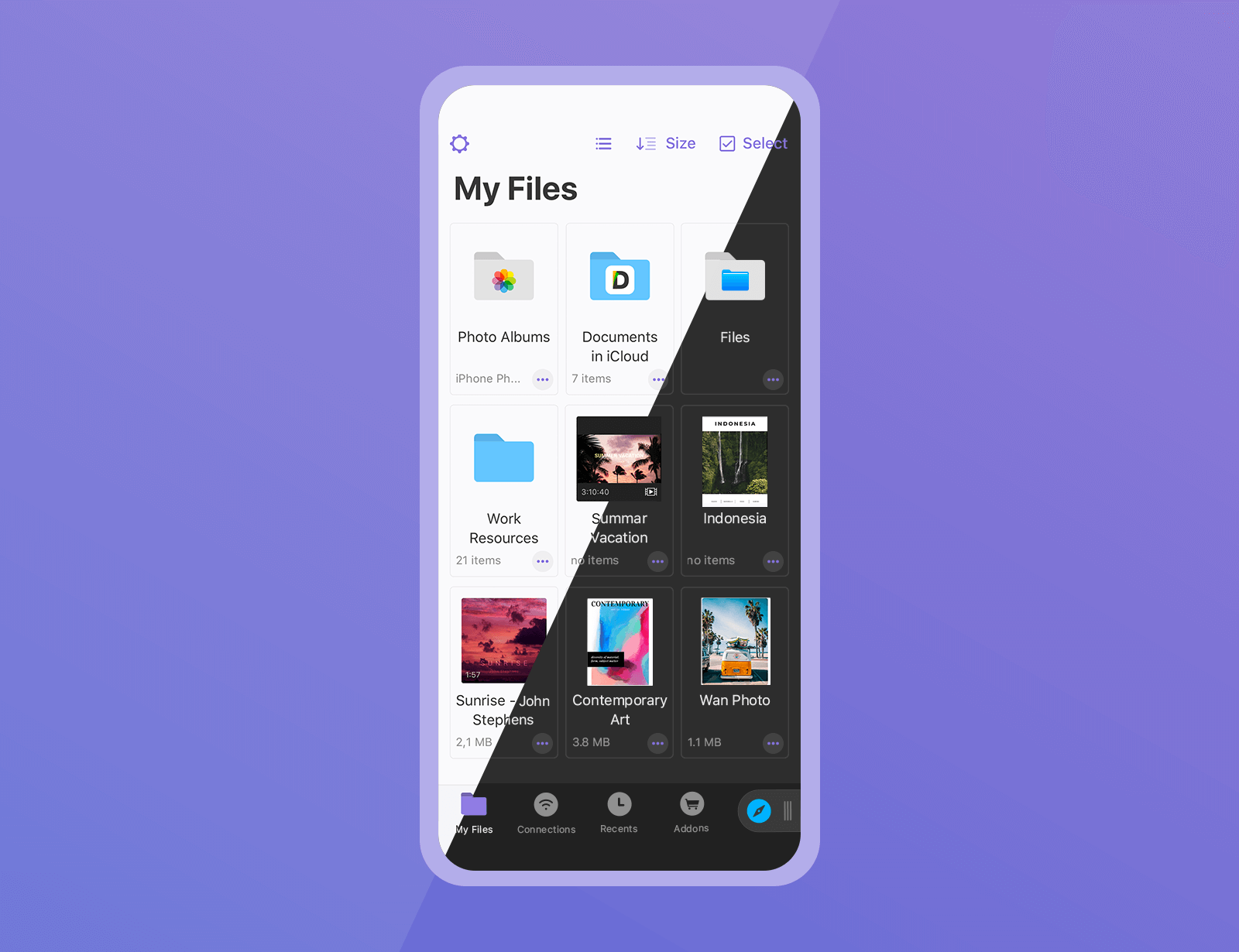
The Documents app by Ukrainian developer Readdle is the best iOS file manager — think of it as the Files app on steroids. And now, it's gotten even better thanks to a major update bringing some great productivity enhancements and several features people have been waiting for.
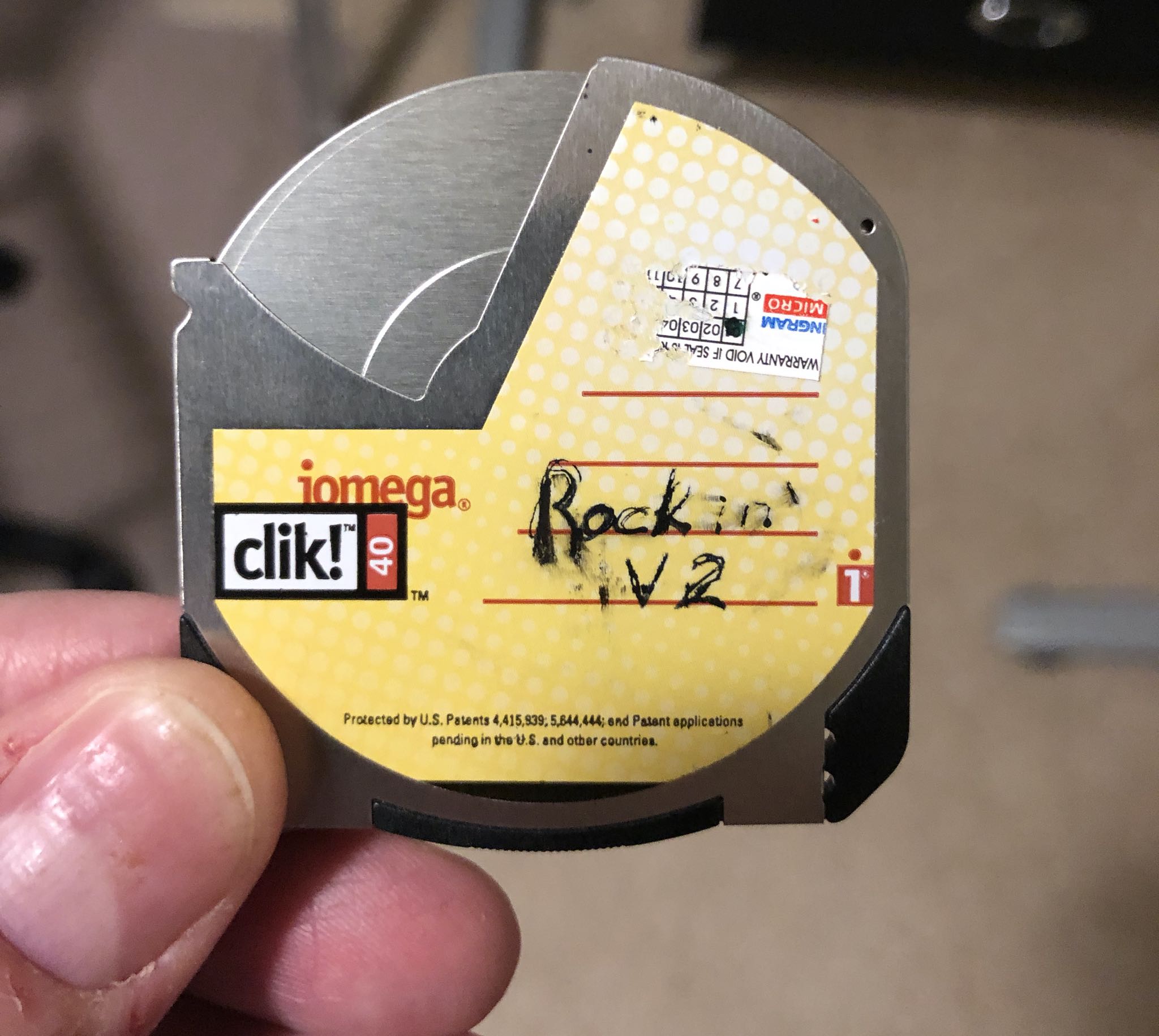
iDownloadBlog reader Niles Mitchell is back with another cool video in his excellent "Will It Work” series, showing an iPhone successfully interfacing with a Clik! drive from Iomega.
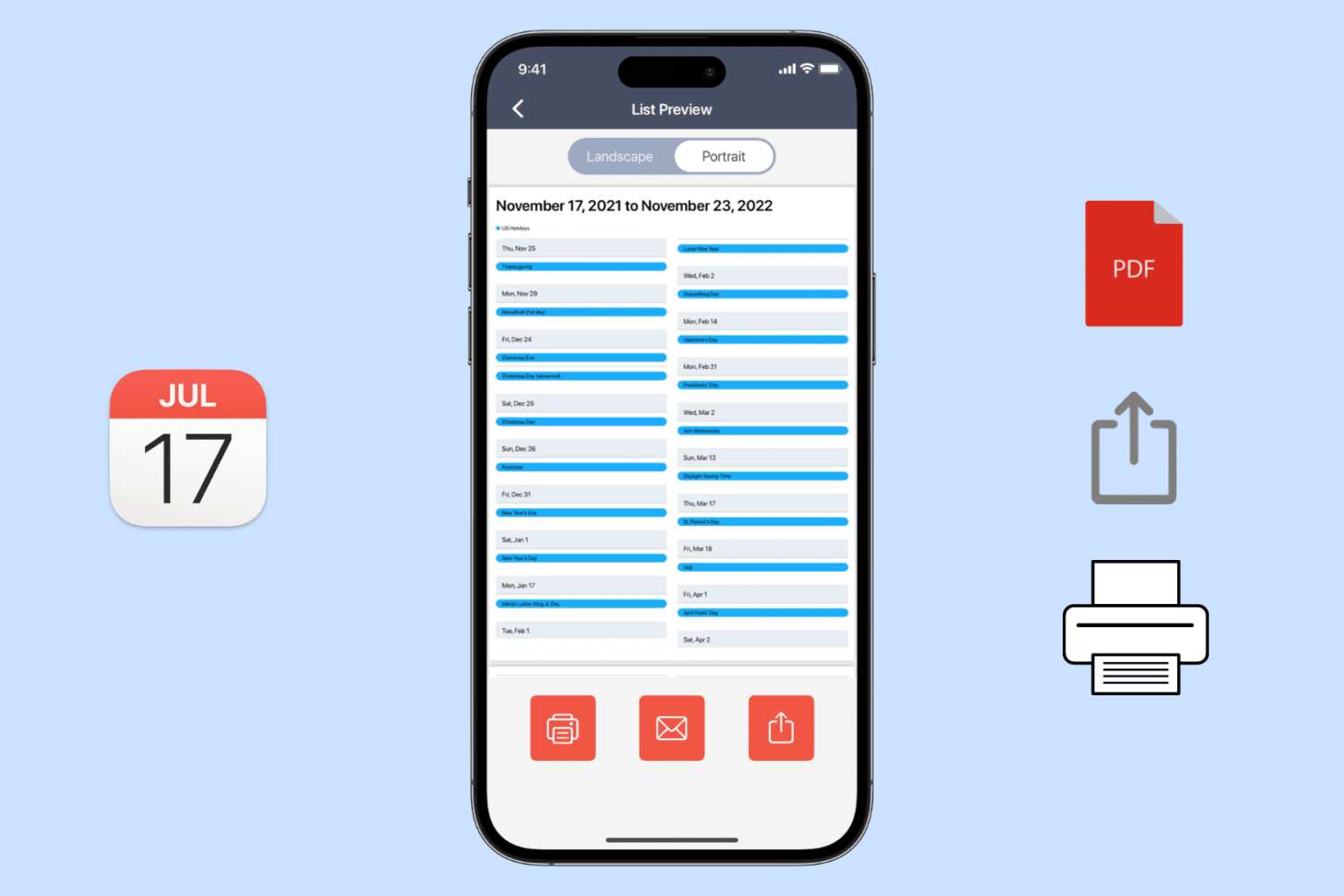
Learn how to export, save, and share your calendar events as a PDF on your iPhone, iPad, or Mac, or print them to get a physical copy.

Learn how to change the default app for opening specific file types on Mac to customize it to your liking.
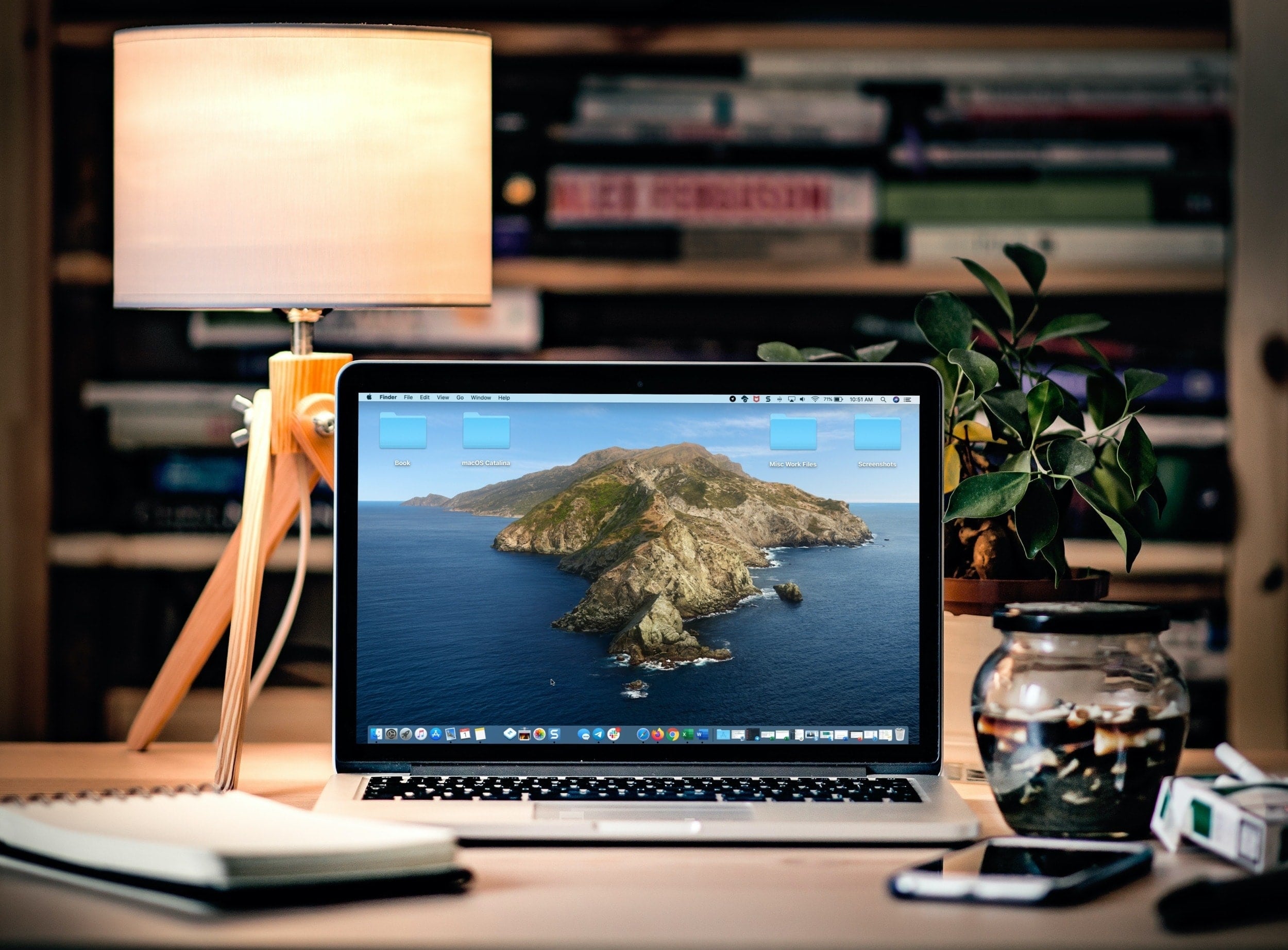
Take control of your Mac desktop by using Stacks, sorting, sizes, and spacing to organize it for a more efficient workspace.