In this tutorial, we'll share a few different ways to save photos, videos, files, and other attachments you received in Messages to your iPhone, iPad, and Mac.
How to save files, photos, and attachments in Messages to iPhone, iPad, and Mac
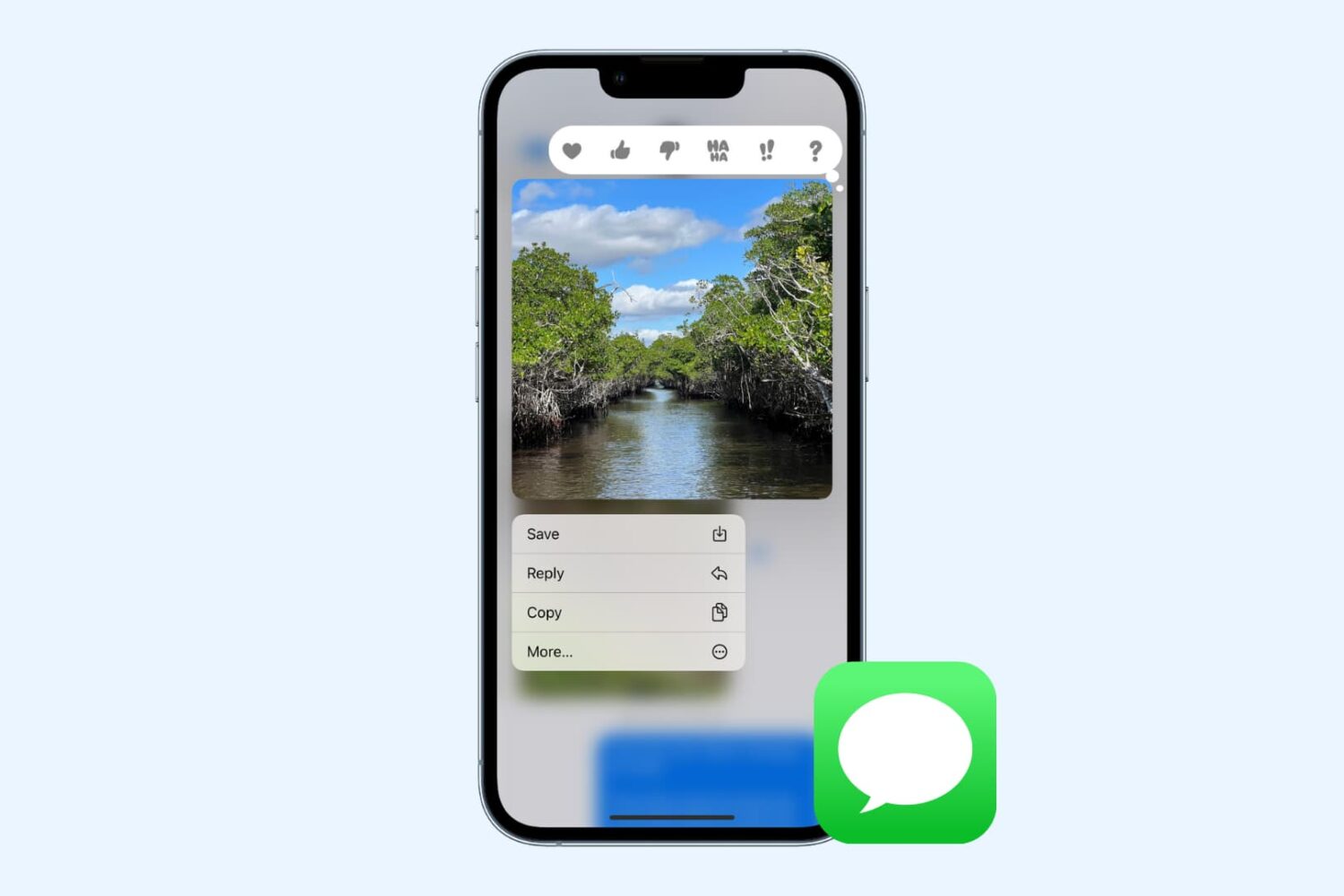
In this tutorial, we'll share a few different ways to save photos, videos, files, and other attachments you received in Messages to your iPhone, iPad, and Mac.

Learn how to lock files and folders on Mac, including your Desktop folder, to prevent accidental changes or deletions.

Learn how to manage file and folder permissions on Mac and allow read only, write only, editing access, as well as no access at all.
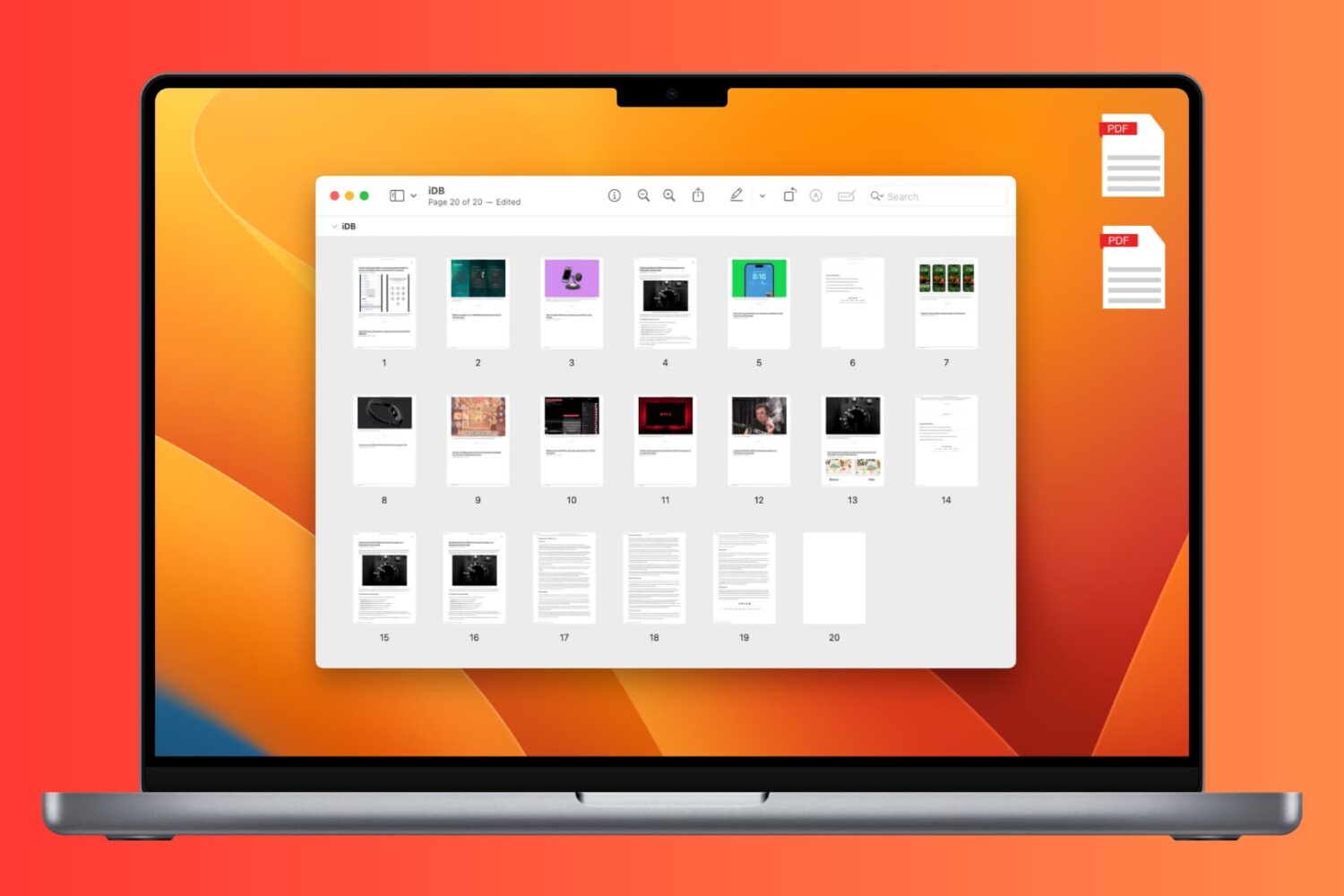
Learn how to add, rearrange, or delete pages in a PDF document using the built-in Apple Preview app on Mac.
In this tutorial, we’ll show you how to extract embedded images from PDF documents on your Mac or iPhone using one of multiple free methods, like apps, websites, or good old screenshots.
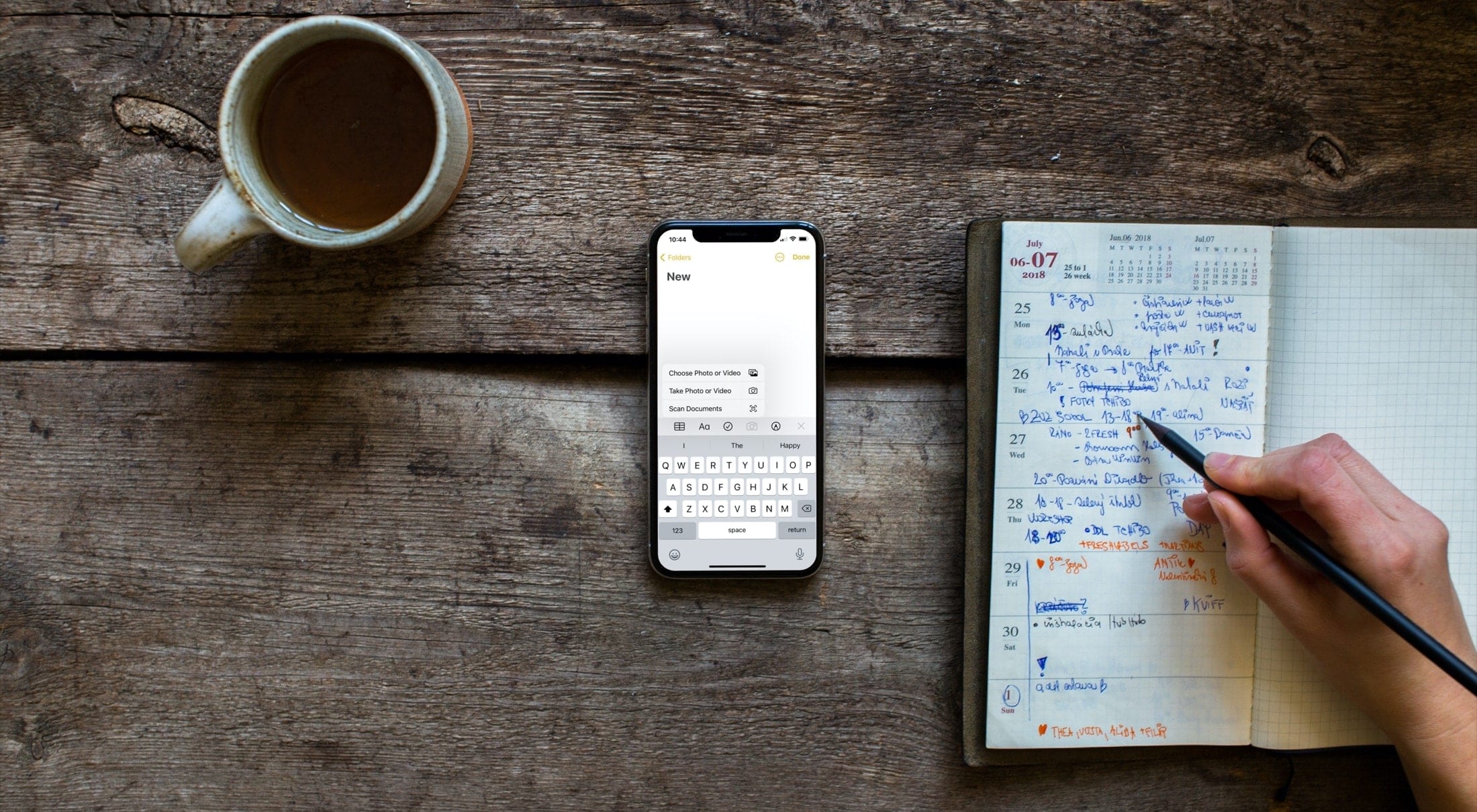
Attach a file, video, or photo to the Apple Notes app so you can keep those items as references in one spot.

Did you download a file and can’t figure out where it is? In this tutorial, we’ll show you where those downloaded files are stored on your iPhone or iPad.

In this tutorial, we’ll show you how to change the default apps and actions for opening files and downloads in Firefox on your Mac.
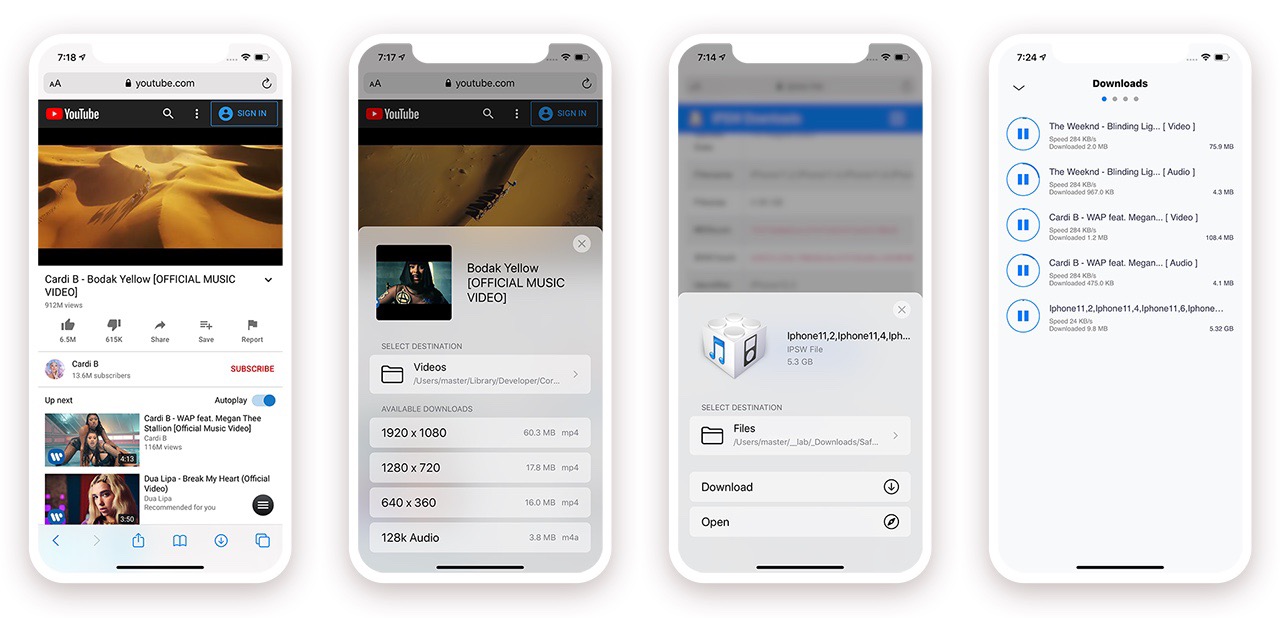
When Apple released iOS & iPadOS 13 last Summer, one of the exciting new features that the company added to the iPhone and iPad experience for the very first time was a built-in download manager for the native Safari web browser. As necessary as this was to make Apple’s platforms both usable and competitive with the rest of the mobile device market, it still left quite a bit to be desired — par for the course when it comes to Apple.
Jailbreakers have significantly more options to choose from when it comes to augmenting this user experience, and with the help of a recently-updated jailbreak tweak dubbed Safari Downloader+ by iOS developer Jalal Ouraigua, jailbreakers can both expect more and get it, especially in terms of the Safari file-downloading experience. The all-new version 5.0 of the Safari Downloader+ adds full support for iOS & iPadOS 13 for the first time.
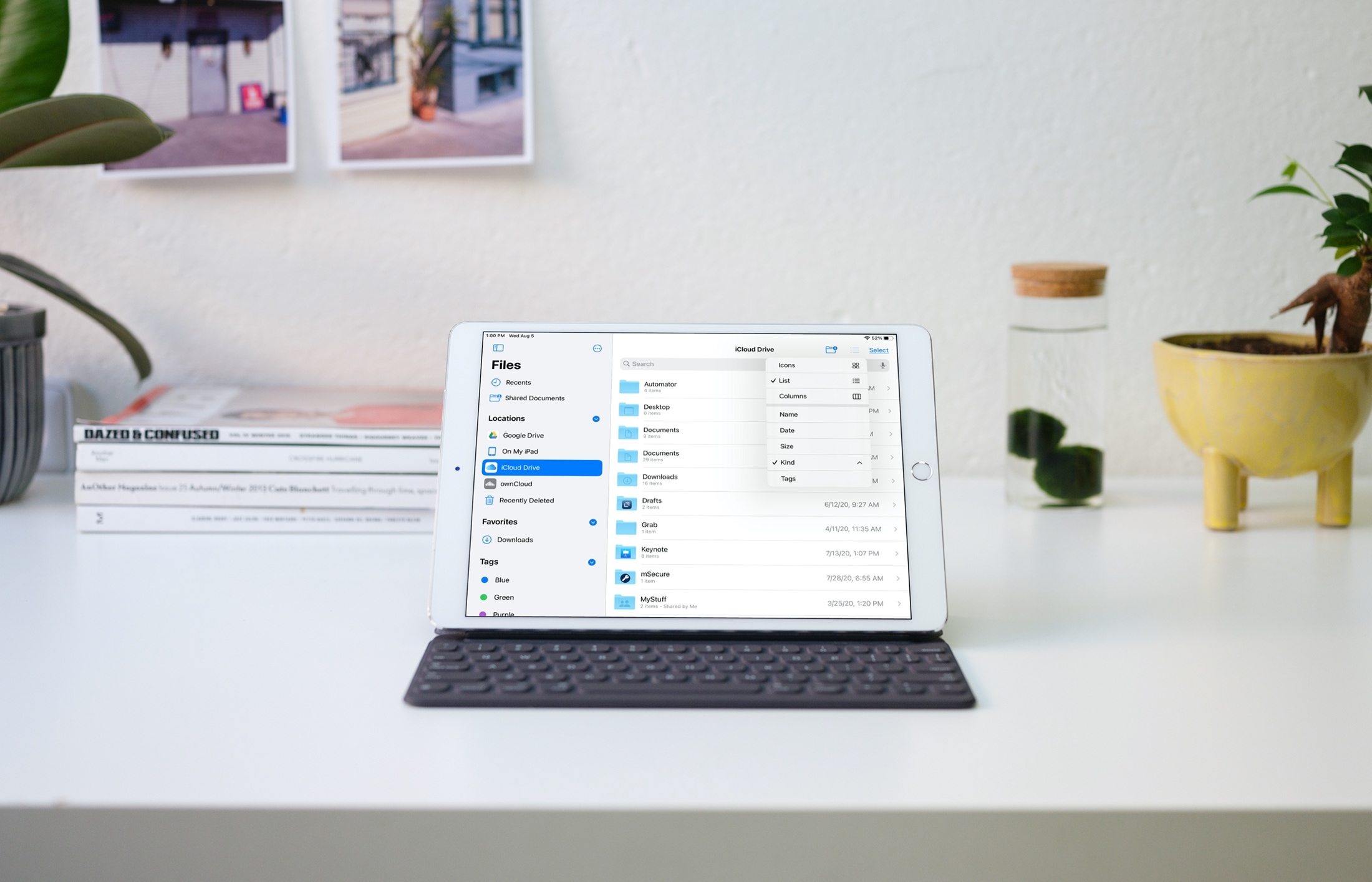
Check out these handy sidebar tips to make the most of the Apple Files app on your iPad and get things done effortlessly.

Learn how to quickly reduce a document’s file size in the Pages, Numbers, and Keynote apps on your Mac if you’re having trouble sending or sharing it due to its large size.
Learn how to change the folder where Google Chrome and Firefox download and save files from the internet.