Check out these lightning-fast methods to bookmark important folders on your Mac and open them instantly with just one or a few clicks.
5 ways to bookmark folders on Mac and open them instantly
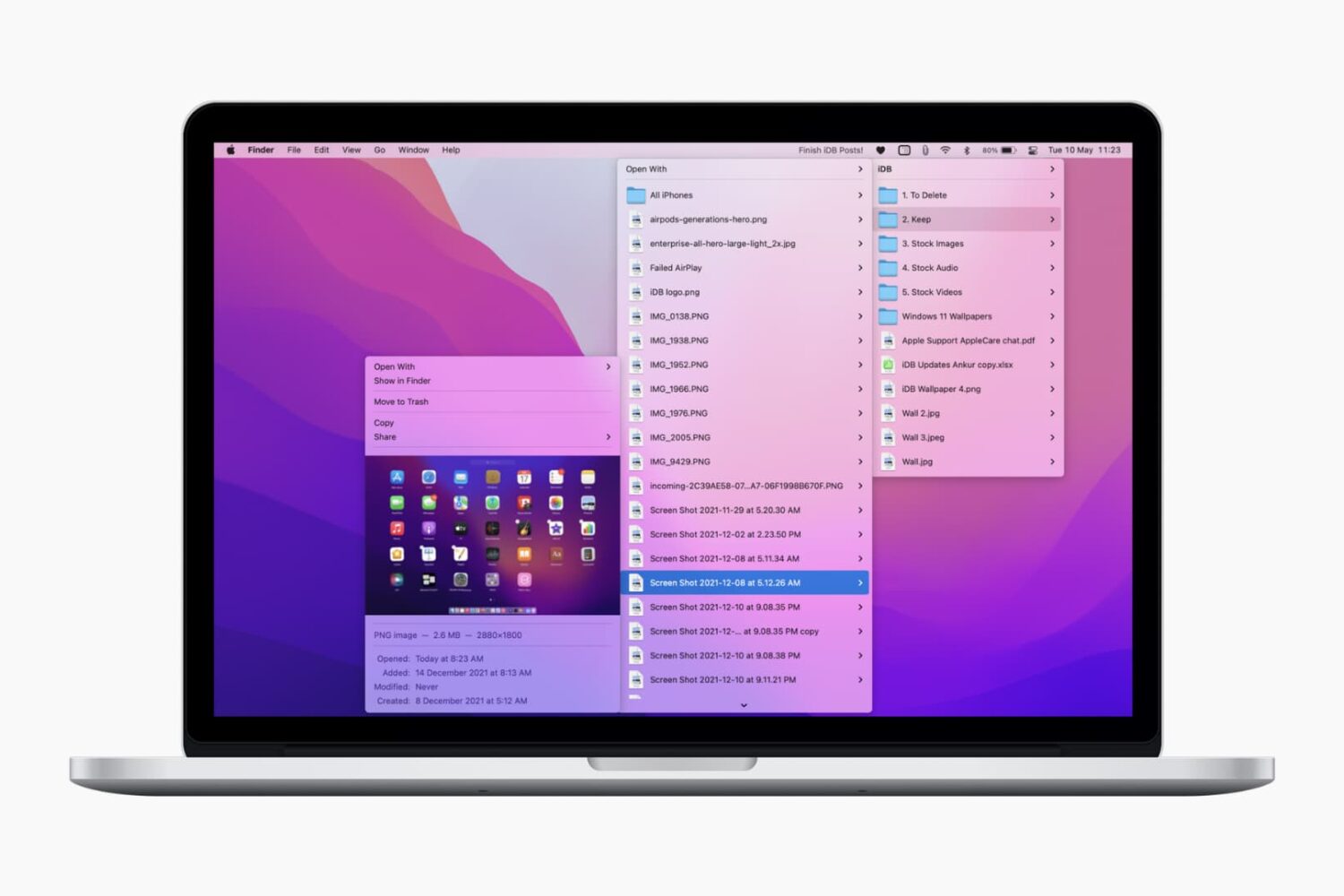
Check out these lightning-fast methods to bookmark important folders on your Mac and open them instantly with just one or a few clicks.
In this tutorial, we tell you about some of the best free ways to convert a Word document (.doc or .docx) into a PDF file on your Mac, iPhone, and iPad.
Check out the various ways to send large videos, photos, documents, and other files from your iPhone to another iPhone, iPad, Mac, Windows PC, or Android phone.
When you have a jailbroken iPhone or iPad at your disposal, the inevitable happens; you install add-ons to upgrade the user experience of your handset, whether to make it look better or to give it new functional capabilities.
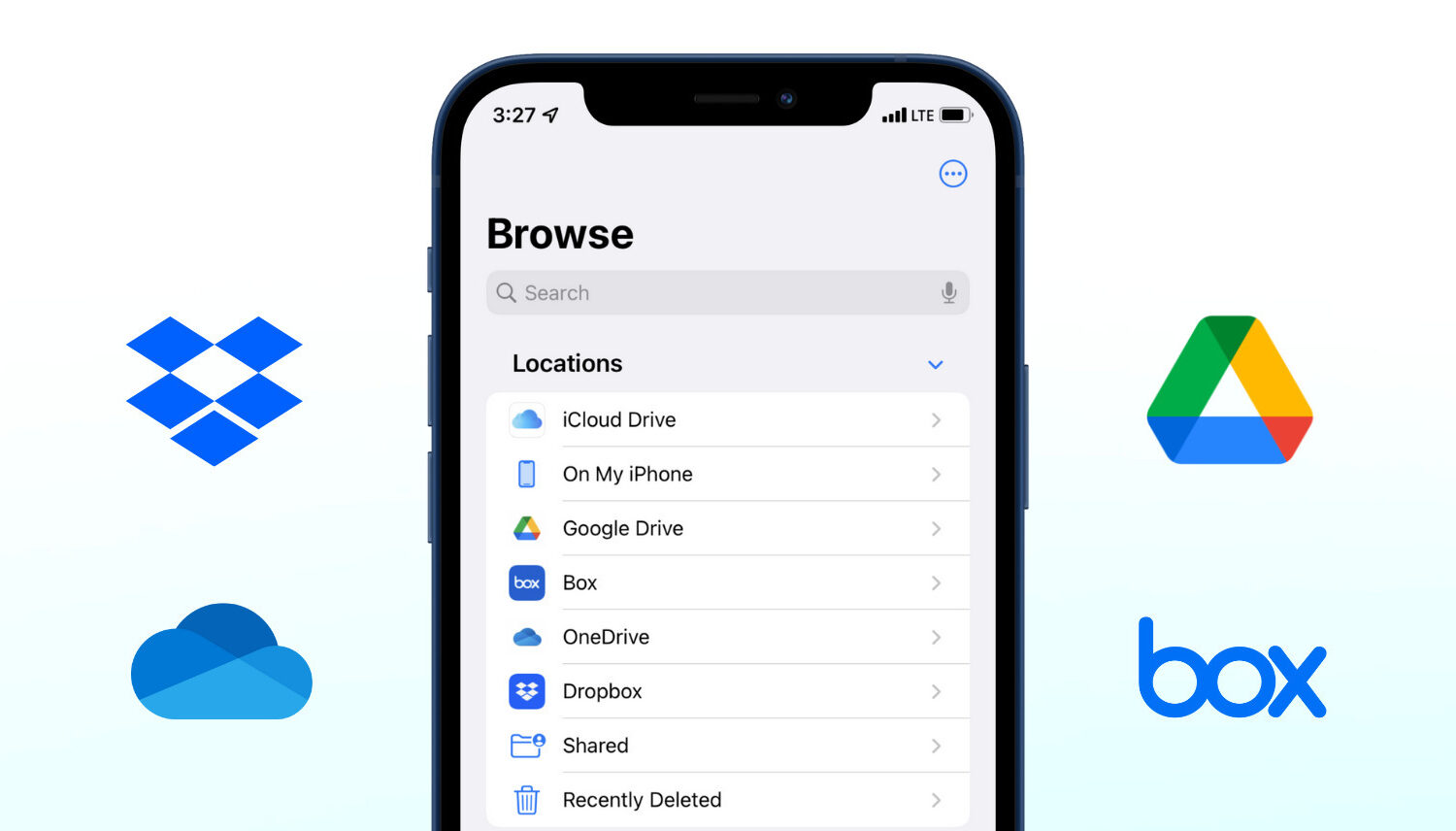
Learn how to add Google Drive, Dropbox, OneDrive, Box, and other storage services to the Apple Files app on your iPhone or iPad to access and copy data freely among all these services.
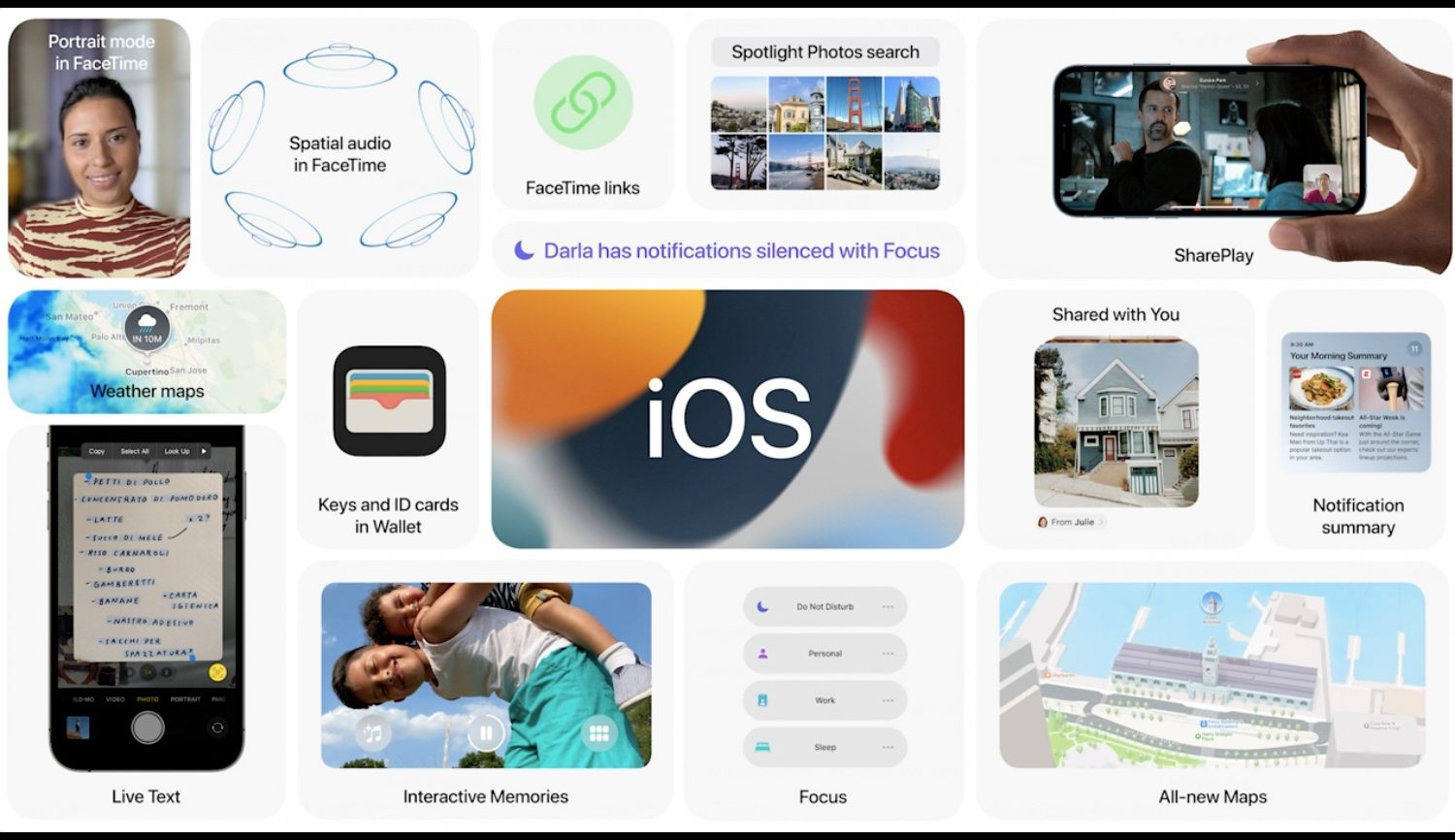
Apple's Files app now lets you access NTFS-formatted media, select multiple items with a trackpad and stare at a new progress indicator when copying or moving files in iPadOS 15.

Like any other computer, your Raspberry Pi can fill up with unwanted items. You may have created a file that you no longer need or downloaded a file you no longer want.
If you’re ready to do a bit of cleaning on your Raspberry Pi, we’ll show you how to delete a file.

Check out two easy methods to turn off the warning pop-up you see when you change the extension of a file in Finder on Mac.

Apple’s Files app expands upon the capabilities of any iPhone or iPad by hosting a convenient hub where users can download and store files either on the device itself or in the cloud. But despite how useful the Files app can be at times, it’s not without its apparent pitfalls.
One such example would be that the Files app displays simplified or non-descriptive file types for certain kinds of files as they’re defined by Apple and its operating systems. Unknown file types are designated vaguely, such as using the word “Document” to describe what the file actually is or what it’s used for.

In this tutorial, we’ll show you multiple ways to share files between two or more Macs. You can go through all these tips and use the ones that are most convenient for you and your setup.
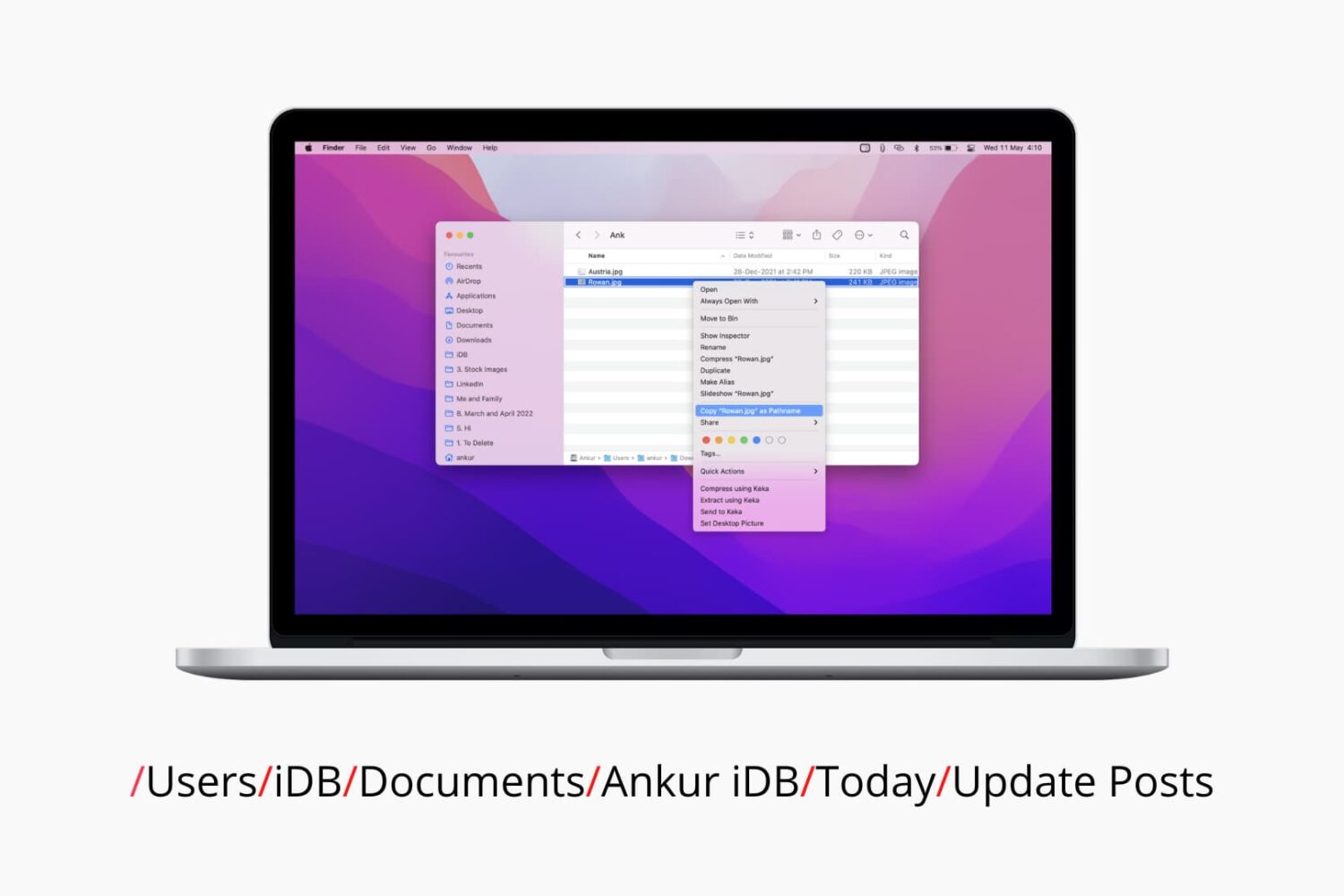
Check out six different ways to find the path or address of a file or folder on your Mac using Finder, Terminal, and more.